How to Fix Errors When Executing Puppeteer From PHP
Fix Puppeteer failures called from PHP by isolating the PHP, Node.js, and Chromium boundaries, then applying reliable launch and timeout diagnostics.
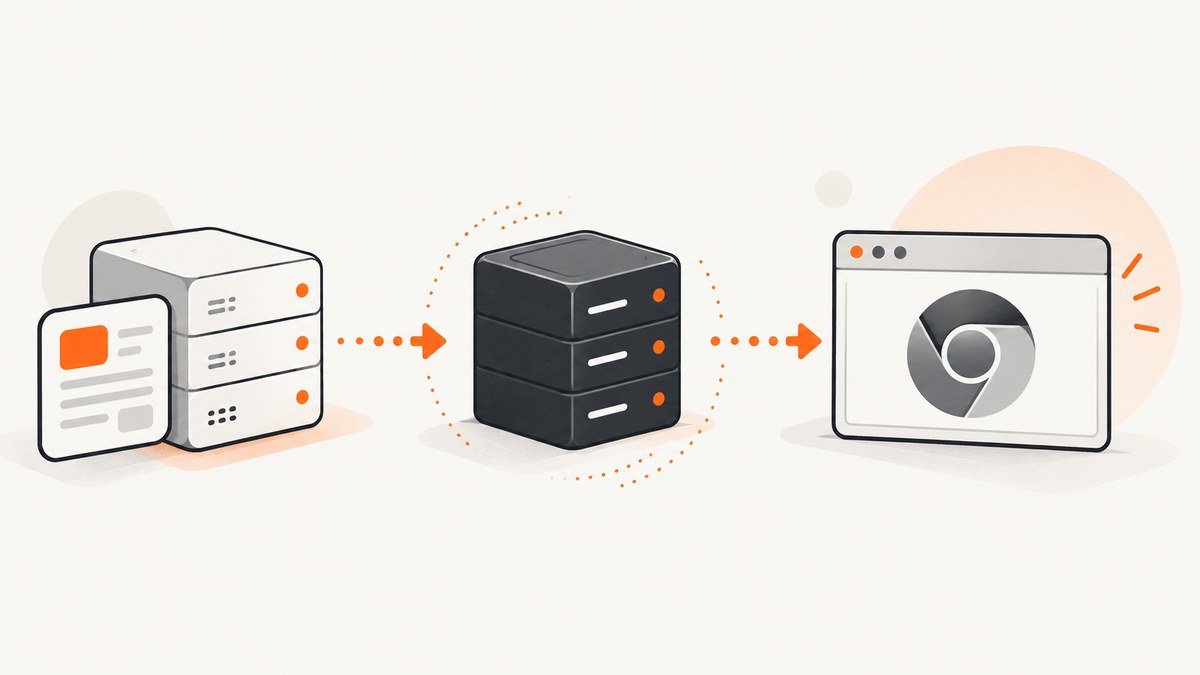
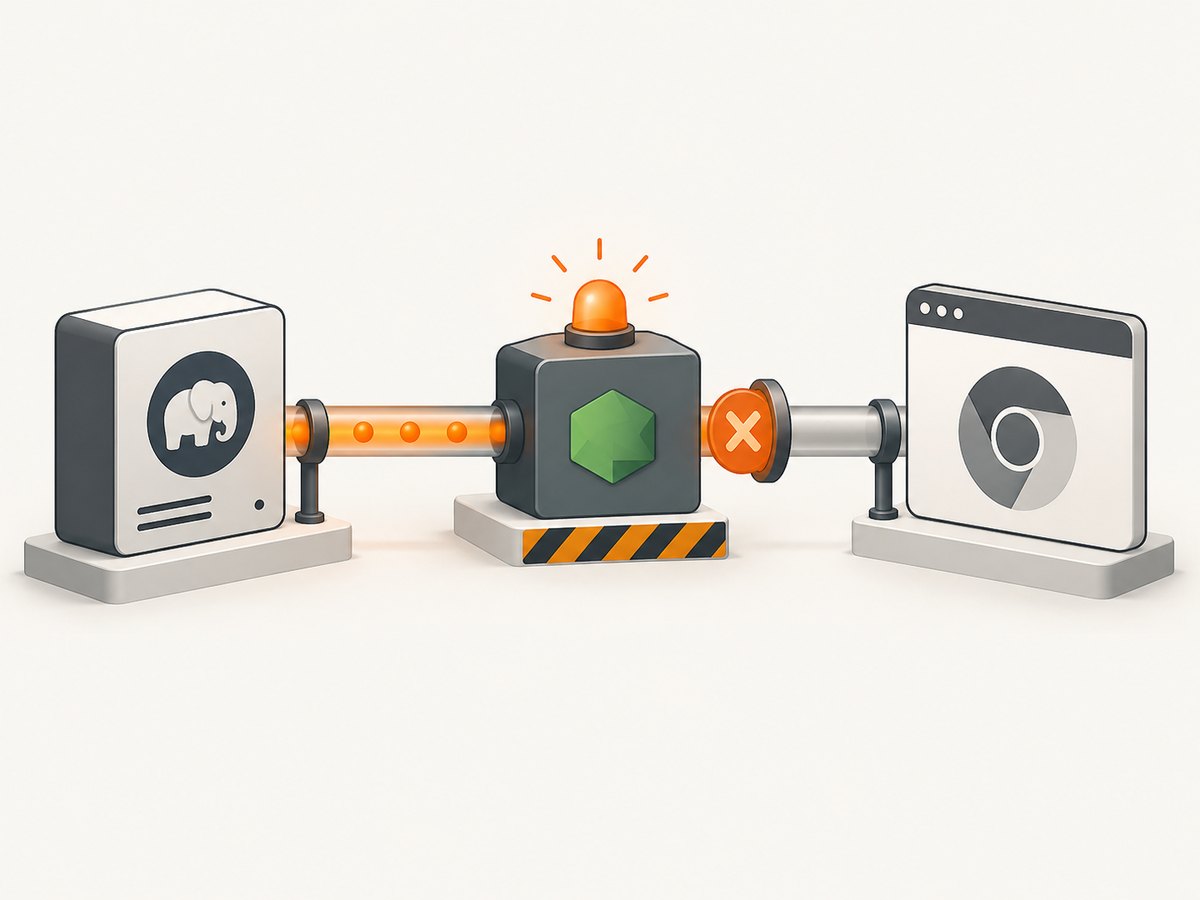
When Puppeteer works from a terminal but fails when PHP starts it, the problem is usually a boundary between three processes: PHP starts a child process or calls a service, Node.js loads Puppeteer, and Puppeteer launches Chromium and operates the page. Debug those boundaries separately and most errors become straightforward.
This guide shows a repeatable method for errors such as Could not find Chrome, Failed to launch the browser process, empty PHP output, PHP-FPM-only failures, navigation timeouts, and Docker or CI launch problems. It includes a minimal bridge, production-oriented process handling, browser installation checks, timeout diagnosis, and an API option when maintaining Chromium is unnecessary.
1. Classify the failing boundary first
Do not start by changing random Chromium flags. Preserve the first real error line and identify which stage failed:
| Stage | Typical symptoms | First checks |
|---|---|---|
| PHP to Node bridge | Empty output, “command not found”, non-zero exit, malformed JSON | Executable path, working directory, environment, stdout/stderr capture, exit status |
| Node to Puppeteer | Module missing, version mismatch, browser path unresolved | require/import, installed package, Puppeteer version, resolved executable |
| Chromium launch | Failed to launch the browser process, sandbox or shared-library errors |
dumpio, browser stderr, permissions, libraries, writable profile |
| Page operation | Navigation timeout, missing selector, detached frame or element | URL reachability, wait strategy, selector lifecycle, page timeout |
Record Node.js, Puppeteer, and browser versions; the exact operation; command arguments; exit code; complete stderr; and the account that ran the command. Run the Node script directly as the same account used by Apache, PHP-FPM, a queue worker, CI, or a container. A successful interactive-shell run does not prove that the service environment can run it.
2. Build a minimal, observable Node bridge
Start with a script that only launches Chromium, opens one page, and closes it. Keep stdout machine-readable and send diagnostics to stderr so PHP cannot confuse logs with a result.
#!/usr/bin/env node
const puppeteer = require('puppeteer');

async function main() {
  const started = Date.now();
  let browser;
  try {
    console.error(JSON.stringify({
      stage: 'startup',
      node: process.version,
      cwd: process.cwd(),
      home: process.env.HOME || null,
      puppeteer: require('puppeteer/package.json').version
    }));

    browser = await puppeteer.launch({
      headless: true,
      dumpio: true,
      timeout: 30000,
      // Set this only when you have verified the path in this runtime.
      // executablePath: process.env.CHROME_PATH
    });

    const page = await browser.newPage();
    await page.goto('https://example.com', {
      waitUntil: 'domcontentloaded',
      timeout: 30000
    });

    process.stdout.write(JSON.stringify({
      ok: true,
      stage: 'page',
      title: await page.title(),
      elapsed_ms: Date.now() - started
    }) + '\n');
  } catch (error) {
    process.stderr.write(JSON.stringify({
      ok: false,
      stage: 'node_or_browser',
      name: error.name,
      message: error.message,
      stack: error.stack
    }) + '\n');
    process.exitCode = 1;
  } finally {
    if (browser) await browser.close().catch(() => {});
  }
}

main();
dumpio: true forwards the browser’s stdout and stderr to Node. The timeout option limits browser startup, while userDataDir (shown later) controls the profile directory. Use the Puppeteer troubleshooting guide and launch options reference alongside the captured output.
3. Execute Node safely from PHP
PHP must capture both output streams, preserve the child exit code, use an absolute Node script path, and enforce a bounded wait. PHP’s shell environment can differ substantially from the environment visible in your login shell.
<?php
$node = '/usr/bin/node';
$script = __DIR__ . '/capture.js';
$command = [$node, $script];

$descriptors = [
    0 => ['pipe', 'r'],
    1 => ['pipe', 'w'],
    2 => ['pipe', 'w'],
];

$env = [
    'PATH' => '/usr/local/bin:/usr/bin:/bin',
    'HOME' => '/var/lib/php-puppeteer',
    'PUPPETEER_CACHE_DIR' => '/var/lib/php-puppeteer/.cache',
];

$process = proc_open($command, $descriptors, $pipes, __DIR__, $env);
if (!is_resource($process)) {
    throw new RuntimeException('Could not start Node.js');
}

fclose($pipes[0]);
stream_set_blocking($pipes[1], false);
stream_set_blocking($pipes[2], false);

$stdout = '';
$stderr = '';
$deadline = microtime(true) + 45;
while (true) {
    $stdout .= stream_get_contents($pipes[1]);
    $stderr .= stream_get_contents($pipes[2]);
    $status = proc_get_status($process);
    if (!$status['running']) break;
    if (microtime(true) > $deadline) {
        proc_terminate($process, 9);
        $stderr .= "PHP timeout: terminated Node process\n";
        break;
    }
    usleep(100000);
}

$stdout .= stream_get_contents($pipes[1]);
$stderr .= stream_get_contents($pipes[2]);
fclose($pipes[1]);
fclose($pipes[2]);
$exitCode = proc_close($process);

$result = json_decode(trim($stdout), true);
if ($exitCode !== 0 || !is_array($result) || empty($result['ok'])) {
    error_log(json_encode([
        'stage' => 'php_bridge',
        'exit_code' => $exitCode,
        'stdout' => $stdout,
        'stderr' => $stderr,
    ]));
    http_response_code(500);
    echo json_encode(['ok' => false, 'stage' => 'php_bridge']);
    exit;
}

echo json_encode($result);
For repeated work, a persistent Node service or queue worker usually avoids browser startup on every request. Keep the same observability fields—stage, message, stderr, and exit_code—so callers can distinguish bridge, launch, and page failures.
4. Fix “Could not find Chrome” and cache problems
Puppeteer downloads browsers into ~/.cache/puppeteer by default in current releases. PHP-FPM may have a different HOME, and a deployment build may download the browser for one user while runtime uses another. The official guidance documents PUPPETEER_CACHE_DIR for relocating this cache.
- Run
node -e "console.log(process.version); console.log(require('puppeteer/package.json').version)"as the service account. - Check the cache directory exists, is readable, and allows execution where required.
- If install scripts were disabled, run
npx puppeteer browsers installduring the image or release build. - Persist the cache in CI or hosted builds and make the same path available at runtime.
- Print the resolved browser path from the same account and container that runs PHP.
A custom executablePath must point to a binary inside the runtime machine or container. Verify it with test -x /path/to/chrome and run that binary as the service user. Puppeteer is only guaranteed to work with its bundled browser when you select a custom executable, so pin and test the browser/Puppeteer pair together.
5. Fix launch failures in Linux, Docker, and CI
Missing libraries
When Failed to launch the browser process appears, enable dumpio and read the underlying browser stderr. Messages about shared objects indicate missing system libraries in the image. Install the dependencies required by the Chromium build you selected and rebuild the image; do not hide the error by increasing timeouts.
Sandbox and privileges
Sandbox errors are common when Chromium runs as root or under a restricted container. The --no-sandbox flag is an environment-specific workaround, not a universal repair. Prefer a non-root user with a functioning sandbox. If policy requires the flag, document that decision and isolate the browser process.
browser = await puppeteer.launch({
  headless: true,
  dumpio: true,
  timeout: 30000,
  args: process.env.ALLOW_NO_SANDBOX === '1'
    ? ['--no-sandbox', '--disable-setuid-sandbox']
    : []
});
Read-only filesystems
Chromium writes profile, configuration, and cache files. A read-only container can fail before Puppeteer connects. Set writable XDG paths and an explicit temporary profile owned by the runtime user:
const fs = require('fs');
const os = require('os');
const path = require('path');
const profile = fs.mkdtempSync(path.join(os.tmpdir(), 'puppeteer-'));
process.env.XDG_CONFIG_HOME = '/tmp/chrome-config';
process.env.XDG_CACHE_HOME = '/tmp/chrome-cache';
const browser = await puppeteer.launch({
  headless: true,
  userDataDir: profile,
  dumpio: true
});
Clean temporary profiles after each job and avoid sharing one profile between concurrent requests. Shared profiles create locks, state leakage, and nondeterministic failures.
Alpine images
Chrome does not support Alpine out of the box. Match the Chromium package to a Puppeteer version that supports it and install all required packages. The Puppeteer guide records version-specific timeout issues in Alpine 3.20 and notes that Alpine 3.19 resolved that issue at the time of writing; verify current package versions before standardizing an image. Debian or Ubuntu-based images are often simpler when you need Puppeteer’s bundled browser.
6. Separate navigation errors from browser errors
Once launch succeeds, reduce page failures to a minimal navigation. A navigation timeout concerns reachability or waiting, not the executable path.
const page = await browser.newPage();
page.setDefaultNavigationTimeout(45000);
page.setDefaultTimeout(15000);

try {
  const response = await page.goto(targetUrl, {
    waitUntil: 'domcontentloaded',
    timeout: 45000
  });
  console.error(JSON.stringify({
    stage: 'navigation',
    status: response && response.status(),
    url: page.url()
  }));
  await page.waitForSelector('#main', { timeout: 15000 });
} catch (error) {
  console.error(JSON.stringify({
    stage: 'navigation_or_selector',
    url: targetUrl,
    message: error.message
  }));
  throw error;
}
Use domcontentloaded for pages whose network never becomes idle because of analytics or streaming connections. Use networkidle0 only when the page genuinely settles. If an element is replaced by a framework render, reacquire it immediately before the action. For iframes, select the correct frame and check that it has not navigated away.
7. Common errors and precise fixes
| Error | Likely cause | Fix |
|---|---|---|
Cannot find module puppeteer |
Different working directory or dependency installation | Use the deployed project directory, install production dependencies, and log process.cwd(). |
Could not find Chrome |
Missing browser cache or wrong HOME |
Install with the runtime account, set PUPPETEER_CACHE_DIR, and verify permissions. |
Failed to launch browser process |
Libraries, sandbox, executable, or profile permissions | Enable dumpio; inspect stderr; fix the earliest concrete cause. |
| PHP returns an empty body | Stderr ignored, Node absent from PATH, or process killed | Capture both pipes, use absolute paths, preserve exit status, and log structured failure data. |
| Works in shell, fails in PHP-FPM | Different user, HOME, PATH, cwd, or permissions |
Run the minimal script as PHP-FPM’s account and compare environments. |
Navigation timeout exceeded |
Unreachable URL, slow resource, or unsuitable wait condition | Test URL reachability, set a deliberate timeout, and choose a suitable waitUntil. |
| Detached element or frame | Frontend rerender replaced the node | Wait for the stable state and query the element again immediately before use. |
| Orphaned Chromium processes | Missing cleanup or PHP termination path | Close pages and browser in finally; terminate and reap timed-out children. |
8. Reliability, performance, and cost decisions
- Process per request: easiest isolation, but browser startup adds latency and CPU. Use strict timeouts and cleanup.
- Persistent Node service: lower startup overhead, but requires health checks, concurrency limits, browser recycling, and memory monitoring.
- Synchronous PHP: simple request flow, but web-server timeouts can kill long captures. Queue jobs when pages are slow or numerous.
- Bundled browser: predictable Puppeteer compatibility. A system browser can reduce image size but requires explicit version testing.
- Profiles: isolate concurrent jobs with temporary
userDataDirpaths. Reuse only when you intentionally need session state. - Retries: retry transient navigation or network failures with a cap and backoff. Do not blindly retry deterministic selector or permission errors.
Measure launch time, navigation time, total duration, exit code, browser stderr, and memory. Redact credentials from URLs, headers, cookies, and logs. A bounded timeout must cover PHP, Node, browser launch, navigation, and queue visibility so one layer does not wait forever while another has already failed.
9. Or skip the browser setup
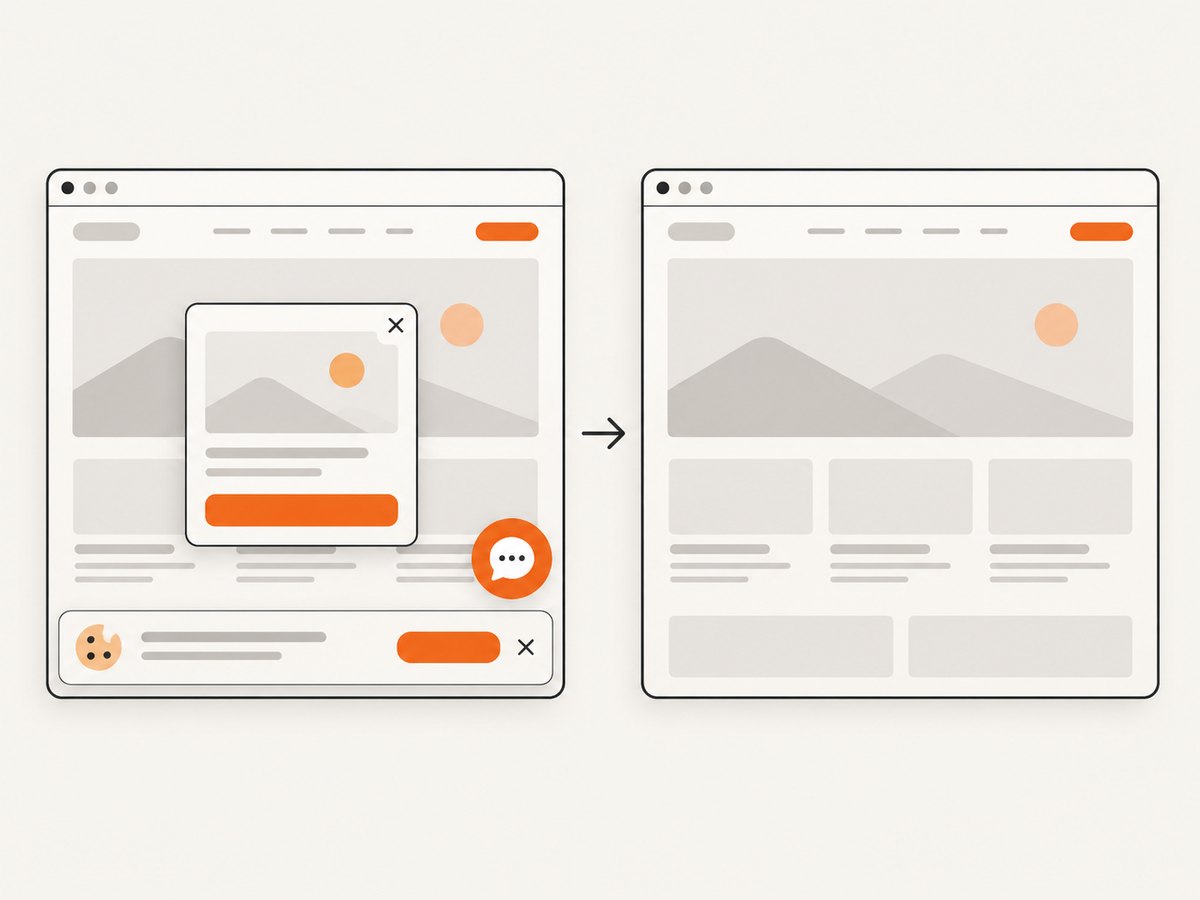
If your goal is a clean website screenshot rather than maintaining Chromium, ScreenshotNeo provides a single HTTP request. Its cookie and consent handling accepts the banner like a visitor and removes more than 60 known consent platforms, newsletter popups, and chat widgets before capture; each cleanup step can be turned off. Bot checks, blank pages, timeouts, failed loads, and cache hits are not billed, and response headers identify the page verdict and whether the request was billed.
See the ScreenshotNeo API documentation for the full option set.
cURL
curl -G "https://api.screenshotneo.com/v1/shot" -d access_key=YOUR_API_KEY --data-urlencode url=https://stripe.com -o shot.webpPython
import requests
r = requests.get("https://api.screenshotneo.com/v1/shot", params={"access_key": "YOUR_API_KEY", "url": "https://stripe.com"}, timeout=90)
open("shot.webp", "wb").write(r.content)
Node.js
const q = new URLSearchParams({ access_key: 'YOUR_API_KEY', url: 'https://stripe.com' });
const res = await fetch(`https://api.screenshotneo.com/v1/shot?${q}`);
ScreenshotNeo also supports full-page captures with lazy images loaded, CSS-element capture, dark mode, device presets and custom viewports, retina scale, PDF output, HTML/CSS rendering, custom CSS and JavaScript, clicks, selector waits, delays, network-idle waits, request and resource blocking, custom headers and cookies, user agents, Authorization, timezone, geolocation, transparent backgrounds, resizing, selectable cache TTLs, signed links, asynchronous jobs with signed webhooks, bulk capture for 100 URLs per call, a usage API, and an OpenAPI specification. An MCP server exposes take_screenshot, get_page_info, and capture_pdf to Claude, Cursor, and other MCP clients.
There are 1,000 screenshots per month on the free plan with no card. Paid plans start at $5 for 3,000 screenshots; every feature is available on every plan. Create a free ScreenshotNeo account.
10. A production checklist
- Run the minimal Node script as the exact runtime account.
- Log versions, cwd, HOME, cache path, operation, and resolved browser path.
- Capture stdout, stderr, and exit status in PHP.
- Keep stdout valid JSON and send diagnostics to stderr.
- Use an explicit writable cache and profile directory.
- Enable
dumpiowhile diagnosing launch failures. - Fix missing libraries and permissions before changing timeouts.
- Separate launch, navigation, selector, and cleanup errors.
- Close pages and browsers in
finally. - Bound every wait and reap terminated children.
- Pin compatible Puppeteer and browser versions.
- Redact secrets from URLs and logs.
FAQ
Why does Puppeteer work for my user but not PHP-FPM?
PHP-FPM commonly has a different user, PATH, HOME, working directory, and writable directories. Re-run the minimal launch script as the PHP-FPM account and compare those values.
Should I always add --no-sandbox?
No. Treat it as an environment-specific workaround. First run Chromium under a non-root user and fix sandbox permissions.
Is a longer timeout the right fix for a launch error?
Only when the browser is slow but otherwise healthy. Missing libraries, an invalid executable, and unwritable profiles will not be repaired by waiting longer.
When should I use a queue?
Use a queue when captures can exceed web request limits, when many URLs must be processed, or when retries and concurrency controls matter more than immediate responses.
Can I avoid installing Chromium entirely?
Yes. Use a screenshot API such as ScreenshotNeo when you want the capture result without operating a browser runtime, cache, sandbox, and profile on your PHP host.


