How to Fix Puppeteer exposeFunction and querySelector Issues
Fix Puppeteer exposeFunction and selector failures by checking contracts, frames, timing, teardown races, and version-specific behavior.
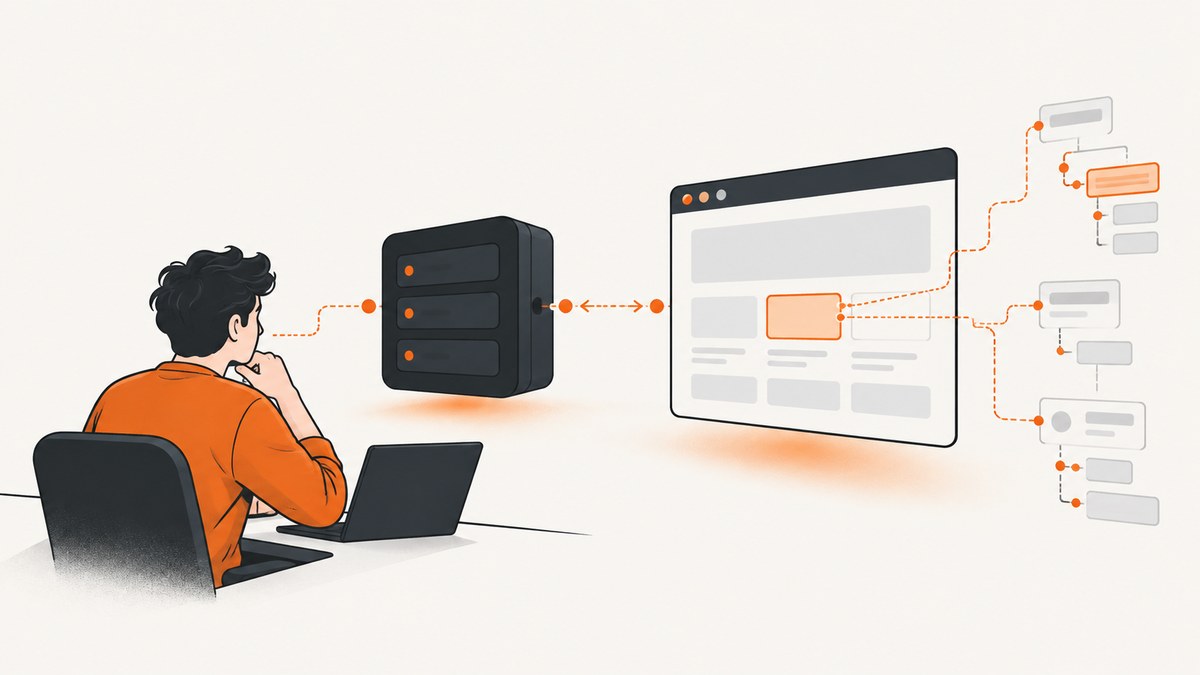
Direct answer: page.exposeFunction() and selector lookups fail for different reasons. The first installs a browser-side window function whose callback runs in Node.js; the second returns an element handle or null (or throws when native CSS syntax is invalid). Debug them separately by recording your Puppeteer version, browser and frame, exact error or return value, and the timing of navigation and frame changes.
The current Puppeteer API reference is displayed as version 25.12.0. A reported teardown race was reproduced on 25.5.0, so issue-specific behavior should not be generalized to every release. This guide gives a runnable diagnostic page, then covers frames, shadow roots, asynchronous rendering, teardown, reliability and production alternatives.
1. Understand the two contracts
page.exposeFunction(name, callback)
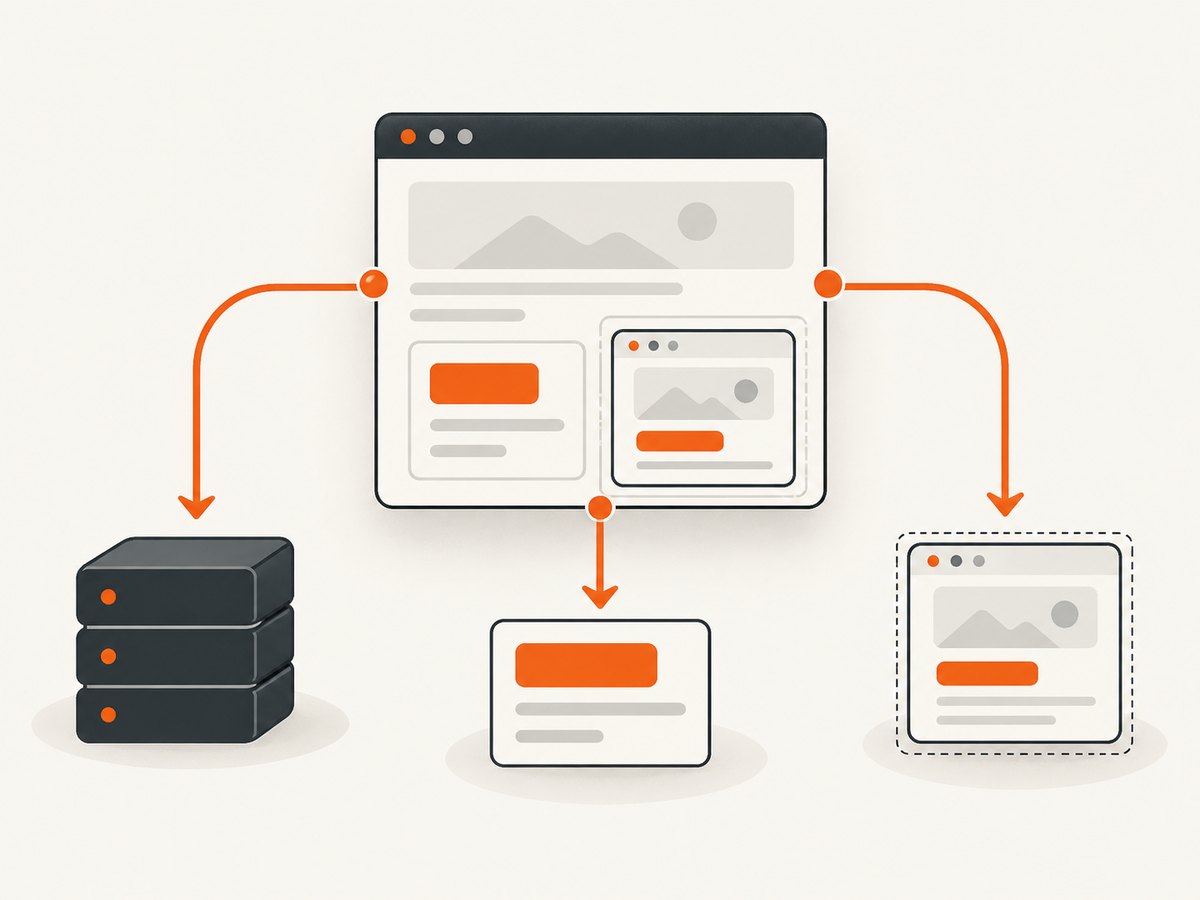
The API installs window[name] in the page. Calls made from page JavaScript return a Promise, and Puppeteer awaits a Promise returned by your Node.js callback. The callback executes in Node.js, so filesystem, network and other Node-only work belongs there. The official documentation states that exposed functions survive navigations: Page.exposeFunction reference.
import puppeteer from 'puppeteer';

const browser = await puppeteer.launch({headless: true});
const page = await browser.newPage();

await page.exposeFunction('lookupPrice', async (sku) => {
  // This callback runs in Node.js.
  return {sku, price: 42};
});

await page.setContent('<main id="app"></main>');
const result = await page.evaluate(async () => {
  // This call runs in the page and returns a Promise.
  return window.lookupPrice('ABC-123');
});
console.log(result);
await browser.close();
Always await installation before calling the bridge. Pass serializable values and return serializable values unless you have deliberately designed a supported transfer format.
page.$(selector) and native querySelector
page.$(selector) searches the page’s main frame and resolves to the first matching element or null. A null result is not an exception; dereferencing it later is what commonly fails. Puppeteer accepts CSS selectors and also supports Puppeteer-specific selector syntax for text, accessibility roles, XPath and combinations across shadow roots. Native document.querySelector only uses browser CSS selector semantics. See the Page.$ reference.
const handle = await page.$('#checkout');
if (!handle) {
  throw new Error('Required element #checkout was not found');
}
await handle.click();

const nativeResult = await page.evaluate(() => {
  const element = document.querySelector('[data-testid="checkout"]');
  return element ? element.textContent : null;
});
console.log(nativeResult);
2. Capture a useful reproduction
Before changing code, log facts that distinguish an API contract problem from a lifecycle problem.
- Print
puppeteer.version(or the package version from your lockfile), Node.js version and browser revision. - Log the selector string using
JSON.stringify, the URL, frame URL and whether the query runs before or after navigation. - Record the exact error text, including protocol errors such as
Protocol error (Runtime.addBinding): Target closed. - For exposed functions, check whether
typeof window[name]is'function'after a rejection. - For selectors, save a DOM snapshot or inspect the relevant frame and shadow root at the query time.
console.log({
  puppeteer: puppeteer?.version,
  node: process.version,
  url: page.url(),
  frames: page.frames().map(frame => ({url: frame.url(), name: frame.name()}))
});
3. Fix exposeFunction timing and execution context
Await installation before evaluation
The installation method returns Promise<void>. A race between calling page.evaluate and installing the binding can produce “is not a function” or an undefined property.
await page.exposeFunction('report', async (value) => {
  console.log('from page:', value);
  return value.toUpperCase();
});

const answer = await page.evaluate(async () => {
  if (typeof window.report !== 'function') {
    throw new Error('report binding is missing');
  }
  return await window.report('ready');
});
console.log(answer);
Keep Node work in the callback
Code inside page.evaluate runs in the browser context. It cannot directly access process, imported modules or your server’s filesystem. Put that work in the callback passed to exposeFunction and send only the data needed by the page.
Navigation behavior
The current API docs say exposed functions survive navigations. If your application appears to lose one, create a minimal reproduction with the navigation sequence, installed version, browser and call timing. Do not rely on an old report as general behavior: historical issue #2170 differs from the current documentation.
4. Diagnose Target closed and iframe teardown races
GitHub issue #15299 reports Protocol error (Runtime.addBinding): Target closed while page.exposeFunction was installing across out-of-process cross-site iframes. The reproduction created eight cross-site frames and removed them during installation. In that report, the main-frame binding still existed and a later evaluation returned 42, even though the call rejected. The issue author lists Puppeteer 25.5.0, Node.js 22.20.0 and Windows, and reports a bisect where 22.12.1 worked and 22.13.0 failed in that reproduction. These are observations for that environment, not a universal failure rate or fix.
When this exact pattern occurs:
- Stop creating and removing frames during startup, if you control the page.
- Wait for the frame layout to stabilize before installing bindings.
- After a rejection, evaluate
typeof window.bindingin the main frame and inspectpage.frames(). - Check whether the page remains responsive with a harmless evaluation.
- Pin and test the Puppeteer version that behaves correctly for your site. Do not blindly retry while frames are still being detached.
try {
  await page.exposeFunction('bridge', value => ({ok: true, value}));
} catch (error) {
  console.error('exposeFunction failed:', error);
  const state = await page.evaluate(() => ({
    bridgeType: typeof window.bridge,
    alive: 42
  })).catch(e => ({evaluateError: String(e)}));
  console.error({state, frames: page.frames().map(f => f.url())});
  throw error;
}
A partial binding is useful diagnostic evidence, not permission to assume every frame has the function. If code must call the bridge inside an iframe, verify that frame’s context and lifecycle independently.
5. Fix selectors that return null or throw
Check CSS syntax and the API you are using
Log the selector exactly as passed. A malformed CSS selector causes native querySelector to throw a syntax error. A valid selector with no matching node returns null. Puppeteer-specific prefixes accepted by page.$ should not be pasted into native document.querySelector.
const selector = '[data-testid="invoice-row"]';
try {
  const element = await page.$(selector);
  if (element === null) {
    console.error('No match', {selector, url: page.url()});
  }
} catch (error) {
  console.error('Selector is invalid for Puppeteer:', {selector, error});
}
Wait for application rendering
Navigation completion does not guarantee that a client-rendered component exists. Wait for the application’s actual readiness signal instead of adding an arbitrary long sleep.
await page.goto('https://example.com/dashboard', {waitUntil: 'domcontentloaded'});
await page.waitForSelector('[data-testid="dashboard-ready"]', {timeout: 15000});
const card = await page.$('[data-testid="account-card"]');
if (!card) throw new Error('Account card missing after dashboard-ready');
Check the frame
page.$ is a shortcut for the main frame. For an iframe, wait for the frame and query through its Frame object.
const frameHandle = await page.waitForSelector('iframe[name="billing"]');
const frame = await frameHandle.contentFrame();
if (!frame) throw new Error('Billing iframe is not attached');
await frame.waitForSelector('[data-testid="card-number"]');
const input = await frame.$('[data-testid="card-number"]');
Frames can detach between lookup and use. Catch that transition, re-enumerate page.frames(), and reacquire the current frame rather than holding stale handles.
Check shadow roots
Native selectors stop at a shadow boundary. Puppeteer selector syntax can compose selectors across shadow roots; otherwise query the host, obtain its shadow root in page code, and continue there. Confirm the approach against your installed version’s selector documentation.
6. A complete diagnostic script
import puppeteer from 'puppeteer';

const browser = await puppeteer.launch({headless: true});
const page = await browser.newPage();
page.on('frameattached', frame => console.log('attached', frame.url()));
page.on('framedetached', frame => console.log('detached', frame.url()));

await page.exposeFunction('nodeEcho', async value => ({value, node: process.version}));
await page.setContent(`
  <main data-testid="ready">
    <button id="save">Save</button>
  </main>
`);

const result = await page.evaluate(async () => ({
  binding: typeof window.nodeEcho,
  echo: await window.nodeEcho('ok'),
  native: document.querySelector('#save')?.textContent ?? null
}));
console.log(result);

const required = await page.$('#save');
if (!required) throw new Error('save button missing');
console.log('frames', page.frames().map(frame => frame.url()));
await browser.close();
7. Troubleshooting checklist
| Symptom | Likely cause | Fix |
|---|---|---|
window.fn is not a function |
Evaluation ran before installation completed | Await page.exposeFunction; verify typeof window.fn |
Target closed during exposure |
Frame or target detached during binding fan-out | Log frame churn, stabilize iframe lifecycle, inspect partial state and test a pinned version |
page.$ returns null |
No match in the main frame at query time | Check selector, wait for rendering, inspect the correct frame or shadow root |
| Native query throws | Invalid CSS syntax | Validate and simplify the selector; log its exact string |
Selector works in page.$ but not evaluate |
Puppeteer-specific syntax used with native DOM API | Use plain CSS in document.querySelector or keep the query in Puppeteer |
| Handle becomes unusable | Navigation or frame detachment invalidated it | Wait for the new state and reacquire the handle |
8. Reliability, performance and cost
Install bindings once per page and avoid doing so while a page is rapidly creating cross-site frames. Reusing a page reduces browser startup overhead, but reset application state between jobs. Prefer readiness selectors and network-idle conditions that reflect the site; fixed sleeps increase latency and still miss slow or fast paths. Keep selector scopes narrow and reacquire handles after navigation.
For production capture systems, record URL, Puppeteer version, browser revision, frame events, selector, timeout and verdict. Set bounded timeouts, close pages in finally blocks and classify failures as navigation, selector, protocol or target teardown errors. If a site blocks automation or renders differently in your environment, compare a headed diagnostic run with headless mode and inspect response status and console errors.
9. Or skip the browser setup
If your goal is a reliable website image rather than browser automation itself, ScreenshotNeo provides a single screenshot API request. Cookie and consent banners, newsletter popups and chat widgets are removed before the shot. Bot checks, blank pages, failed loads, timeouts and cache hits are not billed, and response headers identify the page verdict and whether it was billed. It also provides an MCP server with take_screenshot, get_page_info and capture_pdf for Claude, Cursor and other MCP clients.

See the ScreenshotNeo API documentation for all options, including full-page and element capture, device presets, custom CSS and JavaScript, waits, request blocking, cookies and headers, geolocation, PDF output, caching, signed links, asynchronous jobs, bulk capture and usage reporting.
curl -G "https://api.screenshotneo.com/v1/shot" -d access_key=YOUR_API_KEY --data-urlencode url=https://stripe.com -o shot.webpimport requests
r = requests.get("https://api.screenshotneo.com/v1/shot", params={"access_key": "YOUR_API_KEY", "url": "https://stripe.com"}, timeout=90)
open("shot.webp", "wb").write(r.content)const q = new URLSearchParams({ access_key: 'YOUR_API_KEY', url: 'https://stripe.com' });
const res = await fetch(`https://api.screenshotneo.com/v1/shot?${q}`);The free plan includes 1,000 screenshots each month with no card. Paid plans start at $5 for 3,000 shots, and every feature is available on every plan. Create a free ScreenshotNeo account.
10. FAQ
Does exposeFunction run in the browser?
The installed function is called by page code, but its supplied callback executes in Node.js.
Does page.$ throw when nothing matches?
No. It resolves to null; your code must handle that result.
Should I retry Target closed automatically?
No. First identify detached frames, verify which bindings exist and confirm that the page is healthy. Retrying during frame churn can hide a lifecycle bug.
Can I use Puppeteer selectors with querySelector?
No. Native querySelector follows browser CSS syntax; Puppeteer adds its own selector forms in its APIs.
Which version should I install?
Use a version you have tested with your browser and site’s frame behavior. Record the exact version when reporting a failure; the cited issue contains observations from specific releases, not a universal compatibility rule.


