How to Fix Puppeteer’s Invalid Parameters Error
Puppeteer’s “Invalid parameters” message is a protocol symptom, not a diagnosis. Find the failing command, inspect its arguments, and match the fix to the field and protocol involved.
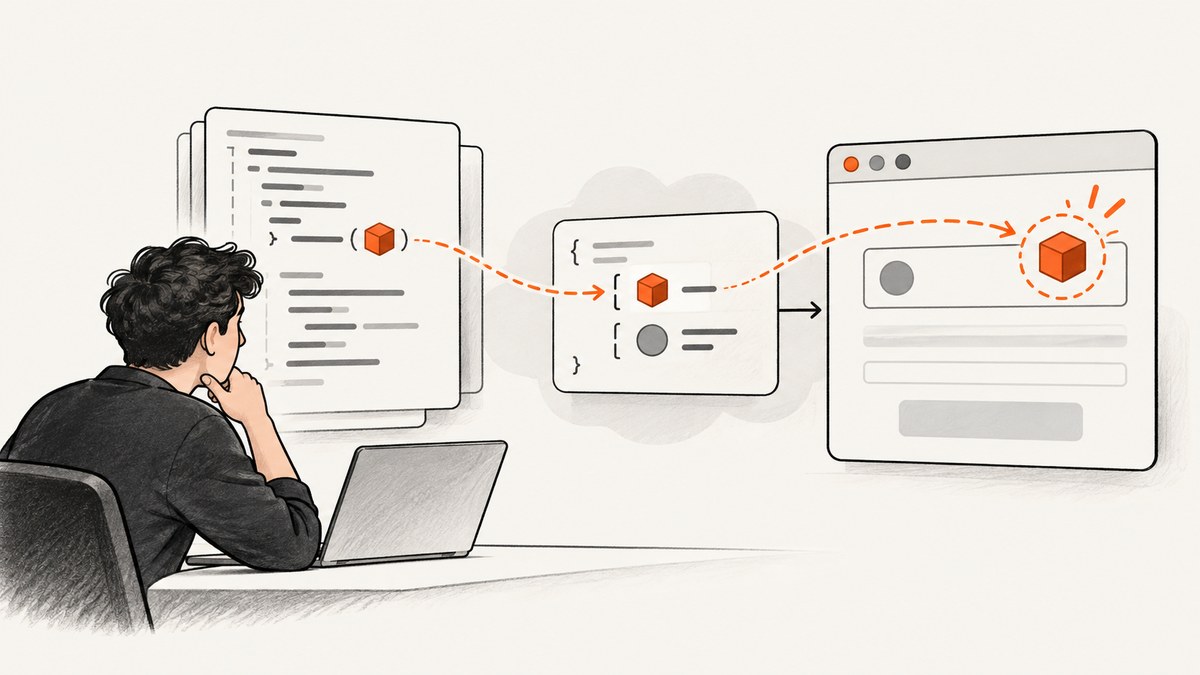
Puppeteer’s Invalid parameters error does not point to one universal bug or repair. It is a protocol-level symptom: a browser command received an argument with the wrong type, a required value was missing, or the Puppeteer, browser, and protocol combination did not agree. Read the complete error and identify the command and field it names before changing code.
This guide shows how to isolate the failing call, validate its inputs, and distinguish common cases involving PDF generation, network emulation, cookies, and viewport dimensions. The exact fix depends on your full error, installed versions, operating system, and whether the connection uses Chrome DevTools Protocol (CDP) or WebDriver BiDi.
1. Start with the complete error
Copy the error message and stack trace in full. The words after Invalid parameters often tell you what to inspect. For example, IO.read with a handle type expectation points to a different command and failure path than a message about integer viewport dimensions.
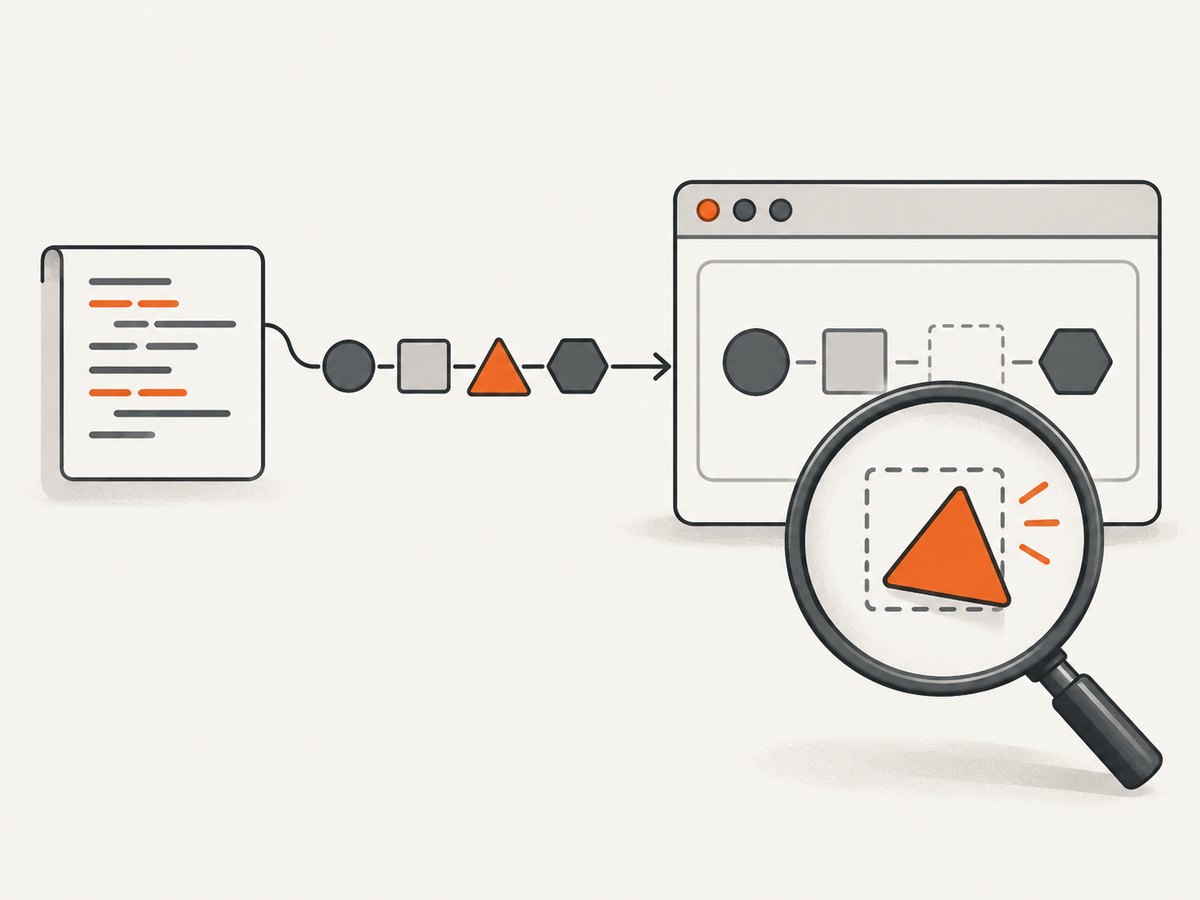
Record these details alongside the error:
- The complete protocol command, such as
Page.printToPDF,IO.read,Network.emulateNetworkConditions, orEmulation.setDeviceMetricsOverride. - The named argument, expected type, or missing field from the message.
- Your Puppeteer and Node.js versions, browser or Chromium build, operating system, and protocol mode.
- The smallest code snippet that still triggers the error, including the argument values after configuration and environment variables have been applied.
Do not treat two errors as the same just because both contain the phrase Invalid parameters. First classify the command and the field it rejected.
2. Check argument types and object shape
Values loaded from environment variables, command-line arguments, JSON, or forms often arrive as strings. A Puppeteer method may expect a number, boolean, or structured object. Validate and convert values at the boundary where they enter your program, then pass the resulting value to Puppeteer.
For instance, these environment values are strings even when they look numeric or boolean:
const scaleFromEnv = process.env.PDF_SCALE; // for example, "1.25"
const cssPageFromEnv = process.env.PDF_USE_CSS_SIZE; // for example, "true"
Parse and validate explicitly rather than relying on implicit coercion:
function parsePositiveNumber(name, value) {
  const parsed = Number(value);
  if (!Number.isFinite(parsed) || parsed <= 0) {
    throw new Error(`${name} must be a positive number`);
  }
  return parsed;
}

function parseBoolean(name, value) {
  if (value === "true") return true;
  if (value === "false") return false;
  throw new Error(`${name} must be "true" or "false"`);
}

const scale = parsePositiveNumber("PDF_SCALE", process.env.PDF_SCALE ?? "1");
const preferCSSPageSize = parseBoolean(
  "PDF_USE_CSS_SIZE",
  process.env.PDF_USE_CSS_SIZE ?? "false"
);
Use the option names and accepted values documented for the Puppeteer version you have installed. A field can have a valid-looking value but still be in the wrong location or wrong type.
3. Diagnose common command-specific cases
PDF options rejected by Page.printToPDF
A reported community case involved scale and preferCSSPageSize supplied with incorrect types. In that case, scale needed a numeric value and preferCSSPageSize a boolean; options with appropriate defaults could also be omitted. This is evidence for that report, not a universal diagnosis. Check the full error and the API version you use.
const pdfOptions = {
  format: "A4",
  scale: 1,
  preferCSSPageSize: false,
  printBackground: true
};
await page.pdf({ path: "output.pdf", ...pdfOptions });
If the value came from configuration, parse it before constructing pdfOptions. If the error names another option, verify that field’s type and placement instead of changing unrelated PDF settings.
PDF stream failures at IO.read
A Puppeteer issue reported in 2019 described an IO.read error expecting a string handle after page.setContent() and page.pdf(), in an older Puppeteer and AWS Lambda environment. That report does not establish a general current fix. If your command is IO.read, investigate the PDF stream or handle path and capture your precise versions and runtime; do not apply a viewport or PDF-option workaround simply because the phrase matches.
Network emulation and required fields
A 2024 issue report described page.emulateNetworkConditions with throughput and latency values and an error about a missing mandatory downloadThroughput field. The report was closed as not reproducible, so it does not show that this is a general Puppeteer defect or a universal repair.
For a network emulation error, confirm the method’s expected object shape for your installed version, check that every required field is present, and inspect the actual values after configuration parsing. Reduce the call to the smallest object that reproduces the error, then add optional fields one at a time.
Cookie partition keys and WebDriver BiDi
A 2024 issue concerned page.setCookie with a partitionKey under WebDriver BiDi and Chrome. The discussion was version-specific: a maintainer noted that Puppeteer did not yet support Chrome M127 at that time, and a later comment described a secure: true requirement for the reported cookie example. The issue also distinguished BiDi from non-BiDi cases. Treat those comments as historical evidence, not current compatibility advice.
Check whether your session actually uses BiDi, confirm current Puppeteer and browser support from their release documentation, and inspect the cookie fields required in your specific context. Do not assume a CDP cookie example behaves identically over BiDi.
Viewport dimensions must have the expected shape
A historical viewport report used a string like 1920x1080 where Puppeteer expected a viewport object with integer width and height. Pass the structured value instead:
const browser = await puppeteer.launch();
const page = await browser.newPage();
await page.setViewport({ width: 1920, height: 1080 });
If the error names integer dimensions, make sure both fields are numbers and that they are inside the expected object. A string containing two numbers is still a string.
4. Reduce the problem to a minimal reproduction
- Save the full error, stack, and runtime details before modifying the code.
- Locate the Puppeteer call associated with the protocol command in the error.
- Log or inspect the final argument object immediately before the call. Avoid logging secrets such as cookie values or authorization headers.
- Replace configuration inputs with simple literal values of the expected types.
- Remove optional settings, then add them back one at a time until the failure returns.
- Run the smallest case under the same browser, operating system, and protocol mode as the failing application.
This process is a diagnostic method based on the variety of reported failure patterns. It does not assume that any one issue report reproduces your environment.
5. Troubleshooting checklist
| Symptom | Likely area to inspect | Next step |
|---|---|---|
| Error names a field and expected type | Argument type or object shape | Check the final runtime value; parse strings explicitly and use the documented structure. |
| Error names a mandatory field | Missing argument or configuration branch | Confirm the property survives defaults, merging, and conditional construction. |
| Error occurs only when using BiDi | Protocol and browser support | Record protocol mode and versions; verify support for the specific feature in the versions in use. |
PDF call fails later at IO.read |
Stream or handle path | Keep the full stack and runtime context; isolate PDF generation from unrelated application code. |
| Viewport error mentions integers | Dimensions supplied in the wrong form | Use an object with numeric width and height. |
| Issue appears after a browser or Puppeteer update | Version/protocol interaction | Reproduce with a minimal call and report exact versions; do not infer compatibility from an old issue. |
If the error remains, include a redacted minimal reproduction when asking for help. Keep the protocol command, field text, and version information intact; remove API keys, session cookies, and private URLs.
6. Performance, reliability, and cost considerations
These errors are usually about request validity, so tuning timeouts or adding retries will not repair a wrongly typed or missing argument. Retrying the same invalid request typically repeats the same failure. Fix validation first; add retries only for failures that are actually transient in your workflow.

Keep browser and Puppeteer versions controlled in deployment, and capture their versions in logs. This makes a protocol mismatch easier to spot when a runtime image or browser package changes. For serverless environments, record the operating system and runtime too: older reports tied PDF failures to a specific Lambda and Node setup, but they do not prove that all such deployments share a defect.
Cost depends on where and how you run browser automation: browser compute, concurrency, and operational work are separate from the parameter error itself. Measure your own workload before changing concurrency or retry policy. Avoid broad retries for deterministic invalid-argument failures because they consume resources without fixing the input.
7. Or skip the browser setup
If your goal is to capture a webpage rather than debug a Puppeteer protocol call, ScreenshotNeo is a website screenshot API and MCP server. One GET request returns a PNG, JPEG, WebP, or PDF. See the API documentation for request options.
curl -G "https://api.screenshotneo.com/v1/shot" \
  -d access_key=YOUR_API_KEY \
  --data-urlencode url=https://stripe.com \
  -o shot.webp
import requests
r = requests.get(
"https://api.screenshotneo.com/v1/shot",
params={"access_key": "YOUR_API_KEY", "url": "https://stripe.com"},
timeout=90,
)
open("shot.webp", "wb").write(r.content)const q = new URLSearchParams({
access_key: 'YOUR_API_KEY',
url: 'https://stripe.com'
});
const res = await fetch(`https://api.screenshotneo.com/v1/shot?${q}`);
if (!res.ok) throw new Error(`Screenshot request failed: ${res.status}`);
const image = Buffer.from(await res.arrayBuffer());
await import('node:fs/promises').then(fs => fs.writeFile('shot.webp', image));- Cookie banners are accepted and removed before capture, along with 60+ known consent platforms, newsletter popups, and chat widgets. Each of those steps can be turned off.
- Bot checks and CAPTCHAs, blank pages, timeouts, failed loads, and cache hits are not billed. Response headers identify the page verdict and billing status.
- An MCP server provides
take_screenshot,get_page_info, andcapture_pdftools for Claude, Cursor, and other MCP clients. - The free plan includes 1,000 screenshots per month with no card. Paid plans start at $5 for 3,000 screenshots; every feature is available on every plan.
Create a free ScreenshotNeo account to try 1,000 screenshots a month with no card.
8. Frequently asked questions
Does “Invalid parameters” mean Puppeteer is broken?
No. The message can come from different protocol commands and argument failures. The command and field details are needed to identify the cause.
Should I upgrade Puppeteer or Chrome first?
Do not choose an upgrade based only on the generic phrase. Record both versions and the protocol mode, then verify the specific feature’s compatibility for that combination.
Can I paste a screenshot of the error into a bug report?
A text error and stack are more useful because they can be searched and preserve the command and field names. Redact secrets before sharing either form.
Can retries fix this error?
Retries do not correct a deterministic type mismatch or missing required field. Repair the arguments first, then decide whether transient failures in the surrounding workflow need retry handling.


