How to Fix Puppeteer’s “Requesting Main Frame Too Early” Error
Understand why Puppeteer loses its main frame and apply reliable fixes for navigation races, iframe replacement, upgrades, and Docker.
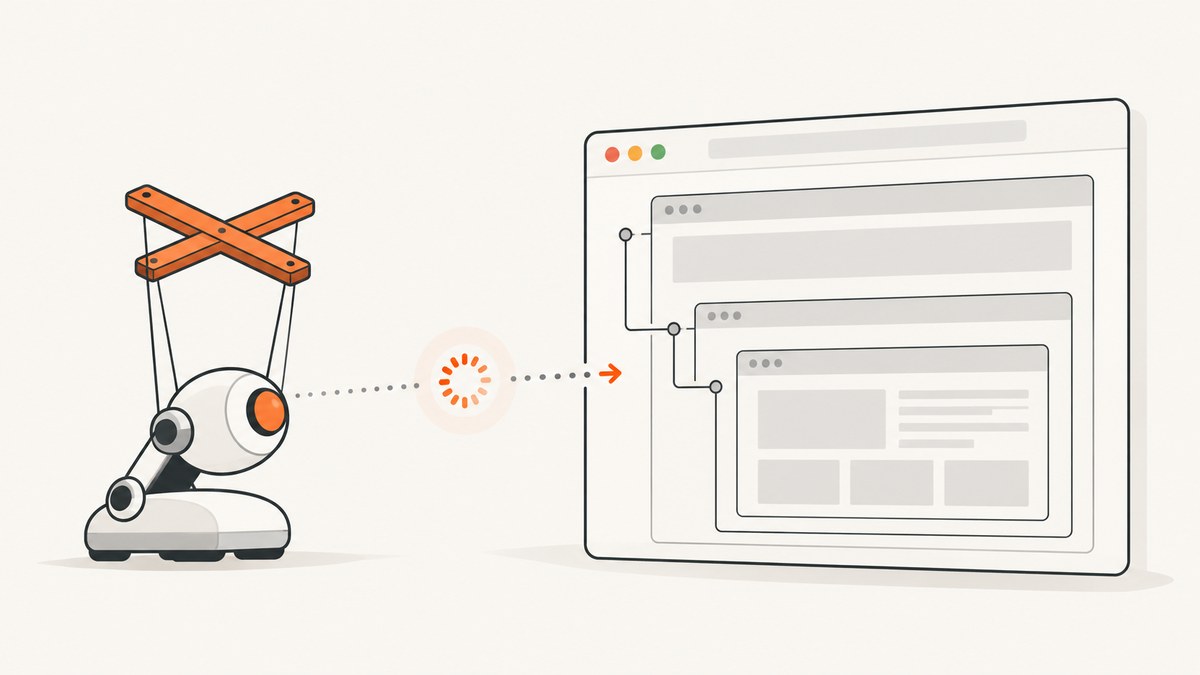
“Requesting main frame too early!” means Puppeteer tried to use the page’s main frame before that frame existed in its internal frame tree, or while the page was being removed. The failure is a lifecycle race, not a bad CSS selector. Fix it by awaiting browser and navigation operations, waiting for the state your code needs, reacquiring iframe handles after navigation or replacement, and recreating disconnected pages instead of retrying commands against them.
Puppeteer’s internal assertion is assert(mainFrame, 'Requesting main frame too early!'). Its error reference describes the condition as “The frame tree has no main frame when mainFrame is requested.” See the Puppeteer error reference and FrameManager source.
What the error means
Chrome sends Puppeteer a frame tree through the Chrome DevTools Protocol (CDP). The top-level document becomes the main frame during that initialization. Calls such as page.goto(), page.evaluate(), selector waits, and frame operations assume that the tree contains a usable main frame.
A race occurs when your code runs in the small window before that frame is installed, or after navigation, iframe replacement, page closure, or browser disconnection has started tearing it down. The same symptom can therefore appear immediately after creating a page, during a rapid navigation, or at the end of a test.
Fastest fix checklist
- Await
puppeteer.launch(),browser.newPage(),page.goto(), clicks that trigger navigation, and every wait or evaluation. - Use a condition-based wait such as
waitForSelector,waitForFunction, or a navigation promise instead of assuming a fixed delay is enough. - After an iframe navigates, is replaced, or closes, find it again with
page.frames(). Do not keep using an oldFrameobject. - Before retrying, check
page.isClosed()andbrowser.isConnected(). Recreate the page or browser when the target is gone. - If the error appeared after a Puppeteer or Chrome upgrade, reproduce with the last known-good pair and then test a current compatible release.
- In Docker or CI, capture Chrome stderr and exit signals and verify that the browser process remains alive for the entire job.
A defensive Puppeteer pattern
This complete example orders initialization, navigation, iframe discovery, interaction, and teardown. Replace the URL and selectors with those from your application.
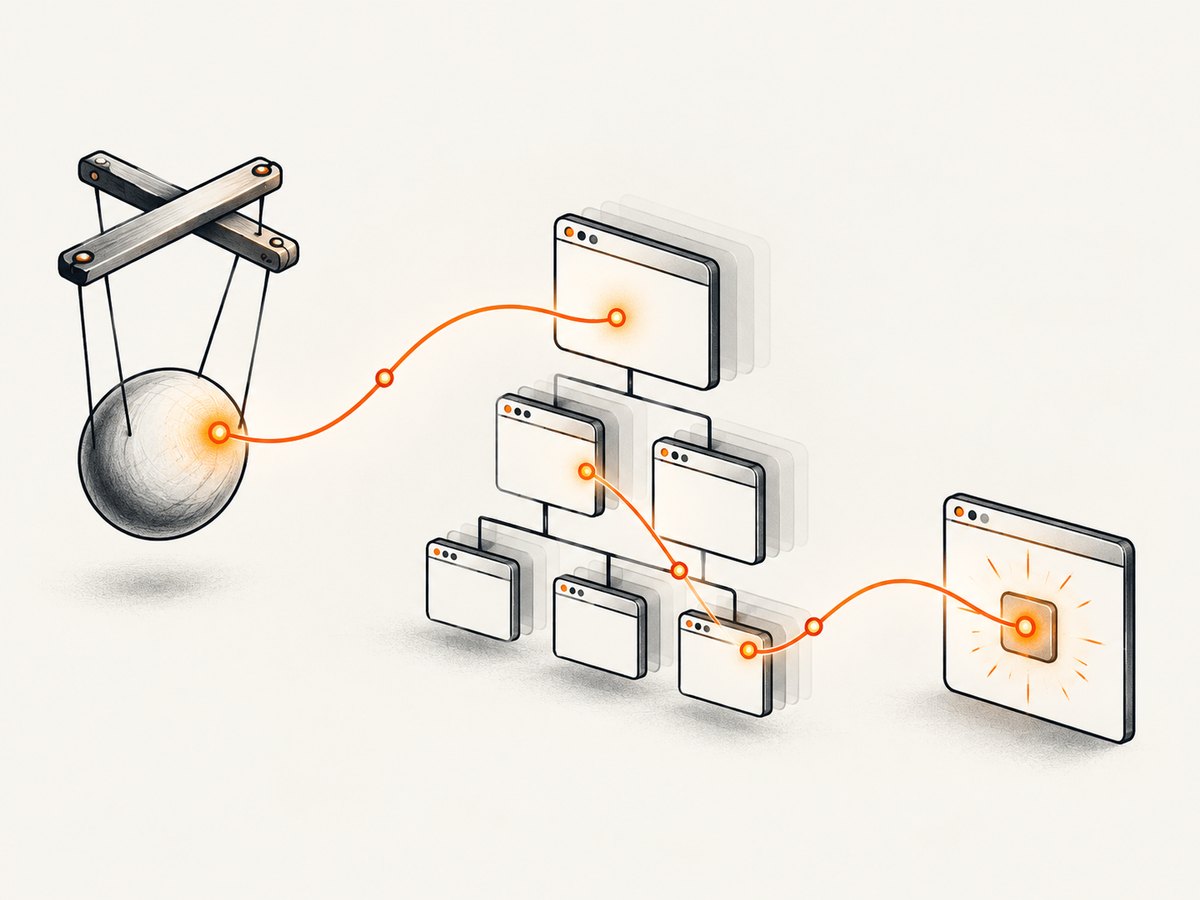
const puppeteer = require('puppeteer');

async function run(url, email) {
  const browser = await puppeteer.launch({
    headless: true
  });
  let page;

  try {
    page = await browser.newPage();
    await page.goto(url, {
      waitUntil: 'domcontentloaded',
      timeout: 45_000
    });
    await page.waitForSelector('#app', {timeout: 15_000});

    // Find the current frame only after the page has reached a usable state.
    const frame = page.frames().find((candidate) =>
      candidate.url().includes('/checkout')
    );

    if (!frame || page.isClosed()) {
      throw new Error('Target frame is unavailable');
    }

    await frame.waitForSelector('input[name="email"]', {timeout: 15_000});
    await frame.type('input[name="email"]', email);

    return await page.title();
  } finally {
    if (page && !page.isClosed()) {
      await page.close().catch(() => {});
    }
    await browser.close().catch(() => {});
  }
}

run('https://example.com/checkout', 'dev@example.com')
  .then(console.log)
  .catch(console.error);
The important properties are ordering and validity checks. The snippet is a defensive pattern, not a universal workaround: your application may need a different readiness condition or frame selection rule.
Fix navigation and action races
When a click, form submission, or script causes navigation, start the action and navigation wait together. Starting the click first and only then asking Puppeteer to wait can miss the navigation event; evaluating immediately after the click can also target a frame that is being replaced.
await Promise.all([
  page.waitForNavigation({waitUntil: 'networkidle2', timeout: 45_000}),
  page.click('a.next')
]);

await page.waitForSelector('#results', {visible: true});
const heading = await page.$eval('#results h1', (node) => node.textContent);
Choose the waitUntil condition according to the job:
| Condition | Use it when | Limitation |
|---|---|---|
domcontentloaded |
The DOM is enough to begin work. | Images and late scripts may still be loading. |
load |
Document resources must finish loading. | Some applications continue network activity indefinitely. |
networkidle0 |
You control the page and it truly becomes quiet. | Analytics, polling, or sockets can prevent completion. |
networkidle2 |
You need a practical quiet point on a typical application. | It still does not prove that a specific component is ready. |
Follow the navigation wait with a condition that represents your actual requirement. For example, wait for the table you will scrape, not merely for an arbitrary 2-second timeout.
Handle iframe replacement and detached frames
An iframe is a separate target with its own document lifecycle. A retained Frame reference can outlive the document it represented. This is common when a payment widget reloads after validation, a single-page app replaces an iframe element, or a modal closes and later opens a new instance.

Puppeteer issue #11246 documents an iframe workflow that worked for a long period and then began producing this error after a Puppeteer upgrade. Issue #13654 covers related detached-frame navigation failures.
Use a helper that reacquires the frame and verifies that it is still attached:
async function findCheckoutFrame(page, timeout = 15_000) {
  const deadline = Date.now() + timeout;

  while (Date.now() < deadline) {
    const frame = page.frames().find((candidate) =>
      candidate.url().includes('/checkout')
    );

    if (frame && !page.isClosed()) {
      return frame;
    }

    await new Promise((resolve) => setTimeout(resolve, 100));
  }

  throw new Error('Checkout iframe did not become available');
}

const frame = await findCheckoutFrame(page);
await frame.waitForSelector('input[name="card"]');
await frame.type('input[name="card"]', cardNumber);
If an action itself causes the iframe to reload, do not use the old handle afterward:
await page.click('#reload-payment-widget');
await page.waitForFunction(
  () => document.querySelector('iframe[src*="checkout"]'),
  {timeout: 15_000}
);

const currentFrame = await findCheckoutFrame(page);
await currentFrame.waitForSelector('input[name="card"]');
Prevent calls during startup and teardown
Calling page methods immediately after starting an asynchronous operation is a common cause:
// Incorrect: these promises race each other.
const pagePromise = browser.newPage();
const navigationPromise = page.goto(url);

// Correct: complete each lifecycle step before using the result.
const page = await browser.newPage();
await page.goto(url, {waitUntil: 'domcontentloaded'});
Teardown has the same rule. A test runner may close a page in an afterEach hook while another task is still evaluating it. Centralize cleanup and make it idempotent:
async function closeQuietly(page, browser) {
  if (page && !page.isClosed()) {
    await page.close().catch(() => {});
  }
  if (browser && browser.isConnected()) {
    await browser.close().catch(() => {});
  }
}
Do not hide the original error by retrying forever. Record whether the page was closed or the browser disconnected, then create a fresh browser context or process.
Check Puppeteer and Chrome versions
If the message began after an upgrade, compare the failing release with the last version that worked in your workload. Issue #11246 reports 20.5.0 as the reporter’s last working version and 20.6.0 as the regression point; that report does not prove that downgrading fixes every project.
- Record
node --version, the Puppeteer package version, and the Chrome or Chromium version. - Reproduce with the previous lockfile and browser binary.
- Test a current Puppeteer release with its documented browser revision.
- Pin the combination that is reliable for your application while you investigate an upgrade.
- Keep a minimal reproduction that includes the iframe or navigation sequence which triggers the race.
Docker and CI troubleshooting
In containers, the error can be a symptom of Chrome disconnecting rather than a JavaScript ordering bug. Issue #12257 reports this pattern after Chrome and Puppeteer changes in a Linux Docker environment.
- Capture browser stderr: launch with logging appropriate to your image and preserve the container log.
- Check process lifetime: verify that PID 1, the Node process, and Chrome remain alive until all awaits complete.
- Compare versions: a host Chrome and a container Chrome can behave differently even with identical JavaScript.
- Inspect shared memory: determine whether your container’s
/dev/shmsize is adequate for your page workload. - Review sandbox settings: use the sandbox configuration required by your image and security policy; do not copy flags blindly.
- Limit concurrency: too many simultaneous pages can exhaust memory and cause Chrome to exit, producing secondary frame errors.
A retry should distinguish transient navigation failure from a dead browser:
async function withFreshPage(browser, url, work) {
  const page = await browser.newPage();
  try {
    await page.goto(url, {waitUntil: 'domcontentloaded', timeout: 45_000});
    return await work(page);
  } catch (error) {
    const disconnected = !browser.isConnected() || page.isClosed();
    error.message += disconnected
      ? ' (browser or page disconnected; recreate the session)'
      : ' (page remained connected)';
    throw error;
  } finally {
    if (!page.isClosed()) await page.close().catch(() => {});
  }
}
Common errors and fixes
| Symptom | Likely cause | Fix |
|---|---|---|
| Error occurs on the first page call | newPage() or navigation was not awaited. |
Await launch, page creation, and goto in order. |
| Error follows an iframe close | Code retained a stale Frame. |
Find the new frame from page.frames() and wait for its selector. |
| “Navigating frame was detached” appears too | Navigation and evaluation overlap. | Coordinate the action with Promise.all; reacquire handles afterward. |
| Only CI or Docker fails | Chrome exits, disconnects, or differs from local. | Capture stderr, inspect memory and shared memory, and compare browser versions. |
| Started after dependency update | Regression or changed lifecycle timing. | Reproduce on the previous lockfile, then test a current compatible release. |
| Retries make failures worse | Commands are sent to a dead page or browser. | Check connectivity and create a fresh session instead of reusing handles. |
Performance, reliability, and cost considerations
Condition-based waits improve reliability but can increase wall-clock time when a page never reaches the expected state. Set explicit navigation and selector timeouts, log which wait expired, and close pages in a finally block so stalled jobs do not accumulate browser processes.
Reuse a browser process when it is healthy, but isolate independent jobs in separate pages or contexts. Recreating a browser after a disconnect is safer than attempting to recover a partially destroyed frame tree. Keep concurrency below the memory capacity of your CI worker and measure queue time, navigation time, and browser restarts in your own workload; the available reports provide no universal benchmark.
Self-hosted Puppeteer has infrastructure costs: Chrome processes consume CPU and memory, and failed jobs still consume runner time. If your requirement is simply a clean image or PDF rather than browser control, a screenshot API can remove that operational surface.
Or skip the browser setup
ScreenshotNeo provides a website screenshot API and MCP server. It accepts one GET request and returns PNG, JPEG, WebP, or PDF. Cookie and consent banners are accepted before capture, and more than 60 known consent platforms, newsletter popups, and chat widgets can be removed. Bot checks, blank pages, timeouts, failed loads, and cache hits are not billed; the response identifies the result with X-Page-Verdict and X-Billed headers.
See the ScreenshotNeo API documentation for the full parameter list.
curl -G "https://api.screenshotneo.com/v1/shot" \
  -d access_key=YOUR_API_KEY \
  --data-urlencode url=https://stripe.com \
  -o shot.webp
import requests
r = requests.get(
"https://api.screenshotneo.com/v1/shot",
params={"access_key": "YOUR_API_KEY", "url": "https://stripe.com"},
timeout=90,
)
r.raise_for_status()
open("shot.webp", "wb").write(r.content)const q = new URLSearchParams({
access_key: 'YOUR_API_KEY',
url: 'https://stripe.com'
});
const res = await fetch(`https://api.screenshotneo.com/v1/shot?${q}`);
if (!res.ok) throw new Error(`HTTP ${res.status}`);
const image = Buffer.from(await res.arrayBuffer());
require('fs').writeFileSync('shot.webp', image);You can still control the capture when needed: full-page screenshots load lazy images; capture a CSS-selected element; choose dark mode, device presets, viewport and retina scale; provide custom CSS or JavaScript; click an element; wait for a selector, delay, or network idle; block ads, trackers, requests, or resource types; send headers, cookies, a user agent, Authorization, timezone, and geolocation; set a transparent background; resize output; cache with a chosen TTL; create signed links; submit asynchronous jobs with signed webhooks; capture up to 100 URLs per bulk call; and use the usage API or OpenAPI specification. PDF output supports paper size, margins, landscape mode, and page ranges.
An MCP server exposes take_screenshot, get_page_info, and capture_pdf to Claude, Cursor, and other MCP clients. The Free plan includes 1,000 shots per month with no card; paid plans start at $5 for 3,000 shots. Create a free ScreenshotNeo account.
FAQ
Is this a selector problem?
No. The assertion concerns Puppeteer’s internal frame tree. A missing selector normally produces a timeout or selector error instead.
Should I add a longer sleep?
Usually not. A fixed sleep may hide timing differences and still miss a late iframe replacement. Wait for the selector, frame URL, or application state you actually need.
Can I keep a frame reference forever?
No. Treat frame handles as tied to a document lifecycle. Reacquire them after navigation, replacement, or modal reopen events.
Does downgrading Puppeteer permanently solve it?
It can identify a regression, but issue reports are workload-specific. Reproduce with a known-good version, then validate a current compatible Puppeteer and Chrome pair.
Why does it happen only in Docker?
Container resource limits, browser process exits, version differences, and sandbox or shared-memory configuration can expose lifecycle races that do not appear locally.
When should I use an API instead of Puppeteer?
Use Puppeteer when you need arbitrary browser interaction. Use ScreenshotNeo when you need repeatable screenshots or PDFs without maintaining Chrome processes, and want failed loads and cache hits excluded from billing.


