How to Fix Puppeteer’s “net::ERR_ABORTED” Error
Learn what Puppeteer’s net::ERR_ABORTED really means, trace the cancellation, and fix interception, navigation races, timeouts, and browser mismatches.
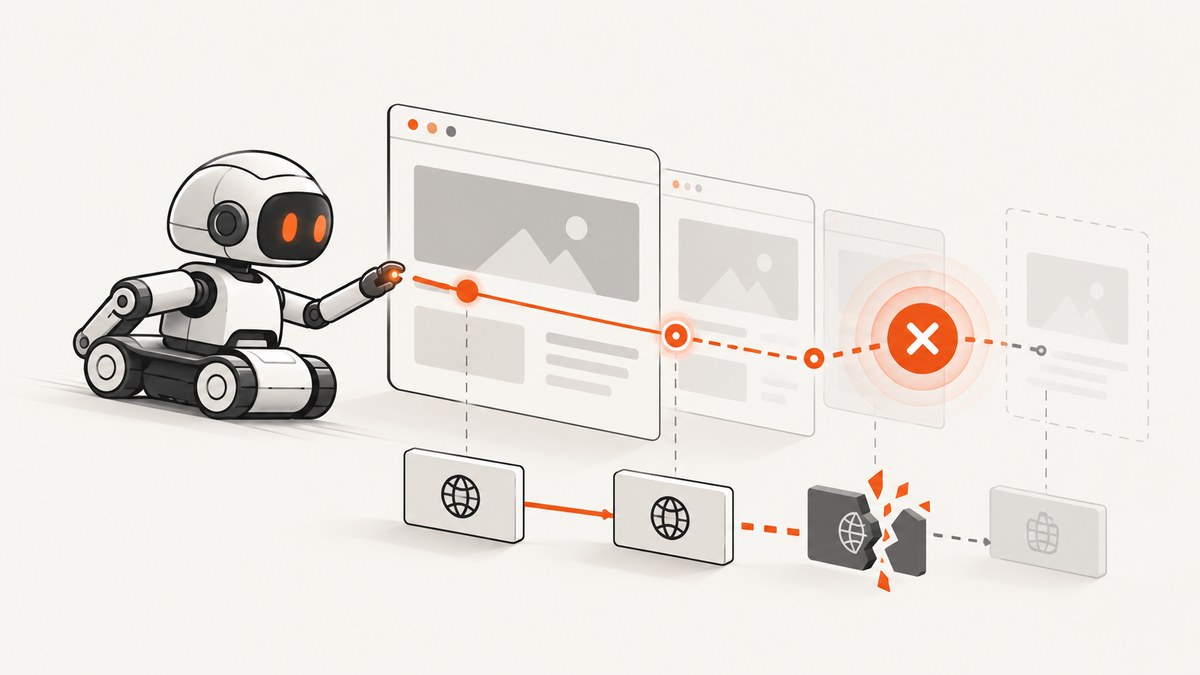
Short answer: Puppeteer’s net::ERR_ABORTED means Chromium canceled a request or navigation. The code does not identify who canceled it or why. The reliable fix is to identify the failing operation, record the navigation and request lifecycle, then check interception handlers, competing navigations, page or browser shutdown, wait ordering, browser compatibility, and the exact error spelling.
Do not treat this error as proof of a server outage, a timeout, or one universal Puppeteer bug. Chromium’s URLRequest layer routes cancellation through DoCancel(ERR_ABORTED, ...), and navigation code reports a canceled navigation with this error. The initiating event must come from your trace and code path. See the Puppeteer page.goto documentation and Chromium navigation behavior described in the project’s API references.
1. Capture evidence before changing code
Save the complete exception and stack trace, Puppeteer version, browser version, failing method, URL, redirects, and whether the page or browser was closed. Redact credentials and sensitive query parameters. Identify whether the rejected operation is page.goto(), page.waitForNavigation(), a request event handler, a download, or another action.
const puppeteer = require('puppeteer');

(async () => {
  const browser = await puppeteer.launch({headless: true});
  const page = await browser.newPage();
  page.on('requestfailed', request => {
    console.error('requestfailed', {
      url: request.url(),
      method: request.method(),
      resourceType: request.resourceType(),
      failure: request.failure()
    });
  });
  page.on('framenavigated', frame => {
    console.log('framenavigated', frame.url());
  });
  try {
    const response = await page.goto('https://example.com', {
      waitUntil: 'domcontentloaded',
      timeout: 30000
    });
    console.log('status', response && response.status());
  } catch (error) {
    console.error({
      name: error.name,
      message: error.message,
      stack: error.stack,
      url: page.url()
    });
  } finally {
    await browser.close();
  }
})();
Do not begin with blanket retries or code that swallows every navigation exception. A retry can hide a deterministic cancellation and make the eventual failure harder to reproduce.
2. Audit request interception
If your code calls page.setRequestInterception(true), every request must reach exactly one terminal action: continue(), respond(), abort(), or completion from the browser cache. Puppeteer states: “Once request interception is enabled, every request will stall unless it’s continued, responded to or aborted; or completed using the browser cache.” See the request interception API.
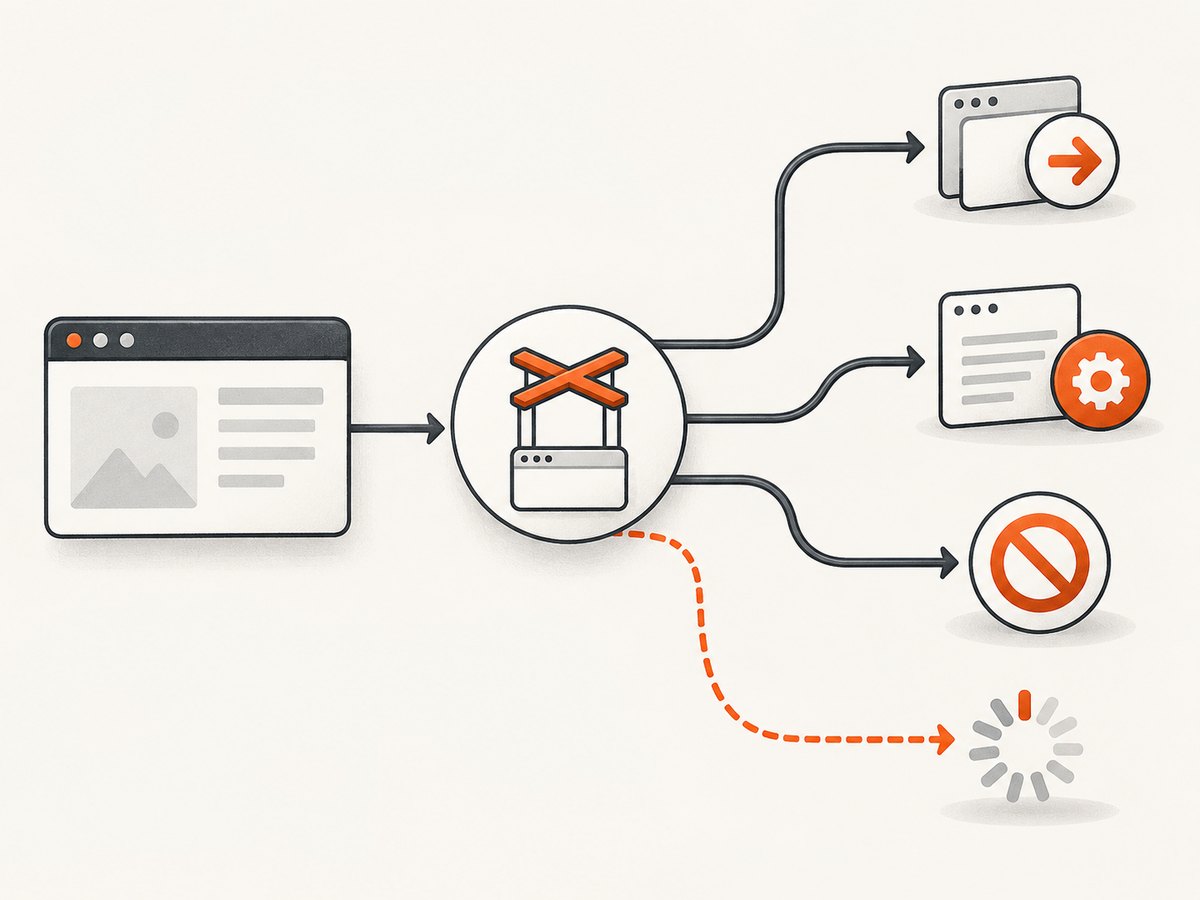
A missing branch can stall a critical document, script, stylesheet, or redirect. An overly broad abort rule can cancel the main-frame request and surface as ERR_ABORTED. Log the URL, resource type, and intended reason before deliberately aborting.
await page.setRequestInterception(true);
page.on('request', request => {
  const type = request.resourceType();
  const url = request.url();

  if (type === 'image' || type === 'font') {
    console.log('aborting optional resource', type, url);
    return request.abort();
  }

  if (url.includes('/analytics/')) {
    console.log('aborting analytics', url);
    return request.abort();
  }

  return request.continue();
});
Interception checklist
- Search for every
requestevent listener and every conditional return. - Confirm each path calls one terminal method once.
- Keep abort rules narrow; never match all scripts or all document requests accidentally.
- Do not register duplicate handlers that both try to resolve one request.
- Log redirects and the main-frame resource separately from optional assets.
3. Find competing or canceled navigation
Trace the code around the failed navigation. Common possibilities include a second goto(), a link or form action starting while the first navigation is pending, closing or replacing the page or browser, or aborting the main-frame request from an event handler. These are diagnostic possibilities inferred from cancellation semantics; the trace determines which one occurred.
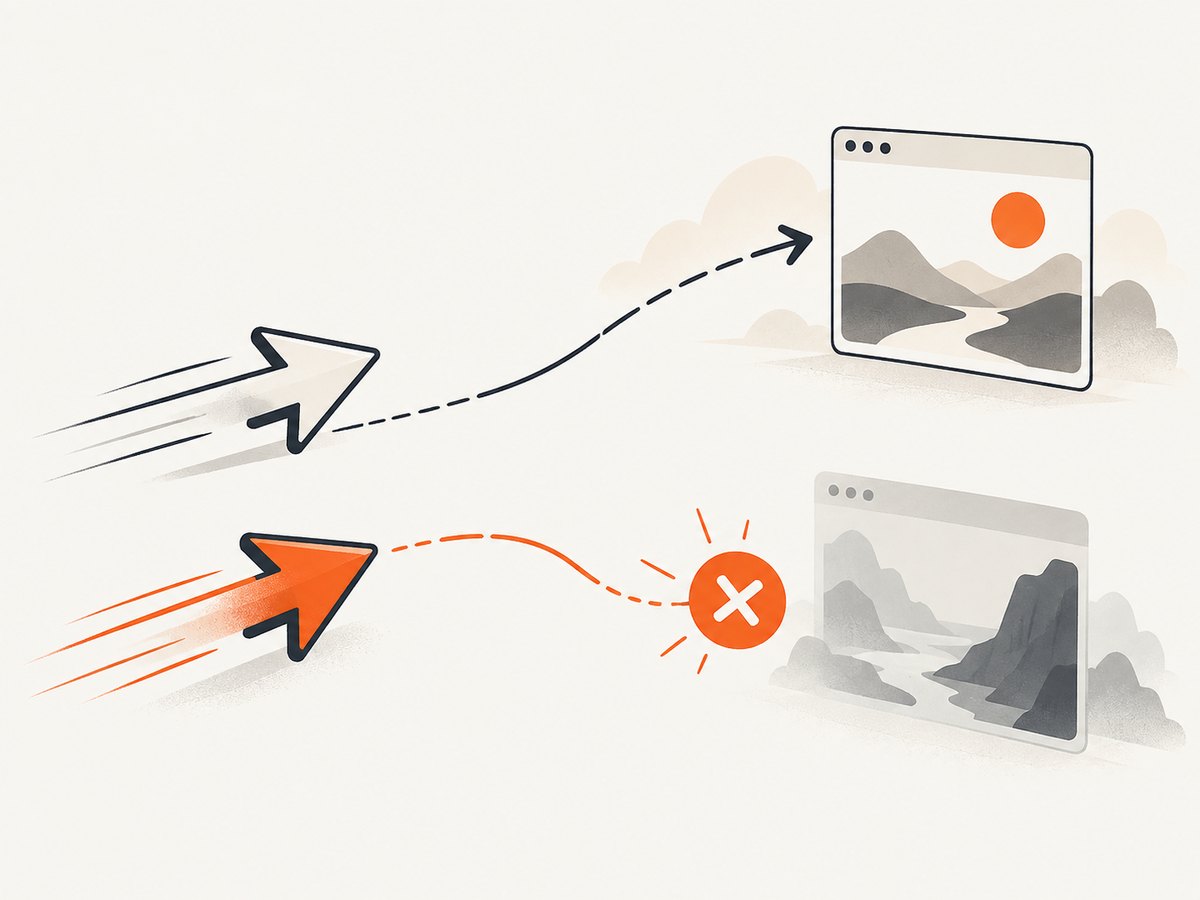
Use a small sequential reproduction and await the action that is expected to navigate. When a click triggers navigation, coordinate the click and wait together so the navigation event cannot be missed:
const navigation = page.waitForNavigation({
  waitUntil: 'domcontentloaded',
  timeout: 30000
});
await page.click('a.next');
await navigation;
console.log('arrived at', page.url());
Do not call waitForNavigation() after navigation has already completed and assume it describes the earlier action. Conversely, do not start two independent navigations unless the second is intentional and the first promise is handled.
4. Separate cancellation, timeout, and HTTP status
A timeout means Puppeteer waited longer than its configured limit. ERR_ABORTED means Chromium reported cancellation. Puppeteer exposes default navigation and general timeout controls plus per-operation options. Increase a timeout only when logs show a slow page or a genuine timeout.
page.setDefaultNavigationTimeout(60000);
page.setDefaultTimeout(30000);
await page.goto('https://example.com', {
  waitUntil: 'networkidle2',
  timeout: 60000
});
Changing networkidle2 to domcontentloaded can avoid waiting on long-lived analytics or WebSocket activity, but it does not repair a canceled request. Choose the wait condition that matches the page state your script needs.
A fulfilled navigation promise also does not guarantee HTTP 200. Puppeteer’s page API notes that valid HTTP statuses such as 404 and 500 do not necessarily reject goto(). Inspect the response when status matters:
const response = await page.goto('https://example.com/missing', {
  waitUntil: 'domcontentloaded'
});
if (!response || response.status() >= 400) {
  throw new Error(`unexpected HTTP status: ${response && response.status()}`);
}
5. Verify the browser executable and version
Puppeteer normally downloads and launches a specific Chrome version. A custom installation selected with executablePath is a deliberate compatibility choice. Print the executable path and browser version before attributing the error to network connectivity.
const browser = await puppeteer.launch({
  headless: true,
  // Set this only when you intentionally manage a compatible browser.
  // executablePath: '/usr/bin/google-chrome'
});
console.log('browser version:', await browser.version());
Compare the installed Puppeteer release with the browser actually launched. Remove accidental ambiguity from CI images, system packages, and environment variables. Reproduce with Puppeteer’s downloaded browser first, then evaluate a custom executable if required.
6. Check the target type and URL scheme
Special targets can produce misleading diagnoses. Puppeteer’s page documentation warns that headless shell does not support navigation to PDF documents. If the target is a PDF, use a supported full Chrome path or download the file through an HTTP client designed for that workflow.
Check the exact spelling of the error. net::ERR_BLOCKED_BY_CLIENT is different from net::ERR_ABORTED. Puppeteer documents an HTTPS-first case where a remote http:// navigation can produce ERR_BLOCKED_BY_CLIENT; its narrow workaround is launching Chrome with --disable-features=HttpsFirstBalancedModeAutoEnable. Do not apply that flag as a general fix for ERR_ABORTED.
7. A complete minimal diagnostic script
This script records request failures, navigation events, response status, and the final exception while keeping actions sequential.
const puppeteer = require('puppeteer');

async function main() {
  const target = process.argv[2] || 'https://example.com';
  const browser = await puppeteer.launch({headless: true});
  const page = await browser.newPage();

  page.on('requestfailed', request => {
    console.error('FAILED', request.resourceType(), request.url(), request.failure());
  });
  page.on('request', request => {
    if (request.isNavigationRequest() && request.frame() === page.mainFrame()) {
      console.log('NAVIGATION REQUEST', request.url());
    }
  });
  page.on('framenavigated', frame => console.log('NAVIGATED', frame.url()));

  try {
    const response = await page.goto(target, {
      waitUntil: 'domcontentloaded',
      timeout: 30000
    });
    console.log('RESULT', {
      finalUrl: page.url(),
      status: response && response.status()
    });
  } finally {
    await browser.close();
  }
}

main().catch(error => {
  console.error(error.stack || error);
  process.exitCode = 1;
});
8. Troubleshooting table
| Evidence | Likely branch to inspect | Fix |
|---|---|---|
| Failure occurs only with interception enabled | Unresolved request or broad abort rule | Make every branch continue, respond, or abort exactly once; narrow filters. |
| Two navigation URLs appear close together | Competing goto(), click, or redirect handling |
Serialize actions and pair the navigation wait with the action that triggers it. |
| Page closes before rejection | Lifecycle cleanup or context replacement | Await work before closing; avoid reusing a closed page. |
| Error is actually a timeout | Wait condition or slow dependency | Measure the slow phase, then adjust the relevant timeout or wait condition. |
| Target is a PDF in headless shell | Unsupported navigation target | Use full Chrome or a direct download workflow. |
Error is ERR_BLOCKED_BY_CLIENT on remote HTTP |
HTTPS-first browser behavior | Follow Puppeteer’s documented narrow flag workaround; do not call it an aborted navigation. |
| Only custom Chrome fails | Executable/version mismatch | Print browser.version(), test the bundled browser, and choose a compatible executable deliberately. |
9. Performance, reliability, and cost considerations
For a local Puppeteer service, interception can reduce bandwidth by blocking optional images, fonts, trackers, or ads, but every rule increases the chance of canceling a required dependency. Prefer measured, resource-type-specific rules and keep the main document, scripts, and API calls available.
Use domcontentloaded when you only need the initial document, and use networkidle2 when the page’s useful state depends on additional requests. Avoid arbitrary sleeps; wait for a selector or a known application event. Reuse a browser process when safe, but create isolated pages or contexts for concurrent jobs and close them deterministically.
Retries are appropriate only for transient evidence such as a network reset or known upstream instability. A retry loop around every ERR_ABORTED can multiply load and hide a deterministic interception or lifecycle bug. Record the URL, attempt number, browser version, and cancellation stage so failures remain explainable.
Or skip the browser setup
If your goal is a reliable website screenshot rather than browser debugging, ScreenshotNeo provides a single GET request that returns PNG, JPEG, WebP, or PDF. It handles the browser lifecycle for you and exposes the result through response headers.
See the ScreenshotNeo API documentation for all options. A minimal request is:
curl -G "https://api.screenshotneo.com/v1/shot" -d access_key=YOUR_API_KEY --data-urlencode url=https://stripe.com -o shot.webpimport requests
r = requests.get("https://api.screenshotneo.com/v1/shot", params={"access_key": "YOUR_API_KEY", "url": "https://stripe.com"}, timeout=90)
open("shot.webp", "wb").write(r.content)const q = new URLSearchParams({ access_key: 'YOUR_API_KEY', url: 'https://stripe.com' });
const res = await fetch(`https://api.screenshotneo.com/v1/shot?${q}`);ScreenshotNeo removes cookie and consent banners, newsletter popups, and chat widgets before capture. Bot checks, blank pages, timeouts, failed loads, and cache hits are not billed; each response identifies the page verdict and billing result with X-Page-Verdict and X-Billed headers. Its MCP server provides take_screenshot, get_page_info, and capture_pdf tools for Claude, Cursor, and other MCP clients.
You can also use full-page capture with lazy images loaded, CSS-selector element capture, dark mode, device presets or custom viewports, retina scale, PDF paper and margin settings, custom CSS and JavaScript, clicks, selector or network-idle waits, request blocking, headers, cookies, user agents, authorization, timezone, geolocation, transparent backgrounds, resizing, chosen cache TTLs, signed image links, asynchronous jobs with signed webhooks, bulk capture for up to 100 URLs per call, usage reporting, and an OpenAPI specification.
There is a free allowance of 1,000 screenshots per month with no card. Paid plans start at $5 for 3,000 shots; yearly billing gives two months free. Create a free ScreenshotNeo account to try it.
FAQ
Does ERR_ABORTED always mean the website is down?
No. It means Chromium canceled the request or navigation. The canceling code path may be your interception handler, another navigation, page shutdown, or browser behavior.
Should I increase the timeout?
Only when the observed error is a timeout or the page is demonstrably slow. A larger timeout does not repair cancellation.
Can I ignore the error and retry?
Retry after identifying a transient cause. Do not retry every aborted navigation blindly; deterministic bugs will repeat and may create duplicate work.
Why does a 404 sometimes not throw?
HTTP status and navigation success are separate. Inspect the response status when 404 or 500 matters.
What should I check first in CI?
Log Puppeteer and browser versions, the executable path, the exact URL, and whether interception or parallel navigation is enabled.


