How to Fix Puppeteer “No Node Found for Selector” Errors in Headless Mode
Fix Puppeteer’s “No node found for selector” error with evidence, waits, stable selectors, frame handling, and reliable headless patterns.
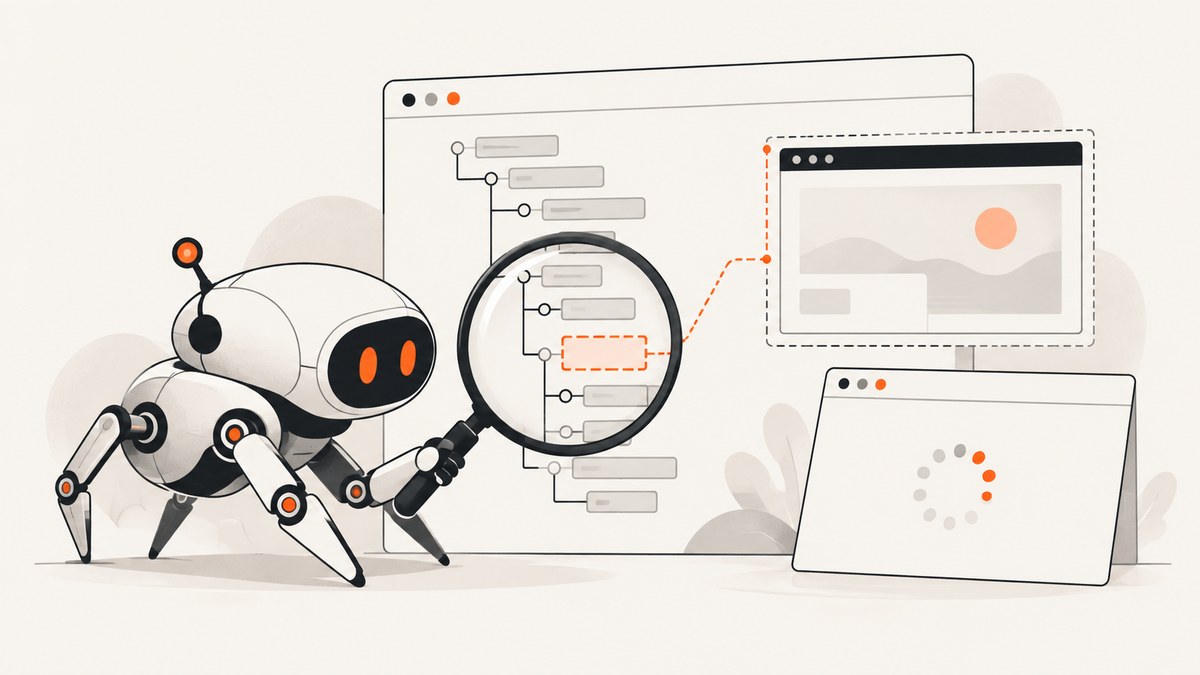
Short answer: Puppeteer throws “No node found for selector” when the document or frame it queried had no matching element at that moment. In headless mode this is usually a timing, navigation, frame, shadow DOM, selector, or page-state problem—not a special headless selector bug. Capture the failing page state, validate the selector in that run, wait for a meaningful condition, and query the correct frame or shadow root.
This guide shows a repeatable fix and complete examples for current Puppeteer.
1. Reproduce the failure with evidence
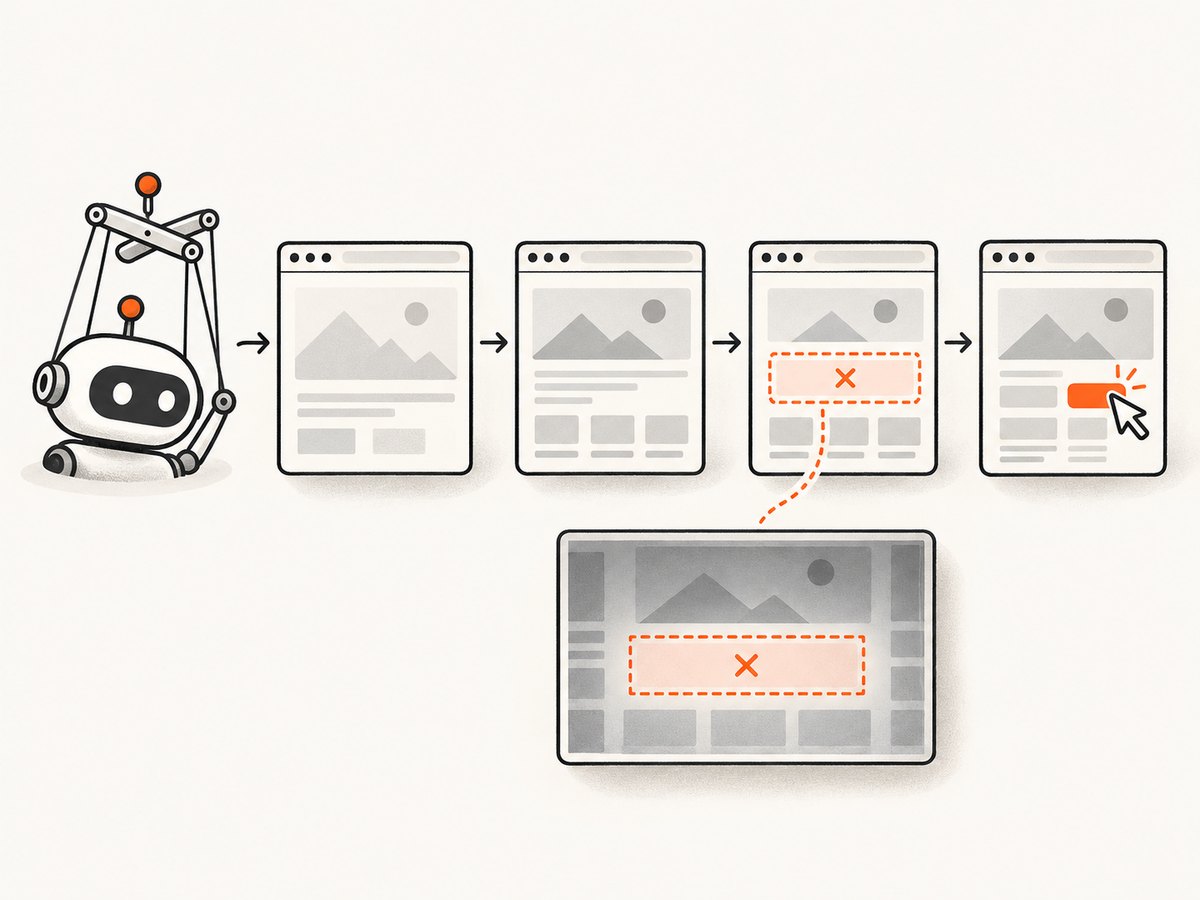
Before changing the selector, record the URL, title, HTML, screenshot, console messages, and failed requests from the same headless run. DevTools may have inspected a different URL, login state, viewport, or already-rendered DOM.
import puppeteer from 'puppeteer';

const url = 'https://example.com';
const browser = await puppeteer.launch({headless: true});
const page = await browser.newPage();
page.on('console', message => console.log('[console]', message.type(), message.text()));
page.on('requestfailed', request => console.log('[request failed]', request.url(), request.failure()?.errorText));
try {
  await page.goto(url, {waitUntil: 'domcontentloaded', timeout: 30000});
  console.log({url: page.url(), title: await page.title(), viewport: await page.viewport()});
  await page.screenshot({path: 'before-failure.png', fullPage: true});
  console.log((await page.content()).slice(0, 20000));
  await page.waitForSelector('[data-testid="submit"]', {visible: true, timeout: 10000});
} catch (error) {
  console.error(error);
} finally {
  await browser.close();
}
Use the HTML and screenshot as the source of truth. If the URL is a redirect, login wall, consent page, or error document, fix navigation or authentication before fixing selectors.
2. Wait for the element you actually need
page.waitForSelector() waits for a selector to be added to the DOM and throws when its timeout expires. It supports visibility, hidden state, timeout, and cancellation options, and continues to work across navigations. See the official API reference.
await page.goto('https://example.com/app', {waitUntil: 'domcontentloaded'});
await page.waitForSelector('[data-testid="result"]', {visible: true, timeout: 10000});
await page.click('[data-testid="result"]');
domcontentloaded means the initial HTML is parsed. networkidle0 or networkidle2 can help for pages that render after requests, but analytics or long polling may prevent them from settling. A specific selector, text, URL, response, or application-defined flag is usually more reliable than a fixed delay.
3. Use selectors that survive rendering changes
Prefer a stable ID, data-testid, accessible role/name, label, or documented application hook. Avoid generated class names, long descendant chains, and positional selectors such as div:nth-child(4) unless your markup contract guarantees them.
const submit = page.locator('[data-testid="submit"]');
await submit.click();
Puppeteer’s locator API supports CSS, text, accessibility role/name, XPath, and combinations that can cross shadow roots.
Check a selector without clicking
const selector = '[data-testid="submit"]';
console.log('matches:', await page.$$(selector).then(nodes => nodes.length));
console.log('visible:', await page.$eval(selector, el => {
  const style = getComputedStyle(el);
  const box = el.getBoundingClientRect();
  return style.visibility !== 'hidden' && style.display !== 'none' && box.width > 0 && box.height > 0;
}).catch(() => false));
4. Coordinate clicks that trigger navigation
Start the navigation wait before the click. Otherwise navigation can begin before Puppeteer attaches its listener, leaving your next query pointed at the wrong document or timing out.
await Promise.all([
  page.waitForNavigation({waitUntil: 'domcontentloaded', timeout: 30000}),
  page.click('a.next'),
]);
await page.waitForSelector('[data-testid="next-page-ready"]', {visible: true});
Never reuse an element handle from the old document after navigation. Reacquire it from page after the new page is ready. For single-page apps that do not navigate, wait for the route or result selector the app updates.
5. Query the correct iframe
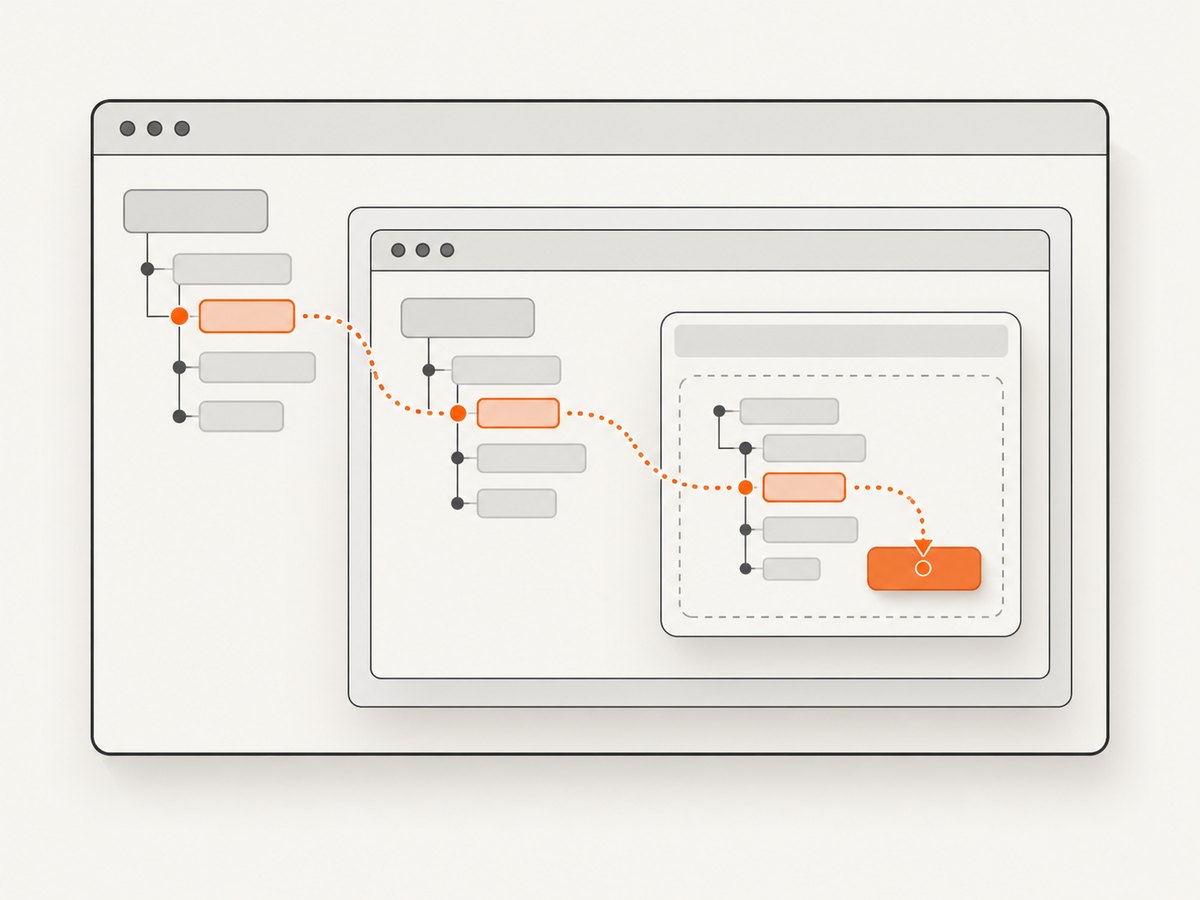
page queries the main frame only. An element visible in inspection may be inside an iframe, so find that frame and run the wait there.
await page.goto('https://example.com/checkout', {waitUntil: 'domcontentloaded'});
const frame = await page.waitForFrame(async f => f.url().includes('/payment-frame'));
await frame.waitForSelector('input[name="cardnumber"]', {visible: true, timeout: 15000});
await frame.type('input[name="cardnumber"]', '4242424242424242');
If the frame is created later, poll page.frames() with a bounded timeout or wait for the iframe element first. Cross-origin frames are still queryable through Puppeteer’s frame API, but browser security rules still apply to page JavaScript you evaluate.
6. Handle shadow DOM and web components
For open shadow roots, use a locator that supports shadow-root traversal or query the host and its shadow root explicitly. Do not assume a class visible in the light DOM exists inside the component.
const save = page.locator('settings-panel').locator('button', {hasText: 'Save'});
await save.click();
If your Puppeteer version does not support the locator combination you need, inspect the component and use an explicit evaluate chain against element.shadowRoot. Keep that code tied to a stable host and test it against the version you deploy.
7. Headless and headful runs can receive different pages
Compare viewport, user agent, cookies, authentication, locale, timezone, geolocation, and network responses. Responsive breakpoints can hide or replace controls. Bot checks, consent screens, and failed API requests can also change the DOM.
await page.setViewport({width: 1365, height: 900, deviceScaleFactor: 1});
await page.setUserAgent('your test user agent');
await page.setExtraHTTPHeaders({'Accept-Language': 'en-US,en;q=0.9'});
console.log(await page.evaluate(() => ({href: location.href, readyState: document.readyState, bodyText: document.body?.innerText.slice(0, 500)})));
Capture a failure screenshot and HTML before changing timing. That evidence tells you whether the target is absent, hidden, replaced, or blocked.
8. A complete robust script
import puppeteer from 'puppeteer';

const url = process.argv[2] ?? 'https://example.com';
const selector = process.argv[3] ?? '[data-testid="submit"]';
const browser = await puppeteer.launch({headless: true});
const page = await browser.newPage();
page.setDefaultTimeout(10000);
page.on('console', m => console.log('[browser]', m.type(), m.text()));
page.on('requestfailed', r => console.log('[requestfailed]', r.url(), r.failure()?.errorText));
try {
  await page.goto(url, {waitUntil: 'domcontentloaded', timeout: 30000});
  await page.waitForSelector(selector, {visible: true, timeout: 10000});
  await page.locator(selector).click();
  console.log('clicked', selector, 'on', page.url());
} catch (error) {
  await page.screenshot({path: 'puppeteer-failure.png', fullPage: true}).catch(() => {});
  console.error({url: page.url(), title: await page.title().catch(() => ''), selector, error});
  throw error;
} finally {
  await browser.close();
}
Run it with node script.mjs https://your-site.example '[data-testid="submit"]'. Keep the timeout bounded and fail the job after diagnostics; swallowing the exception creates false success.
9. Common errors and fixes
| Symptom | Likely cause | Fix |
|---|---|---|
| Immediate “No node found” | Selector is wrong or the query ran before rendering. | Log HTML, validate with page.$, then wait for a stable selector. |
| Works in DevTools, fails headless | Different URL, cookies, viewport, user agent, or page state. | Log URL/title, set the same context, and inspect a headless screenshot. |
| Timeout after clicking a link | Navigation wait was attached after the click. | Use Promise.all([waitForNavigation(), click()]) and reacquire handles. |
| Element is visible but still missing | Element is inside an iframe or shadow root. | Use the matching Frame or locator shadow traversal. |
| Selector matches but click fails | Hidden, covered, disabled, or moved element. | Wait for visible: true, inspect the box, scroll into view, and wait for the app’s enabled state. |
Failures after many goto() calls |
Execution contexts reset during repeated navigation; old releases also had wait-task issues. | Reproduce on a current Puppeteer/Chrome pair, close leaked pages, and coordinate every navigation wait. |
| Catching the error hides the bug | Error handling matches a fragile message or swallows all exceptions. | Catch narrowly, attach URL/HTML/screenshot diagnostics, then rethrow. |
10. Performance, reliability, and cost
- Reuse one browser process and create isolated pages or browser contexts for batches; launching Chrome for every selector is expensive.
- Use the narrowest readiness condition. Waiting for all network activity can be slower or never finish on pages with long polling.
- Set explicit navigation and selector timeouts, close pages in
finally, and limit concurrent pages to available resources. - Save diagnostic artifacts only on failure to reduce I/O. Record Puppeteer and Chrome versions so upgrades are reproducible.
- Retries help transient network failures, but retrying a deterministic selector or frame mistake only adds latency.
- Headless browser automation costs CPU and memory. If you only need a rendered screenshot, an API can remove browser setup and maintenance.
11. Or skip the browser setup
ScreenshotNeo provides a GET screenshot API and an MCP server for AI agents. Cookie banners, newsletter popups, and chat widgets are removed before the shot; bot checks, blank pages, failed loads, timeouts, and cache hits are not billed, and response headers report the page verdict and billing status.
See the ScreenshotNeo API docs for full-page capture, CSS element capture, device and viewport settings, custom CSS/JavaScript, waits, blocked resources, headers/cookies, PDFs, caching, signed links, async jobs, bulk capture, and usage data.
cURL
curl -G 'https://api.screenshotneo.com/v1/shot' -d access_key=YOUR_API_KEY --data-urlencode url=https://example.com -o shot.webpPython
import requests
r = requests.get('https://api.screenshotneo.com/v1/shot', params={'access_key': 'YOUR_API_KEY', 'url': 'https://example.com'}, timeout=90)
r.raise_for_status()
open('shot.webp', 'wb').write(r.content)
Node.js
const q = new URLSearchParams({ access_key: 'YOUR_API_KEY', url: 'https://example.com' });
const res = await fetch(`https://api.screenshotneo.com/v1/shot?${q}`);
if (!res.ok) throw new Error(`ScreenshotNeo HTTP ${res.status}`);
const fs = await import('node:fs/promises');
await fs.writeFile('shot.webp', Buffer.from(await res.arrayBuffer()));
There is a free tier of 1,000 screenshots per month with no card. Paid plans start at $5 for 3,000 shots; every feature is on every plan. Create a free ScreenshotNeo account.
12. FAQ
Is this error caused by headless mode?
Usually no. Headless changes context and timing, which can expose a selector or readiness assumption that also exists headful.
Should I increase the timeout?
Only when the page legitimately needs more time. First verify URL, selector, frame, and rendering state; a longer timeout cannot fix a wrong context.
Can I use XPath?
Yes, through Puppeteer’s locator support, but stable semantic hooks are generally easier to maintain than brittle positional XPath.
Why does a screenshot help?
It shows the exact responsive layout, consent or bot screen, and visible state that produced the failure, making timing and selector decisions evidence-based.


