How to Fix Puppeteer page.$$eval() When It Returns Unexpected Results
Diagnose empty arrays, undefined returns, timing issues, frames, Shadow DOM, and navigation races in Puppeteer page.$$eval().
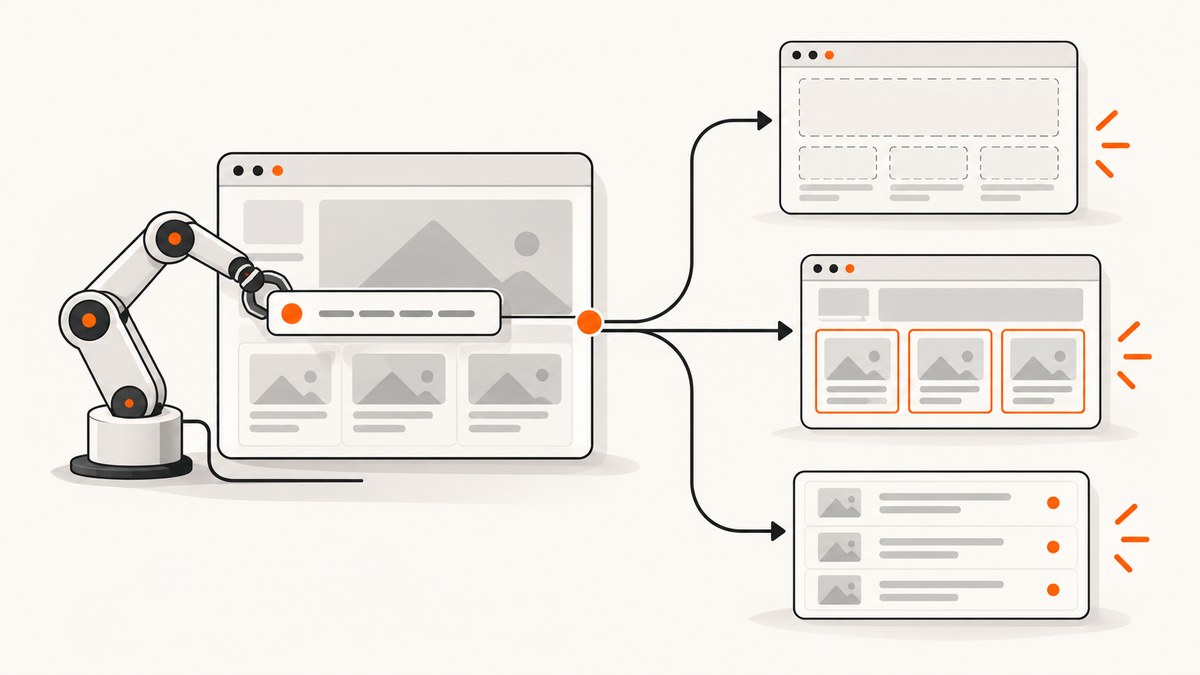
Short answer: page.$$eval(selector, pageFunction, ...args) finds every element matching the selector in the current document, passes the resulting array to your callback, and resolves to whatever the callback returns. An empty array usually means there were no matches at the moment the query ran. undefined usually means the callback did not explicitly return a value. Timing, frames, Shadow DOM, selector scope, and navigation races account for most other surprises.
The API contract is simple: the selector runs in the page context, the callback receives an array of matching elements, and a returned promise is awaited. Puppeteer’s official API documentation describes it as returning all matching elements and passing that array as the first callback argument.
1. Verify what $$eval actually received
Start with a count-only query. It separates a selector or timing problem from a transformation problem.
const count = await page.$$eval('.result', elements => elements.length);
console.log({ count });
If count is zero, inspect the selector, page state, frame, and timing. If it is positive, inspect the callback and its return value.
Correct extraction with an explicit return
const rows = await page.$$eval('.result', elements =>
  elements.map(element => element.textContent?.trim() ?? '')
);

console.log(rows);
An arrow function with an expression body returns automatically. A callback with braces requires return:
// Wrong: returns undefined
const wrong = await page.$$eval('.result', elements => {
  elements.map(element => element.textContent?.trim() ?? '');
});

// Right
const right = await page.$$eval('.result', elements => {
  return elements.map(element => element.textContent?.trim() ?? '');
});
When there are no matches, Puppeteer normally supplies []. Mapping that array correctly returns another empty array; Puppeteer does not synthesize data for elements that are not in the DOM.
2. Wait for dynamic content before extracting
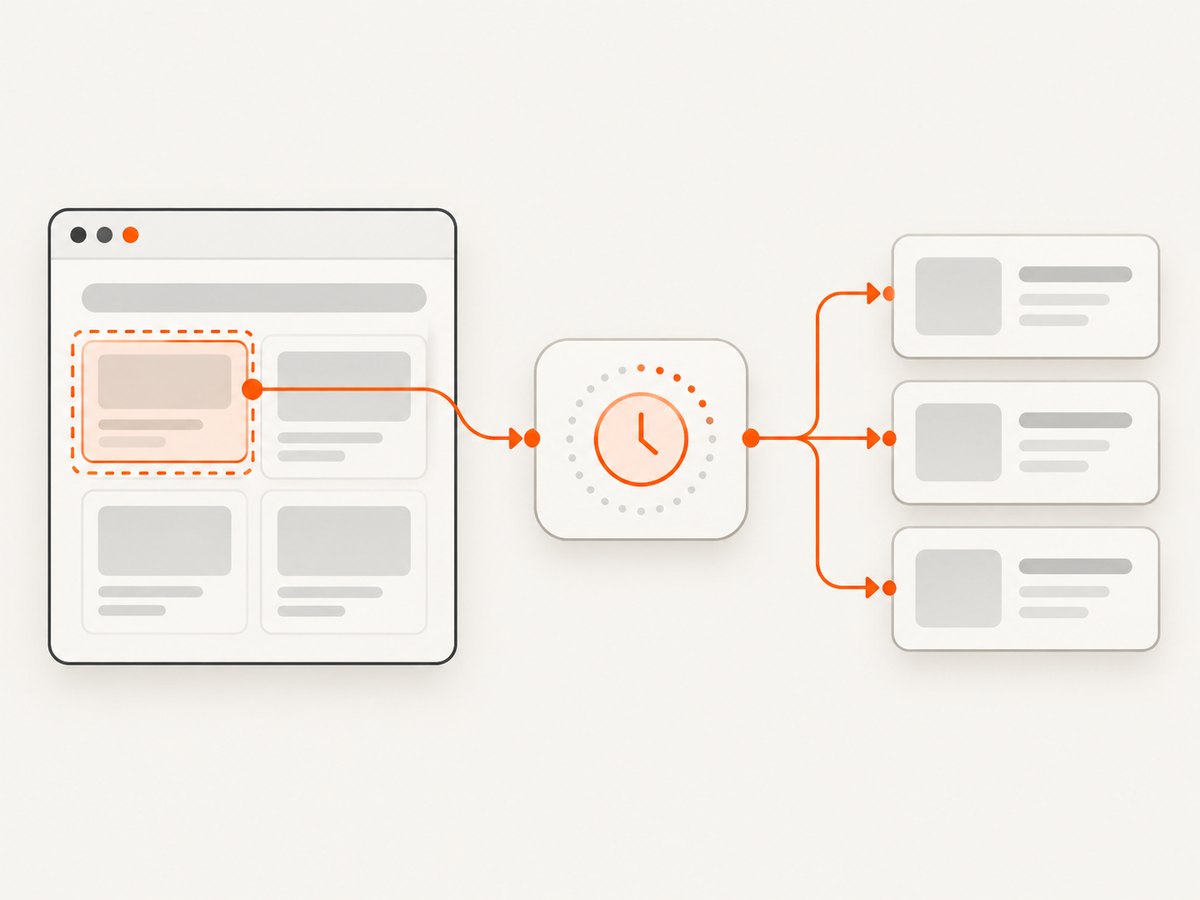
Navigation completion only tells you that the navigation lifecycle reached the state you requested. Client-side JavaScript may still be rendering the list you need. Wait for the actual element or condition that makes extraction valid.
await page.goto('https://example.com/results', {
  waitUntil: 'domcontentloaded',
});

await page.waitForSelector('.result');

const rows = await page.$$eval('.result', elements =>
  elements.map(element => element.textContent?.trim() ?? '')
);
Puppeteer’s current guide recommends locators for selection and interaction because they wait for presence and the required state. waitForSelector() remains useful as a lower-level synchronization point, but it does not automatically retry a later action that you perform after it.
Wait for a meaningful condition
A selector can exist before its contents are useful. For example, a table may be inserted immediately and populated later. Wait for a row count, a loading marker to disappear, or a specific text value.
await page.waitForFunction(() => {
  const rows = document.querySelectorAll('.result');
  const loading = document.querySelector('.loading');
  return rows.length > 0 && !loading;
});

const data = await page.$$eval('.result', elements =>
  elements.map(element => ({
    title: element.querySelector('.title')?.textContent?.trim() ?? '',
    href: element.querySelector('a')?.href ?? null,
  }))
);
Use a timeout appropriate to the page and fail with a useful message rather than silently extracting an empty result.
try {
  await page.waitForSelector('.result', { timeout: 15_000 });
} catch (error) {
  throw new Error(`Results did not render: ${error.message}`);
}
3. Check selector syntax and scope
By default, $$eval accepts CSS selectors. Confirm that the selector matches the rendered DOM, not the source HTML you viewed before scripts ran. Watch for:
- Class names generated differently on each build.
- Missing dots, hashes, brackets, or quotation marks.
- Whitespace and case differences in attribute selectors.
- Elements hidden behind a modal, consent dialog, or alternate state.
- A selector that matches a parent when you intended a child.
Inspect the live DOM from the same page context:
const debug = await page.evaluate(() => ({
  url: location.href,
  title: document.title,
  readyState: document.readyState,
  resultCount: document.querySelectorAll('.result').length,
  sample: document.querySelector('.result')?.outerHTML.slice(0, 500) ?? null,
}));

console.dir(debug);
Shadow DOM
Plain CSS queries do not cross Shadow DOM boundaries. If the target is inside an open shadow root, query from that root or use Puppeteer’s documented deep selector syntax where supported. For a known component:
const labels = await page.evaluate(() => {
  const host = document.querySelector('my-list');
  const root = host?.shadowRoot;
  return root
    ? [...root.querySelectorAll('.result')].map(el => el.textContent?.trim() ?? '')
    : [];
});
Closed shadow roots cannot be queried from page JavaScript. In that case, use an exposed component API, an accessible interaction, or data from the network response that populated the component.
Frames and iframes
A query on page only sees the main document. Content inside an iframe belongs to that frame’s document.
const frame = page.frames().find(f => f.url().includes('/embedded-results'));
if (!frame) throw new Error('Results frame was not found');

await frame.waitForSelector('.result');
const rows = await frame.$$eval('.result', elements =>
  elements.map(element => element.textContent?.trim() ?? '')
);
For cross-origin frames, browser security still applies. Puppeteer can automate the frame it controls, but page code cannot freely read another origin’s DOM through ordinary JavaScript.
4. Pass Node.js values through arguments
The callback runs in the browser, not in Node.js. Variables in the Node closure are not automatically available. Pass serializable values after the callback.
const prefix = 'item:';
const values = await page.$$eval(
  '.result',
  (elements, prefix) =>
    elements.map(element => `${prefix}${element.textContent?.trim() ?? ''}`),
  prefix,
);
Arguments must be serializable by Puppeteer’s transport. Pass strings, numbers, booleans, arrays, and plain objects. Do not pass a Node handle where a primitive is expected; use an element handle or evaluate in the appropriate context instead.
5. Coordinate clicks with navigation
If a click triggers navigation, starting waitForNavigation() only after the click creates a race: the navigation can begin before the wait is installed. Start both promises together.
const [response] = await Promise.all([
  page.waitForNavigation({ waitUntil: 'domcontentloaded' }),
  page.click('a.next'),
]);

if (!response) throw new Error('Navigation did not produce a response');

await page.waitForSelector('.result');
const values = await page.$$eval('.result', elements =>
  elements.map(element => element.textContent?.trim() ?? '')
);
For single-page applications, a click may update the URL or DOM without a full navigation. In that case wait for the route-specific element, a response, or a state change instead of waiting for navigation.
6. Choose the right Puppeteer API
| Need | Recommended approach | Reason |
|---|---|---|
| Transform every current match | $$eval |
One page-context callback receives the complete array. |
| Interact with an element | Locator | Locators wait for presence and usable state. |
| Read broad page state | evaluate |
Useful when logic spans multiple selectors or browser APIs. |
| Reuse a specific element | Element handle | Separates selection from later operations. |
| Query an iframe | Frame methods | The iframe has a separate document. |
$$eval is a lower-level query-and-transform method. It does not wait for a selector, scroll a virtualized list, click through a consent dialog, or fetch data that has not reached the DOM. Puppeteer’s page interaction guide covers locators, waiting, selector types, and Shadow DOM behavior.
7. TypeScript and element-type issues
TypeScript commonly infers the callback input as Element[]. Runtime emptiness and a compile-time property error are separate problems. Narrow the element type before using subtype-specific properties.
const values = await page.$$eval('input[name="email"]', (elements) =>
  elements.map(element => (element as HTMLInputElement).value)
);
Prefer a selector that guarantees the intended element type, and still handle missing descendants with optional chaining. A type assertion changes compiler checking; it does not make a missing element appear at runtime.
8. A repeatable debugging checklist
- Log the current URL and document title.
- Run a count-only
$$eval. - Print one matching element’s
outerHTML. - Confirm the query runs after the relevant render or route change.
- Check whether the target is inside an iframe or shadow root.
- Verify that the callback explicitly returns the mapped value.
- Pass Node-side inputs through extra arguments.
- Coordinate click and navigation promises with
Promise.all. - Check whether virtualization means only visible rows exist in the DOM.
- Capture a screenshot or HTML snapshot at the failure point.
9. Common errors and fixes
| Symptom | Likely cause | Fix |
|---|---|---|
[] |
No matches at query time | Check selector, wait for rendering, and query the correct frame or shadow root. |
undefined |
Callback has braces but no return | Add return or use an expression-bodied arrow function. |
| Expected text is blank | Text is rendered later or stored in an attribute | Wait for content and inspect textContent, innerText, or the relevant attribute. |
| Works locally, fails in CI | Different viewport, user agent, timing, or authentication state | Log environment details and wait on a deterministic condition. |
| Selector works on page, not iframe | Wrong document context | Find the frame and call its selector methods. |
| Click result is from the previous page | Navigation wait race | Start click and navigation wait together. |
| Rows are missing from a long list | Virtualized rendering | Scroll and collect incrementally, use an export endpoint, or inspect the network response. |
| Callback throws “is not a function” | Using a Node-only API in page context | Move the operation to Node or use browser APIs inside the callback. |
10. Performance, reliability, and cost considerations
$$eval transfers the callback result back to Node. Returning a small array of strings or records is efficient; returning large subtrees, HTML blobs, or duplicated data increases serialization time and memory use. Select only the fields you need.
For very large result sets, process in pages or batches. Avoid repeatedly calling $$eval inside a loop when one callback can map all current matches. If the page uses infinite scroll, define a stopping condition and deduplicate records by a stable identifier.
Reliability improves when waits describe application state rather than arbitrary delays. A short fixed delay can race a slow page; a long delay wastes time on a fast page. Use response waits, locator waits, or a predicate tied to the rendered result.
Capture diagnostics on failure: URL, selector, count, screenshot, console errors, and relevant network failures. Redact credentials and personal data before storing logs.
11. Or skip the browser setup
If your goal is a clean image or PDF of a page rather than DOM extraction, ScreenshotNeo provides a single screenshot API request. It accepts the consent banner like a visitor and removes more than 60 known consent platforms, newsletter popups, and chat widgets before capture. Bot checks, blank pages, timeouts, failed loads, and cache hits are not billed, and response headers report the page verdict and billing status.

See the ScreenshotNeo API documentation for all options, including full-page capture, element selectors, device presets, custom CSS and JavaScript, waits, request blocking, cookies and headers, dark mode, PDFs, caching, signed links, asynchronous jobs, bulk capture, and usage reporting.
cURL
curl -G "https://api.screenshotneo.com/v1/shot" \
  -d access_key=YOUR_API_KEY \
  --data-urlencode url=https://stripe.com \
  -o shot.webp
Python
import requests

r = requests.get(
    "https://api.screenshotneo.com/v1/shot",
    params={"access_key": "YOUR_API_KEY", "url": "https://stripe.com"},
    timeout=90,
)
r.raise_for_status()
open("shot.webp", "wb").write(r.content)
Node.js
const q = new URLSearchParams({
  access_key: 'YOUR_API_KEY',
  url: 'https://stripe.com'
});
const res = await fetch(`https://api.screenshotneo.com/v1/shot?${q}`);
if (!res.ok) throw new Error(`Screenshot failed: ${res.status}`);
const image = Buffer.from(await res.arrayBuffer());
require('node:fs').writeFileSync('shot.webp', image);
ScreenshotNeo includes an MCP server with take_screenshot, get_page_info, and capture_pdf tools for Claude, Cursor, and other MCP clients. The Free plan includes 1,000 screenshots per month without a card; paid plans start at $5 for 3,000 shots. Create an account at ScreenshotNeo free sign-up.
12. FAQ
Does $$eval return element handles?
No. It returns the serialized value produced by the callback. Return strings, numbers, arrays, or plain objects rather than DOM nodes.
Why does a valid selector still return zero?
The selector may be evaluated before client rendering, in another frame, or outside a shadow root. Check count, timing, and document scope.
Should I use a fixed delay?
Use a state-based wait when possible. A delay can be a fallback for animations, but it is less reliable than waiting for the element or response that proves the page is ready.
Can $$eval read elements hidden by CSS?
Yes. It queries the DOM, not only visible pixels. Visibility matters when you need user-visible content, so inspect computed state or use a visibility-aware interaction.
What if the data never appears in the DOM?
Inspect network responses, application state, or an export endpoint. DOM extraction cannot return data that the page never renders.


