How to Fix Puppeteer PDF Headers and Footers with Browsershot
Enable Chrome’s PDF header and footer templates in Puppeteer or Browsershot, add page numbers, and troubleshoot margins, placeholders, and versions.
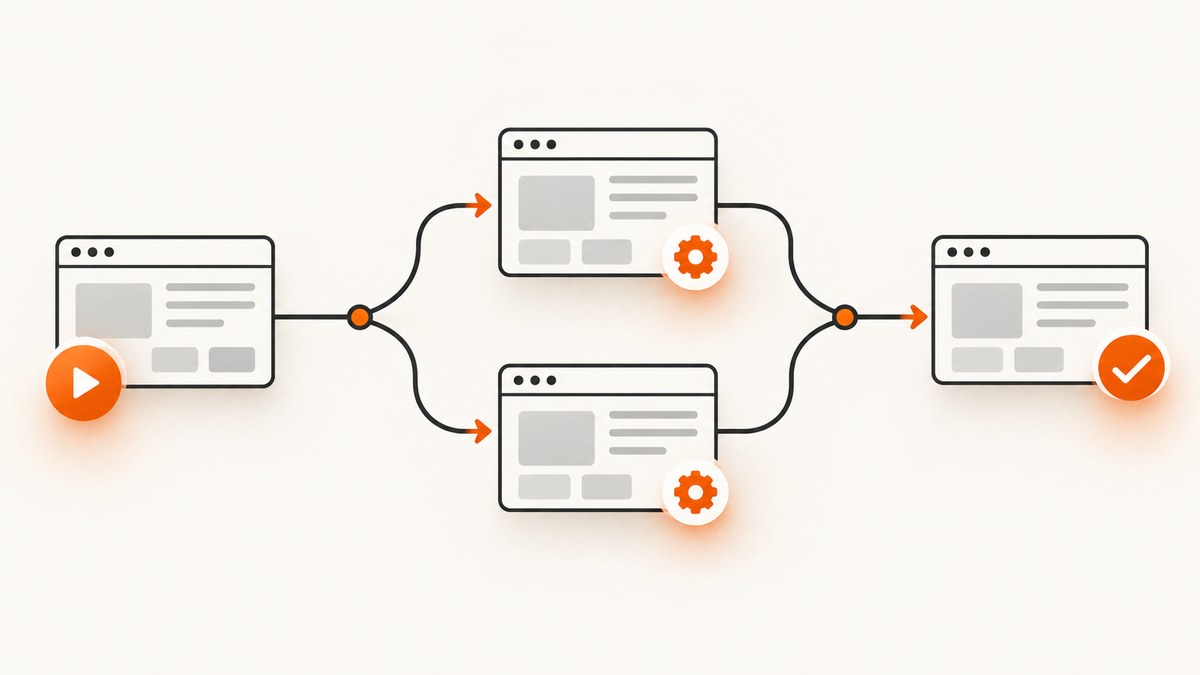
If a Puppeteer or Spatie Browsershot PDF has no header or footer, the usual cause is configuration: Chrome-generated print regions are disabled unless you turn them on. In direct Puppeteer, set displayHeaderFooter: true and provide headerTemplate and/or footerTemplate to page.pdf(). In Browsershot v4, call showBrowserHeaderAndFooter(), then pass markup with headerHtml() and footerHtml().
The two APIs configure the same Chromium feature at different layers. You also need enough top and bottom margin for the templates. This guide shows the complete configuration, page-number placeholders, margins, diagnostics, and production considerations.
1. The direct fix
Puppeteer
Use the PDF options documented in the Puppeteer PDFOptions reference:
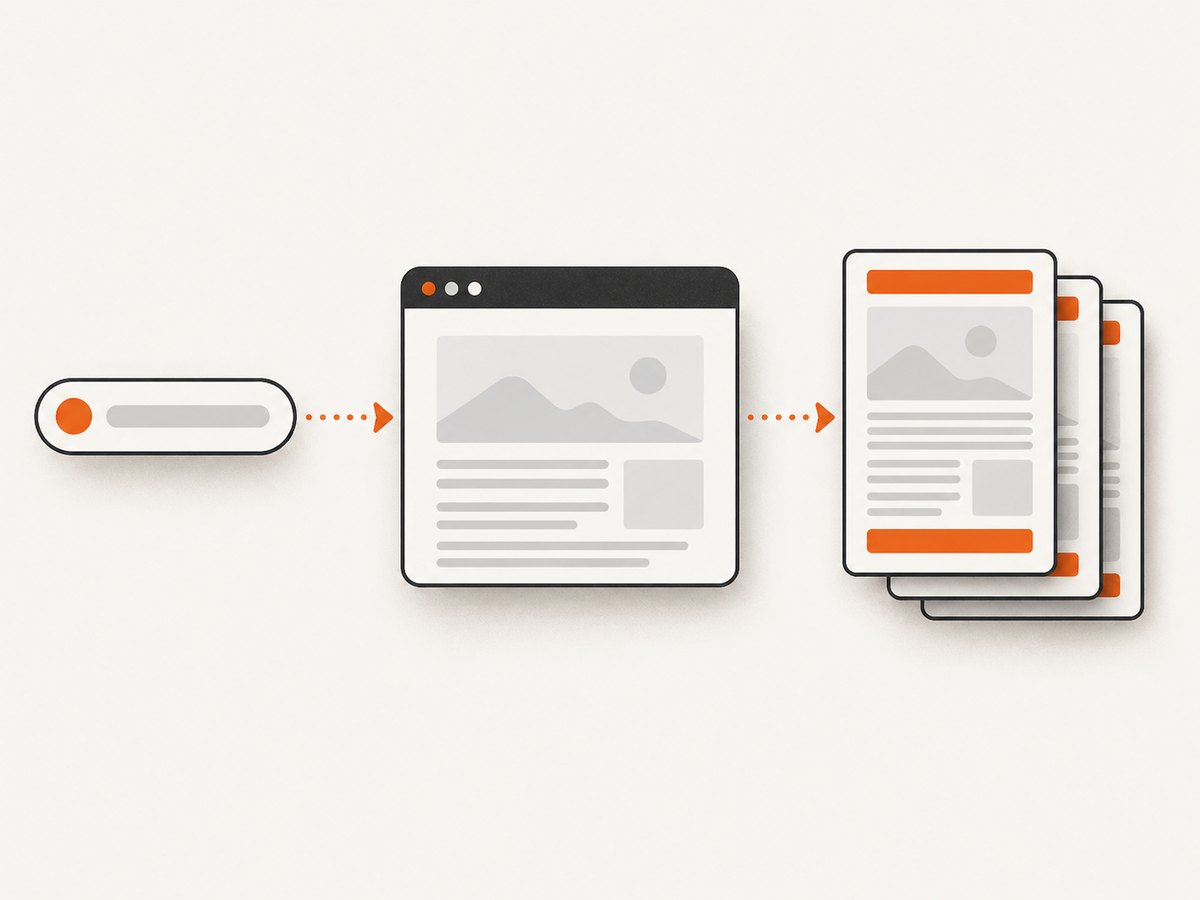
import puppeteer from 'puppeteer';

const browser = await puppeteer.launch();
const page = await browser.newPage();

await page.setContent('<main><h1>Quarterly report</h1><p>Report content</p></main>');

await page.pdf({
  path: 'report.pdf',
  format: 'A4',
  printBackground: true,
  displayHeaderFooter: true,
  headerTemplate: '<div style="font-size:9px;width:100%;text-align:center;">Quarterly report</div>',
  footerTemplate: '<div style="font-size:9px;width:100%;text-align:center;">Page <span class="pageNumber"></span> of <span class="totalPages"></span></div>',
  margin: {
    top: '60px',
    right: '40px',
    bottom: '60px',
    left: '40px'
  }
});

await browser.close();
displayHeaderFooter defaults to false. Supplying template HTML without enabling this flag does not make the regions appear.
Spatie Browsershot v4
Browsershot wraps those Puppeteer options. Its guide documents the following method names:
<?php

use Spatie\Browsershot\Browsershot;

Browsershot::html($html)
    ->showBrowserHeaderAndFooter()
    ->headerHtml('<div style="font-size:9px;text-align:center;width:100%;">Document title</div>')
    ->footerHtml('<div style="font-size:9px;text-align:center;width:100%;">Page <span class="pageNumber"></span> / <span class="totalPages"></span></div>')
    ->margins(20, 10, 20, 10)
    ->save('document.pdf');
showBrowserHeaderAndFooter() maps to displayHeaderFooter: true. headerHtml() and footerHtml() map to Puppeteer’s headerTemplate and footerTemplate. The argument order for margins() should be checked against the Browsershot version installed in your project; the example follows the v4 guide.
2. How the two configuration layers map
| Intent | Direct Puppeteer | Browsershot |
|---|---|---|
| Enable Chrome-generated regions | displayHeaderFooter: true |
showBrowserHeaderAndFooter() |
| Header markup | headerTemplate |
headerHtml() |
| Footer markup | footerTemplate |
footerHtml() |
| Page margins | margin in page.pdf() |
margins() |
| Disable both browser regions | displayHeaderFooter: false |
hideBrowserHeaderAndFooter() |
Browsershot also has hideHeader() and hideFooter(). Those methods replace one template with an empty paragraph. They are different from hideBrowserHeaderAndFooter(), which disables both browser-generated regions by setting the display option to false.
3. Header and footer template markup
Templates are small HTML fragments rendered by Chromium in the print header and footer areas. Keep them self-contained. A typical template uses an inline style, a fixed font size, and a block that spans the page width:
const headerTemplate = `
  <div style="font-size: 9px; width: 100%; padding: 0 24px; color: #555;">
    Quarterly report
  </div>`;

const footerTemplate = `
  <div style="font-size: 9px; width: 100%; padding: 0 24px; color: #555; text-align: right;">
    Page <span class="pageNumber"></span> / <span class="totalPages"></span>
  </div>`;
The Puppeteer reference documents replacement classes for the print date, document title, document URL, and current page number. The Browsershot guide also documents totalPages. The lists are not identical in the references, so verify a disputed placeholder against the documentation for your installed Puppeteer, Chromium, and Browsershot versions.
| Class | Typical use |
|---|---|
date |
Print date supplied by Chromium |
title |
Document title |
url |
Document location |
pageNumber |
Current page number |
totalPages |
Total page count, documented by Browsershot’s guide |
Do not assume that normal page CSS behaves exactly like body content CSS inside a print template. If a font, image, or external asset is essential, confirm it works with the project’s Chromium build and runtime. The supplied references do not establish a universal CSS or asset-loading recipe.
4. Margins: make physical room for the templates
Header and footer regions occupy the page margins. If the top or bottom margin is too small, content can overlap, appear clipped, or seem absent. Set explicit margins while diagnosing:

await page.pdf({
  path: 'invoice.pdf',
  format: 'Letter',
  displayHeaderFooter: true,
  headerTemplate,
  footerTemplate,
  margin: {
    top: '72px',
    bottom: '72px',
    left: '48px',
    right: '48px'
  }
});
For Browsershot, adjust the documented margin configuration:
Browsershot::html($html)
    ->showBrowserHeaderAndFooter()
    ->headerHtml($header)
    ->footerHtml($footer)
    ->margins(25, 15, 25, 15)
    ->save('invoice.pdf');
Treat margin changes as a diagnostic and layout decision, not as proof that every missing-header problem is caused by margins. First confirm that display is enabled and that the template is passed through the correct API.
5. A reliable troubleshooting sequence
- Check the display flag. In Puppeteer, look for
displayHeaderFooter: true. In Browsershot, look forshowBrowserHeaderAndFooter(). This is the most common omission because the underlying default is false. - Check the option names. Direct Puppeteer requires
headerTemplateandfooterTemplate. Browsershot requiresheaderHtml()andfooterHtml(). Passing a Browsershot method name into a raw Puppeteer object, or vice versa, has no effect. - Use a visible diagnostic template. Replace your template temporarily with
<div style="font-size:20px;color:red">HEADER</div>. This separates a rendering problem from a CSS or asset problem. - Increase top and bottom margins. Give the template room and confirm that the page format is the one you expect.
- Reduce the template. Remove external stylesheets, images, web fonts, complex positioning, and JavaScript. Add them back one at a time.
- Verify placeholders. Start with
pageNumber. IftotalPages,date,title, orurlis blank, compare your installed versions with the relevant API documentation. - Inspect the generated PDF. Check every page, not only the first. A footer can be outside the visible area on one paper size and fit on another.
- Record versions and a minimal example. The consulted Puppeteer API page shows version 25.12.0 and the Spatie documentation covers Browsershot v4. Your project may use different package versions, Chromium builds, launch flags, or wrappers.
Common symptoms and fixes
| Symptom | Likely cause | Fix |
|---|---|---|
| Neither region appears | Generated regions are disabled | Enable displayHeaderFooter or call showBrowserHeaderAndFooter(). |
| Header appears but footer does not | No footer template, empty markup, or insufficient bottom space | Pass footerTemplate/footerHtml() and increase the bottom margin. |
| Page number is blank | Incorrect class spelling or unsupported placeholder in this version | Use pageNumber exactly and verify the installed documentation. |
| Text is clipped | Template is taller than the margin | Increase the relevant margin and simplify the template. |
| Content overlaps the header | Body starts inside the reserved print area | Increase the top margin and review page CSS. |
| Changes have no effect | Wrong API layer or stale generated file | Confirm the code path that creates the PDF and write to a new output path. |
6. Production considerations
Layout and page formats
Choose the paper format and orientation before tuning margins. A template that fits A4 portrait may wrap on Letter or landscape. Keep header and footer content short, and test long document titles, translated text, and large page numbers.
Assets and fonts
Inline, simple markup is easier to diagnose than a template that depends on network requests. The researched documentation does not guarantee that arbitrary external fonts, images, or CSS work in every runtime. If an asset matters, provide a reproducible case containing the HTML, package versions, Chromium version, launch configuration, and generated output.
Repeatability
Pin compatible package and browser versions where your deployment process allows it. Capture the exact PDF options in logs during diagnosis. Differences between local Chromium and a server build can change pagination, font metrics, and available placeholders.
Performance
Headers and footers add little work compared with launching Chromium and laying out a long document. The expensive variables are browser startup, page complexity, fonts, images, and the number of pages. Reuse a browser process for multiple documents when your application architecture permits it, and avoid loading unnecessary assets in the source page.
Reliability and failure handling
Handle PDF generation errors at the job boundary. Save to a temporary path, verify that the process completed, then move the finished file into its final location. Capture stderr and the effective PDF options when a production document differs from a local reproduction. Do not claim a root cause from the title alone: without code, versions, Chromium details, and output, diagnosis remains provisional.
7. Complete cURL, Python, and Node.js examples for a hosted screenshot or PDF API
If your goal is a rendered artifact rather than maintaining a browser runtime, ScreenshotNeo provides a website screenshot API and MCP server. Its API base is https://api.screenshotneo.com/v1/shot; see the ScreenshotNeo documentation for request options.
cURL
curl -G "https://api.screenshotneo.com/v1/shot" \
  -d access_key=YOUR_API_KEY \
  --data-urlencode url=https://stripe.com \
  -o shot.webp
Python
import requests

r = requests.get(
    "https://api.screenshotneo.com/v1/shot",
    params={"access_key": "YOUR_API_KEY", "url": "https://stripe.com"},
    timeout=90,
)
r.raise_for_status()
open("shot.webp", "wb").write(r.content)
Node.js
const q = new URLSearchParams({ access_key: 'YOUR_API_KEY', url: 'https://stripe.com' });
const res = await fetch(`https://api.screenshotneo.com/v1/shot?${q}`);
if (!res.ok) throw new Error(`ScreenshotNeo request failed: ${res.status}`);
const body = Buffer.from(await res.arrayBuffer());
await import('node:fs/promises').then(fs => fs.writeFile('shot.webp', body));
8. Or skip the browser setup
ScreenshotNeo accepts the cookie or consent banner like a visitor and removes more than 60 known consent platforms, newsletter popups, and chat widgets before the capture; each cleanup step can be turned off. Bot checks, blank pages, timeouts, failed loads, and cache hits are not billed, and the response identifies the result with X-Page-Verdict and X-Billed headers. Its MCP server gives Claude, Cursor, and other MCP clients take_screenshot, get_page_info, and capture_pdf tools.
You can also use full-page capture with lazy images loaded, CSS-selector element capture, dark mode, device presets or custom viewports, retina scale, PDF paper settings and page ranges, custom CSS and JavaScript, clicks, waits, request blocking, headers, cookies, user agents, authorization, timezone, geolocation, transparent backgrounds, resizing, chosen cache TTLs, signed image links, asynchronous jobs with signed webhooks, bulk capture of up to 100 URLs per call, usage reporting, and an OpenAPI specification. Parameter names used by other screenshot APIs also work to simplify migration.
The Free plan includes 1,000 screenshots each month with no card. Paid plans start at $5 for 3,000 shots; yearly billing gives two months free, and every feature is available on every plan.
Create a free ScreenshotNeo account and try the API with 1,000 screenshots a month and no card.
9. FAQ
Why are Puppeteer headers disabled?
Chromium’s generated print header and footer regions are disabled by default. Set displayHeaderFooter: true.
Can I use normal HTML in a template?
Use an HTML fragment with simple, self-contained styling. Verify complex CSS and external assets against your installed runtime.
Which margin controls the footer?
The bottom PDF margin reserves space for the footer; the top margin reserves space for the header.
Why does Browsershot use different names?
Browsershot is a wrapper. Its methods translate to Puppeteer’s PDF options.
What information should I include in a bug report?
Include a minimal code sample, package versions, Chromium version, launch flags, PDF options, paper format, and an example of the generated output.


