How to Fix Puppeteer Property Does Not Exist on Type void | Browser
Fix Puppeteer’s “newPage does not exist on type void | Browser” error by correcting catch handling and modeling launch failures safely.
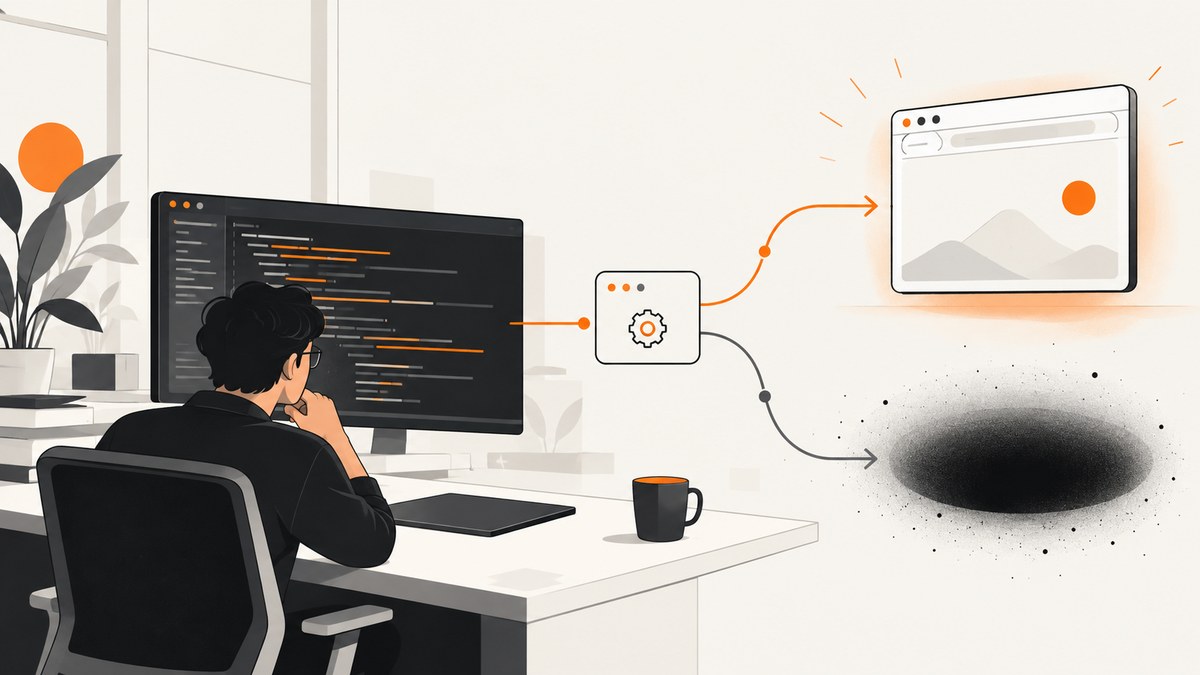
Direct answer: Puppeteer’s Property 'newPage' does not exist on type 'void | Browser' error usually comes from an error handler such as .catch((error) => console.log(error)). The logging callback returns undefined, which TypeScript represents as void. Because Promise.catch() uses the callback’s return value when the promise rejects, the awaited expression can be either a Browser or void. TypeScript therefore correctly blocks browser.newPage().
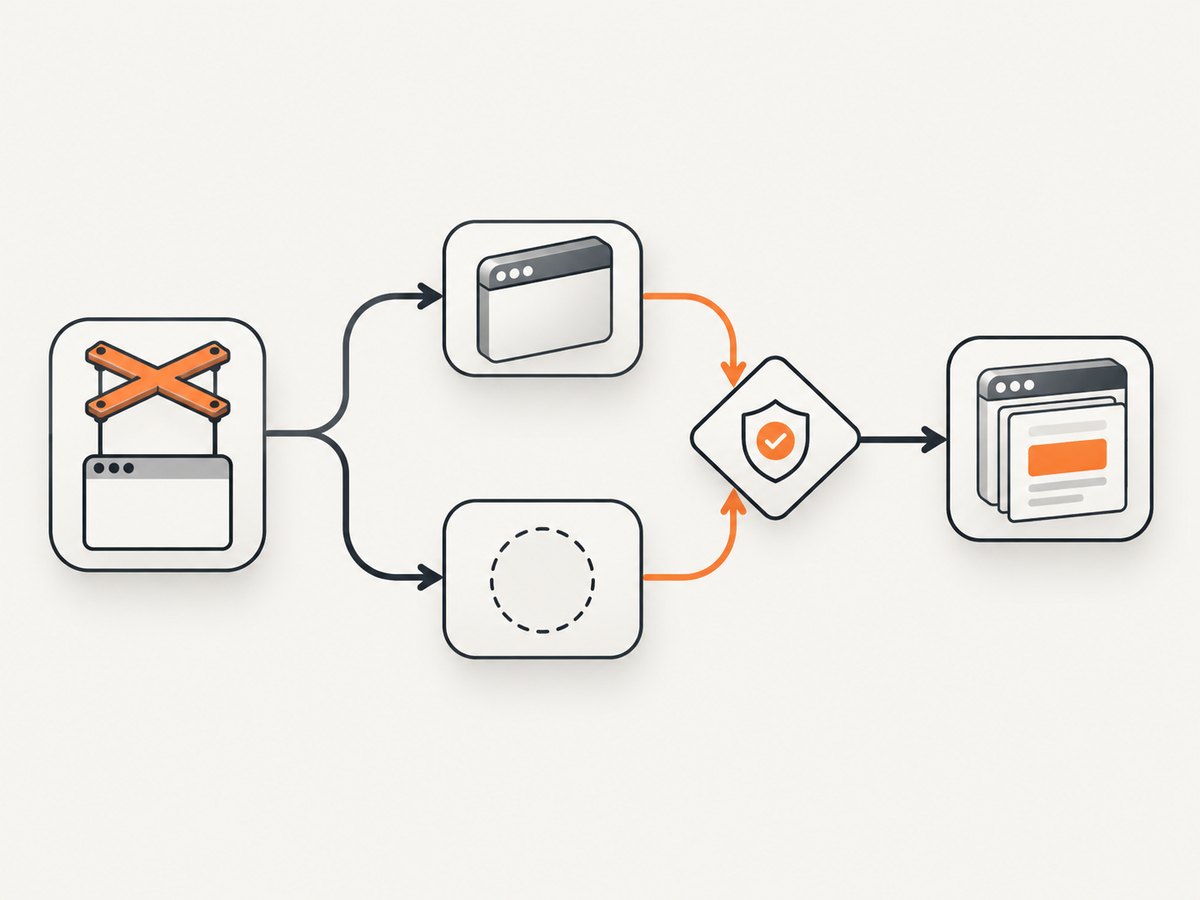
Puppeteer’s successful API contract is straightforward: puppeteer.launch() returns Promise<Browser>, and Browser.newPage() returns Promise<Page>. The union is introduced by your rejection path, not by a missing Puppeteer method. The safest fix is to decide whether a browser is required. If it is required, let launch failure reject and handle it with try/catch. If it is optional, return Browser | undefined and narrow the value before calling newPage().
Why TypeScript adds void
Consider this code:
const browser = await puppeteer.launch({ headless: false })
  .catch((error) => console.log(error));

const page = await browser.newPage();
On success, launch() fulfills with a Browser. On failure, the callback runs. console.log() is a side-effecting function that returns no useful value, so the callback has a void-like return type. A caught promise can therefore fulfill with either value:
Promise<Browser | void>After await, TypeScript sees:
Browser | voidOnly the Browser member has newPage(). The void branch has no methods, so TS2339 is the correct diagnostic. The TypeScript Handbook describes void as the absence of a value and notes that it commonly appears as the return type of functions that do not return anything. See the TypeScript Handbook’s void documentation.
Fix the required-browser case with try/catch
Most test suites, crawlers and screenshot jobs cannot continue if Chromium did not start. Make that rule explicit: launch either assigns a real browser or throws.
import puppeteer, { type Browser } from 'puppeteer';

let browser: Browser;

async function boot(): Promise<void> {
  browser = await puppeteer.launch({
    headless: false,
    // executablePath: '/path/to/chrome',
    // args: ['--no-sandbox'],
  });
}

try {
  await boot();
  const page = await browser.newPage();
  await page.goto('https://example.com', { waitUntil: 'networkidle2' });
  console.log(await page.title());
} catch (error) {
  console.error('Could not launch Puppeteer or run the test:', error);
  throw error;
} finally {
  // Close only after successful setup. See the guarded pattern below
  // if boot can fail before browser is assigned.
}
In a module or test file, prefer a local variable when possible so the compiler and readers can see the initialization boundary:
import puppeteer from 'puppeteer';

async function run(): Promise<void> {
  const browser = await puppeteer.launch();
  try {
    const page = await browser.newPage();
    await page.goto('https://example.com');
    console.log(await page.title());
  } finally {
    await browser.close();
  }
}

run().catch((error) => {
  console.error(error);
  process.exitCode = 1;
});
This pattern has two useful properties: a failed launch stops the operation immediately, and cleanup runs only after a browser exists. The official Puppeteer launch API documents the successful return as Promise<Browser>; the Browser.newPage API documents page creation.
Jest setup
Use an awaited beforeAll. Do not combine callback-style done with an async hook.
import puppeteer, { type Browser } from 'puppeteer';

describe('site checks', () => {
  let browser: Browser;

  beforeAll(async () => {
    browser = await puppeteer.launch();
  });

  afterAll(async () => {
    if (browser) {
      await browser.close();
    }
  });

  it('reads the title', async () => {
    const page = await browser.newPage();
    await page.goto('https://example.com');
    expect(await page.title()).toBeTruthy();
  });
});
If launch fails, beforeAll rejects and Jest reports setup failure at the correct location. The guard in afterAll protects cleanup if setup stopped before assignment.
Fix the optional-browser case with an explicit union
Sometimes a browser is a best-effort enhancement and the program has a meaningful fallback. Return the possibility instead of swallowing it:
import puppeteer, { type Browser } from 'puppeteer';

async function boot(): Promise<Browser | undefined> {
  try {
    return await puppeteer.launch();
  } catch (error) {
    console.error('Browser unavailable:', error);
    return undefined;
  }
}

const browser = await boot();

if (!browser) {
  console.log('Using the non-browser fallback.');
} else {
  try {
    const page = await browser.newPage();
    await page.goto('https://example.com');
  } finally {
    await browser.close();
  }
}
The narrowing check is essential. TypeScript understands that browser is a Browser inside the else branch. You can also use an early return:
const browser = await boot();
if (!browser) return;

const page = await browser.newPage();
Returning undefined does not repair the launch. It makes the missing-browser state visible so the caller can choose a fallback, skip work or fail with a useful message.
Patterns that look like fixes but are not
Logging and returning nothing
const browser = await puppeteer.launch().catch((error) => {
  console.error(error);
});
This still produces a Browser | void result. Logging is useful, but it is not a browser replacement.
Type assertions
const browser = await puppeteer.launch()
  .catch((error) => console.error(error)) as Browser;
as Browser changes only the compiler’s belief. If launch failed, the runtime value is still undefined; the next method call can fail with a less helpful TypeError.
Relaxing strictness
Disabling strict checks or changing compiler settings hides the path TypeScript is asking you to handle. It does not make Chromium launch, and it does not guarantee that newPage() exists.
Declaring a variable without proving assignment
let browser: Browser;
// A later function might run before initialization.
The annotation describes the intended value, not the execution order. Keep setup and use in the same awaited flow, or model an uninitialized state explicitly.
Launch options and lifecycle details
The type error is independent of most launch options, but launch failures can make the original problem harder to diagnose. Check these areas:
| Situation | What to check |
|---|---|
| Headless mode | Use headless: true (the default in current Puppeteer) on servers without a display. Use false only where a display is available. |
| Chromium executable | If using executablePath, verify the file exists and is executable. A failed path rejects launch; it does not produce a partial Browser. |
| Container permissions | Sandbox restrictions can prevent Chromium from starting. Address the container security configuration deliberately; do not hide the rejection with a cast. |
| Arguments | Pass only arguments required by your environment. Record the final launch options when diagnosing CI differences. |
| Cleanup | Call browser.close() in finally after successful launch. Guard cleanup if the browser variable can remain unset. |
For multiple isolated sessions, create a browser context and pages from that context after launch. The same rule applies: context APIs are available only after you have a real Browser object.
Practical debugging checklist
- Hover the complete launch expression in your editor. Confirm whether it is
Browser | voidorBrowser | undefined. - Inspect every
catch, conditional return and async helper betweenlaunch()andnewPage(). - Decide whether launch failure is fatal. For required work, rethrow. For recoverable work, return an explicit union.
- Replace callback-style setup with awaited setup, especially in Jest.
- Log the original launch error, including its stack, before propagating it.
- Only close a browser that was successfully created.
- After the type is fixed, investigate the underlying launch error: missing executable, unsupported flags, permissions, display configuration or resource limits.
Or skip the browser setup
If your goal is a clean website image rather than browser automation itself, ScreenshotNeo provides a single HTTP request. Its API accepts a URL and returns PNG, JPEG, WebP or PDF. The request below follows the ScreenshotNeo API documentation:
cURL
curl -G "https://api.screenshotneo.com/v1/shot" -d access_key=YOUR_API_KEY --data-urlencode url=https://stripe.com -o shot.webpPython
import requests

r = requests.get(
    "https://api.screenshotneo.com/v1/shot",
    params={"access_key": "YOUR_API_KEY", "url": "https://stripe.com"},
    timeout=90,
)
r.raise_for_status()
open("shot.webp", "wb").write(r.content)
Node.js
const q = new URLSearchParams({ access_key: 'YOUR_API_KEY', url: 'https://stripe.com' });
const res = await fetch(`https://api.screenshotneo.com/v1/shot?${q}`);
if (!res.ok) throw new Error(`Screenshot failed: ${res.status}`);
const buffer = Buffer.from(await res.arrayBuffer());
require('fs').writeFileSync('shot.webp', buffer);
ScreenshotNeo removes cookie and consent banners, newsletter popups and chat widgets before capture. Bot checks, blank pages, timeouts, failed loads and cache hits are not billed, and response headers identify the page verdict and whether the shot was billed. It also offers an MCP server with take_screenshot, get_page_info and capture_pdf for Claude, Cursor and other MCP clients. One thousand screenshots per month are free with no card; paid plans start at $5 for 3,000 shots. Create a free ScreenshotNeo account.
Performance, reliability and cost notes
A local Puppeteer process gives you control over browser reuse, concurrency, caching and resource blocking, but you also own Chromium installation, startup failures, memory use and cleanup. Reuse a browser for several pages when appropriate, close pages promptly, and bound concurrency so a burst does not exhaust memory. Keep navigation waits purposeful: networkidle2 can take longer on pages with persistent connections.

For a remote screenshot API, your main design choices are request timeout, retries and caching. Treat a timeout as an unknown outcome until you inspect the response; retry only idempotent captures with backoff. ScreenshotNeo exposes verdict and billing headers, so your accounting code can distinguish a clean billed capture from a failed or cache response. Its configurable cache TTL, bulk capture and asynchronous jobs can reduce repeated browser work for larger pipelines.
Troubleshooting common errors
“Property ‘newPage’ does not exist on type ‘void | Browser’”
Cause: a catch callback returns the result of logging. Fix: use try/catch and rethrow, or return Browser | undefined and narrow.
“Cannot read properties of undefined” at newPage
Cause: the error was hidden with a cast or a swallowed catch. Fix: preserve the rejection and make setup failure visible.
Jest hangs after a failed test
Cause: an unclosed browser or a setup callback that mixes done and promises. Fix: use async hooks and close the browser in afterAll.
Launch rejects in CI but works locally
Cause: different Chromium paths, permissions, display availability or launch arguments. Fix: print the actual executable path and launch error, then correct the environment. Do not convert the failure to void.
A screenshot request returns an unexpected page
For local Puppeteer, wait for the condition your page needs and verify the final URL. For ScreenshotNeo, use its selector or delay waits, custom headers, cookies, user agent, timezone, geolocation, blocking and custom JavaScript options as required.
FAQ
Does Puppeteer’s launch() really return a Browser?
On successful fulfillment, yes: the documented type is Promise<Browser>. Your promise chain can add another branch when a rejection handler returns no value.
Should I use catch at all?
Yes, when you either return a valid fallback or rethrow. A logging-only catch is the problematic form when the caller still requires a Browser.
Can I make the compiler accept the code with a non-null assertion?
You can silence a diagnostic, but you cannot create a browser at runtime. Preserve the failure and handle it deliberately.
When is Browser | undefined appropriate?
Use it only when the application has a real path that can continue without a browser. Otherwise, fail setup immediately.
Is this diagnosis tied to one Puppeteer version?
No. API versions may change, but JavaScript promise rules do not: a catch handler’s return type becomes part of the fulfillment type.


