How to Fix RuntimeError: Event Loop Is Closed in Pyppeteer
Fix Pyppeteer’s “Event loop is closed” error by controlling asyncio ownership, closing the browser in time, and adapting to notebooks and frameworks.
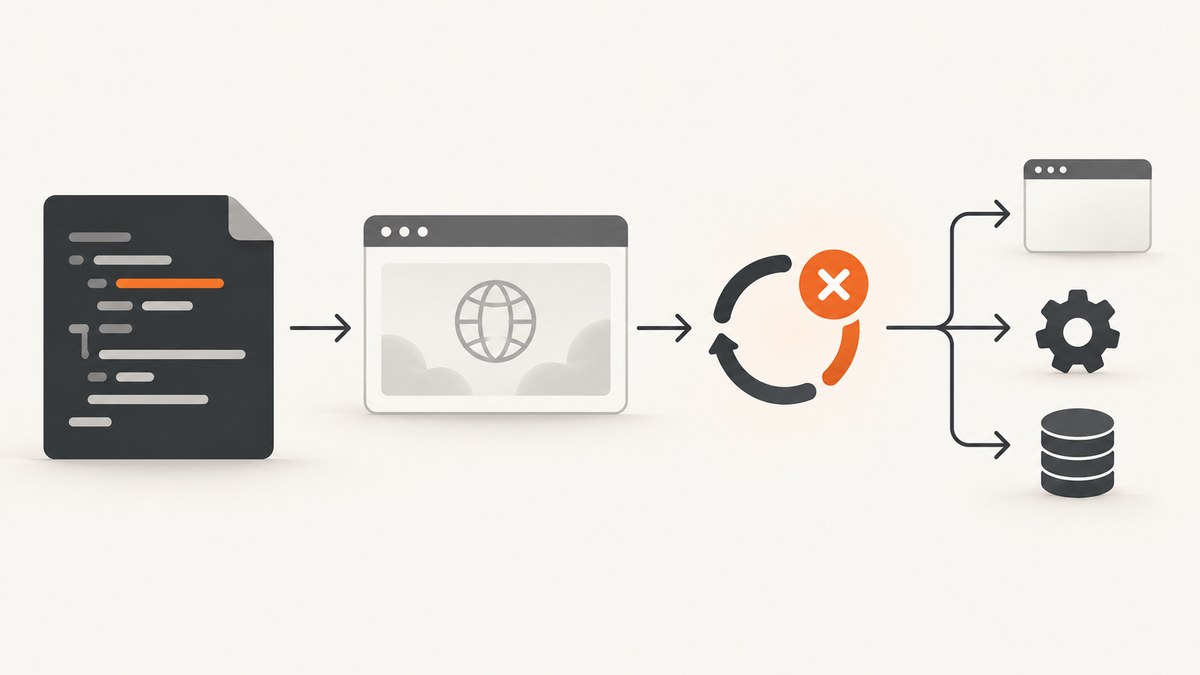
Short answer: In a standalone Pyppeteer script, put all browser work inside one asyncio.run(main()) call and await browser cleanup before main() returns. Do not let an atexit callback call run_until_complete() after that loop has closed. Python describes loop closure as irreversible: once closed, no loop methods should be called.
When the traceback points to Pyppeteer’s launcher cleanup, the browser is often being closed too late. The same exception can also come from subprocess callbacks, notebooks, frameworks, or test runners that own the loop differently, so use the first relevant traceback frame and your execution environment to choose the fix.
What the error means
An asyncio event loop schedules asynchronous tasks, callbacks, and I/O. Closing it is permanent; attempting to run a coroutine on it afterward raises RuntimeError: Event loop is closed. See the Python event-loop documentation.
A Pyppeteer-related report shows pyppeteer/launcher.py running an _close_process atexit callback. That callback calls self._loop.run_until_complete(self.killChrome()) after the loop has already been closed, followed by a “coroutine was never awaited” warning. This is evidence of one shutdown-order failure, not proof that every occurrence has the same cause. Review the reported traceback before applying a version-specific workaround.
Fix a standalone script
1. Give the application one loop owner
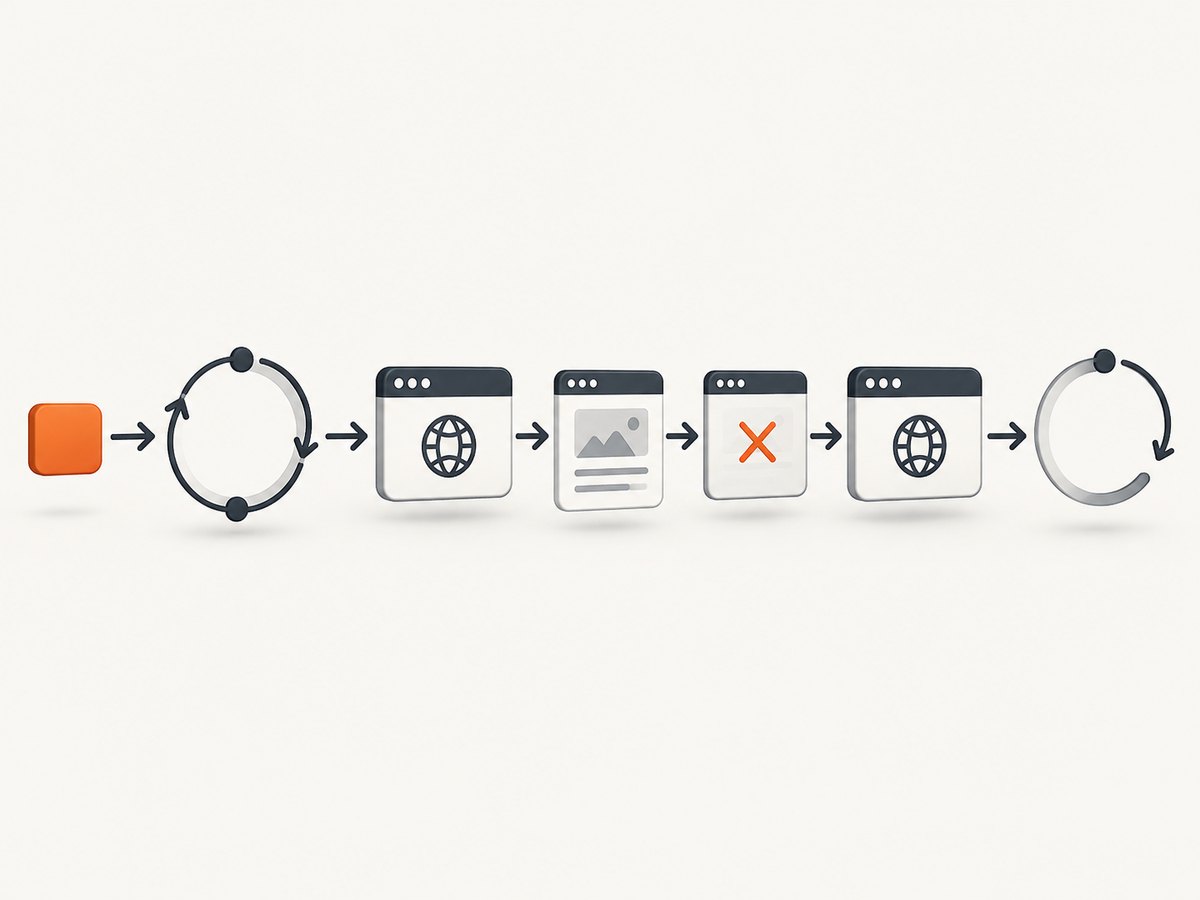
Use one top-level asyncio.run(). Keep the Pyppeteer launch, page operations, and shutdown in the coroutine it runs.
import asyncio
from pyppeteer import launch

async def main():
    browser = await launch()
    try:
        page = await browser.newPage()
        await page.goto("https://example.com")
        await page.screenshot({"path": "example.png"})
    finally:
        await browser.close()

if __name__ == "__main__":
    asyncio.run(main())
The finally block runs while the loop is still alive, so the browser’s asynchronous shutdown can finish before asyncio.run() closes its loop.
2. Keep cleanup inside the live loop
Do not retain a browser object and close it from a process-exit handler, destructor, or callback that runs after asyncio.run() returns. If you need several pages, close each page and then the browser before leaving main().
async def capture_many(urls):
    browser = await launch()
    try:
        for index, url in enumerate(urls):
            page = await browser.newPage()
            try:
                await page.goto(url, {"waitUntil": "networkidle2"})
                await page.screenshot({"path": f"shot-{index}.png", "fullPage": True})
            finally:
                await page.close()
    finally:
        await browser.close()

asyncio.run(capture_many(["https://example.com", "https://python.org"]))
Confirm the exact close behavior for the Pyppeteer version installed in your project. The lifecycle pattern is general guidance, not a guarantee across every Python, browser, and Pyppeteer combination.
What to remove from failing code
- Do not call
asyncio.get_event_loop().run_until_complete(...)afterasyncio.run()has returned. - Do not call
loop.close()on a loop owned byasyncio.run(); that API manages its loop lifecycle. - Do not register an exit callback that uses a loop-bound Pyppeteer launcher after the loop has closed.
- Do not hide the exception without checking whether the Chromium process actually stopped.
Python recommends high-level APIs such as asyncio.run() for application developers and handles asynchronous-generator and default-executor shutdown as part of that lifecycle. Read the official asyncio guidance.
Adapt the fix to your execution environment
| Environment | Who owns the loop? | Pattern |
|---|---|---|
| Standalone script | Your application | Use one asyncio.run(main()) and await browser cleanup before returning. |
| Notebook or interactive shell | The host often runs a loop | Use the notebook’s supported await mechanism. Do not create and close a second host loop. |
| Web framework | The framework server | Make the request handler async when supported and let the framework manage startup and shutdown. |
| Test runner | The fixture or runner | Use its async fixture/plugin and close the browser in fixture teardown before the loop scope ends. |
Adding a second top-level runner in a host that already owns the loop can create a different lifecycle conflict. The exact integration API depends on the framework, runner, Python version, and Pyppeteer version; check those project documents and include them when asking for help.

Notebook example
In a notebook cell that supports top-level await, call the coroutine directly instead of wrapping it in another runner:
from pyppeteer import launch

async def capture():
    browser = await launch()
    try:
        page = await browser.newPage()
        await page.goto("https://example.com")
        return await page.title()
    finally:
        await browser.close()

await capture()
If your notebook does not support top-level await, follow its documented async integration rather than forcibly closing its loop.
Diagnose the remaining failure
- Read the first relevant frame. If it names
pyppeteer/launcher.py,_close_process,killChrome(), or an atexit callback, inspect shutdown ordering first. - Record the context. Note whether this is a script, notebook, web request, worker, or test fixture.
- Record versions. Capture Python, Pyppeteer, Chromium, operating-system, and event-loop policy versions.
- Find the first loop close. Search your code and framework hooks for
loop.close(),asyncio.run(), executor shutdown, and process teardown. - Check for secondary warnings. “Coroutine was never awaited” usually means cleanup was scheduled but never completed before shutdown.
Common errors and fixes
| Symptom | Likely cause | Fix |
|---|---|---|
RuntimeError appears at interpreter exit |
Pyppeteer’s launcher atexit cleanup runs after the loop closes. | Close the browser in an awaited finally block inside main(); avoid late exit cleanup. |
coroutine was never awaited |
A shutdown coroutine was created after the loop became unusable. | Await browser and page close while the loop is live. |
Error occurs after calling asyncio.run() twice |
Code retained loop-bound objects between independent loop lifecycles. | Create and dispose Pyppeteer objects within one run, or use the host loop consistently. |
| Error only in a notebook | The notebook already owns an event loop. | Use its supported await mechanism; do not call a nested top-level runner. |
| Error only in tests | Browser lifetime exceeds the async fixture or loop scope. | Move browser closure into fixture teardown and align fixture scope with the loop. |
| Subprocess transport callback fails during shutdown | A callback arrives after loop shutdown; this is a broader asyncio timing class. | Ensure subprocess and browser cleanup complete before loop closure and inspect the full traceback. See Python issue 43884. |
Performance and reliability considerations
- Launching Chromium for every URL adds startup work. Reuse one browser inside a single live loop when processing a batch, while closing each page promptly.
- Always close pages and the browser in
finallyblocks so navigation failures do not leave processes behind. - Keep loop ownership simple. Multiple manually created loops make it harder to identify which one owns a page, launcher, or subprocess.
- Do not treat a suppressed exception as a successful capture. Verify that the output was written and that the browser process exited.
- There is no evidence that one Pyppeteer or Python release universally causes this message. Pin and upgrade versions deliberately, then reproduce with the complete traceback.
Or skip the browser setup
If your goal is a clean website image rather than managing Chromium, ScreenshotNeo provides a GET API and an MCP server. Cookie and consent banners are accepted and removed before capture, along with more than 60 known consent platforms, newsletter popups, and chat widgets. Bot checks, blank pages, timeouts, failed loads, and cache hits are not billed, and response headers report the page verdict and billing result.
See the ScreenshotNeo API documentation for the complete option list. A one-call capture looks like this:
curl -G "https://api.screenshotneo.com/v1/shot" -d access_key=YOUR_API_KEY --data-urlencode url=https://stripe.com -o shot.webpimport requests
r = requests.get("https://api.screenshotneo.com/v1/shot", params={"access_key": "YOUR_API_KEY", "url": "https://stripe.com"}, timeout=90)
open("shot.webp", "wb").write(r.content)const q = new URLSearchParams({ access_key: 'YOUR_API_KEY', url: 'https://stripe.com' });
const res = await fetch(`https://api.screenshotneo.com/v1/shot?${q}`);ScreenshotNeo supports PNG, JPEG, WebP, PDF, full-page and element captures, dark mode, device presets, custom viewports, retina scale, waits, custom CSS and JavaScript, request blocking, headers, cookies, user agents, authorization, timezone, geolocation, caching, signed links, async jobs, webhooks, bulk capture, and a usage API. Its MCP tools let Claude, Cursor, and other MCP clients take screenshots, inspect pages, and capture PDFs.
The free plan includes 1,000 screenshots per month with no card. Paid plans start at $5 for 3,000 shots, and every feature is available on every plan. Create a free ScreenshotNeo account.
FAQ
Can I reopen a closed asyncio loop?
No. Python documents closure as irreversible. Create a new lifecycle or use the loop owned by the host, and do not reuse loop-bound Pyppeteer objects.
Should I patch Pyppeteer’s atexit handler?
First fix ownership and ordering in your application. A patch may hide a shutdown problem while leaving Chromium running; use version-specific changes only after inspecting the traceback.
Does this error always mean Pyppeteer is broken?
No. The message identifies a closed loop, not a single root cause. Launcher cleanup, subprocess callbacks, and host integrations can all produce related failures.
What information should I include in a bug report?
Include the complete traceback, Python and Pyppeteer versions, operating system, browser revision, execution environment, and a minimal reproduction that shows where the loop is created and closed.


