How to Fix Pyppeteer’s Signal Error When Running in a Flask Thread
Fix Pyppeteer’s “signal only works in main thread” error in Flask with the correct launch flags, lifecycle patterns, and deployment guidance.
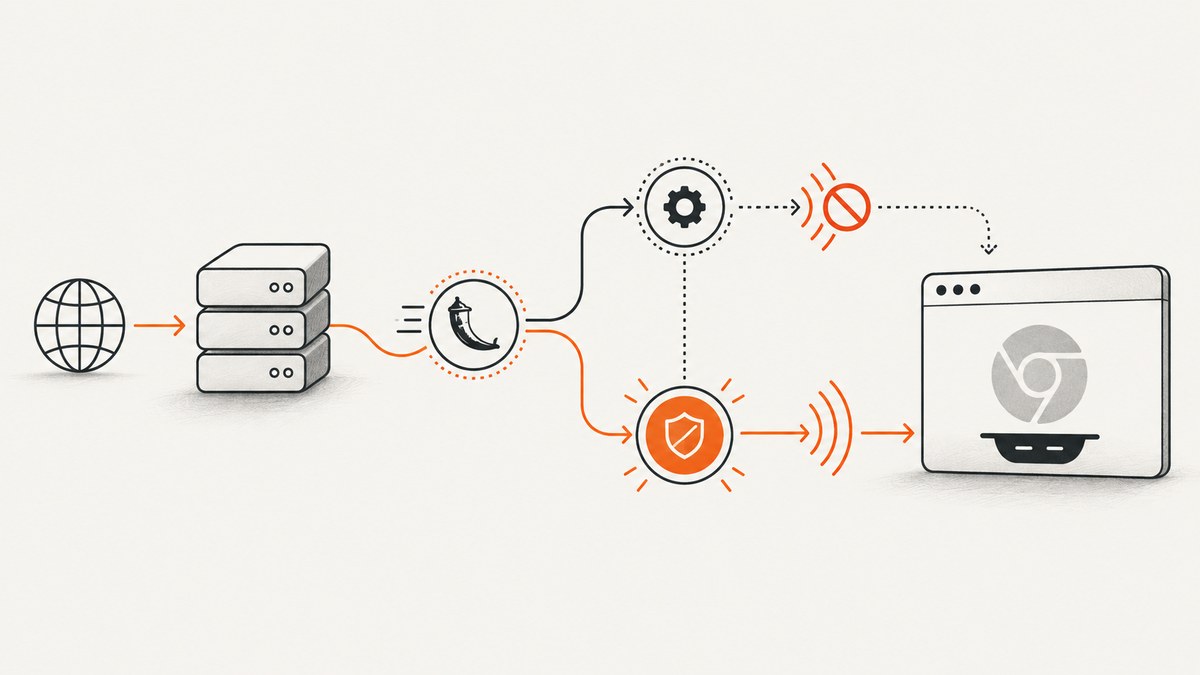
If Pyppeteer raises ValueError: signal only works in main thread from a Flask route, disable its three process-signal handlers when launching Chromium:
browser = await launch(
    handleSIGINT=False,
    handleSIGTERM=False,
    handleSIGHUP=False,
)
Pyppeteer enables those options by default. Python allows signal.signal() only in the main thread, while Flask can execute request handlers in worker threads. The browser, URL, and selector are not the cause of this exception.
Why the error happens
Pyppeteer’s normal launch path installs handlers for SIGINT, SIGTERM, and SIGHUP so it can clean up Chromium when the process exits. In Flask, a request may run in a worker thread. Flask’s async support also creates an event loop in a thread for an async request. When Pyppeteer tries to register a process signal handler there, Python raises the error before navigation starts.
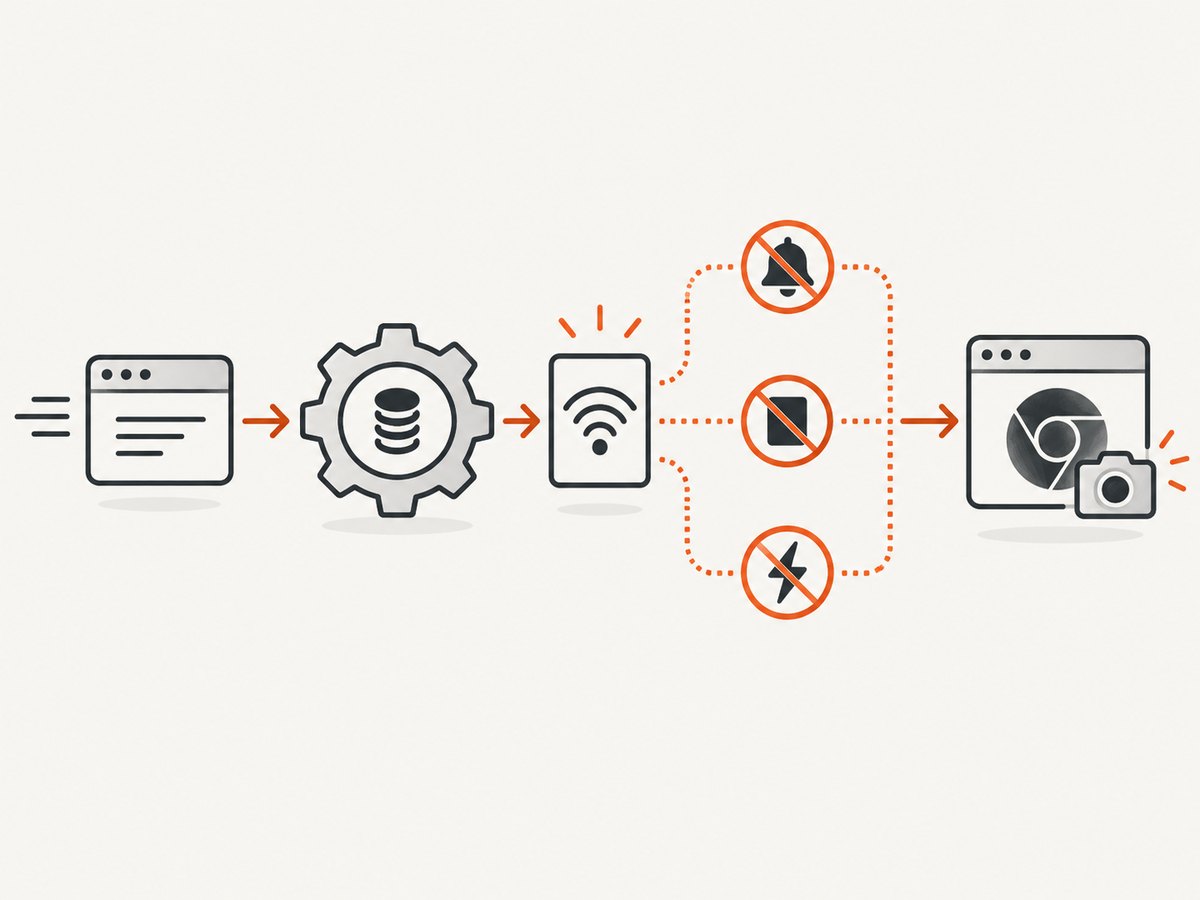
Disabling all three handlers is the important part. Disabling only one can leave another registration attempt in place.
Minimal Flask fix
Install the packages:
python -m pip install flask pyppeteerThen use a request-bound async capture and close the browser in finally:
from pathlib import Path

from flask import Flask, jsonify, request
from pyppeteer import launch

app = Flask(__name__)


async def capture(url: str, output_path: str) -> None:
    browser = await launch(
        handleSIGINT=False,
        handleSIGTERM=False,
        handleSIGHUP=False,
    )
    try:
        page = await browser.newPage()
        await page.goto(url, {"waitUntil": "networkidle2", "timeout": 30_000})
        await page.screenshot({"path": output_path, "fullPage": True})
    finally:
        await browser.close()


@app.post("/screenshot")
def screenshot():
    data = request.get_json(silent=True) or {}
    url = data.get("url")
    if not url:
        return jsonify(error="url is required"), 400

    output_path = "/tmp/page.png"
    import asyncio
    asyncio.run(capture(url, output_path))
    return jsonify(path=output_path)


if __name__ == "__main__":
    app.run(debug=True)
Send a request:
curl -X POST http://127.0.0.1:5000/screenshot \
  -H 'Content-Type: application/json' \
  -d '{"url":"https://example.com"}'
Use a unique output path in production. The fixed /tmp/page.png path is only for demonstrating the signal fix and can be overwritten by concurrent requests.
Using an async Flask route
If your Flask version and deployment support async views, await the capture directly:
from flask import Flask, jsonify, request
from pyppeteer import launch

app = Flask(__name__)


async def capture(url: str, output_path: str) -> None:
    browser = await launch(
        handleSIGINT=False,
        handleSIGTERM=False,
        handleSIGHUP=False,
    )
    try:
        page = await browser.newPage()
        await page.goto(url, {"waitUntil": "networkidle2", "timeout": 30_000})
        await page.screenshot({"path": output_path})
    finally:
        await browser.close()


@app.post("/screenshot")
async def screenshot():
    data = await request.get_json(silent=True) or {}
    url = data.get("url")
    if not url:
        return jsonify(error="url is required"), 400

    output_path = "/tmp/page.png"
    await capture(url, output_path)
    return jsonify(path=output_path)
The async route still does not make Flask a continuously running async worker. The request occupies a worker while the capture runs.
Calling Pyppeteer from a synchronous route
A synchronous route can own a short-lived event loop:
import asyncio

from flask import Flask, jsonify, request
from pyppeteer import launch

app = Flask(__name__)


async def capture(url: str, output_path: str) -> None:
    browser = await launch(
        handleSIGINT=False,
        handleSIGTERM=False,
        handleSIGHUP=False,
    )
    try:
        page = await browser.newPage()
        await page.goto(url, {"waitUntil": "networkidle2", "timeout": 30_000})
        await page.screenshot({"path": output_path})
    finally:
        await browser.close()


@app.post("/screenshot")
def screenshot():
    data = request.get_json(silent=True) or {}
    url = data.get("url")
    if not url:
        return jsonify(error="url is required"), 400

    output_path = "/tmp/page.png"
    asyncio.run(capture(url, output_path))
    return jsonify(path=output_path)
Do not call asyncio.run() from a route that already has a running event loop. In that case, make the route async and use await, or move the work to a separate worker.
Browser lifecycle and concurrency
Always close the browser
Put await browser.close() in a finally block. Navigation errors, timeouts, invalid URLs, and screenshot failures must not leave Chromium processes behind.
One browser per request
The simplest reliable pattern is one browser per capture. It is easy to reason about, but Chromium startup adds latency and memory use.
Reusing a browser
A long-lived browser can reduce startup overhead, but shared browser state introduces cleanup and concurrency problems. If you reuse one, create a new page per request, close each page in finally, limit concurrent pages, and restart the browser after repeated crashes.
Do not use unfinished Flask tasks as a job queue
Creating a task with asyncio.create_task() inside a Flask async view does not provide durable background execution. Flask can cancel unfinished tasks when the view’s event loop stops. For captures that outlive the HTTP request, enqueue a job in a task system and let a dedicated worker own the event loop and browser.
Navigation options that prevent common hangs
await page.goto(
    url,
    {
        "waitUntil": "networkidle2",
        "timeout": 30_000,
    },
)| Option | Use | Trade-off |
|---|---|---|
waitUntil: "load" |
Capture after load events finish | Fast, but late network requests may still change the page |
waitUntil: "domcontentloaded" |
Capture early HTML content | Images and client-rendered content may be missing |
waitUntil: "networkidle2" |
Wait until network activity is mostly quiet | Some applications never become idle |
timeout |
Bound navigation time | Too small a value fails slow pages |
Common errors and fixes
| Error | Cause | Fix |
|---|---|---|
ValueError: signal only works in main thread |
Pyppeteer is registering SIGINT, SIGTERM, or SIGHUP in a Flask worker thread | Pass all three handleSIG* options as False |
RuntimeError: asyncio.run() cannot be called from a running event loop |
A synchronous loop wrapper is being called from an async route | Use await capture(...) in the async route |
| Navigation timeout | The page keeps making requests or responds slowly | Choose a suitable waitUntil, increase timeout, and handle the exception |
| Chromium executable not found | The first-run browser download did not complete or a custom executable path is wrong | Install dependencies, run Pyppeteer’s browser download, or pass a valid executablePath |
| Blank or incomplete screenshot | Capture occurs before JavaScript, fonts, or lazy images finish | Wait for a selector, a short delay, or an application-specific ready signal |
| Chromium processes accumulate | The browser is not closed after exceptions | Close it in finally and monitor worker restarts |
| Requests hang under load | Too many Chromium pages or synchronous work blocks workers | Limit concurrency and move durable work to a dedicated queue |
Deployment choices
Request-bound WSGI capture
Use this for short screenshots where the client can wait for the response. Set an HTTP timeout longer than the browser timeout, reserve enough memory for Chromium, and cap simultaneous captures per worker.
Task queue worker
Use a queue when captures may take longer than a request, need retries, or arrive in bursts. The worker can own one event loop and a controlled browser pool. Return a job ID from Flask and let the client poll for completion.
ASGI service
If the application is primarily asynchronous and needs a continuously running event loop, serve Flask through an ASGI adapter or evaluate Quart, Flask’s ASGI-based reimplementation.
Pyppeteer maintenance and migration
The Pyppeteer repository describes the project as unmaintained and recommends Playwright Python. A migration is worth evaluating when you need current browser support, active maintenance, or a larger automation feature set. Compare the patched Pyppeteer route and a Playwright service across:
- maintenance status and browser version support;
- who owns the event loop;
- request-bound versus background execution;
- browser and page cleanup;
- WSGI worker versus ASGI deployment;
- retry, timeout, and concurrency controls.
Performance, reliability, and cost notes
- Chromium startup is usually the largest fixed cost of a one-browser-per-request design.
- Browser reuse improves throughput but requires isolation, page cleanup, and crash recovery.
- Set explicit navigation and overall request timeouts so a page with persistent connections cannot hold a worker forever.
- Limit concurrency based on available memory; more pages can increase CPU and memory pressure quickly.
- Use unique temporary filenames and clean them up after returning or storing the result.
- Log the target URL, elapsed time, navigation outcome, and exception type without logging credentials or sensitive page data.
- Retry only transient failures. Repeating an invalid URL or deterministic script error will not help.

Or skip the browser setup
ScreenshotNeo provides a website screenshot API and MCP server. One GET request returns a PNG, JPEG, WebP, or PDF, so your Flask app does not need to install or manage Chromium.
See the full option list in the ScreenshotNeo documentation. Basic calls:
cURL
curl -G "https://api.screenshotneo.com/v1/shot" -d access_key=YOUR_API_KEY --data-urlencode url=https://stripe.com -o shot.webpPython
import requests

r = requests.get(
    "https://api.screenshotneo.com/v1/shot",
    params={"access_key": "YOUR_API_KEY", "url": "https://stripe.com"},
    timeout=90,
)
r.raise_for_status()
open("shot.webp", "wb").write(r.content)
Node.js
const q = new URLSearchParams({ access_key: 'YOUR_API_KEY', url: 'https://stripe.com' });
const res = await fetch(`https://api.screenshotneo.com/v1/shot?${q}`);
if (!res.ok) throw new Error(`Screenshot failed: ${res.status}`);
const body = Buffer.from(await res.arrayBuffer());
require('fs').writeFileSync('shot.webp', body);
ScreenshotNeo removes cookie and consent banners, newsletter popups, and chat widgets before capture. Bot checks, blank pages, failed loads, timeouts, and cache hits are not billed, and response headers identify the page verdict and billing result. Its MCP server exposes take_screenshot, get_page_info, and capture_pdf for Claude, Cursor, and other MCP clients. The free plan includes 1,000 screenshots per month with no card; paid plans start at $5 for 3,000 shots.
Create a free ScreenshotNeo account to start with 1,000 screenshots per month and no card.
FAQ
Should I disable only SIGINT?
No. Disable handleSIGINT, handleSIGTERM, and handleSIGHUP together when launching from a Flask worker thread.
Does this error mean the target website rejected Chromium?
No. The exception occurs while Pyppeteer registers local process signal handlers, before page navigation.
Can I keep using Pyppeteer after applying the fix?
Yes, for existing code, but account for its unmaintained status and evaluate Playwright Python for new work.
Is Flask async enough for a screenshot queue?
No. Use a durable task queue for work that must continue after the request ends.
Why does the first capture take longer?
Pyppeteer may download Chromium on first use. The project README describes a download of approximately 150 MB.


