How to Fix pytest-asyncio Stalling with Pyppeteer
Fix Pyppeteer hangs in pytest-asyncio by using one event loop, matching fixture scopes, closing browsers, and diagnosing Chromium stalls.

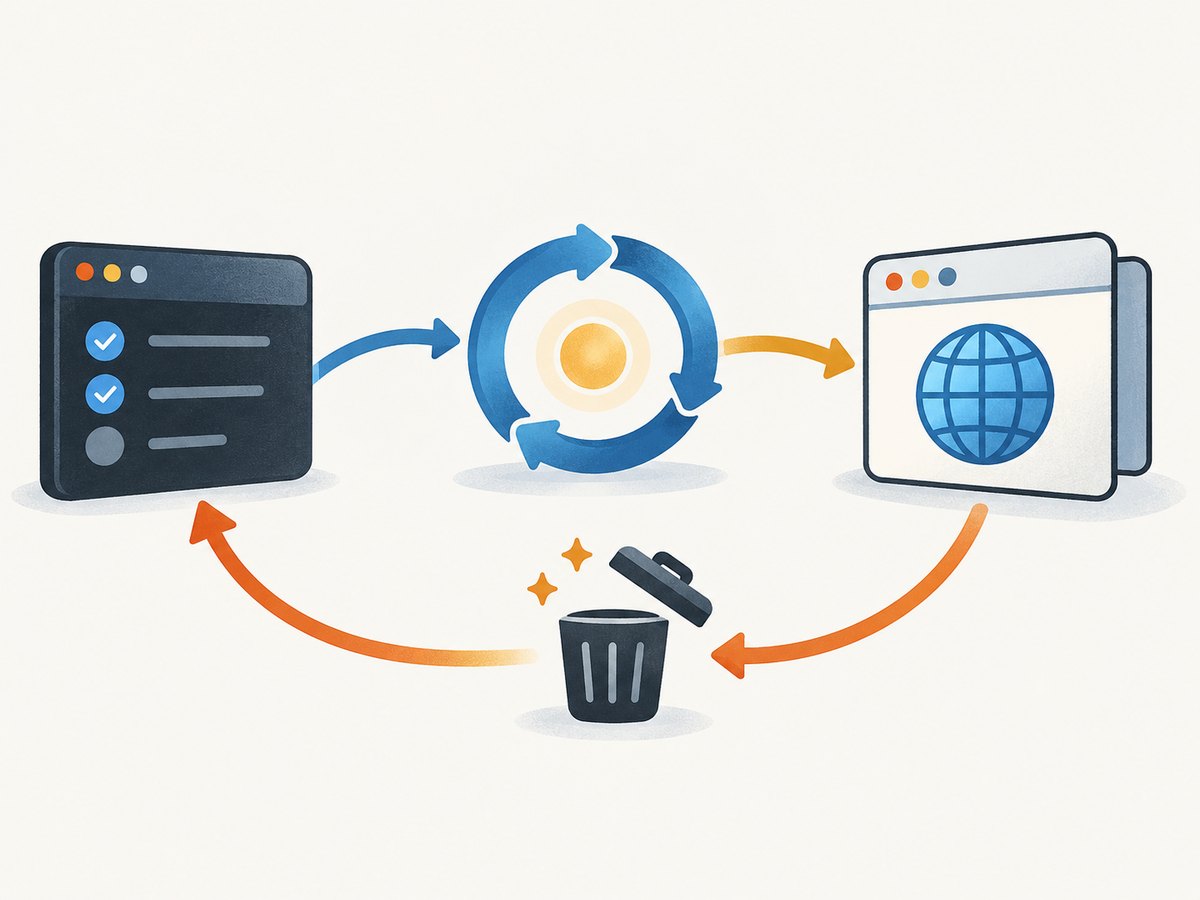
Most pytest-asyncio stalls with Pyppeteer come from event-loop ownership. pytest-asyncio runs each async test on a managed asyncio loop. A hang appears when the test starts a second loop with asyncio.run() or run_until_complete(), when a browser is created on one loop and used on another, when fixture and loop scopes do not match, or when teardown closes the loop before Chromium finishes.
The reliable pattern is simple: mark the test as async, use pytest_asyncio.fixture for async fixtures, await every Pyppeteer operation, keep browser creation and use on the same loop, and close the browser in a finally block.
1. Start with a safe working example
Install the dependencies:
python -m pip install pytest pytest-asyncio pyppeteerSave this as test_example.py:
import pytest
import pytest_asyncio
from pyppeteer import launch


@pytest_asyncio.fixture
async def browser():
    browser = await launch()
    try:
        yield browser
    finally:
        await browser.close()


@pytest.mark.asyncio
async def test_page_title(browser):
    page = await browser.newPage()
    try:
        await page.goto(
            "https://example.com",
            {"waitUntil": "networkidle2", "timeout": 30_000},
        )
        assert "Example" in await page.title()
    finally:
        await page.close()
Run it with:
pytest -q -sDo not put asyncio.run(test_coroutine()) or loop.run_until_complete(...) inside the async test. pytest-asyncio already owns the running loop.
2. Understand event-loop ownership
Asyncio loops are limited to one per thread. A coroutine, Task, Future, or browser connection belongs to the loop that created it. Moving that object to another loop can raise an error, wait forever, or leave Chromium running after the test appears complete.
Correct ownership
@pytest.mark.asyncio
async def test_same_loop():
    browser = await launch()
    try:
        page = await browser.newPage()
        await page.goto("https://example.com")
    finally:
        await browser.close()
Patterns that cause stalls
# Wrong inside an async pytest test
asyncio.run(capture_page())

# Also wrong inside an async pytest test
loop = asyncio.get_event_loop()
loop.run_until_complete(capture_page())
Use direct await instead:
@pytest.mark.asyncio
async def test_capture():
    await capture_page()
3. Configure pytest-asyncio deliberately
pytest-asyncio uses function-scoped event loops by default. That is a good default when each test creates and closes its own browser. If a browser fixture is module- or session-scoped, the fixture’s loop scope must be compatible with its lifetime.
For strict mode, use pytest_asyncio.fixture for async fixtures. You can set the mode in pytest.ini:
[pytest]
asyncio_mode = strict
Auto mode is another option:
[pytest]
asyncio_mode = auto
Choose one integration style for the project. Avoid overlapping custom event_loop fixtures that create or close loops behind pytest-asyncio’s back.
Module-scoped browser
A module-scoped browser reduces launch overhead, but every test shares the same process. Use a matching module-scoped loop where supported by your pytest-asyncio version, and close the browser during module teardown:
import pytest
import pytest_asyncio
from pyppeteer import launch


@pytest_asyncio.fixture(scope="module", loop_scope="module")
async def browser():
    browser = await launch()
    try:
        yield browser
    finally:
        await browser.close()


@pytest.mark.asyncio(loop_scope="module")
async def test_first(browser):
    page = await browser.newPage()
    try:
        await page.goto("https://example.com")
        assert await page.title() == "Example Domain"
    finally:
        await page.close()
If your installed pytest-asyncio release does not support the loop_scope arguments shown above, keep the browser function-scoped or follow that release’s documented loop-scope configuration. Do not invent a second loop fixture to work around a version mismatch.
4. Make teardown deterministic
Always close pages and browsers in finally. A test failure, navigation exception, or assertion should not skip cleanup.
async def open_page(browser, url):
    page = await browser.newPage()
    try:
        await page.goto(url, {"waitUntil": "domcontentloaded", "timeout": 30_000})
        return await page.title()
    finally:
        await page.close()
For a browser fixture, close the browser before pytest tears down the event loop. If Chromium remains alive after the test, inspect whether teardown ran, whether a page or task is still active, and whether the test runner terminated the loop early.
5. Diagnose a stalled launch() or newPage()
Enable Pyppeteer logging
import logging
from pyppeteer import launch

browser = await launch(logLevel=logging.DEBUG)
You can also enable Pyppeteer’s debug output before launching. Capture Chromium stderr and the complete pytest output. The first process or protocol error is usually more useful than the final timeout.
Check the executable and version
Pyppeteer’s bundled Chromium and arbitrary system Chrome versions are not universally interchangeable. Test with an explicit executable path to separate a download or bundled-browser problem from an application problem:
browser = await launch(
    executablePath="/usr/bin/google-chrome",
    dumpio=True,
    logLevel=logging.DEBUG,
)
Use a path that exists in the test environment. Check permissions and run the same command as the CI user.
Check Linux container sandboxing
Restricted containers can prevent Chromium from starting or communicating. Inspect the container logs, user permissions, shared-memory configuration, and sandbox setup. Some environments report that using system Chrome or adding --no-sandbox changes the behavior.
browser = await launch(
    headless=True,
    args=["--no-sandbox"],
)
Disabling the sandbox reduces isolation and should be limited to an environment where the security trade-off is understood. Diagnose permissions and container configuration first.
Check resource and runner limits
A Chromium process can be killed by the operating system, container limits, or a test-runner timeout. Look for process termination, out-of-memory messages, permission errors, and CI timeout logs. There is no universal memory threshold for every page or test suite, so use those logs to identify the limit.
6. A hidden infinite wait: request interception
When request interception is enabled, every request must be continued, fulfilled, or aborted. Forgetting one leaves navigation waiting indefinitely.
async def block_images(page):
    await page.setRequestInterception(True)

    async def handle_request(request):
        if request.resourceType in {"image", "font"}:
            await request.abort()
        else:
            await request.continue_()

    page.on("request", lambda request: asyncio.ensure_future(handle_request(request)))
Make sure the handler is installed before navigation and handles every request type. During debugging, remove interception entirely to determine whether it is the cause.
7. Navigation waits and timeouts
Choose a wait condition that matches the page. networkidle2 can wait a long time on pages with analytics, polling, websockets, or advertisements. Try domcontentloaded while diagnosing, then add an explicit selector wait for the content the test actually needs.
await page.goto(
    "https://example.com",
    {"waitUntil": "domcontentloaded", "timeout": 30_000},
)
await page.waitForSelector("main", {"timeout": 10_000})
Use a finite timeout so a real failure produces a diagnostic exception instead of appearing to hang forever. A longer timeout can accommodate a slow test environment, but it does not fix a loop or interception bug.
8. Common errors and fixes
| Symptom | Likely cause | Fix |
|---|---|---|
RuntimeError: asyncio.run() cannot be called from a running event loop |
A nested loop was started inside an async test. | Remove asyncio.run() and await the coroutine directly. |
This event loop is already running |
run_until_complete() or another loop runner is nested. |
Use pytest-asyncio’s loop and direct await. |
Future attached to a different loop |
A browser, page, or task was created on another loop. | Create and use the object in the same fixture and loop scope. |
await browser.newPage() never returns |
Chromium startup, sandbox, executable, resource, or protocol failure. | Enable debug logs, inspect stderr, verify the executable, and check container limits. |
| Navigation waits forever | Request interception did not complete a request, or the page never becomes idle. | Continue, fulfill, or abort every intercepted request; try domcontentloaded with an explicit selector. |
| Test passes but Chromium stays alive | The browser was not closed or teardown ran after loop shutdown. | Close in fixture finally on the same loop; close pages too. |
| Works locally, fails in CI | Different Chrome path, permissions, sandbox, memory, or timeout. | Log the executable, Chromium stderr, environment user, and process termination reason. |
9. A debugging checklist
- Mark each coroutine test with
@pytest.mark.asyncio, or configure auto mode. - Use
pytest_asyncio.fixturefor async fixtures in strict mode. - Remove nested
asyncio.run()andrun_until_complete(). - Create, use, and close Pyppeteer objects on one running loop.
- Align browser fixture scope and loop scope.
- Close pages and the browser in
finally. - Enable debug logging before changing Chromium flags.
- Verify the browser executable, version, permissions, and container sandbox.
- Check for memory kills and test-runner timeouts.
- Complete every intercepted request.
- Replace
networkidle2with a finite, content-specific wait while diagnosing.
10. Performance, reliability, and cost
Performance
Launching Chromium is expensive compared with opening a new page. A function-scoped browser gives the strongest isolation; a carefully matched module- or session-scoped browser can reduce launch overhead. If you reuse a browser, create and close a fresh page per test and ensure tests do not mutate shared browser state.
Request interception can reduce downloads, but it also adds an event handler to every request and creates a new failure mode. Keep the handler small and test it independently. Avoid waiting for network idle on pages designed to keep connections open.
Reliability
Use deterministic selectors, finite timeouts, explicit cleanup, and logs that include the URL and browser executable. Keep the browser integration consistently async. If a pytest-specific integration such as pytest-pyppeteer fits your project, check its maintenance status and compatibility with your pytest-asyncio and Pyppeteer versions before adopting it.
Cost
Self-hosted Pyppeteer has no per-screenshot API charge, but CI and infrastructure consume CPU, memory, storage, and engineering time. Reusing browsers can lower launch overhead while increasing isolation and cleanup complexity. For workloads that only need an image or PDF, a screenshot API can remove browser setup and lifecycle management.
Or skip the browser setup
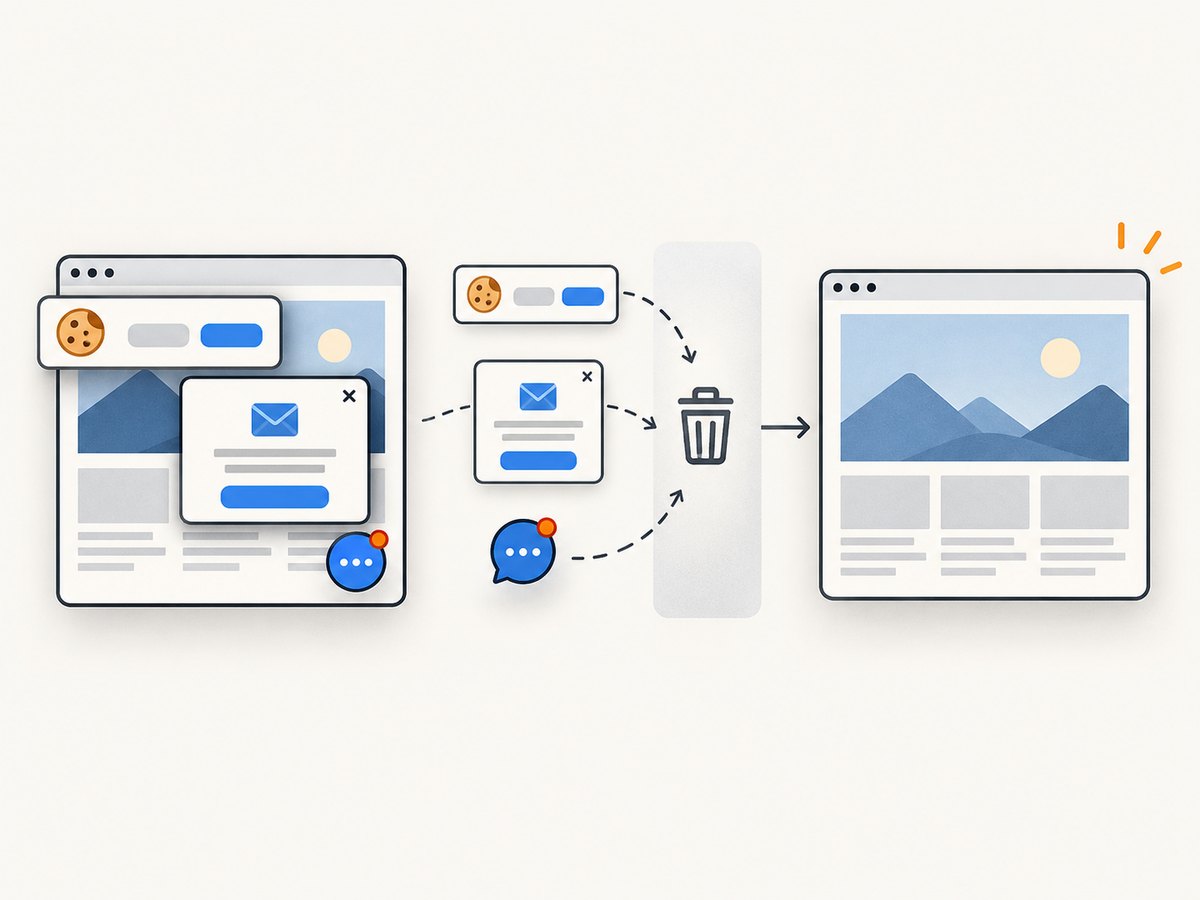
For a screenshot without managing Chromium, use ScreenshotNeo. Its API accepts one GET request and returns PNG, JPEG, WebP, or PDF. Cookie and consent banners, newsletter popups, and chat widgets are removed before capture. Bot checks, blank pages, failed loads, timeouts, and cache hits are not billed, and the response identifies the result with X-Page-Verdict and X-Billed headers. ScreenshotNeo also provides an MCP server so Claude, Cursor, and other MCP clients can take screenshots.
See the ScreenshotNeo API documentation for all capture options.
cURL
curl -G "https://api.screenshotneo.com/v1/shot" -d access_key=YOUR_API_KEY --data-urlencode url=https://stripe.com -o shot.webpPython
import requests

r = requests.get(
    "https://api.screenshotneo.com/v1/shot",
    params={"access_key": "YOUR_API_KEY", "url": "https://stripe.com"},
    timeout=90,
)
r.raise_for_status()
open("shot.webp", "wb").write(r.content)
Node.js
const q = new URLSearchParams({ access_key: 'YOUR_API_KEY', url: 'https://stripe.com' });
const res = await fetch(`https://api.screenshotneo.com/v1/shot?${q}`);
if (!res.ok) throw new Error(`Screenshot failed: ${res.status}`);
const buffer = Buffer.from(await res.arrayBuffer());
require('fs').writeFileSync('shot.webp', buffer);
The Free plan includes 1,000 screenshots each month with no card. Paid plans start at $5 for 3,000 shots, and every feature is included on every plan. Create a free ScreenshotNeo account.
FAQ
Should I use function- or session-scoped browsers?
Use function scope for isolation and the fewest cross-test lifecycle problems. Use a broader scope only when launch cost matters and you can match the fixture and loop scopes.
Why does networkidle2 hang on a page that loads in a browser?
The page may keep requests open for analytics, polling, websockets, ads, or other background work. Use domcontentloaded plus a selector wait, or configure request blocking carefully.
Can I mix synchronous Pyppeteer code with pytest-asyncio?
Keep one async integration style. Mixing synchronous loop runners or browser plugins with pytest-asyncio is a common source of nested-loop errors.
What should I collect before changing Chromium flags?
Collect pytest output, Pyppeteer debug logs, Chromium stderr, the executable path and version, container user and permissions, and any memory or timeout messages.
Does ScreenshotNeo require me to run Chromium?
No. The hosted API handles capture and returns the image or PDF, so your test or service does not need a local Pyppeteer browser process.


