How to Fix Python WebDriver Errors When Calling quit()
Fix InvalidSessionIdException and other Python WebDriver quit() errors with reliable cleanup, close() guidance, and startup troubleshooting.
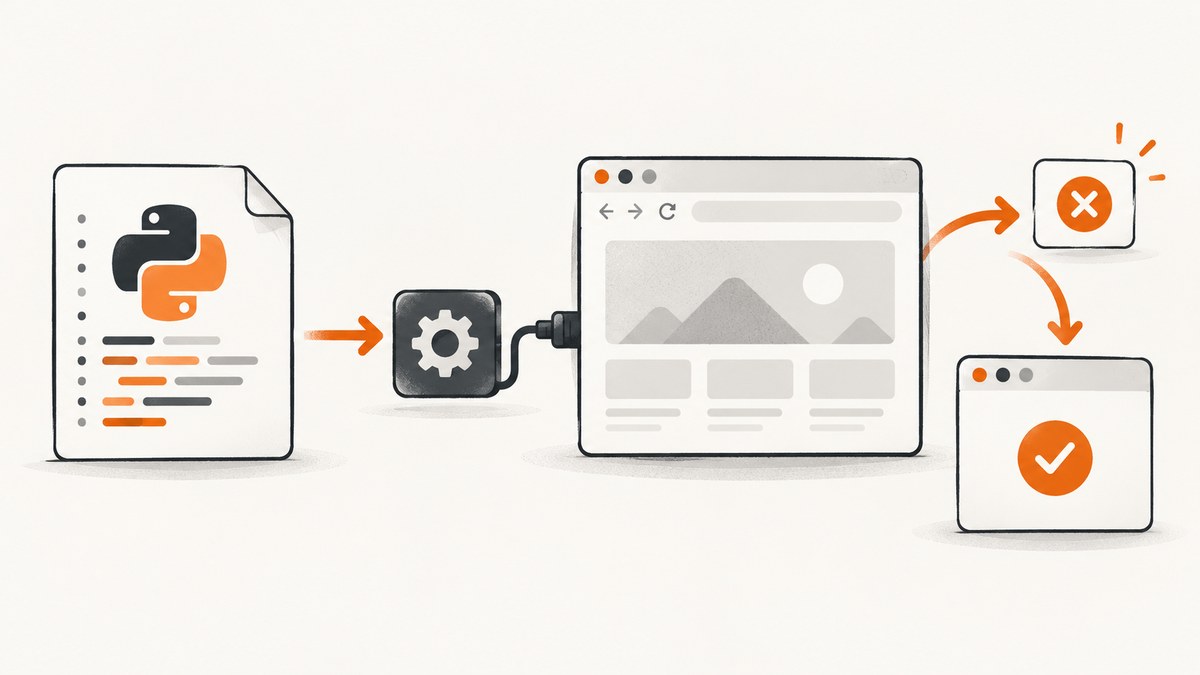
Short answer: use driver.quit() once, from one owner, in a finally block or a Selenium context manager. quit() ends the entire WebDriver session; close() only closes the current tab or window. If the last window was already closed, or another cleanup path already called quit(), Selenium can raise InvalidSessionIdException because the server no longer recognizes that session.
What quit() actually does
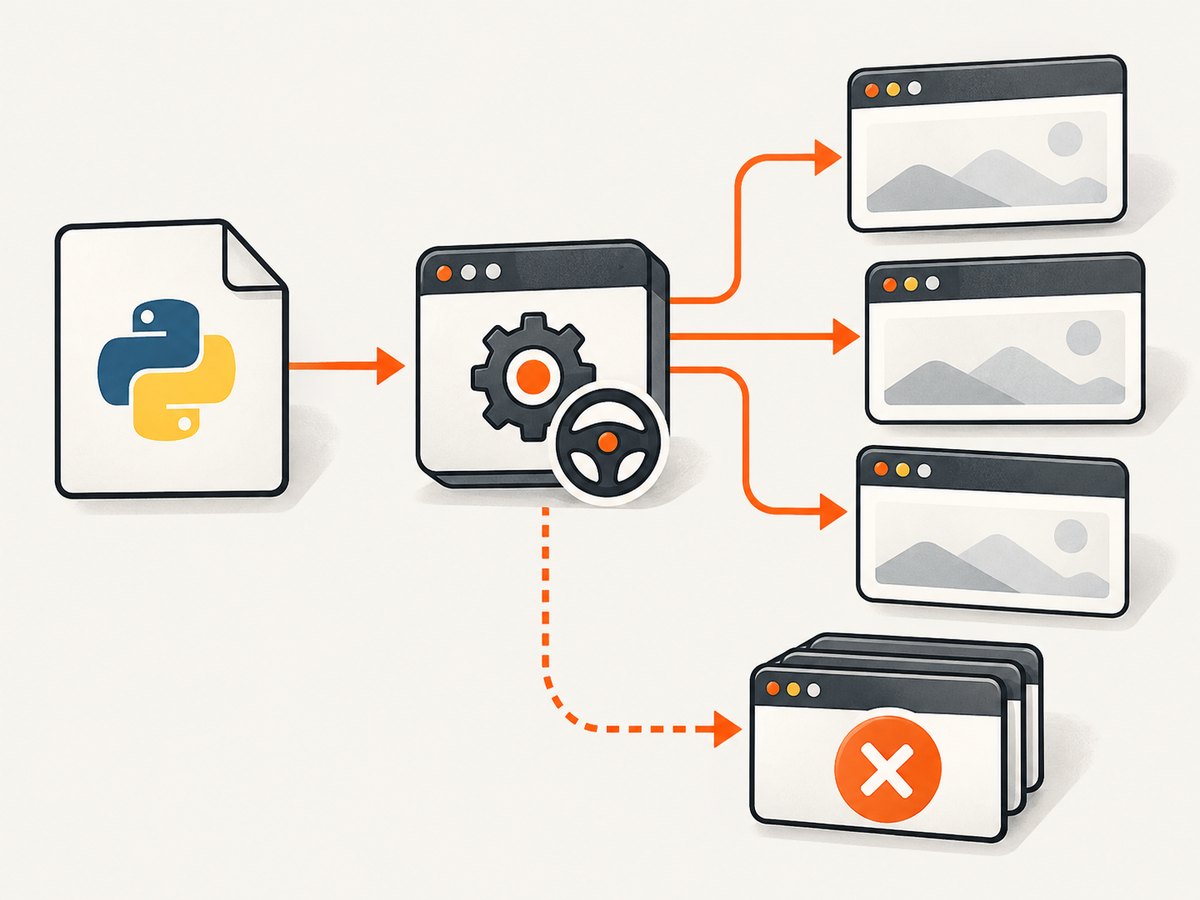
The WebDriver quit command deletes the session. Selenium closes every window and tab, stops the browser process and driver process, and tells Selenium Grid that the slot is free. Selenium recommends calling quit() when the browser session is finished instead of calling close(). See the official window documentation and the W3C delete-session command.
| Call | Effect | Use it when |
|---|---|---|
driver.close() |
Closes the current tab or window. | You intentionally manage multiple windows and will switch to a remaining valid handle. |
driver.quit() |
Closes all windows and deletes the WebDriver session. | Test or script cleanup is complete. |
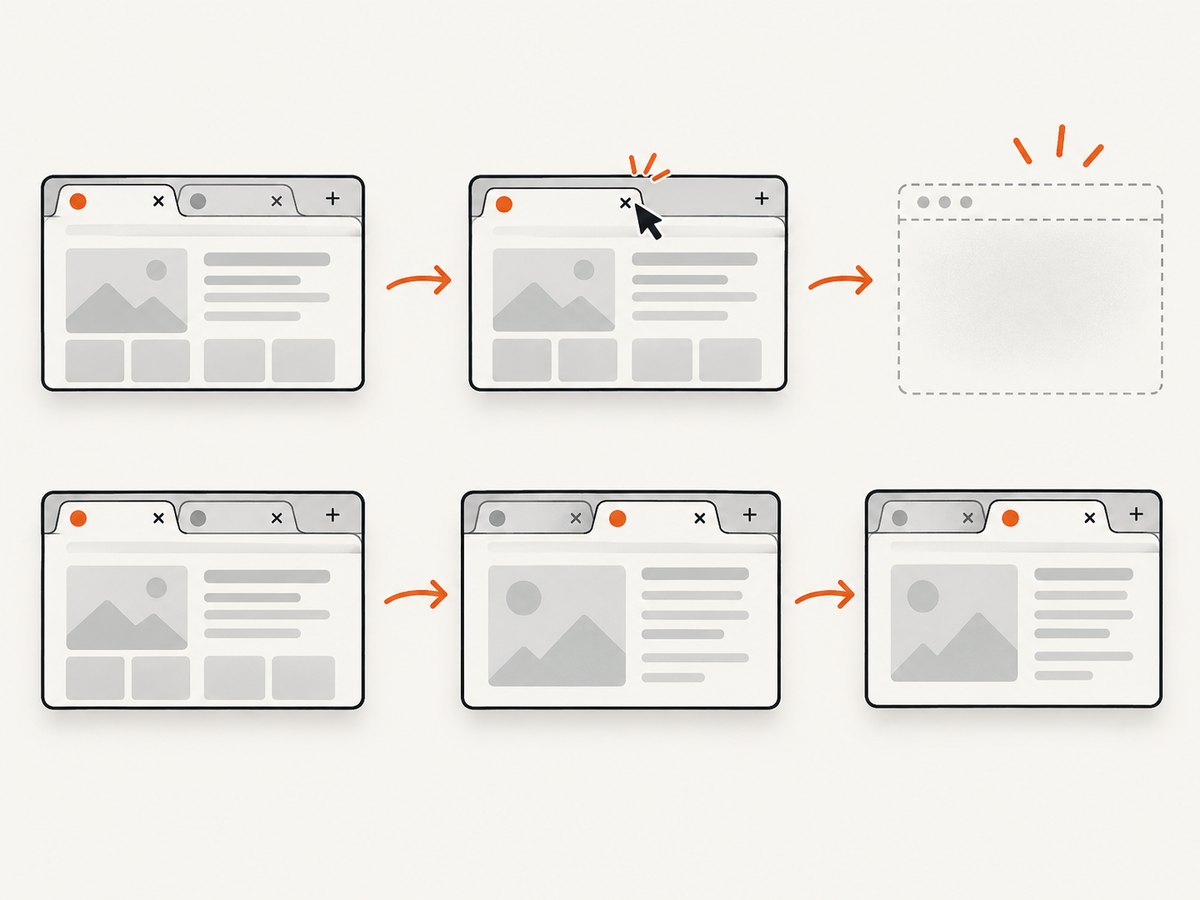
Closing the final tab can implicitly delete the session. Any later command, including another close() or quit(), may then fail with an invalid-session error. MDN describes the same lifecycle behavior in its invalid session ID reference.
Reliable cleanup patterns in Python
try/finally for explicit ownership
Create the driver and make the same scope responsible for ending it. The finally block runs whether navigation, assertions, waits, or application code raises an exception.
from selenium import webdriver
from selenium.webdriver.chrome.options import Options

options = Options()
options.add_argument("--headless=new")

driver = webdriver.Chrome(options=options)
try:
    driver.get("https://example.com")
    print(driver.title)
finally:
    driver.quit()
Do not add driver.close() before driver.quit() as a standard teardown recipe. quit() already closes every session window.
Context manager (recommended for a single script)
Selenium’s Python driver implements the context-manager protocol. Leaving the with block automatically calls quit(), including when an exception escapes.
from selenium import webdriver

with webdriver.Chrome() as driver:
    driver.get("https://example.com")
    print(driver.title)
This pattern gives the driver one clear owner and prevents cleanup from being forgotten.
Pytest fixture with one teardown owner
import pytest
from selenium import webdriver

@pytest.fixture
def driver():
    browser = webdriver.Chrome()
    yield browser
    browser.quit()

def test_homepage(driver):
    driver.get("https://example.com")
    assert "Example" in driver.title
Do not call quit() inside the test as well as in the fixture. In larger suites, avoid sharing one driver between parallel tests unless the fixture explicitly controls ownership and lifetime.
Why InvalidSessionIdException appears at quit()
Python’s InvalidSessionIdException means the session ID is not among the server’s active sessions. The Selenium Python API reference defines the exception this way. The line showing driver.quit() may be a second lifecycle failure; inspect the first traceback entry as well.
Common causes
- Cleanup ran twice. A test, fixture,
withblock, or helper calledquit()before the visible failure. - The last window was closed.
driver.close()on the only tab can delete the session. Later commands use a dead driver. - Another owner ended the session. A shared fixture, parallel worker, or browser-management helper quit the driver while your code still used it.
- The browser process disappeared. A crash, operating-system kill, container shutdown, or remote-grid failure can invalidate the session before cleanup.
- The original problem happened earlier. A navigation timeout, assertion failure, or application exception may be the real defect; teardown only exposes the already-invalid lifecycle.
Handling multiple tabs safely
Use window_handles to select a remaining window after closing one. Never issue commands after closing the final handle.
from selenium import webdriver

with webdriver.Chrome() as driver:
    driver.get("https://example.com")
    original = driver.current_window_handle
    driver.switch_to.new_window("tab")
    driver.get("https://www.python.org")

    driver.close()                 # closes the Python tab
    driver.switch_to.window(original)  # switch to the remaining tab
    print(driver.title)
# The context manager calls quit() once here
If your goal is simply to finish the test, omit close() and let quit() close all tabs.
Separate teardown errors from startup errors
An error while creating the driver is different from an invalid session during cleanup. SessionNotCreatedException usually indicates browser and driver incompatibility, an unavailable or non-executable driver binary, or an operating-system restriction. Selenium’s error troubleshooting guide covers these categories.
from selenium import webdriver
from selenium.common.exceptions import SessionNotCreatedException, WebDriverException

try:
    driver = webdriver.Chrome()
except SessionNotCreatedException as exc:
    raise RuntimeError(
        "Chrome session could not start. Check browser/driver versions and executable permissions."
    ) from exc
except WebDriverException as exc:
    raise RuntimeError("WebDriver startup failed; inspect the original traceback.") from exc
else:
    try:
        driver.get("https://example.com")
    finally:
        driver.quit()
Check the installed browser version, the driver manager or executable path, file permissions, headless flags required by your environment, and container sandbox restrictions. Fix startup first; changing quit() cannot create a session that never started.
Diagnostic checklist
- Read the first exception in the traceback, not only the line containing
quit(). - Search the test, fixture, helper, and context-manager scopes for every
close()andquit(). - Confirm that only one component owns final cleanup.
- Check whether
close()ran while one tab remained. - For multiple windows, switch to a surviving handle before continuing.
- Check for parallel workers or shared fixtures that can terminate the same driver.
- If session creation failed, investigate browser/driver versions, executable availability, permissions, and OS or container restrictions.
Troubleshooting common errors
| Symptom | Likely cause | Fix |
|---|---|---|
InvalidSessionIdException on quit() |
Session was already deleted. | Find the earlier quit(), final-window close(), browser crash, or competing fixture. Keep one cleanup owner. |
InvalidSessionIdException after close() |
The closed tab was the last window. | Do not issue further commands; remove close() or switch to a remaining handle. |
SessionNotCreatedException |
Browser/driver mismatch or executable problem. | Align versions, verify the executable path and permissions, and inspect environment restrictions. |
NoSuchWindowException |
Code switched to a handle that was closed or never existed. | Read fresh driver.window_handles and switch only to a surviving handle. |
| Browser remains after a test failure | Cleanup is not in an unconditional path. | Use finally, a context manager, or a fixture teardown. |
| Intermittent failures in parallel runs | Workers share one driver or teardown races. | Create one driver per test or worker and make ownership explicit. |
Performance, reliability, and cost considerations
A single quit() at the end of a test avoids leaving browser and driver processes behind, which reduces resource leaks in CI. Reusing a driver can reduce startup time, but it increases state leakage between tests and makes ownership errors more likely; if you reuse one, reset cookies, storage, tabs, and application state deliberately and keep teardown in one fixture.
For remote WebDriver, quitting promptly releases a Grid or cloud slot. Put cleanup around the smallest scope that owns the remote session and collect the original failure before teardown. Avoid hiding teardown exceptions with a broad except Exception: pass; preserve logs and the first traceback.
When the task is only to obtain a webpage image, running a full browser in every script adds setup, session, and CI maintenance cost. ScreenshotNeo provides a screenshot API when you do not need to manage WebDriver lifecycle.
Or skip the browser setup
Use ScreenshotNeo’s one-call API when your output is a screenshot or PDF rather than an interactive browser session. The ScreenshotNeo documentation lists the request options.
cURL
curl -G "https://api.screenshotneo.com/v1/shot" -d access_key=YOUR_API_KEY --data-urlencode url=https://stripe.com -o shot.webpPython
import requests

r = requests.get("https://api.screenshotneo.com/v1/shot", params={"access_key": "YOUR_API_KEY", "url": "https://stripe.com"}, timeout=90)
open("shot.webp", "wb").write(r.content)
Node.js
const q = new URLSearchParams({ access_key: 'YOUR_API_KEY', url: 'https://stripe.com' });
const res = await fetch(`https://api.screenshotneo.com/v1/shot?${q}`);
Cookie and consent banners, newsletter popups, and chat widgets are removed before the shot. Bot checks, blank pages, timeouts, failed loads, and cache hits are not billed, and response headers report the page verdict and whether the shot was billed. ScreenshotNeo also has an MCP server so Claude, Cursor, and other MCP clients can take screenshots; 1,000 screenshots a month are free with no card, and paid plans start at $5 for 3,000 shots. Create a free ScreenshotNeo account.
FAQ
Should I call close() or quit() in teardown?
Call quit() to end the session. Use close() only when you intentionally manage several windows.
Can I safely call quit() twice?
No. The second call can target a deleted session and raise InvalidSessionIdException. Give cleanup one owner.
Does finally run when an assertion fails?
Yes. Python executes the finally block while unwinding the exception.
Why does the error mention an invalid session when the browser is visible?
The browser window can remain briefly after the driver session has been deleted or the connection has failed. Trust the session state and the first traceback, not the window’s appearance.
Should I catch InvalidSessionIdException around quit()?
Usually fix the ownership or earlier lifecycle problem instead. Catching it can hide the original failure; only suppress it when your teardown layer intentionally treats an already-deleted session as an expected state.


