How to Fix QSslSocket Errors in Wkhtmltoimage
Identify whether wkhtmltoimage's QSslSocket error is a TLS certificate problem, an OpenSSL mismatch, or a client-certificate requirement.
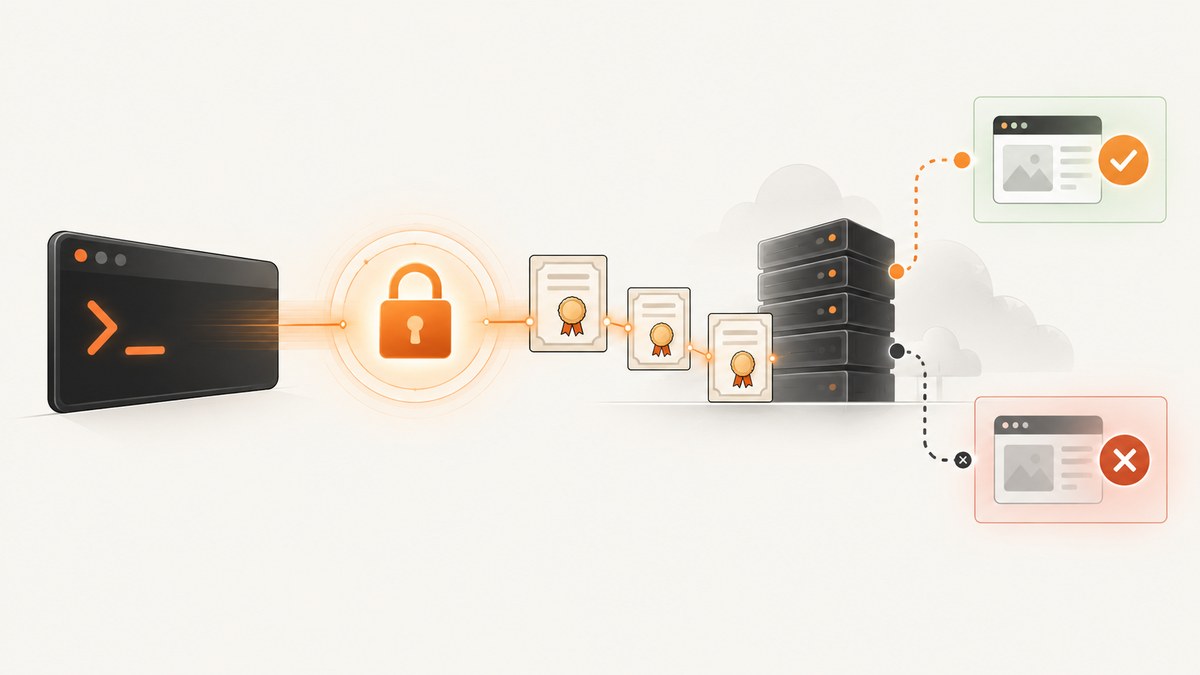
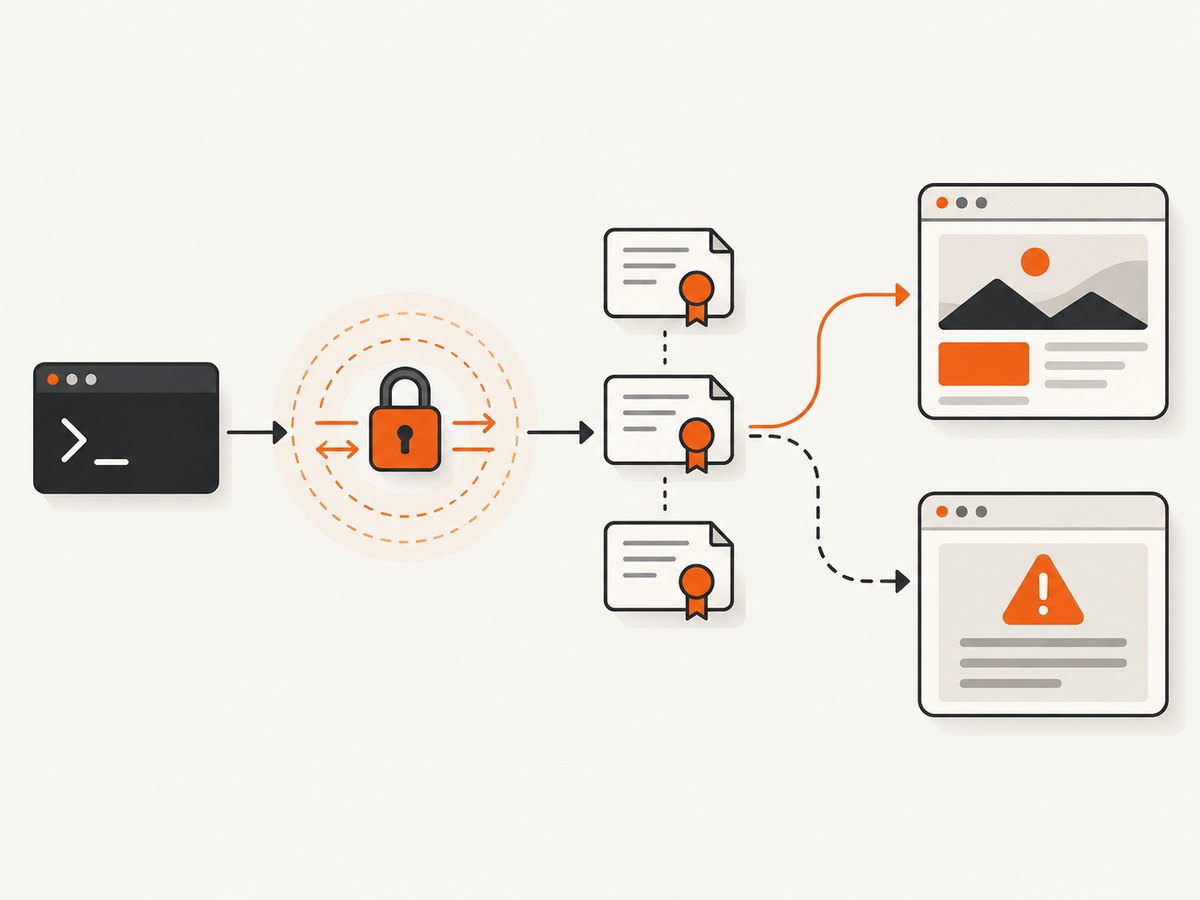
Direct answer: there is no single QSslSocket fix. First capture the exact message, wkhtmltoimage build, operating system, target host, and installation source. Then classify the error:
- “cannot resolve” OpenSSL symbols usually indicates that the executable, Qt build, and runtime OpenSSL libraries do not match.
- Certificate, hostname, issuer, or peer-verification errors require checking the server certificate chain, hostname, local trust store, and system clock.
- A server requesting client authentication requires the documented PEM client certificate and private key options.
Do not make “ignore SSL errors” your production fix. Qt documents that bypassing handshake errors can remove the peer-authentication property that TLS is meant to provide. See the Qt QSslSocket reference, the archived wkhtmltopdf project, and the command-line documentation.
What QSslSocket means in this error
wkhtmltoimage is a headless command-line renderer built on Qt WebKit. Its HTTPS connection is handled by Qt’s QSslSocket. When Qt cannot establish the identity of the remote peer, it reports SSL errors and, unless the application deliberately handles them, drops the connection.
The same prefix can also appear when the binary cannot load the OpenSSL symbols it was built to use. That is a binary/runtime compatibility problem, not evidence that the website has an invalid certificate. The archived project issue history includes unresolved names such as SSL_load_error_strings and SSLv23_client_method; treat those names as a clue to inspect packaging and shared-library compatibility.
Step 1: collect enough evidence
Run the failing command with stderr saved. Replace the URL and output path with your values:
wkhtmltoimage --version
wkhtmltoimage --extended-help > wkhtmltoimage-help.txt
wkhtmltoimage --debug-javascript --log-level info "https://example.com" shot.png 2> wkhtmltoimage-error.log
Record all of the following before changing certificate settings:
- Complete command line and complete stderr, including every
QSslSocketline. wkhtmltoimage --versionoutput.- Operating-system name and release, CPU architecture, and installation source.
- Target URL and hostname, including whether redirects are involved.
- Whether the URL works in a current browser and with a separate TLS diagnostic client.
- System date, time zone, proxy settings, and whether the process runs in a container or restricted service account.
Step 2: classify the diagnostic
| Evidence in stderr | Likely layer | Next check |
|---|---|---|
cannot resolve followed by OpenSSL function names |
Executable, Qt/OpenSSL build, or runtime-library compatibility | Verify the executable provenance and loaded SSL libraries; align the package and runtime or use a maintained compatible build. |
| Certificate, hostname, issuer, or peer-verification text | Server identity or local trust configuration | Inspect the reported certificate, chain, hostname, trust store, and system clock. |
| The server requests a client certificate | Mutual TLS client credentials | Confirm the requirement and provide PEM certificate/key inputs. |
| Timeout, DNS, proxy, or connection-reset text without a certificate error | Network path or server behavior | Check DNS, proxy/firewall access, redirects, and the server’s TLS behavior. |
This table narrows the investigation; it does not prove the root cause on a particular machine. The exact message and environment matter.
Fix unresolved OpenSSL symbols
Messages such as QSslSocket: cannot resolve SSL_load_error_strings point to a binary/runtime mismatch. Common causes include a wkhtmltoimage build linked against one OpenSSL major version while the machine loads another, a copied executable finding the wrong libraries first, or an old distribution package being used on a newer operating system.
- Confirm which binary runs.
command -v wkhtmltoimage readlink -f "$(command -v wkhtmltoimage)" wkhtmltoimage --version - Inspect its dynamic dependencies on Linux.
ldd "$(command -v wkhtmltoimage)" | grep -Ei 'ssl|crypto|qt| not found'If a required library is “not found”, fix the package/runtime installation before testing the URL again. If the names resolve to an unexpected system or bundled directory, remove the path conflict or use the package’s documented launcher.
- Check the package provenance. A distro package, an upstream archive, and a manually copied binary can carry different Qt and OpenSSL assumptions. Prefer one maintained package whose dependencies are built for the current operating system, or rebuild/repackage wkhtmltoimage against a compatible Qt/OpenSSL pair.
- Retest with a minimal HTTPS page.
wkhtmltoimage "https://example.com" /tmp/example.png 2> /tmp/wkhtmltoimage-test.log
Do not apply the OpenSSL requirement documented for one Qt release to every build. For example, the Qt 5.13.2 known-issues page states an OpenSSL 1.1.1 requirement for Qt 5.13 on Linux and Windows; older Qt 4/5 bundles and other platforms can differ. Check the Qt version actually embedded in your executable.
Fix certificate and peer-identity errors
When stderr names a certificate or peer-verification failure, inspect the identity presented by the target instead of suppressing verification.
Check the hostname and certificate chain
openssl s_client -connect example.com:443 -servername example.com -showcerts < /dev/null
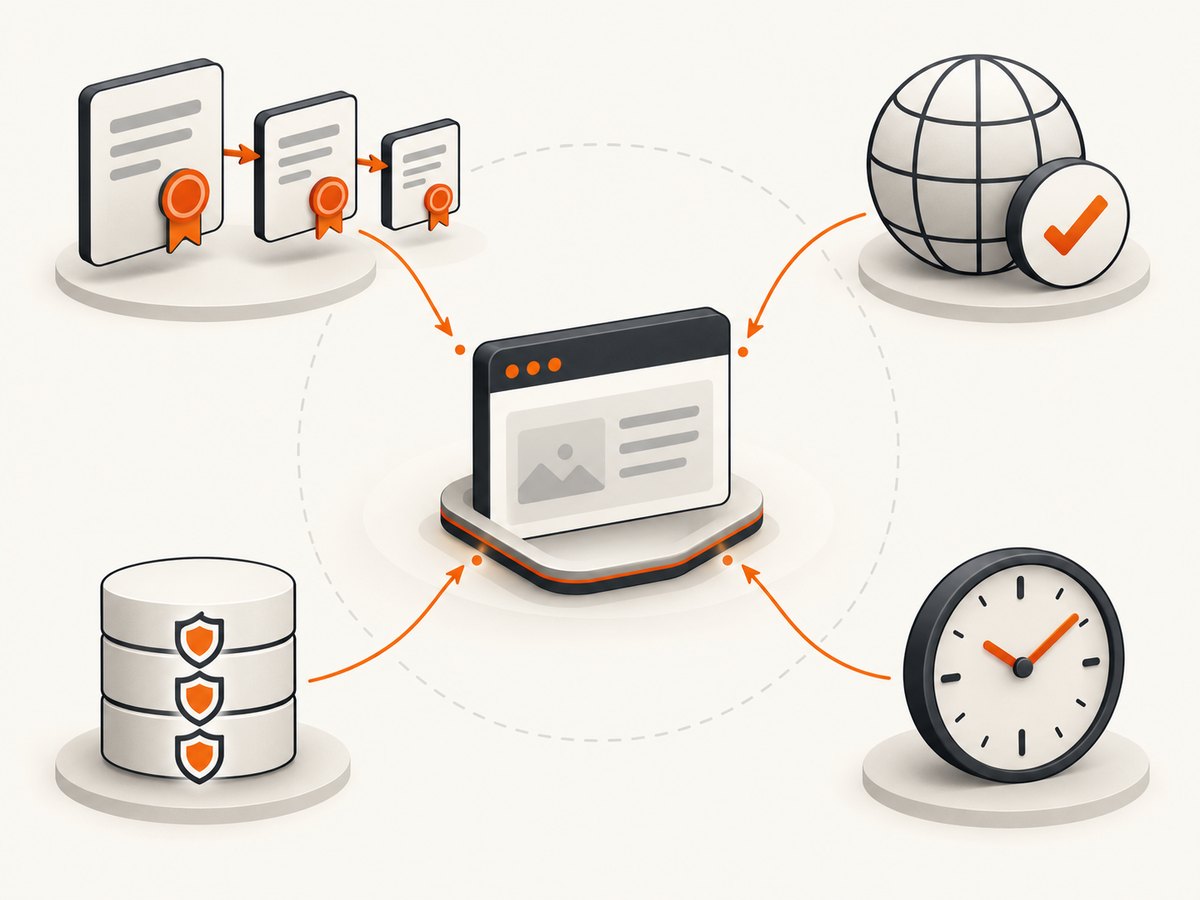
Check that the certificate’s DNS names include the hostname in the URL, that the server sends the required intermediate certificates, and that the certificate is within its validity period. A browser may succeed because it has cached intermediates or uses a different trust store, so compare the environments.
Check the local trust store and clock
Update the operating system’s CA bundle using its normal administration process, then rerun the command as the same user or service account that runs wkhtmltoimage. Verify the system clock with the operating system’s time tool. A future or expired clock can make an otherwise valid certificate fail.
Check redirects, proxies, and SNI
Test the final hostname after redirects, and ensure a proxy is not replacing certificates with an enterprise CA that the renderer does not trust. The -servername argument in the OpenSSL command above checks Server Name Indication; a server that selects certificates by SNI can fail when the hostname is omitted.
Use a client certificate only for mutual TLS
If the server explicitly requires client authentication, use the wkhtmltoimage options shown by your installed --extended-help. The documented inputs are PEM files:
wkhtmltoimage \
  --ssl-client-certificate /secure/client-cert.pem \
  --ssl-client-key /secure/client-key.pem \
  "https://internal.example.com/page" internal.png
Some builds also expose a client-key password option. Confirm its exact spelling with wkhtmltoimage --extended-help. Restrict the private-key file permissions and do not put the password in shell history or source control. A client certificate authenticates your process to the server; it does not make an invalid server certificate trustworthy.
Do not disable TLS verification as the fix
Flags or patches that ignore certificate errors can produce an image while allowing an attacker or misconfigured intermediary to impersonate the target. Qt’s guidance is to inspect reported errors and proceed despite them only with caution. If you temporarily bypass verification to isolate a lab-only problem, mark that command as diagnostic, run it in a controlled environment, and restore verification immediately. Do not ship the bypass.
Option interactions that often hide the cause
- JavaScript and delayed rendering: a page that loads HTML but later fetches HTTPS resources can report SSL errors after the initial document succeeds. Use the renderer’s delay or JavaScript diagnostics to identify the failing subresource.
- Redirects: the first URL may be valid while a redirect target has a different hostname or certificate chain.
- Images, fonts, and CSS: one failed HTTPS asset can leave an otherwise usable page incomplete. Inspect the log for the asset hostname.
- Proxy environment: service accounts often lack the proxy variables available in an interactive shell. Compare environment and trust-store paths for both users.
- Old WebKit/TLS support: an archived renderer may not negotiate modern server settings. Updating only the CA bundle will not add missing protocol or cipher support; use a maintained compatible renderer when the server requires capabilities the embedded Qt lacks.
Performance, reliability, and cost notes
- Capture the diagnostic once with verbose logging, then remove debug logging from batch jobs to reduce I/O and log volume.
- Reuse a known-good, consistently packaged binary across workers. Mixed binaries and library paths create intermittent-looking failures.
- Set an application timeout around the renderer and keep failed logs with the URL and build version so retries can be classified instead of repeated blindly.
- Retry only transient network failures. Do not retry a hostname mismatch, expired certificate, unresolved symbol, or missing client credential without changing the cause.
- For large batches, isolate one failing hostname from the queue and continue independent captures while preserving the error for remediation.
Or skip the browser setup
If your goal is a clean website image rather than maintaining an old Qt/WebKit TLS stack, ScreenshotNeo provides a website screenshot API. Its capture flow accepts cookie and consent banners before the shot and removes more than 60 known consent platforms, newsletter popups, and chat widgets; each step can be turned off. Bot checks and CAPTCHAs, blank pages, timeouts, failed loads, and cache hits are not billed, and the response identifies the result with X-Page-Verdict and X-Billed headers. An MCP server lets Claude, Cursor, and other MCP clients call take_screenshot, get_page_info, and capture_pdf.
One request is enough:
curl -G "https://api.screenshotneo.com/v1/shot" -d access_key=YOUR_API_KEY --data-urlencode url=https://stripe.com -o shot.webp
Python:
import requests
r = requests.get("https://api.screenshotneo.com/v1/shot", params={"access_key": "YOUR_API_KEY", "url": "https://stripe.com"}, timeout=90)
open("shot.webp", "wb").write(r.content)
Node.js:
const q = new URLSearchParams({ access_key: 'YOUR_API_KEY', url: 'https://stripe.com' });
const res = await fetch(`https://api.screenshotneo.com/v1/shot?${q}`);
See the ScreenshotNeo API documentation for the 63 capture options, headers, authentication, and response handling. The free plan includes 1,000 screenshots a month with no card; paid plans start at $5 for 3,000 shots. Create a free ScreenshotNeo account.
Troubleshooting checklist
| Symptom | Cause to investigate | Fix |
|---|---|---|
| Cannot resolve an OpenSSL function | Qt/OpenSSL ABI or library-path mismatch | Verify the binary and loaded libraries; install or build a compatible package. |
| Hostname or peer identity failure | Wrong hostname, incomplete chain, untrusted CA, or bad clock | Inspect the certificate and chain, update the trust store, and correct time or URL. |
| Works in a browser but not wkhtmltoimage | Different trust store, proxy, SNI, or older TLS support | Compare users and network paths; test with OpenSSL and use a maintained renderer if capabilities differ. |
| Only images or fonts fail | Subresource uses another hostname or certificate | Find that hostname in verbose logs and validate it separately. |
| Server asks for a client certificate | Mutual TLS is enabled | Provide the PEM client certificate and private key options documented by the installed build. |
| Timeout with no SSL diagnostic | DNS, proxy, firewall, server response, or redirect issue | Check the network path and final URL before changing TLS policy. |
FAQ
Can I fix every QSslSocket error by installing a CA bundle?
No. A CA bundle helps trust-chain failures. It cannot repair unresolved OpenSSL symbols, unsupported TLS capabilities, wrong hostnames, or missing client certificates.
Does a successful browser load prove wkhtmltoimage is configured correctly?
No. Browsers and wkhtmltoimage can use different Qt versions, trust stores, proxies, SNI behavior, and TLS implementations.
Is the archived wkhtmltopdf project still receiving fixes?
The project repository is archived, so account for old binaries and platform-specific packaging when choosing a remediation.
When should I replace wkhtmltoimage?
Replace or repackage it when the server requires TLS behavior unavailable in its embedded Qt, or when you cannot obtain a compatible, maintained OpenSSL/runtime combination.
What should I include when asking for help?
Include the exact stderr, version, operating system, installation source, URL hostname, redirect behavior, trust-store context, and whether OpenSSL or a current browser can connect. Redact credentials and private keys.


