How to Fix Rails 3 PDFKit When wkhtmltopdf Commands Fail
Trace Rails 3 PDFKit failures by executable discovery, direct CLI output, runtime context, and blocked assets—with fixes and diagnostics.
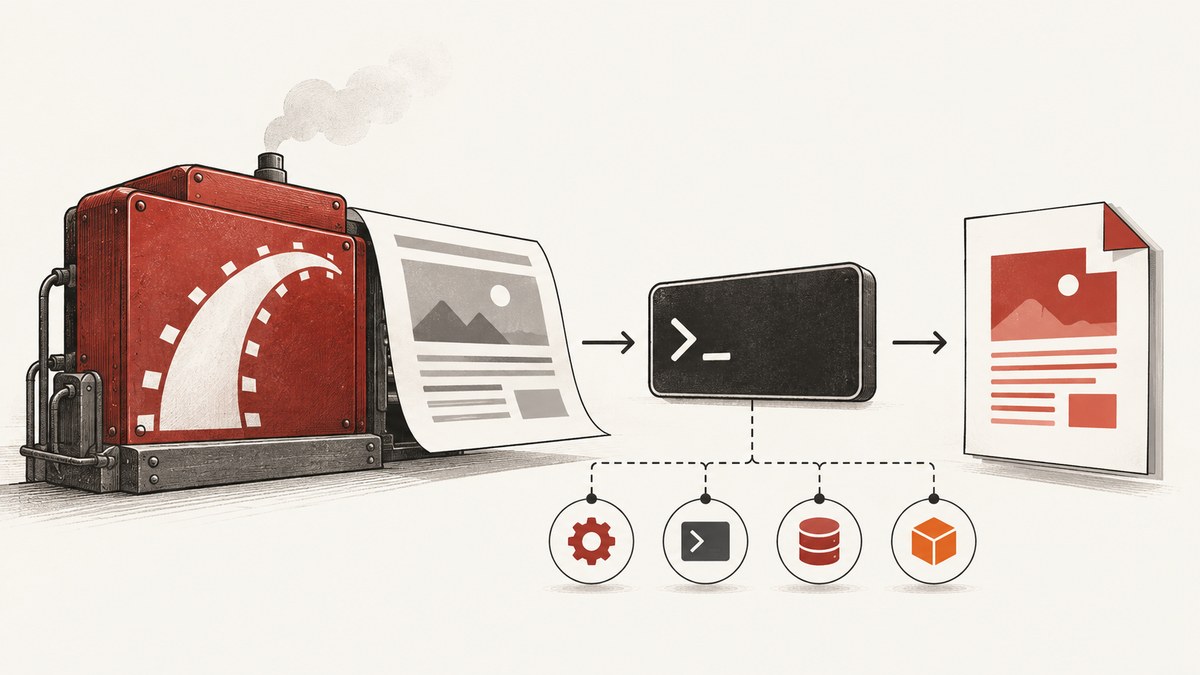
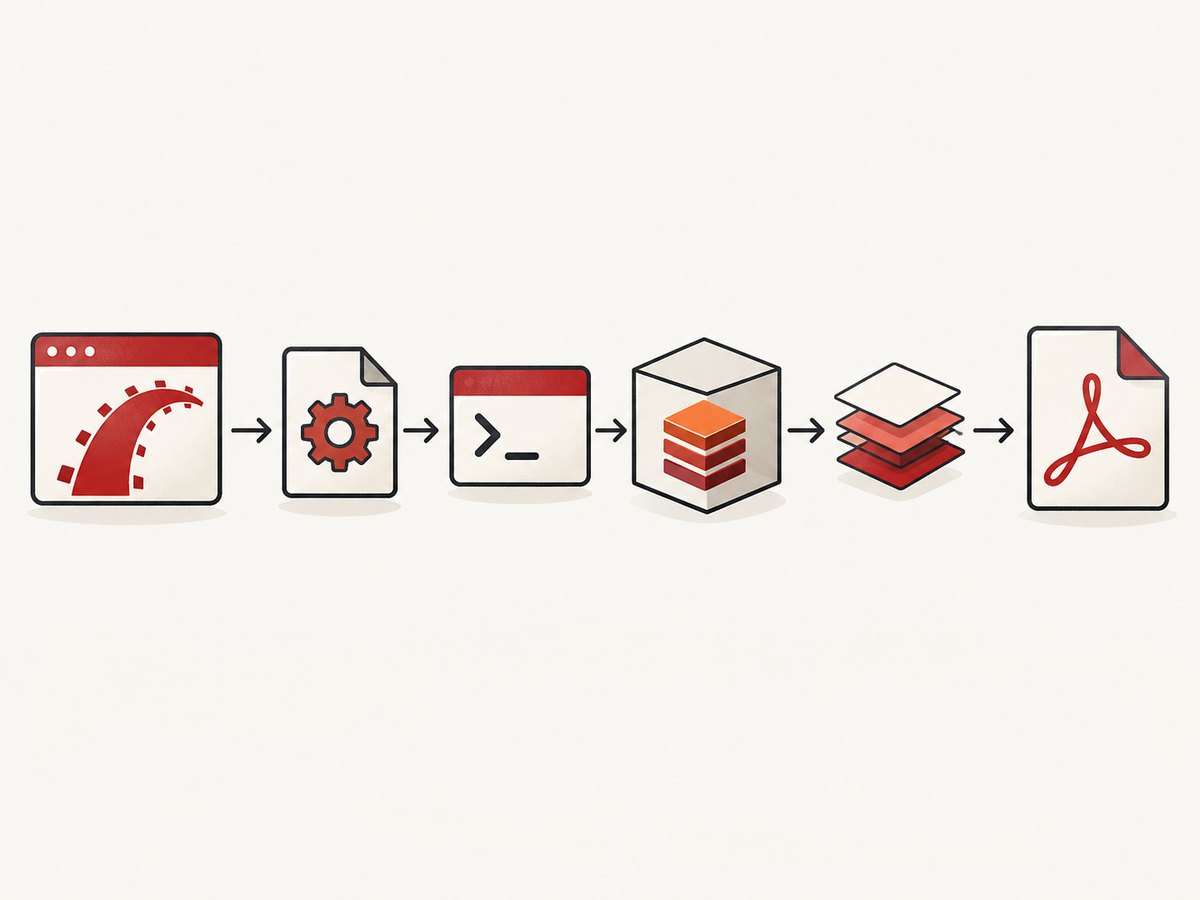
Direct answer: Rails 3 PDFKit failures usually come from one of four stages: Rails cannot find or launch the wkhtmltopdf executable; the executable itself rejects the input; the Rails process has a different environment from your terminal; or the renderer cannot fetch application assets while Rails is busy generating the PDF. Diagnose those stages in that order. Installations, paths, package names, and binary compatibility are host-specific, so use the exact executable, versions, command, and stderr from your deployment as evidence.
PDFKit is a Ruby wrapper around the external wkhtmltopdf command. Installing the gem does not install that command. PDFKit attempts discovery with which wkhtmltopdf, and its README documents setting config.wkhtmltopdf when discovery fails or a specific executable is required. See the PDFKit README and the wkhtmltopdf CLI usage.
1. Identify the failure stage
Record the complete error, Rails and Ruby versions, PDFKit version, wkhtmltopdf version or build, operating system, exact input URL or file, output path, exit status, and stderr. Then classify the symptom:
| Symptom | Likely stage | First check |
|---|---|---|
No wkhtmltopdf executable found, Errno::ENOENT, or shell command not found |
Discovery or launch | Find the binary on the host and configure its absolute path |
| Rails starts the command but receives a non-zero exit status | Binary or input | Run the same input directly with wkhtmltopdf and capture stderr |
| It works in a terminal but fails in Rails | Runtime context | Compare user, PATH, working directory, permissions, and paths |
| Request hangs, or PDF lacks CSS, images, or scripts | Resource loading or concurrency | Check absolute URLs and whether Rails is waiting on its own occupied process |
2. Verify the executable on the deployment host
Run these commands from the same machine that runs Rails:
command -v wkhtmltopdf
which wkhtmltopdf
wkhtmltopdf --version
ls -l "$(command -v wkhtmltopdf)"
Use the path returned by the command, rather than assuming a conventional directory. A shell on your laptop, a process manager, a container, and a deployment service can all have different PATH values. If no command is found, the binary is absent or outside the Rails process’s PATH. The PDFKit README describes its discovery behavior as: “PDFKit will try to intelligently guess at the location of wkhtmltopdf by running the command which wkhtmltopdf.”
Configure an explicit path
For Rails 3, keep the Rails 3 middleware setup in application.rb. Put explicit binary configuration in an initializer, as shown by PDFKit’s configuration examples:
# config/initializers/pdfkit.rb
PDFKit.configure do |config|
  config.wkhtmltopdf = '/absolute/path/from-command-v'
  # Keep other PDFKit options here when your installed PDFKit version supports them.
end
Replace the placeholder with the path you actually found. Do not copy a path from another host without checking it. Restart the Rails process after changing an initializer and print the configured value during a controlled diagnostic if necessary.
Rails 3 middleware placement
# config/application.rb
class Application < Rails::Application
  config.middleware.use PDFKit::Middleware
end
The PDFKit README places this middleware setup in application.rb for Rails 3. Do not move it to the Rails 2 environment.rb location merely because an old blog post shows that arrangement.
3. Run wkhtmltopdf outside Rails
The fastest way to separate a PDFKit problem from a renderer or input problem is to run the same input directly. The documented CLI accepts an input URL or file followed by an output file:
# URL input
/path/to/wkhtmltopdf https://example.test/invoice/42 /tmp/invoice.pdf

# Local HTML input
/path/to/wkhtmltopdf /tmp/invoice.html /tmp/invoice.pdf

echo $?
Capture both output streams and the exit status:
/path/to/wkhtmltopdf https://example.test/invoice/42 /tmp/invoice.pdf \
  >/tmp/wkhtmltopdf.stdout 2>/tmp/wkhtmltopdf.stderr
status=$?
printf 'exit=%s\n' "$status"
cat /tmp/wkhtmltopdf.stderr
If this fails identically, changing Rails code will not fix the underlying input, binary, or host problem. Inspect stderr for malformed URLs, network failures, unsupported flags, missing libraries, or blocked resources. If it succeeds, compare the Rails invocation and environment next.
4. Compare the terminal and Rails runtime
A successful shell test proves only that one user, shell, PATH, working directory, and filesystem context can run the command. Compare those values with the process that serves Rails:
# Temporary diagnostic code in a controlled Rails path
Rails.logger.info("uid=#{Process.uid} gid=#{Process.gid}")
Rails.logger.info("path=#{ENV['PATH']}")
Rails.logger.info("pwd=#{Dir.pwd}")
Rails.logger.info("wkhtmltopdf=#{PDFKit.configuration.wkhtmltopdf}")
Check that the Rails user can execute the file, read the HTML and asset paths, create the output directory, and reach the input URL. Check whether a process manager sanitizes PATH or changes the working directory. An absolute config.wkhtmltopdf path removes one common variable, but it does not solve inaccessible input, output, or resources.
5. Fix hangs and missing CSS, images, or JavaScript
When the command launches but the PDF waits indefinitely or renders without resources, inspect every URL requested by the page. PDFKit’s guidance emphasizes absolute, fully qualified asset paths and explains that a single development server process can be occupied by the PDF request while wkhtmltopdf asks that same server for CSS, images, or scripts.
Use complete asset URLs
<!-- Fragile when rendered from a file or a different host -->
<link rel="stylesheet" href="/assets/invoices.css">

<!-- Fully qualified URL -->
<link rel="stylesheet" href="https://app.example.test/assets/invoices.css">
<img src="https://app.example.test/assets/logo.png" alt="Company logo">
Raw HTML supplied to the renderer also needs complete paths. Confirm that the hostname resolves from the deployment host, HTTPS certificates are accepted by the installed build, and authentication is available to asset requests.
Avoid self-request deadlock in development
If the PDF request consumes the only available Rails worker, the renderer’s request for an asset can wait behind it. Use multiple workers or another server arrangement when your development setup is single-threaded. PDFKit also suggests embedding resources when appropriate. Test with a minimal page containing inline CSS; if that completes, add external resources one at a time.
Reduce the page to a reproducible input
- Save the rendered HTML response to a file.
- Replace application assets with one known local or public asset.
- Run wkhtmltopdf directly against that file.
- Restore stylesheets, images, fonts, and scripts in small groups.
This reveals whether the issue is URL resolution, authentication, a particular asset, or server concurrency.
6. Check options and invocation differences
PDFKit can pass wkhtmltopdf options, but option names and supported behavior depend on the installed PDFKit and wkhtmltopdf builds. Compare the command PDFKit actually launches with the command that worked manually. Pay attention to:
- Input type: URL versus local file.
- Output path and whether its parent directory exists.
- Page size, orientation, margins, and JavaScript delay settings.
- Flags controlling local-file access, load errors, cookies, headers, or proxy settings.
- Authentication and hostnames used by CSS, images, fonts, and API calls.
Do not add flags simply because a current example lists them. Confirm that your legacy binary accepts each flag by checking its own --help output and stderr.
7. Version-aware maintenance context
Rails 3 and the PDFKit/wkhtmltopdf stack are legacy software. The current PDFKit README lists Rails 4.2 and later, not Rails 3, as supported. The wkhtmltopdf repository was archived on January 2, 2023; its changelog dates version 0.12.6 to June 11, 2020. These facts explain why package availability, patches, and binary compatibility vary by host; they do not prove that every Rails 3 installation fails.
When asking for help or documenting a fix, include:
- Rails and Ruby versions
- PDFKit gem version
- wkhtmltopdf version and build
- Operating system and architecture
- Exact command, input URL or file, output path, exit status, and stderr
Use the release archive and changelog to identify the binary you have. Do not assume that a package manager’s current candidate is compatible with your legacy application.
8. A repeatable diagnostic checklist
- Copy the exact Rails error and stderr.
- Run
command -v wkhtmltopdfandwkhtmltopdf --versionon the deployment host. - Set
PDFKit.configure { |c| c.wkhtmltopdf = '...' }to the verified absolute path. - Run the same URL or HTML file directly and record exit status.
- Compare Rails and shell user, PATH, working directory, permissions, and network access.
- Test a minimal HTML document.
- Change relative assets to absolute, fully qualified URLs.
- Check for a single-worker development deadlock.
- Reintroduce assets and options incrementally.
- Record versions before changing the binary or package.
9. Reliability, performance, and cost considerations
PDF generation is sensitive to page complexity, remote resources, JavaScript execution, and server concurrency. Keep a small fixture page for health checks, set an application timeout that exceeds the renderer’s expected work, and log the renderer exit status and stderr. Cache stable PDFs when your data model permits it. Avoid making a PDF request depend on assets served by the same single occupied process.
For performance investigations, measure the direct CLI first, then the Rails wrapper, then individual resource groups. A slow asset or script can look like a PDFKit failure. For reliability, pin and document the binary build used by each environment, because the archived wkhtmltopdf project and legacy Rails support make implicit upgrades risky.
10. Or skip the browser setup
If your goal is a clean screenshot or PDF of a page rather than maintaining a legacy renderer, ScreenshotNeo provides a website screenshot API and MCP server. It accepts one GET request and returns PNG, JPEG, WebP, or PDF. Cookie and consent banners, newsletter popups, and chat widgets are removed before capture; bot checks, blank pages, timeouts, failed loads, and cache hits are not billed, and response headers identify the page verdict and billing result. Its MCP server provides take_screenshot, get_page_info, and capture_pdf tools for Claude, Cursor, and other MCP clients.

cURL
curl -G "https://api.screenshotneo.com/v1/shot" \
  -d access_key=YOUR_API_KEY \
  --data-urlencode url=https://stripe.com \
  -o shot.webp
Python
import requests

r = requests.get(
    "https://api.screenshotneo.com/v1/shot",
    params={"access_key": "YOUR_API_KEY", "url": "https://stripe.com"},
    timeout=90,
)
r.raise_for_status()
open("shot.webp", "wb").write(r.content)
Node.js
const q = new URLSearchParams({ access_key: 'YOUR_API_KEY', url: 'https://stripe.com' });
const res = await fetch(`https://api.screenshotneo.com/v1/shot?${q}`);
if (!res.ok) throw new Error(`HTTP ${res.status}`);
const body = Buffer.from(await res.arrayBuffer());
require('fs').writeFileSync('shot.webp', body);
See the ScreenshotNeo API documentation for request options. Features include full-page capture with lazy images loaded, CSS-selector element capture, dark mode, device presets and custom viewports, retina scale, PDF paper size and margins, custom CSS and JavaScript, clicks, selector or network-idle waits, request blocking, headers, cookies, user agents, authorization, timezone, geolocation, transparent backgrounds, resizing, chosen-TTL caching, signed links, asynchronous jobs with signed webhooks, bulk capture for up to 100 URLs per call, a usage API, and an OpenAPI specification. Parameter names used by other screenshot APIs also work, which can simplify migration.
The Free plan includes 1,000 screenshots each month with no card. Paid plans start at $5 for 3,000 shots; yearly billing gives two months free, and every feature is available on every plan. Create a free ScreenshotNeo account.
11. FAQ
Does installing PDFKit install wkhtmltopdf?
No. PDFKit wraps the external executable; install and verify the executable separately.
Where should Rails 3 middleware go?
PDFKit’s Rails 3 guidance places middleware in application.rb. Its explicit binary configuration is commonly placed in an initializer.
Why does a direct command work while Rails fails?
The Rails process may use a different user, PATH, working directory, filesystem permission, network route, or binary path. Compare those values directly.
Why is the PDF blank but the HTML page works in my browser?
The renderer may be unable to reach relative or authenticated assets, or Rails may be waiting on its own occupied worker. Test absolute URLs and a minimal HTML file.
Should I upgrade wkhtmltopdf immediately?
First record your current build and stderr. The project is archived and package compatibility is host-specific, so an unplanned upgrade can introduce a different failure.
Can ScreenshotNeo capture one element instead of a whole page?
Yes. Use its CSS-selector element capture option, along with waits, custom CSS, or JavaScript when the page needs preparation.


