How to Fix Rails 4 PDFKit Installation Failures
Fix Rails 4 PDFKit errors by checking the Ruby gem, wkhtmltopdf binary, runtime libraries, PATH, and asset URLs in the right order.
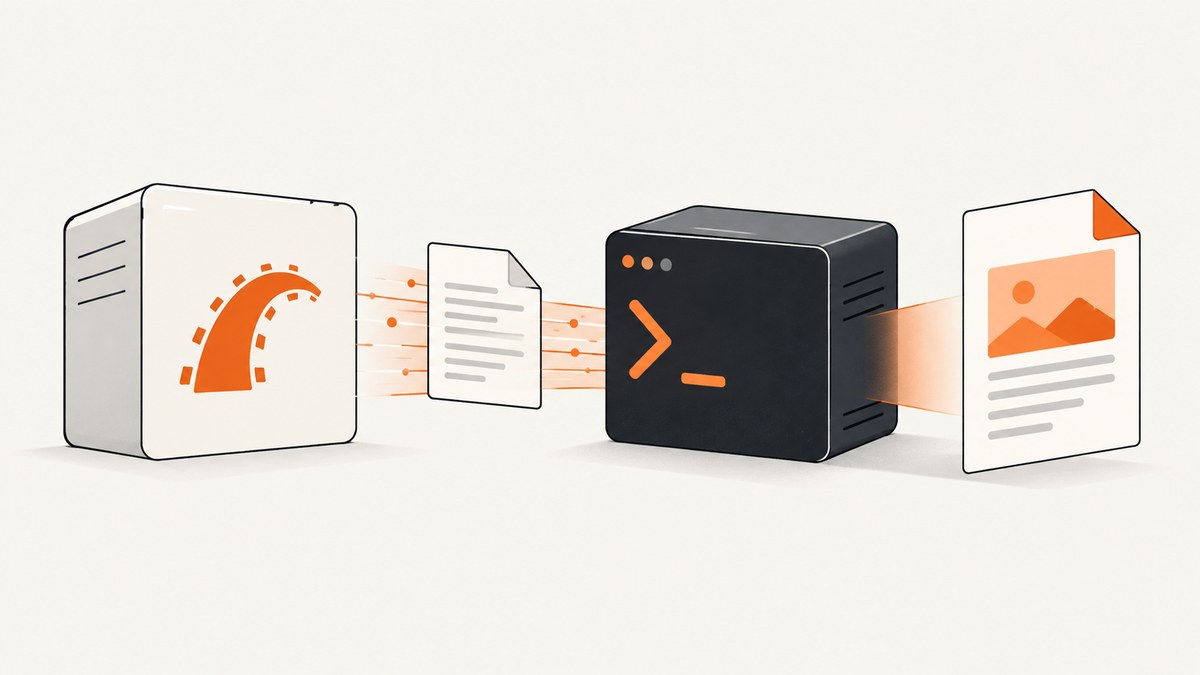
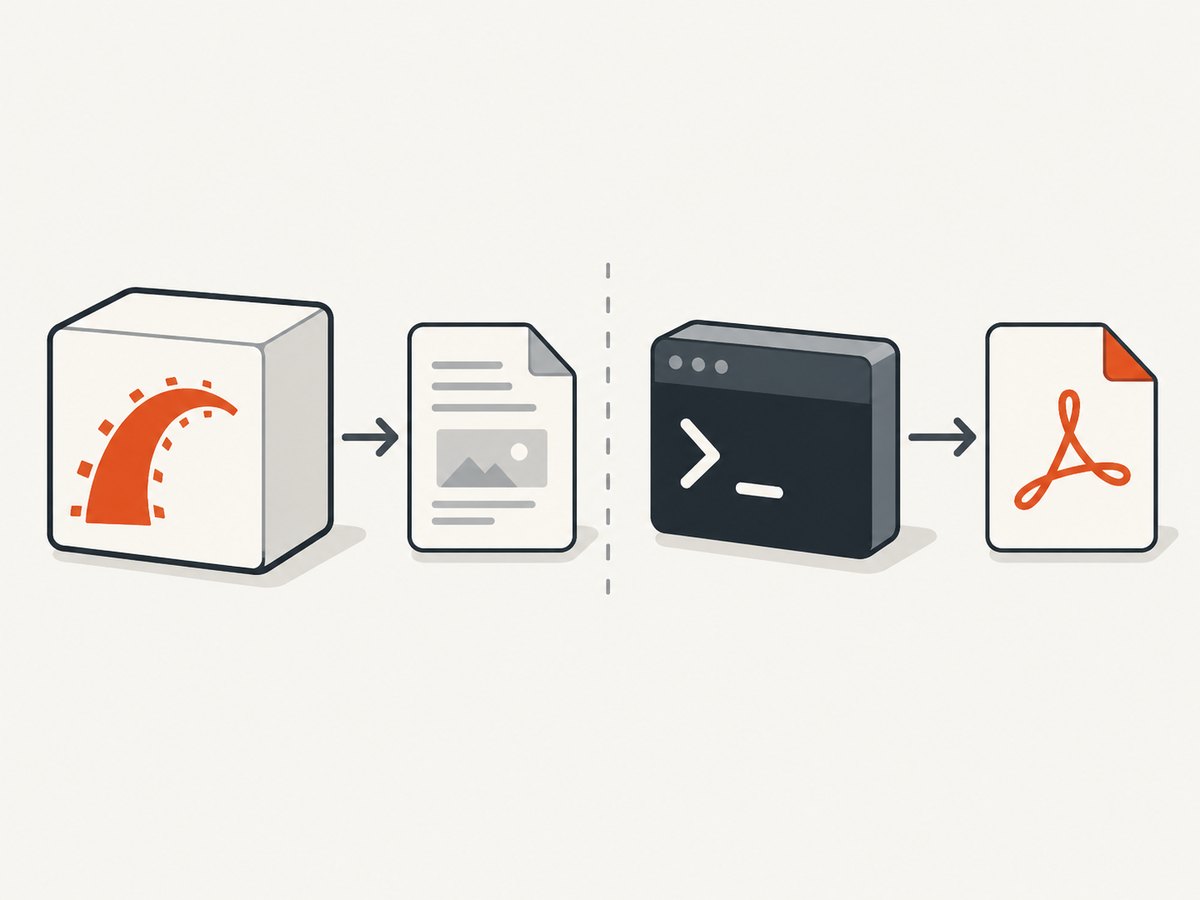
When PDFKit fails in Rails 4, first determine which layer is failing: the Ruby gem, the external wkhtmltopdf executable, or the renderer after it starts. PDFKit is a Ruby wrapper; it does not itself render PDFs. The PDFKit maintainers list Rails 4.2 as supported and instruct developers to install wkhtmltopdf separately. A successful bundle install therefore does not prove the renderer exists or can run. PDFKit README.
Use this order: confirm the gem under the app’s Ruby, run wkhtmltopdf as the Rails service account, configure its absolute path if discovery fails, then troubleshoot OS dependencies and asset access. This separates “PDFKit cannot find wkhtmltopdf” from “wkhtmltopdf cannot run on my server” and from “the PDF is missing CSS or images.”
1. Confirm the Rails and gem layer
In a Rails 4 app, declare PDFKit in the Gemfile and run Bundler with the Ruby installation used by the application process. Do not use a different shell Ruby and assume the service uses the same gemset or bundle.
# Gemfile
gem 'pdfkit'
ruby -v
bundle -v
bundle check
bundle exec ruby -e "require 'pdfkit'; puts PDFKit::VERSION"
If bundle check reports a missing gem, fix the bundle or deployment install first. If requiring PDFKit raises a load error, inspect the app’s Gemfile and lockfile, deployment group settings, and the Ruby version selected by the service. Rails 4 is old enough that a modern Ruby or dependency update can expose compatibility problems; reproduce with the app’s actual locked dependencies before changing versions.
Installing the gem does not install the system renderer. PDFKit’s documented setup has these as separate steps. Keep that distinction in mind when the gem loads successfully but PDF generation reports that wkhtmltopdf is missing.
2. Test wkhtmltopdf outside Rails
Run these commands as the same operating-system account that runs Rails, such as the application user under Passenger, systemd, a container entrypoint, or a job worker. An interactive login shell may have a different PATH, permissions, environment, and library search path from the Rails service.
whoami
command -v wkhtmltopdf
wkhtmltopdf --version
printf '<html><body>renderer check</body></html>' > /tmp/pdfkit-check.html
wkhtmltopdf /tmp/pdfkit-check.html /tmp/pdfkit-check.pdf
ls -l /tmp/pdfkit-check.pdf
If the command is not found, that is a discovery or installation problem. If it is found but exits with an error, Rails is not yet the issue: investigate the binary, its architecture, permissions, and shared libraries. The official wkhtmltopdf downloads page lists OS and architecture packages and notes that runtime configuration, including installed fonts and fontconfig/freetype2, affects behavior. The page records 0.12.6 as the stable series released June 11, 2020. wkhtmltopdf downloads and platform notes.
3. Configure the executable path explicitly
PDFKit tries to locate the binary by running which wkhtmltopdf. That may fail when the service has a restricted PATH, the executable is installed in a nonstandard location, or the app runs in a container with a different filesystem layout. The PDFKit README recommends configuring an explicit path when needed.
# config/initializers/pdfkit.rb
PDFKit.configure do |config|
  config.wkhtmltopdf = '/usr/local/bin/wkhtmltopdf'
end
Replace the example with the absolute path returned by command -v wkhtmltopdf in the Rails service environment. On Windows, use the full path to wkhtmltopdf.exe. Keep this initializer in source control, and verify the path exists in every deployed image or server. Do not point to a developer workstation path.
Restart the Rails process after changing an initializer. Then reproduce PDF generation in the same process type that failed, including a background worker if PDF generation happens in jobs.
4. Check architecture, permissions, and shared libraries
Use a package or release that matches both the host operating system and CPU architecture. A binary built for a different architecture may exist at the configured path yet fail immediately. Check that the file is executable and that the service account can traverse its parent directories and read required libraries.
file /usr/local/bin/wkhtmltopdf
ls -l /usr/local/bin/wkhtmltopdf
ldd /usr/local/bin/wkhtmltopdf
On Linux, ldd can reveal shared libraries marked “not found.” Install the matching OS packages or use a compatible build, then repeat the direct conversion test. Font packages also matter: missing fonts can produce blank-looking glyphs or layout changes even when PDF generation succeeds. A binary bundle gem may simplify installation for a given platform, but a declared Rails dependency constraint—or its absence—does not guarantee that its embedded executable works on every host. Test the actual executable in the deployment environment.
Do not treat a Rails initializer as a fix for missing shared libraries, nor a package change as a fix for a wrong PATH. Change the layer that the direct check identified.
5. Generate a PDF from Rails and set the response type
Once the renderer works directly and PDFKit can find it, use a minimal controller action to verify the integration. Render a dedicated HTML template and send the generated bytes with the PDF content type.
# app/controllers/reports_controller.rb
class ReportsController < ApplicationController
  def show
    html = render_to_string(
      template: 'reports/show',
      layout: 'pdf',
      formats: [:html]
    )

    kit = PDFKit.new(html, page_size: 'Letter')
    send_data kit.to_pdf,
      filename: 'report.pdf',
      type: 'application/pdf',
      disposition: 'inline'
  end
end
For a file download, use disposition: 'attachment'. If a browser shows raw bytes or handles the response incorrectly, check that the response type is application/pdf and that no middleware or proxy has altered the response. Start with plain HTML, then add layout, stylesheets, images, and JavaScript one piece at a time. This makes a rendering problem easier to isolate.
6. Fix missing CSS, images, and fonts
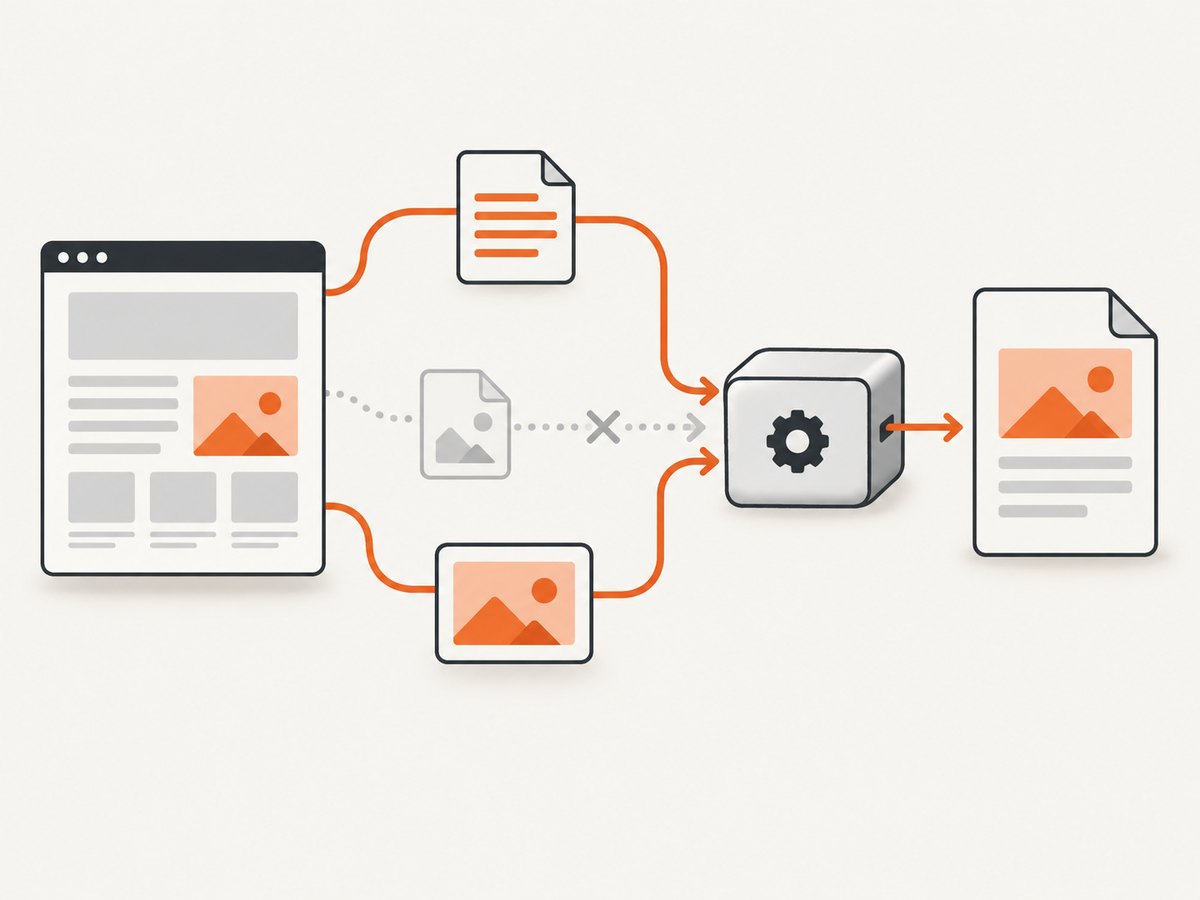
A PDF can be created successfully while its styles or images are absent. This is usually an asset URL problem: wkhtmltopdf runs as an external process and may not resolve relative paths the way a browser page does. Use absolute filesystem paths or complete URLs. If the renderer cannot reach the app’s external hostname, set PDFKit’s root_url to a hostname it can reach.
# config/initializers/pdfkit.rb
PDFKit.configure do |config|
  config.wkhtmltopdf = '/usr/local/bin/wkhtmltopdf'
  config.root_url = 'https://app.example.com'
end
Use your real reachable hostname and verify it from the renderer’s environment. A hostname resolving on a developer laptop may not resolve inside a production container. If assets are local files, use complete file paths supported by the renderer and confirm access permissions. Avoid relying on a relative URL such as /assets/report.css without a working root URL.
Check whether asset requests require a session or authentication. wkhtmltopdf does not automatically inherit the browser user’s cookies. Where appropriate, make report assets accessible to the rendering request or configure the needed request context using PDFKit’s supported options. Avoid exposing private assets publicly just to make PDF rendering work.
7. Diagnose hangs and development deadlocks
If generation hangs only in development, consider the documented single-thread issue. The Rails request can wait for wkhtmltopdf to finish while wkhtmltopdf tries to fetch stylesheets or images from the same Rails server. A single-thread development server cannot serve that second request until the first one returns.
Confirm the diagnosis by generating the same document with embedded assets or by using a server configuration with multiple workers. The PDFKit README gives Unicorn as an example of a multi-worker setup. Also check that asset URLs do not point back to a server that is blocked waiting for the PDF request to finish. Avoid solving a deadlock by adding arbitrary long sleeps; fix the callback path or concurrency constraint.
8. Relevant settings and diagnostic choices
| Setting or choice | Use it when | Check |
|---|---|---|
config.wkhtmltopdf |
Automatic executable discovery fails | Absolute path exists and runs as service user |
config.root_url |
Renderer cannot resolve relative app assets | Host is reachable from Rails server/container |
PDFKit options such as page_size |
PDF output needs explicit renderer settings | Keep the initial test minimal; add options individually |
| Full URLs or absolute file paths | Stylesheets, images, or fonts are missing | Renderer can access the URL or file with its permissions |
| Multiple server workers or embedded assets | Development generation waits indefinitely | Renderer callbacks do not depend on the blocked request |
PDFKit passes renderer options to wkhtmltopdf. Consult its README and the installed executable’s help for the options supported by that specific build; do not assume every version has identical behavior. Change one setting at a time so you can identify whether it affects startup, asset loading, or layout.
9. Troubleshooting by symptom
| Symptom | Likely cause | Next fix |
|---|---|---|
command not found or “No wkhtmltopdf executable found” |
Not installed, service PATH differs, or discovery fails | Run command -v as the service user; configure the absolute path |
| Works in shell but not Rails | Different user, PATH, container, permissions, or library environment | Compare identity and executable path from the service environment |
| “cannot execute binary file” | Wrong OS or CPU architecture | Install a matching package and rerun direct conversion |
| Shared object/library error | Missing runtime dependency | Inspect linked libraries and install dependencies for the host distribution |
| PDF exists but no CSS/images | Relative or unreachable URLs, authentication, or file permissions | Use complete URLs or absolute paths; set a reachable root URL |
| Hangs in development | Single-thread server cannot serve renderer asset callbacks | Use multiple workers or embed resources |
| Text is missing or substituted | Font unavailable to the renderer | Install required fonts and verify fontconfig/freetype runtime setup |
| Browser displays PDF strangely | Incorrect response content type | Send as application/pdf and inspect proxy/middleware behavior |
10. Reliability, performance, cost, and security
PDF rendering invokes an external executable, so the relevant operational costs are process startup, document complexity, asset retrieval, and the memory and CPU available on the host. The dossier provides no benchmark that applies to a particular application. Measure with representative documents in the actual deployment environment, especially if reports have many pages, large images, or remote assets.
For reliability, test the executable during image or server deployment, not only during development. Include a small direct conversion smoke check, confirm fonts and libraries are present, and record stderr and exit status when a job fails. For background generation, make retries deliberate: retrying a deterministic bad URL or invalid binary configuration will not help. Keep temporary files bounded and clean up generated artifacts according to your application’s retention needs.
Cost depends on the infrastructure that runs the renderer and the time and resources consumed by document generation; there is no fixed PDFKit or wkhtmltopdf service price in the source material. Since wkhtmltopdf is an external process, capacity planning should account for concurrent jobs and the resources available to each process.
Security requires special care if HTML includes user input. The wkhtmltopdf project explicitly warns against using it with untrusted HTML or JavaScript because it can lead to server takeover. Sanitize or otherwise constrain user-supplied content, do not render arbitrary URLs or scripts, and run the renderer with only the permissions and network access the task requires. wkhtmltopdf project security warning.
Or skip the browser setup
If the task is capturing a website as an image or PDF rather than generating an application-specific report, ScreenshotNeo offers a one-request screenshot API. It is a website screenshot API and MCP server for developers from ScreenshotNeo. One GET request returns a PNG, JPEG, WebP, or PDF. See the API documentation for request options.
curl -G "https://api.screenshotneo.com/v1/shot" -d access_key=YOUR_API_KEY --data-urlencode url=https://stripe.com -o shot.webpimport requests
r = requests.get("https://api.screenshotneo.com/v1/shot", params={"access_key": "YOUR_API_KEY", "url": "https://stripe.com"}, timeout=90)
open("shot.webp", "wb").write(r.content)const q = new URLSearchParams({ access_key: 'YOUR_API_KEY', url: 'https://stripe.com' });
const res = await fetch(`https://api.screenshotneo.com/v1/shot?${q}`);
ScreenshotNeo removes cookie banners, newsletter popups, and chat widgets before capture. Bot checks, blank pages, and failed loads are never billed; response headers report the page verdict and billing status. Its MCP server lets AI agents use screenshot tools. The Free plan includes 1,000 screenshots a month with no card; paid plans start at $5 for 3,000 screenshots. For a Rails report tied to application data or templates, PDFKit still addresses a different job; for capturing a web page, this call avoids installing and operating a renderer in your app.
Sign up free for 1,000 screenshots a month, with no card required.
FAQ
Does Rails 4.2 support PDFKit?
The maintained PDFKit README lists Rails 4.2 as supported. You still need a compatible Ruby dependency set and a separately installed wkhtmltopdf executable.
Should I install wkhtmltopdf with a binary gem?
A binary gem is one possible packaging choice, but it does not prove the embedded renderer matches your operating system, architecture, or runtime libraries. Run the executable directly under the service account.
Can I safely render user-submitted HTML?
Do not pass untrusted HTML or JavaScript to wkhtmltopdf. The project warns this can expose the server to takeover; sanitize and constrain content before rendering.
What if all commands succeed but production still fails?
Reproduce from the Rails service context and compare its user, PATH, filesystem, hostname resolution, asset access, and runtime libraries with the successful shell session.


