How to Fix Random “Cannot Read Properties of Undefined” $eval Errors in Puppeteer
Diagnose intermittent Puppeteer $eval failures by separating missing selectors, missing page data, and navigation timing races.
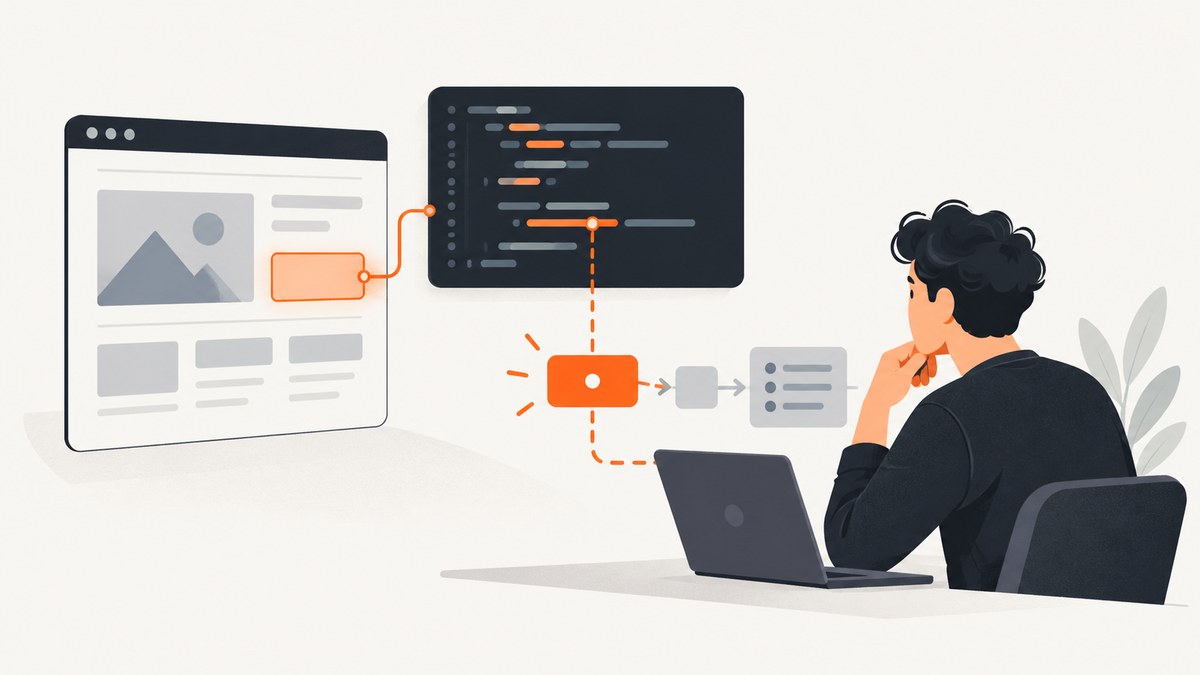
page.$eval() does not randomly return undefined. It finds the first element matching your selector and passes that element to your callback. If no element matches, Puppeteer throws its own missing-selector error. A message such as Cannot read properties of undefined usually means the callback matched an element but then dereferenced an undefined value inside the page function, or that your surrounding code read an undefined result after the evaluation.
The reliable fix is to identify the exact property access in the stack trace, verify the selector and frame, wait for the page state your callback needs, and validate optional values before reading them. This guide shows a complete diagnostic workflow, defensive JavaScript patterns, navigation handling, logging, performance considerations, and alternatives when you only need a clean screenshot.
What the error actually means
Puppeteer’s Page.$eval() API documentation says the method evaluates a function on the first element matching a selector and throws if no element is found. That behavior creates three different failure classes:
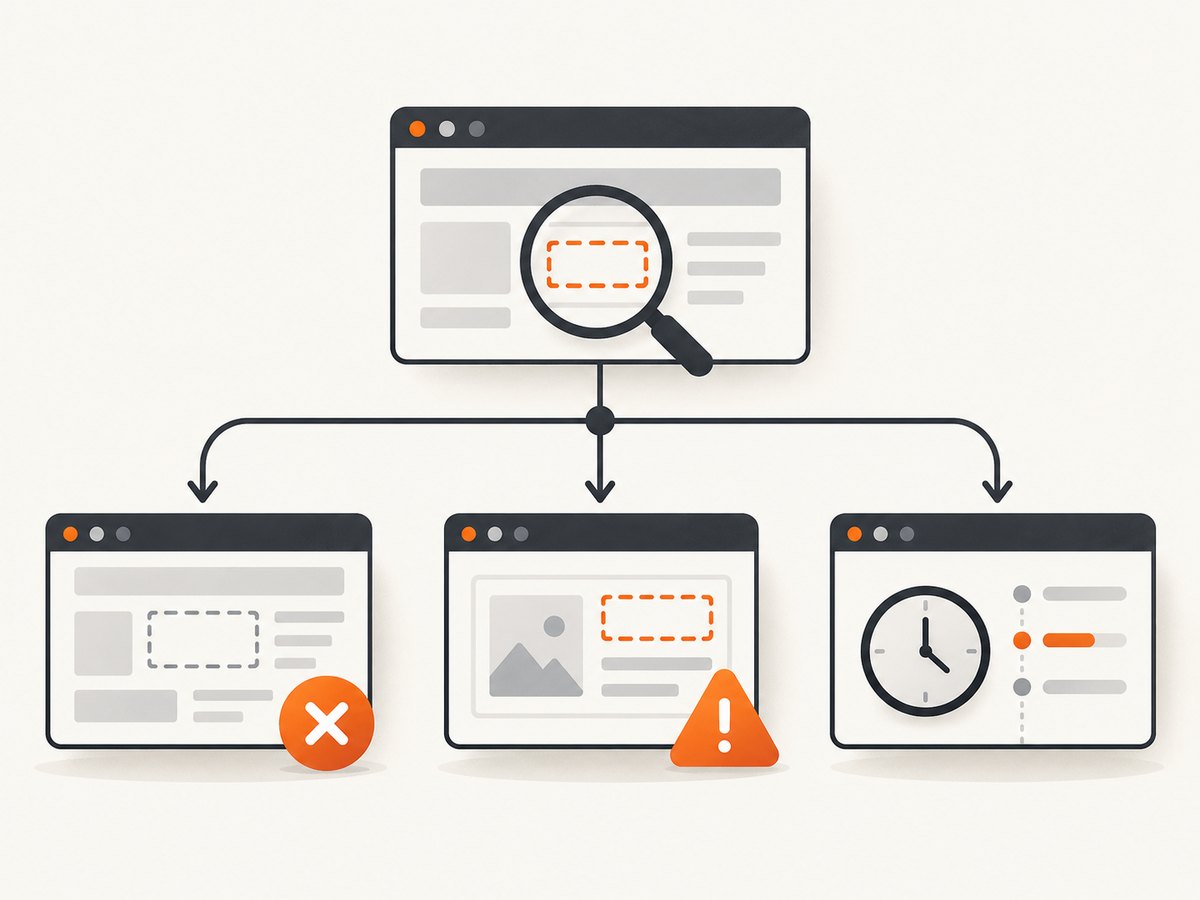
| Failure class | Typical symptom | What to inspect |
|---|---|---|
| Selector absent | Puppeteer reports that no element matches the selector | Selector spelling, URL, frame, visibility and page state |
| Element matched, nested value absent | Cannot read properties of undefined or null |
The callback expression, attributes, child nodes and application data |
| Page state changed during an action | Intermittent failures after clicks, redirects or SPA updates | Navigation and state waits, request timing and replacement of DOM nodes |
Do not change every timeout until you know which class you have. A longer wait cannot make a missing property appear, and a selector wait does not prove that an API response or nested object is ready.
A fast debugging sequence
- Capture the complete stack trace. Record the URL, selector, Puppeteer version and the callback source. The property name in the error identifies the dereference that failed only when you can see the surrounding expression.
- Confirm the page and frame. Log
page.url(). If the target is inside an iframe, use the frame object rather than evaluating against the top-level page. - Check selector presence separately. Use
page.$(selector)orwaitForSelector()before$eval(). This distinguishes a missing element from a callback failure. - Inspect the value immediately before dereferencing it. Return a small diagnostic object from the page function, or use optional checks for attributes and child elements.
- Wait for the expected state. Prefer a selector, URL, response, text value or application-specific state over an arbitrary sleep.
- Handle navigation with the action. If a click navigates, start
waitForNavigation()andclick()together withPromise.all(). - Compare successful and failed runs. Capture HTML snippets, relevant attributes and timing data so an intermittent race becomes observable.
Reproduce the failure with a minimal script
Start with a small script that reports each stage. This example deliberately checks the selector before evaluating a property:
const puppeteer = require('puppeteer');

(async () => {
  const browser = await puppeteer.launch({headless: true});
  const page = await browser.newPage();
  const url = 'https://example.com';
  const selector = 'h1';

  try {
    await page.goto(url, {waitUntil: 'domcontentloaded', timeout: 30000});
    console.log({url: page.url(), selector});

    const element = await page.$(selector);
    if (!element) {
      throw new Error(`Missing selector ${selector} at ${page.url()}`);
    }

    const result = await page.$eval(selector, el => ({
      text: el.textContent,
      className: el.getAttribute('class')
    }));
    console.log(result);
  } catch (error) {
    console.error(error.stack);
    console.error('Failed URL:', page.url());
    console.error('Selector:', selector);
    throw error;
  } finally {
    await browser.close();
  }
})();
Run it with node debug-eval.js. Replace the URL and selector with the failing values. Keeping the selector check separate prevents a callback exception from being mistaken for Puppeteer’s documented no-match error.
Defensive $eval patterns
Check an attribute before using it
const value = await page.$eval('.result', el => {
  const data = el.getAttribute('data-value');
  return data === null ? null : data;
});

if (value === null) {
  throw new Error('Expected .result to have a data-value attribute');
}
getAttribute() returns null when the attribute is absent. Treat that case explicitly instead of calling a method on the missing value.
Check nested elements
const summary = await page.$eval('.card', card => {
  const title = card.querySelector('.title');
  const link = card.querySelector('a');

  return {
    title: title?.textContent?.trim() ?? null,
    href: link?.getAttribute('href') ?? null
  };
});

if (!summary.title || !summary.href) {
  throw new Error(`Incomplete card data: ${JSON.stringify(summary)}`);
}
Optional chaining prevents a missing child from crashing the callback. Validate required fields after evaluation so the failure includes useful context.
Validate application data inside the page
const data = await page.$eval('#app', root => {
  const raw = root.getAttribute('data-state');
  if (!raw) return null;

  try {
    return JSON.parse(raw);
  } catch {
    return null;
  }
});

if (!data || typeof data.userId !== 'string') {
  throw new Error('Expected valid data-state with a userId');
}
A matched root element says nothing about whether its JSON, dataset or rendered children are complete.
Wait for the state your callback needs
page.waitForSelector() waits for a matching element and throws after its timeout. Use it when the element itself is the readiness condition:
await page.waitForSelector('.result', {
  visible: true,
  timeout: 15000
});

const text = await page.$eval('.result', el => el.textContent?.trim() ?? '');
For data rendered after the element appears, wait for the data condition as well:
await page.waitForFunction(
  selector => {
    const el = document.querySelector(selector);
    return el?.getAttribute('data-ready') === 'true';
  },
  {timeout: 15000},
  '.result'
);

const value = await page.$eval('.result', el => el.getAttribute('data-value'));
Other useful readiness signals include waitForURL(), waitForResponse(), a known text value, or a framework-specific flag. A fixed setTimeout() can hide a race on a fast run and still fail under load.
Navigation and single-page application races
When a click causes a document navigation, Puppeteer documents starting the click and navigation wait together:
const [response] = await Promise.all([
  page.waitForNavigation({waitUntil: 'networkidle2', timeout: 30000}),
  page.click('a.next')
]);

await page.waitForSelector('.next-page-result');
const value = await page.$eval('.next-page-result', el => el.textContent?.trim() ?? '');
Starting waitForNavigation() only after click() can miss a fast navigation. For a single-page application, no document navigation may occur; wait for the resulting route, response or DOM state instead:
await Promise.all([
  page.waitForResponse(response =>
    response.url().includes('/api/results') && response.ok()
  ),
  page.click('[data-action="load-results"]')
]);

await page.waitForSelector('.result[data-ready="true"]');
See Puppeteer’s Page API guidance for the documented navigation pattern.
Frames, replaced nodes and stale assumptions
Evaluate in the correct iframe
const frame = page.frames().find(f => f.url().includes('/embedded/'));
if (!frame) throw new Error('Embedded frame was not found');

await frame.waitForSelector('.result');
const value = await frame.$eval('.result', el => el.textContent?.trim() ?? '');
page.$eval() searches the page’s main document. A selector that works in DevTools inside an iframe will fail there unless you evaluate through the matching frame.
Re-query after rerenders
Modern applications frequently replace nodes during rendering. Prefer a fresh $eval() after the expected state rather than holding an element handle across an update. If you must use a handle, catch disposal errors and reacquire it.
Instrumentation for intermittent failures
Log enough context to compare a passing and failing run without dumping an entire page:
async function inspect(page, selector) {
  return page.evaluate(selector => {
    const el = document.querySelector(selector);
    return {
      href: location.href,
      readyState: document.readyState,
      found: Boolean(el),
      text: el?.textContent?.slice(0, 200) ?? null,
      html: el?.outerHTML?.slice(0, 500) ?? null,
      dataReady: el?.getAttribute('data-ready') ?? null
    };
  }, selector);
}

try {
  await page.waitForSelector('.result', {timeout: 10000});
  const result = await page.$eval('.result', el => el.querySelector('.value').textContent);
  console.log(result);
} catch (error) {
  console.error(error.stack);
  console.error(await inspect(page, '.result'));
  await page.screenshot({path: 'failed-run.png', fullPage: true});
  throw error;
}
Include a run identifier and timestamps when several workers share logs. Avoid logging secrets, authorization headers or personal data.
Common errors and fixes
| Error or symptom | Likely cause | Fix |
|---|---|---|
Cannot read properties of undefined (reading 'x') |
A callback variable or nested value is undefined | Log the value before the dereference; use optional checks and validate required fields |
Cannot read properties of null |
querySelector() or getAttribute() returned null |
Check the child selector or attribute explicitly |
failed to find element matching selector |
No element matched in the current document or frame | Verify URL, selector, frame and readiness wait |
| Works locally, fails in CI | Different viewport, credentials, network speed, browser version or page state | Pin the Puppeteer version, set a viewport, capture the URL and diagnostics, and wait for an application state |
| Fails after a click | Navigation or SPA rendering race | Use Promise.all() for navigation, or wait for the resulting response/state |
| Timeout after adding a wait | The selector never appears, appears in another frame, or the page failed to load | Inspect the URL, response status, frame list and a failure screenshot; fix the condition rather than raising the timeout indefinitely |
Performance and reliability notes
- Use one browser process with multiple pages when appropriate, but isolate cookies and storage contexts for independent jobs.
- Set explicit navigation and selector timeouts. A long global timeout makes incidents slow and can exhaust workers.
- Wait for the narrowest meaningful condition.
networkidle2can remain unsettled on pages with analytics or long polling; a specific response or DOM state is often more reliable. - Retry only transient failures such as network resets. Do not retry a deterministic missing selector without collecting diagnostics.
- Close pages and browsers in
finallyblocks. Leaked pages consume memory and cause later evaluations to fail under load. - Keep browser and Puppeteer versions aligned with the API documentation you use; behavior and supported options can change between releases.

Or skip the browser setup
If your goal is a clean image or PDF rather than browser automation, ScreenshotNeo provides a GET endpoint that captures a URL. It accepts consent banners before capture and removes more than 60 known consent platforms, newsletter popups and chat widgets. Bot checks, blank pages, timeouts, failed loads and cache hits are not billed, and response headers identify the page verdict and whether it was billed. Its MCP server includes take_screenshot, get_page_info and capture_pdf for Claude, Cursor and other MCP clients.
Read the ScreenshotNeo API documentation for all options, including full-page and element capture, waits, custom CSS and JavaScript, headers, cookies, blocking rules, device presets, PDF settings, caching, signed links, async jobs and bulk capture.
curl -G "https://api.screenshotneo.com/v1/shot" -d access_key=YOUR_API_KEY --data-urlencode url=https://stripe.com -o shot.webpimport requests
r = requests.get("https://api.screenshotneo.com/v1/shot", params={"access_key": "YOUR_API_KEY", "url": "https://stripe.com"}, timeout=90)
open("shot.webp", "wb").write(r.content)const q = new URLSearchParams({ access_key: 'YOUR_API_KEY', url: 'https://stripe.com' });
const res = await fetch(`https://api.screenshotneo.com/v1/shot?${q}`);There are 1,000 screenshots per month on the free plan with no card. Paid plans start at $5 for 3,000 screenshots. Create a free ScreenshotNeo account to try the capture endpoint.
Cost and operational planning
With Puppeteer, your cost is the infrastructure and engineering time required to run browsers, manage concurrency, handle failures and maintain selectors. ScreenshotNeo charges only for clean shots; bot checks, blank pages, failed loads, timeouts and cache hits are free. Choose caching with a TTL when repeated captures are acceptable, and use async jobs or bulk capture for larger batches. The free tier provides 1,000 shots each month; paid options are Starter $5 for 3,000, Growth $15 for 15,000, Pro $39 for 60,000, Scale $99 for 250,000 and Business $249 for 1,000,000. Yearly billing gives two months free, and every feature is included on every plan.
FAQ
Does $eval() return undefined when no element exists?
No. Puppeteer documents that it throws when no element matches. An undefined-property message usually points to code inside the callback or code that consumes its result.
Should I replace every $eval() with evaluate()?
No. $eval() is concise when one selector and one element are the right abstraction. Use evaluate() when you need several selectors, page-wide state or richer diagnostics.
Is waitForTimeout() a fix?
Usually not. A fixed delay may mask a race temporarily. Wait for the selector, response, URL or application state that proves the data your callback reads is ready.
Why does the script pass in a visible browser but fail headless?
Headless and headed runs can differ in viewport, timing, fonts, permissions and page behavior. Record those settings and wait for an observable state instead of relying on timing.
Can ScreenshotNeo run my Puppeteer callback?
No. ScreenshotNeo captures URLs and returns images or PDFs. Use Puppeteer when you need arbitrary JavaScript automation; use ScreenshotNeo when a managed clean capture is the required output.


