How to Fix React Native HTML-to-PDF Files Not Appearing at the Specified Path
Find the real PDF path, verify the file, and export it correctly on iOS and Android when React Native HTML-to-PDF output seems missing.

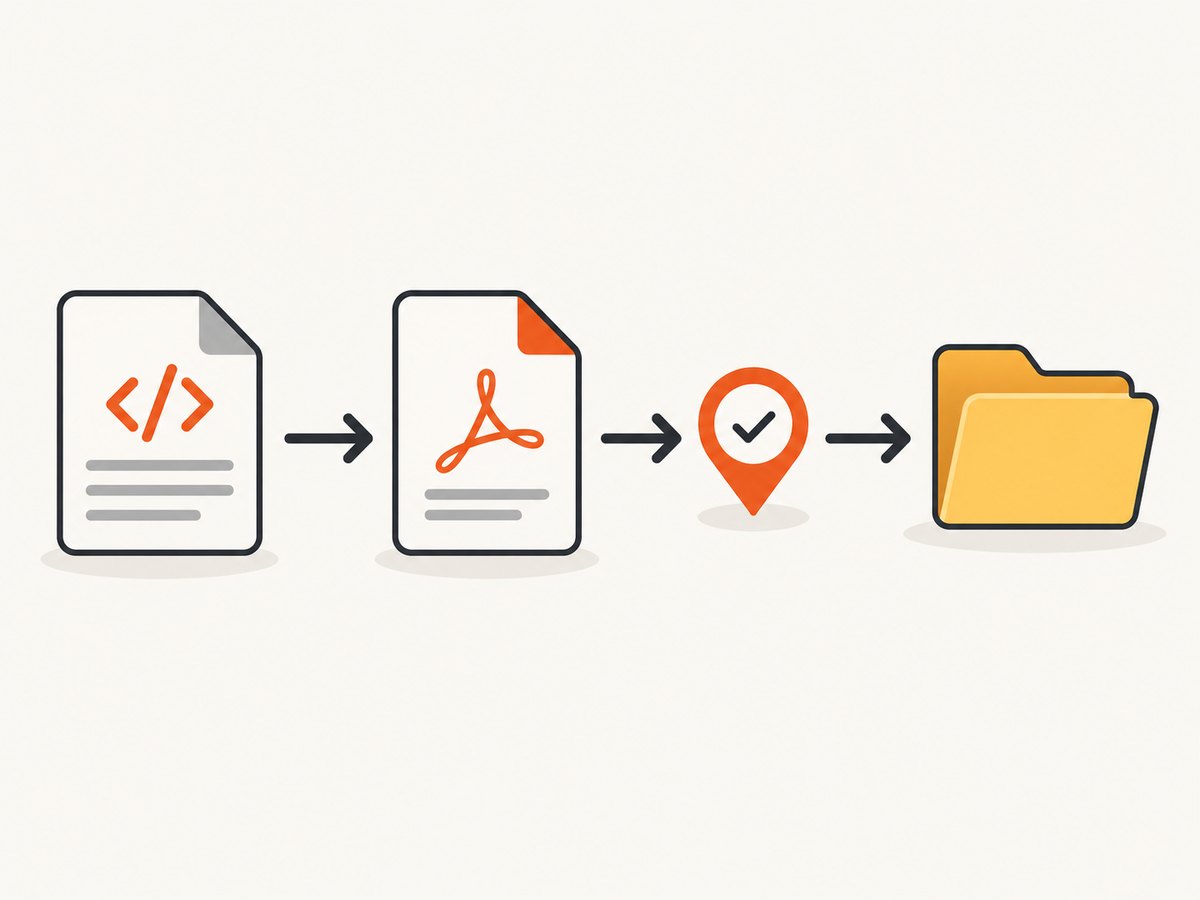
When a React Native HTML-to-PDF file does not appear where you expected, separate the problem into three checks: generation, location, and visibility. Read the complete filePath returned by the conversion call, verify that the file exists and is readable, then decide whether that path is app-private or user-accessible storage.
The library documents the cache directory as its default output location. On iOS, Documents is the only custom directory value it accepts. Android may return an app-specific path such as /storage/emulated/0/Android/data/<package>/files/..., which is different from the public Downloads folder. (react-native-html-to-pdf README)
1. Confirm what the conversion actually returned
Do not infer the final path from the directory you requested. Log the resolved options and the entire result object.
import RNHTMLtoPDF from 'react-native-html-to-pdf';

export async function createPdf() {
  const options = {
    html: '<h1>Invoice</h1><p>Total: $42</p>',
    fileName: 'invoice-2026-10-01',
    directory: 'Documents',
  };

  console.log('PDF options:', options);
  const result = await RNHTMLtoPDF.convert(options);
  console.log('PDF conversion result:', result);
  console.log('Returned filePath:', result.filePath);
  return result.filePath;
}
The returned filePath is the authoritative starting point. A successful promise only tells you that the conversion call completed; it does not mean that another app can browse the file.
2. Check existence and readability inside the app
Use the exact returned path with a filesystem library. This distinguishes a failed conversion from a visibility or export problem.
import RNFS from 'react-native-fs';

export async function verifyPdf(filePath) {
  if (!filePath) {
    throw new Error('The converter returned no filePath');
  }

  const exists = await RNFS.exists(filePath);
  console.log({ filePath, exists });
  if (!exists) {
    throw new Error(`PDF was not found at ${filePath}`);
  }

  const stat = await RNFS.stat(filePath);
  console.log('PDF size:', stat.size);
  if (Number(stat.size) === 0) {
    throw new Error('PDF exists but is empty');
  }

  return { filePath, size: Number(stat.size) };
}
If this check succeeds, generation worked. The remaining issue is usually opening, sharing, or exporting the file to a location visible to the user.
3. Use directory options that the platforms support
iOS
The package documentation lists Documents as the supported custom iOS directory. If you need the user to access the PDF outside the app container, add a share or export flow; selecting Documents does not publish the file to other apps automatically.
const result = await RNHTMLtoPDF.convert({
  html,
  fileName: 'report',
  directory: 'Documents',
});
Android
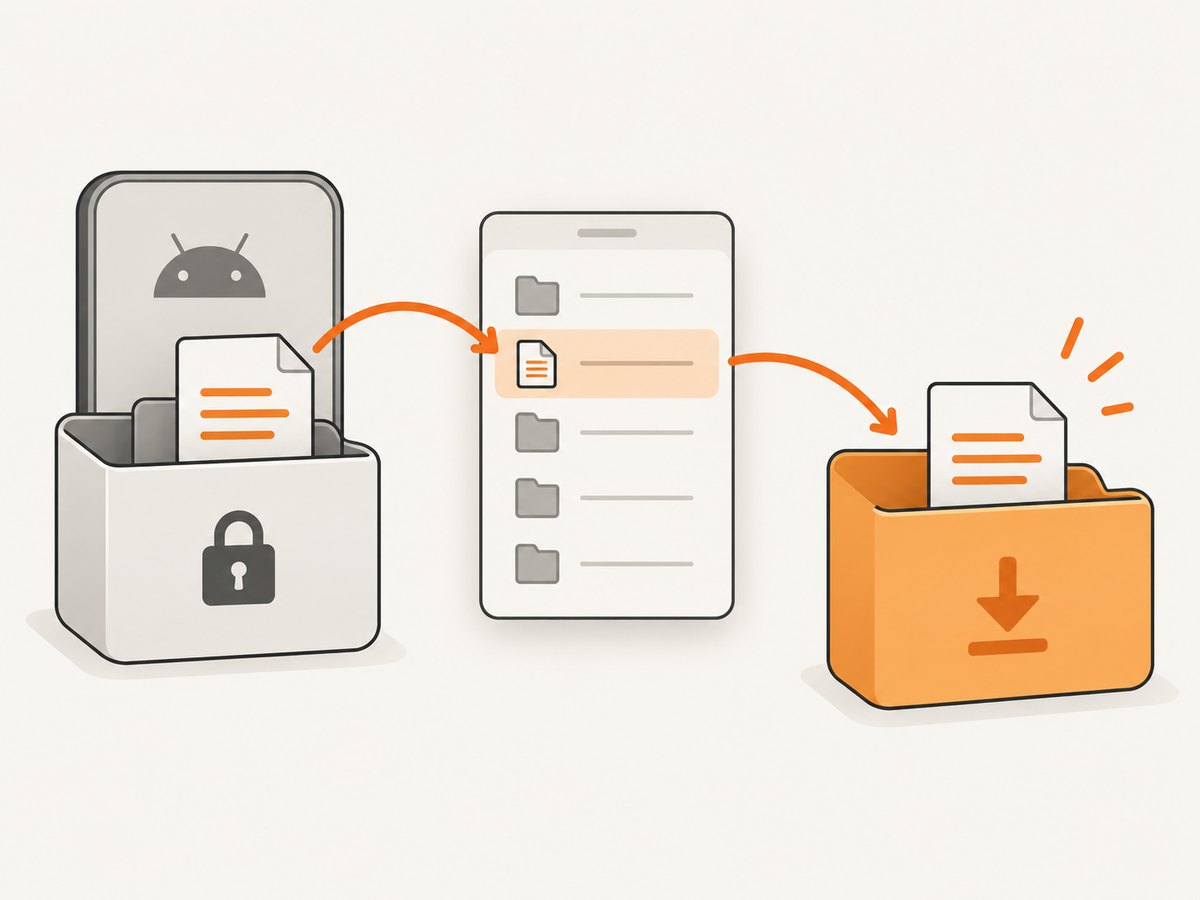
An Android path containing Android/data/<app>/files is app-specific storage. It can be valid and readable by your app while absent from a normal public Downloads view. Android 11’s scoped-storage rules also state that WRITE_EXTERNAL_STORAGE grants no additional access to apps targeting Android 11. (Android storage updates)
Choose an export workflow based on the user experience:
- App-private file: keep the returned path for in-app viewing or sharing.
- User-selected destination: use Android’s Storage Access Framework so the user chooses where to save a document. On Android 11 and later, the system restricts selecting the Download directory through
ACTION_OPEN_DOCUMENT_TREE. (Storage Access Framework) - App-managed download: use the platform’s Downloads document APIs. Android documents
MediaStore.Downloadsfor suitable app-created downloads on Android 10 and later. (MediaStore.Downloads)
Do not treat an old permission workaround such as WRITE_EXTERNAL_STORAGE or requestLegacyExternalStorage as a universal fix for modern target SDKs.
4. A complete React Native generation and share flow
import { Alert, Platform, Share } from 'react-native';
import RNFS from 'react-native-fs';
import RNHTMLtoPDF from 'react-native-html-to-pdf';

export async function generateAndSharePdf() {
  const html = `
    <html>
      <head><meta name="viewport" content="width=device-width" /></head>
      <body>
        <h1>Monthly report</h1>
        <p>Generated by the React Native app.</p>
      </body>
    </html>`;

  const options = {
    html,
    fileName: `monthly-report-${Date.now()}`,
    // Documents is supported on iOS. Omit directory to use the package default.
    ...(Platform.OS === 'ios' ? { directory: 'Documents' } : {}),
  };

  try {
    const result = await RNHTMLtoPDF.convert(options);
    const filePath = result?.filePath;
    if (!filePath) throw new Error('No filePath returned by converter');

    if (!(await RNFS.exists(filePath))) {
      throw new Error(`Generated file is missing: ${filePath}`);
    }

    const stat = await RNFS.stat(filePath);
    if (Number(stat.size) === 0) throw new Error('Generated PDF is empty');

    await Share.share({
      title: 'Monthly report',
      url: Platform.OS === 'android' ? `file://${filePath}` : filePath,
      message: Platform.OS === 'android' ? undefined : filePath,
    });

    return filePath;
  } catch (error) {
    console.error('PDF generation failed', { options, error });
    Alert.alert('Could not create PDF', String(error.message || error));
    throw error;
  }
}
5. Troubleshooting checklist
| Symptom | Likely cause | Fix |
|---|---|---|
| No file at the requested directory | The library chose its default cache or app-specific directory. | Inspect result.filePath; use that exact path. |
filePath is undefined |
Conversion failed or the installed package version returns a different result shape. | Log the full result, catch the rejection, and verify the package version and README. |
| Path exists but Files app or Downloads does not show it | The file is inside app-private storage. | Share it or export it through SAF/Downloads APIs. |
| PDF exists but cannot be opened | Zero-byte output, incomplete write, or an invalid HTML/resource. | Check file size, simplify HTML, embed important assets, and retry after the promise resolves. |
| Android permission request did not help | Scoped storage applies to modern target SDKs. | Use a document or Downloads workflow instead of relying on legacy storage permissions. |
| Images or fonts are missing | The renderer cannot reach relative or remote resources. | Use absolute URLs or inline assets, and wait until required content is present before converting. |
| iOS rejects a custom directory | The value is not one supported by the package. | Use Documents or omit the directory option. |
6. Make failures diagnosable
- Record React Native version, package version, OS release, target SDK, requested directory, returned path, and file size.
- Classify the failure as generation, path access, or user-facing visibility.
- Reproduce with minimal HTML before debugging complex templates.
- Keep the returned path with the job record so later share/export actions use the real file.
- Treat GitHub issues as individual historical reports; they do not prove a universal package defect.
7. Performance, reliability, and storage choices
Large HTML, remote images, and custom fonts increase conversion time and failure probability. Reduce unnecessary assets, use deterministic filenames, and avoid assuming that a cache path is permanent. If a PDF must remain available after app cleanup or be opened by another app, export or copy it into the platform workflow that matches that requirement.
For production diagnostics, retain the conversion result, exception text, path, byte size, and platform metadata. This gives you enough information to tell a missing file from a file that exists but is private.
8. Or skip the browser setup
If your input is a public web page rather than app-generated HTML, ScreenshotNeo can return a PDF with one request. It handles the browser session and page loading for you. See the ScreenshotNeo API documentation.
curl -G "https://api.screenshotneo.com/v1/shot" -d access_key=YOUR_API_KEY --data-urlencode url=https://stripe.com -o shot.webpimport requests
r = requests.get("https://api.screenshotneo.com/v1/shot", params={"access_key": "YOUR_API_KEY", "url": "https://stripe.com"}, timeout=90)
open("shot.webp", "wb").write(r.content)const q = new URLSearchParams({ access_key: 'YOUR_API_KEY', url: 'https://stripe.com' });
const res = await fetch(`https://api.screenshotneo.com/v1/shot?${q}`);Use the PDF output option documented by the API when you need a PDF instead of an image. Cookie banners, newsletter popups, and chat widgets are removed before the shot; bot checks, blank pages, timeouts, failed loads, and cache hits are not billed. Response headers identify the page verdict and whether the request was billed. An MCP server provides take_screenshot, get_page_info, and capture_pdf tools for Claude, Cursor, and other MCP clients. The Free plan includes 1,000 screenshots a month with no card; paid plans start at $5 for 3,000. Create a free ScreenshotNeo account.
9. FAQ
Does a successful conversion guarantee a public file?
No. It confirms conversion completion. Check the returned path and then export or share it if users need access outside the app.
Should I always write PDFs to Downloads?
No. Use app-private storage for temporary or internal files, a user-selected document location when the user should choose, and a managed Downloads workflow for app-created downloads.
Why does Android show an Android/data path?
That path identifies app-specific storage. It is different from the public Downloads directory and may not appear in ordinary file browsers.
Can WRITE_EXTERNAL_STORAGE fix this on Android 11?
For apps targeting Android 11, Android says that permission provides no additional access. Choose a supported document or shared-download API instead.
What should I include in a bug report?
Include package and React Native versions, OS and target SDK, options, complete conversion result, returned path, existence and size checks, and the exact visibility problem.


