How to Fix a ReadTimeout Error in Python Requests
Learn what causes Python Requests ReadTimeout errors, how to set connect and read timeouts, retry safely, and diagnose slow networks and servers.
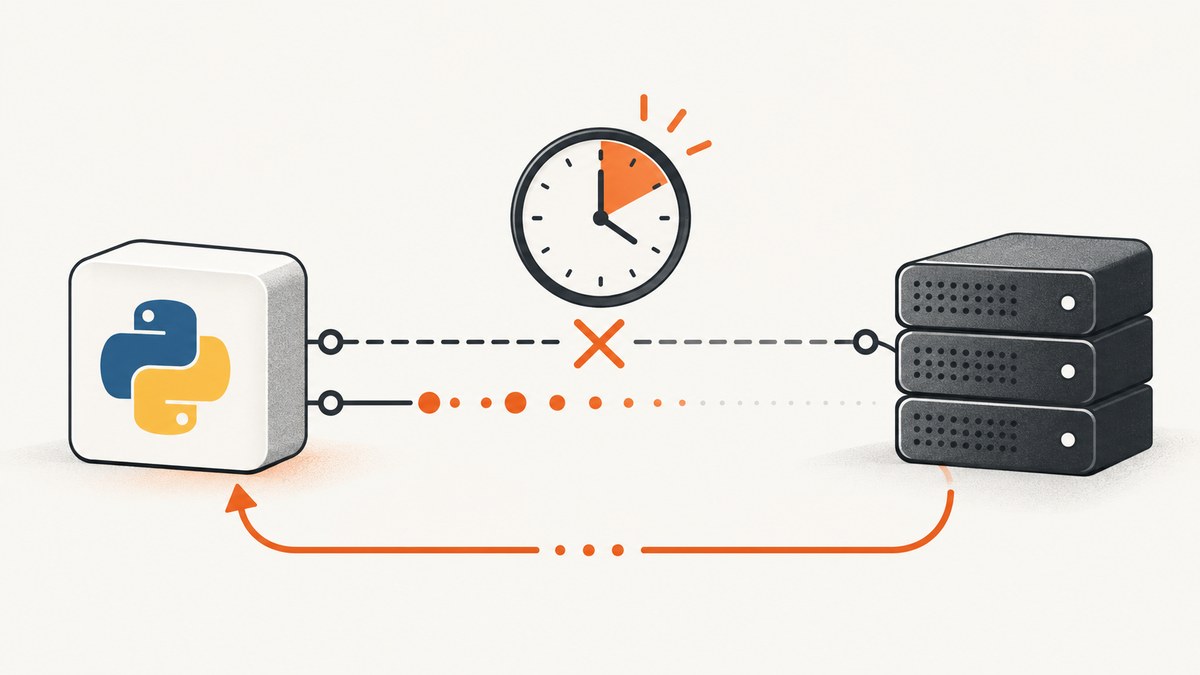
Direct answer: A requests.exceptions.ReadTimeout means Requests connected (or got far enough into the exchange) but did not receive response bytes within the configured read interval. Set an explicit timeout, usually as a tuple such as timeout=(3.05, 27), then decide whether a bounded retry is safe for the HTTP operation. A read timeout measures inactivity between bytes; it is not a total wall-clock limit for the entire download.
Requests has no timeout by default. A call can therefore wait indefinitely when a server, proxy, DNS path, or network connection stops making progress. Requests’ own quickstart says production code should use the parameter in nearly all requests. The API reference defines ReadTimeout as the case where “the server did not send any data in the allotted amount of time.” See the Requests timeout documentation and exception reference.
What a ReadTimeout means
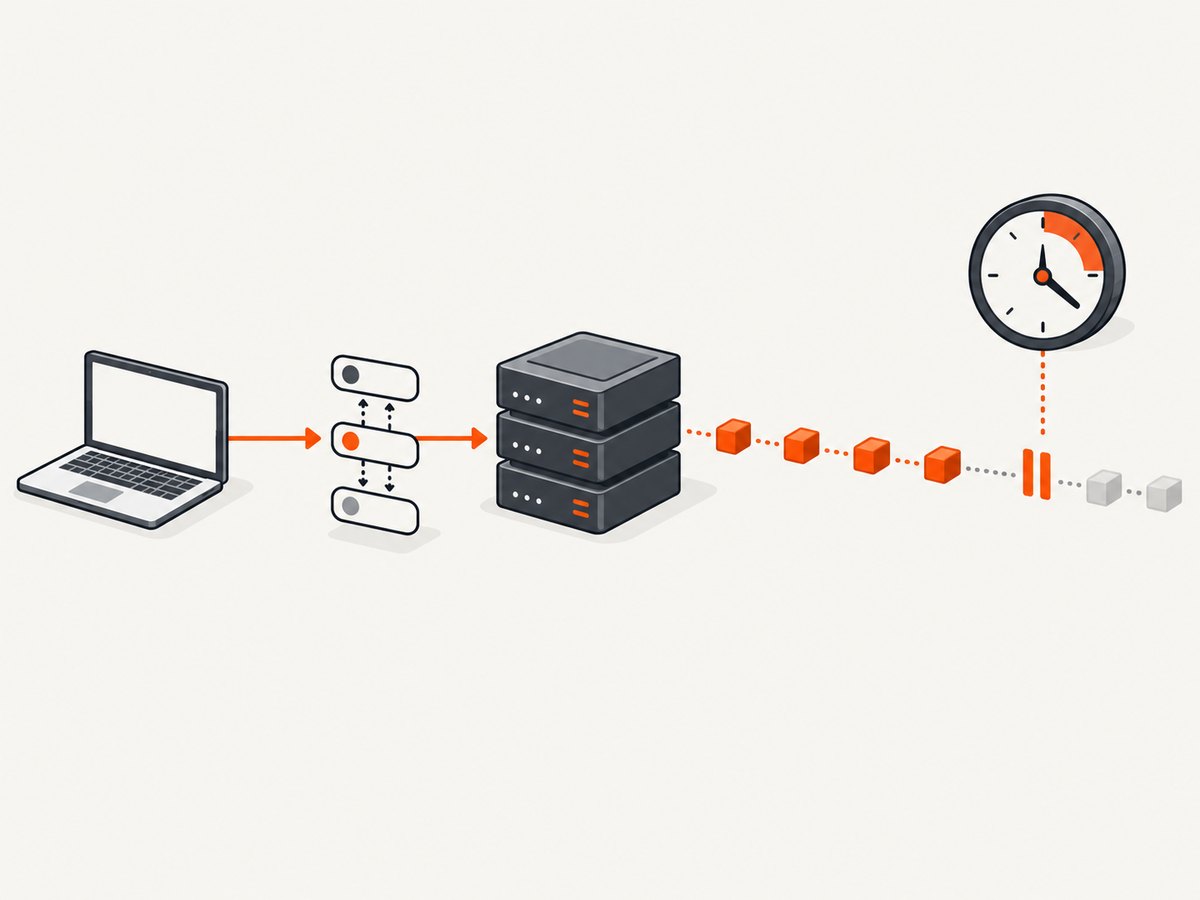
HTTP work has several phases. Your client resolves a host, opens a TCP connection, negotiates TLS when needed, sends the request, and waits for response data. A ConnectTimeout is failure while establishing the connection. A ReadTimeout occurs after connection setup when the server does not send data during the read interval. The distinction tells you which budget and which part of the system to investigate.
| Symptom | Likely phase | First action |
|---|---|---|
ConnectTimeout |
DNS, TCP, proxy, firewall, or TLS setup | Check network path and use a connect timeout |
ReadTimeout |
No response bytes during the read interval | Check server latency, streaming behavior, and read timeout |
| HTTP 4xx/5xx | Server returned an HTTP response | Call raise_for_status(); fix the request or service |
A scalar timeout, such as timeout=10, applies to both connection and reading. A tuple separates them: timeout=(connect_seconds, read_seconds). For example, (3.05, 27) gives connection setup about three seconds and allows up to 27 seconds of inactivity while reading. These values are examples, not universal defaults.
Minimal, correct fix
import requests

url = "https://api.example.com/data"

try:
    response = requests.get(url, timeout=(3.05, 27))
    response.raise_for_status()
except requests.exceptions.ReadTimeout:
    # The server stopped sending bytes within the read interval.
    handle_timeout()
except requests.exceptions.ConnectTimeout:
    # Connection setup exceeded the connect budget.
    handle_connect_timeout()
except requests.exceptions.Timeout:
    # Covers either timeout type when the distinction is not needed.
    handle_timeout()
Replace the handlers with logging, a fallback, or an error returned to your caller. Keep raise_for_status() after a response: increasing a timeout cannot repair a 401, 404, or other application-level error.
Choose connect and read values
- Set a connect budget. It should cover DNS, TCP, proxy, and TLS setup on your deployment network. A small value such as 3.05 seconds is a starting point; private networks or distant services may need more.
- Set a read budget. Base it on the endpoint’s expected time to first byte and its allowed idle period. A large value does not make a slow endpoint faster.
- Remember the inactivity rule. The read timer concerns the gap between bytes. A streaming response that sends occasional bytes can run for a long time without a read timeout.
- Measure separately. Record elapsed time, status, URL, method, and whether any bytes arrived so you can tune the right phase.
import time
import requests

url = "https://api.example.com/data"
started = time.monotonic()
try:
    response = requests.get(url, timeout=(3.05, 27))
    response.raise_for_status()
except requests.exceptions.ReadTimeout as exc:
    elapsed = time.monotonic() - started
    print(f"read timeout after {elapsed:.2f}s: {url}")
    raise
Use a Session for a consistent policy
A one-off timeout protects one call. A Session lets you share connections, authentication, headers, and retry policy across calls. Requests’ HTTPAdapter defaults max_retries to zero, so retries are not silently enabled.
import requests

session = requests.Session()
session.headers.update({"Accept": "application/json"})

response = session.get(
    "https://api.example.com/data",
    timeout=(3.05, 27),
)
response.raise_for_status()
data = response.json()
Requests does not provide a built-in default timeout on every Session request. Pass it at each call site or wrap your Session in a small client function that requires a timeout.
Retry transient timeouts safely
Retries help when a failure is temporary, but repeating a request can duplicate work. Restrict automatic retries to operations that are safe to repeat, commonly GET, HEAD, and OPTIONS. Do not blindly retry a payment, order creation, or other non-idempotent write unless the API offers an idempotency mechanism and you use it.
from requests import Session
from requests.adapters import HTTPAdapter
from urllib3.util import Retry

retry = Retry(
    total=3,
    connect=3,
    read=3,
    backoff_factor=0.5,
    status_forcelist=(429, 500, 502, 503, 504),
    allowed_methods=frozenset({"GET", "HEAD", "OPTIONS"}),
)

session = Session()
session.mount("https://", HTTPAdapter(max_retries=retry))

response = session.get(
    "https://api.example.com/data",
    timeout=(3.05, 27),
)
response.raise_for_status()
This configuration uses urllib3’s documented retry mechanism. Tune the count, backoff, status list, and methods for your service. Respect a server’s Retry-After behavior and cap the total time your caller may spend waiting.
Streaming and total-operation limits
Because a read timeout is an inactivity threshold, it is not a deadline for downloading a large response. Use streaming when you need incremental processing, and add your own wall-clock deadline when the whole operation must finish by a fixed time.
import time
import requests

started = time.monotonic()
deadline = 90

with requests.get(
    "https://api.example.com/large-file",
    stream=True,
    timeout=(3.05, 15),
) as response:
    response.raise_for_status()
    with open("download.bin", "wb") as output:
        for chunk in response.iter_content(chunk_size=64 * 1024):
            if time.monotonic() - started > deadline:
                raise TimeoutError("overall download deadline exceeded")
            if chunk:
                output.write(chunk)
The read timeout still applies between chunks. The explicit deadline covers the complete operation.
Diagnose the real cause
- Confirm the class. Catch and log
ReadTimeoutseparately fromConnectTimeout. Include method, URL (without secrets), timeout tuple, elapsed time, and response-byte progress. - Reproduce minimally. Run a small request from the same host, container, proxy, and credentials. Compare with
curlto separate Python behavior from network behavior. - Inspect the path. Check DNS resolution, proxy settings, TLS certificates, firewall rules, and server or load-balancer logs.
- Check server work. Slow database queries, upstream calls, overloaded workers, and an endpoint that emits no progress can all trigger a read timeout.
- Fix the right layer. Optimize or stream a slow endpoint; increase the read budget only when the longer wait is intentional. Add bounded retries only for transient and repeatable operations.
Common errors and fixes
| Error or pattern | Cause | Fix |
|---|---|---|
| No timeout argument | Requests can wait indefinitely | Pass a scalar or, preferably, a connect/read tuple |
| Only read timeout increased | Connection setup is failing first | Set and tune the connect value separately |
| Retries duplicate writes | Operation is not idempotent | Disable automatic retries or use an API idempotency key |
| Large timeout hides incidents | Slow server or network remains unhealthy | Inspect service timings and add an overall deadline |
| Assuming 500 is a timeout | Server returned an HTTP response | Use raise_for_status() and handle HTTP errors |
| Proxy-specific failures | Proxy cannot reach or stream from upstream | Test with the same proxy and review proxy logs and environment variables |

Command-line and Node.js equivalents
Use these small clients to compare behavior outside Requests. cURL’s --connect-timeout controls connection setup; --max-time is an overall limit.
curl --connect-timeout 3.05 --max-time 30 \
  --fail --silent --show-error \
  https://api.example.com/data
In Node.js, an AbortController supplies an overall deadline. The built-in fetch does not expose Requests’ separate connect/read tuple directly.
const controller = new AbortController();
const timer = setTimeout(() => controller.abort(), 30000);

try {
  const response = await fetch('https://api.example.com/data', {
    signal: controller.signal,
  });
  if (!response.ok) throw new Error(`HTTP ${response.status}`);
  const data = await response.json();
  console.log(data);
} finally {
  clearTimeout(timer);
}
Or skip the browser setup
If the request you need is a website screenshot, you can avoid maintaining a browser, consent-banner selectors, and page-load timing yourself. ScreenshotNeo accepts one GET request and returns PNG, JPEG, WebP, or PDF. Its capture pipeline accepts cookie and consent banners, removes more than 60 known consent platforms plus newsletter popups and chat widgets, and lets you turn each step off.
Only clean shots are billed. Bot checks and CAPTCHAs, blank pages, timeouts, failed loads, and cache hits cost nothing; the response reports the result with X-Page-Verdict and X-Billed headers. An MCP server provides take_screenshot, get_page_info, and capture_pdf tools for Claude, Cursor, and other MCP clients.
See the ScreenshotNeo API documentation for all options. A direct call looks like this:
curl -G "https://api.screenshotneo.com/v1/shot" -d access_key=YOUR_API_KEY --data-urlencode url=https://stripe.com -o shot.webpimport requests
r = requests.get("https://api.screenshotneo.com/v1/shot", params={"access_key": "YOUR_API_KEY", "url": "https://stripe.com"}, timeout=90)
open("shot.webp", "wb").write(r.content)
const q = new URLSearchParams({ access_key: 'YOUR_API_KEY', url: 'https://stripe.com' });
const res = await fetch(`https://api.screenshotneo.com/v1/shot?${q}`);
Features include full-page captures with lazy images loaded, CSS-selector element capture, dark mode, 12 device presets, custom viewports, retina scale, PDF paper and page controls, HTML/CSS rendering, custom CSS and JavaScript, clicks, selector waits, delays, network-idle waits, request blocking, custom headers, cookies, user agents, authorization, timezone and geolocation, transparent backgrounds, resizing, configurable-TTL caching, signed image links, asynchronous jobs with signed webhooks, bulk capture of up to 100 URLs per call, a usage API, and an OpenAPI specification. Parameter names used by other screenshot APIs also work.
Free accounts include 1,000 screenshots per month with no card. Paid plans start at $5 for 3,000 shots; yearly billing gives two months free. Create a free ScreenshotNeo account to start.
Performance, reliability, and cost notes
- Reuse a Session to benefit from connection pooling.
- Keep connect and read budgets explicit so failures are bounded and observable.
- Use exponential backoff and a small retry count; retries can amplify load during an outage.
- Cache safe, repeatable GET results when freshness permits.
- For screenshot workloads, choose caching TTLs and asynchronous jobs when a synchronous request would exceed your caller’s deadline.
- With ScreenshotNeo, cache hits and failed captures are not billed, and every response identifies billing and page verdict headers.
FAQ
Does a ReadTimeout mean the server is down?
No. It means no bytes arrived within your read interval. The server may be healthy but slow, blocked by a proxy, waiting on an upstream dependency, or streaming too infrequently.
Should I use one timeout number?
A scalar is valid, but a tuple gives better control because connection setup and response reading have different failure modes.
Will retrying always solve it?
No. Retries help transient failures and cannot fix a consistently slow endpoint, a bad URL, authentication errors, or an unsafe write that should not be repeated.
Is the read timeout a download limit?
No. It is an inactivity interval between bytes. Add a separate overall deadline when the complete operation must finish within a fixed duration.
Where should I start in production?
Use an explicit tuple, log phase and elapsed time, call raise_for_status(), reproduce from the same network path, and add bounded retries only for safe operations.


