How to Fix regeneratorRuntime Is Not Defined in Puppeteer PDF Generation
Fix Puppeteer PDF failures caused by missing regeneratorRuntime with CommonJS, ESM, Babel, TypeScript, page.evaluate(), and deployment guidance.

Direct answer: regeneratorRuntime is not defined usually means Babel or TypeScript transformed async or generator functions into code that expects the Regenerator runtime, but that runtime was not loaded in the Node process or bundle. Install regenerator-runtime and load it before your transpiled entry point, or configure Babel to inject the runtime with @babel/plugin-transform-runtime or babel-plugin-polyfill-regenerator. If the error occurs in page.evaluate(), treat that browser-side function as a separate serialization and transpilation boundary.
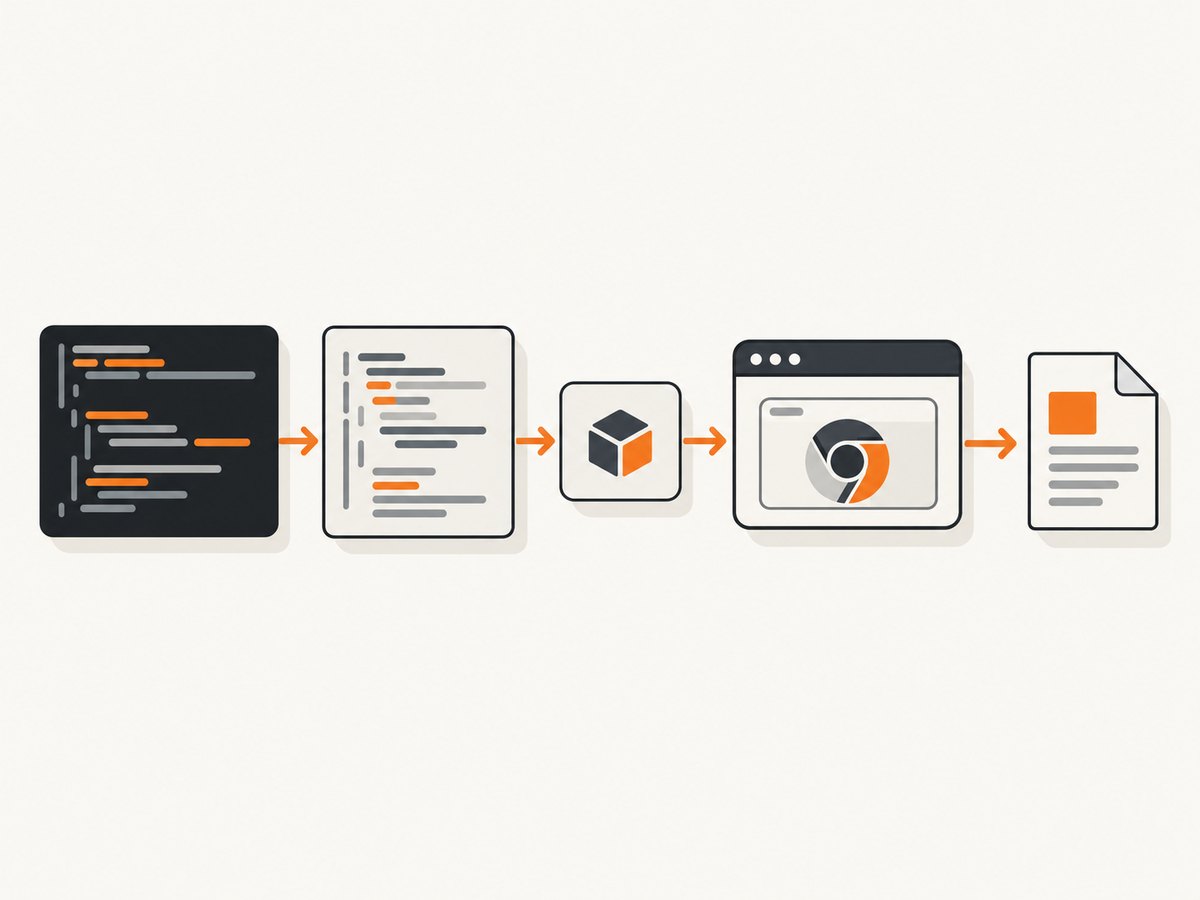
After the runtime is available, Puppeteer PDF generation still follows the normal sequence: launch a browser, create a page, navigate, call page.pdf(), and close the browser. Puppeteer documents Page.pdf() as the PDF API and notes that it uses print CSS media by default. See the Puppeteer PDF guide and the Page.pdf API.
What the error means
Modern Node versions understand async functions and generators directly. A transpiler may nevertheless lower this code to ES5 for an older target. Babel then emits calls such as regeneratorRuntime.mark and regeneratorRuntime.wrap. If the generated file runs without the runtime package, Node throws a ReferenceError before the PDF can be written. Babel’s transform-regenerator documentation shows this generated shape.
This is a build and runtime dependency, not a PDF option. Changing format, printBackground, margins, or navigation waits cannot define the missing symbol. First identify which JavaScript context throws the error:
- Node process: the stack points into your compiled server entry point or code called before
page.pdf(). Load or inject the runtime there. page.evaluate(): Puppeteer serializes the function withFunction.prototype.toString(). A transpiled async function may contain references or wrappers that do not survive serialization. Use native syntax for the evaluated function, raise the transpilation target, or use Puppeteer’s documented string-template workaround. See Puppeteer troubleshooting.
Fastest fix: load the runtime at the entry point
CommonJS
Install the package and require its runtime before importing application modules that contain transpiled async or generator code:
npm install regenerator-runtime puppeteer// index.js
require('regenerator-runtime/runtime');
const puppeteer = require('puppeteer');
async function makePdf(url) {
const browser = await puppeteer.launch();
try {
const page = await browser.newPage();
await page.goto(url, { waitUntil: 'networkidle2', timeout: 30000 });
await page.pdf({
path: 'output.pdf',
format: 'A4',
printBackground: true,
waitForFonts: true,
timeout: 30000
});
} finally {
await browser.close();
}
}
makePdf('https://example.com').catch((error) => {
console.error(error);
process.exitCode = 1;
});The import must execute before the first module containing transformed code. Putting it after an application import is too late if that module evaluates generated helpers during startup.
ES modules
Use the package’s ESM loading form at the top of your entry module:
npm install regenerator-runtime puppeteer// index.mjs
import 'regenerator-runtime/runtime.js';
import puppeteer from 'puppeteer';
const browser = await puppeteer.launch();
try {
const page = await browser.newPage();
await page.goto('https://example.com', { waitUntil: 'networkidle2' });
await page.pdf({ path: 'output.pdf', format: 'A4', printBackground: true });
} finally {
await browser.close();
}The regenerator-runtime package README documents both loading forms.
Build-wide fix with Babel
An entry-point import is useful for a small CommonJS service. A build-wide solution is preferable when multiple bundles or packages can contain transformed generators. Babel’s transform-runtime plugin rewrites helper and runtime references to imports instead of assuming a global.
npm install -D @babel/core @babel/cli @babel/preset-env @babel/plugin-transform-runtime
npm install @babel/runtime
// babel.config.json
{
"presets": [
["@babel/preset-env", { "targets": { "node": "current" } }]
],
"plugins": [
["@babel/plugin-transform-runtime", { "regenerator": true }]
]
}Keep @babel/runtime in production dependencies because compiled output imports it at runtime. Rebuild from a clean output directory so an old ES5 file is not accidentally deployed.
For projects that need a polyfill strategy, babel-plugin-polyfill-regenerator can provide the Regenerator runtime through Babel’s polyfill machinery. Babel 8 migration guidance recommends removing assumptions about a nonexistent global where possible; when compatibility requires it, use an explicit runtime package or the polyfill plugin. See Babel migration guidance.
Set TypeScript and Babel targets to the Node you run
Many Puppeteer services transpile server code more aggressively than necessary. If production runs a current Node release, target that release instead of ES5. Native async functions then remain native and no Regenerator wrapper is needed.
// tsconfig.json
{
  "compilerOptions": {
    "target": "ES2022",
    "module": "NodeNext",
    "moduleResolution": "NodeNext",
    "outDir": "dist",
    "strict": true
  }
}
Use the same Node major version in local development, CI, and production. A build targeting “current” on one machine can differ from a deployment image, so pin the runtime image or choose an explicit Node target. Do not remove the runtime import until you have inspected the emitted files and confirmed that no regeneratorRuntime reference remains.
Keep page.evaluate() separate from Node code
Puppeteer sends the function passed to evaluate() into the browser by serializing its source. The browser does not receive your Node module scope or imported runtime automatically. A function that worked before transpilation can fail after Babel changes its source.
const title = await page.evaluate(() => document.title);Prefer a native, self-contained function for simple DOM work. Avoid closing over Node variables that cannot be serialized. If your toolchain transforms the function into an incompatible wrapper, raise the target to ES2018 or newer for this bundle. Puppeteer’s troubleshooting guide also documents a string-template approach:
const title = await page.evaluate(`document.title`);Use the string form only for small, controlled expressions. For parameters, pass serializable values explicitly:
const selector = '.article-title';
const text = await page.evaluate(
  (css) => document.querySelector(css)?.textContent,
  selector
);
Complete PDF generation flow after the fix
This example includes the controls most services need. page.pdf() returns a Uint8Array when no path is supplied; writing it yourself is useful in HTTP handlers or object storage uploads.
require('regenerator-runtime/runtime');
const fs = require('node:fs/promises');
const puppeteer = require('puppeteer');

async function renderPdf(url) {
  const browser = await puppeteer.launch({
    // Add launch arguments only when your container requires them.
  });
  try {
    const page = await browser.newPage();
    await page.setViewport({ width: 1440, height: 900, deviceScaleFactor: 1 });
    await page.goto(url, {
      waitUntil: 'networkidle2',
      timeout: 30000
    });
    await page.emulateMediaType('screen');
    await page.pdf({
      format: 'A4',
      printBackground: true,
      margin: { top: '16mm', right: '14mm', bottom: '16mm', left: '14mm' },
      displayHeaderFooter: false,
      waitForFonts: true,
      timeout: 30000
    });
  } finally {
    await browser.close();
  }
}

renderPdf('https://example.com')
  .then((pdf) => fs.writeFile('output.pdf', pdf))
  .catch(console.error);
PDF options that matter
| Option | Use | Notes |
|---|---|---|
format |
Standard paper size such as A4 or Letter | The documented default is Letter. |
path |
Write directly to a file | Omit it to receive PDF bytes. |
printBackground |
Include background colors and images | Enable for faithful branded pages. |
margin |
Set top, right, bottom, and left margins | Use CSS length strings. |
timeout |
Limit PDF generation | The documented default is 30,000 ms. |
waitForFonts |
Wait for fonts before output | The documented default is true. |
landscape |
Rotate the page | Useful for wide tables. |
headerTemplate/footerTemplate |
Add print headers and footers | Enable displayHeaderFooter and provide HTML templates. |
pageRanges |
Print selected pages | Useful for large documents. |
Puppeteer prints using the print media type. Call page.emulateMediaType('screen') before page.pdf() when the screen stylesheet should control the output. The PDFOptions reference lists the complete option set.
Troubleshooting checklist
It still says regeneratorRuntime is undefined
- Confirm the import is in the actual deployed entry point, not only a source file that is never executed.
- Check compiled output with
rg "regeneratorRuntime" dist. If references remain, keep the runtime dependency or change the target. - Delete the build directory, reinstall dependencies, and rebuild to remove stale bundles.
- Verify that
regenerator-runtimeor@babel/runtimeis included in production dependencies rather than dev-only dependencies.
The error appears only inside page.evaluate()
Raise the browser bundle target, use a native self-contained function, or use the documented string-template workaround. Do not expect a Node-side runtime import to become a browser global.
PDF generation times out
Separate navigation timeout from PDF timeout. Check slow fonts, blocked third-party requests, infinite network activity, and pages that never finish their application boot. Use an explicit goto timeout, wait for a meaningful selector, and close the browser in a finally block.
The PDF is blank or missing colors
Wait for the page’s content and fonts, call emulateMediaType('screen') when appropriate, and set printBackground: true. A successful browser navigation does not guarantee that a client-rendered application has finished drawing.
Fonts or images differ from local output
Ensure the deployment image contains required system fonts and that the browser can reach asset URLs. Record the URL, viewport, media type, and wait condition for reproducibility.
The process leaks Chrome instances
Always close the browser in finally, including when navigation or PDF generation throws. For a service, reuse a controlled browser process only when you also isolate pages and enforce per-job timeouts.
Performance, reliability, and cost
- Performance: Browser startup is expensive. Reusing a browser while creating a fresh page per job can reduce startup overhead, but cap concurrency so memory pressure does not cause failures. Wait for the smallest reliable readiness signal instead of an unnecessarily long fixed delay.
- Reliability: Set navigation and PDF timeouts, capture structured errors, and close pages and browsers deterministically. Retry only transient navigation failures; repeated retries do not fix a deterministic runtime or selector error.
- Determinism: Pin Node and Puppeteer versions, use a fixed viewport and timezone where visual output matters, and keep CSS media selection explicit.
- Cost: Self-hosted Puppeteer cost is dominated by compute, browser memory, storage, and engineering time. A hosted API can move browser operations out of your application and provide usage accounting.
Or skip the browser setup
ScreenshotNeo provides a website screenshot API and MCP server. One GET request returns PNG, JPEG, WebP, or PDF. Cookie and consent banners are accepted and removed before capture, along with 60+ known consent platforms, newsletter popups, and chat widgets; each cleanup step can be disabled. Bot checks, blank pages, timeouts, failed loads, and cache hits are not billed, and response headers report the page verdict and billing status.
For a PDF or image capture, see the ScreenshotNeo API documentation:
curl -G "https://api.screenshotneo.com/v1/shot" -d access_key=YOUR_API_KEY --data-urlencode url=https://stripe.com -o shot.webpimport requests
r = requests.get("https://api.screenshotneo.com/v1/shot", params={"access_key": "YOUR_API_KEY", "url": "https://stripe.com"}, timeout=90)
open("shot.webp", "wb").write(r.content)const q = new URLSearchParams({ access_key: 'YOUR_API_KEY', url: 'https://stripe.com' });
const res = await fetch(`https://api.screenshotneo.com/v1/shot?${q}`);ScreenshotNeo also offers full-page capture with lazy images loaded, CSS-selector element capture, device presets and custom viewports, retina scale, PDF paper and margin controls, custom CSS and JavaScript, click and wait actions, request blocking, headers, cookies, user agents, timezone and geolocation, transparent backgrounds, resizing, TTL caching, signed links, async jobs with signed webhooks, bulk capture for 100 URLs per call, usage APIs, and an OpenAPI specification. An MCP server exposes take_screenshot, get_page_info, and capture_pdf to Claude, Cursor, and other MCP clients.
Plans include 1,000 screenshots per month free with no card; paid plans start at $5 for 3,000 shots. Create a free ScreenshotNeo account to try the API.
FAQ
Is regeneratorRuntime a Puppeteer dependency?
No. It is a runtime used by transpiled generator and async code. Puppeteer only exposes the failure when that code runs during browser automation or evaluation.

Where should I import regenerator-runtime?
At the earliest executable entry point, before importing modules that contain transformed code. Use require('regenerator-runtime/runtime') for CommonJS or import 'regenerator-runtime/runtime.js' for ESM.
Should I change TypeScript’s target or install the runtime?
Target the Node version you actually deploy when possible. If your build must lower async functions, keep an explicit runtime or use Babel’s runtime plugin.
Does fixing the runtime change page.pdf() options?
No. Once the JavaScript executes, use the normal PDF API and configure paper size, margins, media type, backgrounds, headers, footers, ranges, and timeouts for your document.
Why does the same code work outside page.evaluate()?
Node executes your bundle with its imports. page.evaluate() serializes a function into the browser, so its transformed helpers and closed-over variables are not automatically available there.


