How to Fix Rotativa in an ASP.NET Core 1.0 Application
Resolve Rotativa failures in ASP.NET Core 1.0 by checking package compatibility, wkhtmltopdf paths, Startup setup, permissions, and deployment.
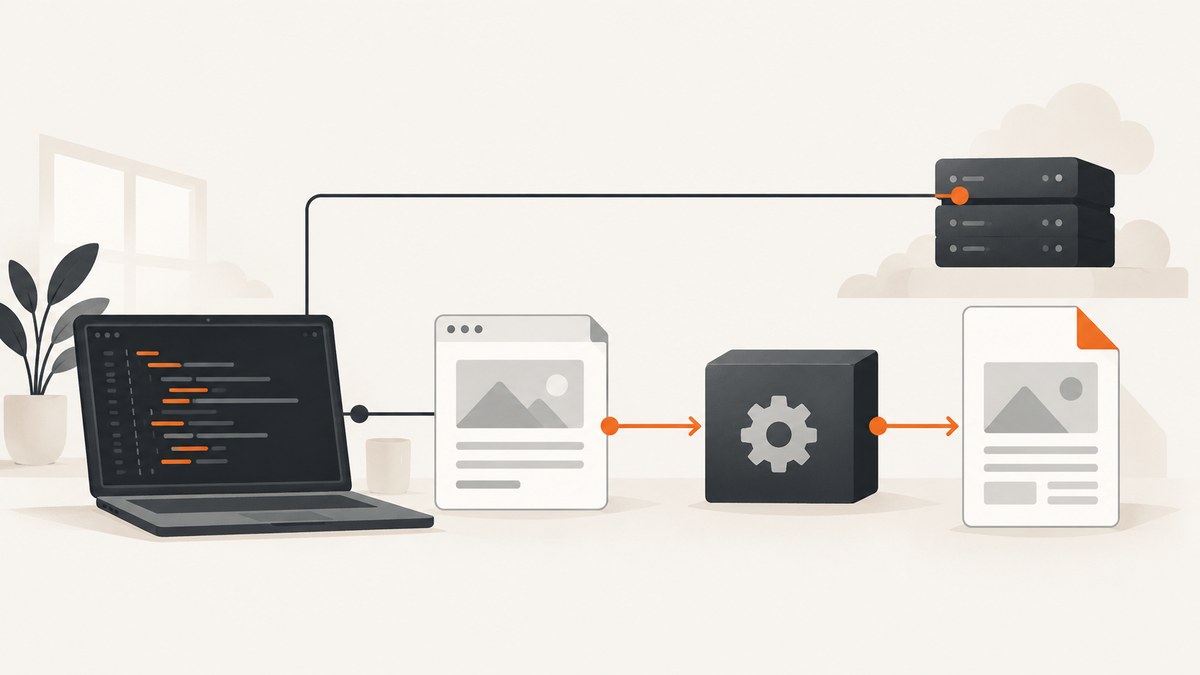
Direct answer: first verify that your Rotativa package can target ASP.NET Core 1.0. The current Rotativa.AspNetCore package advertises support for .NET Core 3.1 through .NET 8, and its current source does not show an ASP.NET Core 1.0 branch. If your application is truly ASP.NET Core 1.0, a current package may not compile or run. Use a historically compatible package, upgrade the application, or move PDF generation to a hosted service.
When the package is compatible, most runtime failures come from the native wkhtmltopdf executable. Rotativa renders a Razor view to HTML and invokes that executable. The executable directory must exist and be readable and executable by the web process.
1. Confirm the framework and package before changing paths
Open the project file or legacy project.json and record both the target framework and Rotativa version.
{
  "frameworks": {
    "netcoreapp1.0": {
      "dependencies": {
        "Microsoft.AspNetCore.Mvc": "1.0.0",
        "Rotativa.AspNetCore": "YOUR_COMPATIBLE_VERSION"
      }
    }
  }
}
Do not assume that Rotativa.AspNetCore 1.4.0 supports this target. The historical 1.2.0-beta package required Microsoft.AspNetCore.Mvc 2.0.1 or newer under .NET Standard 2.0, which also does not make it an ASP.NET Core 1.0 package. Check the exact package metadata and your dependency graph. If no package version targets your framework, stop debugging deployment paths and choose an upgrade or hosted alternative.
2. Install the native wkhtmltopdf binary
Rotativa is a wrapper; it does not replace the native converter. Obtain a build appropriate for the operating system used in deployment and place the executable in a directory that will be deployed with the application.
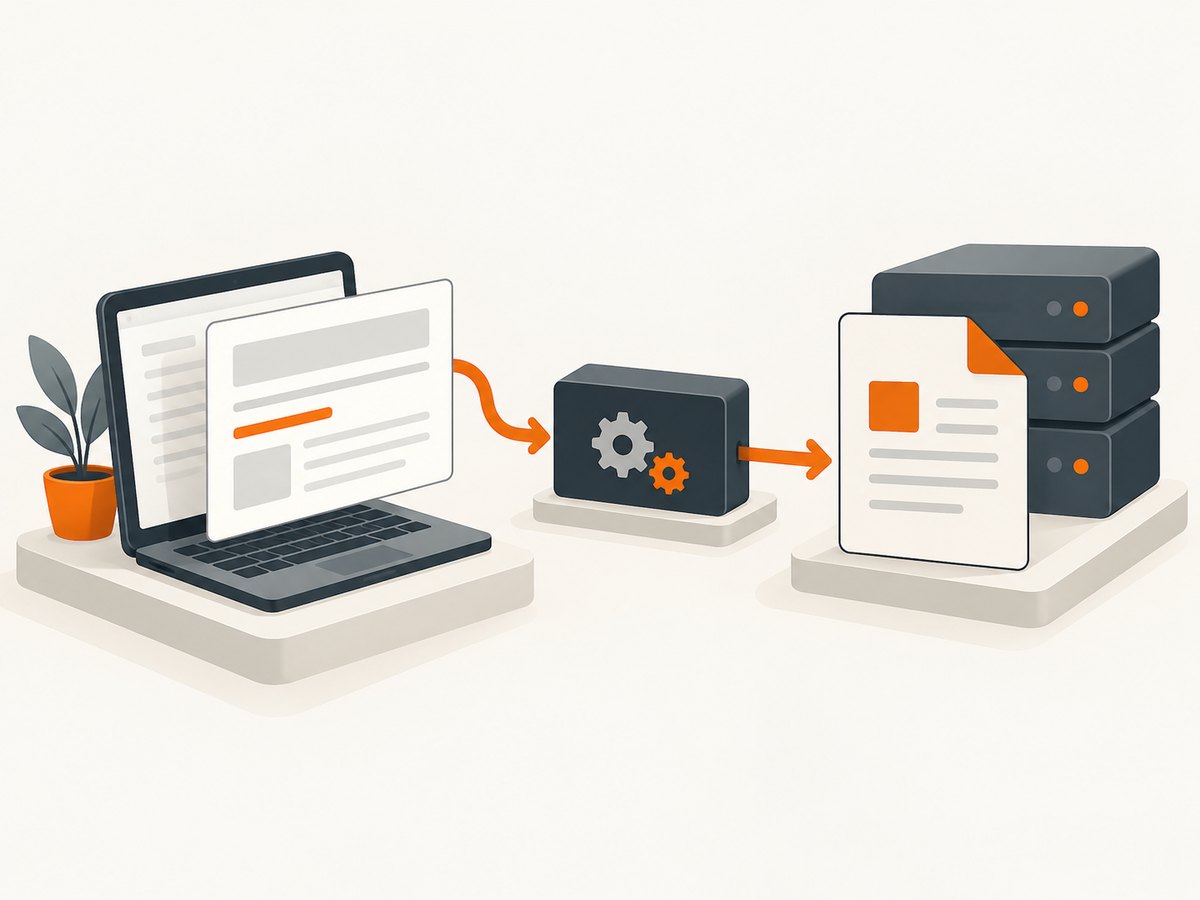
- Windows: the file must be named
wkhtmltopdf.exe. - Linux, macOS and other non-Windows hosts: the driver looks for
wkhtmltopdf. - The directory must be present in the published output, not only in your source checkout.
- On Unix-like systems, mark the file executable and install any native libraries required by the binary.
A conventional layout is:
MyApp/
  Rotativa/
    wkhtmltopdf.exe       # Windows
    wkhtmltopdf            # non-Windows
  Views/
  wwwroot/
3. Configure Rotativa in Startup
Call RotativaConfiguration.Setup before requests are served. Pass the application root and the relative directory containing the executable. Setup validates the directory and throws an ApplicationException that includes the path it searched when the directory is missing.
using Microsoft.AspNetCore.Hosting;
using Microsoft.AspNetCore.Builder;
using Microsoft.Extensions.DependencyInjection;
using Rotativa.AspNetCore;

public class Startup
{
    private readonly IHostingEnvironment _environment;

    public Startup(IHostingEnvironment environment)
    {
        _environment = environment;
    }

    public void ConfigureServices(IServiceCollection services)
    {
        services.AddMvc();
    }

    public void Configure(IApplicationBuilder app)
    {
        // The first argument is the deployed application root.
        // The second is relative to that root.
        RotativaConfiguration.Setup(_environment.ContentRootPath, "Rotativa");

        app.UseMvc(routes =>
        {
            routes.MapRoute(
                name: "default",
                template: "{controller=Home}/{action=Index}/{id?}");
        });
    }
}
Some ASP.NET Core 1.0 templates expose IHostingEnvironment.WebRootPath and ContentRootPath differently. Use the path that actually contains the deployed Rotativa directory. Do not point to your repository root when the process runs from a publish directory or service directory.
4. Return a ViewAsPdf result
Rotativa only runs when the action returns its PDF result. A normal View() response renders HTML in the browser.
using Microsoft.AspNetCore.Mvc;
using Rotativa.AspNetCore;

public class ReportsController : Controller
{
    public IActionResult Invoice(int id)
    {
        var model = LoadInvoice(id);
        return new ViewAsPdf("Invoice", model)
        {
            FileName = "invoice-" + id + ".pdf"
        };
    }

    private object LoadInvoice(int id)
    {
        // Replace with your data access code.
        return new { Id = id, Total = 125.00m };
    }
}
The view can use normal Razor markup and a model. The driver renders that view to HTML, then passes the HTML and conversion switches to wkhtmltopdf. The README also documents view data, partial views, disabling the injected base URL, custom switches, inline versus attachment disposition, and BuildFile for obtaining bytes.
5. Verify the deployed process, not just the source tree
- Publish the application.
- Inspect the publish directory and confirm the configured relative directory exists.
- Confirm the expected executable name for the operating system.
- Run the application under the same account used by IIS, systemd, Docker or your hosting platform.
- Check read and execute permissions on the directory and binary.
- On Linux, verify executable-bit and native runtime dependencies.
- Request the PDF endpoint and record the complete exception, including the searched path.
“Works locally” usually means the development machine has a different current directory, permissions, operating system, or native dependency set than production.
6. Troubleshooting common errors
| Symptom | Likely cause | Fix |
|---|---|---|
| Package will not restore or compile | The selected Rotativa package does not target ASP.NET Core 1.0. | Inspect package targets and dependencies. Use a compatible historical build, upgrade the framework, or use a hosted API. |
| “Folder … does not exist” or Setup throws ApplicationException | The relative directory is absent from the deployed root, or the wrong root path was supplied. | Deploy Rotativa beside the application and pass the actual ContentRootPath. |
| wkhtmltopdf not found | Wrong executable name, missing file, or a path outside the published output. | Use wkhtmltopdf.exe on Windows and wkhtmltopdf elsewhere; inspect the running host. |
| Permission denied | The web-process identity cannot read or execute the binary. | Grant directory read and execute permissions to that identity. On Unix, set the executable bit. |
| Empty or partially rendered PDF | The view depends on browser JavaScript, relative assets, authentication, or external resources unavailable to the converter. | Use absolute or correctly injected base URLs, ensure assets are reachable by the server process, and simplify or wait for client-only content. |
| Fails only after deployment | Different OS, working directory, permissions, native libraries, or publish layout. | Repeat the checks from the deployed process account and log the resolved root and Rotativa directory. |
| Action returns HTML instead of PDF | The controller returns View() rather than ViewAsPdf. |
Return new ViewAsPdf() with the view name and model. |
7. Rendering options and edge cases
- Named views and models: pass a view name and model when the action is not mapped to the expected Razor view.
- Partial views: render a partial as part of a dedicated PDF view so layout and asset paths are predictable.
- Base URL: Rotativa can inject a base URL for relative links; disable that behavior only when your markup supplies its own correct base.
- Custom switches: use documented wkhtmltopdf switches for page size, margins, orientation and headers or footers. Validate switches against the binary version installed on the server.
- Disposition: choose inline display or attachment download according to your response requirements.
- BuildFile: use it when application code must receive PDF bytes for storage or another response.
- Authentication: a converter process may not share the browser session. Make required resources accessible to the server process or provide appropriate request configuration.
8. Performance, reliability and cost considerations
Each conversion starts a native process and renders a full page, so PDF generation is more expensive than returning HTML. Keep views focused, avoid unnecessary remote assets, and do not generate large batches inside a synchronous web request without measuring timeout behavior. For repeatable output, pin the wkhtmltopdf build and keep the same fonts and native libraries across environments.
Protect endpoints from unbounded user input and concurrent conversion spikes. Queue long jobs when your hosting model permits it, persist failures with the input identifier, and return a retryable status to callers. Rotativa itself does not remove the need to monitor process failures, timeouts and disk usage.
9. Upgrade or use a hosted PDF service
If no Rotativa package supports ASP.NET Core 1.0, upgrading the application is the maintainable local solution. If an upgrade is not practical, a hosted HTTP service can keep native PDF tooling out of the legacy process. A 2017 Rotativa.io vendor article describes an Azure service for ASP.NET Core PDF generation, but the supplied research does not establish its current pricing or availability; verify those details before adopting it.
Or skip the browser setup
For screenshot or PDF capture without installing a browser executable, ScreenshotNeo provides a website capture API and MCP server. It removes cookie banners, newsletter popups and chat widgets before capture; bot checks, blank pages and failed loads are never billed. Its MCP server lets Claude, Cursor and other MCP clients take screenshots, and the free plan includes 1,000 screenshots per month with no card. Paid plans start at $5 for 3,000 shots.
See the ScreenshotNeo API documentation for all options.
cURL
curl -G "https://api.screenshotneo.com/v1/shot" -d access_key=YOUR_API_KEY --data-urlencode url=https://stripe.com -o shot.webpPython
import requests
r = requests.get("https://api.screenshotneo.com/v1/shot", params={"access_key": "YOUR_API_KEY", "url": "https://stripe.com"}, timeout=90)
open("shot.webp", "wb").write(r.content)
Node.js
const q = new URLSearchParams({ access_key: 'YOUR_API_KEY', url: 'https://stripe.com' });
const res = await fetch(`https://api.screenshotneo.com/v1/shot?${q}`);
Create a free ScreenshotNeo account for 1,000 screenshots each month with no card.
FAQ
Does Rotativa.AspNetCore support ASP.NET Core 1.0?
Current documentation advertises .NET Core 3.1 through .NET 8. Compatibility with ASP.NET Core 1.0 cannot be assumed; verify the exact package targets.
Where should wkhtmltopdf be installed?
Place the operating-system-specific executable in the directory supplied to RotativaConfiguration.Setup, relative to the deployed application root.
Why does Setup fail only in production?
Production commonly uses a different root path, process identity, publish layout, operating system or native dependency set. Inspect the deployed directory and permissions under the real service account.
Can I keep the legacy application without installing wkhtmltopdf?
Use a hosted PDF service or upgrade to a supported local rendering stack. Confirm current availability and pricing with the provider.


