How to Fix Rotativa Page Breaks and Repeated Headers
Fix Rotativa table page breaks and repeated-header overlap with reliable markup, CSS, renderer checks, and troubleshooting steps.
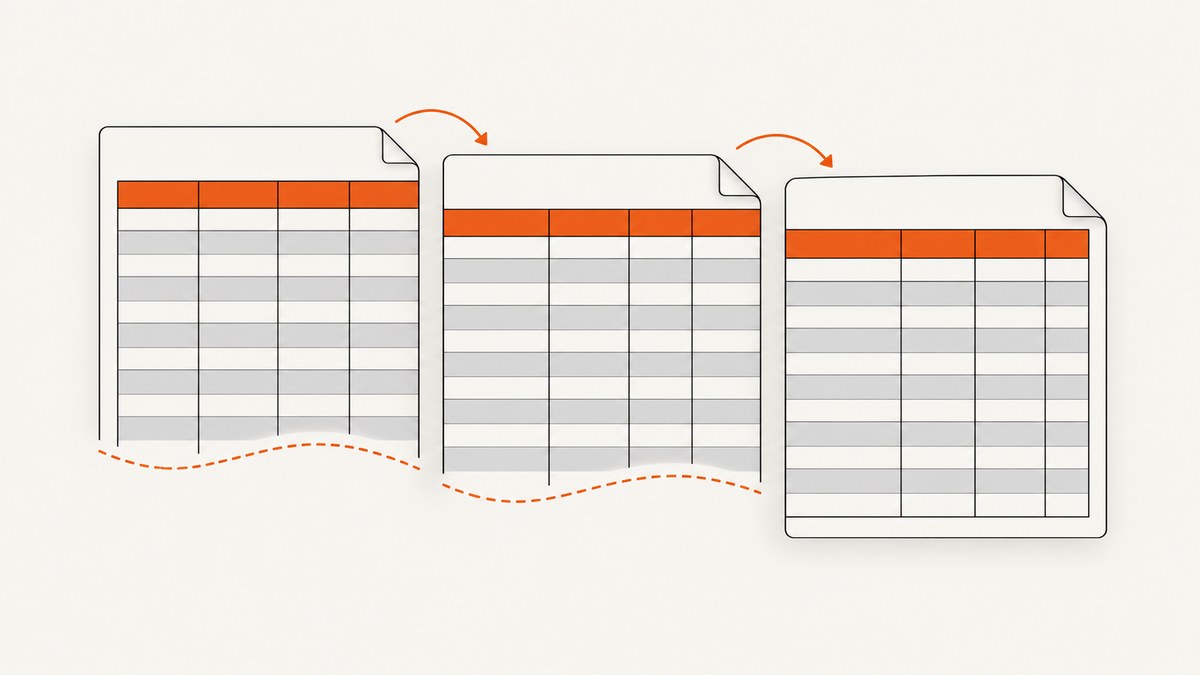
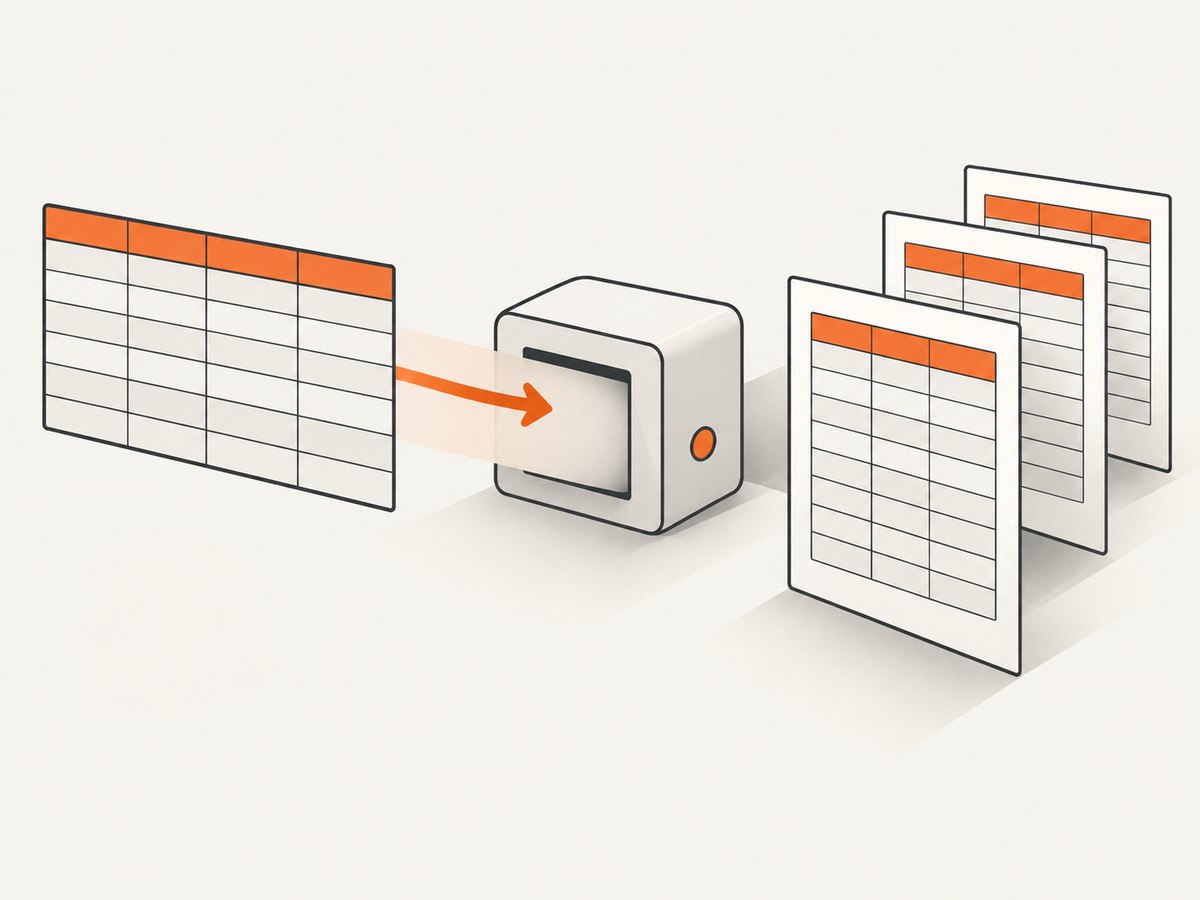
Rotativa is a wrapper around wkhtmltopdf. The PDF pagination is therefore controlled primarily by the exact wkhtmltopdf binary, version, options, HTML, and CSS that your application invokes. Start with semantic table markup and the conservative CSS below, then reproduce the problem with the production renderer and page geometry. This improves many layouts, but historical wkhtmltopdf reports show that repeated headers can still overlap rows or break unpredictably.
1. Use semantic table markup first
Put column labels in <thead>, data rows in <tbody>, and optional totals in <tfoot>. Keep each record as a normal <tr>. Do not make the entire table unbreakable: a long table must be allowed to continue onto later pages.
<table class="invoice-lines">
  <thead>
    <tr>
      <th>Description</th>
      <th>Qty</th>
      <th>Price</th>
      <th>Total</th>
    </tr>
  </thead>
  <tbody>
    @foreach (var line in Model.Lines)
    {
      <tr>
        <td>@line.Description</td>
        <td>@line.Quantity</td>
        <td>@line.UnitPrice</td>
        <td>@line.Total</td>
      </tr>
    }
  </tbody>
  <tfoot>
    <tr>
      <td colspan="3">Total</td>
      <td>@Model.Total</td>
    </tr>
  </tfoot>
</table>
2. Apply the conservative pagination CSS baseline
table {
  page-break-inside: auto;
}

thead {
  display: table-header-group;
}

tfoot {
  display: table-footer-group;
}

tr {
  page-break-inside: avoid;
  page-break-after: auto;
}
display: table-header-group asks wkhtmltopdf to repeat the heading on continuation pages. page-break-inside: avoid asks the renderer to keep an individual row together. These declarations are a diagnostic baseline, not a guarantee for every Rotativa package, operating system, or wkhtmltopdf build. The related modern property break-inside: avoid can be tested as an additional declaration, but do not assume browser print behavior matches wkhtmltopdf.
3. Confirm which Rotativa and renderer you are running
- Record the Rotativa package or flavor. The original project and the ASP.NET Core project are separate projects.
- Record the full path and version of the wkhtmltopdf executable.
- Record operating system, page size, orientation, margins, print-media selection, header/footer settings, and every custom switch.
- Run the same binary manually against a reduced HTML file. A machine that says “Rotativa” may invoke a different binary from another machine.
The wkhtmltopdf repository is archived read-only, and the commonly cited reports are historical. One report describes wkhtmltopdf 0.12.4 on Windows 7; that is evidence about that case, not a current compatibility recommendation. See the table continuation issue and the overlapping-header issue.
4. Configure page geometry explicitly
A repeated header can appear to overlap content when the usable page area is smaller than expected. Check page size, orientation, custom width or height, and all four margins. If you use an external header or footer, leave enough top or bottom margin for it. Excessive header spacing can place a header outside the page area.
var pdf = new ViewAsPdf("Invoice", model)
{
    PageSize = Rotativa.Options.Size.A4,
    PageOrientation = Rotativa.Options.Orientation.Portrait,
    PageMargins = new Rotativa.Options.Margins(20, 15, 20, 15),
    CustomSwitches = "--print-media-type"
};
return pdf;
Property names vary between Rotativa packages. Use the equivalent page-size, orientation, margin, and custom-switch settings exposed by your package. Rotativa integration guidance documents these controls and the CustomSwitches pass-through; verify against the documentation for the version you installed.
5. Reduce the view to a reproducible case
- Create one table with enough rows to cross a page boundary.
- Keep the real
<thead>, row CSS, fonts, and page margins. - Remove floats, positioned elements, nested tables, transforms, and complex layout rules one at a time.
- Render after each change with the exact production binary.
- Compare whether headings repeat, whether rows remain intact, and whether blank areas appear.
This isolates renderer limitations from unrelated layout interactions. There is no universal declaration that fixes every table structure.
6. Handle common failure patterns
Header repeats over the first data row
Verify that the header is a real <thead>, that the table is not nested inside an unusual layout container, and that the top margin can contain the header. Test thead { page-break-inside: avoid; break-inside: avoid; } together with the baseline. Then test the minimal case using the production binary.
Rows split across pages
Keep page-break-inside: avoid on tr, not on the entire table. A row taller than the usable page cannot be kept intact; shorten the row, reduce padding or font size, or redesign the content.
Headers do not repeat
Check that thead has display: table-header-group and that no later rule changes it. Also check that the HTML is valid and that the renderer is actually processing the table as a table.
Changing the header group fixes overlap but removes repetition
A commenter on issue #2182 reported changing thead to display: table-row-group. That can stop the overlap by treating the heading as an ordinary group, but it also removes repeated headers on later pages. Treat it as a diagnostic or a deliberate trade-off, not a guaranteed fix.
Large blank areas appear
Row-level keep-together rules can move a tall row to the next page. Check for rows containing images, long unbroken text, nested tables, or fixed heights. Keep the rule on rows rather than the full table and reduce oversized content.
Print and screen layouts differ
If your CSS has print-specific rules, select print media explicitly where supported and inspect the resulting PDF. A browser preview is not proof that wkhtmltopdf will paginate identically.
7. Test alternatives one at a time
| Approach | Repeated headings | Risk or trade-off |
|---|---|---|
| Semantic table plus baseline CSS | Yes, when supported | May still fail in some builds |
thead { display: table-row-group; } |
No | Reported anecdotal workaround; removes repetition |
Keep table-header-group and add break-avoid rules |
Yes | Reported suggestion; must be validated in your binary |
| Adjust page size, margins, or header spacing | Usually | Changes document geometry and may affect every page |
| Change PDF engine | Depends | Requires compatibility testing and application work |
8. Reliability and performance checklist
- Pin the renderer binary and package version in deployment.
- Render a fixture containing a page boundary in CI or a release check.
- Compare PDFs for header repetition, row overlap, clipped content, and unexpected blank pages.
- Use stable fonts and assets; missing fonts can change line wrapping and pagination.
- Keep tables simple and avoid unnecessarily large inline images.
- Log the effective command options so production failures can be reproduced.
9. When to move away from wkhtmltopdf
If the reduced case still fails with the deployed binary, treat it as a renderer limitation or an incompatibility in that build. A different PDF engine may be appropriate, but select it through compatibility testing against your real Razor views, CSS, fonts, headers, footers, and security requirements. The available issue history does not establish one replacement as best for every application.
10. Or skip the browser setup
If you need a clean visual capture of a rendered page while diagnosing layout, ScreenshotNeo provides a single request for PNG, JPEG, WebP, or PDF output. Its cleanup step accepts cookie or consent banners and removes more than 60 known consent platforms, newsletter popups, and chat widgets before capture; each step can be disabled. Bot checks, blank pages, timeouts, failed loads, and cache hits are not billed, and the response identifies the result with X-Page-Verdict and X-Billed headers. It also provides an MCP server with take_screenshot, get_page_info, and capture_pdf for AI clients.
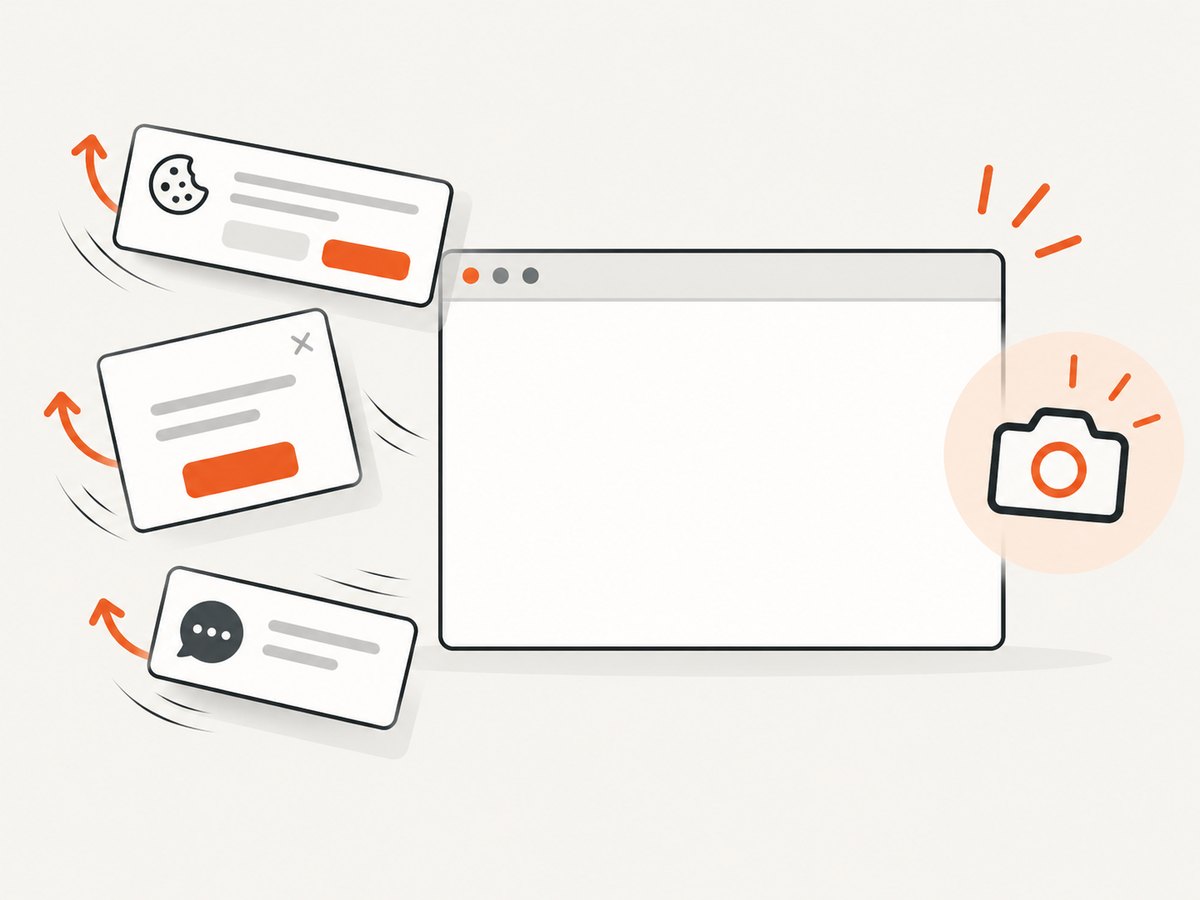
See the ScreenshotNeo API documentation for all options. This request captures the target page without installing or maintaining a browser:
curl -G "https://api.screenshotneo.com/v1/shot" -d access_key=YOUR_API_KEY --data-urlencode url=https://stripe.com -o shot.webpimport requests
r = requests.get("https://api.screenshotneo.com/v1/shot", params={"access_key": "YOUR_API_KEY", "url": "https://stripe.com"}, timeout=90)
open("shot.webp", "wb").write(r.content)const q = new URLSearchParams({ access_key: 'YOUR_API_KEY', url: 'https://stripe.com' });
const res = await fetch(`https://api.screenshotneo.com/v1/shot?${q}`);The Free plan includes 1,000 screenshots each month with no card. Paid plans start at $5 for 3,000 shots, and every feature is available on every plan. Create a free ScreenshotNeo account.
FAQ
Is Rotativa itself responsible for pagination?
Rotativa assembles the request and invokes wkhtmltopdf; the renderer performs the PDF layout.
Should I apply page-break-inside: avoid to the table?
No. Let the table break and apply the rule to individual rows so large tables can continue naturally.
Why does a fix work locally but fail in production?
The environments may use different Rotativa packages, binaries, versions, operating systems, fonts, margins, or switches.
Can CSS guarantee a repeated header?
No. The declarations are a starting point. Validate the exact wkhtmltopdf build and your real document.
What should I do if a row is taller than a page?
Reduce or restructure its content. No keep-together rule can fit content that exceeds the usable page area.


