How to Fix Rotativa PDF Generation After Deploying to IIS
When Rotativa works locally but fails on IIS, check the deployed wkhtmltopdf binary, process identity, architecture, hosting setup, and rendered resources in order.
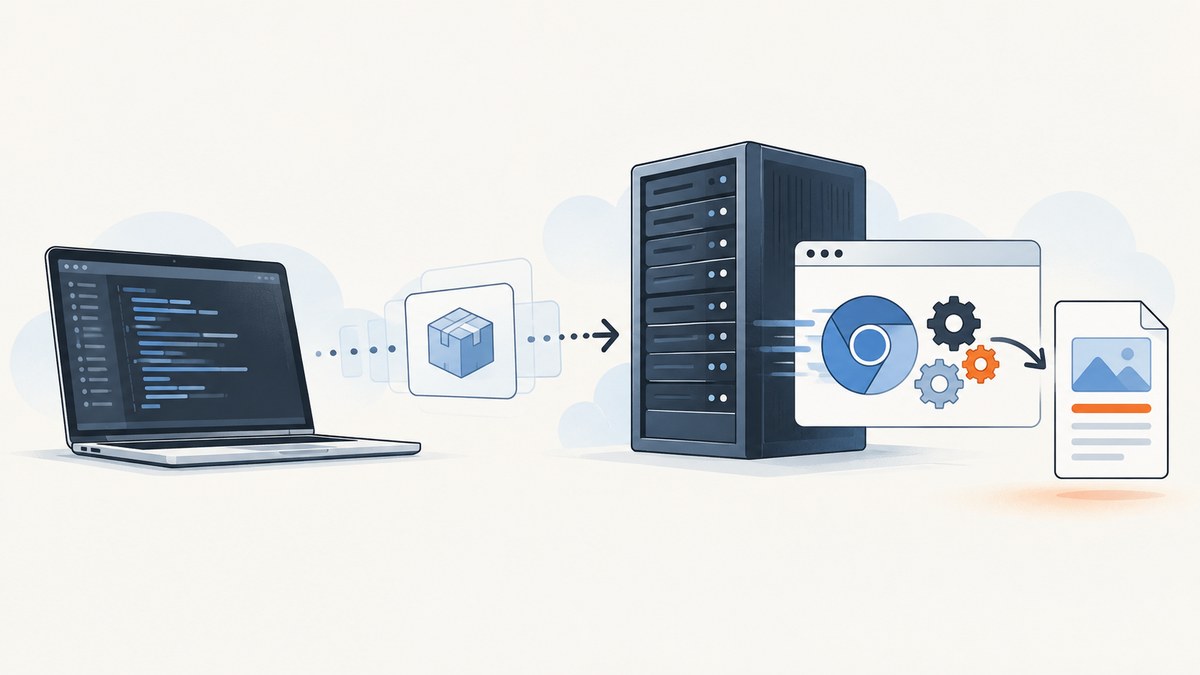
When Rotativa generates PDFs locally but fails after deployment to IIS, start by identifying the exact server-side error. Then verify, in order, that the deployed site contains the correct wkhtmltopdf.exe, the IIS process can access it and its working folders, the process and executable architectures match, and—if this is ASP.NET Core—the published hosting configuration is intact. If the executable starts but the PDF is empty or incomplete, inspect the rendered HTML and its resource URLs. These are diagnostic branches, not a diagnosis: the title alone does not reveal the package version, framework, hosting model, server, or exception.
Rotativa wraps the wkhtmltopdf rendering process. IIS runs the application under a configured process identity and hosting setup, which can differ from your local account. A PDF failure is therefore not automatically an IIS permissions issue: it can also be a missing binary, architecture mismatch, missing ASP.NET Core runtime, inaccessible page assets, or an MVC action returning the wrong result.
1. Record the deployment details and failure shape
Before changing configuration, collect these facts. They determine which instructions apply and keep a symptom-specific fix from becoming a guess.
- Is the app classic ASP.NET MVC on .NET Framework or ASP.NET Core? What target framework does it use?
- Which Rotativa package and version are installed? Do not assume the setup API or default path is the same across classic Rotativa and Rotativa.AspNetCore.
- What Windows Server and IIS versions host it? Is ASP.NET Core running in-process or out-of-process?
- What exactly happens at the PDF endpoint: HTTP error, exception, empty file, incomplete pages, plain text, or a failed download?
- What is the complete server-side exception or relevant event-log entry? Note where the failure occurs: before process launch, during rendering, or while returning the response.
For ASP.NET Core, in-process hosting runs the app inside the IIS worker process; out-of-process hosting uses a separately managed app process. Check the identity and bitness of the process that actually runs the app, not just a pool setting viewed in isolation. Microsoft documents both hosting models and the relevant IIS configuration in its IIS hosting documentation.
2. Verify the deployed wkhtmltopdf path
On the server, inspect the IIS site’s actual physical directory. Confirm that wkhtmltopdf.exe exists at the path the installed Rotativa package expects, and that deployment did not omit the executable or its containing folder. Compare the configured path against the published files, not the project directory on your development machine.
The Rotativa.AspNetCore README says its executable must be accessible to the process running the web app. Its documented default is a folder named Rotativa in the application root, and its setup method accepts a different relative folder. Check the README and setup instructions for your exact package and version before applying that path or API to classic MVC.
If the error says the process cannot start or the executable cannot be found, focus first on file presence, deployed path, and access to that executable. Avoid changing unrelated settings until the launch error is understood.
3. Check the IIS process identity and folder permissions
A command that succeeds when run as an administrator proves only that the administrator can launch the binary. It does not prove that the IIS-hosted process can. Identify the application-pool or app-process identity used for the request, then check access under that identity.
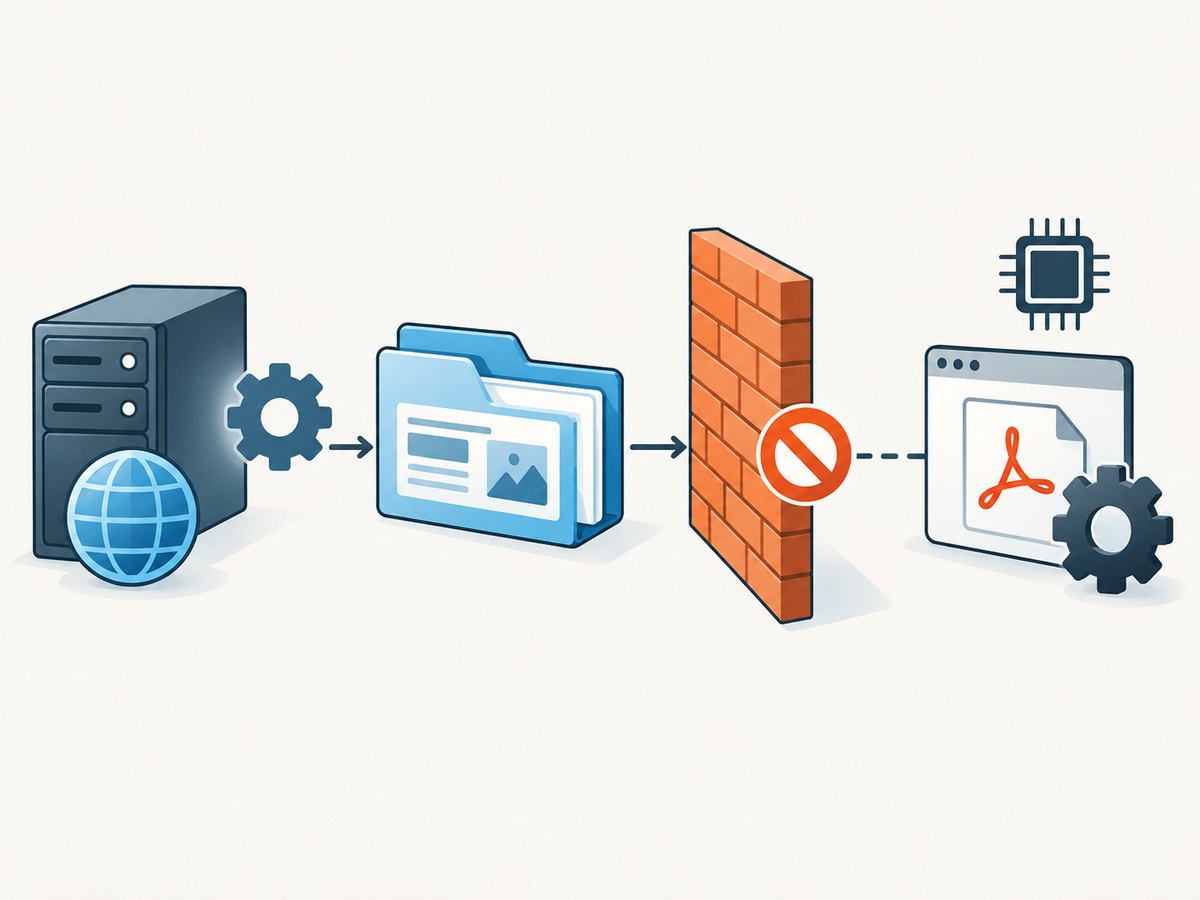
- Find the identity configured for the site’s application pool and establish whether the app runs in-process or out-of-process.
- Confirm that identity can read and execute the deployed Rotativa files and read any application resources used by the render.
- Identify the exact directory used for temporary files, generated output, or logs, if applicable.
- Grant only the access the process needs on those specific files or folders, then reproduce the request through IIS.
Microsoft’s IIS publishing guidance and hosting documentation advise checking that the app-pool identity can access application resources, including read/write access to locations where the application reads or writes files. Do not use LocalSystem or broad Full Control as a diagnostic shortcut. First determine which folder and operation are failing, then make the smallest permission change that addresses it.
4. Match process and executable architecture
Check the architecture of the deployed wkhtmltopdf.exe and the process that launches it. A local build and server deployment may use different architectures. For ASP.NET Core in-process hosting, Microsoft documents the IIS application-pool 32-bit setting for x86 deployments and the corresponding configuration for x64. Confirm the actual deployment and binary architecture before changing Enable 32-Bit Applications; toggling it without evidence can create a new mismatch.
Record the app architecture, native executable architecture, hosting model, and pool bitness together. If the application is out-of-process, inspect the architecture of the managed app process that launches wkhtmltopdf, not merely the IIS worker process. See Microsoft’s IIS hosting guidance for the model-specific details.
5. For ASP.NET Core, check publishing and hosting prerequisites
Apply this section only to ASP.NET Core. Classic ASP.NET MVC on .NET Framework has different hosting and Rotativa setup details.
- Verify that the published output—not only source files—was deployed to the IIS physical path.
- Confirm that the generated
web.configremains in the deployed output. It configures the ASP.NET Core Module for IIS. - Check that the server has the appropriate .NET Hosting Bundle and runtime for the application. The Hosting Bundle installs the runtime components and ASP.NET Core Module used for IIS hosting.
- Confirm the intended hosting model and inspect the process identity and architecture for that model.
Microsoft’s publish-to-IIS tutorial covers the Hosting Bundle, generated web.config, and resource permissions. If the app itself fails to start under IIS, fix that hosting problem before treating the PDF engine as the cause.
6. Separate a rendering failure from a view or resource failure
If wkhtmltopdf launches but the PDF is blank, lacks styling, or omits images, investigate what HTML the deployed app rendered and whether the renderer can fetch its referenced resources. Check the page’s base URL and whether CSS, fonts, image files, and other assets are reachable from the server-side render. A URL that works in your interactive browser may not be available to the IIS process.
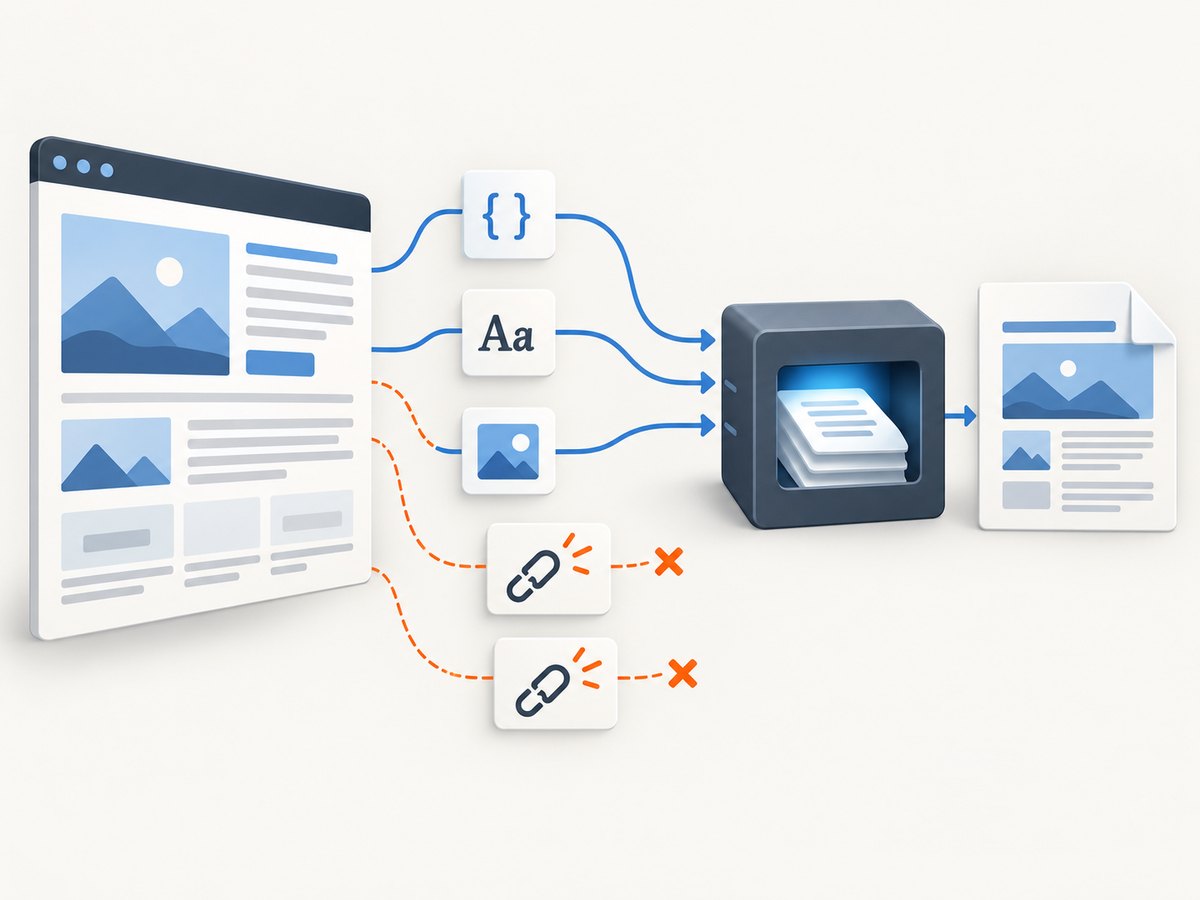
Rotativa.AspNetCore documents PDF generation from Razor views and says it injects a base URL by default, with an option to disable that behavior. Confirm the behavior of the installed version and inspect the resulting HTML and resource URLs before changing PDF switches. If the endpoint returns plain text or a framework error instead of a PDF, inspect the MVC action, result type, and application configuration as well as the rendering process.
7. Troubleshooting by symptom
| Symptom | Likely branch to inspect | Next step |
|---|---|---|
| Executable not found or process will not start | Missing deployment file, incorrect Rotativa path, or inaccessible executable | Inspect the published site directory and compare it with the exact package’s configured path. |
| Access denied | IIS process identity cannot access a required file or folder | Identify the failing path and operation; grant the process identity only the needed access there. |
| Architecture or load error | Native binary and launching process have incompatible architecture | Verify both architectures, hosting model, and pool bitness before changing IIS settings. |
| ASP.NET Core app does not start on IIS | Missing or incorrect published output, web.config, Hosting Bundle, runtime, or module |
Follow the ASP.NET Core IIS publishing checks; verify app startup independently of PDF generation. |
| PDF exists but is blank or missing assets | Rendered HTML, base URL, or resource reachability | Inspect the HTML and verify the server-side renderer can retrieve its CSS, fonts, and images. |
| Plain-text or framework error instead of PDF | MVC action/result or application configuration, not necessarily the binary | Inspect the endpoint’s server-side exception and response path before changing executable settings. |
| Works locally, fails only through IIS | Different identity, deployed files, architecture, runtime, or environment | Compare those specific deployment facts with the working local process; change one evidenced cause at a time. |
8. Retest and record the smallest confirmed fix
After correcting one identified cause, call the PDF endpoint through IIS using the same route and inputs that failed. Check both the HTTP result and the PDF contents. If a change does not address the symptom, revert or reassess it before layering on more changes.
For a reproducible deployment note, record the Rotativa package and version, framework and target, server version, published binary location and architecture, IIS hosting model, process identity and bitness, exact error, and the minimal path or configuration change that resolved it. The research for this guide does not include your server logs or a reproduction, so no single root cause can be selected from the title alone.
Performance, reliability, and operational cost
Rotativa runs a native renderer as part of PDF generation, so deployment correctness is a reliability prerequisite: every application instance that may serve the route needs the expected executable and access to required files. When investigating intermittent failures, compare the process identity, deployed files, and runtime setup across the instances receiving requests. Also verify that the same endpoint input produces the same server-rendered HTML before attributing variation to the PDF engine.
The available research sources establish the executable and IIS hosting requirements; they do not provide benchmark data, resource limits, or pricing for Rotativa or hosted alternatives. Measure rendering duration and failure rates in your own deployment if capacity planning is needed, and consult current official documentation for any alternative service’s availability, terms, and data handling before adopting it.
Or skip the browser setup
If the job is a website screenshot rather than a PDF from your application’s Razor view, ScreenshotNeo is a website screenshot API and MCP server. One GET request returns a PNG, JPEG, WebP, or PDF; see the API documentation for parameters and formats.
curl -G "https://api.screenshotneo.com/v1/shot" -d access_key=YOUR_API_KEY --data-urlencode url=https://stripe.com -o shot.webpimport requests
r = requests.get(
"https://api.screenshotneo.com/v1/shot",
params={"access_key": "YOUR_API_KEY", "url": "https://stripe.com"},
timeout=90,
)
open("shot.webp", "wb").write(r.content)const q = new URLSearchParams({ access_key: 'YOUR_API_KEY', url: 'https://stripe.com' });
const res = await fetch(`https://api.screenshotneo.com/v1/shot?${q}`);ScreenshotNeo accepts cookie and consent banners before capture and removes more than 60 known consent platforms, newsletter popups, and chat widgets; each step can be turned off. Bot checks, blank pages, timeouts, failed loads, and cache hits cost nothing, and response headers report the page verdict and billing status. Its MCP server provides take_screenshot, get_page_info, and capture_pdf for Claude, Cursor, and other MCP clients. The free plan includes 1,000 screenshots per month without a card; paid plans start at $5 for 3,000 shots. If you need a PDF of a server-rendered application view, keep the Rotativa checks above in scope; ScreenshotNeo is for capturing websites through its API.
Sign up for 1,000 free screenshots a month, no card required.
FAQ
Does every Rotativa PDF failure on IIS mean wkhtmltopdf is missing?
No. A missing or inaccessible executable is one branch. The renderer may launch successfully while the app fails to render the view, fetch assets, or return the expected response.
Can I use ASP.NET Core setup instructions for classic MVC?
Not without checking the package. The research covers Rotativa.AspNetCore’s documented setup and notes that classic Rotativa has different setup APIs.
What information should I include when asking for help?
Share the framework and target, exact Rotativa version, full server exception, IIS hosting model and process identity, deployed executable path and architecture, and what the endpoint returns. Remove secrets and sensitive document contents first.
Can ScreenshotNeo fix a Rotativa deployment?
No. It captures website URLs through an API; it does not deploy or repair the wkhtmltopdf process used by a Rotativa application.


