How to Fix Rotativa and wkhtmltopdf Memory Issues
Diagnose Rotativa and wkhtmltopdf memory failures with controlled tests for headers, assets, limits, hosting, and safer alternatives.

Rotativa is the ASP.NET wrapper; wkhtmltopdf is the separate rendering process that creates the PDF. Memory failures usually come from the document, repeated header or footer assets, the renderer build, process limits, or the hosting environment. There is no documented universal wkhtmltopdf memory switch that fixes every failure.
Start by capturing the exact binary version, operating system, page count, output size, failure stage, header/footer settings, asset URLs, process limits, and hosting identity. Then reproduce with a minimal document and isolate headers, footers, remote assets, and page size one variable at a time.
1. Understand the Rotativa to wkhtmltopdf handoff
Rotativa.AspNetCore builds command-line arguments and starts wkhtmltopdf. The executable and its dependencies must exist and be readable and executable by the process running your ASP.NET application. The repository documents a default Rotativa folder at the web-app root and an alternate relative folder through setup configuration. Rotativa’s CustomSwitches passes supported command-line switches; it does not create an undocumented memory-management option.
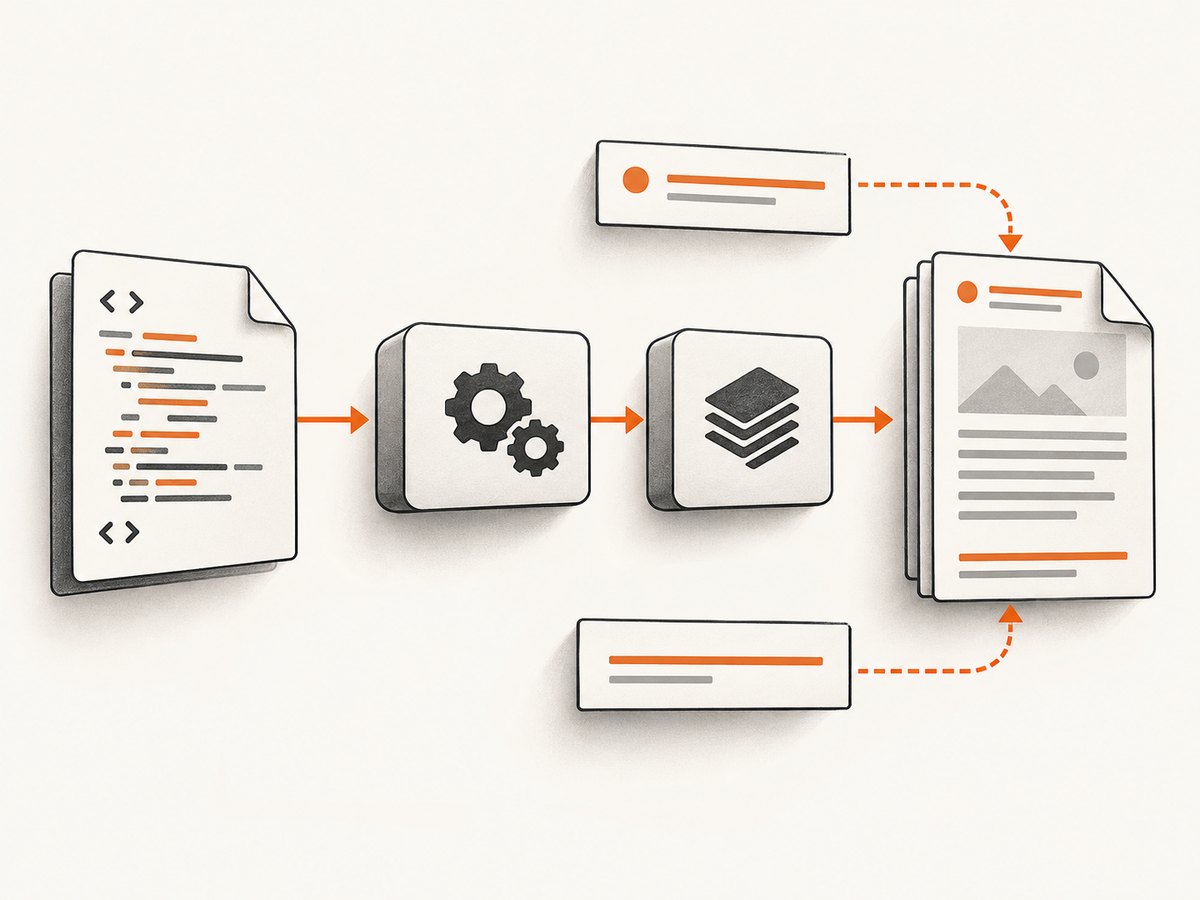
| Layer | What to verify |
|---|---|
| Application | Razor view, generated HTML, CSS, JavaScript, images, fonts, headers and footers |
| Rotativa | Configured binary folder, command arguments, timeout and hosting identity |
| wkhtmltopdf | Actual executable version, patched-Qt build, exit code and stderr |
| Operating system | Available memory, file descriptors, stack limits, temporary storage and process policies |
| Container or service | Memory and PID limits, mounted binary path, user permissions and service manager limits |
2. Capture evidence before changing settings
- Run
wkhtmltopdf -Vas the same user that runs the web application. - Record the OS and version, container image, hosting service, process user and architecture.
- Record PDF page count, HTML size, output size, image dimensions, fonts and whether JavaScript is enabled.
- Copy the complete error, exit code and the progress stage, such as
Loading headers and footers. - Record whether headers or footers fetch remote CSS, fonts or images, and whether those fragments repeat on every page.
- Record memory, file descriptor, stack, timeout and temporary-directory limits for the actual service process.
The official wkhtmltopdf issue-reporting guidance asks for the version, OS/version and a reproducible HTML/CSS/JavaScript case. Collect those before opening an issue.
3. Verify the executable and Rotativa configuration
A missing or inaccessible executable can look like a rendering failure. Check the path from the deployed application directory, not only from your development machine.
using Rotativa.AspNetCore;

var builder = WebApplication.CreateBuilder(args);
builder.Services.AddControllersWithViews();

var app = builder.Build();

// The default Rotativa folder is "Rotativa" under the web-app root.
RotativaConfiguration.Setup(app.Environment.WebRootPath, "Rotativa");

app.MapDefaultControllerRoute();
app.Run();
Confirm that the configured folder contains the platform-appropriate wkhtmltopdf binary and required libraries, and that the service account can execute it. If you use an alternate relative folder, verify the path passed to RotativaConfiguration.Setup after deployment.
wkhtmltopdf -V
id
ulimit -n
ulimit -s
which wkhtmltopdf
ls -l /path/to/Rotativa/wkhtmltopdf
4. Isolate headers and footers first
A long-running upstream issue reports large PDFs failing while loading headers and footers, with too-many-open-files and buffer-overflow symptoms. User reports in that issue describe repeated remote images in header or footer fragments as a trigger in some workloads. These are workload-specific reports, not a universal diagnosis.
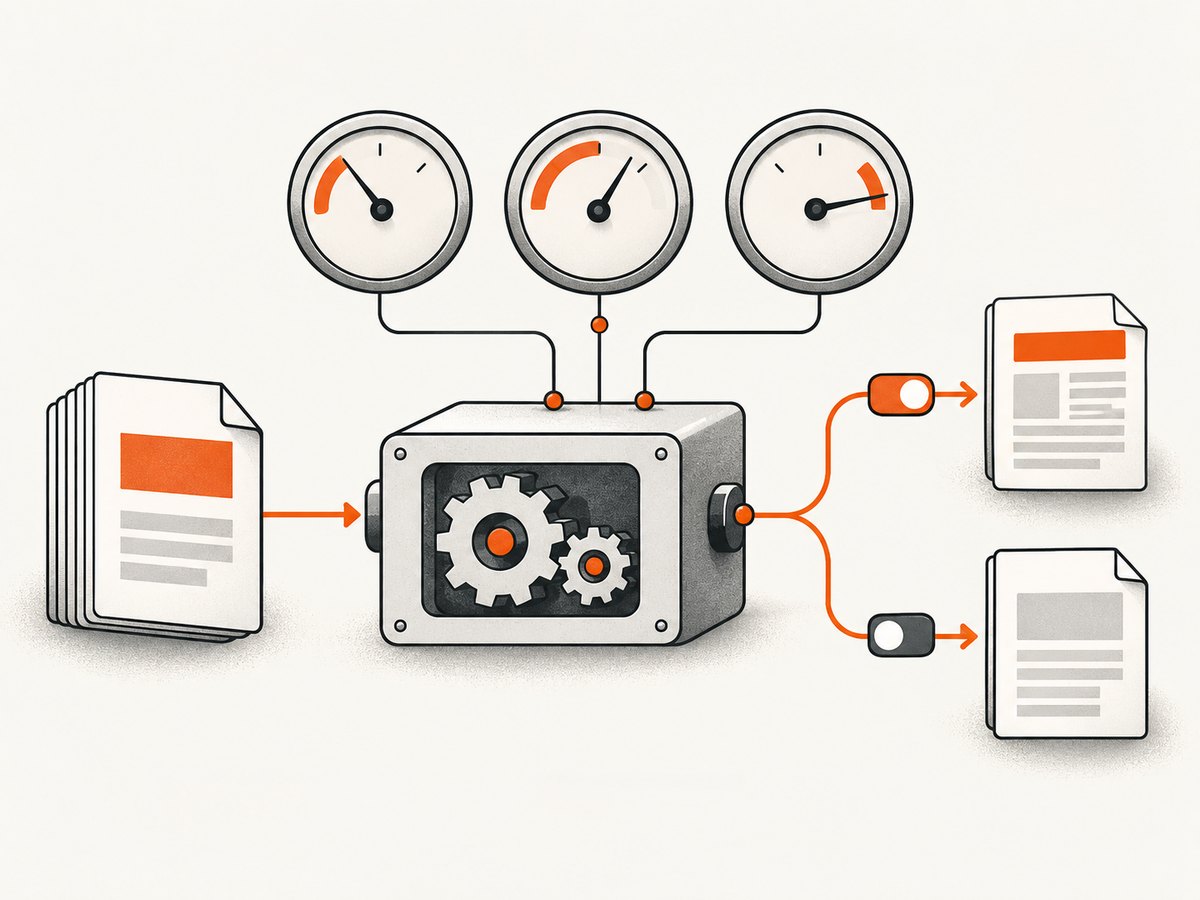
Run a controlled comparison:
- Generate the document with headers and footers disabled.
- Enable only the header.
- Enable only the footer.
- Enable both, then add remote images, CSS and fonts one asset at a time.
- Keep page count, HTML, viewport, output format and concurrency constant while comparing memory and file-descriptor use.
If the failure disappears without headers or footers, make repeated assets local or embed small images as data URLs for a controlled test. Do not assume this is a guaranteed fix; verify output and resource use under the real service account.
using Rotativa.AspNetCore;
using Rotativa.AspNetCore.Options;

public IActionResult Invoice(int id)
{
    var model = LoadInvoice(id);
    var pdf = new ViewAsPdf("Invoice", model)
    {
        PageSize = Size.A4,
        PageMargins = new Margins(18, 18, 20, 18),
        // Keep this empty during the isolation test.
        CustomSwitches = "--disable-smart-shrinking"
    };
    return pdf;
}
Re-enable the actual header and footer only after the baseline succeeds. If remote assets are required, check HTTP status, redirects, TLS trust, authentication and response size from the renderer’s network context.
5. Reduce document pressure without hiding the cause
- Split very large reports into bounded jobs and merge them only if your workflow requires one file.
- Reduce source image dimensions and avoid embedding the same large bitmap repeatedly.
- Remove unused fonts, scripts and styles from print views.
- Prefer print-specific CSS and deterministic page sizes.
- Disable animations, polling and client-side work that continues after the page is visually complete.
- Use a bounded queue so several large conversions do not compete for the same memory budget.
A user report in issue #2093 describes a 1,250-page PDF larger than 2 GB. That is an anecdote from one workload, not a benchmark or a safe capacity target.
6. Check operating-system and service limits
Look at limits only after reproducing the failure and identifying the constraint. Check:
| Limit | Evidence to collect | Why it matters |
|---|---|---|
| File descriptors | ulimit -n, service-manager limits, open-file errors |
Repeated assets or leaked descriptors can fail large jobs |
| Stack | ulimit -s, crash logs and thread behavior |
Deep layout or script work can hit stack constraints |
| Memory | Container cgroup events, host metrics, OOM-killer logs | The process may be killed before it reports an error |
| Temporary storage | Free space and inode count in the service temp directory | Large intermediates can fail as storage errors |
| Timeouts | ASP.NET, reverse proxy, job worker and process timeouts | A healthy conversion can be terminated while still running |
Increase only the relevant per-service or per-container setting, observe the process, and roll back if it does not improve the controlled reproduction. Large limit values reported in issue comments are not copy-paste recommendations; raising limits can mask a descriptor leak or move the failure to another constraint.
7. Add bounded execution and observability
Run conversions outside the request thread when documents can be large. Apply a queue limit, per-job timeout, cancellation policy and cleanup for temporary files. Log the document identifier, renderer version, page count, input size, output size, duration, exit code, stderr and peak resource observations.
var process = new Process
{
    StartInfo = new ProcessStartInfo
    {
        FileName = "/app/Rotativa/wkhtmltopdf",
        ArgumentList = { "--quiet", inputHtmlPath, outputPdfPath },
        RedirectStandardError = true,
        RedirectStandardOutput = true,
        UseShellExecute = false,
        CreateNoWindow = true
    }
};

process.Start();
var stderr = await process.StandardError.ReadToEndAsync();
using var timeout = new CancellationTokenSource(TimeSpan.FromMinutes(5));
await process.WaitForExitAsync(timeout.Token);
if (process.ExitCode != 0)
    throw new InvalidOperationException($"wkhtmltopdf failed ({process.ExitCode}): {stderr}");
Use the Rotativa API for normal application integration, but retain equivalent logging around the worker or service that owns the renderer.
8. Check version and lifecycle constraints
The official downloads page lists 0.12.6 as the stable series and gives June 11, 2020 as its release date. Verify the actual binary instead of assuming a package is current. The project’s status page describes old Qt/WebKit foundations and points toward modern browser PDF APIs such as Puppeteer’s page.pdf() as an alternative direction. Migration may change layout or CSS behavior, so compare representative documents before switching.
9. Security requirements for rendered HTML
The official downloads page warns: “Do not use wkhtmltopdf with any untrusted HTML – be sure to sanitize any user-supplied HTML/JS, otherwise it can lead to complete takeover of the server it is running on!” Treat HTML, JavaScript, CSS, URLs, headers and cookies as a security boundary. Sanitize user content, restrict network access where possible, and never pass arbitrary command-line fragments through a user-controlled field.
10. Troubleshooting common errors
| Symptom | Likely cause | Fix |
|---|---|---|
Loading headers and footers stalls |
Repeated remote assets, renderer resource growth or a specific header/footer fragment | Disable both, re-enable separately, replace remote assets with local or embedded data, then measure |
| Too many open files | Descriptor limit or resource leak | Measure descriptors, inspect repeated assets, adjust the service limit only when evidence supports it |
| Buffer overflow | Renderer/build or document-specific resource exhaustion | Reduce the reproduction, isolate headers and assets, verify binary version and test another renderer |
| Process killed with no useful stderr | Host or container OOM termination | Inspect cgroup and kernel logs, reduce concurrency/document pressure, then size the worker |
| Cannot start process | Wrong path, missing library, permissions or incompatible binary | Run wkhtmltopdf -V as the service user and verify deployed files |
| Timeout or gateway error | Conversion exceeds request or proxy timeout | Move work to a queue, set bounded worker timeouts and return job status |
| Missing images or fonts | Renderer cannot access authenticated, redirected or TLS-protected assets | Use accessible URLs or configured headers/cookies and inspect renderer stderr |
| Layout changes after an upgrade | Different wkhtmltopdf build or rendering engine | Pin and record the binary, compare a fixture set, and review CSS compatibility |
11. When to consider hosted or modern rendering
The Rotativa.AspNetCore repository describes Rotativa.io as a hosted API version that avoids hosting the rendering process on your server. Check current availability, data handling and service terms before adopting it; the available sources do not establish a guaranteed performance improvement.
A modern browser-based renderer can provide newer web-platform behavior, but migration requires fixture-based comparison for page breaks, fonts, headers, footers and JavaScript. Compare self-hosted and hosted approaches on runtime control, deployment effort, rendering compatibility, security and data handling, operational ownership and lifecycle support. The available sources provide no head-to-head benchmark, pricing comparison or compatibility guarantee.
12. Or skip the browser setup
For website screenshots or PDFs, ScreenshotNeo provides a hosted API and MCP server. It accepts the consent banner like a visitor and removes more than 60 known consent platforms, newsletter popups and chat widgets before capture. Bot checks, blank pages, failed loads, timeouts and cache hits are not billed, and response headers identify the page verdict and billing result. Its MCP tools let Claude, Cursor and other MCP clients call take_screenshot, get_page_info and capture_pdf.
See the ScreenshotNeo API documentation for all options, including full-page capture, element selectors, device presets, retina scale, PDF paper and margin settings, custom CSS and JavaScript, waits, blocked resources, headers, cookies, user agents, timezone, geolocation, caching, signed links, asynchronous jobs, bulk capture and usage reporting.
curl -G "https://api.screenshotneo.com/v1/shot" -d access_key=YOUR_API_KEY --data-urlencode url=https://stripe.com -o shot.webpimport requests
r = requests.get("https://api.screenshotneo.com/v1/shot", params={"access_key": "YOUR_API_KEY", "url": "https://stripe.com"}, timeout=90)
open("shot.webp", "wb").write(r.content)const q = new URLSearchParams({ access_key: 'YOUR_API_KEY', url: 'https://stripe.com' });
const res = await fetch(`https://api.screenshotneo.com/v1/shot?${q}`);The free plan includes 1,000 screenshots each month with no card. Paid plans start at $5 for 3,000 shots, and every feature is available on every plan. Create a free ScreenshotNeo account.
13. Practical checklist
- Record
wkhtmltopdf -V, OS, architecture and service identity. - Save a minimal reproducible HTML/CSS/JavaScript case.
- Measure page count, input size, output size, memory, descriptors, stack and temporary storage.
- Reproduce without headers and footers.
- Re-enable header and footer independently.
- Replace repeated remote assets with local or embedded data for comparison.
- Control concurrency and move large jobs out of request threads.
- Change only the limit supported by evidence.
- Pin the renderer binary and compare fixture documents before upgrades or migration.
- Sanitize all untrusted HTML and JavaScript.
14. FAQ
Is there a wkhtmltopdf flag that releases memory after each page?
No universal, documented flag is established by the sources. Treat claims about a single memory switch skeptically and isolate the workload instead.
Should I simply add more RAM?
Only after measurements show genuine memory pressure. Descriptor exhaustion, stack limits, temporary storage, leaks and timeouts require different fixes.
Does removing header and footer images always solve the problem?
No. It is a useful controlled test because repeated remote assets have been reported in affected workloads, but the result depends on the document and build.
Which version should I install?
Verify the binary you actually run. The official downloads page lists 0.12.6 as the stable series and dates that release to 2020; test compatibility and security requirements before choosing a build.
When should I open an upstream issue?
After collecting the version, OS/version, failure stage and a minimal reproducible HTML/CSS/JavaScript case, following the project’s reporting guidance.


