How to Fix Screenshot Saving Problems in RSelenium
Fix missing, empty, or corrupt RSelenium screenshots with reliable R code, filesystem checks, WebDriver diagnostics, and practical alternatives.
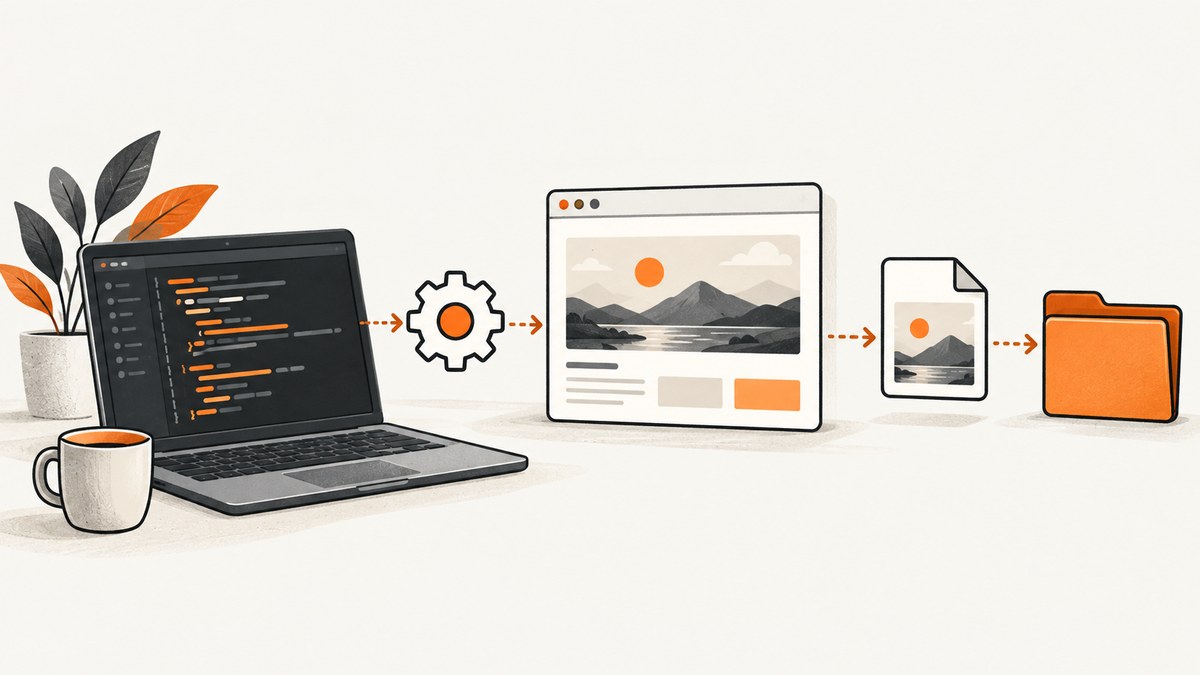
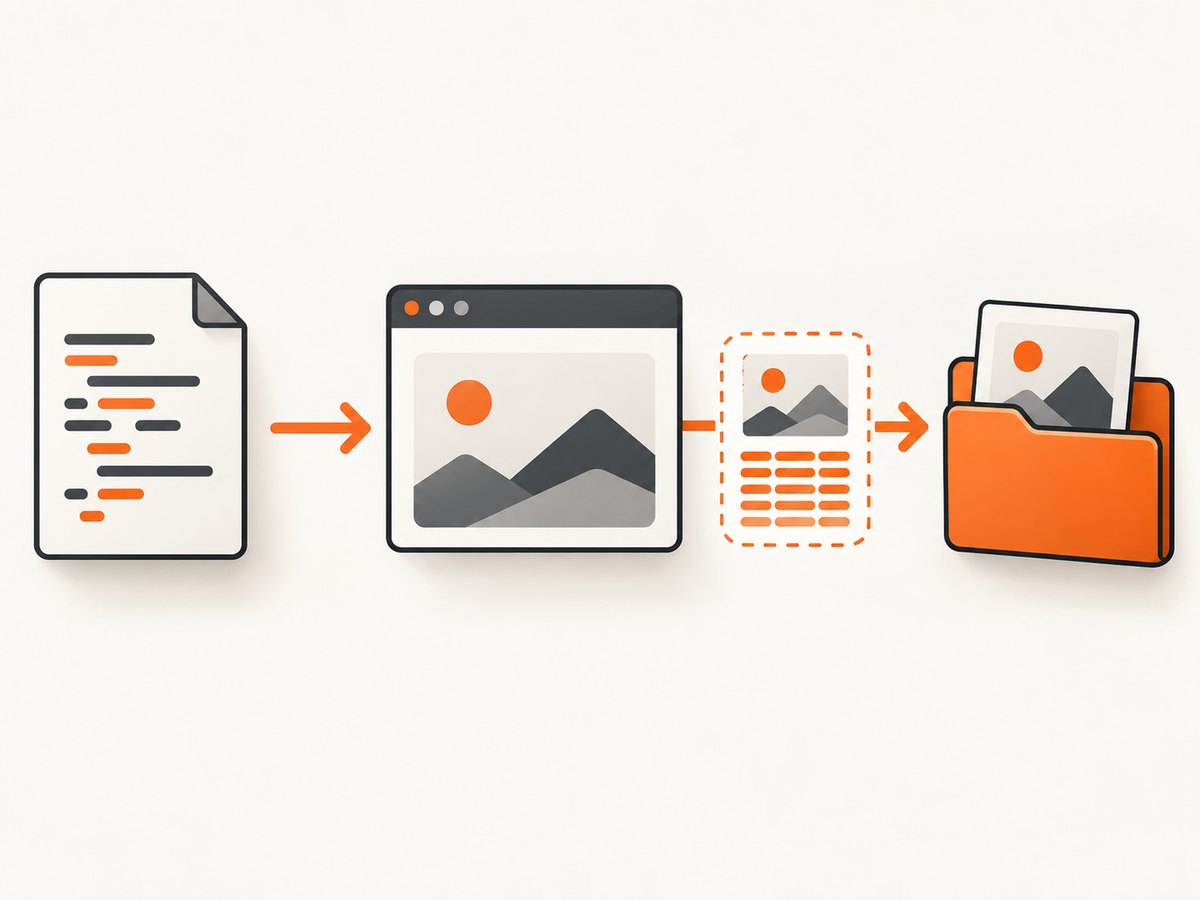
When RSelenium displays a screenshot but no file appears, the usual cause is that two different code paths are being confused. remoteDriver$screenshot(display = TRUE) creates a temporary PNG for a viewer. It does not promise to write the path you expected. To save a persistent image, request the Base64 result with display = FALSE and pass an explicit, writable .png path with file.
The dependable sequence is:
- Keep a live WebDriver session open.
- Create the destination directory before capturing.
- Use an absolute path ending in
.png. - Call
drv$screenshot(display = FALSE, file = out_file). - Verify that the file exists and has a non-zero size.
RSelenium sends the WebDriver screenshot request, receives a Base64-encoded PNG, decodes it, and writes raw bytes when display = FALSE and file is non-NULL. The relevant method behavior is documented in the RSelenium remoteDriver reference.
What RSelenium does when you call screenshot()
A screenshot request goes to WebDriver’s /session/{id}/screenshot endpoint. The browser returns PNG data encoded as Base64. RSelenium exposes that operation through remoteDriver$screenshot(), but the result depends on its arguments.
| Call | Result | Persistent file? | Best use |
|---|---|---|---|
drv$screenshot(display = FALSE) |
Base64 string | No | Custom decoding, HTML embedding, object storage |
drv$screenshot(display = FALSE, file = "...png") |
Decoded PNG written by RSelenium | Yes, if the path is valid | Normal file output |
drv$screenshot(display = TRUE) |
Temporary PNG opened in RStudio viewer or browser | Not at your requested path | Quick visual inspection |
The display branch writes under R’s tempdir(). Seeing an image in the viewer therefore proves only that a temporary preview was produced. It does not prove that your output directory exists, is writable, or contains a file.
Save an RSelenium screenshot to PNG reliably
Run this with an already-open drv object. The checks deliberately separate browser capture from filesystem writing, which makes failures much easier to locate.
# drv is an open RSelenium remoteDriver object
out_dir <- file.path(getwd(), "screenshots")
dir.create(out_dir, recursive = TRUE, showWarnings = FALSE)
out_file <- normalizePath(file.path(out_dir, "page.png"), mustWork = FALSE)

# 1. Isolate the WebDriver capture
b64 <- drv$screenshot(display = FALSE)
stopifnot(is.character(b64), length(b64) == 1L, nzchar(b64))

# 2. Let RSelenium decode and write the PNG
invisible(drv$screenshot(display = FALSE, file = out_file))

# 3. Verify the result
stopifnot(file.exists(out_file))
info <- file.info(out_file)
stopifnot(!is.na(info$size), info$size > 0)
message("Saved ", info$size, " bytes to ", out_file)
Use a .png extension. Selenium’s screenshot endpoint returns PNG data, regardless of whether your source page contains JPEGs or WebP images. Do not write the Base64 text directly to disk and do not add or remove arbitrary prefixes. RSelenium’s file branch performs the decode before writeBin.
Minimal version
dir.create("screenshots", showWarnings = FALSE)
drv$screenshot(
  display = FALSE,
  file = normalizePath("screenshots/page.png", mustWork = FALSE)
)
file.exists("screenshots/page.png")
Save the Base64 value yourself
Use this route when you need to upload the image to an API, embed it in HTML, or control the byte stream yourself. The base64enc package decodes the string to raw bytes.
install.packages("base64enc")
library(base64enc)

b64 <- drv$screenshot(display = FALSE)
raw_png <- base64decode(b64, mode = "raw")
dir.create("screenshots", showWarnings = FALSE)
writeBin(raw_png, "screenshots/page.png")
stopifnot(file.exists("screenshots/page.png"), file.info("screenshots/page.png")$size > 0)
Step-by-step diagnosis
1. Confirm that the session is alive
A screenshot is session-specific. If rsDriver() failed, the Selenium server stopped, the browser crashed, or the session was already closed, there is no valid endpoint from which to retrieve image data.
library(RSelenium)

# Example local setup; choose versions that match your installed browser
r <- rsDriver(browser = "firefox", verbose = FALSE)
drv <- r$client
drv$navigate("https://example.com")

# Keep the session open until after the screenshot
print(drv$getStatus())
For repeatable infrastructure, RSelenium’s project guidance discusses running Selenium and browsers with Docker. Check the server log and browser-driver compatibility before debugging paths.
2. Confirm the capture itself
b64 <- drv$screenshot(display = FALSE)
if (!is.character(b64) || length(b64) != 1L || !nzchar(b64)) {
  stop("WebDriver returned no screenshot payload")
}
cat(substr(b64, 1, 30), "...\n")
If this call errors, the problem is upstream of the filesystem: inspect the Selenium server, browser process, driver version, and session ID. If it succeeds, WebDriver produced image data and the next suspects are the directory, path, permissions, or decode/write step.
3. Confirm the directory and permissions
RSelenium does not create missing parent directories in this method. Create them recursively, prefer an absolute path, and test that R can write there.
out_dir <- file.path(getwd(), "screenshots")
dir.create(out_dir, recursive = TRUE, showWarnings = FALSE)
stopifnot(dir.exists(out_dir))

test_file <- file.path(out_dir, ".write-test")
ok <- file.create(test_file)
if (!ok) stop("Directory is not writable: ", out_dir)
unlink(test_file)

out_file <- normalizePath(file.path(out_dir, "page.png"), mustWork = FALSE)
On Linux and macOS, also check ownership and mount permissions. In containers, the path may be writable inside the container but not visible on the host unless a volume is mounted. On Windows, avoid relying on a relative path that changes when an IDE changes the working directory.
4. Validate the bytes
A valid PNG starts with the eight-byte signature 89 50 4E 47 0D 0A 1A 0A. This check catches cases where Base64 text, an error page, or an empty file was saved under a PNG name.
png_header <- readBin(out_file, what = "raw", n = 8)
expected <- as.raw(c(0x89, 0x50, 0x4E, 0x47, 0x0D, 0x0A, 0x1A, 0x0A))
stopifnot(identical(png_header, expected))
Common symptoms, causes, and fixes
| Symptom | Likely cause | Fix |
|---|---|---|
| Image appears in RStudio but no file exists | display = TRUE used the temporary viewer branch |
Use display = FALSE, file = absolute_png_path and check file.exists(). |
| Cannot open the connection or write error | Parent directory is missing or unwritable | Call dir.create(..., recursive = TRUE), use an absolute path, and run a write test. |
| File exists but is empty | Write failed partway, a competing process replaced it, or no payload was returned | Check the Base64 call first, write to a new temporary name, then inspect size before renaming. |
| Image viewer says the PNG is corrupt | Base64 text was written as text or altered | Let RSelenium decode it, or decode to raw bytes before writeBin; keep the PNG extension. |
| Screenshot endpoint or session error | Browser, driver, Selenium server, or session is unavailable | Recreate rsDriver(), inspect server logs, and verify browser-driver compatibility. |
file is an unknown argument |
RSelenium predates the file-output feature | Check packageVersion("RSelenium") and upgrade to a release that includes the argument (1.2.4 or newer). |
| Wrong output location | Relative paths resolve from an unexpected working directory | Print getwd() and use normalizePath(..., mustWork = FALSE). |
| Capture is an old page state | Navigation or asynchronous rendering has not finished | Wait for a page condition or a known element before calling screenshot(). |
Handling pages that load slowly or change after navigation
RSelenium’s screenshot method captures the current viewport. It does not automatically guarantee that JavaScript-rendered content, lazy images, animations, or consent dialogs have settled. Navigate, wait for a deterministic condition, then capture.
drv$navigate("https://example.com/dashboard")

# Simple polling example
ready <- FALSE
for (i in 1:30) {
  ready <- tryCatch({
    length(drv$findElement("css selector", "main.dashboard")$getElementAttribute("class")) > 0
  }, error = function(e) FALSE)
  if (ready) break
  Sys.sleep(1)
}
if (!ready) stop("Dashboard did not become ready")

drv$screenshot(display = FALSE, file = out_file)
For animated pages, hide or pause animations with JavaScript where appropriate, or wait until a stable element appears. If a cookie banner covers the page, close it before capture when your test permits that interaction.
Performance and reliability considerations
- Reuse sessions: Starting a browser is much slower than issuing another screenshot in an existing session. Reuse a session for a batch of pages, but recreate it after browser crashes or leaked state.
- Write atomically: Save to a temporary filename in the same directory, verify size and the PNG signature, then rename it. This prevents readers from observing a partially written file.
- Control concurrency: A browser session is stateful. Use separate sessions for parallel captures and cap concurrency according to available CPU, memory, and browser limits.
- Record diagnostics: Log URL, timestamp, session status, output path, byte count, and the error message. These fields make intermittent failures reproducible.
- Clean up: Call
r$server$stop()when a batch ends, or use anon.exit()handler, so abandoned browser processes do not exhaust the host.
RSelenium itself does not charge for screenshots. Your operational costs are the machine running R, Selenium server and browser processes, storage, and any hosted browser infrastructure you choose. Large pages, high device scale factors, and many concurrent sessions increase memory and storage use.
Or skip the browser setup
ScreenshotNeo provides a website screenshot API and MCP server when you need an image or PDF without maintaining Selenium infrastructure. One GET request returns PNG, JPEG, WebP, or PDF. Its capture flow accepts cookie and consent banners as a visitor, then removes more than 60 known consent platforms, newsletter popups, and chat widgets; each step can be turned off.
Only clean shots are billed. Bot checks and CAPTCHAs, blank pages, timeouts, failed loads, and cache hits cost nothing, and response headers identify the page verdict and billing result. An MCP server provides take_screenshot, get_page_info, and capture_pdf tools for Claude, Cursor, and other MCP clients.
See the ScreenshotNeo API documentation for all options, including full-page capture with lazy images, CSS-selector element capture, dark mode, device presets, retina scale, custom CSS and JavaScript, clicks, waits, request blocking, headers, cookies, user agents, authorization, timezone, geolocation, transparent backgrounds, resizing, caching, signed links, asynchronous jobs, bulk capture, usage data, and the OpenAPI specification.
cURL
curl -G "https://api.screenshotneo.com/v1/shot" -d access_key=YOUR_API_KEY --data-urlencode url=https://stripe.com -o shot.webpPython
import requests

r = requests.get(
    "https://api.screenshotneo.com/v1/shot",
    params={"access_key": "YOUR_API_KEY", "url": "https://stripe.com"},
    timeout=90,
)
r.raise_for_status()
open("shot.webp", "wb").write(r.content)
Node.js
const q = new URLSearchParams({ access_key: 'YOUR_API_KEY', url: 'https://stripe.com' });
const res = await fetch(`https://api.screenshotneo.com/v1/shot?${q}`);
if (!res.ok) throw new Error(`Screenshot failed: ${res.status}`);
const fs = await import('node:fs/promises');
await fs.writeFile('shot.webp', Buffer.from(await res.arrayBuffer()));
The Free plan includes 1,000 shots each month with no card. Paid plans start at $5 for 3,000 shots; yearly billing gives two months free. Create a free ScreenshotNeo account and try the API without a card.
FAQ
Does RSelenium save JPEG or WebP?
The WebDriver screenshot endpoint returns PNG data. Save it with a .png extension and convert it afterward if another format is required.

Can I use display = TRUE and save the same file?
Use display = FALSE for the file-writing branch. The display branch is intended for a temporary preview and follows a separate path.
Why does my file exist but have zero bytes?
Check the capture without a file first. A missing or invalid Base64 payload indicates a WebDriver/session problem; a valid payload points to path permissions or an interrupted write.
Is full-page capture guaranteed?
The cited RSelenium method captures the current page screenshot. Full-page behavior depends on browser and driver capabilities, so verify it in your specific setup rather than assuming it is available.
When should I use a remote browser service?
Consider one when maintaining browser binaries, drivers, Selenium servers, and concurrency is more work than the capture feature itself. For a direct image or PDF API with cleanup and billing verdicts, ScreenshotNeo is the simpler option.


