How to Fix RuntimeWorkerException for an Invalid Nested head Tag
Fix an invalid nested head tag by checking HTML nesting, generated markup, and renderer input, then validate the smallest failing document.
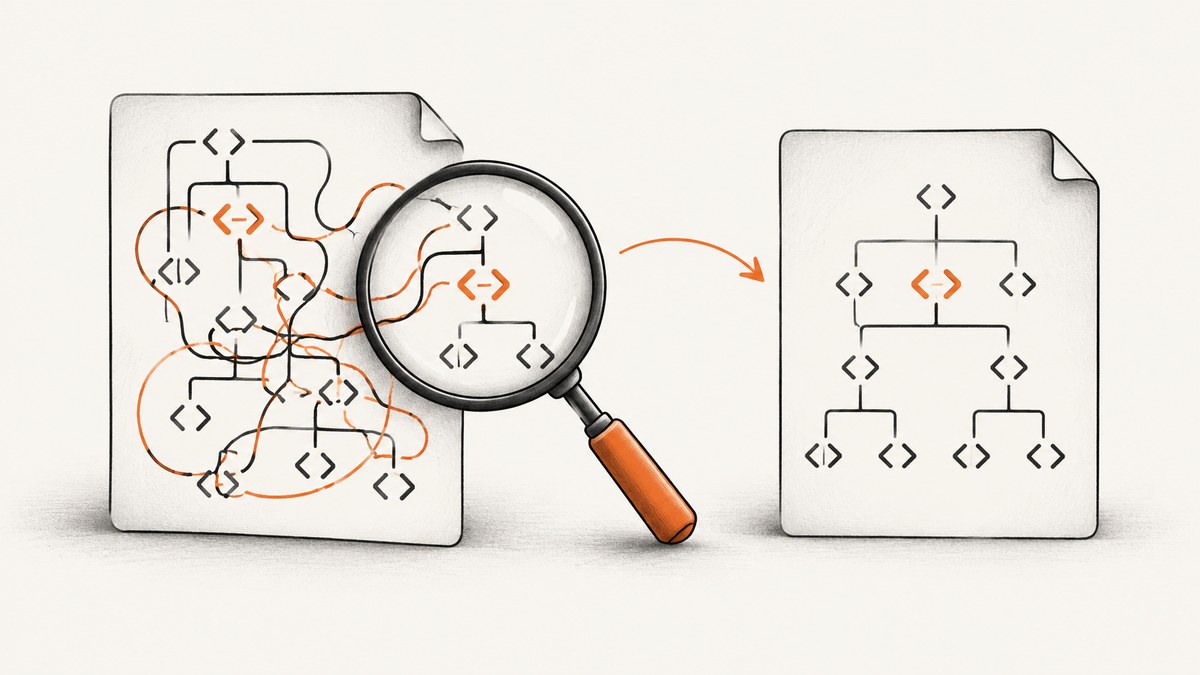
Start with the first markup error, not the RuntimeWorkerException label. The exact exception wording is not tied to an identified framework or renderer in the available documentation. In practice, inspect the generated HTML for misordered closing tags, an incomplete head, or a leftover </head>. Then validate the exact bytes passed to the renderer and reduce the input to the smallest document that still fails.
A browser may display malformed HTML because its parser repairs errors. A separate HTML-to-PDF or screenshot renderer can reject the same input. The repair below is therefore a reliable HTML diagnosis process, while the final framework-specific setting depends on the renderer, version, stack trace, and failing markup.
1. What “invalid nested head tag” usually means
The message generally points to one of these structural problems:
- A second
<head>starts before the first one is closed. - An element is closed in the wrong order.
- A required child, especially
<title>, is missing. - A template emits an extra
</head>after an earlier conditional branch already closed it. - The source template is valid, but a later rendering or document-conversion step produces invalid HTML.
The W3C validator explains that an unfinished end-tag error most often means tags were nested and closed in the wrong order, and it specifically calls out the required title child of head (W3C error explanations).
2. Use a valid document skeleton
Begin with the smallest valid document and add features back one at a time:
<!doctype html>
<html lang="en">
  <head>
    <meta charset="utf-8">
    <meta name="viewport" content="width=device-width, initial-scale=1">
    <title>Example page</title>
  </head>
  <body>
    <main>
      <h1>Example page</h1>
    </main>
  </body>
</html>
There must be one document-level head, it must close before body, and title belongs inside it. Metadata such as meta, link, and style should also be placed inside that head.
3. Find and correct invalid nesting
Misordered closing tags
This fragment opens head, then another element, but closes them in the opposite order:

<head>
  <style>
    body { color: #222; }
</head>
</style>
Close the innermost element first:
<head>
  <style>
    body { color: #222; }
  </style>
</head>
W3C summarizes this class of error as: “Most likely, you nested tags and closed them in the wrong order.” Fix the earliest substantive error because later unmatched-tag messages can be consequences.
A nested or duplicate head
<html>
  <head>
    <title>One</title>
    <head>
      <title>Two</title>
    </head>
  </head>
  <body>Content</body>
</html>
Merge the metadata into one head:
<html>
  <head>
    <title>One</title>
    <meta name="description" content="Example page">
  </head>
  <body>Content</body>
</html>
Leftover end tags
<head>
  <title>Example</title>
</head>
</head>
Remove the unmatched closing tag. However, first check the lines above it: an earlier conditional or malformed element may have caused the apparent extra tag. The W3C notes that an end tag for an element that is not open can be left behind after editing or after an earlier error.
4. Validate the actual renderer input
- Log or save the final HTML string immediately before the renderer call.
- Compare it with the source template. Do not assume they are identical.
- Run the saved output through the W3C Markup Validation Service.
- Inspect the first reported error and its source position.
- Remove scripts, styles, conditional branches, and injected fragments until the failure disappears.
- Add each removed part back until the smallest failing fragment is identified.
For server-side templates, inspect every branch that can emit head or /head. Layout inheritance, partials, HTML minifiers, localization, and document converters can all change the final markup. Keep the exact input bytes, renderer name and version, source location, and complete stack trace with the bug report.
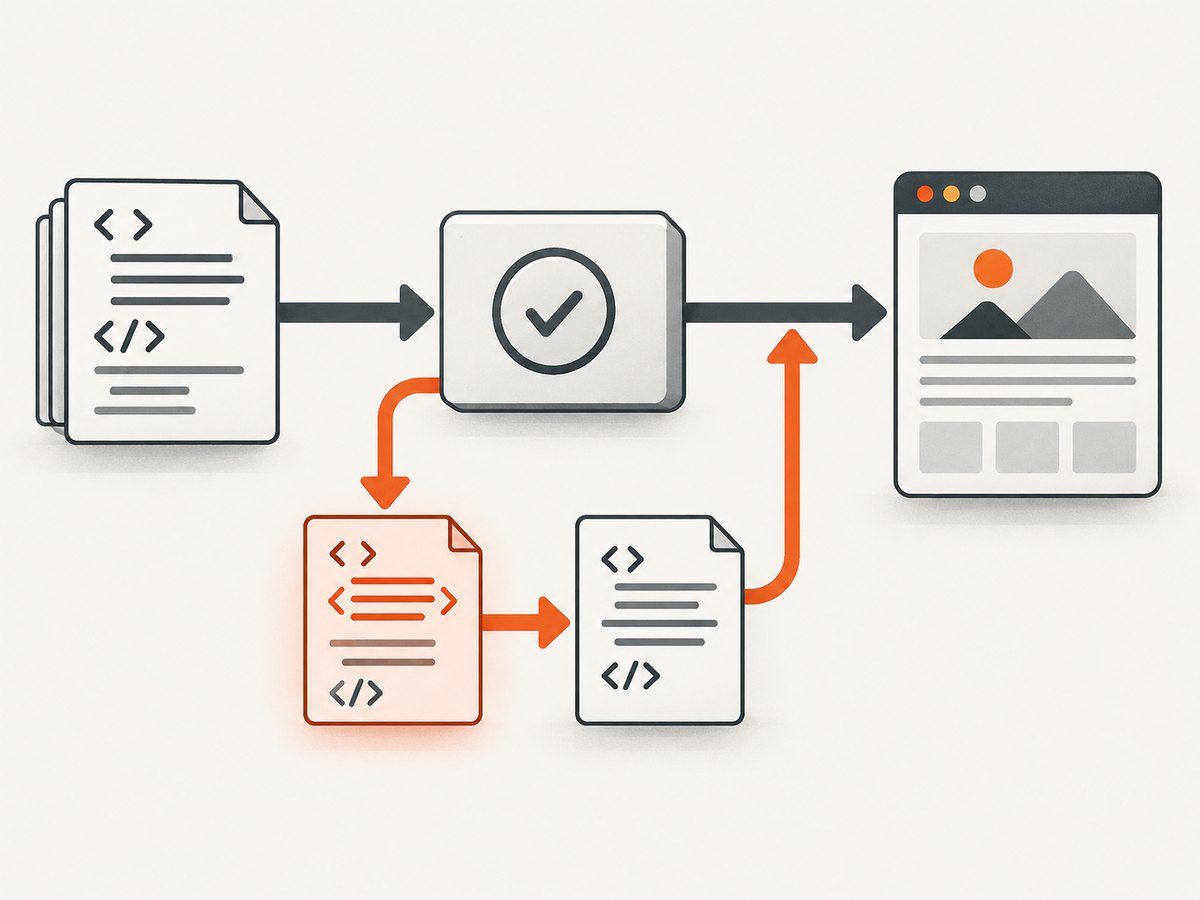
5. Check parser differences
The WHATWG HTML parsing specification defines browser parsing and error recovery. Browsers may construct a DOM that differs from the source author’s intent. MDN’s HTML debugging guide recommends writing correct markup rather than depending on recovery. A renderer can impose stricter validation or use a different parser, so browser success does not prove that the renderer input is valid.
6. A repeatable debugging workflow
- Capture evidence. Record the full exception, stack trace, renderer and version, URL or file name, and exact generated HTML.
- Check the first error. Start at the earliest validator position, not the last nested-tag message.
- Verify tag order. Every element must close in reverse order of opening.
- Verify head structure. Use one
head, include onetitle, and close it beforebody. - Inspect conditionals and partials. Ensure only one branch emits each document-level wrapper.
- Minimize. Reproduce with the smallest HTML string and add content back incrementally.
- Compare environments. Diff the bytes and parser or renderer versions between working and failing systems.
7. Troubleshooting table
| Symptom | Likely cause | Fix |
|---|---|---|
| “Invalid nested head” | A second head or an unclosed element appears inside the first. |
Keep one document head and close inner elements before head. |
| “End tag for X which is not finished” | Closing tags are out of order or a required child is missing. | Fix the first validator error; check nesting and required children. |
Unmatched </head> |
A conditional, partial, or edit emitted an extra closing tag. | Trace all template branches and remove the duplicate. |
| Browser works, renderer fails | Browser recovery hides malformed source or parsers differ. | Validate generated output and compare exact bytes and parser versions. |
| Failure moves after a change | The reported location is downstream from the original structural error. | Recheck the earliest substantive error rather than chasing the new location. |
| Only production fails | Production templates, feature flags, minification, or injected content differ. | Save and diff production renderer input against a working environment. |
8. Performance and reliability considerations
- Validate templates in CI or during build generation so malformed output fails before a screenshot or PDF job.
- Use a small fixture document for regression tests; it makes parser and renderer upgrades easier to compare.
- Log a hash of the generated HTML alongside the renderer version so intermittent failures can be correlated without storing sensitive content.
- Keep retries for transient loading failures separate from deterministic markup errors. Retrying invalid HTML does not repair it.
- When comparing environments, pin the renderer and parser versions where possible and diff the input bytes before changing configuration.
9. Or skip the browser setup
If your goal is a clean screenshot after the HTML is fixed, ScreenshotNeo provides a single GET request. Its capture can accept consent banners and remove more than 60 known consent platforms, newsletter popups, and chat widgets before the shot. Bot checks, blank pages, timeouts, failed loads, and cache hits are not billed, and the response identifies the result with X-Page-Verdict and X-Billed headers. An MCP server provides take_screenshot, get_page_info, and capture_pdf tools for Claude, Cursor, and other MCP clients.
See the ScreenshotNeo API documentation for all options.
curl -G "https://api.screenshotneo.com/v1/shot" -d access_key=YOUR_API_KEY --data-urlencode url=https://example.com -o shot.webpimport requests
r = requests.get("https://api.screenshotneo.com/v1/shot", params={"access_key": "YOUR_API_KEY", "url": "https://example.com"}, timeout=90)
open("shot.webp", "wb").write(r.content)const q = new URLSearchParams({ access_key: 'YOUR_API_KEY', url: 'https://example.com' });
const res = await fetch(`https://api.screenshotneo.com/v1/shot?${q}`);The free plan includes 1,000 screenshots each month with no card. Paid plans start at $5 for 3,000 shots, and every feature is available on every plan. Create a free ScreenshotNeo account.
10. FAQ
Is RuntimeWorkerException a standard HTML error?
No. The wording was not matched to an identified framework or renderer in the available authoritative sources. Treat the markup checks as a starting diagnosis and use the stack trace to identify the owning component.
Why does adding a closing tag sometimes create another error?
You may be fixing a downstream symptom. A previous unclosed or misnested element can make a later closing tag appear invalid. Correct the earliest substantive error first.
Do I need to remove all metadata from head?
No. Keep valid metadata in the single document head. The key requirements are correct nesting, a closing head before body, and a title child.
What information should I provide when asking for renderer support?
Include the complete exception and stack trace, renderer and version, exact generated input, reported source position, and a minimal reproducible document.


