How to Fix Screenshot Comparison Failures Caused by Screen Size Mismatches
Fix visual regression failures caused by viewport, browser, font, timing, and capture differences with a deterministic CI workflow for Playwright and Cypress.
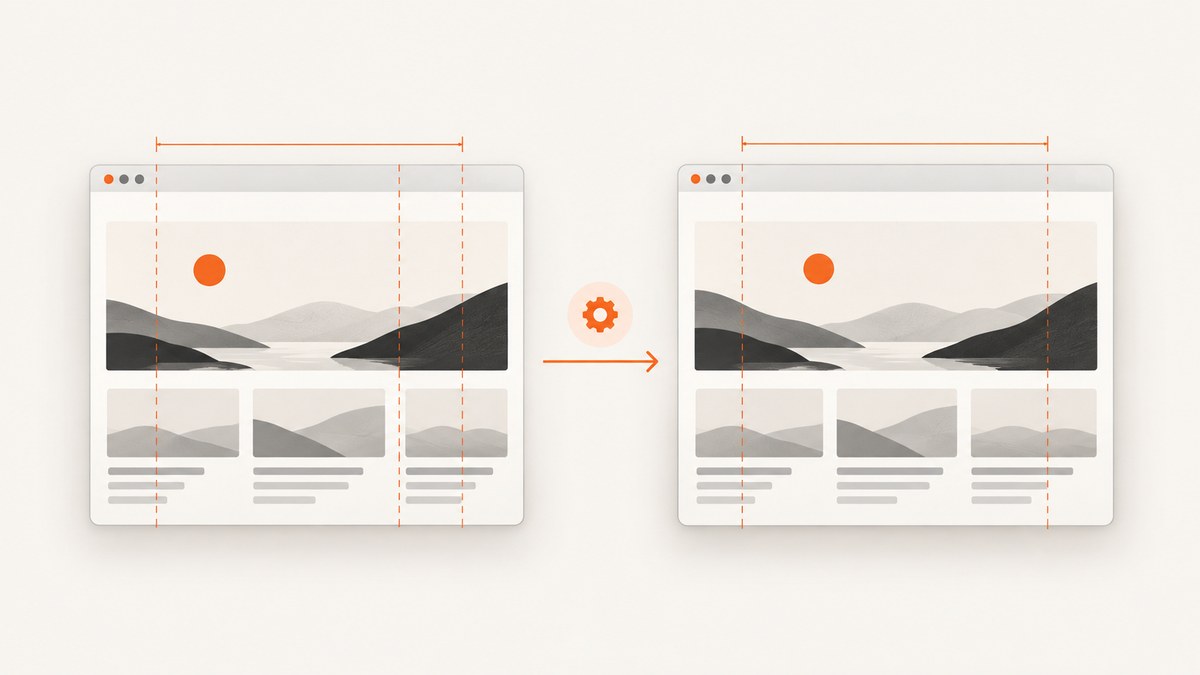
A screenshot comparison fails when the current capture is rendered under a different visual contract than the approved baseline. The first thing to check is the image width and height. Then verify the viewport, browser and operating system, fonts, device scale factor, headless mode, capture scope, test data, and page readiness. Keep those inputs stable before changing pixel-diff tolerances.
This guide shows how to diagnose the failure in CI and locally, configure deterministic screenshots in Playwright and Cypress, update a baseline safely, and decide when a difference is an intentional design change. It also covers a managed capture option at the end.
What a screenshot comparison is actually checking
A visual regression test captures a page or element, then compares the new image with an approved reference. If the difference exceeds the configured threshold, the comparison fails. The threshold may be expressed as a pixel count, a percentage, or a service-specific rule. Cypress describes the capture and comparison workflow in its screenshot documentation, while Playwright provides the comparison through expect(page).toHaveScreenshot() (Cypress screenshot documentation; Playwright visual comparisons).
A size mismatch is especially important because a one-pixel change in width can move every responsive breakpoint, wrap text differently, and shift the entire image. A different height can change what appears in a viewport capture. Fix dimensions before investigating individual diff regions.
Fast diagnostic checklist
- Measure both files. Record the baseline and actual PNG width and height.
- Confirm the viewport. Check width, height, orientation, device preset, and device scale factor.
- Confirm the browser project. A Chromium baseline compared with Firefox or WebKit is a different rendering contract.
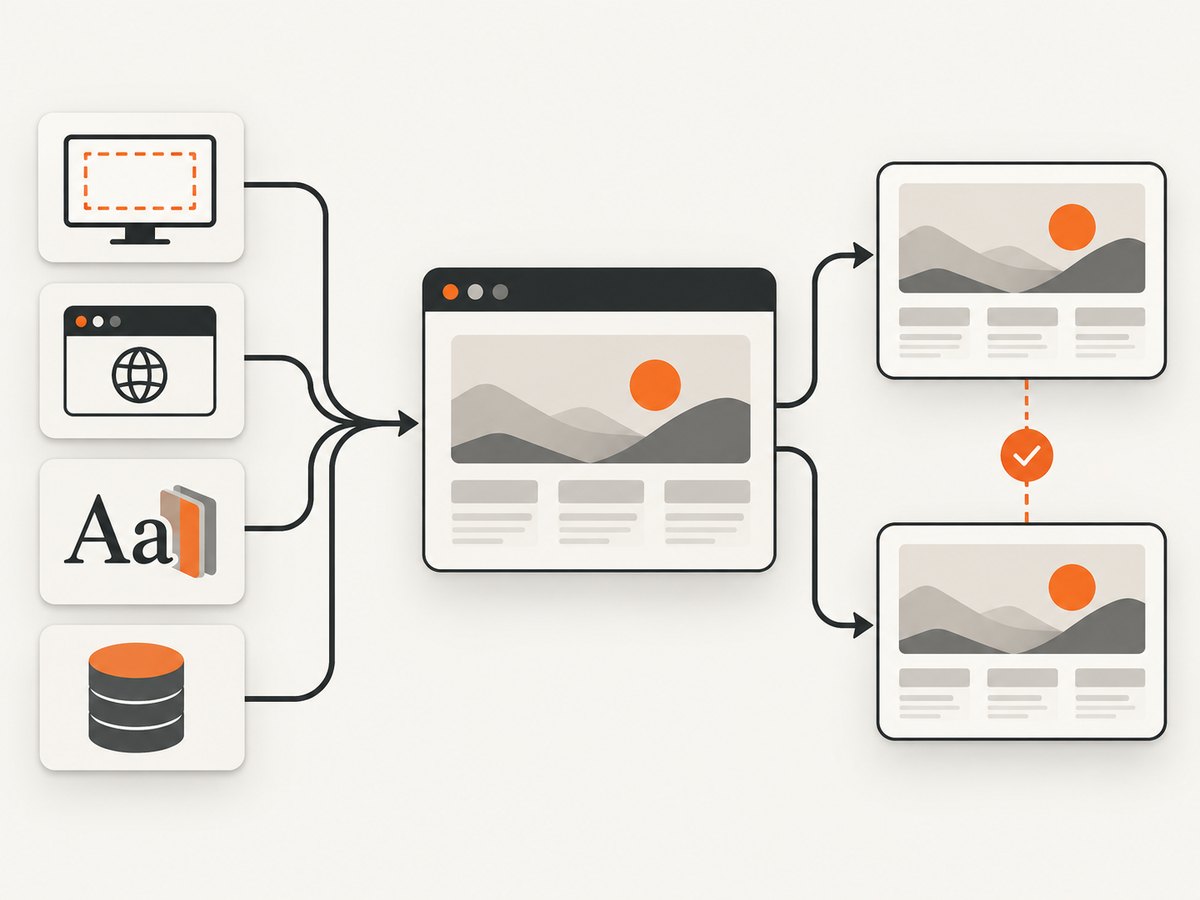
- Confirm the runtime. Use the same OS family, browser version, fonts, Docker image, headless setting, and hardware profile.
- Confirm capture scope. Viewport, full-page, element, clip rectangle, and runner captures produce different images.
- Wait for readiness. Ensure data, fonts, images, animations, and layout shifts have settled.
- Check test inputs. Freeze dates, random values, feature flags, locale, timezone, cookies, and API fixtures.
- Decide whether the change is intentional. Approve a new named baseline only when the design or target device really changed.
1. Confirm the exact image dimensions
Use an image tool or a short script to print dimensions. For PNG files, ImageMagick’s identify is convenient:
identify -format '%f %wx%h\n' snapshots/baseline.png snapshots/actual.pngWith Python and Pillow:
from PIL import Image

for path in ["snapshots/baseline.png", "snapshots/actual.png"]:
    with Image.open(path) as image:
        print(path, image.size)
If the dimensions differ, inspect test configuration before changing diff thresholds. Common causes include a changed CI viewport, a mobile preset applied by one project, landscape orientation, browser window chrome in a headed run, or an element screenshot that now uses a different bounding box.
2. Lock the viewport in Cypress
Cypress documents a default viewport of 1000 by 660 pixels and resets the viewport between tests unless you configure it. Set the dimensions explicitly in each test or in configuration (Cypress viewport documentation).
describe('checkout', () => {
  beforeEach(() => {
    cy.viewport(1280, 800)
    cy.visit('/checkout')
  })

  it('matches the desktop baseline', () => {
    cy.contains('Checkout').should('be.visible')
    cy.screenshot('checkout-desktop')
  })
})
Project-wide configuration keeps every test consistent:
// cypress.config.js
const { defineConfig } = require('cypress')

module.exports = defineConfig({
  e2e: {
    viewportWidth: 1280,
    viewportHeight: 800,
  },
})
Device presets intentionally change dimensions. For example, Cypress documents an iPhone 6 preset at 414 by 736 pixels and a landscape version at 736 by 414. Name screenshots by device and orientation so a mobile baseline cannot be compared accidentally with a desktop one:
cy.viewport('iphone-6')
cy.screenshot('profile-iphone-6-portrait')

cy.viewport('iphone-6', 'landscape')
cy.screenshot('profile-iphone-6-landscape')
When using a visual comparison plugin or service, pass the same capture mode every time. Cypress distinguishes viewport, fullPage, and runner captures and supports clipping and animation or timer controls. A full-page image scrolls and stitches the document; sticky elements can therefore appear repeatedly.
3. Keep Playwright projects and baselines aligned
Playwright creates a reference image on the first run of toHaveScreenshot(), then compares future captures with that reference. Baselines are commonly separated by browser project because Chromium, Firefox, and WebKit render text and layout differently.
// playwright.config.ts
import { defineConfig, devices } from '@playwright/test'

export default defineConfig({
  snapshotPathTemplate: '{testDir}/__snapshots__/{projectName}/{arg}{ext}',
  projects: [
    {
      name: 'chromium-desktop',
      use: {
        ...devices['Desktop Chrome'],
        viewport: { width: 1280, height: 800 },
        deviceScaleFactor: 1,
      },
    },
  ],
})
// checkout.spec.ts
import { test, expect } from '@playwright/test'
test('checkout is stable', async ({ page }) => {
await page.goto('/checkout')
await expect(page.getByRole('heading', { name: 'Checkout' })).toBeVisible()
await expect(page).toHaveScreenshot('checkout.png', {
animations: 'disabled',
caret: 'hide',
})
})Playwright warns that browser rendering can vary with the host OS, browser version, settings, hardware, power source, headless mode, and other factors (Playwright visual comparison guidance). Generate and compare snapshots in the same CI image, with the same installed fonts and pinned browser version. Do not create a baseline on a developer laptop and compare it with an unrelated Linux image unless that difference is part of the test contract.
4. Match capture scope and clipping
Decide what the baseline represents:
| Scope | Use it for | Typical failure |
|---|---|---|
| Viewport | What a user sees without scrolling | Viewport height changed |
| Full page | Entire document, including below the fold | Stitching or sticky elements differ |
| Element or locator | A stable component | Component size or font changed |
| Clip rectangle | A fixed pixel region | Rectangle no longer matches the baseline |
| Runner capture | Debugging the test UI | Runner chrome included accidentally |
In Playwright, prefer locator screenshots when the component is the contract:
await expect(page.getByTestId('cart-summary')).toHaveScreenshot('cart-summary.png')In Cypress, make the mode explicit when your comparison integration supports it:
cy.screenshot('home-viewport', { capture: 'viewport', disableTimersAndAnimations: true })
cy.screenshot('home-full-page', { capture: 'fullPage', disableTimersAndAnimations: true })
5. Wait for a settled page
A screenshot taken during a layout transition is not a reliable baseline. Assert that the expected content is present, wait for application data, and remove sources of time variance. Disable CSS transitions and animations for the capture, or wait until a known transition completes.
/* test-only visual-stability.css */
*, *::before, *::after {
  animation: none !important;
  transition: none !important;
  caret-color: transparent !important;
}
await page.addStyleTag({ path: 'test-only visual-stability.css' })
await page.waitForLoadState('networkidle')
await page.getByTestId('results').waitFor({ state: 'visible' })Network idle alone does not guarantee stable pixels. Web fonts may still be swapping, images may have unknown dimensions, and client-side data may arrive after the first render. Prefer explicit assertions for the content that defines the screenshot.
6. Recreate the canonical CI environment
Use one container image for baseline generation and comparison. Pin the browser version, install the same font packages, set a fixed locale and timezone, and keep headless or headed mode consistent. Freeze test data and mock remote APIs that are not part of the visual contract.
- Set
LANG, locale, timezone, and text direction explicitly. - Use deterministic dates, random seeds, IDs, and feature flags.
- Mock ads, analytics, chat, and other third-party content that changes independently.
- Keep device scale factor stable. Retina captures can double pixel dimensions.
- Run on AC power in shared infrastructure when hardware variance affects rendering.
Playwright recommends separate snapshots for separate browser projects. Cypress recommends an explicit consistent viewport and the same environment for baseline and comparison (Cypress browser documentation).
7. Update a baseline safely
- Record the old and new dimensions and the configuration change that caused the difference.
- Run the test in the canonical environment with the intended viewport and browser project.
- Inspect the diff and the actual image. Confirm the change is intentional and complete.
- Regenerate only the named baseline. Avoid accepting every changed snapshot in a large batch.
- Review the baseline update as code. Include the viewport, browser, OS image, and reason in the pull request.
# Playwright: update one project and one test
npx playwright test checkout.spec.ts --project=chromium-desktop --update-snapshots
Do not raise maxDiffPixels, percentage thresholds, or a service tolerance merely to hide a breakpoint regression. Tolerances are useful for controlled antialiasing noise after the rendering contract is stable; they cannot correct a wrong viewport.
Common errors and fixes
| Symptom | Likely cause | Fix |
|---|---|---|
| Baseline and actual have different dimensions | Viewport, device preset, orientation, or scale factor changed | Set explicit width, height, orientation, and device scale factor. |
| Only CI fails | Different OS, fonts, browser build, or headless mode | Use the same container and pinned browser for baseline and comparison. |
| Text wraps differently | Width, font file, font loading, locale, or font fallback differs | Install and preload identical fonts; freeze locale and viewport. |
| Full-page diff repeats a header | Sticky or fixed element was stitched during scrolling | Use an element or viewport capture, or make the sticky behavior deterministic. |
| Random regions change | Animation, cursor, clock, ads, or live data | Disable animations, hide the caret, freeze time, and mock unstable requests. |
| Mobile test suddenly uses desktop layout | Project or test reset to the default viewport | Set the device in the project and assert the resulting dimensions. |
| Diff appears after a dependency update | Browser, rendering engine, or font rasterization changed | Pin versions, then intentionally regenerate project-specific baselines. |
Performance, reliability, and cost notes
Visual tests become expensive when every test captures a full page at every browser and viewport. Start with stable component or locator screenshots, then reserve full-page and multi-browser coverage for critical flows. Reuse authenticated storage state, mock slow dependencies, and run independent projects in parallel when your CI capacity allows.
Reliability comes from a narrow contract: one named viewport, one browser project, one environment, deterministic data, and a clear readiness assertion. Keep a small set of intentional responsive baselines instead of allowing a single screenshot to represent every breakpoint. Store failed actual images and diffs as CI artifacts so a failure can be diagnosed without rerunning it.
Or skip the browser setup
If you need a clean capture for a visual check, documentation page, or regression input without maintaining browser configuration, ScreenshotNeo provides a website screenshot API and MCP server. The request below returns an image; see the ScreenshotNeo API documentation for all options.
curl -G "https://api.screenshotneo.com/v1/shot" -d access_key=YOUR_API_KEY --data-urlencode url=https://stripe.com -o shot.webpimport requests
r = requests.get("https://api.screenshotneo.com/v1/shot", params={"access_key": "YOUR_API_KEY", "url": "https://stripe.com"}, timeout=90)
open("shot.webp", "wb").write(r.content)const q = new URLSearchParams({ access_key: 'YOUR_API_KEY', url: 'https://stripe.com' });
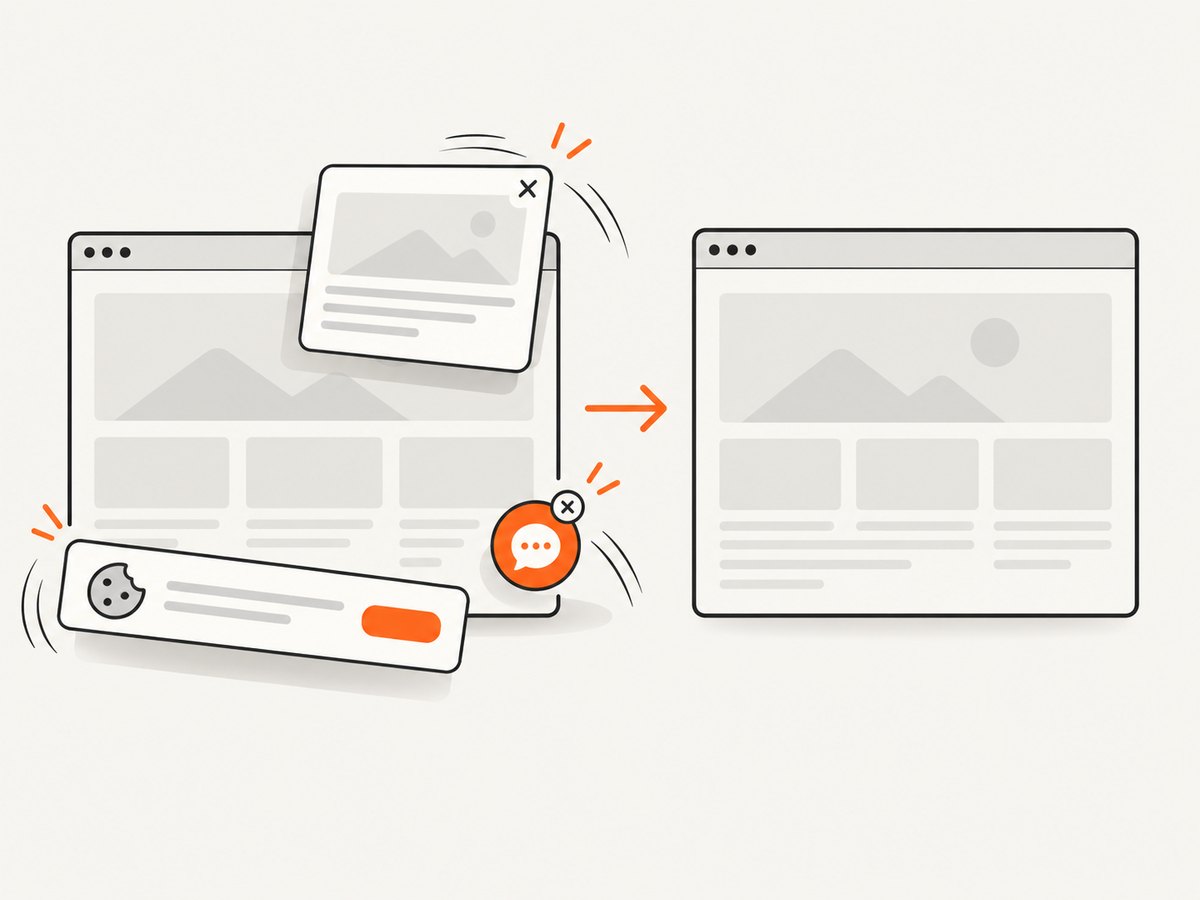
const res = await fetch(`https://api.screenshotneo.com/v1/shot?${q}`);ScreenshotNeo removes cookie banners, newsletter popups, and chat widgets before the shot. Bot checks, blank pages, failed loads, timeouts, and cache hits are not billed; the response identifies the result with X-Page-Verdict and X-Billed headers. Its MCP server exposes take_screenshot, get_page_info, and capture_pdf for Claude, Cursor, and other MCP clients. You can set the viewport, device preset, full-page mode, element selector, dark mode, retina scale, waits, custom CSS and JavaScript, headers, cookies, user agent, timezone, geolocation, blocking rules, caching TTL, signed links, async webhooks, and bulk capture.
The Free plan includes 1,000 screenshots per month with no card. Paid plans start at $5 for 3,000 shots, and every feature is available on every plan. Create a free ScreenshotNeo account.
FAQ
Why does my visual regression test fail only in CI?
CI commonly uses a different OS image, browser build, font set, viewport, device scale factor, or headless mode. Run baseline generation and comparison in the same pinned environment.
Why are my screenshots different sizes?
Check viewport width and height first, then orientation, device presets, browser window mode, full-page versus viewport capture, and device scale factor.
Should I increase the diff threshold?
Only after dimensions, environment, timing, fonts, and data are deterministic. A larger threshold can hide a real responsive regression.
How should I support several screen sizes?
Create separately named baselines for each intentional breakpoint and keep the viewport explicit in the test or browser project.
When should I approve a new baseline?
Approve it when the design or supported target environment changed intentionally and the diff has been reviewed. Record the reason with the baseline update.


