How to Fix Selenium Driver Executable Detection in Alpine Docker
Fix Selenium driver discovery in Alpine Docker by checking the final image, matching Chromium and ChromeDriver packages, and configuring an explicit Service path.
Direct answer: Check that the browser and its WebDriver executable are installed in the final Alpine image, that the driver can run there, and that Selenium can find it. For Alpine Chromium, install chromium and chromium-chromedriver from the same Alpine release and architecture. Then either make chromedriver available on PATH or give Selenium’s Chrome Service its verified absolute path.
This addresses discovery errors such as “Unable to locate the chromedriver executable” and “The file geckodriver does not exist.” If Selenium finds the driver but the driver exits while starting the browser, move on to browser compatibility, binary paths, permissions, shared libraries, and CPU architecture. Selenium needs a browser-specific driver to send commands to the browser. See the Selenium Project’s driver installation and troubleshooting guide.
This guide uses Python for the Selenium example. The package checks and Docker considerations also apply if your Selenium test is written in another language; the Service class and code differ by binding and browser.
1. Identify whether discovery or browser startup failed
Start with the complete exception and, if available, the driver’s startup logs. The wording helps separate two stages:
- Discovery failed: Selenium says it cannot locate the executable, or says the driver must be in
PATH. Focus on package installation, paths, and the Selenium binding’s driver configuration. - Startup failed: Selenium found and attempted to launch a driver, but the process exited or could not start the browser. Check the browser installation, compatibility, executable permissions, libraries, and architecture.
Do not diagnose both cases as a missing PATH entry. A driver process that starts and then exits has passed at least part of discovery; adding another path may not fix its actual failure.
2. Inspect the final container, as the application user
Run these checks in the image and container context that runs the test. A successful command on your workstation or in an earlier Docker build stage does not prove the executable exists in the final image. Use a shell in the final image, or temporarily run the checks as the container’s normal command:
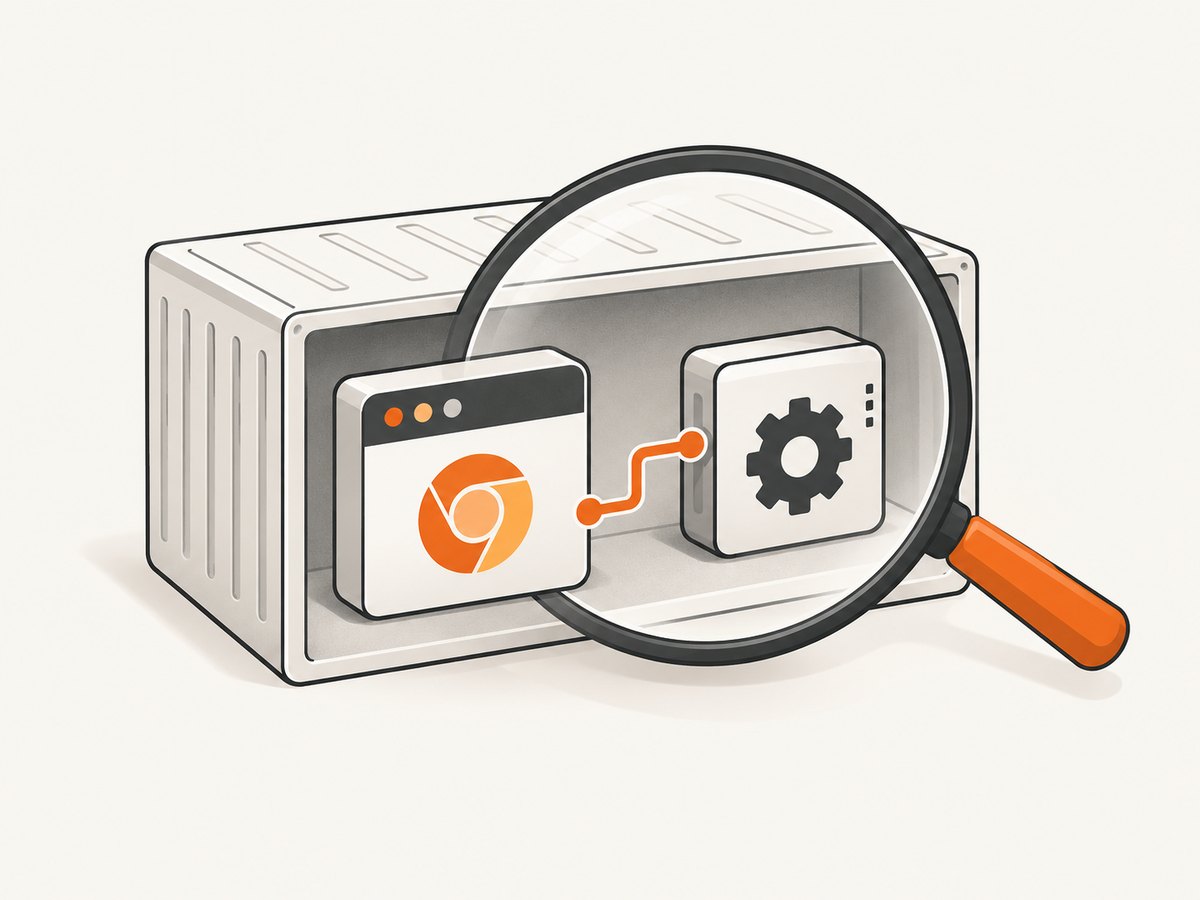
command -v chromium
command -v chromedriver
chromium --version
chromedriver --version
Interpret the results in order:
- If
command -v chromiumfinds nothing, install the browser or verify that you are using the browser expected by the test. - If
command -v chromedriverfinds nothing, check whether the driver package is installed and whether its directory is onPATH. - If a command resolves but its
--versioninvocation fails, investigate execution permission, architecture, and runtime libraries. A discoverable file is not necessarily runnable. - Record both version outputs and compare them with the browser/driver compatibility information for the versions you selected.
The Alpine package metadata describes chromium-chromedriver as Chromium’s WebDriver package and says it provides the chromedriver command. The exact available package version depends on Alpine release and CPU architecture. Check the package index for your target, such as the Alpine v3.23 x86_64 driver package page; do not copy its version as a general recommendation.
3. Install Chromium and its driver as an Alpine package pair
For a custom Alpine image using Alpine’s Chromium packages, install the browser and driver together:
FROM alpine:3.23

RUN apk add --no-cache chromium chromium-chromedriver

# Replace this with your application setup and command.
WORKDIR /app
COPY . /app
CMD ["python", "-m", "your_test_module"]
The package command is an example, not a guarantee that every Alpine branch and architecture has the same packages. Choose an Alpine release and target platform for which both packages are available. Install them from that same release’s configured repositories so package metadata can manage their relationship. Alpine lists Chromium as a dependency of its chromium-chromedriver package; its Chromium package metadata also illustrates that package details vary by release.
Rebuild the image after changing packages, then repeat the four shell checks inside the rebuilt final image. If your Dockerfile uses multiple stages, make sure the stage that launches Selenium includes the browser, driver, and needed runtime dependencies. Installing the driver only in a build stage that is later discarded will leave the final container without it.
4. Configure Selenium Manager or an explicit Service path
Option A: let Selenium Manager locate or manage the driver
Selenium Manager is included with Selenium releases as of 4.6 and is used as a fallback when you have not provided a driver. The Selenium Project’s guide describes this behavior and says, “As of Selenium 4.6, Selenium downloads the correct driver for you.” That does not guarantee automatic operation in every Alpine container: the browser, filesystem, network, and cache conditions still matter. Check your installed Selenium version, then enable Manager logging if it fails to resolve a driver, as explained in the official guide.
With a current Python binding, a minimal setup can be:
from selenium import webdriver

options = webdriver.ChromeOptions()
options.binary_location = "/usr/bin/chromium"  # Verify this path in the final image.
driver = webdriver.Chrome(options=options)
try:
    driver.get("https://example.com")
    print(driver.title)
finally:
    driver.quit()
Use this route when the Selenium version and container environment support the Manager’s driver resolution. If the container cannot reach required downloads, or policy requires a packaged binary, use a manually installed driver instead. Selenium’s Python API documentation documents the client API; the installation guide covers Manager behavior and diagnostics.
Option B: point the Chrome Service at the installed driver
When Alpine installed the driver but automatic discovery selects the wrong location or cannot find it, specify the path explicitly. Verify each path with command -v; these are examples, not universal paths:
from selenium import webdriver
from selenium.webdriver.chrome.service import Service

options = webdriver.ChromeOptions()
options.binary_location = "/usr/bin/chromium"  # Use the actual path in this image.
service = Service(executable_path="/usr/bin/chromedriver")

driver = webdriver.Chrome(service=service, options=options)
try:
    driver.get("https://example.com")
    print(driver.title)
finally:
    driver.quit()
If you do not set options.binary_location, Selenium will use its normal browser discovery behavior. Set it only when the path has been checked in the container. For Firefox, use Firefox and its matching driver configuration; a Chrome Service is not interchangeable with another browser’s Service class.
In another Selenium language binding, use that binding’s browser-specific Service object and the actual executable path from the container. The same diagnostic principle applies: verify the binary in the runtime image, then configure the binding with the path it supports.
5. Check compatibility and runtime when the path resolves
If command -v chromedriver returns a path but Selenium cannot start a session, check these items separately:
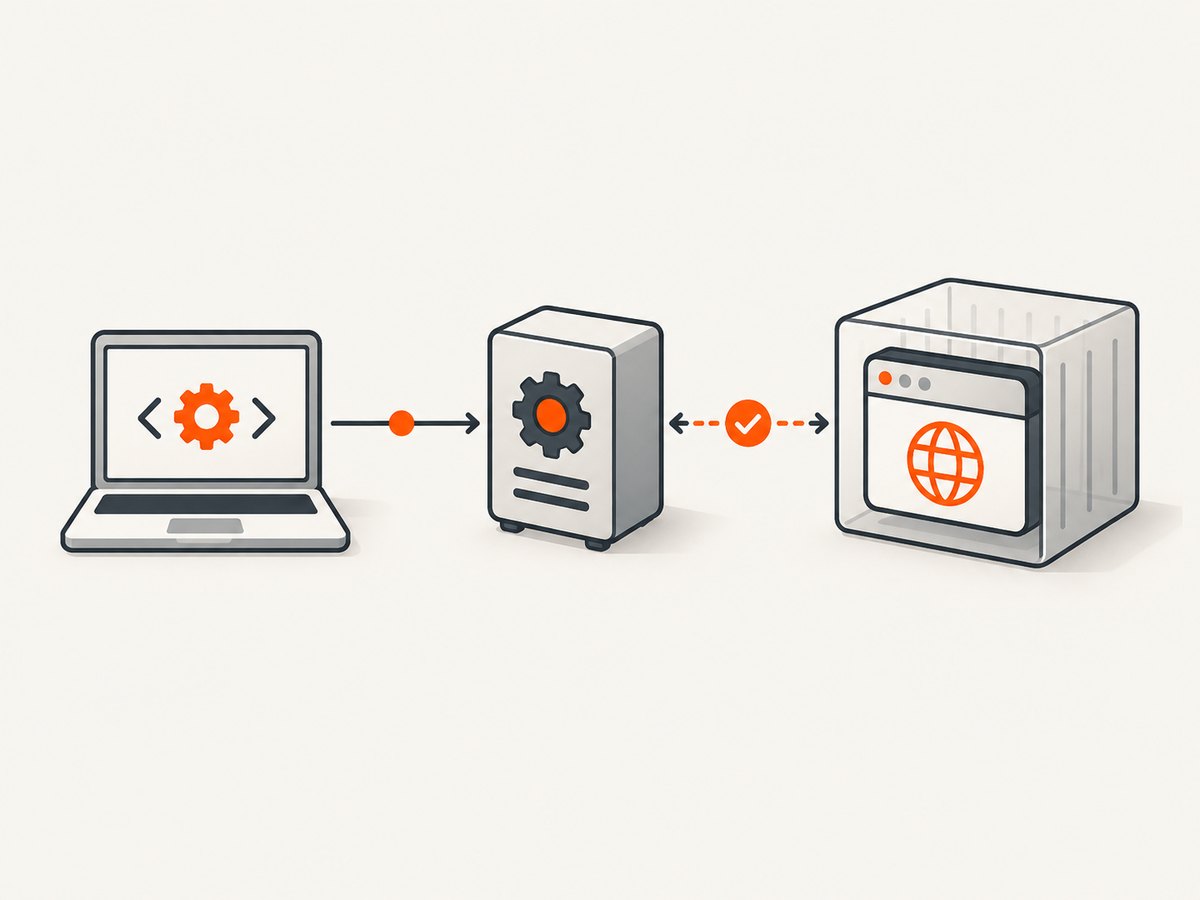
- Browser and driver pair: Verify the installed versions and compatibility. Prefer the Alpine packages from the same release and architecture rather than combining a distribution browser with a driver copied from an unrelated image.
- Browser binary: Confirm the configured path names the browser executable in this image, not a host path or a path from another distribution.
- Executable and libraries: Confirm the driver and browser can execute as the application user and that their required shared libraries are present. A package or copied binary can exist yet fail at process launch.
- CPU architecture: Ensure the image platform and downloaded or copied binaries match. A driver for a different architecture will not run as expected.
- Container boundary: If the test connects to a remote Selenium Grid, the browser and driver belong on the Grid node. Installing them only in the client container will not repair a remote node’s environment.
Capture the complete exception and driver logs after each change. Selenium’s troubleshooting documentation recommends enabling logging when driver management fails; the logs can show whether resolution, process launch, or browser startup is the failing step.
6. Choose the setup that fits the deployment
| Approach | Best fit | Verify |
|---|---|---|
| Selenium Manager | Current Selenium binding and an environment that permits its driver-management behavior. | Selenium version 4.6 or later, Manager logs, browser availability, and download/cache access. |
| Alpine packages | A custom Alpine image using Alpine Chromium. | Package availability for the same branch and architecture, command paths, and browser/driver versions. |
| Explicit Service path | The driver is installed, but automatic discovery does not select it. | Absolute path inside the final container and the correct browser-specific Service class. |
| Official Selenium images | You want to use maintained browser/Grid images rather than assemble the browser and driver layer yourself. | Use a full image tag and verify current support for the target architecture. |
The SeleniumHQ docker-selenium project documents its images and architecture support. It recommends fully tagged images and discusses architecture-specific availability; check the project’s current documentation before choosing a tag. Its project documentation also cautions against AMD64 emulation on ARM64 for performance and stability.
7. Troubleshooting common errors
| Symptom | Likely cause | Fix |
|---|---|---|
| “Unable to locate the chromedriver executable” | Driver absent from the final image, or not discoverable through PATH or configured Service. | Check command -v chromedriver; install the package in the runtime stage or configure its verified absolute path. |
| “The file geckodriver does not exist” | The Firefox driver path is missing or does not apply in the container. | Check the Firefox driver package and actual path in the final image; configure Firefox’s matching Service. |
| Driver executable is found, then exits | Browser startup, compatibility, permissions, libraries, or architecture problem. | Run the executable’s version command as the app user; confirm browser path, versions, libraries, and platform. |
| Works locally, fails in Docker | Host packages or paths are not present in the container, or the final stage omits them. | Run all checks inside the final image and inspect each Docker build stage. |
| Selenium Manager cannot resolve the driver | Older Selenium release, unavailable download/network, or Manager resolution issue. | Confirm Selenium is 4.6 or later, inspect Manager logs, and consider the matching Alpine package plus explicit Service path. |
| Version command reports an execution error | Wrong architecture, missing runtime library, or non-executable file. | Check target platform and file permissions; install compatible packages in the image and verify again as the app user. |
8. Reliability, performance, and cost considerations
For repeatable deployments, pin a fully tagged base image and make the browser/driver installation part of the same image build. The exact browser and driver versions still depend on the Alpine branch and architecture, so record the chosen image platform and verify versions when you update the base image. A container rebuild is the point to catch missing files and mismatched packages before the test job runs.
Selenium Manager can reduce manual driver selection, but its fallback behavior depends on what the runtime environment permits. A packaged browser/driver pair avoids relying on a runtime download, while requiring you to manage image updates and compatibility. An explicit Service path removes ambiguity about where Selenium should look, but does not make an incompatible or unexecutable binary work.
Browser automation consumes container resources and can add image maintenance work. The research sources provide no benchmark or universal resource estimate for this Alpine setup, so size and runtime should be measured for your own browser workload. If your actual task is to produce website screenshots rather than interact with a browser through Selenium, a screenshot API can avoid owning the browser/driver layer for that capture workflow.
Or skip the browser setup
If the task is a website screenshot, ScreenshotNeo is a one-call screenshot API: send a URL and receive an image or PDF. It avoids configuring Selenium, Chromium, and ChromeDriver for that capture. See the ScreenshotNeo API documentation.
curl -G "https://api.screenshotneo.com/v1/shot" -d access_key=YOUR_API_KEY --data-urlencode url=https://stripe.com -o shot.webpimport requests
r = requests.get("https://api.screenshotneo.com/v1/shot", params={"access_key": "YOUR_API_KEY", "url": "https://stripe.com"}, timeout=90)
open("shot.webp", "wb").write(r.content)const q = new URLSearchParams({ access_key: 'YOUR_API_KEY', url: 'https://stripe.com' });
const res = await fetch(`https://api.screenshotneo.com/v1/shot?${q}`);ScreenshotNeo removes cookie banners, newsletter popups, and chat widgets before the shot. Bot checks, blank pages, and failed loads are never billed. Its MCP server lets AI agents use tools to take screenshots, inspect page information, and capture PDFs. The Free plan includes 1,000 screenshots a month with no card; paid plans start at $5 for 3,000. Sign up for 1,000 free screenshots a month, with no card required.
FAQ
Does Selenium Manager replace installing Chromium?
No. It manages driver resolution when applicable; your container still needs the browser you intend Selenium to launch.
Can I use a driver copied from my laptop?
That is fragile: the binary may not match the container’s operating system, CPU architecture, or browser version. Use a compatible package or verify the copied binary in the final image.
What details help when the error persists?
Include the Selenium language and version, browser, Alpine release, target architecture, Dockerfile, full exception, and whether the browser runs locally in the container or on a remote Grid.
When should I use a Selenium image?
Consider the official Selenium Docker project when maintaining a custom browser stack repeatedly causes environment mismatches. Pick a fully tagged image and confirm its architecture support.