How to Fix Selenium Firefox WebDriver for Unprivileged Users
Fix Firefox WebDriver startup hangs for unprivileged users by aligning Firefox, geckodriver, and temporary profile paths.
Direct answer: begin with the temporary Firefox profile directory. geckodriver creates a throwaway profile by default, and Firefox and geckodriver must both be able to read and write that directory. With Snap or Flatpak Firefox, the browser may see a different filesystem from the host, which can make startup hang. Set a profile root that both processes can access, or set TMPDIR for the geckodriver process. Then verify the Firefox and geckodriver paths and collect debug logs before changing permissions.
This guide covers Linux installations used by CI jobs, containers, services, and desktop sessions where the process cannot run as root. It also explains when to use a matching container package, when to install a regular Firefox build, how to configure Selenium, and how to diagnose failures without granting broad privileges.
1. Understand what is failing
geckodriver implements the WebDriver HTTP API and proxies commands to Firefox. During session creation, Selenium asks geckodriver to start Firefox. geckodriver normally creates a temporary profile, starts Firefox with that profile, waits for the remote protocol, and removes the profile when the session ends. On Unix, the default temporary location is commonly /tmp.
The important consequence is that your normal Firefox profile may be perfectly readable while the newly generated profile is not. Selenium can also copy a profile you supplied into a new temporary directory, so fixing permissions on the original profile does not necessarily fix startup.
Mozilla documents a known case with container-packaged Firefox, including the default Snap Firefox shipped with Ubuntu 22.04 and later: Firefox can have a different filesystem view from the host process running geckodriver. If the browser cannot reach the generated profile, startup can hang or fail before the first test runs. This is a packaging and path-visibility problem, not proof that the account needs root access. See Mozilla’s geckodriver usage documentation and profile documentation.
2. Check packaging and executable paths first
- Identify whether Firefox is installed as Snap, Flatpak, or a regular package.
- Find the geckodriver Selenium is launching.
- Print the actual Firefox binary path used by the driver.
# Firefox and driver locations
command -v firefox || true
command -v geckodriver || true
readlink -f "$(command -v firefox)" 2>/dev/null || true
readlink -f "$(command -v geckodriver)" 2>/dev/null || true

# Snap and Flatpak inventory
snap list firefox 2>/dev/null || true
flatpak list 2>/dev/null | grep -i firefox || true

# Versions
firefox --version 2>/dev/null || true
geckodriver --version 2>/dev/null || true
For Ubuntu’s default Snap Firefox, Mozilla documents /snap/bin/geckodriver as the compatible driver location. If you set Selenium’s binary_location, use the Snap Firefox executable path /snap/firefox/current/usr/lib/firefox/firefox. /snap/bin/firefox is a launcher, not the Firefox executable expected by this configuration. Confirm the paths in your own installation because package layouts can change.
3. Give both processes a shared profile root
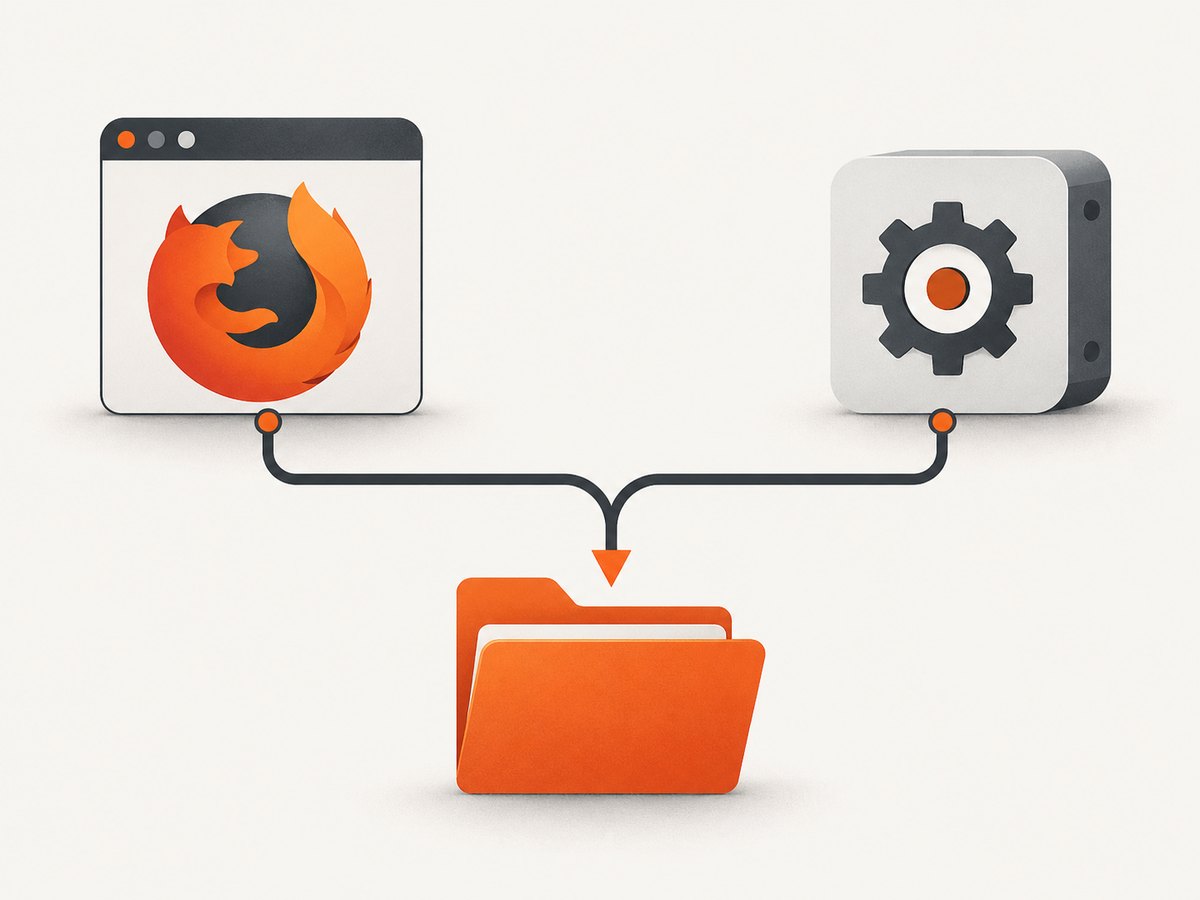
Create a private directory owned by the unprivileged account. It must be readable and writable by both geckodriver and Firefox. A per-process directory is safer and easier to reason about than changing the system-wide temporary directory.
profile_root="$(mktemp -d "$HOME/gecko-profile-root.XXXXXX")"
chmod 700 "$profile_root"
printf 'Profile root: %s\n' "$profile_root"

# Keep this directory for the diagnostic run; remove it afterwards.
TMPDIR="$profile_root" geckodriver --log debug
In another terminal, run the Selenium program with the same TMPDIR. You can also pass geckodriver’s --profile-root option directly when launching the driver yourself:
geckodriver --profile-root "$HOME/gecko-profile-root" --log debugMozilla states that TMPDIR only needs to be set in the geckodriver process environment. The key requirement is visibility and read-write access for both programs, not a particular directory name.
4. Python Selenium configuration
Install Selenium in the same environment as the account that runs the test:
python3 -m venv .venv
. .venv/bin/activate
python -m pip install --upgrade selenium
The following script creates a private profile root, directs geckodriver logs to a file, and optionally selects the Snap Firefox binary. Remove the binary_location assignment when Firefox is a regular package found through PATH.
import os
import pathlib
import tempfile
from selenium import webdriver
from selenium.webdriver.firefox.options import Options
from selenium.webdriver.firefox.service import Service

profile_root = pathlib.Path(tempfile.mkdtemp(prefix="gecko-profile-", dir=os.environ.get("HOME")))
os.chmod(profile_root, 0o700)

options = Options()
# For Ubuntu's Snap Firefox, use the executable inside the Snap filesystem:
# options.binary_location = "/snap/firefox/current/usr/lib/firefox/firefox"

log_path = profile_root / "geckodriver.log"
service = Service(
    executable_path="/snap/bin/geckodriver",  # or a geckodriver on PATH
    log_output=str(log_path),
    service_args=["--log", "debug", "--profile-root", str(profile_root)],
)

environment = os.environ.copy()
environment["TMPDIR"] = str(profile_root)
service.env = environment

driver = None
try:
    driver = webdriver.Firefox(service=service, options=options)
    driver.get("https://example.com")
    print(driver.title)
finally:
    if driver is not None:
        driver.quit()
Some Selenium versions expose service arguments differently. If service_args is rejected, start geckodriver as a separate process with --profile-root and connect Selenium to its service URL, or set TMPDIR in the shell before launching Python:
export TMPDIR="$HOME/gecko-profile-root"
python selenium_firefox.py
Selenium may create a temporary directory even when you provide a profile. Always inspect the geckodriver log for the effective profile path.
5. Node.js Selenium configuration
Install the WebDriver client:
npm install selenium-webdriverSet TMPDIR before starting Node so the child geckodriver process inherits it. The binary path can be selected with the Firefox options object.
const { Builder } = require('selenium-webdriver');
const firefox = require('selenium-webdriver/firefox');
const fs = require('fs');
const os = require('os');
const path = require('path');

(async () => {
  const profileRoot = fs.mkdtempSync(path.join(os.homedir(), 'gecko-profile-'));
  fs.chmodSync(profileRoot, 0o700);
  process.env.TMPDIR = profileRoot;

  const options = new firefox.Options();
  // For Snap Firefox, uncomment this line:
  // options.setBinary('/snap/firefox/current/usr/lib/firefox/firefox');

  const service = new firefox.ServiceBuilder('/snap/bin/geckodriver')
    .setStdio('inherit');

  let driver;
  try {
    driver = await new Builder()
      .forBrowser('firefox')
      .setFirefoxOptions(options)
      .setFirefoxService(service)
      .build();
    await driver.get('https://example.com');
    console.log(await driver.getTitle());
  } finally {
    if (driver) await driver.quit();
  }
})();
For a persistent log, redirect the service output to a file at the process supervisor level, or run geckodriver separately with --log debug and point Selenium at that service.
6. Compare the three deployment remedies
| Remedy | Use it when | Trade-off |
|---|---|---|
| Shared profile root | You must keep the current Snap or Flatpak browser | Requires a directory visible and writable in both filesystem contexts |
| Matching container packaging | Firefox already runs in a container or sandbox | Run geckodriver inside the same container context and maintain that image |
| Regular Firefox release | You control the machine image and want to avoid the filesystem boundary | Changes installation and update management |
Mozilla lists all three approaches: use a non-container Firefox release with geckodriver, run geckodriver in the same container filesystem as Firefox, or set --profile-root to a shared path. Choose based on deployment constraints rather than adding privileges.
7. Diagnostics and common errors
Firefox hangs while creating a session
Cause: Firefox cannot see or write the temporary profile, often because Snap or Flatpak presents a different filesystem.
Fix: set --profile-root or process-specific TMPDIR to a path both processes can access. Confirm the path in debug logs.
Unable to find a matching set of capabilities or the wrong browser starts
Cause: Selenium found a different Firefox executable or geckodriver than expected.
Fix: inspect PATH, use the documented Snap binary path when applicable, and pass an explicit executable through Firefox options. Do not assume the launcher path is the browser binary.
Permission denied for a profile or lock file
Cause: the profile root, parent directory, or a copied profile is not writable by the test account.
Fix: create a private directory owned by that account and ensure every parent directory is searchable. Avoid making shared temporary directories world-writable with broad permissions.
The supplied Firefox profile is readable, but startup still fails
Cause: Selenium copied it to a new temporary directory.
Fix: configure the temporary profile root, not only the source profile. Review the log for the copied location.
Logs contain too little information
Run geckodriver with --log debug or -v. Use -vv for trace logging when debug output is insufficient. Selenium’s Firefox service can direct output to a file. Preserve the command, executable paths, profile path, Firefox version, and geckodriver version when comparing runs.
Considering --allow-system-access
Mozilla documents this flag for browser UI testing starting with Firefox 138. It grants WebDriver clients privileges equivalent to the Firefox UI process and is not a general solution for web-content automation or profile access. Enable it only when your test specifically requires browser UI automation and you understand the security impact.
8. A repeatable troubleshooting checklist
- Run the test as the same unprivileged account used in production.
- Record Firefox packaging, Firefox version, geckodriver version, and resolved executable paths.
- Create a private profile root under the account’s home directory.
- Set
TMPDIRfor geckodriver or pass--profile-root. - Use debug logging and locate the effective temporary profile.
- Test a minimal page such as
https://example.combefore loading your application. - Only after path visibility is confirmed, investigate capabilities, proxies, certificates, extensions, or application-specific waits.
- Remove diagnostic profiles and logs if they contain cookies or authenticated data.
9. Reliability, performance, and cost considerations
A fresh temporary profile improves isolation and prevents one test’s cookies, extensions, or preferences from affecting another. The cost is profile creation and browser startup time. Reusing one long-lived WebDriver session can reduce startup overhead, but it increases state leakage and makes failures harder to reproduce. For parallel jobs, give each worker its own profile root and avoid collisions in TMPDIR.
Containerized browsers add filesystem and sandbox boundaries. Keep Firefox and geckodriver in the same image or explicitly provide a shared path. In CI, make the profile root an ephemeral workspace and clean it after the job. Do not put sensitive profiles in a shared directory accessible to unrelated users.
There is no documented statistic that predicts how often this failure occurs, and startup time depends on the browser build, machine, filesystem, and page. Measure your own pipeline after the path issue is fixed. A profile-path correction should be evaluated separately from page-load waits, network conditions, and test parallelism.
10. Or skip the browser setup
If your goal is a clean website image rather than browser automation, ScreenshotNeo provides a website screenshot API. It accepts one GET request and returns PNG, JPEG, WebP, or PDF. The API avoids maintaining Firefox, geckodriver, sandbox permissions, and temporary profiles.

See the ScreenshotNeo API documentation for parameters and options. A minimal request is:
curl -G "https://api.screenshotneo.com/v1/shot" -d access_key=YOUR_API_KEY --data-urlencode url=https://stripe.com -o shot.webpimport requests
r = requests.get("https://api.screenshotneo.com/v1/shot", params={"access_key": "YOUR_API_KEY", "url": "https://stripe.com"}, timeout=90)
open("shot.webp", "wb").write(r.content)const q = new URLSearchParams({ access_key: 'YOUR_API_KEY', url: 'https://stripe.com' });
const res = await fetch(`https://api.screenshotneo.com/v1/shot?${q}`);ScreenshotNeo accepts cookie and consent banners before capture and removes more than 60 known consent platforms, newsletter popups, and chat widgets. Each step can be turned off. Bot checks, blank pages, timeouts, failed loads, and cache hits are not billed as clean shots, and response headers report the page verdict and whether the request was billed. An MCP server provides take_screenshot, get_page_info, and capture_pdf tools for Claude, Cursor, and other MCP clients.
The Free plan includes 1,000 screenshots per month with no card. Paid plans start at $5 for 3,000 shots; every feature is available on every plan. Create a free ScreenshotNeo account and start with the monthly free allowance.
11. FAQ
Do I need to run Firefox WebDriver as root?
No. A shared, user-owned profile root normally addresses the documented unprivileged-user failure. Root execution can hide ownership problems and creates unnecessary risk.
Should I change /tmp permissions globally?
No. Set TMPDIR for the geckodriver process or use --profile-root. A per-process setting is sufficient.
Is every Firefox startup hang caused by Snap?
No. Snap and Flatpak filesystem visibility is a documented cause, but incorrect executable paths, profile permissions, incompatible versions, and application-specific startup conditions can also fail.
Can I reuse my everyday Firefox profile?
It is better to use a dedicated test profile. Selenium may copy supplied profiles into a temporary directory, so configure that directory’s access as well.
When should I use trace logging?
Start with debug logging. Use -vv when you need detailed startup and profile-path evidence that debug output does not show.
Does ScreenshotNeo run Selenium tests?
No. It is a screenshot API and MCP server for capturing pages and PDFs. Use Selenium when you need interactive browser automation; use ScreenshotNeo when you need rendered captures without maintaining the browser setup.


