How to Fix Selenium’s Geckodriver Executable Path Error
Fix Selenium’s geckodriver path error with Selenium Manager, PATH, or an explicit Service path, plus checks for permissions, compatibility, and download failures.

Selenium’s geckodriver executable path error means Selenium could not locate or start the Firefox driver. The preferred fix is to upgrade Selenium and let Selenium Manager find or download geckodriver. If automatic management cannot work in your environment, install geckodriver and put its directory on PATH, or pass its absolute path through Firefox’s Service API. Also verify that the file is executable and compatible with your operating system, CPU architecture, and Firefox installation.
This is usually a driver-discovery or driver-startup problem, not a Selenium locator problem. Work through the options in order, and use the error output to identify where discovery fails. Selenium’s official driver-location troubleshooting guide describes Selenium Manager, PATH, and an explicit Service path as remedies.
1. Try Selenium Manager first
Selenium Manager ships with Selenium and is invoked by the language bindings when you create a driver without providing one. Selenium’s documentation says that as of Selenium 4.6, Selenium can download the correct driver automatically. Upgrade the Selenium package or binding, then let it resolve Firefox’s driver.
Python
python -m pip install --upgrade seleniumfrom selenium import webdriver
# Selenium Manager locates or downloads geckodriver as needed.
driver = webdriver.Firefox()
try:
driver.get("https://example.com")
print(driver.title)
finally:
driver.quit()JavaScript (Node.js)
npm install selenium-webdriver
const { Builder } = require('selenium-webdriver');

(async () => {
  const driver = await new Builder().forBrowser('firefox').build();
  try {
    await driver.get('https://example.com');
    console.log(await driver.getTitle());
  } finally {
    await driver.quit();
  }
})();
For both bindings, omit a manually configured driver service to give Selenium Manager the opportunity to resolve the driver. On first use, it may need network access to obtain a driver. If the call still fails, enable Selenium’s logs or debug output and inspect the Manager discovery and download messages before changing multiple settings.
Selenium Manager has Firefox-specific settings for choosing a geckodriver version or mirror: geckodriver-version and geckodriver-mirror-url, with corresponding SE_GECKODRIVER_* environment variables. The Selenium Manager documentation describes its configuration. Use a version or mirror override when your environment requires a pinned driver or an approved download source; otherwise, start with the default behavior.
2. Install geckodriver and add it to PATH
PATH is a good manual setup when several scripts or developers should resolve the same driver without embedding a machine-specific filename in code.
- Download geckodriver from the official Mozilla geckodriver releases.
- Extract the archive into a stable directory. PATH must contain the directory that holds the executable, not the archive or a path to the download page.
- Add that directory to your operating system’s PATH. Start a new terminal or restart the process that runs Selenium so it receives the updated environment.
- Check that the executable can be resolved, then create Firefox with no explicit service path.
| System | Check resolution | Typical executable name |
|---|---|---|
| Windows | where geckodriver |
geckodriver.exe |
| macOS | which geckodriver |
geckodriver |
| Linux | which geckodriver |
geckodriver |
If the command prints no path, the shell cannot find the driver. If it prints more than one, inspect the results: an older copy earlier in PATH may be chosen instead of the version you intended. After fixing PATH, rerun the check in the same environment that launches the test runner, such as an IDE, CI worker, container, or service process.
3. Set an explicit Firefox Service path
Use an absolute path when you need to pin a local binary or when it is outside PATH. This is deterministic, but the path must exist on every machine running the code. Python’s API defines Service(executable_path=...) as the install path of the executable.
Python with a local driver
from selenium import webdriver
from selenium.webdriver.firefox.service import Service

service = Service(executable_path="/absolute/path/to/geckodriver")
driver = webdriver.Firefox(service=service)
try:
    driver.get("https://example.com")
    print(driver.title)
finally:
    driver.quit()
On Windows, give executable_path the full path to geckodriver.exe, for example a raw string such as r"C:\tools\geckodriver.exe". Replace the example path with the actual installed location.
JavaScript with a local driver
const { Builder } = require('selenium-webdriver');
const firefox = require('selenium-webdriver/firefox');

const service = new firefox.ServiceBuilder('/absolute/path/to/geckodriver');
const driver = await new Builder()
  .forBrowser('firefox')
  .setFirefoxService(service)
  .build();

try {
  await driver.get('https://example.com');
  console.log(await driver.getTitle());
} finally {
  await driver.quit();
}
The JavaScript Firefox module also supports PATH discovery and ServiceBuilder for selecting the server executable. Keep the path in environment-specific configuration if developers and CI use different operating systems; do not commit a personal absolute path as a shared default.
4. Choose the right discovery method
| Method | Best fit | Tradeoff |
|---|---|---|
| Selenium Manager | Current Selenium and an environment that can use its driver-management behavior | May need access to download metadata or a driver; configure version or mirror when required. |
| PATH | Shared local or managed environments with a standard install directory | Driver updates and PATH setup are operational responsibilities; duplicate binaries can cause confusion. |
| Explicit Service path | Pinned binaries, restricted networks, or a driver stored outside PATH | Every machine needs the configured file at that exact path. |
For reproducible builds, manage the browser and driver versions as part of the environment setup, and record which executable the process resolves. For ordinary development, Selenium Manager is the simplest starting point. For offline or tightly controlled CI, an explicitly provisioned local executable can make the dependency visible and predictable.

5. Diagnose the persistent error
Check these items in order. Change one thing at a time and keep the original exception and Selenium Manager logs so you can see whether the failure changes from discovery to process startup.
- Path points to the wrong thing: supply the executable file or its containing directory as appropriate. Do not point to the downloaded ZIP, an extraction parent that does not contain the file, or a directory named after the archive.
- Windows filename mismatch: use the actual
geckodriver.exepath. Confirm the shell and the process running Selenium can execute it. - Missing execute permission: on macOS or Linux, verify the driver has execute permission for the account running the test. Correct the file permissions through your normal system administration process.
- Architecture mismatch: confirm the downloaded driver matches the host’s operating system and CPU architecture. A path can be correct while the binary still cannot start.
- Firefox is missing or in a nonstandard location: confirm Firefox is installed and available to Selenium. If using a custom browser location, configure Firefox options or the applicable Selenium Manager settings; a valid geckodriver path alone does not install Firefox.
- Stale duplicate binary: run
where geckodriverorwhich geckodriverin the launching environment and remove or reorder outdated entries. - Manager download blocked: inspect proxy, TLS certificate, firewall, and offline restrictions. Use an approved mirror or install a local driver and pass its Service path where automatic acquisition is unavailable.
- Process environment differs from your terminal: IDEs, CI runners, containers, and background services may have a different PATH. Print or inspect PATH from the process that launches Selenium and configure that process explicitly.
- Old Selenium binding: upgrade the language package. A binding that predates Selenium Manager’s driver-management integration may not behave like a current release.
6. Common errors and fixes
| Symptom | Likely cause | Fix |
|---|---|---|
| “geckodriver executable needs to be in PATH” | The executable is not resolvable in the process environment. | Upgrade Selenium to use Selenium Manager, add the driver directory to PATH, or supply an explicit Service path. |
| “The path to the driver executable must be set” | No driver was found through configured discovery mechanisms. | Check Selenium version and Manager output; then verify PATH or configure the actual executable path. |
| “Unable to obtain driver for Firefox” | Automatic driver resolution could not obtain a usable driver. | Inspect logs, network restrictions, Firefox installation, platform compatibility, and Manager version or mirror settings. |
| File exists, but process will not start | Permissions, wrong architecture, incompatible file, or OS execution restrictions. | Check executable permissions and host architecture; replace the binary with the official build for the host. |
| Works in a terminal but fails in CI | CI has a different PATH, filesystem, network policy, or browser installation. | Provision the driver in the job environment or configure a CI-specific Service path and verify it in the job logs. |
7. Reliability, performance, and cost notes
Driver acquisition is usually setup work, but downloads and version resolution can add a failure point when a run starts in a clean environment. Selenium Manager avoids maintaining a hard-coded path in your test code, while a local pinned executable avoids runtime downloads when the environment is offline or controlled. PATH is a middle ground when machines share a standard provisioning process.
Keep browser and driver setup out of each individual test where possible: initialize the driver through a shared fixture or setup routine, and always close it in a finally block or equivalent teardown. This does not fix a discovery error, but it prevents browser processes from accumulating after a test succeeds or fails.
No benchmark or fixed download time is implied here; startup time depends on whether the driver is already available, network access, and the host. Selenium itself is software without a per-screenshot charge. Factor in your own compute, browser installation, CI minutes, and maintenance time when comparing a self-managed browser workflow with a screenshot service.
8. Or skip the browser setup
If your goal is a website screenshot rather than Firefox automation, ScreenshotNeo is a website screenshot API and MCP server for developers. One GET request returns a PNG, JPEG, WebP, or PDF; the API can handle browser capture without installing geckodriver in your project. See the ScreenshotNeo API documentation.
curl -G "https://api.screenshotneo.com/v1/shot" -d access_key=YOUR_API_KEY --data-urlencode url=https://stripe.com -o shot.webpimport requests
r = requests.get(
"https://api.screenshotneo.com/v1/shot",
params={"access_key": "YOUR_API_KEY", "url": "https://stripe.com"},
timeout=90,
)
open("shot.webp", "wb").write(r.content)const q = new URLSearchParams({ access_key: 'YOUR_API_KEY', url: 'https://stripe.com' });
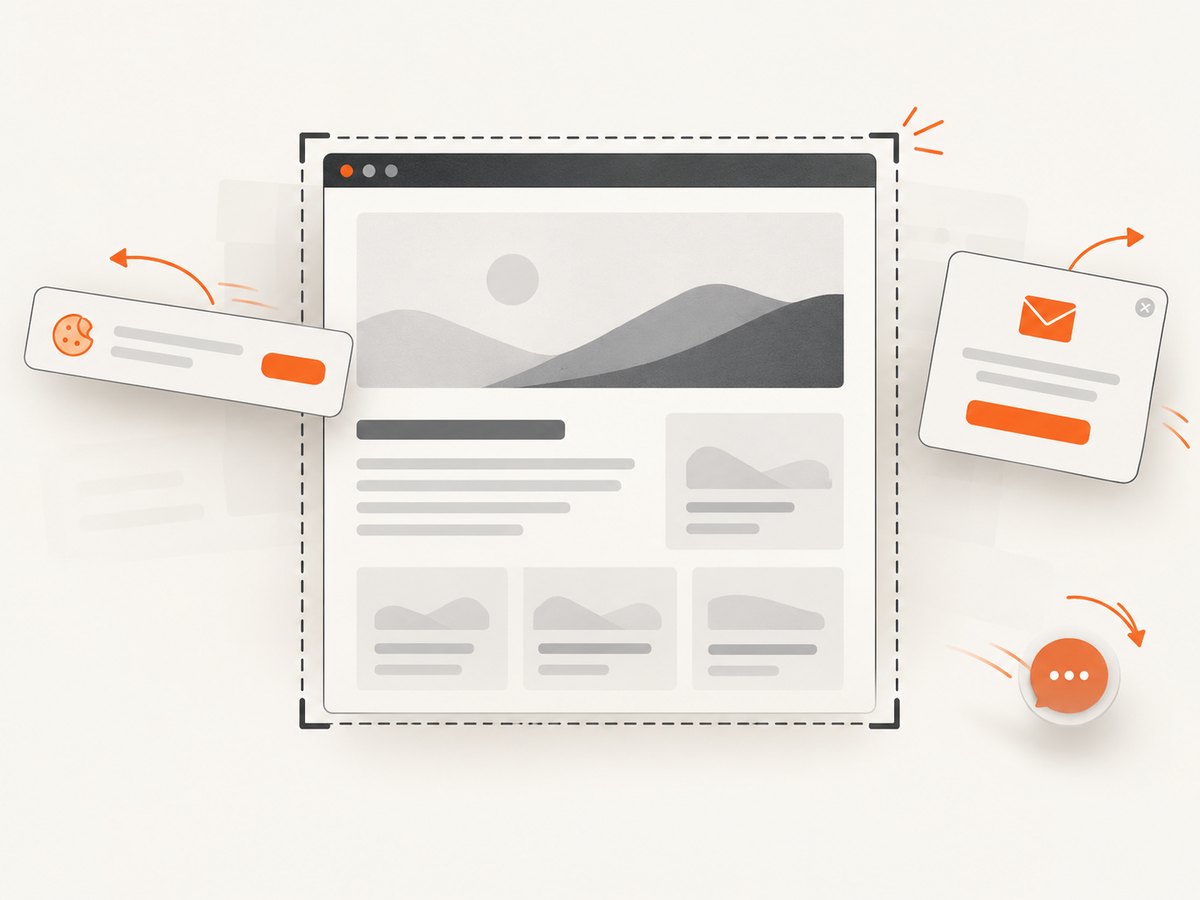
const res = await fetch(`https://api.screenshotneo.com/v1/shot?${q}`);ScreenshotNeo accepts cookie and consent banners like a visitor, then removes more than 60 known consent platforms, newsletter popups, and chat widgets before capture; each step can be turned off. Bot checks, blank pages, failed loads, timeouts, and cache hits are not billed, and responses identify the page verdict and billing status in headers. An MCP server provides take_screenshot, get_page_info, and capture_pdf tools for Claude, Cursor, or another MCP client. The free plan includes 1,000 screenshots per month with no card; paid plans start at $5 for 3,000 shots. Every feature is on every plan.
Sign up for 1,000 free screenshots a month, with no card required.
9. FAQ
Do I need to download geckodriver separately?
Usually not with a current Selenium release: Selenium Manager can find or download it. A separate install is useful when you need a pinned binary or your environment cannot access the driver source.
Should I put geckodriver in the project repository?
Usually, provision it through the environment or use Selenium Manager. Committing an OS-specific executable makes a project less portable. If a build requires a pinned local binary, document how it is obtained and configure its path per environment.
Can I set the path in Python code?
Yes. Pass the absolute executable path to Service(executable_path=...) and supply that service to webdriver.Firefox().
Why does the error persist after adding PATH?
The Selenium process may not have received the updated PATH, or the path may point to the wrong directory, a non-executable file, or an incompatible binary. Check resolution from the same process environment that launches the browser.
Can ScreenshotNeo replace Selenium for every Firefox task?
No. ScreenshotNeo is for website screenshots and PDFs. Use Selenium when you need browser automation such as interacting with application controls or running a browser test suite.


