How to Fix Selenium WebDriver Errors When GeckoDriver Is in PATH
GeckoDriver can be on PATH and still be invisible to the process running Selenium. Identify whether the failure is driver discovery, browser startup, or a later WebDriver command, then choose the right fix.
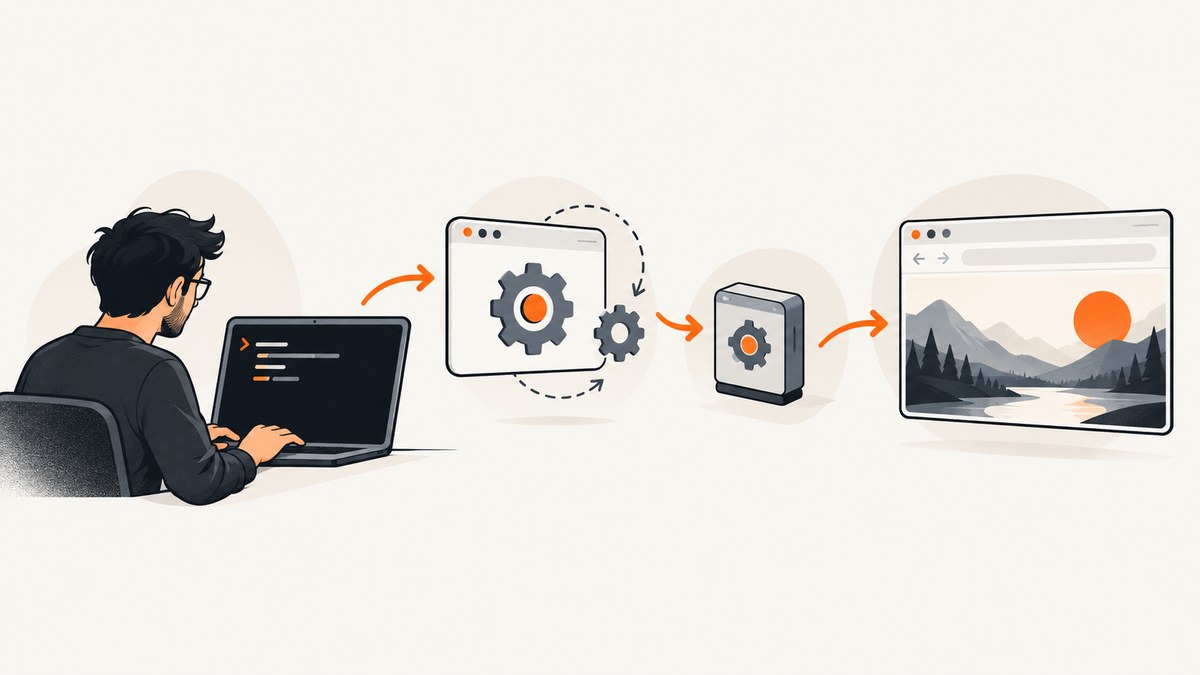
If Selenium says it cannot find or start geckodriver even though you added it to PATH, check the PATH seen by the process that launches the test—not only the one in your interactive terminal. Confirm that the intended executable is present, accessible, and executable; then decide whether to let Selenium Manager find a driver, keep managing it through PATH, or give Firefox’s Service its exact location. If geckodriver starts successfully, use its logs and the actual exception to diagnose the next failure instead of continuing to change PATH.
This guide uses Python for runnable examples and describes the same decision points for other bindings. Selenium’s driver-location guidance covers missing or inaccessible executables, Selenium Manager, PATH, and explicit driver paths. Selenium Manager has shipped with Selenium releases from version 4.6 and can obtain a driver when the binding has not already been given one. Selenium: driver location troubleshooting · Selenium Manager
1. Read the error before changing anything
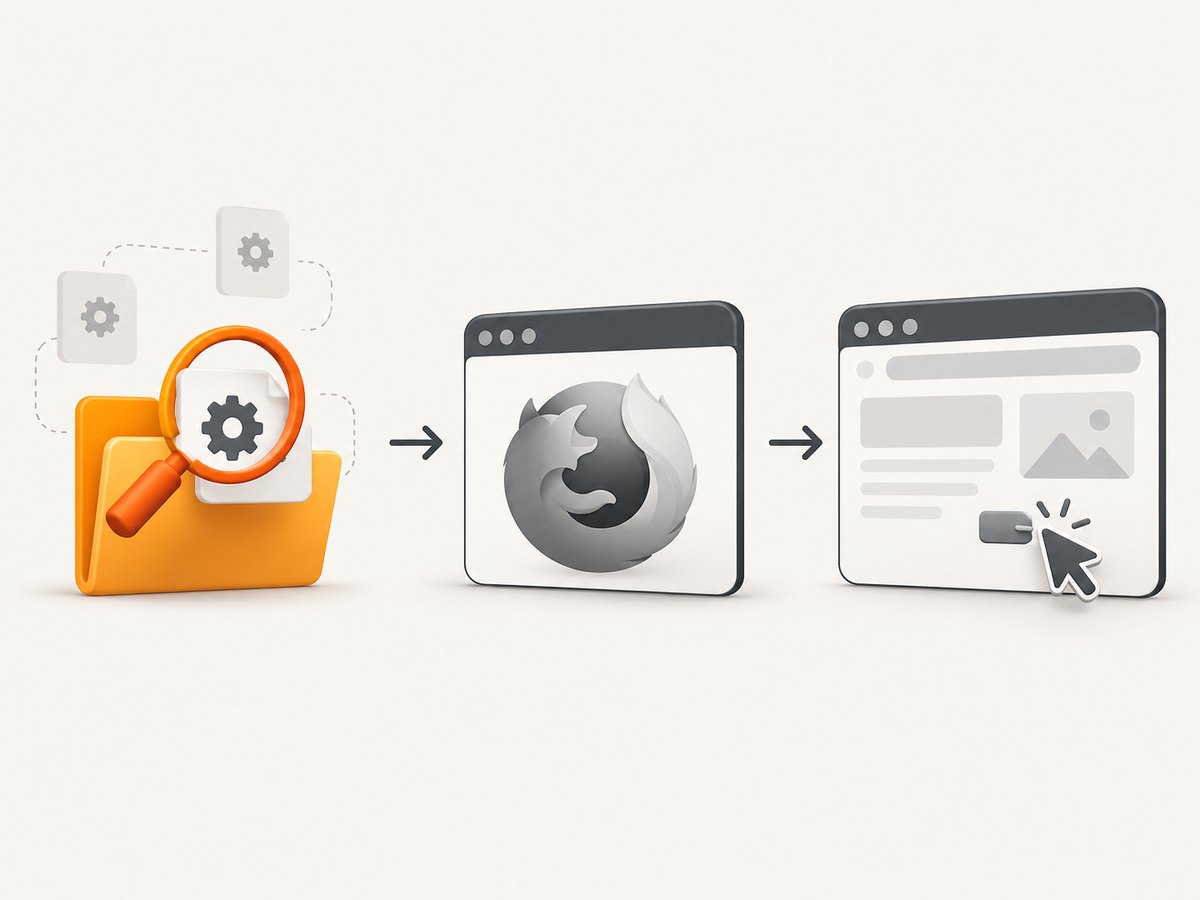
First determine which stage failed. A WebDriver run broadly has to locate or obtain geckodriver, launch the driver, start a Firefox session, and then issue browser commands. An exception during the first stages can be a location or startup problem. An exception after the session exists may instead concern a browser command, page state, or element.
| What you see | Likely area to investigate |
|---|---|
| “The file geckodriver does not exist” or a driver-location error | Effective PATH, configured executable path, file access, or execute permission. |
| Driver is found, but Firefox does not start or a session cannot be created | Driver service output and the specific browser startup error. |
| The session starts, then a command fails | The command, locator, page state, visibility, or wait condition; PATH may already be working. |
Exception wording varies across Selenium bindings and versions. Keep the complete exception and stack trace: the first failing operation is more useful than the fact that the test happens to use Firefox. Selenium’s error guide describes, for example, ElementNotInteractableException as an interaction problem. A locator that matches a hidden element or an element that is not ready is not fixed by installing another driver. Selenium: common errors
2. Check the environment that actually runs the test
- Identify the launcher. Is the test started from a terminal, IDE, service, container, scheduled job, or CI runner? Inspect PATH from that same context. A PATH change in one terminal does not establish what a separately launched process inherits.
- Resolve the executable. Ask the operating system which
geckodriverthe process can find. On macOS or Linux, runcommand -v geckodriver; on Windows Command Prompt, runwhere geckodriver; in PowerShell, runGet-Command geckodriver. - Check the exact file. Run the resolved executable with
--version. Confirm that it is the driver you intend to use, not a stale copy earlier in PATH. If the command fails, inspect whether the file is readable and executable for the test account. - Inspect runtime PATH. Print the PATH from the test process or its launch configuration. On macOS/Linux, Python can display
os.environ.get("PATH"); on Windows, useos.environ.get("Path")as appropriate. Verify that the directory containing the driver appears in that value. - Repeat from the failing environment. If the test runs in CI, a container, or an IDE, perform these checks there. A successful lookup on your workstation does not prove the runner can resolve the same file.
Selenium’s troubleshooting guidance identifies missing, inaccessible, and non-executable binaries as driver-location causes. Its manual-management instructions use a directory on PATH as one supported way to make a driver available. Driver location troubleshooting
3. Choose how Selenium should obtain geckodriver
Option A: Selenium Manager
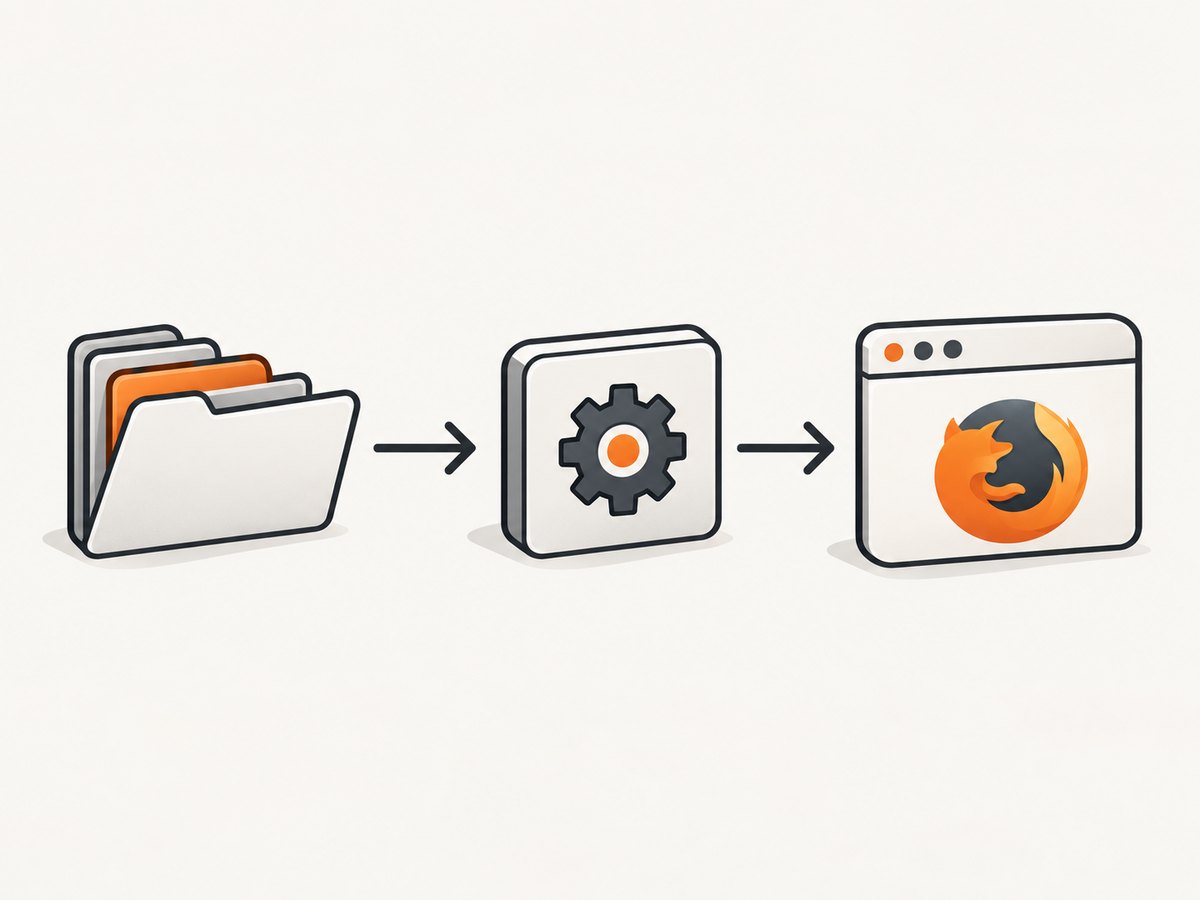
For Selenium 4.6 and later, Selenium Manager can obtain the correct driver automatically when the binding has not already been given one. This is often the least configuration for a local script: install Selenium, create a Firefox driver, and let Selenium handle driver management. It is a fallback, though; an explicit driver configuration can take precedence. If your code passes a Service path, do not assume Manager will override that choice.
Manager still has to operate in the environment where the test runs. If it cannot obtain a driver in your environment, use the reported error and environment details to decide whether to configure a manually managed driver or address the runtime’s constraints. Do not infer that Manager is active merely because Selenium is recent; remove unintended explicit configuration if you mean to rely on the fallback.
Option B: Put a manually managed driver on PATH
Use this approach when your team manages driver installation outside the test code. Place the executable in a directory available to the test process, or add its directory to the launch environment. The benefit is that code does not need a machine-specific driver path. The tradeoff is that local shells, IDEs, containers, and CI jobs must all receive the intended PATH value.
After changing PATH, start a new process if the existing IDE or service does not reload its environment. Verify the resolution from the same launcher that failed. If multiple driver copies are present, remove ambiguity by correcting PATH order or choosing an explicit Service path.
Option C: Give Firefox Service the exact path
Use an explicit path when you need deterministic selection, PATH inheritance is difficult to control, or the driver location is part of your runner configuration. The Python Firefox Service API accepts executable_path. This makes the selected binary clear, but a path that only exists on one machine is less portable. Set the path through configuration appropriate to each environment rather than assuming every developer has the same filesystem layout.
4. Runnable Python examples
Install Selenium in the Python environment that runs the script with python -m pip install selenium. The following minimal script lets Selenium Manager resolve the driver when one has not been explicitly configured:
from selenium import webdriver

options = webdriver.FirefoxOptions()
driver = webdriver.Firefox(options=options)
try:
    driver.get("https://example.com")
    print(driver.title)
finally:
    driver.quit()
If using a manually managed executable on PATH, the same code is sufficient: omit a custom Service path and ensure the launched Python process inherits the correct PATH. If you want to make the selection explicit, configure the Service:
from selenium import webdriver
from selenium.webdriver.firefox.service import Service

service = Service(executable_path="/absolute/path/to/geckodriver")
driver = webdriver.Firefox(service=service)
try:
    driver.get("https://example.com")
    print(driver.title)
finally:
    driver.quit()
Replace the example path with the actual full path on the machine running the script. On Windows, use a raw string such as r"C:\\tools\\geckodriver.exe" or a correctly escaped path. The path must name the executable itself, not just its containing directory.
To inspect PATH in the Python process, add this short diagnostic before constructing the driver:
import os
import shutil

print("PATH:", os.environ.get("PATH"))
print("geckodriver:", shutil.which("geckodriver"))
shutil.which returning None means that this process cannot resolve the name through its PATH. It does not check whether a separately configured Service path exists. On Windows, executable lookup follows Windows naming and environment conventions; if needed, check the full path directly.
5. Capture geckodriver logs when startup still fails
If discovery is confirmed but startup fails, capture the driver service logs. Selenium’s Firefox documentation supports directing logs to a file and lists the levels fatal, error, warn, info, config, debug, and trace. Start with a useful diagnostic level and increase detail if the initial output does not identify the failure. Very detailed logs can be noisy, so capture the relevant run rather than leaving trace logging on by default.
from selenium import webdriver
from selenium.webdriver.firefox.service import Service

service = Service(
    executable_path="/absolute/path/to/geckodriver",
    log_output="geckodriver.log",
    service_args=["--log", "debug"],
)
driver = webdriver.Firefox(service=service)
try:
    driver.get("https://example.com")
    print(driver.title)
finally:
    driver.quit()
The Python Service API documents the Service configuration surface; Firefox-specific documentation describes geckodriver logging. Exact arguments and API details can vary by binding and installed version, so use the documentation for the binding you run. Selenium: Firefox browser · Python Firefox Service API
For a reproducible report, preserve the exception text, driver log, Selenium version, Firefox version, operating system, and how the test process is launched. Remove credentials, private URLs, and other sensitive values before sharing logs.
6. Troubleshooting: common causes and fixes
| Symptom | Cause to check | Fix |
|---|---|---|
| Driver lookup fails although it works in your terminal | The IDE, service, container, or CI process received a different PATH. | Print PATH from the failing process; update that launcher’s environment or configure an explicit Service path. |
shutil.which("geckodriver") returns None |
The driver directory is absent from this Python process’s PATH, or the executable name differs. | Add the correct directory to the runtime environment, confirm the platform-specific filename, or give Service the full path. |
| A path is configured, but Selenium says the file does not exist | The path points to a directory, a nonexistent location, or the wrong machine/container filesystem. | Check the exact file inside the runtime environment and correct the value to its absolute executable path. |
| Permission or execution error | The test account cannot access or execute the binary. | Correct file ownership and execute permissions according to the operating system and runner policy; verify by invoking the binary as that account. |
| A different geckodriver runs than expected | Another copy appears earlier in PATH, or code supplies a Service path. | Inspect the resolved path and remove ambiguity; update PATH ordering or configure the intended executable explicitly. |
| Driver is found but browser session startup fails | The location problem may be solved; the remaining cause is in startup or the browser/driver interaction. | Read the exception and geckodriver service log. Keep the Selenium, Firefox, OS, and launch details with the report. |
| Element interaction fails after the page opens | The locator may match the wrong element, or the target may be hidden or not ready for interaction. | Inspect the matched element and operation, then wait for the relevant visible/interactable state. Do not treat this as proof of a PATH failure. |
7. Performance, reliability, and cost considerations
For a single local run, the time spent debugging often comes from environment ambiguity rather than from the lookup command itself. Printing PATH and the resolved executable early makes failures easier to classify. Repeatedly changing PATH in several places without recording which process sees each value can make the driver selection less predictable.
Selenium Manager reduces manual driver setup when it can operate and no driver was explicitly supplied. A manually managed PATH installation centralizes selection outside code, while an explicit Service path makes selection visible in the script or its configuration. For repeatable automation, choose one approach per execution environment and record how that environment provides the driver. A fixed path is reliable only if the file is provisioned at that path on every runner.
Driver startup and test execution consume the resources of the machine or CI runner where the browser runs. This article does not assume a benchmark or a fixed startup time: browser workload, runner capacity, page behavior, and configuration differ. Capture logs only while diagnosing when detailed output is unnecessary. Geckodriver itself is software, so the core fixes described here do not require buying a physical debugging product.
8. A quick decision checklist
- Record the complete exception and identify whether it occurs before or after a Firefox session starts.
- Check the Selenium version imported by the failing environment.
- From the same process context, inspect PATH and resolve
geckodriver. - Verify that the resolved file is the intended executable and can run as the test account.
- Choose Selenium Manager, PATH, or the Firefox Service’s explicit executable path.
- If startup still fails, save the driver logs and relevant version and launch details.
- If a later browser command fails, investigate that command and page state rather than revisiting PATH without evidence.
Or skip the browser setup
If your task is to capture a website image or PDF rather than automate Firefox interactions, ScreenshotNeo provides a website screenshot API and MCP server. One GET request can return a PNG, JPEG, WebP, or PDF. See the ScreenshotNeo API documentation for request options.
curl -G "https://api.screenshotneo.com/v1/shot" -d access_key=YOUR_API_KEY --data-urlencode url=https://stripe.com -o shot.webpimport requests
r = requests.get(
"https://api.screenshotneo.com/v1/shot",
params={"access_key": "YOUR_API_KEY", "url": "https://stripe.com"},
timeout=90,
)
open("shot.webp", "wb").write(r.content)const q = new URLSearchParams({ access_key: 'YOUR_API_KEY', url: 'https://stripe.com' });
const res = await fetch(`https://api.screenshotneo.com/v1/shot?${q}`);- Cookie banners, popups, and chat widgets are removed before the shot; each step can be turned off.
- Bot checks, blank pages, timeouts, failed loads, and cache hits are not billed; response headers say the page verdict and billing status.
- An MCP server provides
take_screenshot,get_page_info, andcapture_pdftools for Claude, Cursor, and other MCP clients. - The Free plan includes 1,000 shots a month with no card; paid plans start at $5 for 3,000 shots.
Sign up free for 1,000 screenshots a month, with no card required.
FAQ
Does having Selenium 4.6 or later guarantee that no driver setup is needed?
No. Selenium Manager can obtain a driver when one has not already been supplied, but the runtime must still be able to use it. An explicit driver configuration can take precedence.
Should I always hard-code a geckodriver path?
No. Use an explicit path when you need deterministic selection or cannot control PATH inheritance. Otherwise, Manager or a consistently configured PATH can avoid a machine-specific path in test code.
Can a correct driver path fix every Firefox test failure?
No. It addresses driver discovery. A failure during a later browser command needs diagnosis based on that command and its state.
What information should I include when asking for help?
Include the full exception, relevant geckodriver log, Selenium and Firefox versions, operating system, and how the failing process is launched. Sanitize secrets and private data first.


