How to Fix Selenium and PhantomJS Errors on Ubuntu
Fix missing drivers, version mismatches, headless crashes, HTTPS failures and PhantomJS legacy issues on Ubuntu with reliable repair steps.
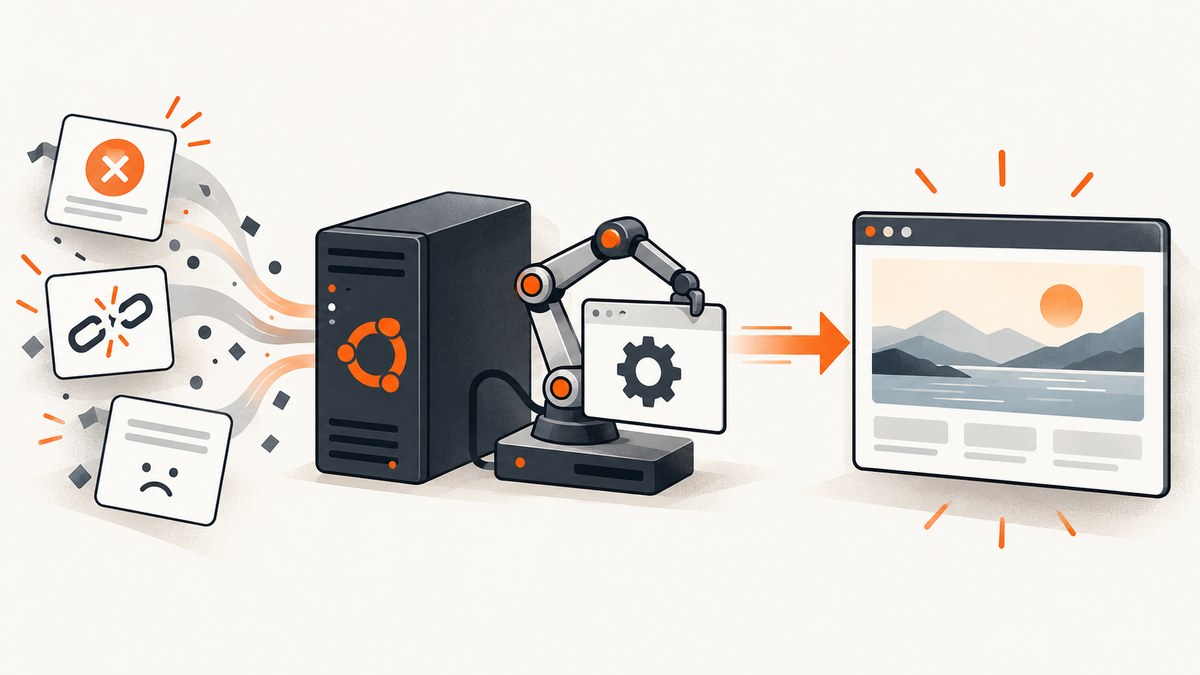
Short answer: identify whether the failure is synchronization, a missing or incompatible browser driver, an Ubuntu library or packaging problem, or legacy PhantomJS behavior. Upgrade Selenium, prefer Selenium Manager, verify the browser and driver versions, install the missing shared libraries, and migrate PhantomJS workloads to a maintained Chromium or Firefox browser.
1. Capture the failure before changing anything
Record the exact exception and the environment in which it occurs. A driver that works in an interactive shell can fail in CI, a service account, a snap, or a container because PATH, permissions, architecture, or libraries differ.
- Ubuntu release:
cat /etc/os-release - CPU architecture:
uname -m - Python, JavaScript, Java, or other Selenium binding version
- Browser name and version
- Driver name and version
- Headless, container, CI, proxy, and sandbox settings
- The complete stack trace, including the first driver or shared-library error
# Run these as the same user that runs the failing job
cat /etc/os-release
uname -m
printf 'PATH=%s\n' "$PATH"
which google-chrome chromium chromium-browser firefox chromedriver geckodriver phantomjs || true
chromedriver --version 2>/dev/null || true
geckodriver --version 2>/dev/null || true
phantomjs --version 2>/dev/null || true
Check Ubuntu’s release-specific package documentation before installing libraries because package names and availability can vary by release.
2. Separate synchronization errors from infrastructure errors
Selenium’s troubleshooting guidance identifies poor synchronization as its most common Selenium-related error class. If a longer temporary wait makes the failure disappear, investigate page timing before reinstalling a driver. If the test fails in every browser, inspect application timing. If it fails in only one browser, inspect that browser’s driver, binary path, and compatibility.
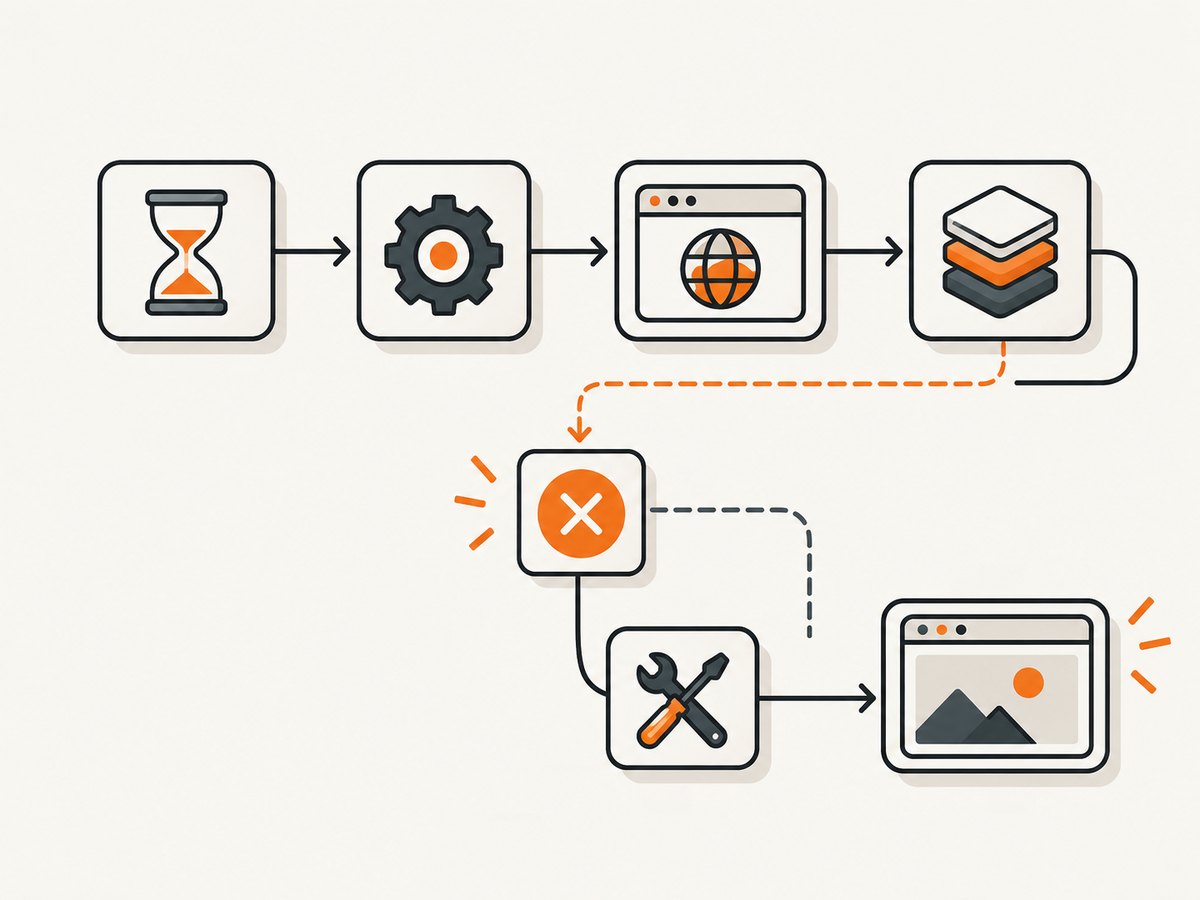
Use explicit waits instead of sleeps
from selenium import webdriver
from selenium.webdriver.chrome.options import Options
from selenium.webdriver.common.by import By
from selenium.webdriver.support.ui import WebDriverWait
from selenium.webdriver.support import expected_conditions as EC

options = Options()
options.add_argument("--headless=new")
options.add_argument("--window-size=1365,900")
driver = webdriver.Chrome(options=options)
try:
    driver.get("https://example.com")
    heading = WebDriverWait(driver, 20).until(
        EC.visibility_of_element_located((By.TAG_NAME, "h1"))
    )
    print(heading.text)
finally:
    driver.quit()
Wait for the state you need: presence, visibility, clickability, a URL change, or a JavaScript condition. Avoid mixing implicit and explicit waits because their timeouts can interact in surprising ways.
3. Fix missing ChromeDriver or GeckoDriver
A WebDriver session requires the language binding, a browser, and a browser-specific driver. Chromium or Chrome uses ChromeDriver; Firefox uses GeckoDriver. The executable must be discoverable through PATH or supplied explicitly with a Selenium Service object. See the Selenium Manager documentation and Selenium troubleshooting guide.
Preferred route: Selenium Manager
Selenium 4.6 and later ships with Selenium Manager. It can discover, download, and cache compatible drivers; newer releases can also manage browser binaries. Upgrade the binding first.
python -m pip install --upgrade selenium
node -e "console.log(process.version)"
npm install selenium-webdriver@latest
Then create the driver without a manually downloaded executable:
from selenium import webdriver
from selenium.webdriver.chrome.options import Options

options = Options()
options.add_argument("--headless=new")
driver = webdriver.Chrome(options=options)
try:
    driver.get("https://example.com")
    print(driver.title)
finally:
    driver.quit()
Enable Selenium Manager debug logging while diagnosing discovery:
SE_MANAGER_PATH=/path/to/selenium-manager selenium-manager --browser chrome --debugThe exact executable location is binding-dependent; use the Selenium Manager binary shipped with your Selenium installation when available.
Manual route: put the driver on PATH
Download a driver compatible with the browser installed on the machine, make it executable, and place it in a directory visible to the failing process.
sudo install -m 0755 chromedriver /usr/local/bin/chromedriver
chromedriver --version
sudo install -m 0755 geckodriver /usr/local/bin/geckodriver
geckodriver --version
Do not assume the PATH in your terminal is the PATH used by systemd, cron, an IDE, a Docker process, or a CI runner. Print PATH from inside the test process and run the version command as the same user.
Explicit route: supply a Service path
from selenium import webdriver
from selenium.webdriver.chrome.service import Service
from selenium.webdriver.chrome.options import Options

options = Options()
options.add_argument("--headless=new")
service = Service("/opt/webdrivers/chromedriver")
driver = webdriver.Chrome(service=service, options=options)
try:
    driver.get("https://example.com")
    driver.save_screenshot("example.png")
finally:
    driver.quit()
4. Resolve browser and driver version mismatches
Errors such as “session not created” or “driver only supports browser version X” mean the driver and browser implementations are incompatible. Check both versions from the same execution environment, then either update the browser, install the matching driver, or let Selenium Manager select one.
google-chrome --version 2>/dev/null || chromium --version
chromedriver --version
firefox --version
geckodriver --version- Do not combine a system browser with a driver copied from another image without checking versions.
- Pin browser and driver packages together in CI when reproducibility matters.
- After an automatic browser update, clear stale cached drivers only if Selenium Manager continues selecting an old binary.
- For ARM64 or another unsupported Linux architecture, use an explicit compatible browser and driver rather than assuming the bundled manager binary supports it.
5. Repair headless startup and Ubuntu library failures
A browser that starts and immediately exits often reports a missing shared library. Read the first lib*.so name in the error and install the package that provides it. Selenium documents these Ubuntu examples:
# Firefox example
sudo apt-get update
sudo apt-get install -y libdbus-glib-1-2

# Chrome for Testing example
sudo apt-get update
sudo apt-get install -y libatk-bridge2.0-0
Package names depend on the Ubuntu release and browser packaging method. If the package is unavailable, identify the provider with:
apt-cache search libdbus-glib
apt-cache search libatk-bridge
ldd /path/to/browser | grep 'not found' || true
Headless flags for servers and containers
from selenium.webdriver.chrome.options import Options

options = Options()
options.add_argument("--headless=new")
options.add_argument("--no-sandbox")
options.add_argument("--disable-dev-shm-usage")
options.add_argument("--window-size=1365,900")
Use --no-sandbox only when your container or execution model requires it; fixing user and container permissions is preferable. Increase shared memory or use --disable-dev-shm-usage when Chrome crashes in a small container.
6. Account for PATH, snap, containers, proxies, and architecture
| Symptom | Likely cause | Action |
|---|---|---|
| Driver works in a shell but not CI | Different PATH or user | Print PATH, run which and the version command in the job, or provide a Service path. |
| Selenium Manager cannot download | Proxy, firewall, DNS, or restricted egress | Configure the proxy and permit required endpoints, or install and pin the driver yourself. |
| Exec format error | Wrong CPU architecture | Check uname -m and install a matching browser and driver. |
| Browser binary is invisible | Snap confinement or custom install path | Find the actual binary path and pass it with the browser options; use an explicit Service path for the driver. |
| Works locally, fails in Docker | Missing libraries, sandbox, fonts, or /dev/shm | Install dependencies in the image, check ldd, set an appropriate window size, and inspect container logs. |
7. Diagnose PhantomJS only for legacy applications
PhantomJS is a legacy browser. Selenium removed native PhantomJS support because its WebDriver implementation is no longer actively developed. A successful workaround can keep an old system running temporarily, but it should not be the long-term browser target.
Check duplicate installations and version selection
which -a phantomjs
phantomjs --version
readlink -f "$(command -v phantomjs)"
Remove ambiguity so the application and your shell select the same binary. A stale copy in /usr/local/bin can override a package-managed copy.
PhantomJS HTTPS and network failures
- Confirm that the Ubuntu host can resolve and reach the destination.
- Check proxy variables and PhantomJS proxy configuration.
- Inspect TLS and OpenSSL compatibility when HTTPS pages fail while HTTP pages work.
- Add page-error callbacks so a browser process failure is separated from a page loading failure.
- Use PhantomJS remote debugging when the process stays alive but the page behaves incorrectly.
var page = require('webpage').create();
page.onError = function (message, trace) {
  console.error('Page error:', message);
  trace.forEach(function (item) {
    console.error('  ', item.file, item.line, item.function || '');
  });
};
page.open('https://example.com', function (status) {
  console.log('status:', status);
  phantom.exit(status === 'success' ? 0 : 1);
});
Treat TLS workarounds that weaken certificate validation as temporary containment only. Migrate instead of normalizing insecure settings.
8. Migrate PhantomJS to maintained browsers
- Choose Chromium/Chrome or Firefox for the production target.
- Replace PhantomJS-specific capabilities and APIs with standard WebDriver commands.
- Port waits to explicit Selenium conditions.
- Revalidate headless flags, downloads, certificates, proxies, screenshots, fonts, and viewport dimensions.
- Run the migration on the exact Ubuntu image used in CI or production.
Compare options by browser and driver compatibility, driver-management method, headless behavior, Linux architecture and library requirements, proxy needs, and maintenance horizon.
9. Complete Node.js Selenium example on Ubuntu
const { Builder, By, until } = require('selenium-webdriver');
const chrome = require('selenium-webdriver/chrome');

(async () => {
  const options = new chrome.Options()
    .addArguments('--headless=new', '--window-size=1365,900');
  const driver = await new Builder()
    .forBrowser('chrome')
    .setChromeOptions(options)
    .build();
  try {
    await driver.get('https://example.com');
    const heading = await driver.wait(
      until.elementLocated(By.css('h1')), 20000
    );
    console.log(await heading.getText());
  } finally {
    await driver.quit();
  }
})();
10. Complete Python example with an explicit driver
from selenium import webdriver
from selenium.webdriver.chrome.options import Options
from selenium.webdriver.chrome.service import Service
from selenium.webdriver.common.by import By
from selenium.webdriver.support.ui import WebDriverWait
from selenium.webdriver.support import expected_conditions as EC

options = Options()
options.add_argument('--headless=new')
options.add_argument('--window-size=1365,900')
# Uncomment when the browser is installed outside the default path:
# options.binary_location = '/usr/bin/google-chrome'
service = Service('/usr/local/bin/chromedriver')

driver = webdriver.Chrome(service=service, options=options)
try:
    driver.get('https://example.com')
    WebDriverWait(driver, 20).until(
        EC.visibility_of_element_located((By.TAG_NAME, 'h1'))
    )
    driver.save_screenshot('example.png')
finally:
    driver.quit()
11. Performance, reliability, and cost notes
- Reuse a browser session for related pages when isolation requirements allow; starting a browser is usually more expensive than navigating another URL.
- Keep explicit waits bounded and collect browser, driver, and page logs on timeout.
- Pin the Ubuntu image, browser channel, Selenium binding, and driver strategy in CI.
- Use a clean, dedicated profile for parallel jobs to avoid profile-lock races.
- Set realistic page-load and script timeouts; a long global timeout can hide a dead browser.
- For restricted networks, preinstall browsers and drivers or configure Selenium Manager’s proxy path.
- Screenshot-heavy workloads can avoid maintaining browsers entirely with a hosted screenshot API; calculate cost from successful captures and required rendering options.
12. Or skip the browser setup
ScreenshotNeo is a website screenshot API and MCP server. One GET request returns a PNG, JPEG, WebP, or PDF. Before capture it accepts cookie and consent banners and removes more than 60 known consent platforms, newsletter popups, and chat widgets. Bot checks, blank pages, timeouts, failed loads, and cache hits are not billed, and each response reports the result in X-Page-Verdict and X-Billed headers.
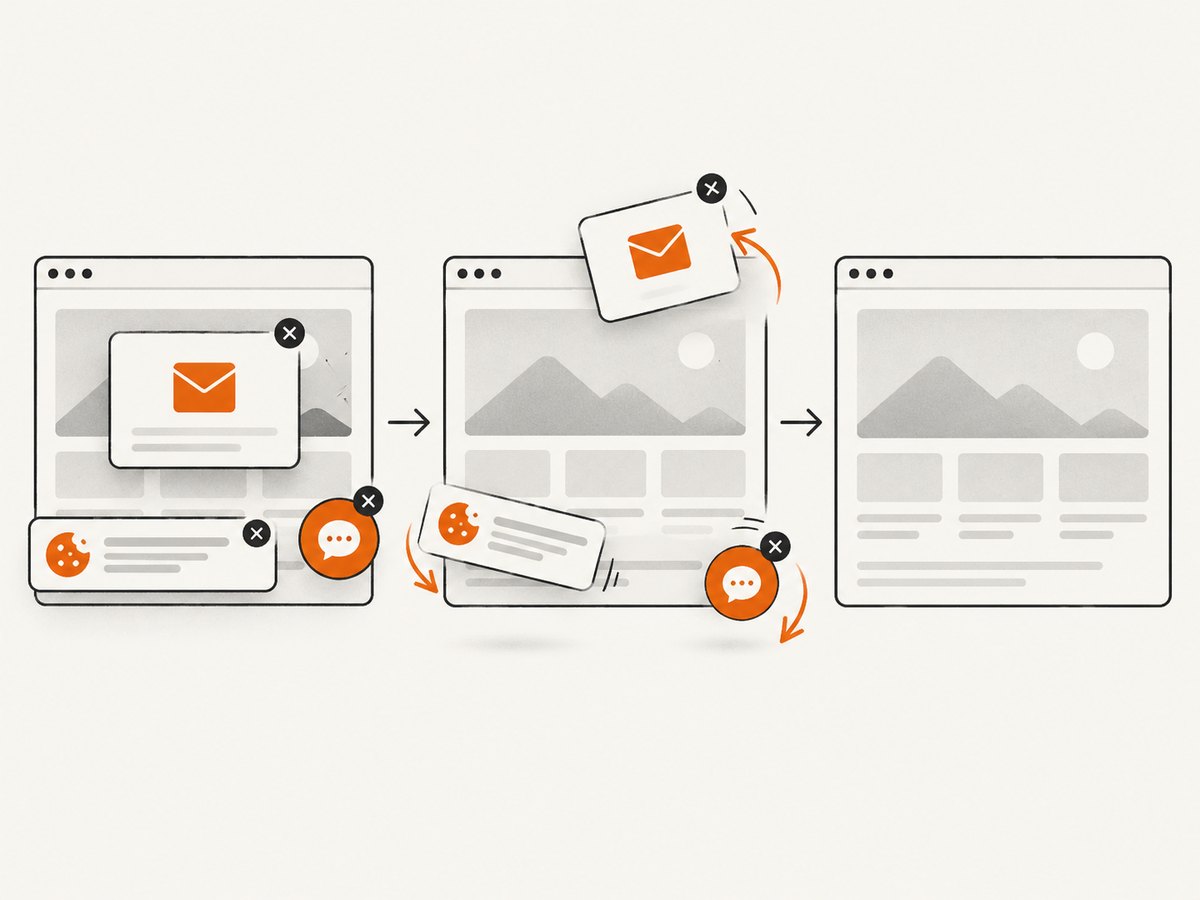
Use the ScreenshotNeo API documentation for all options, including full-page lazy-image capture, CSS-element capture, device presets, retina scale, PDF settings, custom CSS and JavaScript, clicks, waits, request blocking, headers, cookies, user agents, authorization, timezone, geolocation, transparent backgrounds, resizing, caching, signed links, asynchronous jobs, webhooks, bulk capture, usage data, and the OpenAPI specification.
curl -G "https://api.screenshotneo.com/v1/shot" -d access_key=YOUR_API_KEY --data-urlencode url=https://stripe.com -o shot.webpimport requests
r = requests.get("https://api.screenshotneo.com/v1/shot", params={"access_key": "YOUR_API_KEY", "url": "https://stripe.com"}, timeout=90)
open("shot.webp", "wb").write(r.content)const q = new URLSearchParams({ access_key: 'YOUR_API_KEY', url: 'https://stripe.com' });
const res = await fetch(`https://api.screenshotneo.com/v1/shot?${q}`);ScreenshotNeo also provides an MCP server with take_screenshot, get_page_info, and capture_pdf tools for Claude, Cursor, and other MCP clients. The Free plan includes 1,000 screenshots each month with no card; paid plans start at $5 for 3,000 screenshots. Create a free ScreenshotNeo account.
13. Troubleshooting checklist
- Does the failing process see the expected PATH and browser binary?
- Do browser and driver version commands agree?
- Is the correct driver selected for Chrome/Chromium or Firefox?
- Can Selenium Manager reach its download endpoints through the proxy?
- Does
uname -mmatch the installed browser and driver architecture? - Does
lddshow missing shared libraries? - Is the failure a missing element caused by timing rather than startup?
- Is a container running out of shared memory or blocked by sandbox permissions?
- Is PhantomJS being retained only as a temporary migration step?
FAQ
Can Selenium run on Ubuntu without a display?
Yes. Configure the browser’s headless mode and install the libraries required by that browser package.
Should I install ChromeDriver manually?
Usually start with Selenium 4.6 or later and Selenium Manager. Use a pinned manual driver when network, architecture, packaging, or compliance constraints require it.
Why does adding sleep appear to fix Selenium?
The page is probably not ready when the command runs. Replace the sleep with an explicit wait for the required page state.
Is PhantomJS still a good Ubuntu browser?
No. Keep it only while migrating legacy code; its WebDriver implementation is no longer actively developed.
Can I get screenshots without maintaining Chrome or Firefox?
Yes. ScreenshotNeo provides a hosted capture endpoint and MCP tools, with a free monthly allowance and billing that excludes failed and unusable captures.


