How to Fix Selenium Screenshot NullPointerException Errors
Fix Selenium screenshot NullPointerException errors by tracing the null driver, listener scope, teardown order, and screenshot API call.
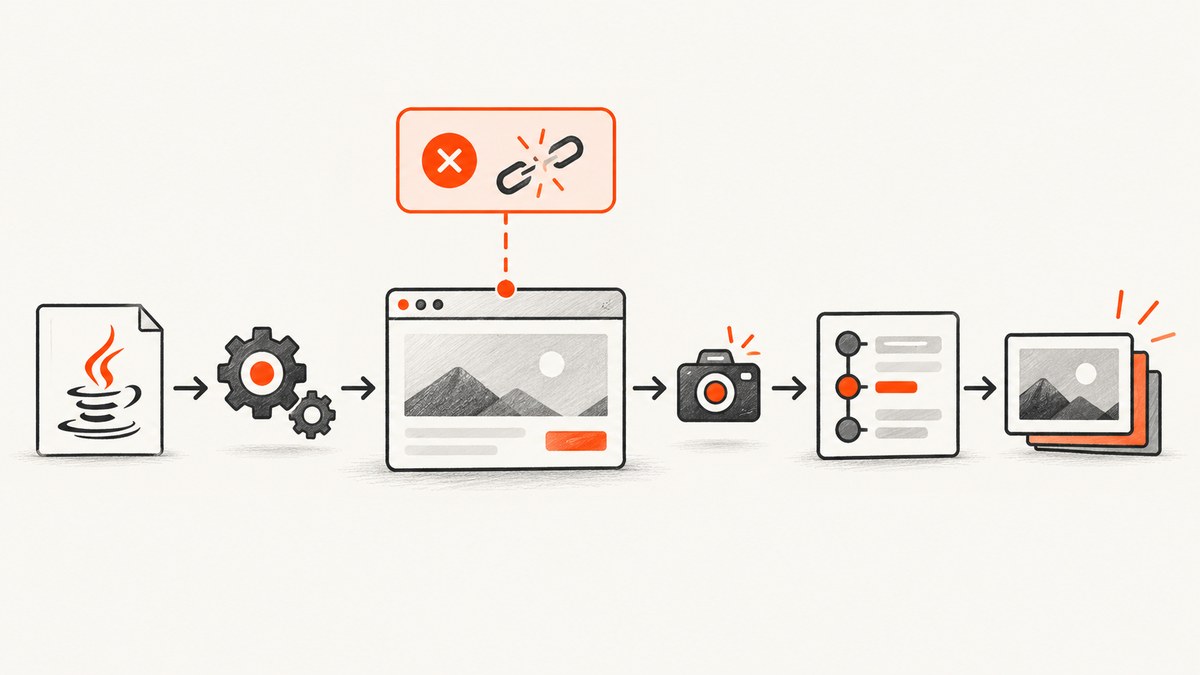
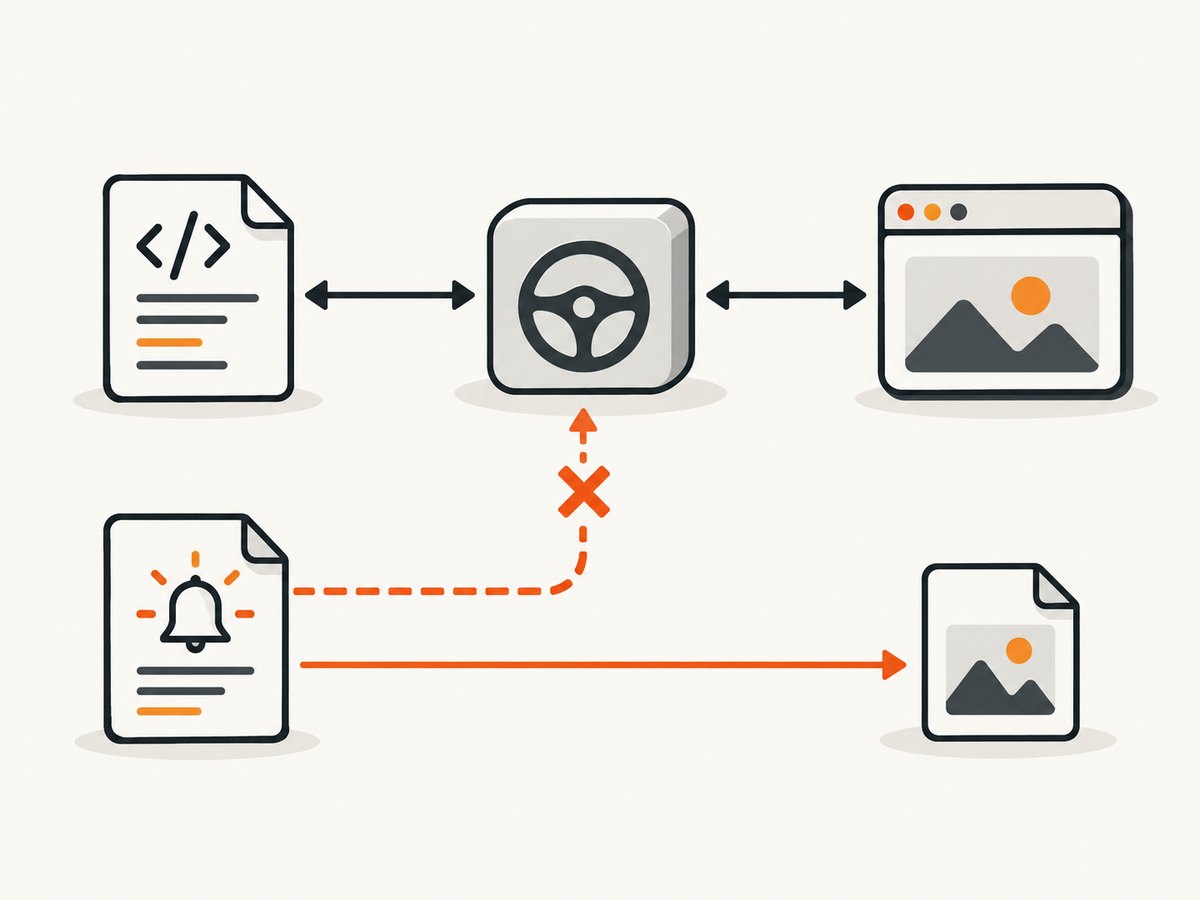
Most Selenium screenshot NullPointerExceptions happen before Selenium captures anything: the object receiving getScreenshotAs is null. Confirm which reference is null, make the failure hook retrieve the same initialized driver as the test, capture before teardown closes the session, and only then investigate Selenium’s documented capture exceptions.
Selenium’s Java API exposes screenshot capture through TakesScreenshot.getScreenshotAs(OutputType<X>). The interface is intended for a driver or element that can capture a screenshot and store it in different formats. See the official TakesScreenshot API and Selenium screenshot documentation.
1. Identify the null reference first
Read the complete exception and the exact stack frame. These two cases require different fixes:
| What is null or failing | What it means | First check |
|---|---|---|
screenShot, driver, or another receiver |
The method call cannot start because your reference was never assigned, is out of scope, belongs to another test instance, or was cleared. | Log the reference immediately before getScreenshotAs; trace initialization and listener lookup. |
getScreenshotAs throws WebDriverException |
The receiver exists, but the browser, driver, or current browsing context could not produce a screenshot. | Keep the session open, record browser and driver versions, and inspect the full exception. |
UnsupportedOperationException |
The underlying implementation does not support screenshots. | Verify that the active driver implements screenshot support. |
A null receiver is a Java object-lifecycle problem, not a screenshot-format problem. Do not try changing OutputType.FILE to BYTES until the receiver is known to be non-null.
2. Use the supported Java capture pattern
This standalone example creates a driver, opens a page, captures a screenshot, copies Selenium’s temporary file to a durable path, and closes the session:
import java.io.File;
import java.nio.file.Files;
import java.nio.file.Path;
import java.nio.file.StandardCopyOption;

import org.openqa.selenium.WebDriver;
import org.openqa.selenium.chrome.ChromeDriver;
import org.openqa.selenium.OutputType;
import org.openqa.selenium.TakesScreenshot;

public class ScreenshotExample {
    public static void main(String[] args) throws Exception {
        WebDriver driver = new ChromeDriver();
        try {
            driver.get("https://www.example.com");

            File temporary = ((TakesScreenshot) driver)
                    .getScreenshotAs(OutputType.FILE);

            Path destination = Path.of("artifacts", "example.png");
            Files.createDirectories(destination.getParent());
            Files.copy(temporary.toPath(), destination,
                    StandardCopyOption.REPLACE_EXISTING);

            System.out.println("Saved " + destination.toAbsolutePath());
        } finally {
            driver.quit();
        }
    }
}
OutputType.FILE returns a temporary file. Copy it before JVM shutdown if the artifact must remain available. The API also supports OutputType.BYTES for raw bytes and OutputType.BASE64 for a base64 string.
// Raw bytes, useful for an HTTP upload or in-memory report
byte[] png = ((TakesScreenshot) driver)
        .getScreenshotAs(OutputType.BYTES);

// Base64, useful when the receiving report expects text
String encoded = ((TakesScreenshot) driver)
        .getScreenshotAs(OutputType.BASE64);
3. Fix driver scope, listener lookup, and teardown order
Driver initialization
Assign the driver before any test step or failure hook can use it. Avoid declaring a local variable that hides a field:
public class LoginTest {
    private WebDriver driver;

    public void setUp() {
        driver = new ChromeDriver();
    }

    public void captureFailure() {
        if (driver == null) {
            throw new IllegalStateException("WebDriver was not initialized");
        }
        File file = ((TakesScreenshot) driver)
                .getScreenshotAs(OutputType.FILE);
    }
}
This bug is easy to create accidentally:
private WebDriver driver;

public void setUp() {
    WebDriver driver = new ChromeDriver(); // local variable; field stays null
}
Remove the type in the assignment so the field is initialized:
public void setUp() {
    driver = new ChromeDriver();
}
Listener and reflection checks
A Cucumber or TestNG listener may receive a test object different from the object that created the browser. Before capturing, verify:
- The listener is inspecting the concrete test instance for the failed scenario.
- The field name is correct and its value is non-null.
- If reflection is used, the field is declared where the lookup expects it.
getDeclaredFieldsearches the named class; an inherited field may require walking superclasses or exposing a getter. - Thread-local or parallel-test storage is read on the same thread that owns the driver.
- A static field is not allowing one test to overwrite or quit another test’s session.
Prefer an explicit interface over reflection when you control the test code:
public interface HasWebDriver {
    WebDriver webDriver();
}

public final class FailureScreenshots {
    public static void save(HasWebDriver test, Path destination)
            throws Exception {
        WebDriver driver = test.webDriver();
        if (driver == null) {
            throw new IllegalStateException("Test returned a null WebDriver");
        }
        File source = ((TakesScreenshot) driver)
                .getScreenshotAs(OutputType.FILE);
        Files.createDirectories(destination.getParent());
        Files.copy(source.toPath(), destination,
                StandardCopyOption.REPLACE_EXISTING);
    }
}
Capture before teardown
Failure capture must run while the browser session is alive. If an @After or @AfterEach method calls quit() first, a later listener may see a dead session or a cleared reference. Put screenshot collection in the failure hook that runs before browser shutdown, or preserve the live reference until the hook completes.
@AfterEach
void afterEach(TestInfo info) {
    try {
        if (testFailed && driver != null) {
            saveScreenshot(info.getDisplayName());
        }
    } finally {
        if (driver != null) {
            driver.quit();
            driver = null;
        }
    }
}
Use a guard so a screenshot failure does not hide the original assertion failure:
void saveScreenshot(String name) {
    if (driver == null) {
        System.err.println("Screenshot skipped: driver is null");
        return;
    }
    try {
        File source = ((TakesScreenshot) driver)
                .getScreenshotAs(OutputType.FILE);
        Files.copy(source.toPath(), Path.of("artifacts", name + ".png"),
                StandardCopyOption.REPLACE_EXISTING);
    } catch (Exception screenshotError) {
        screenshotError.printStackTrace();
    }
}
4. Choose the output type for the consumer
| Output type | Use it when | Important detail |
|---|---|---|
FILE |
You will copy or attach a file to a report. | The returned file is temporary; copy it to durable storage. |
BYTES |
You upload directly to an API, object store, or in-memory report. | No temporary-file management is needed. |
BASE64 |
Your report or transport accepts text. | Base64 increases payload size compared with raw bytes. |
The output choice cannot repair a null driver. First make the receiver valid, then choose the representation required by your reporting system.
5. Troubleshooting common errors
| Symptom | Likely cause | Fix |
|---|---|---|
NullPointerException names screenShot |
The TakesScreenshot variable was never assigned or was cleared. |
Initialize it from the live driver immediately before capture, or remove the extra variable and cast the driver directly. |
NullPointerException names driver |
Driver setup did not run, failed before assignment, or assigned a local variable. | Check setup ordering, field shadowing, and the first setup exception. |
| Listener sees null while the test has a browser | Listener received another test instance, an inherited field was not found, or thread-local state was read on the wrong thread. | Log object identity, class name, thread name, and field value; use an explicit driver accessor where possible. |
Capture runs after quit() |
Teardown order closes the session before the failure hook. | Capture first and quit in a finally block afterward. |
WebDriverException from getScreenshotAs |
The browser or driver cannot capture the current context. | Keep the session alive, inspect the full stack trace, and record Selenium, browser, and driver versions. |
UnsupportedOperationException |
The active implementation does not support screenshots. | Use a driver implementation that supports TakesScreenshot. |
| File is missing after the test | The temporary FILE result was not copied. |
Copy it to your artifact directory before the JVM exits. |
| Screenshot hides the real test failure | The failure hook throws while handling the original error. | Guard the capture and log screenshot errors separately. |
Diagnostic logging checklist
System.err.printf(
    "capture: test=%s thread=%s driver=%s class=%s%n",
    testName,
    Thread.currentThread().getName(),
    driver,
    driver == null ? "null" : driver.getClass().getName()
);
Add this immediately before the screenshot call. If the value is null there, follow assignment and retrieval. If it is non-null, preserve the complete Selenium exception for the browser/driver investigation.
6. Reliability, performance, and cost considerations
- Reliability: Keep screenshot capture in a guarded failure path so an artifact problem never replaces the original test result. Capture before quitting the session.
- Parallel tests: Keep one driver per test thread or scenario. Avoid shared static drivers that can be replaced or closed by another test.
- Storage: Use deterministic names containing suite, test, scenario, and a unique suffix. Create the artifact directory before copying.
- Performance: A screenshot adds browser and file I/O to a failing test. Capture only on failure unless your test explicitly needs every step; use
BYTESwhen an in-memory upload avoids an extra copy. - Debug data: Record browser, driver, Selenium, operating-system, URL, and current test phase with the artifact metadata.
- Cost: Local Selenium consumes the resources of your browser runners. If you move capture to an API, account for request volume, image size, retries, and retention.
7. Or skip the browser setup
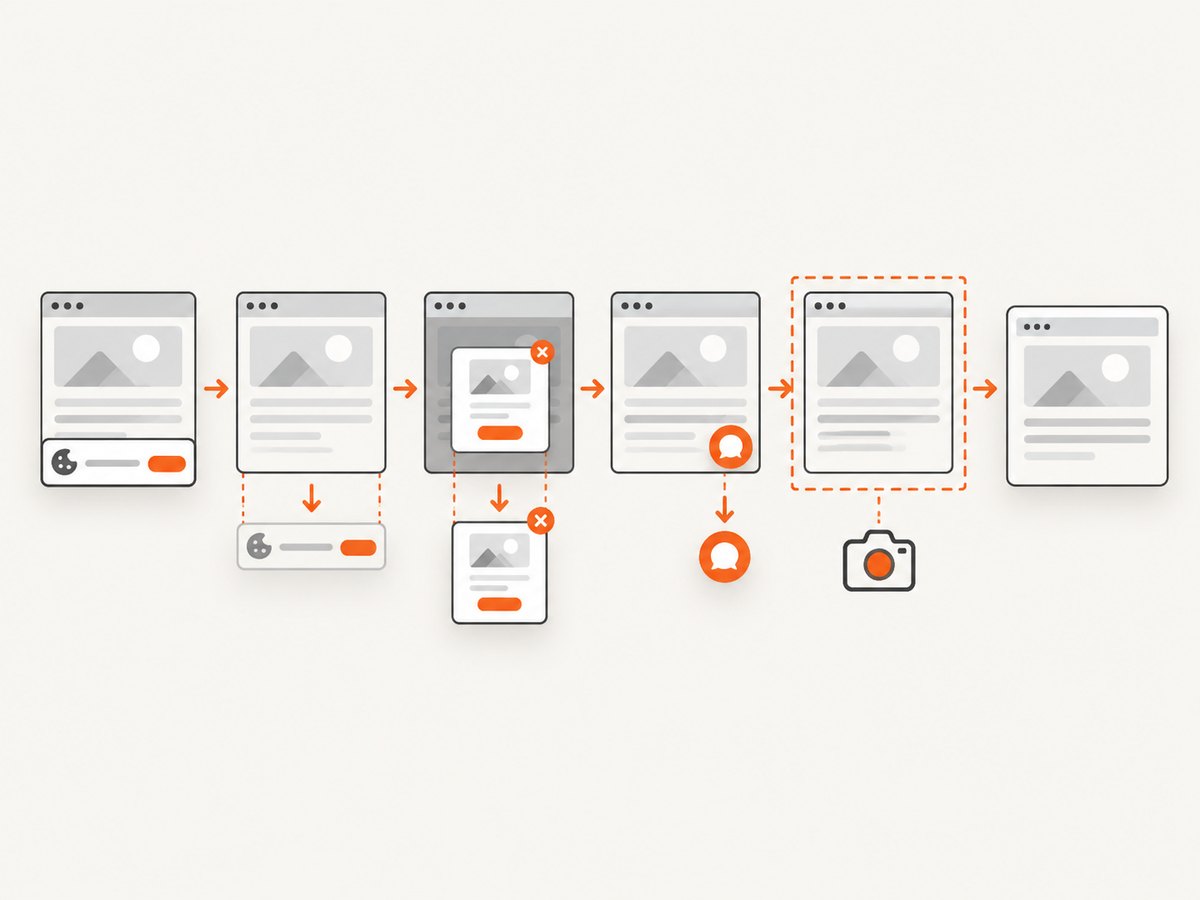
If the goal is a clean image of a URL rather than a screenshot tied to an existing Selenium session, ScreenshotNeo provides a one-request website screenshot API. Its cleanup steps accept cookie/consent banners and remove more than 60 known consent platforms, newsletter popups, and chat widgets before capture; each step can be turned off. Bot checks, blank pages, timeouts, failed loads, and cache hits are not billed, and responses identify the result with X-Page-Verdict and X-Billed headers. It also provides an MCP server with take_screenshot, get_page_info, and capture_pdf for Claude, Cursor, and other MCP clients.
See the ScreenshotNeo API documentation for all options.
cURL
curl -G "https://api.screenshotneo.com/v1/shot" \
  -d access_key=YOUR_API_KEY \
  --data-urlencode url=https://stripe.com \
  -o shot.webp
Python
import requests

r = requests.get(
    "https://api.screenshotneo.com/v1/shot",
    params={"access_key": "YOUR_API_KEY", "url": "https://stripe.com"},
    timeout=90,
)
r.raise_for_status()
open("shot.webp", "wb").write(r.content)
Node.js
const q = new URLSearchParams({
  access_key: 'YOUR_API_KEY',
  url: 'https://stripe.com'
});
const res = await fetch(`https://api.screenshotneo.com/v1/shot?${q}`);
if (!res.ok) throw new Error(`Screenshot failed: ${res.status}`);
const buffer = Buffer.from(await res.arrayBuffer());
require('fs').writeFileSync('shot.webp', buffer);
ScreenshotNeo includes full-page capture with lazy images loaded, CSS selector element capture, dark mode, device presets and custom viewports, retina scale, PDF output, custom CSS and JavaScript, clicks, waits, request blocking, headers, cookies, user agents, authorization, timezone, geolocation, transparent backgrounds, resizing, configurable caching, signed links, asynchronous jobs with signed webhooks, bulk capture for up to 100 URLs per call, a usage API, and an OpenAPI specification. The parameter names used by other screenshot APIs also work, which can simplify migration.
There is a free plan with 1,000 screenshots per month and no card. Paid plans start at $5 for 3,000 screenshots; yearly billing gives two months free, and every feature is available on every plan. Create a free ScreenshotNeo account.
8. FAQ
Is a NullPointerException caused by OutputType.FILE?
Usually no. A null receiver such as driver or screenShot fails before the output type is processed. Confirm the receiver first.
Should the driver field be static?
Static state can make parallel tests overwrite one another. Prefer a driver owned by the test or scenario and make listener access explicit.
Can I save a screenshot after calling driver.quit()?
No. Capture while the session is open, then quit it in teardown.
Which output type is best for an HTML report?
Use FILE when the report attaches files, BYTES when it accepts binary data, and BASE64 when it requires text.
Does ScreenshotNeo replace Selenium failure screenshots?
It is useful for URL-based captures without maintaining a browser session. Keep Selenium when the screenshot must show the exact authenticated, stateful browser context created by your test.


