How to Fix Selenium Screenshots After cx_Freeze Packaging
Selenium screenshots disappear after cx_Freeze builds? Use absolute writable paths, verify save results, and separate packaging errors from file I/O.
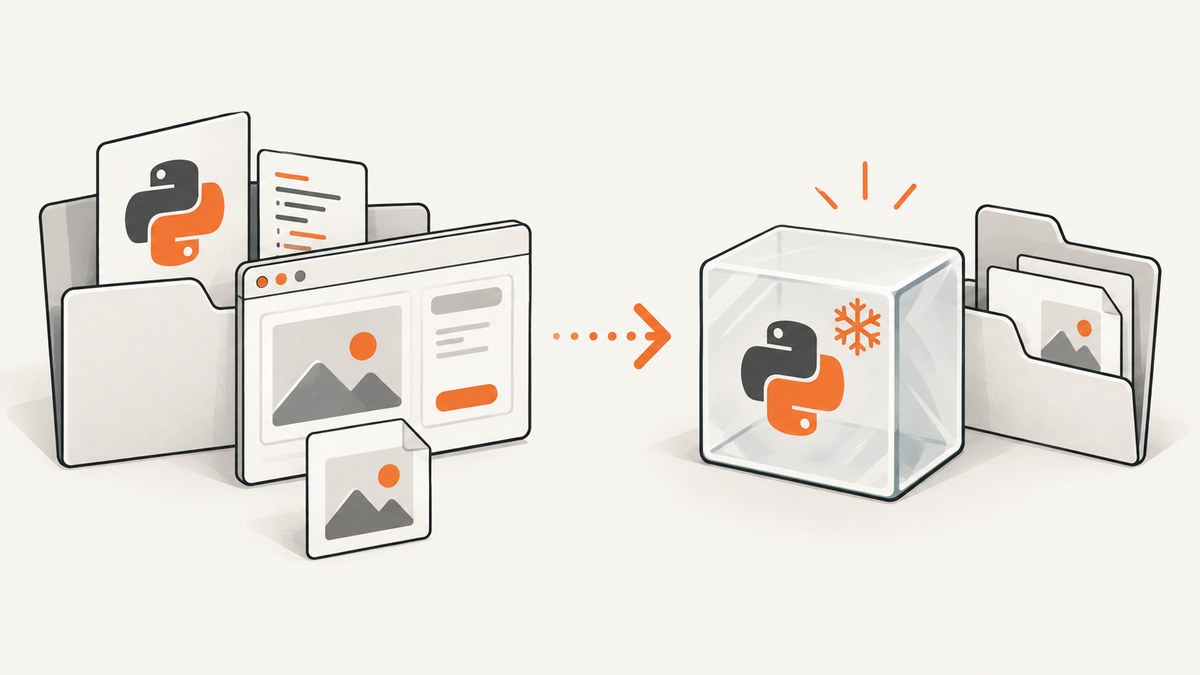
Direct fix: build the screenshot filename as an explicit absolute path inside a directory the frozen application can write to, create that directory first, and check Selenium’s Boolean return value. A relative filename may resolve against an unexpected working directory after cx_Freeze packaging.
Keep two problems separate:
- File output: Selenium cannot write the PNG, the directory is missing, or the process lacks permission.
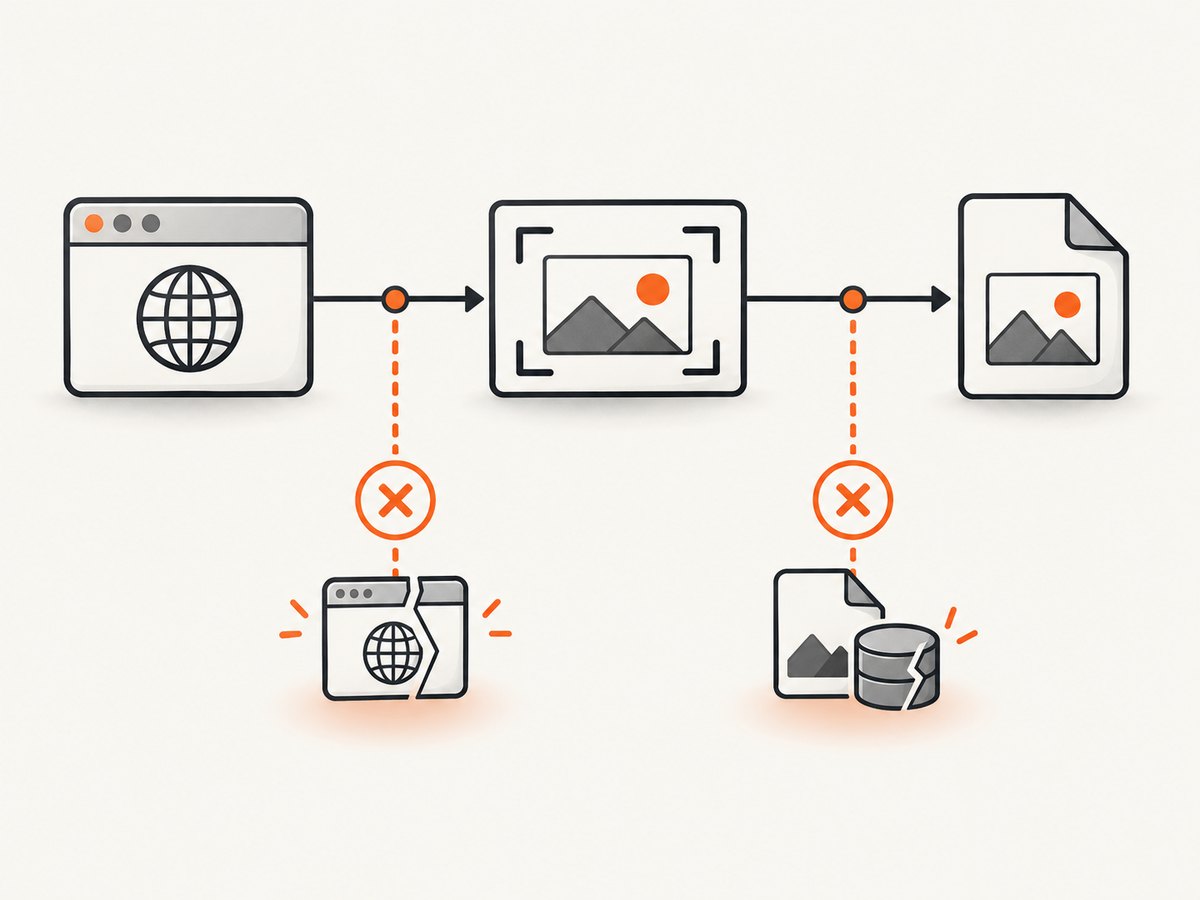
- Browser session: WebDriver or the browser cannot start, so no screenshot command reaches the file-writing stage.
Selenium documents that save_screenshot(filename) accepts the caller’s filename and returns False when an I/O error occurs. Use a full path and log it before diagnosing cx_Freeze options. Selenium API reference
1. Use a writable absolute output path
Do not save generated screenshots into the packaged distribution directory. Install files and generated files have different lifecycles. Choose an application data or temporary directory appropriate for your operating system, create it, and pass the resolved filename to Selenium.
from pathlib import Path
import logging
import os
import sys
from selenium import webdriver
from selenium.webdriver.chrome.options import Options

logging.basicConfig(level=logging.INFO, format="%(asctime)s %(levelname)s %(message)s")


def output_directory() -> Path:
    """Return a directory intended for files created by this run."""
    if sys.platform == "win32":
        root = Path(os.environ.get("LOCALAPPDATA", Path.home()))
        return root / "MySeleniumApp" / "screenshots"
    if sys.platform == "darwin":
        return Path.home() / "Library" / "Application Support" / "MySeleniumApp" / "screenshots"
    # Linux and other Unix-like systems; override with XDG when provided.
    root = Path(os.environ.get("XDG_STATE_HOME", Path.home() / ".local" / "state"))
    return root / "my-selenium-app" / "screenshots"


def main() -> None:
    destination = output_directory()
    destination.mkdir(parents=True, exist_ok=True)
    filename = destination / "homepage.png"
    absolute_filename = filename.resolve()

    logging.info("working directory: %s", Path.cwd())
    logging.info("screenshot destination: %s", absolute_filename)

    options = Options()
    # Keep this line only when a visible browser is not required.
    options.add_argument("--headless=new")

    driver = None
    try:
        driver = webdriver.Chrome(options=options)
        driver.get("https://example.com")
        saved = driver.save_screenshot(str(absolute_filename))
        if not saved:
            raise OSError(f"Selenium reported an I/O failure for {absolute_filename}")
        if not absolute_filename.is_file():
            raise OSError(f"Selenium returned success but the file is missing: {absolute_filename}")
        logging.info("saved %d bytes", absolute_filename.stat().st_size)
    finally:
        if driver is not None:
            driver.quit()


if __name__ == "__main__":
    main()
This pattern makes the actual destination visible in logs and works in both source and frozen runs. The exact application-data location is a policy choice; the important properties are that it is absolute, created before capture, and writable by the account launching the executable.
2. Understand cx_Freeze paths
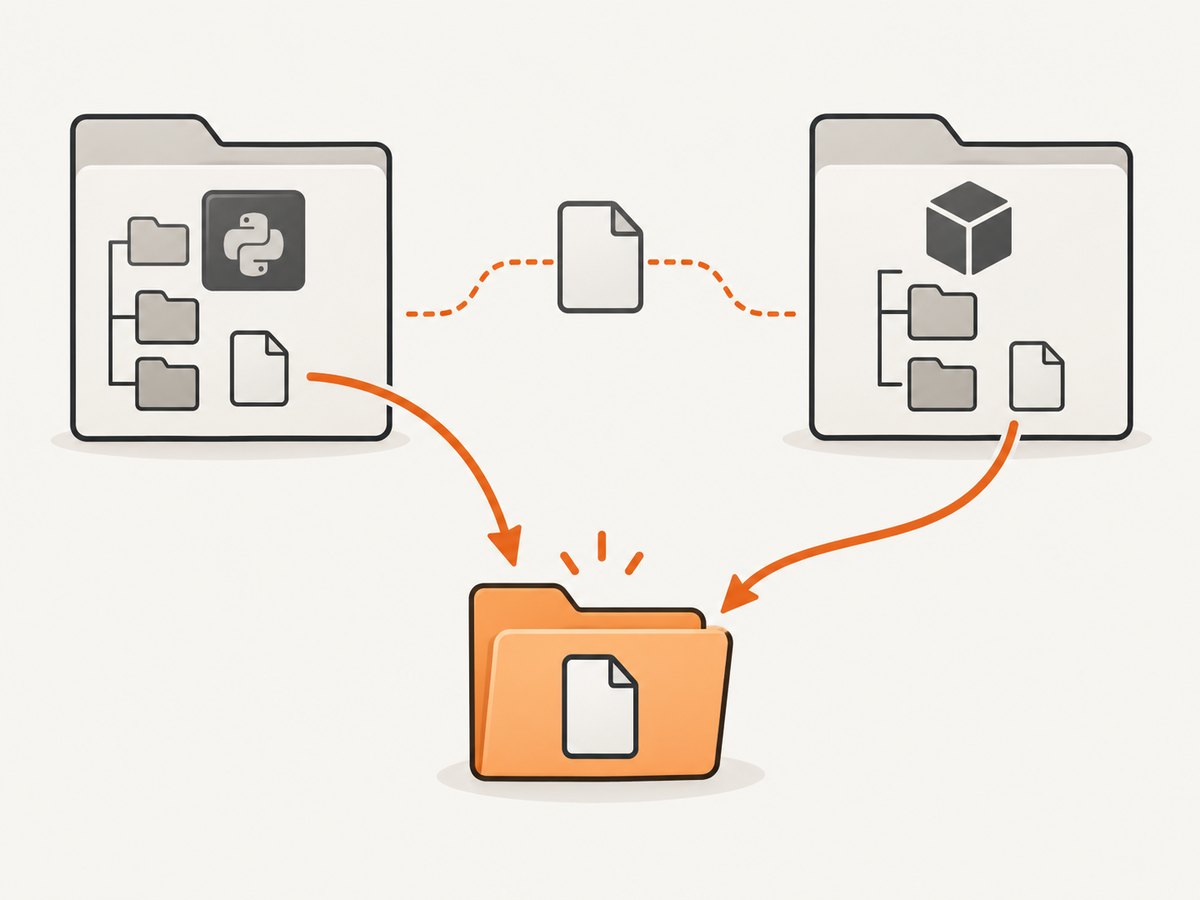
cx_Freeze uses a build directory containing the executable and packaged runtime files. Its include_files option copies files into that build target; it does not create a writable output location for screenshots. Use it for inputs your program needs at runtime, such as configuration or browser-related files. See the cx_Freeze setup documentation.
For packaged inputs, the cx_Freeze FAQ demonstrates selecting a base directory from sys.executable when frozen and from the source module directory during normal execution. Keep that distinction for reading bundled data; do not use the distribution folder as the default location for generated PNGs.
from pathlib import Path
import sys


def bundled_input_path(name: str) -> Path:
    if getattr(sys, "frozen", False):
        base = Path(sys.executable).resolve().parent
    else:
        base = Path(__file__).resolve().parent
    return base / name

# Example: a packaged input, not a generated screenshot.
config_file = bundled_input_path("config.json")
Including an input with include_files
from cx_Freeze import setup, Executable

build_exe_options = {
    "include_files": [
        ("config.json", "config.json"),
        ("assets", "assets"),
    ],
}

setup(
    name="my_selenium_app",
    version="1.0",
    options={"build_exe": build_exe_options},
    executables=[Executable("main.py")],
)
Destination paths in include_files are relative to the build target. Confirm the option spelling and layout against the cx_Freeze version used for your build.
3. Build and compare source versus frozen runs
- Run the Python source version and record the working directory, resolved destination, browser version, driver version, Selenium version, Python version, and operating system.
- Build with cx_Freeze and run the executable from a terminal so the complete traceback remains visible.
- Compare the two logged paths. If the path is relative in either run, convert it to an absolute path before changing packaging settings.
- Open the exact path printed by the program. A successful save in an unexpected directory often looks like a missing screenshot.
- Check the Boolean returned by
save_screenshotand verify the file exists and has a non-zero size.
4. Troubleshooting common failures
| Symptom | Likely stage | Cause | Fix |
|---|---|---|---|
| No file, no exception | Path resolution | Relative filename resolved under a different current working directory | Log Path(filename).resolve() and pass that absolute path. |
save_screenshot returns False |
File I/O | Missing directory, permission denial, invalid path, or other write error | Create the directory, select a user-writable location, and log the full path. |
FileNotFoundError or directory error |
File I/O | Parent directory was never created | Call destination.mkdir(parents=True, exist_ok=True) before capture. |
| Permission or access denied | File I/O | Trying to write beside the executable or into a protected install directory | Use an application-data or temporary directory owned by the running user. |
| WebDriver session or browser startup exception | Browser startup | Browser/driver unavailable, incompatible, or blocked by the runtime environment | Read the complete traceback and test browser startup independently of screenshot writing. |
| Module or runtime file missing only after freezing | Packaging | Dynamically loaded module or file was not included | Identify the missing item from the traceback and declare it with the relevant cx_Freeze options, including include_files for data files. |
| Works from a terminal but not a shortcut | Environment | Different working directory, user, permissions, or environment variables | Rely on absolute paths and log the account, current directory, and destination. |
cx_Freeze’s FAQ calls out dynamically loaded modules and files as common frozen-application issues. Treat that as a diagnostic branch: it is relevant when WebDriver cannot start or a required runtime file is absent, but it does not explain every missing PNG. cx_Freeze FAQ
5. A diagnostic wrapper for production logs
from pathlib import Path
import logging


def capture_png(driver, target: Path) -> Path:
    target = target.expanduser().resolve()
    target.parent.mkdir(parents=True, exist_ok=True)
    logging.info("cwd=%s target=%s parent=%s", Path.cwd(), target, target.parent)
    try:
        result = driver.save_screenshot(str(target))
    except Exception:
        logging.exception("WebDriver screenshot command failed")
        raise
    if result is not True:
        raise OSError(f"save_screenshot returned {result!r}: {target}")
    if not target.exists():
        raise OSError(f"No file after successful save_screenshot: {target}")
    return target
Keep the browser exception and the filesystem exception in separate log records. That tells you whether to inspect WebDriver installation or the output path.
6. Reliability, performance, and deployment notes
- Reliability: create the directory on every run, use unique names when multiple captures can overlap, and close the driver in a
finallyblock. - Concurrency: avoid having parallel workers write the same filename. Include a job ID or timestamp in each name.
- Permissions: test under the same Windows service account, scheduled-task account, container user, or desktop user that will run the frozen app.
- Performance: path resolution and directory creation are negligible compared with browser startup and page loading. Reuse one driver for several pages when session isolation permits.
- Storage: screenshots can accumulate quickly. Define a retention policy and monitor free space; a full disk appears as a write failure.
- Reproducibility: record OS, Python, Selenium, cx_Freeze, browser, and driver versions with each packaging issue.
7. Or skip the browser setup
ScreenshotNeo provides a website screenshot API and MCP server. One request returns PNG, JPEG, WebP, or PDF, so your frozen program does not need to package Selenium, a browser, or a driver. Read the ScreenshotNeo API docs for all options.
cURL
curl -G "https://api.screenshotneo.com/v1/shot" -d access_key=YOUR_API_KEY --data-urlencode url=https://stripe.com -o shot.webpPython
import requests
r = requests.get("https://api.screenshotneo.com/v1/shot", params={"access_key": "YOUR_API_KEY", "url": "https://stripe.com"}, timeout=90)
open("shot.webp", "wb").write(r.content)
Node.js
const q = new URLSearchParams({ access_key: 'YOUR_API_KEY', url: 'https://stripe.com' });
const res = await fetch(`https://api.screenshotneo.com/v1/shot?${q}`);
Before capture, ScreenshotNeo accepts cookie and consent banners and removes more than 60 known consent platforms, newsletter popups, and chat widgets; each step can be turned off. Bot checks, blank pages, timeouts, failed loads, and cache hits are not billed, and response headers report the page verdict and billing status. Its MCP server includes take_screenshot, get_page_info, and capture_pdf for Claude, Cursor, and other MCP clients. You get 1,000 screenshots per month free without a card; paid plans start at $5 for 3,000 shots. Create a free ScreenshotNeo account.
8. FAQ
Should screenshots be stored beside the cx_Freeze executable?
Usually no. The distribution folder is for packaged inputs and may be read-only. Select a user-writable application-data or temporary directory.
Does include_files fix missing screenshot output?
No. It packages files needed at runtime. It does not create or authorize a generated-output directory.
What should I report when asking for help?
Include the complete traceback, exact filename, resolved path, current working directory, account, OS, Python, Selenium, cx_Freeze, browser, and driver versions, plus whether the source run succeeds.
Why can a screenshot be missing even when Selenium returned success?
The program may have looked in a different directory than the one Selenium used. Log and inspect the resolved absolute path, then verify the file exists.


