How to Fix Selenium WebDriver Session Does Not Exist Errors
Fix Selenium InvalidSessionIdException by finding premature teardown, closed windows, Grid deletion, and commands sent after quit().
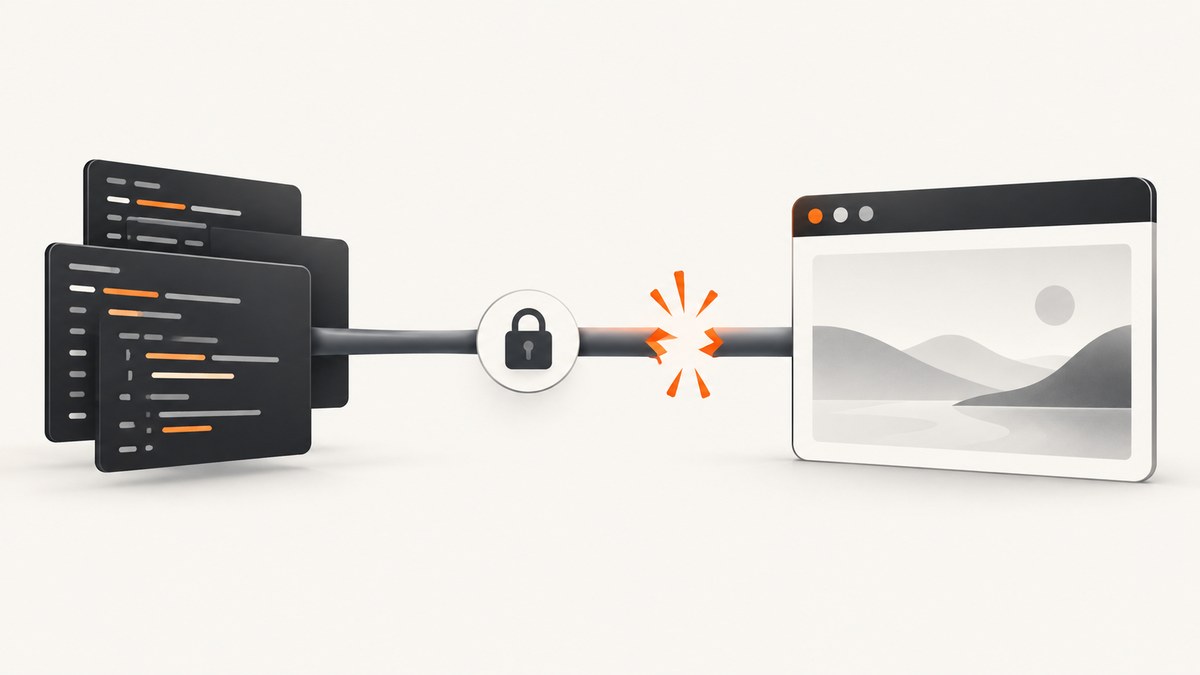
Short answer: Selenium’s “session does not exist” error means your command reached a WebDriver session ID that the browser or remote server no longer recognizes. The usual causes are calling driver.quit() too early, closing the last tab with driver.close(), running commands after teardown, or deleting and losing a session on Selenium Grid. Find the first teardown or final-window close, move cleanup to the end of the test or task, and create a fresh driver for the next unit of work.
In Python, Selenium reports this wire-protocol failure as selenium.common.exceptions.InvalidSessionIdException. Selenium’s troubleshooting guide says it commonly follows session deletion through driver.quit() or a session change after the last browser tab closes. See the official Invalid Session ID troubleshooting guide.
What the error means
A WebDriver session is created when the driver starts a browser. The remote end assigns a session ID, and every later command uses that ID. If the session is deleted or its browsing context disappears, the ID cannot be used again. This is a lifecycle error, not an element lookup error such as NoSuchElementException.
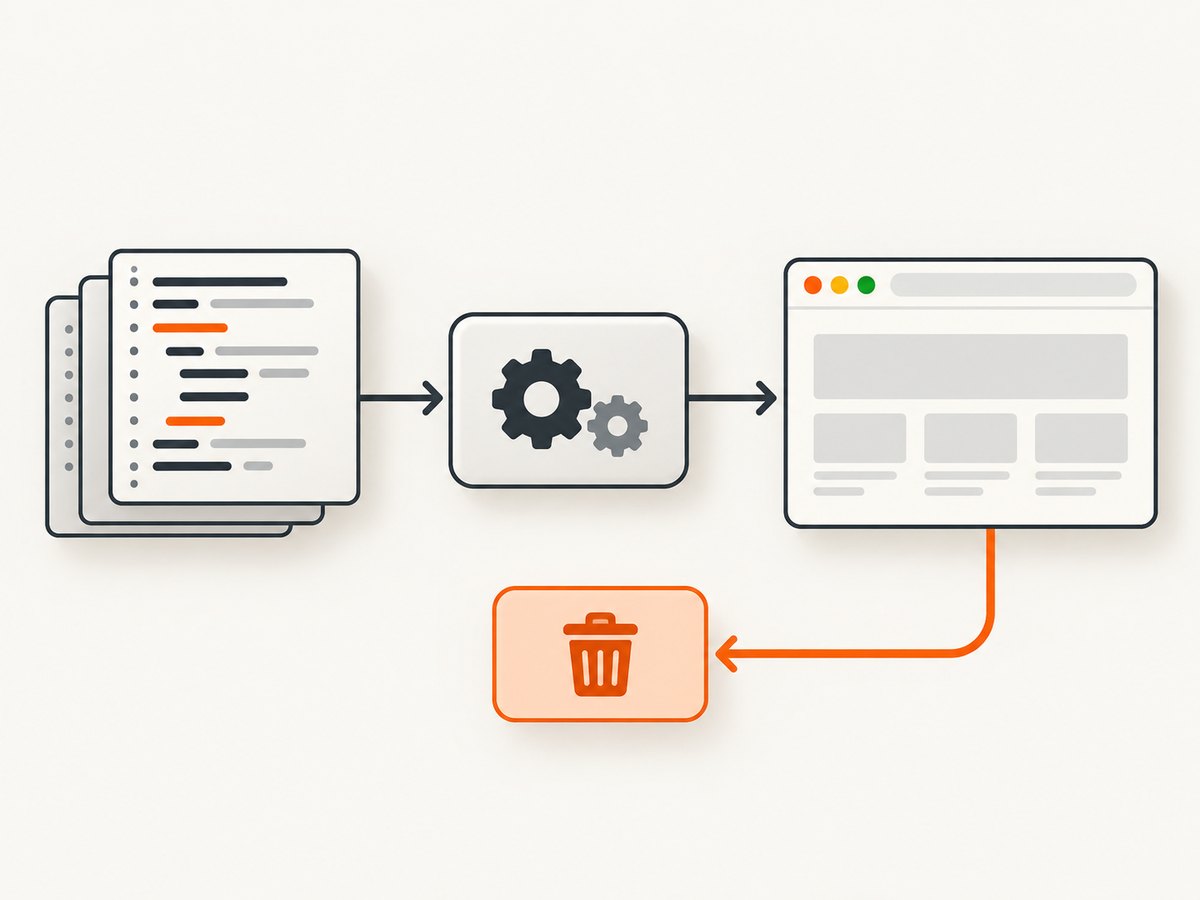
selenium.common.exceptions.InvalidSessionIdException:
Message: invalid session id
Once quit() has run, retrying the same command does not restore the deleted session. Start a new driver and recreate the required browser state.
Use this troubleshooting sequence
- Locate the first teardown. Search tests, fixtures, hooks, and helper functions for
quit()andclose(). - Check command order. Confirm no navigation, assertion, screenshot, or element command runs after cleanup.
- Check window lifetime. If
close()removed the final top-level tab or window, the session may no longer have a usable browsing context. - Check fixture scope. A function-scoped fixture must not return a driver that a later test expects to remain alive.
- For Grid, inspect session and node state. Verify that the session still exists, the node is available, and requests use the Grid endpoint that owns the session.
- Separate creation failures.
SessionNotCreatedExceptionhappens while starting a browser and has different causes, such as browser-driver compatibility or invalid capabilities.
Correct Python lifecycle patterns
Use try/finally for a standalone task
from selenium import webdriver
from selenium.common.exceptions import InvalidSessionIdException


def capture_title(url: str) -> str:
    driver = webdriver.Chrome()
    try:
        driver.get(url)
        return driver.title
    finally:
        # Runs after all browser commands, including when an assertion fails.
        driver.quit()


if __name__ == "__main__":
    print(capture_title("https://example.com"))
Do not reuse a driver after quit()
from selenium import webdriver

first = webdriver.Chrome()
try:
    first.get("https://example.com")
finally:
    first.quit()

# A new session is required for new browser work.
second = webdriver.Chrome()
try:
    second.get("https://example.org")
    print(second.title)
finally:
    second.quit()
Use pytest fixture teardown
import pytest
from selenium import webdriver


@pytest.fixture
def driver():
    browser = webdriver.Chrome()
    yield browser
    browser.quit()


def test_homepage_title(driver):
    driver.get("https://example.com")
    assert driver.title
Do not call driver.quit() inside the test when the fixture owns cleanup. Doing so can leave later fixture code or hooks with a dead object.
close() versus quit()
| Call | Effect | Safe follow-up |
|---|---|---|
driver.close() |
Closes the current tab or window. Closing the final one can end the usable browsing context. | Switch to another known window handle before continuing; otherwise create a new session. |
driver.quit() |
Ends the entire WebDriver session and closes its browser. | None. Instantiate a new driver before issuing browser commands. |
Safely close one of several windows
from selenium import webdriver

browser = webdriver.Chrome()
try:
    browser.get("https://example.com")
    original = browser.current_window_handle
    browser.switch_to.new_window("tab")
    browser.get("https://example.org")

    browser.close()  # closes only the second tab
    remaining = browser.window_handles
    if original in remaining:
        browser.switch_to.window(original)
        print(browser.title)
finally:
    browser.quit()
Never assume a handle remains valid after closing a window. Check driver.window_handles and switch explicitly.
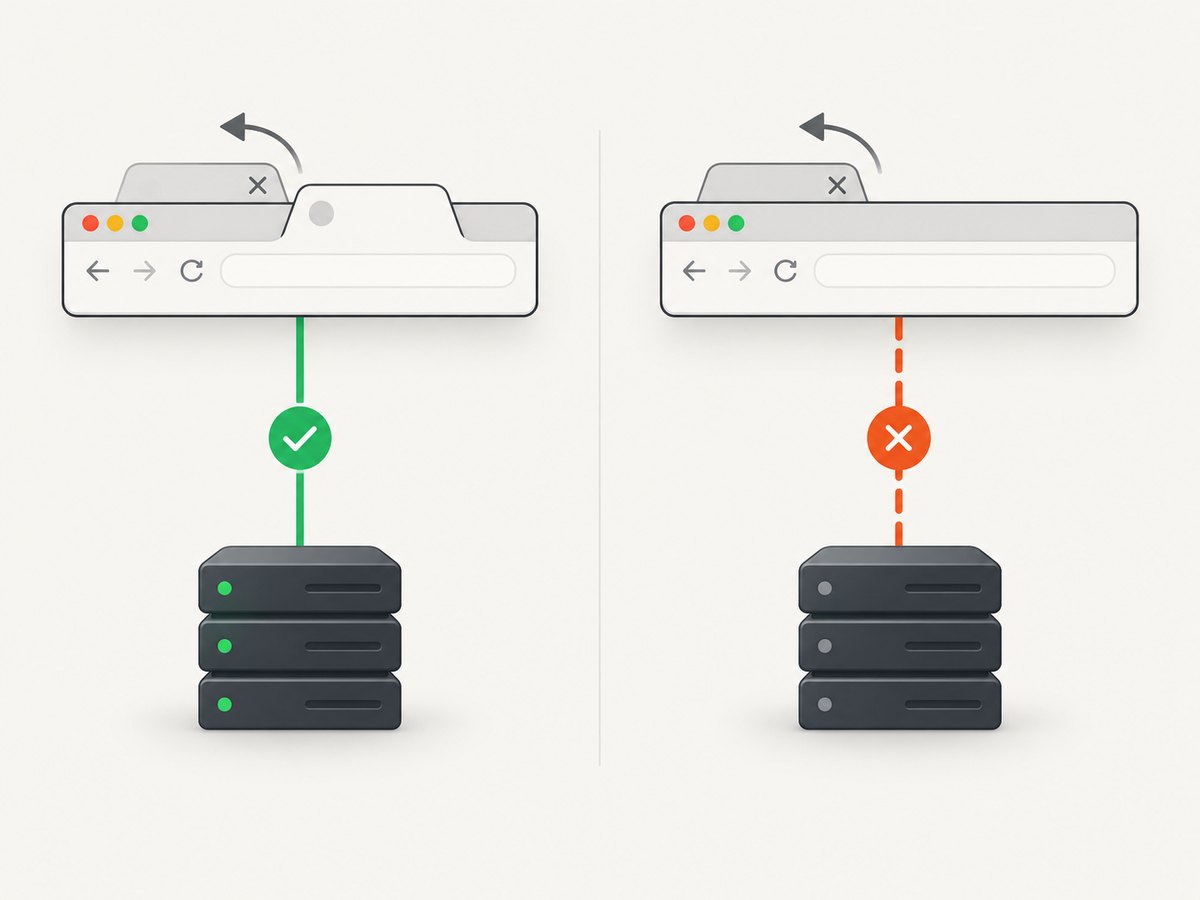
Common code-order bugs
Cleanup in a helper that the caller still needs
def visit(driver, url):
    driver.get(url)
    driver.quit()  # Bug: caller receives a dead session


def test_page():
    driver = webdriver.Chrome()
    try:
        visit(driver, "https://example.com")
        print(driver.title)  # InvalidSessionIdException
    finally:
        driver.quit()
Choose one owner for cleanup. A helper should either create and destroy its own driver, or receive a caller-owned driver and leave cleanup to the caller.
Exception handlers that continue after teardown
try:
    driver.get(url)
except Exception:
    driver.quit()
    raise
finally:
    # Do not issue driver commands here unless a live session is guaranteed.
    pass
Logging the page, taking a screenshot, or reading the URL after quit() can trigger the same error. Capture diagnostics before teardown, or guard them with a session-state policy owned by your test framework.
Selenium Grid and remote sessions
With Grid, the client sends commands through a router to the node holding the session. Inspect Grid’s status and session endpoints to confirm that the session is active, the node has capacity, and your client is using the correct Grid address. The Grid endpoints documentation describes session and node state; deleting a session removes it from the active session map, and later requests using that ID fail.
from selenium import webdriver
from selenium.webdriver.chrome.options import Options

options = Options()
driver = webdriver.Remote(
    command_executor="http://grid-host:4444",
    options=options,
)
try:
    driver.get("https://example.com")
    print(driver.title)
finally:
    driver.quit()
If a hosted Grid loses a session, check that provider’s session logs and timeout settings. Selenium’s documentation does not define one timeout policy for every hosted service, so do not assume a retry will revive a deleted session.
Recovery strategy
- Catch
InvalidSessionIdExceptionat the task boundary, not around every individual command. - Discard the dead driver object.
- Create a new session with the same capabilities.
- Restore authentication, cookies, window size, timezone, and navigation state required by the task.
- Retry only idempotent work, with a limit and clear logging.
from selenium import webdriver
from selenium.common.exceptions import InvalidSessionIdException


def read_title_with_one_recovery(url):
    driver = webdriver.Chrome()
    try:
        for attempt in range(2):
            try:
                driver.get(url)
                return driver.title
            except InvalidSessionIdException:
                if attempt == 1:
                    raise
                try:
                    driver.quit()
                except Exception:
                    pass
                driver = webdriver.Chrome()
    finally:
        try:
            driver.quit()
        except Exception:
            pass
Do not use this pattern to hide deterministic bugs such as an unconditional quit() in a helper. Fix ownership and ordering first.
Troubleshooting checklist
| Symptom | Likely cause | Fix |
|---|---|---|
| Error immediately after a test | Fixture or hook already called quit() |
Move cleanup to the fixture boundary and avoid reusing the returned driver. |
| Error after closing a tab | The final window was closed, or the handle is stale | Keep another window open, switch to a valid handle, or start a new session. |
| Only CI or Grid fails | Remote session was deleted, node restarted, or request routed incorrectly | Inspect Grid status, session records, node logs, and provider timeout settings. |
| Failure while creating the browser | Driver/browser mismatch or invalid capabilities | Treat it as SessionNotCreatedException, not an invalid existing session; fix startup configuration. |
| Retry never helps | The original session ID is permanently deleted | Construct a new driver and restore state before retrying. |
Reliability, performance, and cost notes
- Reliability: Keep one clear owner for driver lifetime, use teardown hooks, and log session ID, node, window handles, and the first teardown call.
- Performance: Reusing a live session avoids browser startup cost, but only within one controlled unit of work. Reusing across tests creates state leakage and teardown races.
- Parallel runs: Give each test its own driver or isolated fixture. Sharing one session across workers makes window and cleanup order nondeterministic.
- Cost: A deleted session can waste CI time through repeated browser startup. Bound recovery attempts and fail with diagnostics when the session cannot be recreated.
Or skip the browser setup
If your task is simply to obtain a page image or PDF, ScreenshotNeo provides a single HTTP request instead of a Selenium browser lifecycle. Its capture API accepts a URL and returns PNG, JPEG, WebP, or PDF. See the ScreenshotNeo API documentation.
curl -G "https://api.screenshotneo.com/v1/shot" -d access_key=YOUR_API_KEY --data-urlencode url=https://stripe.com -o shot.webpimport requests
r = requests.get("https://api.screenshotneo.com/v1/shot", params={"access_key": "YOUR_API_KEY", "url": "https://stripe.com"}, timeout=90)
open("shot.webp", "wb").write(r.content)const q = new URLSearchParams({ access_key: 'YOUR_API_KEY', url: 'https://stripe.com' });
const res = await fetch(`https://api.screenshotneo.com/v1/shot?${q}`);Cookie and consent banners, newsletter popups, and chat widgets are removed before the shot. Bot checks, blank pages, failed loads, timeouts, and cache hits are not billed, and response headers identify the page verdict and billing state. An MCP server provides take_screenshot, get_page_info, and capture_pdf tools for Claude, Cursor, and other MCP clients. The free plan includes 1,000 screenshots per month with no card; paid plans start at $5 for 3,000.
Create a free ScreenshotNeo account and start with 1,000 screenshots per month at no charge.
FAQ
Can I revive a session after driver.quit()?
No. Create a new driver and restore the browser state your task needs.
Is this the same as an element-not-found error?
No. The remote end no longer recognizes the session ID; element lookup has not reached the page.
Should I call close() or quit() in teardown?
Use quit() to end the complete session. Use close() only when you intentionally manage multiple windows and will switch to a remaining valid handle.
Why does it happen only on a hosted browser service?
The provider may delete sessions, restart nodes, or apply its own timeout rules. Check its session logs and timeout documentation rather than assuming Selenium has one universal timeout.
Can a retry of the same command fix it?
Not when the session was deleted. Retry only after creating a new session and restoring required state.


