How to Fix Selenium Target Window Closed Errors
Fix Selenium’s “target window already closed” error by checking live window handles, finding the command that closed the context, and recovering safely.
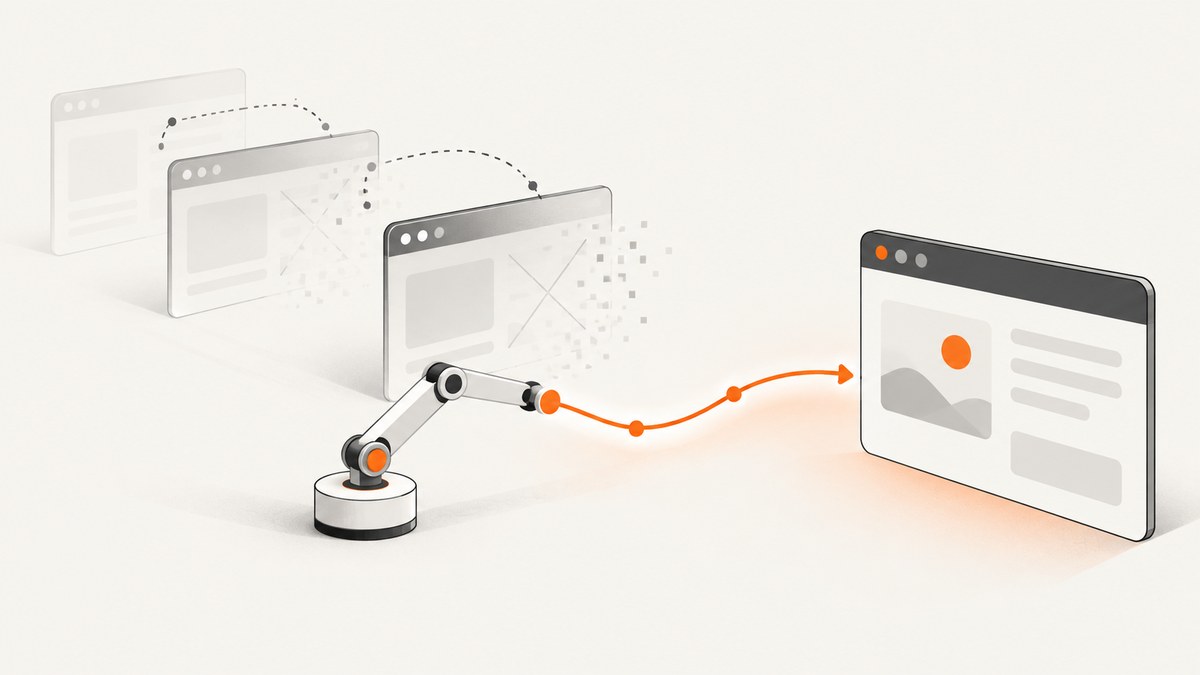
NoSuchWindowException: no such window: target window already closed means Selenium sent a command to a top-level browser window or tab that no longer exists. Check the live window handles before switching: switch to the saved handle only if it is still open; otherwise use a known surviving handle, or start a new WebDriver session if none remain.
This error often appears after a driver.close(), a popup-closing routine, or application behavior that closes a tab. It can also show up as “no such window: target window already closed,” “web view not found,” or “I am getting error while switching to main window.” The command in the stack trace tells you where Selenium discovered the problem; the preceding window operations often explain why it happened.
1. What Selenium means by “target window already closed”
A WebDriver window handle identifies a top-level browsing context, such as a browser window or tab. Selenium can ask for the current handle, list open handles, switch to a handle, and close the current context. A switch works only when its target handle still exists. The WebDriver protocol also specifies that closing the last top-level browsing context ends the session. W3C WebDriver specification and WebdriverIO’s WebDriver protocol reference describe these window commands.
Handles are identifiers, not labels like “main” or “new tab.” The order returned by the handle-list command is arbitrary. Code that assumes the first handle is always the original window, or the second is always the popup, can select the wrong target after the browser’s windows change.
The key question is not simply “what was the original handle?” It is “which handles are open now?” A stored handle can become stale when its window closes. Before switching back, compare it against the current handle list.
2. Diagnose the failing window operation
- Find the failing command. Read the stack trace and identify the Selenium call that raised the exception. It may be a switch, a handle lookup, a screenshot, or another command that needs an active browsing context.
- Inspect the commands immediately before it. Search the test and helper methods for
close(), popup cleanup, window switching, and loops that iterate over handles. Also check whether the application itself closes or redirects a tab. - Record handles before and after opening a window. Compare sets rather than relying on list positions. This lets you identify which handle appeared after an action.
- Check that a saved target still exists before switching. If it has disappeared, do not keep retrying that handle.
- Choose a recovery state. Switch to a known surviving context if one exists. If the handle list is empty, end that driver session and create a new one through your test framework’s normal setup path.
This three-state rule is the safe recovery model:
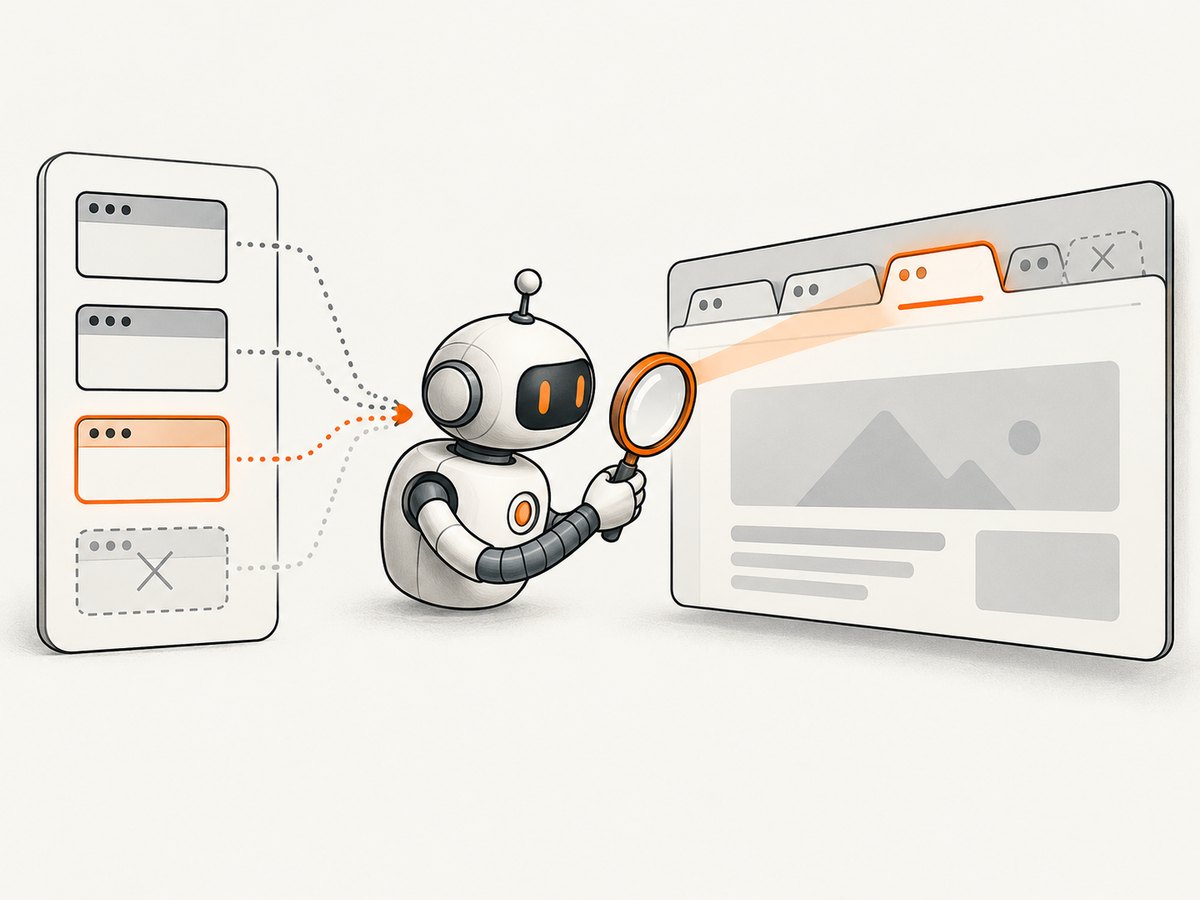
| Intended handle live? | Any handles live? | Action |
|---|---|---|
| Yes | Yes | Switch to the intended handle. |
| No | Yes | Switch to a known surviving handle, or fail with a useful diagnostic. |
| No | No | End the session and create a new WebDriver through normal setup. |
3. Fix the error in Java
In Java, use getWindowHandles() to check whether the saved handle is still present. This example records the original context, opens a second tab, identifies the new handle by set difference, and returns safely. It uses Selenium 4’s switchTo().newWindow().
import java.util.HashSet;
import java.util.Set;
import org.openqa.selenium.WebDriver;
import org.openqa.selenium.WindowType;

public class WindowHandles {
    public static void openTabAndReturn(WebDriver driver) {
        String original = driver.getWindowHandle();
        Set<String> before = new HashSet<>(driver.getWindowHandles());

        driver.switchTo().newWindow(WindowType.TAB);
        Set<String> after = new HashSet<>(driver.getWindowHandles());
        after.removeAll(before);

        if (after.size() != 1) {
            throw new IllegalStateException(
                "Expected one new tab; handles now: " + driver.getWindowHandles());
        }
        String newTab = after.iterator().next();
        driver.switchTo().window(newTab);

        // Perform work in the new tab here.

        driver.close();
        Set<String> live = driver.getWindowHandles();
        if (live.contains(original)) {
            driver.switchTo().window(original);
        } else if (!live.isEmpty()) {
            throw new IllegalStateException(
                "Original tab closed; surviving handles: " + live);
        } else {
            throw new IllegalStateException(
                "All browser contexts are closed; create a new WebDriver session");
        }
    }
}
The final branch deliberately reports that the session needs replacement instead of attempting to switch to a nonexistent context. In a test framework, let its normal teardown and setup lifecycle close the old driver and create a fresh one. Avoid silently constructing a second driver in a helper if the framework expects to own the session.
If you open tabs by clicking a link rather than using newWindow(), take the handle snapshot immediately before the click, then compare it with the handles afterward. The new handle is the set difference; do not assume a particular list index.
4. Fix the error in Python
Python’s Selenium binding exposes the current handle as current_window_handle and the open set as window_handles. This example safely returns after closing a child tab:
from selenium import webdriver

options = webdriver.ChromeOptions()
driver = webdriver.Chrome(options=options)

try:
    original = driver.current_window_handle
    before = set(driver.window_handles)

    driver.switch_to.new_window("tab")
    new_handles = set(driver.window_handles) - before
    if len(new_handles) != 1:
        raise RuntimeError(f"Expected one new tab; handles: {driver.window_handles}")

    child = next(iter(new_handles))
    driver.switch_to.window(child)
    # Work in the child tab here.

    driver.close()
    live = driver.window_handles
    if original in live:
        driver.switch_to.window(original)
    elif live:
        raise RuntimeError(f"Original tab closed; surviving handles: {live}")
    else:
        raise RuntimeError("All browser contexts closed; create a new driver session")
finally:
    # Quit the session when this script owns it. In a test framework,
    # use the framework's fixture or teardown lifecycle instead.
    driver.quit()
If the application opens a tab asynchronously, wait for the handle count to increase before taking the difference. A short explicit wait is more reliable than sleeping for a fixed duration:
from selenium.webdriver.support.ui import WebDriverWait

WebDriverWait(driver, 10).until(
    lambda d: len(d.window_handles) > len(before)
)
new_handles = set(driver.window_handles) - before
5. Avoid closing the context you still need
driver.close() closes the current window or tab. If it is the last open top-level context, the WebDriver session ends. driver.quit() ends the whole session and should normally be used for final cleanup, not as a way to return from a child tab.
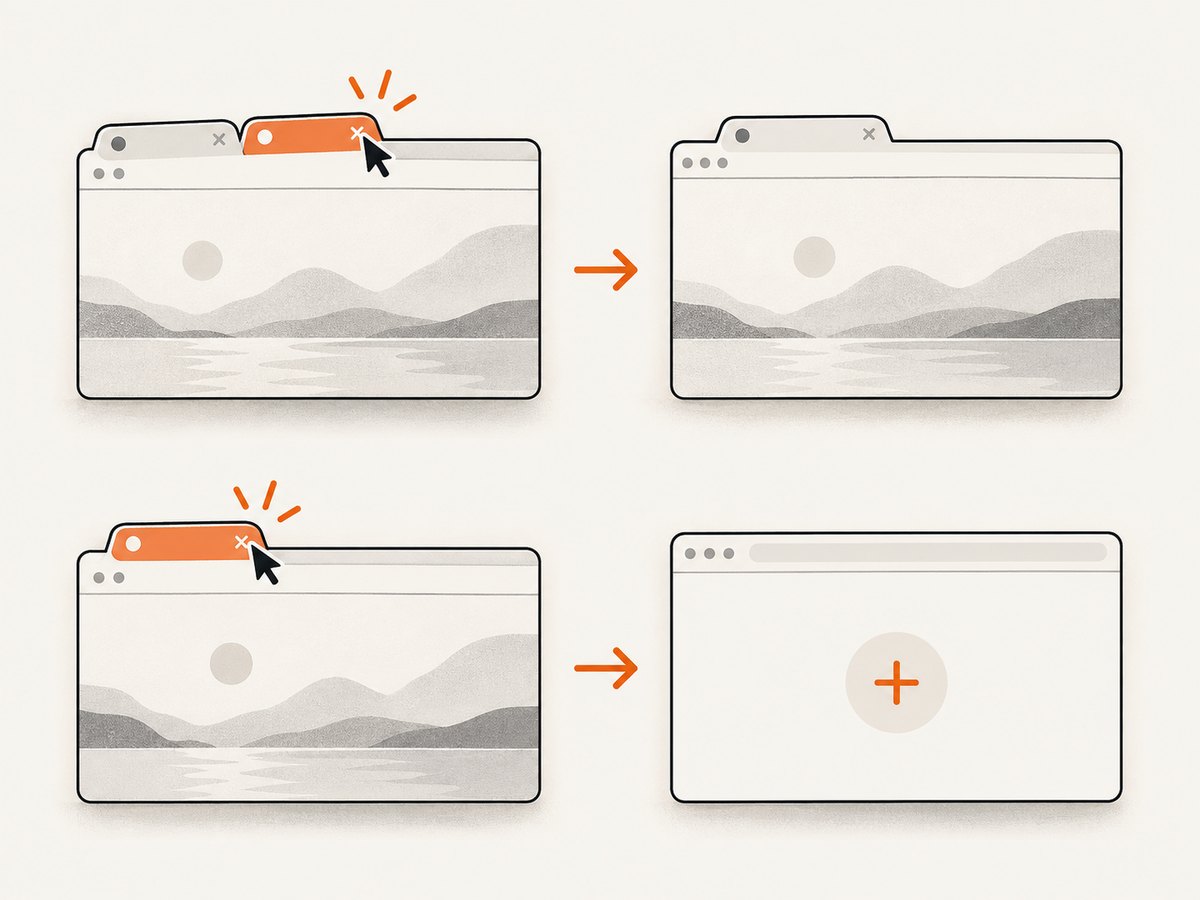
A common bug is iterating over a snapshot of handles, closing each one, then trying to switch back to the original handle. Another is closing the current handle before switching to the intended one. Make the target explicit before each close:
Set<String> live = driver.getWindowHandles();
if (live.contains(childHandle)) {
    driver.switchTo().window(childHandle);
    driver.close();
}

live = driver.getWindowHandles();
if (live.contains(originalHandle)) {
    driver.switchTo().window(originalHandle);
}
Whether closing the child is appropriate depends on your test flow. If an application action might close the original tab, decide whether another live tab is an acceptable recovery target or whether the test should fail. Switching to an arbitrary surviving context may keep automation running while hiding a real application bug, so select only a context your test understands.
6. If it happens during startup
If the first failing operation occurs before your test intentionally opens or closes any windows, inspect session startup and environment details. Record the Selenium version, browser version, driver version, operating system, failing command, and relevant startup logs. Then investigate whether the browser and driver setup is compatible and whether the session actually started.
One Selenium issue report describes Selenium 4.19.1 with Chrome 123 and ChromeDriver 123, a warning that the closest CDP match was version 121, and failure at getCurrentWindowHandle. That report documents one environment; it does not establish that a CDP warning causes every closed-window exception. SeleniumHQ issue #13791.
A separate Selenium Java issue, opened in August 2026, describes an exception after closing the current window and then calling newWindow. Its proposed recovery checks whether the original handle remains open before switching back. Treat this as a reported binding-specific scenario, not a universal explanation. SeleniumHQ issue #17882.
7. Troubleshooting common errors
| Symptom | Likely cause | Fix |
|---|---|---|
NoSuchWindowException on a switch |
The saved handle was closed or is not part of this session. | Read the live handle list and switch only to a handle it contains. |
Error immediately after close() |
The closed context was the last one, or the next command still targets it. | Check remaining handles; if none remain, create a fresh session through normal setup. |
| “Main window” switch fails | The code assumes its original handle is still open, or assumes handles have a fixed order. | Store the original handle, verify it remains live, and identify windows by set difference or known test state. |
| New tab cannot be found immediately | The click or browser action has not opened the tab yet. | Wait for the handle count to change, then compare handle sets. |
| Failure on the first handle lookup | The session may have failed to start, ended unexpectedly, or have an environment issue. | Capture versions, OS, startup logs, and the exact failing command; investigate setup compatibility without assuming a warning is causal. |
| Recovery selects the wrong page | The code chose the first remaining handle despite arbitrary ordering. | Choose by tracked state or a known URL/title check; fail clearly if the intended context is gone. |
8. Reliability, performance, and cost considerations
Handle checks are lightweight and make recovery decisions based on current browser state. Their main reliability benefit is avoiding stale-handle switches. For a tab opened asynchronously, use an explicit wait for the handle list to change; a fixed sleep can be too short on a slow run and unnecessarily long on a fast one.
Do not treat recovery as proof that the workflow succeeded. If your test expects a particular page, verify that page after switching, for example by checking its URL or a stable page element. If the expected tab vanished, a clear test failure is usually more useful than continuing in an unrelated context.
The exception itself does not identify a pricing or billing issue. The practical costs are test runtime and debugging time: repeated retries against a closed context add delay without restoring it. Bound waits, emit the live handles and the action that preceded failure in diagnostics, and start a replacement session only through the lifecycle your test runner controls.
9. Capture a page without managing Selenium windows
If your goal is to save a website screenshot rather than test browser-window behavior, ScreenshotNeo provides a screenshot API and MCP server. You can use the API instead of setting up and managing a Selenium browser for that capture. For Selenium window-control tests, continue using the handle-safe approach above.
Or skip the browser setup
One GET request returns an image or PDF. Here is a cURL example:
curl -G "https://api.screenshotneo.com/v1/shot" \
  -d access_key=YOUR_API_KEY \
  --data-urlencode url=https://stripe.com \
  -o shot.webp
Python:
import requests

r = requests.get(
    "https://api.screenshotneo.com/v1/shot",
    params={"access_key": "YOUR_API_KEY", "url": "https://stripe.com"},
    timeout=90,
)
open("shot.webp", "wb").write(r.content)
Node.js:
const q = new URLSearchParams({
  access_key: 'YOUR_API_KEY',
  url: 'https://stripe.com'
});
const res = await fetch(`https://api.screenshotneo.com/v1/shot?${q}`);
if (!res.ok) throw new Error(`Screenshot request failed: ${res.status}`);
await Bun.write('shot.webp', res);
See the ScreenshotNeo API documentation for request options. Cookie banners are accepted and removed before capture, along with known newsletter popups and chat widgets. Bot checks, blank pages, failed loads, timeouts, and cache hits are not billed; response headers report the page verdict and billing status. Its MCP server lets AI agents use screenshot, page-info, and PDF tools. The free plan includes 1,000 screenshots a month with no card; paid plans start at $5 for 3,000.
Create a free ScreenshotNeo account and get 1,000 screenshots a month with no card.
10. FAQ
Can I switch to the first handle in the list?
Only if your own code has established that this handle is the intended context. The protocol does not promise that handle order means “main window” or “new tab.”
Should I use close() or quit()?
Use close() when you intend to close the current tab or window and will manage any remaining contexts. Use quit() for session teardown when the driver lifecycle is finished.
Does a CDP warning explain this exception?
Not by itself. A report pairs a CDP warning with a window-handle failure, but that single case does not show that the warning is the cause in other environments.


