How to Fix Selenium WebDriver’s “Unknown SessionId” Error
An “unknown session id” means WebDriver no longer recognizes the session. Trace where it ended, then create and clean up sessions predictably.
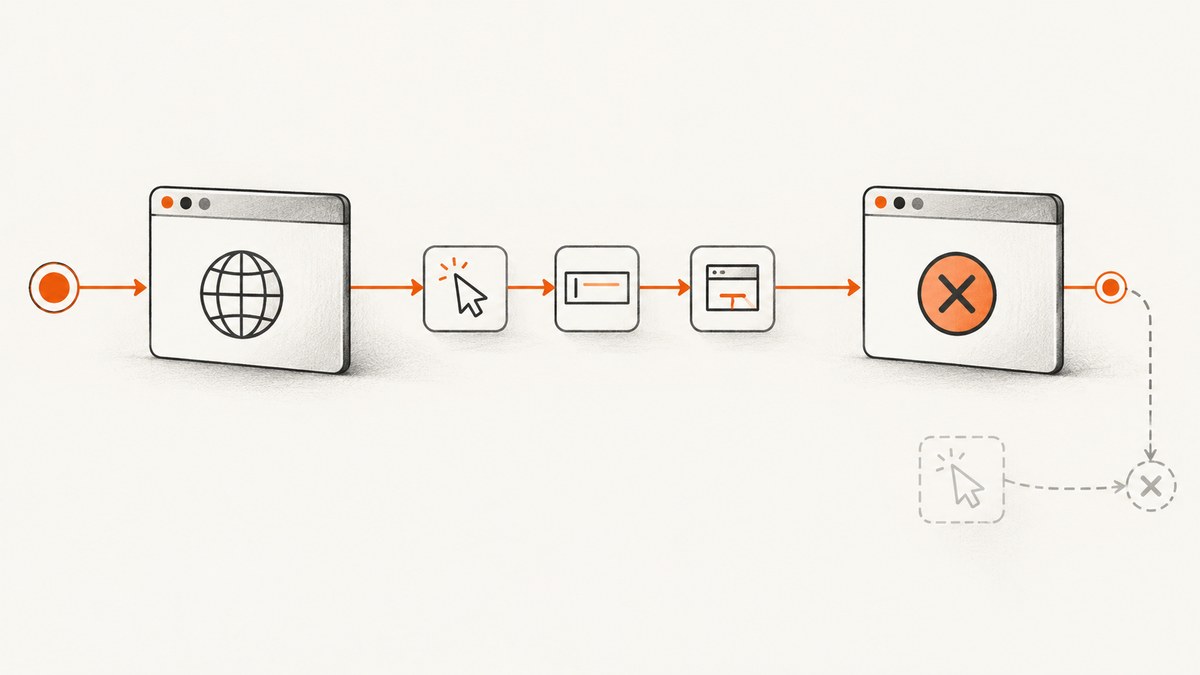
An “unknown session id” (also called “invalid session id”) means the WebDriver endpoint does not recognize the supplied session ID as an active session. In Selenium Python, that protocol error maps to InvalidSessionIdException. The message identifies a session-state problem; it does not, on its own, explain why the session ended.
Start by finding where the session was shut down. If code called driver.quit(), do not send more commands through that driver instance. Create a new driver to start a new session. Use close() to close a window while continuing in another valid window; use quit() for final cleanup.
1. Confirm that this is a session error
Read the exception class and full message before changing code. Selenium’s Python API describes InvalidSessionIdException as an exception thrown when the given session ID is not in the list of active sessions. The WebDriver protocol describes the corresponding error in the same terms. That is the diagnosis: the remote end does not list this ID as active.
It does not prove that a browser crash, timeout, driver version, Grid issue, or provider defect caused the session to become inactive. Those may be worth investigating if other evidence points to them, but the message alone does not establish any of them.
| What you see | What it concerns | First check |
|---|---|---|
InvalidSessionIdException / invalid session id |
The session ID is not active | Earlier shutdown, teardown, or reuse of an ended driver |
StaleElementReferenceException |
An element reference is no longer valid | Whether the page or element changed; locate the element again |
NoSuchWindowException |
The requested window target is unavailable | Whether a window was closed and the test switched to a valid handle |
These are different error paths. A closed tab does not automatically mean the whole WebDriver session ended. Selenium’s window guidance notes that failing to switch after closing a window can produce a no-such-window error. Diagnose the exception you actually received rather than treating all browser closures as an unknown session ID.
2. Trace the session lifecycle
- Find where the driver was created. Starting a WebDriver creates a session. In Python, search the test and helpers for
webdriver.Chrome(),webdriver.Firefox(), or the corresponding remote driver constructor. - Search every path for shutdown. Look for
quit()in the test body, fixture teardown,finallyblocks, helpers, callbacks, and error handlers. A helper may end the session even if the main test does not. - Look for commands after shutdown. Check the statements after
quit()and any later code that retained the same driver reference. Once the session ends, do not use that instance for navigation, element lookup, screenshots, or other WebDriver commands. - Check fixture and test boundaries. A function-scoped fixture may quit a driver at the end of one test while a later helper still holds its reference. Track who owns the driver and how long it is meant to live.
- For Grid, check whether teardown released the session. Selenium documents that
quit()tells Grid the browser is no longer in use so it can be allocated to another session. Verify that teardown did not run before a later command.
The practical repair is to start another session for subsequent work. Do not try to repair the old ID by retrying a command against it: the remote end does not list that ID as active.
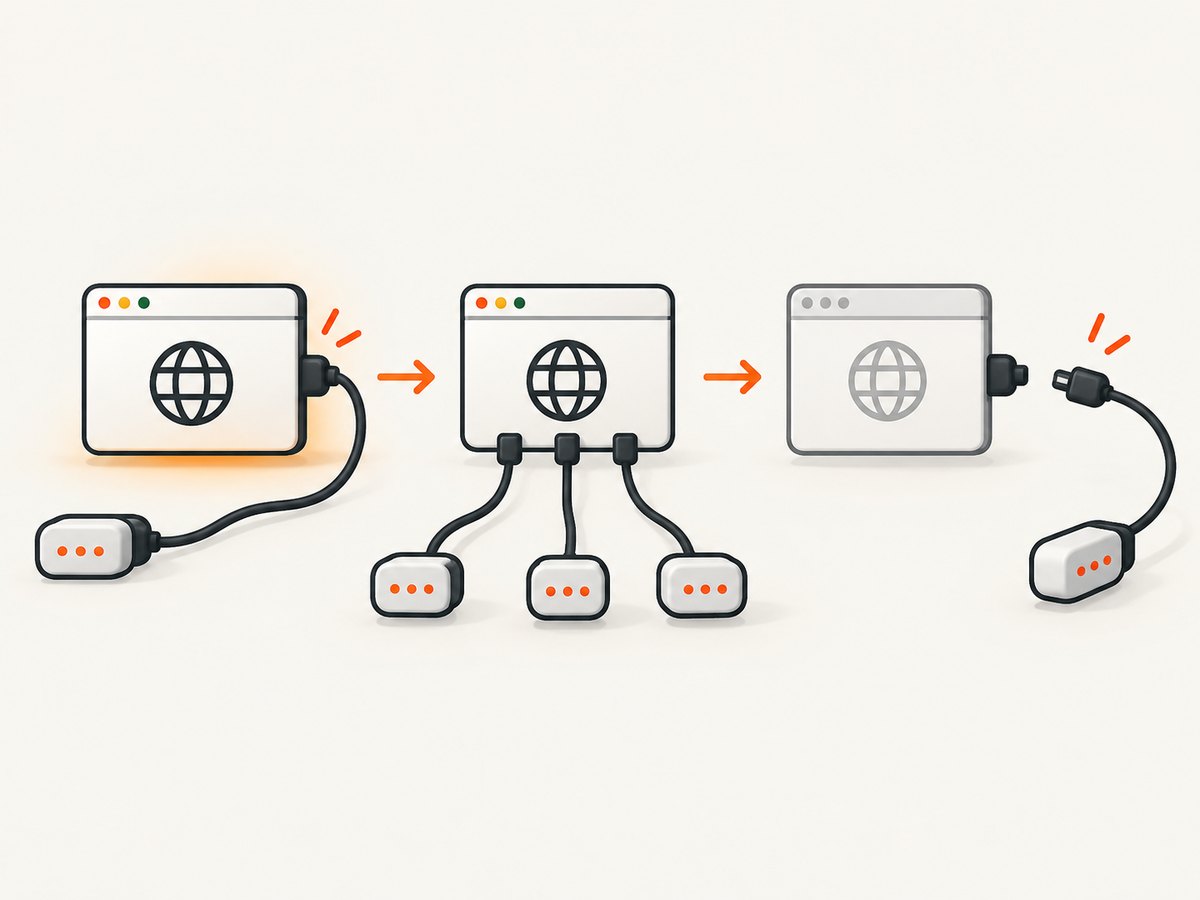
3. Choose between close and quit
| Method | Effect | Use it when |
|---|---|---|
driver.close() |
Closes the current browser window | You intend to close that window and continue in another valid window in the same session |
driver.quit() |
Ends the WebDriver session and closes its associated windows and processes | The automation session is finished and should be cleaned up |
If you close one window but have another open, switch to its handle before continuing. If there is no usable window left, do not keep issuing window commands. For final cleanup, Selenium recommends quit(); it is distinct from closing only the current window.
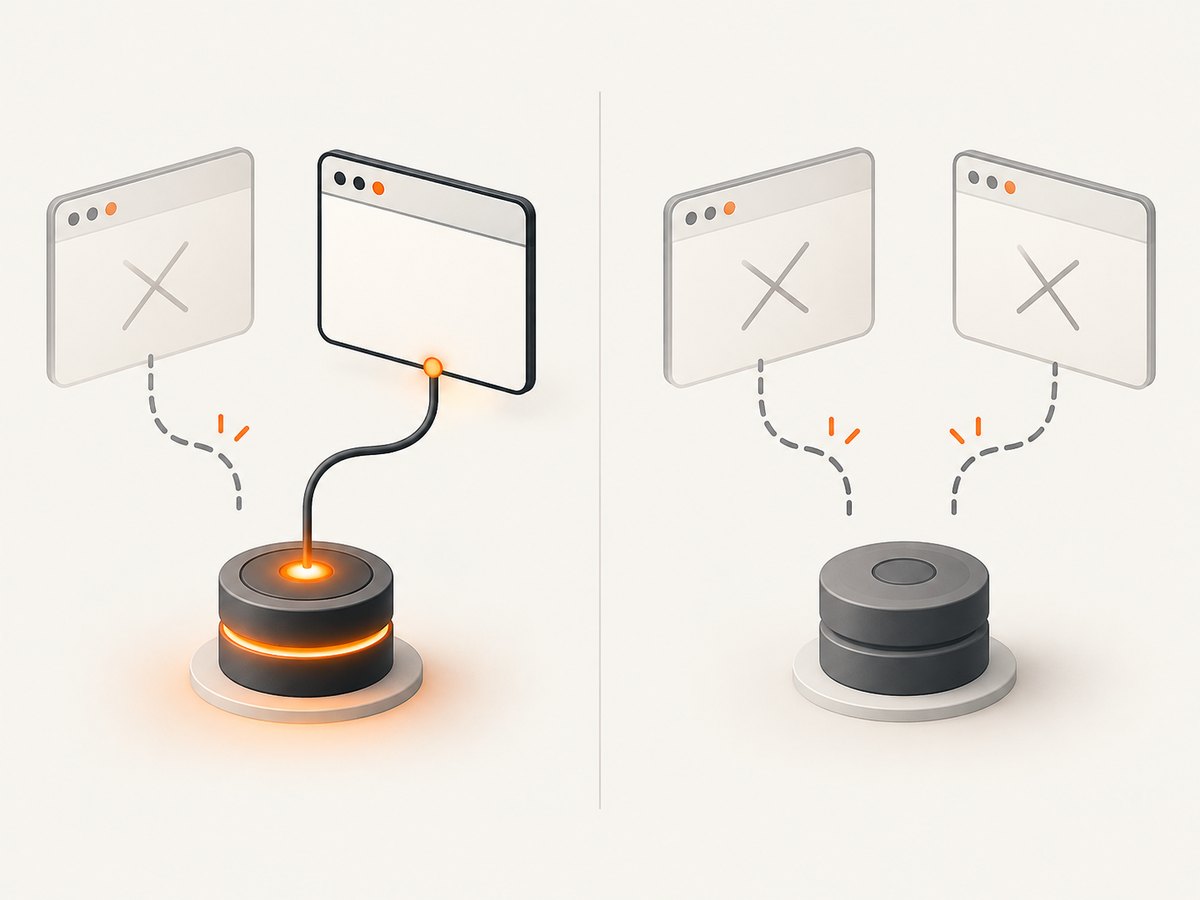
4. Runnable Python patterns
Use try/finally for predictable cleanup
This pattern quits whether the test succeeds or raises an exception. After the finally block runs, the driver is finished and must not be reused.
from selenium import webdriver

 driver = webdriver.Chrome()
 try:
     driver.get("https://example.com")
     print(driver.title)
 finally:
     driver.quit()

# Do not use driver here: quit() ended its session.
Remove the leading space before driver = if copying into a top-level Python file; it is shown here as a visual indent within the code block. Here is the same runnable code with top-level indentation exactly as needed:
from selenium import webdriver

driver = webdriver.Chrome()
try:
    driver.get("https://example.com")
    print(driver.title)
finally:
    driver.quit()
Use a context manager
Selenium Python’s driver supports a context manager that quits when the block exits. Keep all browser commands inside the block.
from selenium import webdriver

with webdriver.Chrome() as driver:
    driver.get("https://example.com")
    print(driver.title)

# The context has exited; do not use driver for WebDriver commands.
Use a pytest fixture with function scope
A fixture makes ownership explicit: it starts one browser session for a test and quits it after that test. Tests should not save the driver for later tests.
import pytest
from selenium import webdriver

@pytest.fixture
def driver():
    browser = webdriver.Chrome()
    try:
        yield browser
    finally:
        browser.quit()

def test_homepage_title(driver):
    driver.get("https://example.com")
    assert driver.title
Start a fresh session after the old one ended
If a workflow genuinely needs a new browser after cleanup, create a new driver and use that reference. A new constructor call creates a new session; it does not revive the old ID.
from selenium import webdriver

first = webdriver.Chrome()
first.get("https://example.com")
first.quit()

second = webdriver.Chrome()  # New session
try:
    second.get("https://example.org")
    print(second.title)
finally:
    second.quit()
5. Handle multiple windows without ending the session
When you need to close a popup but keep automating, record the original handle, wait for or identify the new handle, switch to it as appropriate, close only the intended window, and switch back to a handle that remains open. Do not call quit() if the session must continue.
from selenium import webdriver

with webdriver.Chrome() as driver:
    driver.get("https://example.com")
    original = driver.current_window_handle

    # After an action opens another window, select a remaining valid handle.
    handles = driver.window_handles
    for handle in handles:
        if handle != original:
            driver.switch_to.window(handle)
            driver.close()  # Closes this window, not the whole session.
            break

    if original in driver.window_handles:
        driver.switch_to.window(original)
        print(driver.title)
The example assumes the page action that opens a second window is supplied by your test. If no second window opened, the loop does nothing. If the original window was closed elsewhere, select a handle from driver.window_handles before sending further commands. When the context exits, it quits the session.
6. Common causes and fixes
| Symptom in your code | Likely lifecycle issue | Fix |
|---|---|---|
A command follows driver.quit() |
The session was deliberately ended | Move the command before cleanup, or create a new driver for the next phase |
| Failure occurs after a test or fixture completed | Teardown may have quit the driver | Keep driver use within the fixture’s lifetime; avoid storing it for later tests |
| A helper unexpectedly breaks later steps | The helper may call quit() on a driver it does not own |
Make ownership clear; let the session owner perform final cleanup |
Code uses close() and then fails on window commands |
The code may still target the closed window, or no window remains | Switch to an open handle; distinguish a window error from an invalid session ID |
| Only later commands fail after shared-state cleanup | Another code path may have ended the shared session | Avoid concurrent owners of one driver; give each test or worker its own session where appropriate |
| A retry repeats the same error | The retry still targets the inactive session | Do not retry the old session ID; create a fresh driver/session if work should continue |
7. Troubleshooting checklist
- Record the full exception class and message. Confirm it is invalid session ID rather than stale element or no such window.
- Search the entire call path for
quit(), including fixtures, teardown hooks, helpers, and exception handlers. - Verify the failing command runs before cleanup and within the lifetime of the fixture that created the driver.
- If using
close(), inspect the remaining window handles and switch to an open one. - If the session really ended, instantiate a new driver and replace the old reference throughout subsequent work.
- For Grid, inspect test teardown and session ownership to see whether
quit()released the session before later code ran. - After correcting lifecycle handling, rerun the test and confirm cleanup still happens on both success and failure.
8. Reliability, performance, and cost considerations
Predictable cleanup makes session ownership easier to reason about and avoids later commands accidentally targeting an ended session. Use a scope that matches your work: a test fixture can own a session for one test, while a longer workflow can own it for that workflow. Keep teardown in one clear place. Cleanup is itself a shutdown operation, so avoid hiding it in a helper that callers expect to leave the browser usable.
Starting a new driver creates a new session. If the previous session has ended, that is the correct lifecycle step for continued automation, but it is not a way to resume the old browser state. Your code may need to revisit the page or restore any needed state in the new session. Avoid repeated blind retries: they do not make an inactive session active and can obscure where teardown occurred.
This error’s official definition provides no frequency, timing, or cost statistic. Selenium session lifecycle guidance does not establish a universal cost for creating a session; any runtime or provider charges depend on the environment you use. Measure your own test suite and consult your Grid or browser provider’s terms for environment-specific costs.
Or skip the browser setup
If you only need a website screenshot rather than interactive browser automation, ScreenshotNeo provides a screenshot API. One GET request returns an image or PDF; see the API documentation for options and parameters.
curl -G "https://api.screenshotneo.com/v1/shot" -d access_key=YOUR_API_KEY --data-urlencode url=https://example.com -o shot.webpimport requests
r = requests.get(
"https://api.screenshotneo.com/v1/shot",
params={"access_key": "YOUR_API_KEY", "url": "https://example.com"},
timeout=90,
)
open("shot.webp", "wb").write(r.content)const q = new URLSearchParams({ access_key: 'YOUR_API_KEY', url: 'https://example.com' });
const res = await fetch(`https://api.screenshotneo.com/v1/shot?${q}`);- Cookie banners, newsletter popups, and chat widgets are removed before the screenshot; each cleanup step can be turned off.
- Bot checks, blank pages, timeouts, failed loads, and cache hits are not billed. Response headers report the page verdict and billing status.
- An MCP server gives AI agents tools to take screenshots, get page information, and capture PDFs.
- The Free plan includes 1,000 screenshots per month with no card; paid plans start at $5 for 3,000 screenshots.
Create a free ScreenshotNeo account and get 1,000 screenshots a month with no card.
FAQ
Can I reuse a WebDriver object after calling quit?
No. Once quit ends its session, do not use that instance for WebDriver commands. Create a new driver to start a new session.
Does invalid session ID mean Selenium lost an element?
No. An element reference problem is a different exception path. Check the exact class and message.
Should I call close or quit at the end of a test?
Use quit() for final session cleanup. Use close() when you mean to close only the current window and continue in another valid window.
Will retrying the same command fix the error?
Not if it still uses an inactive session ID. Locate where the session ended, then start a new session if the workflow needs to continue.


