How to Fix Selenium UnreachableBrowserException Errors
Diagnose Selenium UnreachableBrowserException by checking server reachability, browser processes, drivers, logs, and synchronization separately.
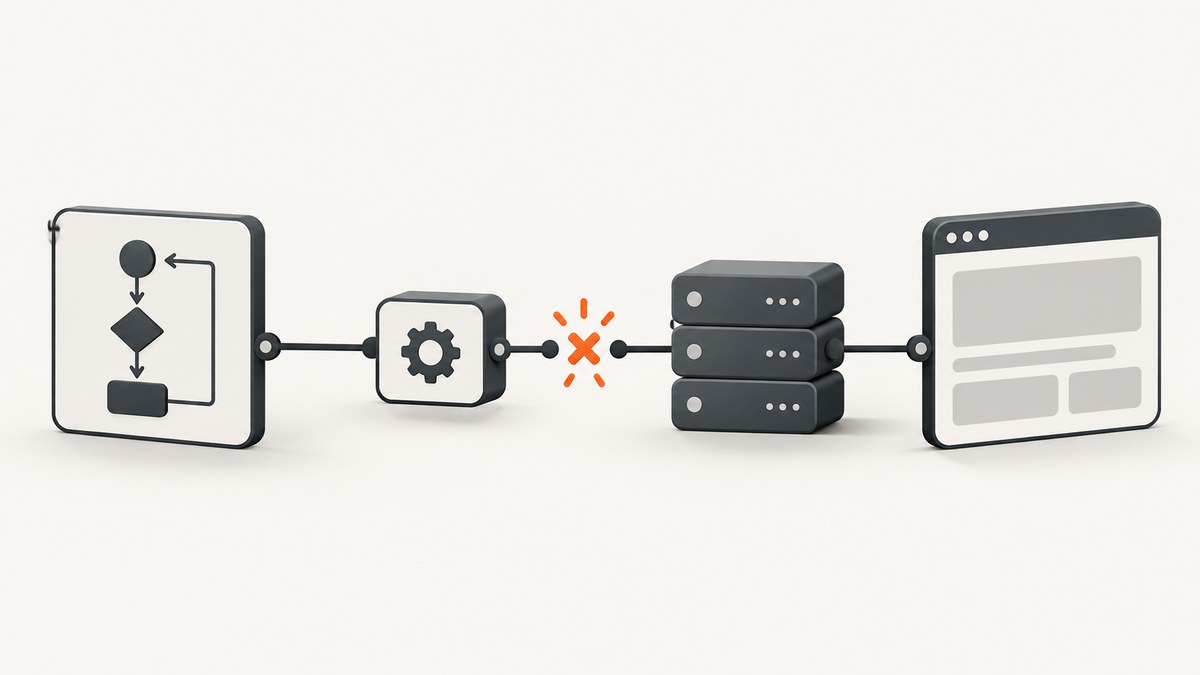
UnreachableBrowserException means Selenium lost communication with the browser it controls or with the Selenium server. Selenium’s Java API describes it as a problem communicating with the controlled browser or Selenium server. The API specifically names an invalid RemoteWebDriver server address and a browser that dies during a test as common causes.
Treat this as a communication-path failure first. Do not assume that every timeout, missing element, slow page, or driver installation error is the same exception. The correct fix depends on whether the browser is local or remote, when the failure occurs, whether the browser process is still alive, and what the logs show.
Read the official exception definition before changing timeouts or adding retries.
1. Classify the failure before changing code
| Question | What to inspect | Likely branch |
|---|---|---|
| Is the browser local? | The browser and driver run on the test machine. | Check process exit, crashes, driver discovery, permissions, and versions. |
| Is the browser remote? | RemoteWebDriver connects to a Selenium Server, Grid, or hosted provider. |
Check the configured URL, host, port, path, DNS, firewall, and server health. |
| When does it fail? | During session creation, after navigation, or mid-test. | Startup configuration differs from a browser dying during a session. |
| Does it affect one browser? | Repeat the same command with another supported browser. | One-browser failures point toward that browser or its driver. |
Save the complete exception text and stack trace. Also record the language binding, Selenium version, browser and driver versions, operating system, execution location, and whether the run is local, remote, or hosted.
2. Check a remote Selenium server
Verify the endpoint exactly
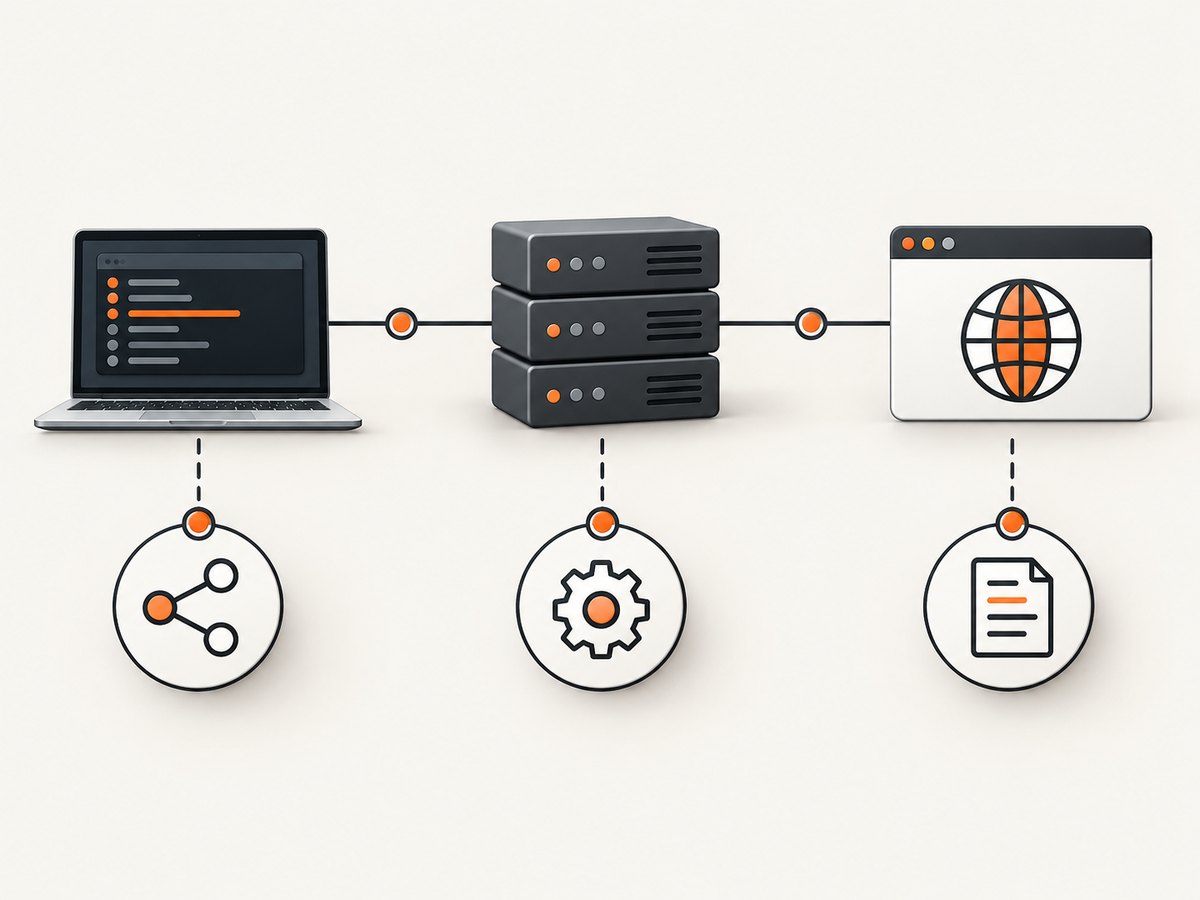
For a remote run, inspect the URL passed to RemoteWebDriver. Confirm the scheme, hostname, port, and path. A stale Grid URL, wrong container port, incorrect reverse-proxy path, or a hostname that resolves only on your laptop can all prevent communication.
import org.openqa.selenium.WebDriver;
import org.openqa.selenium.chrome.ChromeOptions;
import org.openqa.selenium.remote.RemoteWebDriver;
import java.net.MalformedURLException;
import java.net.URL;

public class RemoteSmokeTest {
  public static void main(String[] args) throws MalformedURLException {
    String serverUrl = System.getenv("SELENIUM_SERVER_URL");
    if (serverUrl == null || serverUrl.isBlank()) {
      throw new IllegalArgumentException("Set SELENIUM_SERVER_URL");
    }

    ChromeOptions options = new ChromeOptions();
    WebDriver driver = new RemoteWebDriver(new URL(serverUrl), options);
    try {
      driver.get("https://example.com");
      System.out.println(driver.getTitle());
    } finally {
      driver.quit();
    }
  }
}
Run the reachability check from the same machine, container, or CI job that runs the test. A server reachable from your workstation may be unreachable from the test runner.
curl -v http://selenium-host:4444/statusA healthy Selenium Server normally returns a status document. A connection refusal, DNS error, TLS error, HTTP 404, or gateway response identifies a different layer to fix before inspecting page waits.
Confirm the server is accepting sessions
- Check that the Selenium service is running and listening on the expected interface and port.
- Inspect server, Grid, node, and reverse-proxy logs at the failure time.
- Confirm the requested browser capabilities can be scheduled on an available node.
- Check container networking, security groups, firewall rules, and proxy environment variables.
- Use the server URL documented for your Selenium version and deployment; do not add or remove a path based on a guess.
3. Check whether a local browser died
With a local driver, determine whether the browser process exited or crashed while the test was running. An unreachable browser is a transport symptom; the underlying cause may be an out-of-memory kill, a browser crash, a policy restriction, a profile lock, or a driver process failure.
- Capture browser-driver logs and Selenium client logs.
- Inspect operating-system event logs, container logs, and exit codes for the browser process.
- Check available memory, disk space, shared memory, sandbox restrictions, and user permissions.
- Run the smallest reproduction: create a session, open one URL, read the title, and quit.
- Repeat with another browser to see whether the failure follows one driver.
from selenium import webdriver
from selenium.webdriver.chrome.options import Options

options = Options()
# Keep the test minimal while diagnosing communication.
driver = webdriver.Chrome(options=options)
try:
    driver.get("https://example.com")
    print(driver.title)
finally:
    driver.quit()
If the minimal run fails before navigation, investigate browser startup, driver discovery, versions, permissions, and system restrictions. If it succeeds but a larger test fails after many steps, correlate the failure timestamp with browser and driver logs.
4. Check browser and driver discovery when symptoms point to startup
Browser/driver mismatch, missing executables, operating-system restrictions, and configuration errors are documented causes of related session-creation and startup failures. They are an adjacent diagnostic branch, not a universal explanation for every UnreachableBrowserException.
Selenium Manager is included with Selenium 4.6 and later and can assist with driver discovery. See the Selenium Manager documentation. Verify the actual versions in your environment rather than assuming the driver matches the browser.
| Symptom | Checks |
|---|---|
| Failure before a session exists | Browser executable path, driver discovery, Selenium Manager output, permissions, and browser-driver compatibility. |
| Session starts, then becomes unreachable | Browser crash, process kill, driver logs, system resources, and network path for remote runs. |
| Only CI fails | Container image, sandbox or shared-memory limits, user identity, proxy settings, and installed browser version. |
5. Use logs and cross-browser comparison
Enable the logging supported by your language binding, driver, and Selenium deployment. Preserve timestamps so you can align the client stack trace with server, driver, browser, and operating-system events.
Run the same minimal command in another browser. If Chrome fails while Firefox succeeds, or one remote node fails while another succeeds, an underlying browser or driver issue becomes more likely. If every browser fails at the same point, inspect the server, network, test runner, or shared infrastructure.
Selenium’s troubleshooting guidance covers logging, driver diagnosis, cross-browser comparison, and bug reports. Include the complete stack trace, a minimal reproduction, versions, operating system, capabilities, and relevant logs when reporting an issue.
6. Separate communication loss from synchronization problems
A slow page or missing element is usually a synchronization problem. A dead browser or unavailable server is a communication problem. Wait for the condition your test needs only when the browser is still responding.
from selenium.webdriver.common.by import By
from selenium.webdriver.support.ui import WebDriverWait
from selenium.webdriver.support import expected_conditions as EC

wait = WebDriverWait(driver, 20)
button = wait.until(EC.element_to_be_clickable((By.CSS_SELECTOR, "button.submit")))
button.click()
Do not treat a larger wait, a sleep, or a retry as a repair for a browser process that has exited. Selenium warns that mixing implicit and explicit waits can produce unpredictable timing. Choose a deliberate waiting strategy and avoid combining the two styles.
For Node.js, the equivalent condition wait is:
const { Builder, By, until } = require('selenium-webdriver');

(async function () {
  const driver = await new Builder().forBrowser('chrome').build();
  try {
    await driver.get('https://example.com');
    const button = await driver.wait(
      until.elementLocated(By.css('button.submit')),
      20000
    );
    await driver.wait(until.elementIsEnabled(button), 20000);
    await button.click();
  } finally {
    await driver.quit();
  }
})();
Keep synchronization diagnostics separate from transport diagnostics. If a command cannot reach the browser, no wait condition can be evaluated.
7. A practical decision tree
- Preserve evidence. Save the full exception, stack trace, versions, capabilities, location, and timestamps.
- Identify execution location. Decide whether the browser is local or controlled through a remote server.
- Test the remote path. From the test runner, verify DNS, TCP/TLS, the server URL, and the Selenium status endpoint.
- Check process state. For local runs, determine whether the browser or driver exited. For remote runs, inspect the node and server logs.
- Reduce the test. Reproduce with session creation, one navigation, one command, and quit.
- Compare browsers or nodes. A failure isolated to one browser, driver, or node narrows the search.
- Inspect startup configuration. Check executable discovery, compatibility, permissions, sandbox restrictions, and resource limits when the failure occurs during startup.
- Apply waits only to live sessions. Use explicit waits for real readiness conditions; do not mix implicit and explicit waits.
- Escalate with evidence. Follow Selenium’s bug-report guidance when logs implicate Selenium itself.
8. Common errors and fixes
| Observed error or symptom | Cause to investigate | Fix |
|---|---|---|
Connection refused or timeout to RemoteWebDriver |
Wrong host or port, stopped server, firewall, DNS, or proxy. | Correct the endpoint and verify it from the test runner with a verbose request. |
| Failure after several successful commands | Browser crash, process kill, driver crash, or node loss. | Correlate browser, driver, node, and OS logs; check memory and shared-memory limits. |
| Failure only in one browser | Browser-specific driver or browser defect. | Compare with another browser and update or pin compatible components after confirming versions. |
| Session creation fails immediately | Missing executable, incompatible driver, permissions, or unsupported capability. | Check driver discovery and capabilities; review Selenium Manager output and installation documentation. |
| Element not found on a slow page | Application readiness race. | Wait for a specific element or state. Do not label it an unreachable browser without transport evidence. |
| Intermittent command timeout | Infrastructure saturation, browser hang, network instability, or a driver issue. | Compare timestamps and logs, reduce concurrency, and reproduce with a minimal test before changing timeouts. |
9. A JDK HttpClient timeout case study
Selenium issue #11798 documents one report associated with JDK HttpClient timeout behavior. Use it as a case study when your stack, JDK, timing, and logs match that report. It is not a default Selenium timeout value or a general explanation for this exception. Do not change a timeout based on the issue number alone.
10. Reliability, performance, and cost considerations
- Reliability: Keep browser, driver, Selenium Server, and node versions controlled in CI. Record versions in every run so a silent image update is visible.
- Performance: A minimal smoke test and cross-browser comparison usually isolate the failing layer faster than repeatedly running a full suite. Use explicit conditions instead of fixed sleeps for application readiness.
- Retries: Retry only when you have evidence of a transient infrastructure failure. A retry can hide a deterministic browser crash or a bad endpoint.
- Parallelism: If failures rise with concurrency, inspect node capacity, memory, CPU, file descriptors, and shared-memory limits before increasing command timeouts.
- Cost: Selenium itself does not establish a universal per-test price. Account for the infrastructure running browsers, Grid nodes, CI minutes, hosted-browser usage, and log storage in your deployment.
11. Or skip the browser setup
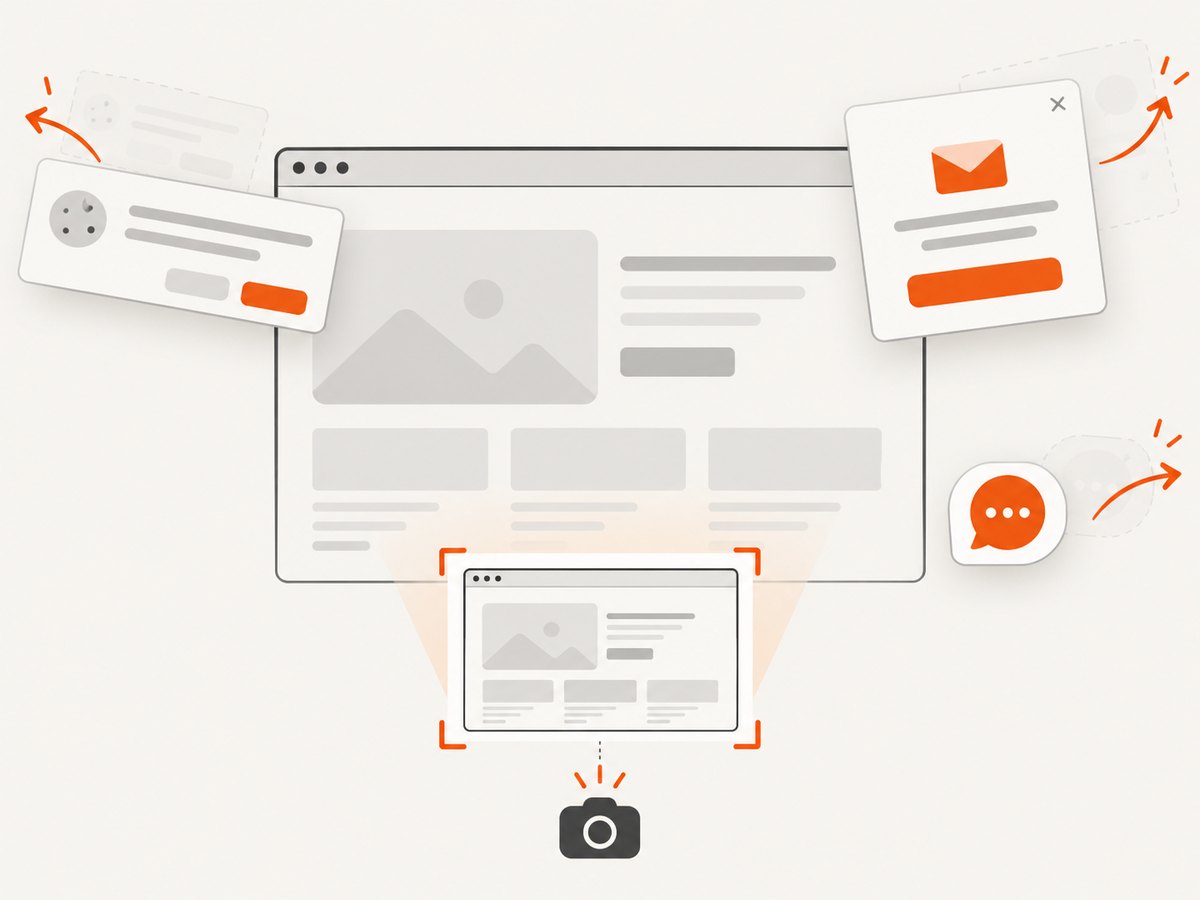
If your goal is to obtain a page image rather than drive an interactive browser, ScreenshotNeo provides a website screenshot API. It accepts one GET request and returns PNG, JPEG, WebP, or PDF. Cookie and consent banners, newsletter popups, and chat widgets are removed before capture; bot checks, blank pages, failed loads, timeouts, and cache hits are not billed. Responses identify the page verdict and billing status with X-Page-Verdict and X-Billed headers. It also provides an MCP server for AI agents, including Claude and Cursor.
See the ScreenshotNeo API documentation for all options.
cURL
curl -G "https://api.screenshotneo.com/v1/shot" -d access_key=YOUR_API_KEY --data-urlencode url=https://stripe.com -o shot.webpPython
import requests
r = requests.get("https://api.screenshotneo.com/v1/shot", params={"access_key": "YOUR_API_KEY", "url": "https://stripe.com"}, timeout=90)
open("shot.webp", "wb").write(r.content)
Node.js
const q = new URLSearchParams({ access_key: 'YOUR_API_KEY', url: 'https://stripe.com' });
const res = await fetch(`https://api.screenshotneo.com/v1/shot?${q}`);
ScreenshotNeo supports full-page capture, CSS-selector element capture, dark mode, device presets, custom viewports, retina scale, PDF controls, custom CSS and JavaScript, click and wait actions, resource blocking, headers, cookies, user agents, authorization, timezone, geolocation, transparent backgrounds, resizing, caching, signed links, asynchronous jobs, webhooks, bulk capture, usage reporting, and an OpenAPI specification.
Create a free ScreenshotNeo account: 1,000 screenshots per month with no card. Paid plans start at $5 for 3,000 screenshots.
12. FAQ
Is UnreachableBrowserException always a browser crash?
No. It can also indicate that the Selenium Server endpoint is invalid or unreachable. Confirm the execution location and inspect the relevant process and network path.
Should I increase the Selenium timeout?
Only when logs show a slow but live system and the timeout belongs to that operation. A larger wait cannot restore communication with a dead browser or unavailable server.
Can an element wait fix this exception?
It can fix a readiness race when the session remains responsive. It cannot fix transport loss.
Why does the test pass locally but fail in CI?
CI may use a different browser image, driver, user, network route, proxy, sandbox, shared-memory limit, or Selenium node. Compare those details and inspect CI-side logs.
What should I include in a bug report?
Provide the full stack trace, minimal reproduction, language and Selenium versions, browser and driver versions, operating system, capabilities, execution topology, timestamps, and server, driver, browser, and system logs.


