How to Fix Selenium WebDriver Errors in Google Colab
Diagnose missing drivers, version mismatches, Selenium Manager failures, and broken Colab runtimes with a repeatable, current workflow.
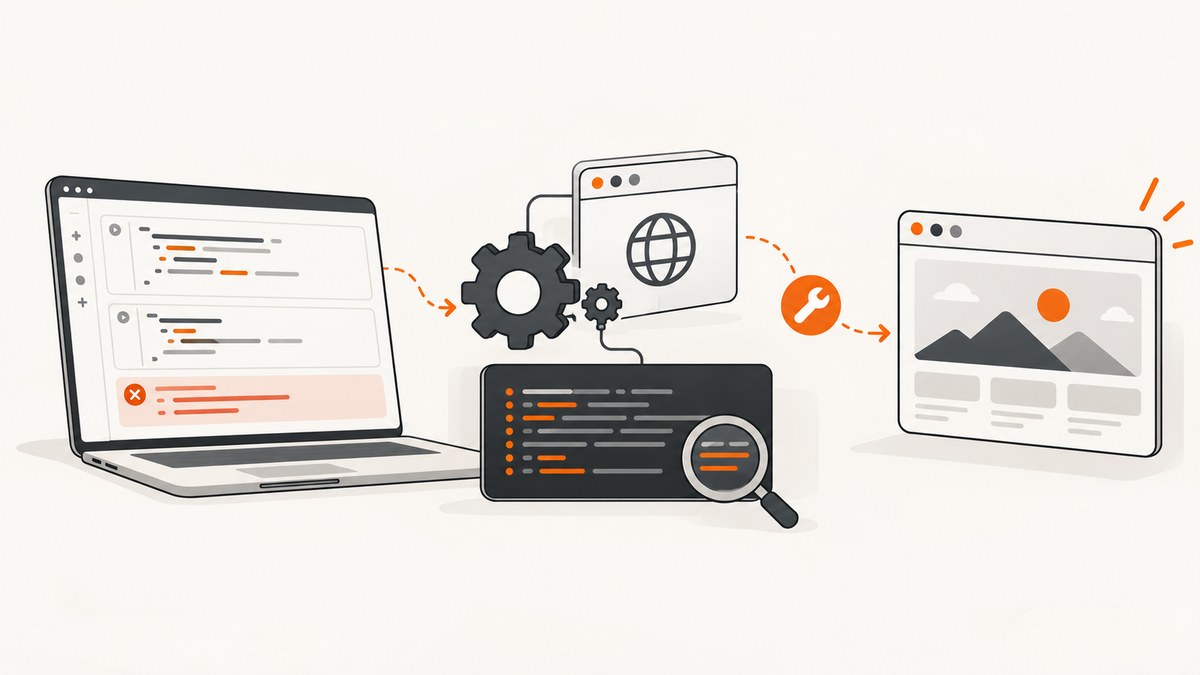
Short answer: preserve the complete traceback, inspect the browser, ChromeDriver, executable paths, and Selenium version in the current Colab runtime, then let Selenium Manager resolve the driver when possible. Use an explicit Service path only after confirming that automatic management cannot work. If the runtime has stale or conflicting system changes, disconnect and delete it, then rerun a self-contained setup. Colab runtimes are temporary and can change, so a hard-coded driver version from an old notebook is not a durable fix.
This guide covers the failure classes that look similar but need different fixes: a missing driver, a browser/driver mismatch, a browser that exits during startup, and Selenium Manager download or network errors.
1. Capture the exact error before changing the runtime
Save the full traceback, including the first exception and the final WebDriver message. The wording usually identifies the class of failure:
| Traceback signal | Likely cause | First action |
|---|---|---|
Unable to obtain driver for chrome or unable to locate driver |
No usable ChromeDriver was found, or the executable is not discoverable. | Inspect paths and Selenium Manager output. |
only supports Chrome version ... |
ChromeDriver and the installed browser are incompatible. | Print both versions and use a matched pair. |
| Session not created; browser exited | Startup flags, permissions, profile state, or an unhealthy runtime prevented Chrome from starting. | Use headless flags, a temporary profile, and a clean runtime. |
| Selenium Manager timeout, DNS, proxy, or connection error | Manager could not reach the metadata or download endpoint. | Check network and proxy settings, then provide a known local path. |
Selenium’s documentation separates missing-driver diagnosis from mismatch and manager-connectivity problems. Installing another random chromedriver before identifying the class often creates a second, stale executable on PATH.
2. Inspect the actual Colab runtime
Colab’s hosted virtual machine is managed, temporary, resource-limited, and subject to resets. The browser version and installed packages can change with runtime images. Run these cells in a fresh notebook and keep their output with the traceback.
# Python: inspect Python, Selenium, Chrome/Chromium, and driver binaries
import os
import shutil
import subprocess
import sys

print("Python:", sys.version)
try:
    import selenium
    print("Selenium:", selenium.__version__)
except Exception as exc:
    print("Selenium import failed:", repr(exc))

for name in ("google-chrome", "google-chrome-stable", "chromium", "chromium-browser", "chromedriver"):
    path = shutil.which(name)
    print(f"{name}: {path or 'not found'}")
    if path:
        for args in (("--version",), ("-v",)):
            try:
                result = subprocess.run([path, *args], text=True, capture_output=True, timeout=10)
                output = (result.stdout or result.stderr).strip()
                if output:
                    print("  ", output)
                    break
            except Exception as exc:
                print("  version check failed:", repr(exc))

print("PATH:", os.environ.get("PATH", ""))
Also check which runtime you are using under Runtime → Change runtime type. A hosted runtime and a local runtime are different execution arrangements. In a local runtime, notebook code can read, write, delete files, and execute commands on your machine; connect only notebooks you trust. Colab’s documentation does not promise one universal Selenium recipe or a fixed Chrome version for every hosted session.
3. Install or upgrade Selenium, then try Selenium Manager
Selenium Manager is the built-in driver-management approach in Selenium releases from 4.6 onward. When you do not provide a driver, Selenium bindings can invoke it as a fallback to discover or download a compatible driver.
# Install the current package in this runtime, then restart the Python process if Colab asks.
%pip install -U selenium
from selenium import webdriver
from selenium.webdriver.chrome.options import Options
options = Options()
options.add_argument("--headless=new")
options.add_argument("--no-sandbox")
options.add_argument("--disable-dev-shm-usage")
options.add_argument("--window-size=1365,900")
# Selenium Manager is attempted because no driver path is supplied.
driver = webdriver.Chrome(options=options)
try:
driver.get("https://example.com")
print(driver.title)
finally:
driver.quit()--headless=new avoids requiring a visible desktop. --no-sandbox and --disable-dev-shm-usage are commonly needed in managed Linux containers. They do not repair a version mismatch or a blocked manager download.
4. Fix a ChromeDriver version mismatch deliberately
ChromeDriver is a separate executable that controls Chrome. A session can fail when its supported browser version does not match the browser installed in the VM. Chrome’s documentation also describes Chrome for Testing distributions for releases beginning with milestone 115.
- Print the browser and driver versions with the inspection cell above.
- Check whether an old
chromedriverappears earlier onPATHthan the binary you intended to use. - Remove or stop using stale manually installed paths.
- Install or select a driver matched to the browser actually present, then print both versions again.
For a controlled environment, pass the driver through Selenium’s Service object. Current Selenium Python code should not use the legacy executable_path constructor argument.
from selenium import webdriver
from selenium.webdriver.chrome.options import Options
from selenium.webdriver.chrome.service import Service

CHROMEDRIVER = "/absolute/path/to/chromedriver"  # replace after inspection
options = Options()
options.add_argument("--headless=new")
options.add_argument("--no-sandbox")
options.add_argument("--disable-dev-shm-usage")

service = Service(CHROMEDRIVER)
driver = webdriver.Chrome(service=service, options=options)
try:
    driver.get("https://example.com")
    print(driver.current_url)
finally:
    driver.quit()
Do not copy a driver version from a stale tutorial. Colab can update its image, and a previously working pin can become incompatible.
5. Diagnose Selenium Manager download and path failures
Selenium Manager may contact remote endpoints for browser and driver metadata or binaries. DNS failures, a proxy requirement, firewall rules, or restricted network access can stop that process.
Check connectivity and proxy configuration
import os

for key in ("HTTP_PROXY", "HTTPS_PROXY", "NO_PROXY", "http_proxy", "https_proxy", "no_proxy"):
    value = os.environ.get(key)
    if value:
        print(key, "=", value)

# Basic DNS/HTTPS diagnostic from the runtime
import socket
print("google.com resolves to:", socket.gethostbyname("google.com"))
If the manager reports a proxy, DNS, or download error, correct the runtime’s network configuration where you control it, or provide a browser and driver already available on disk. Selenium documents proxy support and manual browser/driver paths as alternatives; neither option overrides Colab service restrictions.
Confirm the selected executable
import shutil
print("chromedriver selected:", shutil.which("chromedriver"))
print("chrome selected:", shutil.which("google-chrome") or shutil.which("chromium"))
A missing executable error means the selected path does not exist, is not executable, or was never passed to Selenium. Fix the path and permissions before changing package versions.
6. Handle browser startup and headless errors
When the driver is present and compatible but Chrome exits immediately, reduce variables:
- Use
--headless=newin a hosted runtime. - Add
--no-sandboxand--disable-dev-shm-usage. - Use a unique temporary user-data directory if a profile is locked.
- Quit every driver in a
finallyblock so orphaned processes do not exhaust the VM. - Test
https://example.combefore testing a complex target page.
import tempfile
from selenium import webdriver
from selenium.webdriver.chrome.options import Options

profile = tempfile.mkdtemp(prefix="colab-chrome-")
options = Options()
for arg in (
    "--headless=new",
    "--no-sandbox",
    "--disable-dev-shm-usage",
    "--window-size=1365,900",
    f"--user-data-dir={profile}",
):
    options.add_argument(arg)

driver = webdriver.Chrome(options=options)
try:
    driver.get("https://example.com")
    print(driver.title)
finally:
    driver.quit()
7. Reset a damaged managed runtime
If several install attempts left conflicting binaries or packages, use Runtime → Disconnect and delete runtime. Colab documents this as a way to restore its managed VM to the original state. Resetting removes the installed dependencies, and reset requests can be rate-limited, so keep setup cells in the notebook and rerun them in order.
- Save the traceback and inspection output.
- Disconnect and delete the runtime.
- Reconnect and run the Selenium install cell once.
- Run the inspection cell before adding manual driver installation.
- Try Selenium Manager first; add a
Servicepath only with a verified matched driver.
8. Choose the right Colab execution model
| Option | Best use | Tradeoff |
|---|---|---|
| Selenium Manager | Current Selenium with ordinary browser discovery. | Must detect the browser and may need network access for metadata or binaries. |
Explicit Service path |
Controlled environments or a diagnostic fallback. | You maintain the path and browser/driver compatibility. |
| Reset hosted runtime | Suspected damaged or conflicting state. | All dependencies must be installed again; reset may be rate-limited. |
| Past runtime version | Reproducing a notebook that broke after an image update. | It can start more slowly and may lack newer features. Google recommends the latest runtime by default. |
| Local runtime | You need control over the machine and installed browser. | Notebook code gains access to local files and commands, changing the trust boundary. |
Paid Colab access is not an automatic fix for driver discovery or browser compatibility. The documented issue is the runtime state and its browser/driver pair.
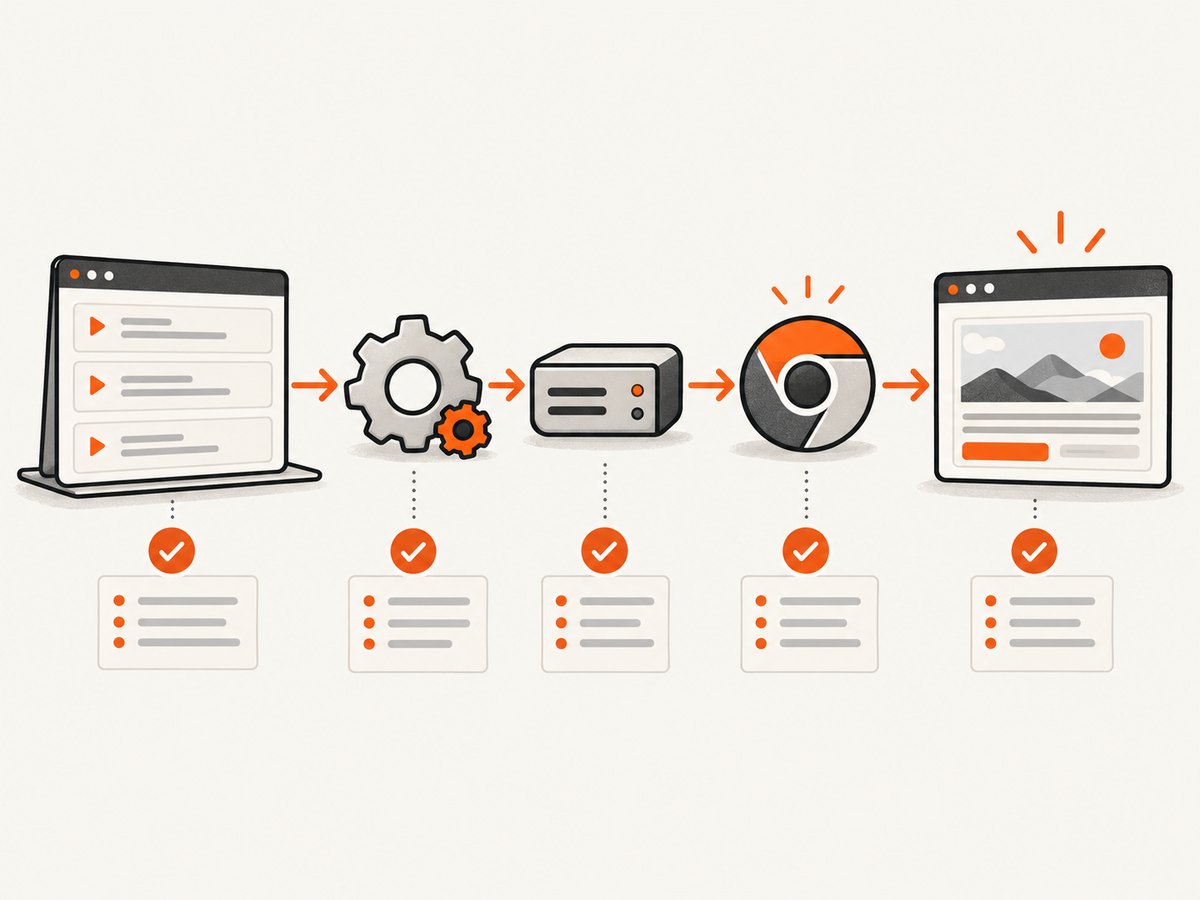
9. A repeatable diagnostic checklist
- Copy the complete traceback.
- Record Python and Selenium versions.
- Locate Chrome or Chromium and print its version.
- Locate every
chromedrivercandidate and print its version. - Check whether an old binary is earlier on
PATH. - Try a minimal headless constructor with Selenium Manager.
- If manager networking fails, inspect proxy, DNS, and firewall conditions.
- If versions mismatch, use a matched pair and a
Servicepath. - If state is polluted, reset the managed runtime and rerun setup.
- For reproducibility, keep inspection and installation cells in the notebook and record the date and runtime image.
10. Or skip the browser setup
If your goal is a clean image or PDF of a URL rather than browser automation, ScreenshotNeo provides a single HTTP request. Cookie and consent banners are accepted and removed before capture, along with more than 60 known consent platforms, newsletter popups, and chat widgets. Bot checks, blank pages, timeouts, failed loads, and cache hits are not billed, and the response identifies the result with X-Page-Verdict and X-Billed headers. An MCP server provides take_screenshot, get_page_info, and capture_pdf tools for Claude, Cursor, and other MCP clients.

See the ScreenshotNeo API documentation for all options. The basic call is:
cURL
curl -G "https://api.screenshotneo.com/v1/shot" -d access_key=YOUR_API_KEY --data-urlencode url=https://stripe.com -o shot.webpPython
import requests
r = requests.get("https://api.screenshotneo.com/v1/shot", params={"access_key": "YOUR_API_KEY", "url": "https://stripe.com"}, timeout=90)
open("shot.webp", "wb").write(r.content)
Node.js
const q = new URLSearchParams({ access_key: 'YOUR_API_KEY', url: 'https://stripe.com' }); const res = await fetch(`https://api.screenshotneo.com/v1/shot?${q}`);ScreenshotNeo has 1,000 screenshots a month free with no card; paid plans start at $5 for 3,000. Create a free ScreenshotNeo account.
11. Performance, reliability, and cost notes
- Startup cost: Creating a Chrome process is expensive compared with reusing one driver. Reuse a driver for a small batch, but always quit it when the batch ends.
- Parallelism: Each parallel browser needs memory and CPU. Colab resources are not guaranteed, so increase concurrency only after measuring failures and memory pressure.
- Page waits: Prefer explicit waits for a required element over arbitrary long sleeps. A fixed delay can still be too short on a slow page and waste time on a fast one.
- Reproducibility: Print versions at startup and keep installation cells together. Runtime resets erase installed packages and binaries.
- Network reliability: Selenium Manager depends on reachable metadata or download endpoints when it cannot use a local driver. A constrained network needs a controlled browser/driver supply.
- Billing alternative: ScreenshotNeo bills only clean captures; failed loads, bot checks, blank pages, timeouts, and cache hits are not billed. Its cache TTL, async jobs, signed webhooks, bulk capture of up to 100 URLs per call, and usage API can reduce repeated browser work.
12. Frequently asked questions
Why did the same notebook work yesterday?
The hosted runtime may have been reset or recreated with a different image, browser, package set, or path. Inspect the current machine instead of assuming yesterday’s versions remain installed.
Is ChromeDriver the same as the Chrome browser?
No. ChromeDriver is a separate executable that Selenium uses to control Chrome. Both must be present, discoverable, and compatible.
Should I always install a specific ChromeDriver version?
No. Start with Selenium Manager on a current Selenium release. Pin and pass a driver explicitly when you control the environment or manager cannot access its endpoints.
Can a local runtime guarantee that Colab will work?
It gives you control over the local browser and driver, but it changes where notebook code runs and what files and commands it can access. It is a different trust and execution model, not a bypass for Colab restrictions.
Do I need Selenium if I only need screenshots?
No. An HTTP screenshot API such as ScreenshotNeo can capture a URL without installing Chrome, ChromeDriver, or a Colab browser stack.
Primary sources
- Google Colaboratory FAQ — hosted runtime lifecycle, limits, browsers, and reset behavior.
- Selenium Manager documentation — automatic management, mismatch background, connectivity, and alternatives.
- Selenium: Unable to Locate Driver Error — diagnosing missing drivers and setting a
Servicepath. - ChromeDriver documentation — the driver’s role and Chrome for Testing distribution.
- Colab local runtimes — setup distinction and local machine access.
- Colab past runtime versions — latest-runtime recommendation and pinning tradeoffs.


