How to Fix SeleniumBase Detection Failures on Linux
Diagnose SeleniumBase Linux failures by separating site blocks from browser startup errors, then check UC Mode, Xvfb, browser choice, and driver setup.
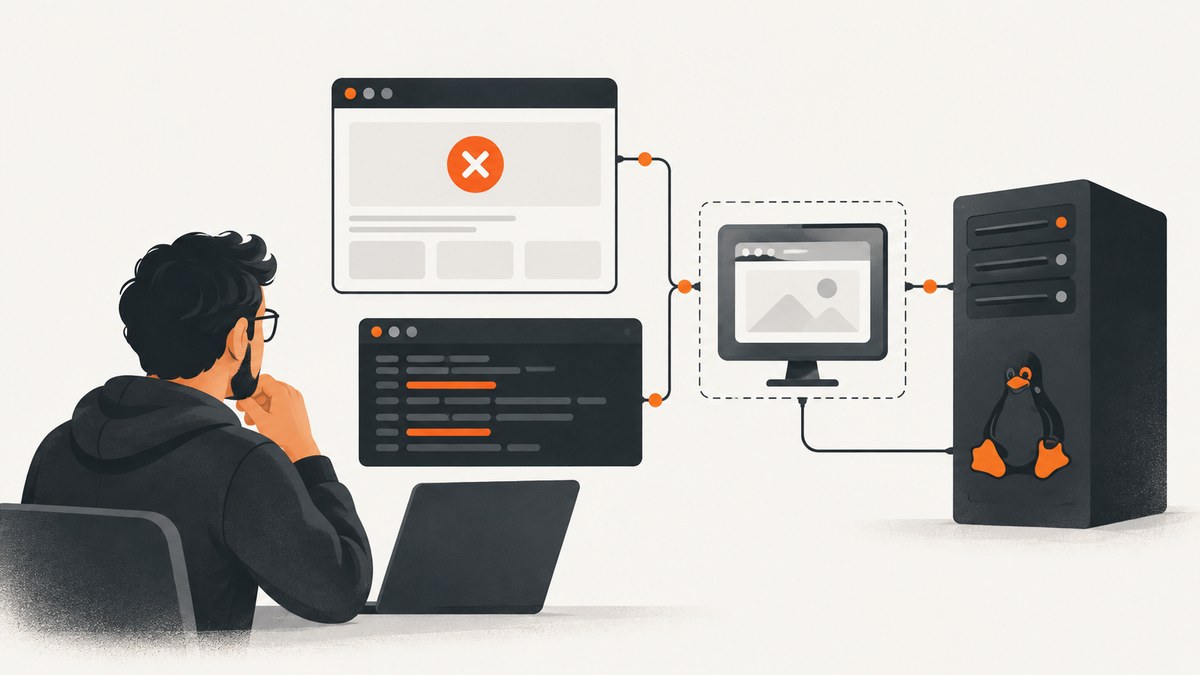
If SeleniumBase works on Windows but gets detected or fails on Linux, first identify which failure you have. A site challenge, CAPTCHA, block page, or HTTP 429 means the browser launched and the site rejected the request. A WebDriver connection-refused exception means the local browser-control path failed. On a GUI-less Linux host running UC Mode, start with SeleniumBase’s SB() manager and Xvfb, not headless mode. SeleniumBase warns that UC Mode can be detected in headless mode, and its maintainer recommends SB() for UC Mode on GUI-less Linux because it includes special Xvfb support.
These settings are diagnostic steps, not a promise that a particular website will accept automation. The result can depend on the site, browser, framework, operating system, container image, and network. Work through one change at a time so you can tell whether the issue is local startup or site-side handling.
1. Classify the failure before changing settings
Write down the first failing action and what happened immediately before it. “Detected” is too broad to diagnose by itself. A browser that opens and then shows a challenge calls for a different investigation from a browser that opens but cannot receive the next WebDriver command.
| Symptom | Likely layer | First check |
|---|---|---|
| CAPTCHA, challenge, block page, or 429 after navigation | Target site or request handling | Record the URL stage, response, and challenge type; confirm the browser launched. |
| Connection refused when a UC command runs | Local WebDriver/browser connection or display setup | On GUI-less Linux, try the SB() context manager with Xvfb. |
| GUI or CAPTCHA helper fails on a server | Display availability | Check that a virtual display is active; SeleniumBase says PyAutoGUI does not work in headless mode. |
| Driver download or browser startup fails | Installation/runtime | Run a minimal non-UC launch and verify SeleniumBase can manage its driver. |
Capture these details in a small incident note before testing: Linux distribution, container image, Python and SeleniumBase versions, browser name and version, whether it is Chrome or Chromium, UC setting, headless/headed/Xvfb settings, first failing command, full exception, and any site response or challenge. Avoid changing several launch options together; otherwise a successful or failed run will not tell you which factor mattered.
2. Run UC Mode on a virtual display with SB()
For a GUI-less Linux machine, use the SB() manager with uc=True and xvfb=True. Xvfb supplies a virtual display so a regular browser can run on a host with no physical desktop. Current SeleniumBase documentation uses this context-manager form for Linux UC examples.
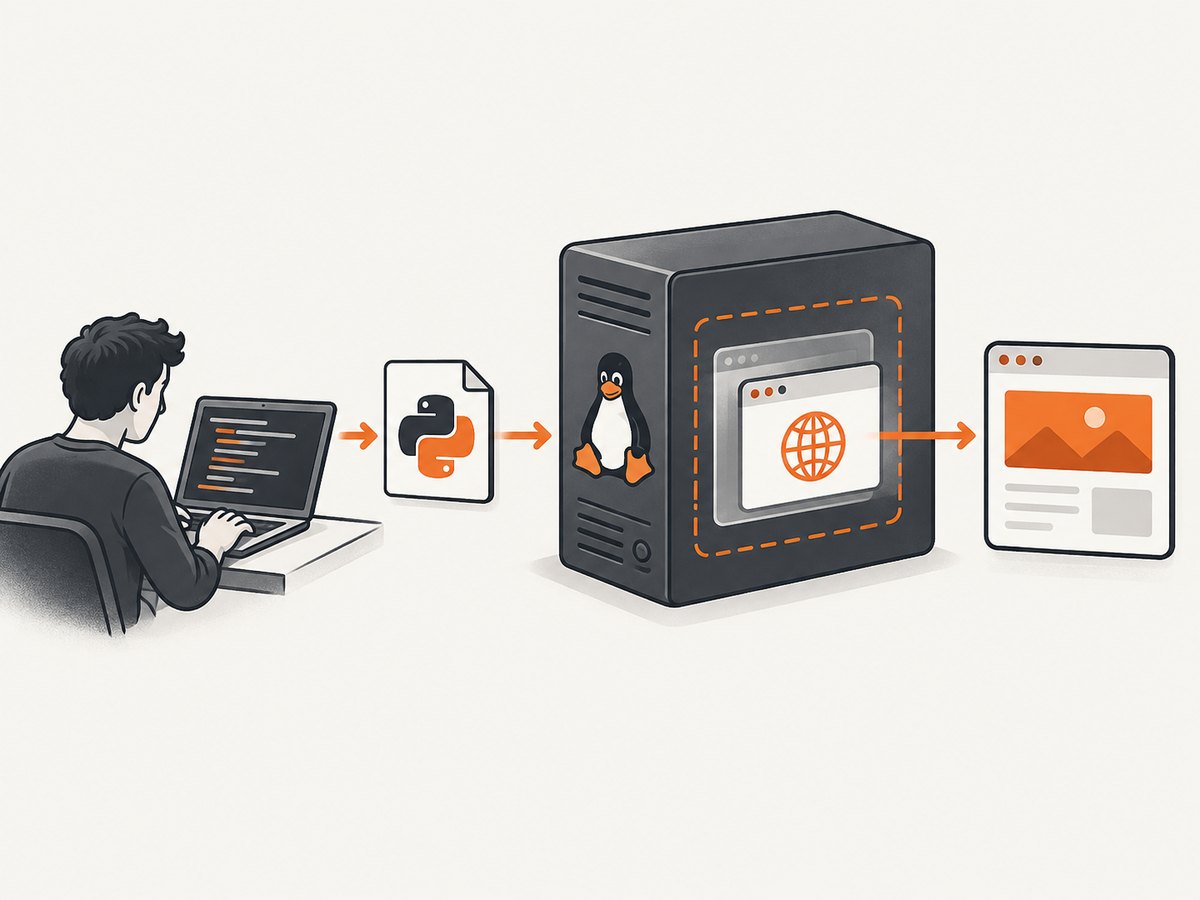
from seleniumbase import SB

with SB(uc=True, xvfb=True) as sb:
    sb.uc_open_with_reconnect("https://example.com", reconnect_time=4)
    print(sb.get_title())
Install SeleniumBase in the environment that will run the script, then invoke it with that environment’s Python. For example:
python -m pip install seleniumbase
python your_script.py
Check the installed version’s accepted arguments and current documentation before copying configuration from an old issue. Defaults and command-line options can change. Make one minimal navigation work before adding selectors, clicks, custom browser arguments, or site-specific logic.
Do not assume that a setting named “headed” proves a display exists. On a server, verify that the intended Xvfb path is actually used. SeleniumBase’s SB manager includes special virtual-display support for GUI actions. Its documentation says UC Mode can be detected in headless mode and advises against combining UC with headless mode.
If you use command-line tests instead of a Python script, the project documents UC, browser-selection, headless/headed, and related launch options. Check the current command-line options for your installed version rather than mixing flags from different releases.
3. Understand the Driver() versus SB() difference
A February 2026 Linux connection-refused report described a script that worked on Windows and worked on Linux when UC was disabled. In response, a SeleniumBase maintainer explained that Driver() does not include the special Xvfb virtual-display code needed for UC Mode on a GUI-less Linux machine and recommended using SB() in that situation. See the [maintainer’s answer in GitHub Discussion #4245](https://github.com/seleniumbase/SeleniumBase/discussions/4245).
This guidance applies to the reported configuration: UC Mode on GUI-less Linux, with a local connection failure. If you have a desktop session or are not using UC Mode, this report alone does not establish that Driver() is the cause. First reproduce with a basic browser launch and distinguish a local connection exception from a target-site rejection.
4. Check Chrome versus Chromium in Docker
If the same workflow behaves differently only inside Docker, record the actual browser binary and version in the container. Do not assume that a container described as “Chrome” is running Google Chrome; some images include Chromium. A February 2024 Docker discussion raised Chrome versus Chromium as a diagnostic lead and recommended Xvfb over headless mode in that reported UC scenario. It does not establish a universal fix for all containers or websites. Read the [Docker discussion](https://github.com/seleniumbase/SeleniumBase/discussions/2466) as a case-specific report.
To isolate the browser variable, compare Chrome and Chromium while holding the SeleniumBase version, launch mode, target, and network conditions as steady as practical. Also verify the effective display mode inside the container. If a site still returns a challenge or 429 with the alternate browser, that is evidence that the browser choice did not resolve that site’s handling; it is not proof of a SeleniumBase installation failure.
Historical browser-version remarks in old reports should not be treated as current advice. Browser and site behavior change, so record present versions and consult current SeleniumBase documentation.
5. Use UC navigation helpers for the right part of the flow
SeleniumBase UC Mode provides helpers such as uc_open_with_reconnect() and uc_click(). Their documented purpose is to temporarily disconnect and reconnect the driver around navigation or actions, for workflows where a site inspects automation during page loads, submissions, or clicks.
from seleniumbase import SB

with SB(uc=True, xvfb=True) as sb:
    sb.uc_open_with_reconnect("https://example.com", reconnect_time=4)
    sb.uc_click("button[type='submit']")
Use a helper where it matches the documented interaction. It does not guarantee a site will accept the request. If the failure appears after a click, record that stage separately from the initial page load. Compare with a manual visit under the same network conditions and note the type of challenge or response.
SeleniumBase documents GUI-based CAPTCHA helpers such as uc_gui_click_captcha() for some challenge interactions. These are not general CAPTCHA solvers and require a suitable GUI/display setup for GUI actions. The published examples discuss certain Cloudflare Turnstile and Google reCAPTCHA behavior; do not infer support for every provider or site rule. Consult the [UC Mode documentation](https://seleniumbase.io/help_docs/uc_mode/) for current methods and constraints.
6. Verify SeleniumBase’s driver layer separately
SeleniumBase normally downloads WebDrivers as needed into its seleniumbase/drivers directory. For ordinary SeleniumBase tests, a separate driver on PATH is generally unnecessary. The project’s verification guide documents manual driver retrieval, including sbase get chromedriver, when you specifically need it. PATH setup is mainly relevant to workflows that invoke a PATH-based driver, such as Selenium Grid.
Start with a small non-UC launch before debugging site detection:
from seleniumbase import SB

with SB() as sb:
    sb.open("https://example.com")
    print(sb.get_title())
If this fails before a page opens, resolve the browser/driver/runtime setup first. If it opens but the target site later displays a challenge, investigate site-side handling separately. See the [WebDriver verification guide](https://seleniumbase.io/help_docs/verify_webdriver/) for the current procedure.
7. Troubleshooting checklist
| Error or symptom | Possible cause | Fix or next diagnostic |
|---|---|---|
| Connection refused after UC navigation on headless Linux | The selected API path may not provide the virtual-display setup needed in this environment. | Try SB(uc=True, xvfb=True) on GUI-less Linux. Confirm Xvfb is available and capture the full exception. |
| Page opens, then CAPTCHA or block appears | The site handled the request; local browser control may be functioning normally. | Record challenge type, URL stage, response code, and network conditions. No single UC option guarantees acceptance. |
| HTTP 429 or invalid-request-header response only in Docker | Container browser, headers, or runtime differ from the host; a 2024 report described this pattern. | Compare browser identity and effective display mode with one variable changed at a time. Treat Chrome-versus-Chromium as a hypothesis to test. |
| PyAutoGUI or GUI helper does not operate on server | Headless mode has no usable GUI display for that interaction. | Use the documented virtual-display arrangement and ensure the browser is attached to it. |
| Driver executable missing or browser fails to start | Driver/browser installation or environment issue, not necessarily site detection. | Run the minimal non-UC launch; check SeleniumBase’s managed download and use its verification guide. |
| Old copied flag is rejected | Option name or behavior changed since the example was written. | Check the installed version’s current [command-line options](https://seleniumbase.io/help_docs/arguments/). |
| Works locally but fails in deployment | Browser binary, display, OS packages, environment, or network conditions differ. | Log those details in both places, then make a controlled comparison rather than changing multiple flags. |
8. Performance, reliability, and operating cost
Xvfb adds a virtual-display component to the Linux runtime. Include its setup and lifecycle in your container or host configuration, and confirm the browser is attached to the display for the full session. A GUI-less host does not become a desktop simply because a launch flag says headed. GUI-based actions need a working display; if the workflow does not need them, avoid adding GUI actions to the diagnostic until the base browser path is stable.
For reliability, keep a minimal launch check separate from site-specific navigation. Log versions, browser identity, display mode, and the first failed action. Use bounded reconnect timings appropriate to the workflow, and do not interpret a successful browser launch as proof that a target site will accept automation. When a site’s behavior varies, repeat under documented, comparable conditions and retain the response details.
There is no source-backed success rate or universal performance benchmark for these fixes. Runtime and cost depend on your host, browser, workload, and how often failures require retries. Avoid uncontrolled retries against a site: first distinguish a local connection fault from a site challenge, then adjust only the relevant layer.
9. Or skip the browser setup
If your job is to capture a page as an image or PDF rather than interact with it through SeleniumBase, [ScreenshotNeo](https://screenshotneo.com) offers a website screenshot API and MCP server. One GET request returns PNG, JPEG, WebP, or PDF. The browser and display setup above is useful when you need SeleniumBase’s interactive workflow; for a capture, you can make a direct request instead. See the [API documentation](https://screenshotneo.com/docs/) alongside this example:
curl -G "https://api.screenshotneo.com/v1/shot" \
  -d access_key=YOUR_API_KEY \
  --data-urlencode url=https://example.com \
  -o shot.webp
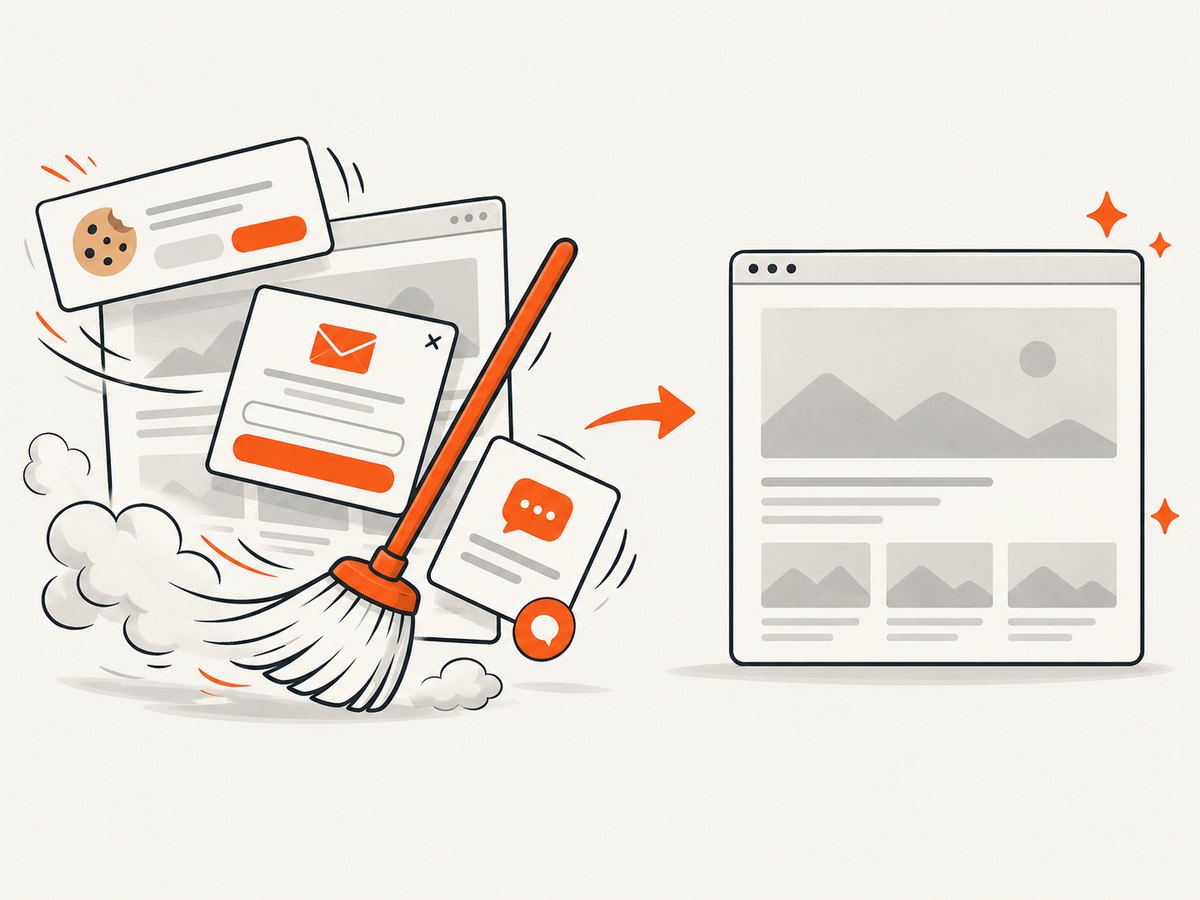
ScreenshotNeo accepts cookie or consent banners like a visitor and removes more than 60 known consent platforms, newsletter popups, and chat widgets before capture; each of those steps can be turned off. Bot checks, blank pages, timeouts, failed loads, and cache hits cost nothing, and the response identifies the page verdict and billing status in headers. Its MCP server exposes take_screenshot, get_page_info, and capture_pdf for Claude, Cursor, and other MCP clients. The free plan includes 1,000 screenshots per month with no card; paid plans start at $5 for 3,000 screenshots. Every feature is on every plan. [Create a free ScreenshotNeo account](https://screenshotneo.com/account/sign-up/) to try it.
10. FAQ
Does Xvfb make UC Mode undetectable?
No. SeleniumBase documents Xvfb as a virtual display option for Linux and warns about UC Mode detection in headless mode. Neither statement guarantees that a site will accept a session.
Can I use Driver() for every Linux UC setup?
The maintainer’s specific guidance is to use SB() for UC Mode on GUI-less Linux because of its special Xvfb support. Your exact runtime still matters.
Should I reinstall chromedriver manually?
Not as the first step. SeleniumBase normally manages driver downloads. Verify a minimal launch and follow its driver guide if that layer is failing.
Does switching to Chrome always fix Docker detection?
No. Chrome versus Chromium was raised as a diagnostic lead in one Docker report. Compare in a controlled way and interpret the result for your actual site and environment.
When is ScreenshotNeo a better fit?
When you need a screenshot or PDF from a URL and do not need a SeleniumBase-controlled interaction flow, a single API request can avoid managing a browser session and virtual display.


