How to Fix Slanted Chinese Characters in wkhtmltopdf
Fix italic-looking Chinese glyphs in wkhtmltopdf by checking fontconfig, installing a CJK font, and making CSS font selection explicit.
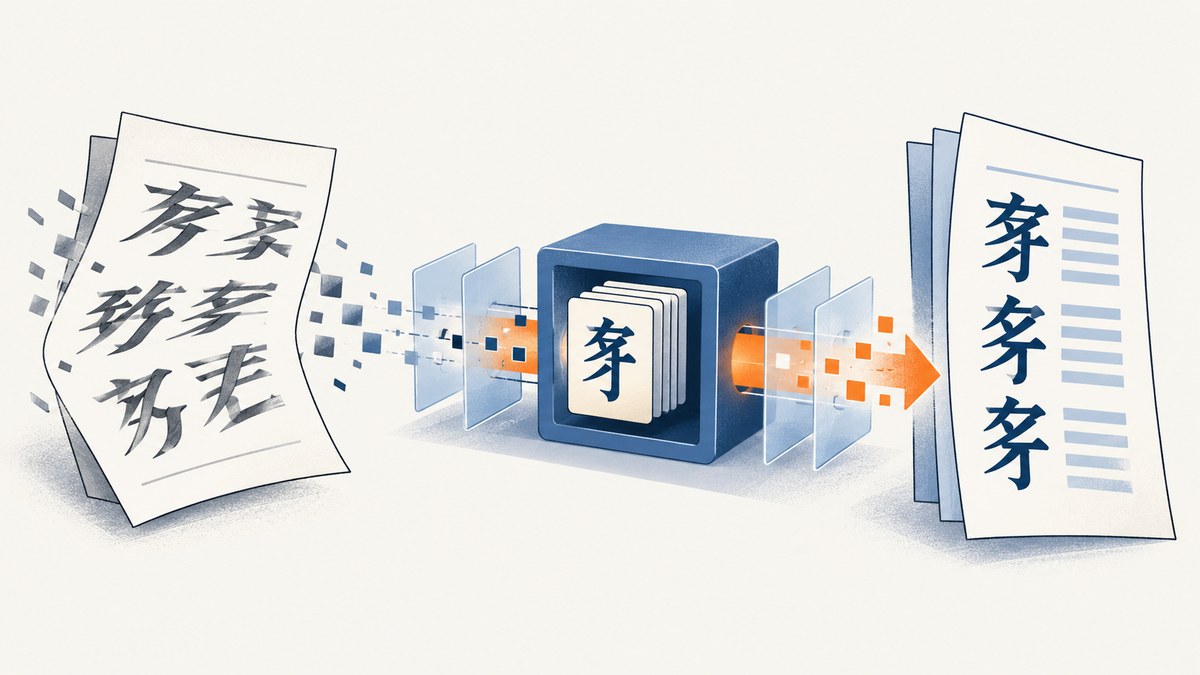
Slanted or italic-looking Chinese characters in wkhtmltopdf are usually caused by font selection in the rendering environment. wkhtmltopdf uses the fonts installed on the host through fontconfig and FreeType, so a browser preview can use a different face. Older 0.12.x builds also have limited character-level font fallback.
1. Record the exact rendering environment
Before changing CSS, capture the version, operating system, installation method, and a minimal reproduction containing the exact Chinese sentence.
wkhtmltopdf --version
cat /etc/os-release
fc-match "sans-serif:lang=zh"
fc-list :lang=zh family style
Save the HTML, CSS, command line, and the user or service account that runs wkhtmltopdf. A shell test and a web-service test can see different fontconfig files and font directories.
2. Check which Chinese font and style fontconfig selects
Use fontconfig to inspect the selected family and style. The slant property distinguishes roman from italic or oblique matching; an oblique result is a concrete clue.
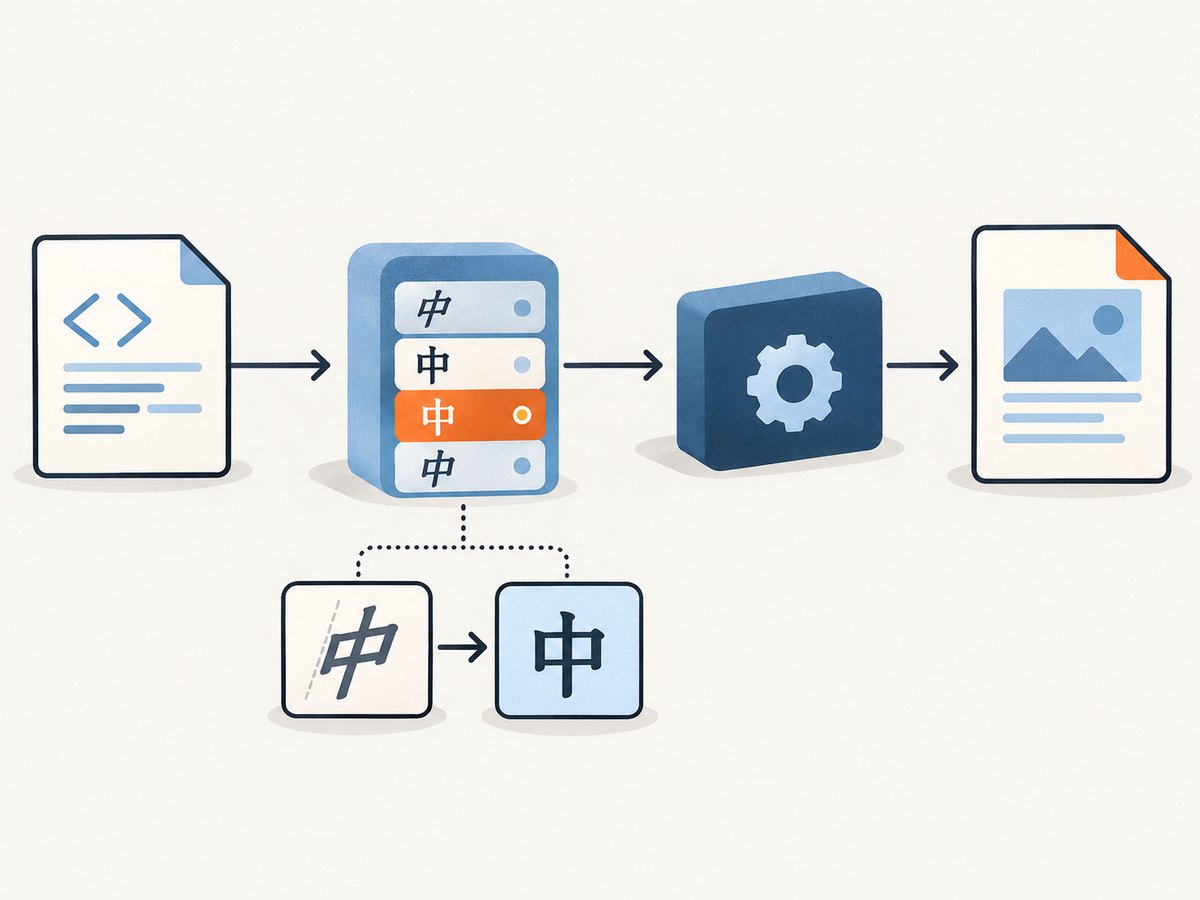
fc-match "sans-serif:lang=zh"
fc-match "serif:lang=zh"
fc-list :lang=zh family style
fc-match -v "sans-serif:lang=zh" | grep -E 'family|style|slant|file'
Run these commands as the same account that launches wkhtmltopdf. If an interactive user sees a CJK font but the service account does not, the PDF process may fall back to an unintended face.
3. Install a known-good CJK font
Install a CJK family appropriate for your distribution. A Noto Chinese variant is a useful controlled test. After installation, rebuild the font cache and verify the result again.
# Copy or install the chosen font using your distribution's package method.
fc-cache -f -v
fc-match "sans-serif:lang=zh"
fc-list :lang=zh family style
The family name differs by distribution, so use the name reported by fc-match in your CSS. One wkhtmltopdf issue reported Noto Chinese and Japanese fonts rendering correctly while other files produced malformed glyphs.
4. Make the CSS family and style explicit
Do not rely on a browser's implicit fallback stack. Select an installed CJK-capable family and explicitly set a normal style and weight.
<style>
body {
  font-family: "Noto Sans CJK SC", "Noto Sans SC", sans-serif;
  font-style: normal;
  font-weight: 400;
}
.zh {
  font-family: "Noto Sans CJK SC", "Noto Sans SC", sans-serif;
  font-style: normal;
  font-weight: 400;
}
</style>
Replace the family names with the exact names returned by fontconfig. Also inspect inherited rules for font-style: italic, font-weight values that map to an oblique face, and transforms that skew text.
5. Separate Latin and Chinese text when fallback is unreliable
Older 0.12 releases do not reliably perform character-level font-family fallback. If one family handles Latin and another handles Chinese, wrap the scripts in separate elements.
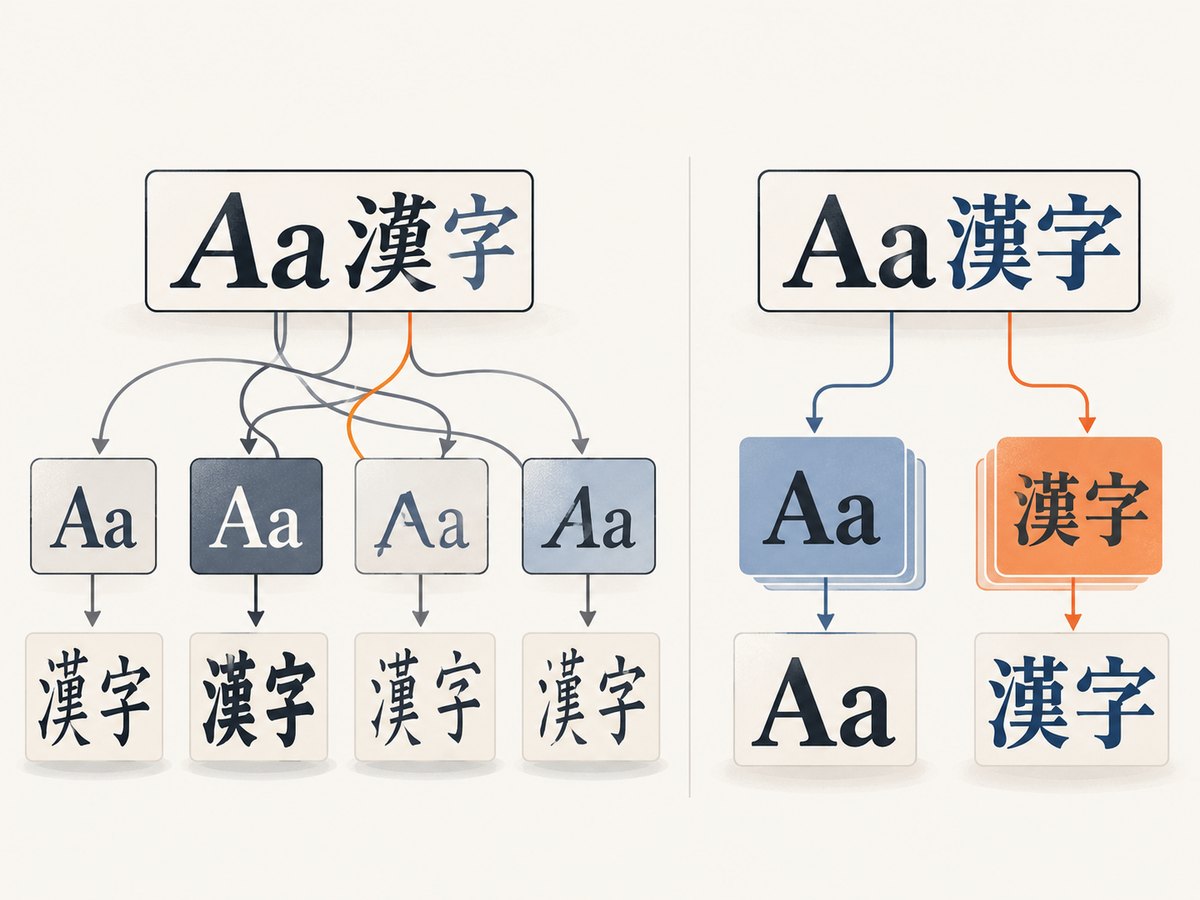
<p>
  <span class="latin">Invoice 2026</span>
  <span class="zh" lang="zh-CN">中文发票</span>
</p>
<style>
.latin {
  font-family: "DejaVu Sans", sans-serif;
  font-style: normal;
  font-weight: 400;
}
.zh {
  font-family: "Noto Sans CJK SC", "Noto Sans SC", sans-serif;
  font-style: normal;
  font-weight: 400;
}
</style>
This gives each run a concrete face instead of asking wkhtmltopdf to switch fonts per character.
6. Use a minimal reproduction
Reduce the problem to one page before changing layout code. This distinguishes font selection from pagination, JavaScript, and asset-loading problems.
<!doctype html>
<meta charset="utf-8">
<style>
body {
  font-family: "Noto Sans CJK SC", "Noto Sans SC", sans-serif;
  font-style: normal;
  font-weight: 400;
}
</style>
<p>中文测试:汉字、标点和 English mixed together.</p>
wkhtmltopdf --encoding utf-8 repro.html repro.pdf7. Test shaping-related CSS only after font selection is correct
If the selected family is correct but spacing or shaping still looks wrong, test these declarations separately:
body { text-rendering: optimizeLegibility; }
/* Separate experiment: */
body { text-rendering: geometricPrecision; }
These are experiments recorded in wkhtmltopdf issue discussions, not guaranteed fixes for an oblique font being selected.
8. Compare wkhtmltopdf builds
If the same HTML and explicit font still render incorrectly, compare a distribution-specific package with the binary you currently use. wkhtmltopdf depends on the runtime versions of fontconfig and FreeType, so generic binaries can behave differently across systems. A patched or 0.13 alpha build has been reported as a possible workaround for fallback problems, but it can lack features and introduce compatibility issues.
9. Troubleshooting checklist
| Symptom | Likely cause | Fix |
|---|---|---|
| Chinese text is uniformly slanted | An italic or oblique face was selected. | Check fc-match; install a CJK family and set font-style: normal. |
| Latin is correct but Chinese is malformed | The first family lacks Chinese glyphs and 0.12.x fallback is limited. | Wrap Chinese text in its own element with an explicit CJK family. |
| Browser preview is correct, PDF is wrong | The browser and wkhtmltopdf use different host fonts or fontconfig data. | Inspect fonts on the rendering host and under the service account. |
fc-match finds no suitable Chinese face |
The CJK font is not installed or the cache is stale. | Install a known-good font, run fc-cache -f -v, then recheck. |
| CSS names do not change the output | The family name does not match the installed font or another rule overrides it. | Use the exact fontconfig family name and inspect inherited CSS. |
| Interactive command works but production fails | The service account cannot read the font or uses different fontconfig files. | Run fc-match and wkhtmltopdf as the production account. |
| Only one distribution renders incorrectly | Different fontconfig, FreeType, package, or wkhtmltopdf builds. | Compare distribution packages and pin a known-good build. |
| Glyphs are missing or replaced | The chosen font lacks those characters. | Choose a CJK family covering the required Unicode ranges and verify with fc-list. |
10. Performance, reliability, and deployment notes
- Installing fonts and rebuilding the cache is a deployment operation; bake it into the image or host setup instead of relying on a manual shell session.
- Keep the font files and wkhtmltopdf build pinned so upgrades do not silently change glyph selection.
- Run a small Chinese fixture in CI after changing the base image, font package, or renderer.
- Use the same locale, service account, font directories, and command-line options in CI and production.
- Separate font diagnosis from network, JavaScript, and pagination diagnosis by testing a local minimal HTML file first.
- Font installation has no per-document rendering fee, but it adds image size, cache-building time, and maintenance to your deployment.
11. Or skip the browser setup
If your goal is a clean image or PDF of a web page rather than control of a local wkhtmltopdf process, ScreenshotNeo provides a website screenshot API and MCP server. See the API documentation for the available options.
curl -G "https://api.screenshotneo.com/v1/shot" -d access_key=YOUR_API_KEY --data-urlencode url=https://stripe.com -o shot.webpimport requests
r = requests.get("https://api.screenshotneo.com/v1/shot", params={"access_key": "YOUR_API_KEY", "url": "https://stripe.com"}, timeout=90)
open("shot.webp", "wb").write(r.content)const q = new URLSearchParams({ access_key: 'YOUR_API_KEY', url: 'https://stripe.com' });
const res = await fetch(`https://api.screenshotneo.com/v1/shot?${q}`);- Cookie banners, newsletter popups, and chat widgets are removed before the shot.
- Bot checks, blank pages, failed loads, timeouts, and cache hits are not billed; response headers report the page verdict and billing state.
- An MCP server lets AI agents use
take_screenshot,get_page_info, andcapture_pdf. - The Free plan includes 1,000 screenshots per month with no card; paid plans start at $5 for 3,000 shots.
Sign up free for ScreenshotNeo.
12. FAQ
Does changing font-style always fix the problem?
No. It fixes accidental italic styling, but a wrong fallback face or renderer build can still produce slanted glyphs.
Should I use a web font with @font-face?
You can, but confirm that wkhtmltopdf can load the file in the target environment. A system-installed CJK font is simpler to diagnose.
Why does a generic sans-serif family behave differently?
Generic families are resolved by the host's fontconfig database. Different distributions and service accounts can select different families and styles.
When should I replace wkhtmltopdf?
Consider another build when explicit fonts, separate script elements, and a refreshed cache still fail on the same minimal HTML.
Is there a prevalence statistic for this bug?
No authoritative prevalence figure is available; the documented evidence consists of implementation notes and issue reports.


