How to Fix Slow Puppeteer Scripts With Three Underused Techniques
Speed up Puppeteer by removing redundant waits, resolving intercepted requests, and preserving useful browser cache—then measure each change.
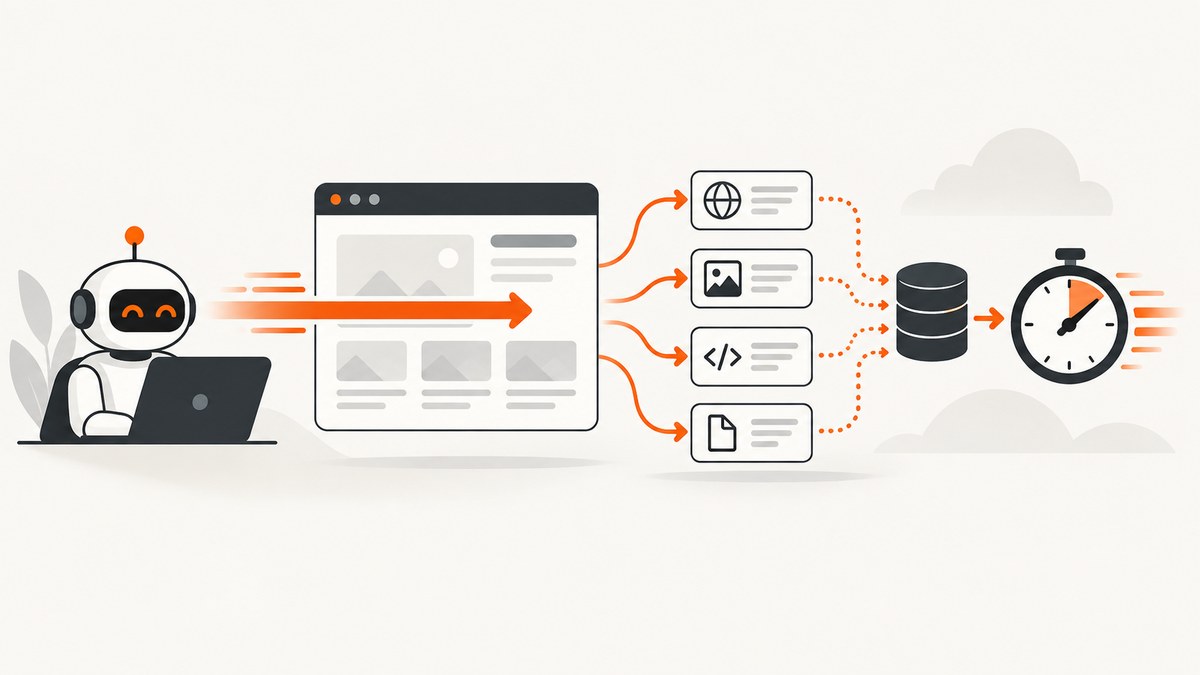
How can you fix slow Puppeteer scripts? Start by measuring one representative workflow, then apply three targeted changes: use locators instead of duplicated waits and interactions, enable request interception only when it removes work and resolve every request, and preserve browser caching for repeated page work. None of these techniques guarantees a fixed percentage improvement; the right change depends on where your script spends time.
This guide shows the mechanics, runnable code, edge cases, diagnostics, and production tradeoffs. Keep the browser version, target pages, network conditions, and run count consistent when comparing before and after.
1. Measure the slow operation before changing code
A page that “feels slow” can be waiting on navigation, a selector, an API response, an intercepted request, JavaScript execution, or your own deliberate delay. Puppeteer’s debugging guide describes browser inspection, console capture, protocol traffic logging, and diagnostics for pending protocol calls. Use those tools to identify the operation that dominates your run. The slowMo launch option intentionally slows Puppeteer operations to make debugging easier; remove it from performance measurements.
import puppeteer from 'puppeteer';

const browser = await puppeteer.launch({
  headless: true,
  // slowMo: 100, // useful while debugging; do not benchmark with it
});
const page = await browser.newPage();

const marks = new Map();
const start = (name) => marks.set(name, performance.now());
const end = (name) => {
  const elapsed = performance.now() - marks.get(name);
  console.log(`${name}: ${elapsed.toFixed(1)} ms`);
};

start('navigation');
await page.goto('https://example.com', { waitUntil: 'domcontentloaded' });
end('navigation');

start('interaction');
await page.locator('a').click();
end('interaction');

await browser.close();
Run the same scenario several times. Record cold and warm runs separately: a first visit may download resources that a later visit serves from cache. Also record failures and timeouts, because an optimization that makes successful runs faster but increases retries may reduce overall throughput.
2. Technique one: replace redundant waits with locators
Puppeteer documents locators as the recommended way to select and interact with elements. A locator waits for action preconditions such as being in the viewport, visible, enabled when relevant, and stable across consecutive animation frames. It retries when an action fails because the element is not ready. That lets you express the intended action directly instead of writing a broad wait followed by a separate action.
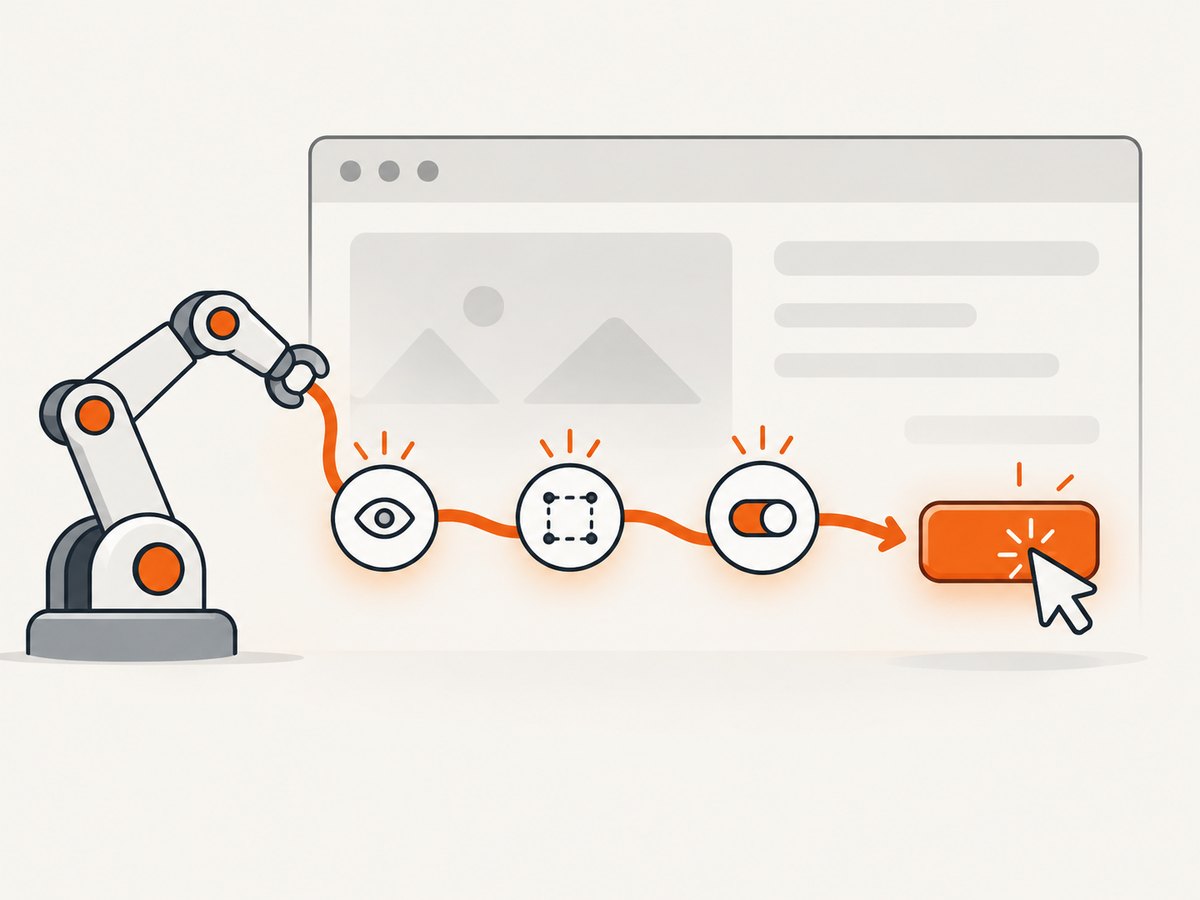
A common slower pattern looks like this:
await page.waitForSelector('#checkout', { visible: true });
const button = await page.$('#checkout');
await button.click();
When the locator’s readiness checks match your requirement, use:
await page.locator('#checkout').click();The locator does not mean “never wait.” It means the wait is attached to the action and uses the action’s relevant preconditions. If you need a particular application state—such as an API response, a specific text value, or a custom JavaScript condition—wait for that state explicitly.
When a locator is the right fit
- Clicking or typing into an element that must be visible and stable.
- Pages where animations or layout shifts make an early element handle stale.
- Flows that currently repeat
waitForSelectorbefore every action.
When to keep an explicit wait
- You need a network response, URL change, or application-specific state.
- The element may exist before it is semantically ready, such as a disabled button that later becomes enabled.
- You are using a low-level API for a reason and can state the exact condition being waited for.
waitForSelector resolves immediately when the selector already exists. Its documented default timeout is 30 seconds. Set a timeout that reflects the operation instead of allowing every mistake to consume the maximum:
await page.waitForSelector('[data-test=results]', {
  visible: true,
  timeout: 10_000,
});
If you obtain an ElementHandle with a lower-level selector call, dispose of it after use. Retaining handles across navigation can increase memory use and produce stale-element errors.
const handle = await page.$('[data-test=export]');
try {
  if (!handle) throw new Error('Export control not found');
  await handle.click();
} finally {
  await handle?.dispose();
}
Do not stack arbitrary sleeps around locators. A fixed setTimeout waits the full duration even when the page is ready early, and still may be too short on a slower run. Replace it with the condition the workflow actually needs.
3. Technique two: use request interception selectively
Request interception can abort unwanted resources, modify headers, or fulfill a request yourself. It also adds a coordination point to every request. Puppeteer’s official guide states that, once interception is enabled, each request stalls until it is continued, responded to, aborted, or completed using the browser cache. A handler that forgets to resolve one request can hang the page.
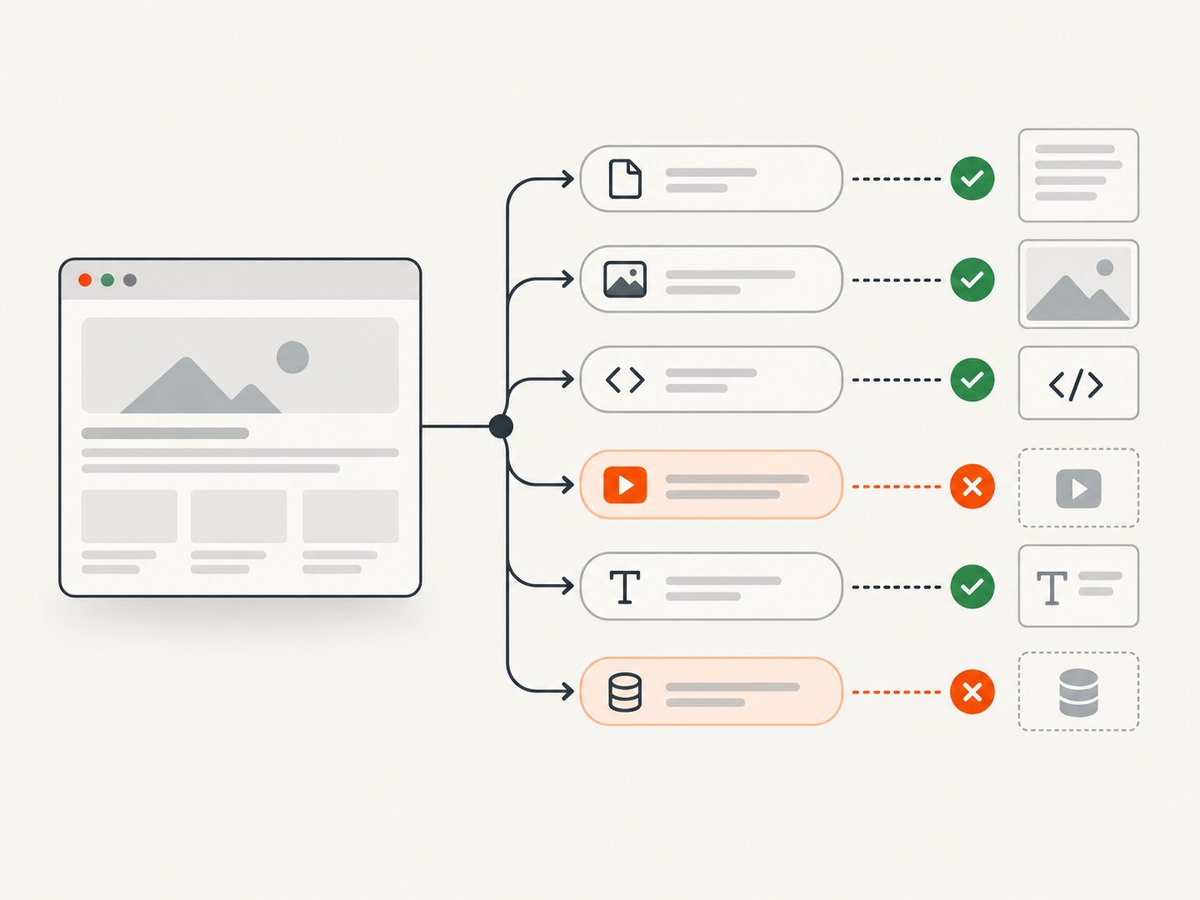
Enable interception only when the work it avoids is clear. For example, a screenshot workflow might not need analytics, advertising, or large media files. Compare the intercepted workflow with the same workflow without interception on the same pages.
await page.setRequestInterception(true);

page.on('request', request => {
  // Another listener may already have handled this request.
  if (request.isInterceptResolutionHandled()) return;

  const type = request.resourceType();
  const blocked = new Set(['image', 'media', 'font']);

  if (blocked.has(type)) {
    request.abort().catch(() => {});
    return;
  }

  request.continue().catch(() => {});
});
The isInterceptResolutionHandled() check matters when multiple listeners or libraries observe the same request. Without it, a second handler can attempt to continue or abort an already resolved request. Resolve every branch, including errors.
Choose what to block carefully
| Resource | Possible benefit | Risk |
|---|---|---|
| Images | Less transfer and decoding for text-only tasks | Layout or lazy-loading logic may depend on image dimensions |
| Fonts | Less network work | Text metrics can change; screenshots may differ |
| Media | Prevents large video or audio downloads | Controls or page state may depend on media events |
| Analytics and ads | Fewer third-party requests | Some sites gate content or navigation on those calls |
Do not assume that blocking a resource always makes a run faster. Interception itself introduces handler work, and a blocked resource can trigger retries or alter page behavior. Treat it as a hypothesis and measure success rate, total duration, and output correctness together.
4. Technique three: preserve useful browser caching
Puppeteer’s Page.setCacheEnabled() reference says caching is enabled by default. Verify that your code, a helper library, or a test fixture has not disabled it when repeated page work should benefit from cached resources.
// Keep normal browser caching for repeated visits.
await page.setCacheEnabled(true);

for (const url of urls) {
  await page.goto(url, { waitUntil: 'domcontentloaded' });
  await page.locator('[data-test=content]').wait();
}
Disable caching only for a test that needs cold-load behavior:
await page.setCacheEnabled(false);
await page.goto('https://example.com', { waitUntil: 'networkidle2' });
Cache behavior is workload-dependent. A single visit has little opportunity to reuse data; a crawler revisiting the same origin may have much more. Keep separate measurements for a fresh browser, a reused browser context, and a reused page. Also consider correctness: stale application data, service-worker behavior, and cache headers can affect what your script sees.
5. Combine the techniques in a controlled example
The following script uses a locator for interaction, leaves caching enabled, and intercepts only one clearly unnecessary resource type. It measures navigation and the action independently.
import puppeteer from 'puppeteer';

const browser = await puppeteer.launch({ headless: true });
const page = await browser.newPage();
await page.setCacheEnabled(true);

await page.setRequestInterception(true);
page.on('request', request => {
  if (request.isInterceptResolutionHandled()) return;
  if (request.resourceType() === 'media') {
    request.abort().catch(() => {});
  } else {
    request.continue().catch(() => {});
  }
});

const t0 = performance.now();
await page.goto('https://example.com/dashboard', {
  waitUntil: 'domcontentloaded',
  timeout: 30_000,
});
const t1 = performance.now();

await page.locator('[data-test=menu]').click();
await page.locator('[data-test=reports]').click();
const t2 = performance.now();

console.log({
  navigationMs: Math.round(t1 - t0),
  interactionsMs: Math.round(t2 - t1),
});
await browser.close();
Change one variable at a time. First replace duplicated waits with locators, then compare interception on and off, then compare cache settings under warm and cold conditions. Keep a small result table containing duration, timeout count, output checks, and memory usage.
6. Troubleshooting slow or stuck runs
| Symptom | Likely cause | Fix |
|---|---|---|
| Every request hangs after enabling interception | A handler does not resolve one branch | Call exactly one of continue, respond, or abort for every request; guard with isInterceptResolutionHandled(). |
| Clicks fail intermittently | Element is moving, hidden, disabled, or stale | Use a locator, wait for the actual enabled state, and avoid retaining handles across navigation. |
| Runs take exactly 30 seconds before failing | The default waitForSelector timeout is being exhausted |
Check the selector and page state; set an operation-specific timeout and capture a diagnostic screenshot or HTML. |
| Warm runs are no faster | Cache is disabled, the browser is recreated, or responses are not cacheable | Verify setCacheEnabled(true), reuse an appropriate browser context, and inspect response cache headers. |
| Blocking resources breaks the page | Application logic depends on those resources | Block only the resource types proven unnecessary; allow required images, fonts, scripts, or API calls. |
| Memory grows during a long crawl | Element handles, pages, or listeners are retained | Dispose handles, close pages, remove listeners, and reuse a bounded number of pages. |
7. Performance, reliability, and cost considerations
Performance
Measure end-to-end completion, not just navigation. A faster navigation followed by retries or missing content is not an improvement. Track p50 and worst-case duration for a representative set of URLs, plus timeout and error rates.
Reliability
Make readiness conditions explicit. Use navigation timeouts, selector timeouts, and bounded retries with logging. When interception is enabled, log the resource type and URL for aborted requests so a content regression can be traced. Keep browser and page lifecycles bounded in workers.
Cost
Faster scripts can reduce compute time, but interception and extra diagnostics add their own overhead. If browser infrastructure is billed by runtime, compare total successful jobs and retry work, not only the fastest run. Caching can reduce transfer and repeated server work, while a cold-cache test may be necessary for realistic first-visit estimates.
8. Or skip the browser setup
If your goal is obtaining clean website screenshots rather than controlling a full browser workflow, ScreenshotNeo provides a single HTTP request. The API accepts a URL and returns PNG, JPEG, WebP, or PDF. Its capture pipeline accepts cookie and consent banners, removes more than 60 known consent platforms plus newsletter popups and chat widgets, and lets you turn each step off. Bot checks, blank pages, timeouts, failed loads, and cache hits are not billed; the response identifies the page verdict and billing result with X-Page-Verdict and X-Billed headers.
See the ScreenshotNeo API documentation for all options, including full-page screenshots with lazy images loaded, CSS selector element capture, dark mode, device presets, custom viewports, retina scale, PDF paper and margin controls, custom CSS and JavaScript, clicks, waits, request blocking, headers, cookies, user agents, authorization, timezone, geolocation, transparent backgrounds, resizing, TTL caching, signed image links, asynchronous jobs, webhooks, bulk capture, usage data, and the OpenAPI specification.
cURL
curl -G 'https://api.screenshotneo.com/v1/shot' \
  -d access_key=YOUR_API_KEY \
  --data-urlencode url=https://stripe.com \
  -o shot.webp
Python
import requests

r = requests.get(
    'https://api.screenshotneo.com/v1/shot',
    params={'access_key': 'YOUR_API_KEY', 'url': 'https://stripe.com'},
    timeout=90,
)
r.raise_for_status()
open('shot.webp', 'wb').write(r.content)
Node.js
const q = new URLSearchParams({
  access_key: 'YOUR_API_KEY',
  url: 'https://stripe.com'
});
const res = await fetch(`https://api.screenshotneo.com/v1/shot?${q}`);
if (!res.ok) throw new Error(`Screenshot failed: ${res.status}`);
const fs = await import('node:fs/promises');
await fs.writeFile('shot.webp', Buffer.from(await res.arrayBuffer()));
ScreenshotNeo also has an MCP server with take_screenshot, get_page_info, and capture_pdf tools for Claude, Cursor, and other MCP clients. There are 1,000 free shots each month with no card; paid plans start at $5 for 3,000 shots, and every feature is available on every plan. Create a free ScreenshotNeo account.
9. Frequently asked questions
Should I replace every waitForSelector call?
No. Replace waits when a locator’s action readiness matches your need. Keep explicit waits for network, URL, application-state, or custom conditions.
Is request interception always faster?
No. It stalls requests until they are resolved and can add handler overhead. Measure the exact workflow with interception enabled and disabled.
Does enabling cache make data stale?
It can, depending on server cache headers, service workers, and application behavior. Validate freshness requirements while comparing warm and cold runs.
What is the best first change?
Measure first. Then remove duplicate waits around frequent interactions, because the code change is small and the intended readiness condition is easy to review.
Can ScreenshotNeo replace a Puppeteer script?
It replaces browser setup for screenshot and PDF capture. Keep Puppeteer when you need arbitrary browser interaction, assertions, or application-specific automation before the capture.


