How to Fix Small, Scaled PDFs Generated by pdfkit
Small PDFs usually come from the wrong page geometry or renderer scaling. First identify which pdfkit you use, then check the matching settings.
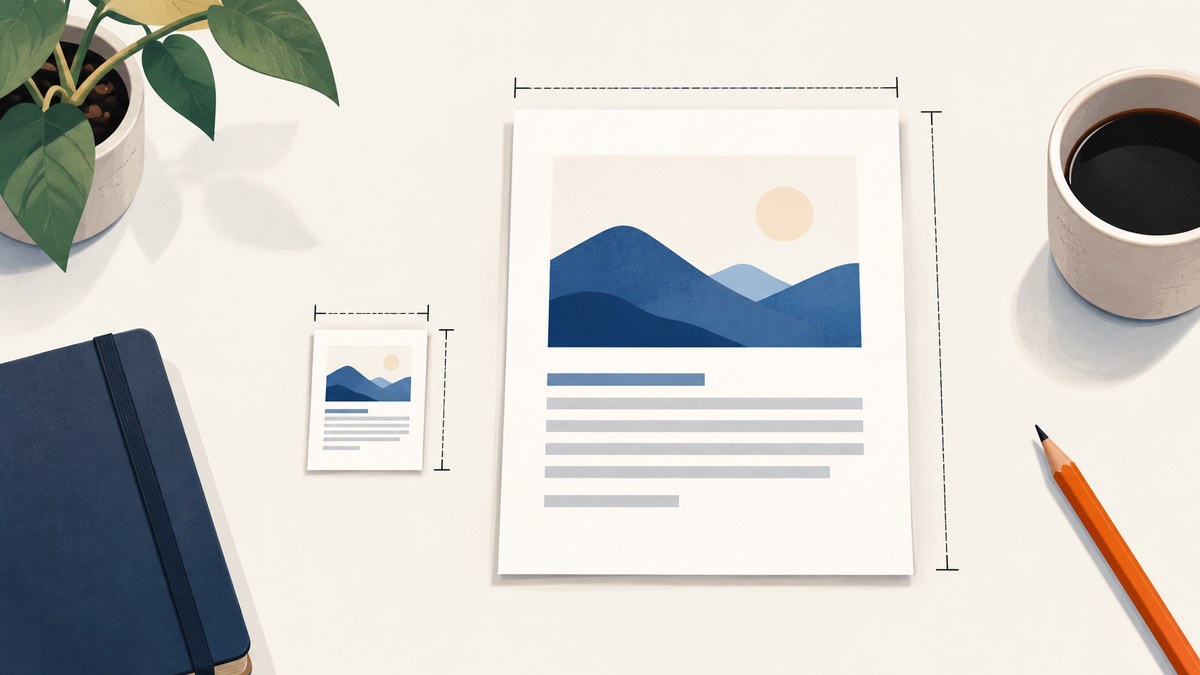
If a PDF generated by “pdfkit” looks much smaller than expected, first identify which package is doing the work. Node’s PDFKit draws PDF pages directly, so set the page size and margins on its PDFDocument. Python’s pdfkit package usually calls wkhtmltopdf to render HTML, so check that renderer’s paper size, viewport, DPI, zoom, and smart shrinking. These are different toolchains; a setting for one will not fix the other.
Then measure the output page and content before changing scale. A page that is physically too small needs different page dimensions. Content that is too small on a correctly sized page points to margins or renderer scaling. There is no universal DPI or zoom value that fixes every HTML document and wkhtmltopdf build.
1. Identify which pdfkit you have
The package name is ambiguous. Inspect imports, dependencies, and the command invocation:
- Node PDFKit: code imports
PDFDocumentfrompdfkitand draws text, images, or shapes into pages. - Python pdfkit: Python imports
pdfkitand callspdfkit.from_string,from_file, orfrom_url. This is a wrapper around thewkhtmltopdfexecutable.
For Node PDFKit, consult the official getting-started page and paper-size reference. For the HTML-rendering route, use the wkhtmltopdf usage documentation. The wrapper forwards options to the renderer; it does not make the two libraries’ controls interchangeable.
2. Measure the PDF before adjusting it
Write down the intended paper size, the PDF’s actual page size, and the approximate size of a known object in the content (for example, a heading or a fixed-width card). Use a PDF viewer’s document properties or a PDF inspection tool to read page dimensions. A PDF point is 1/72 inch with the default PDFKit user unit. A4, for reference, is 595.28 × 841.89 points.
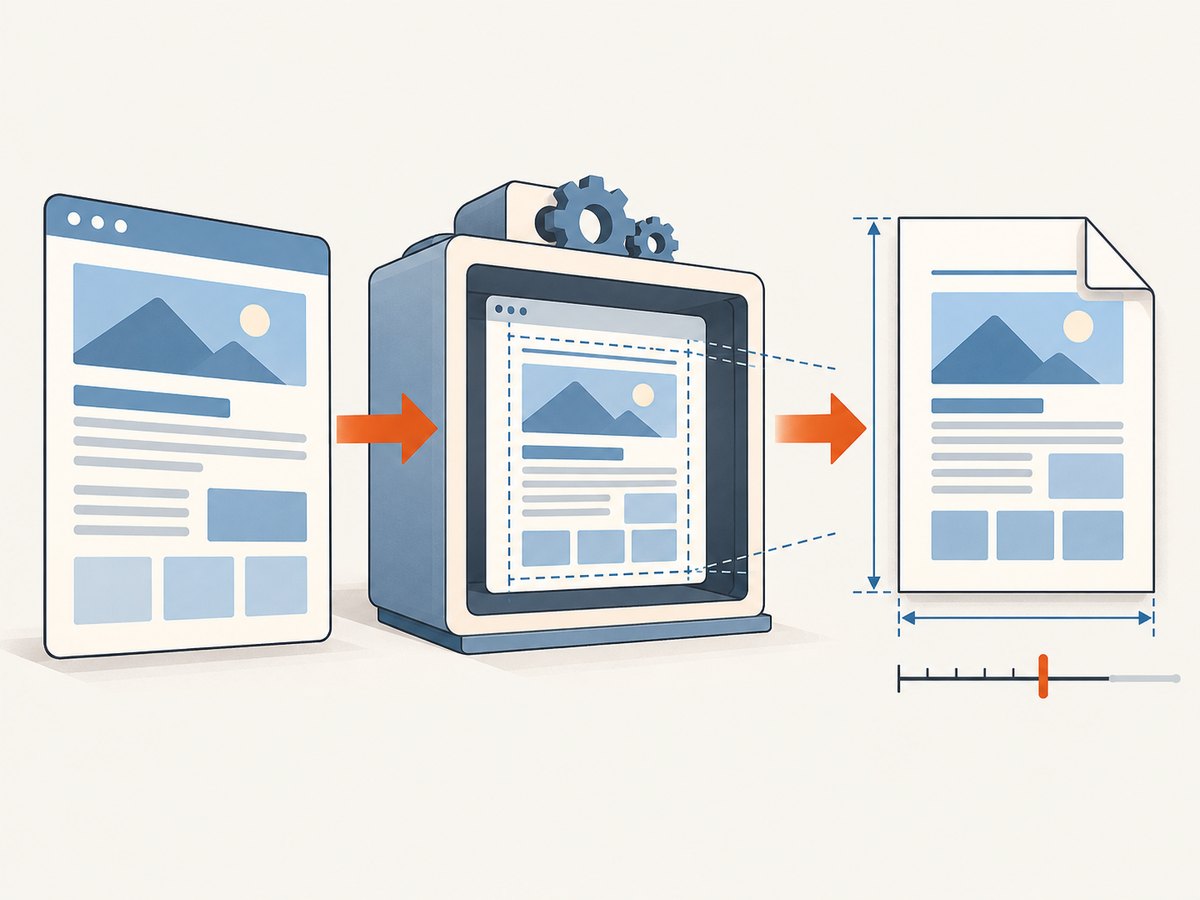
- Compare page dimensions. If the output page itself is smaller than expected, correct paper size or explicit dimensions.
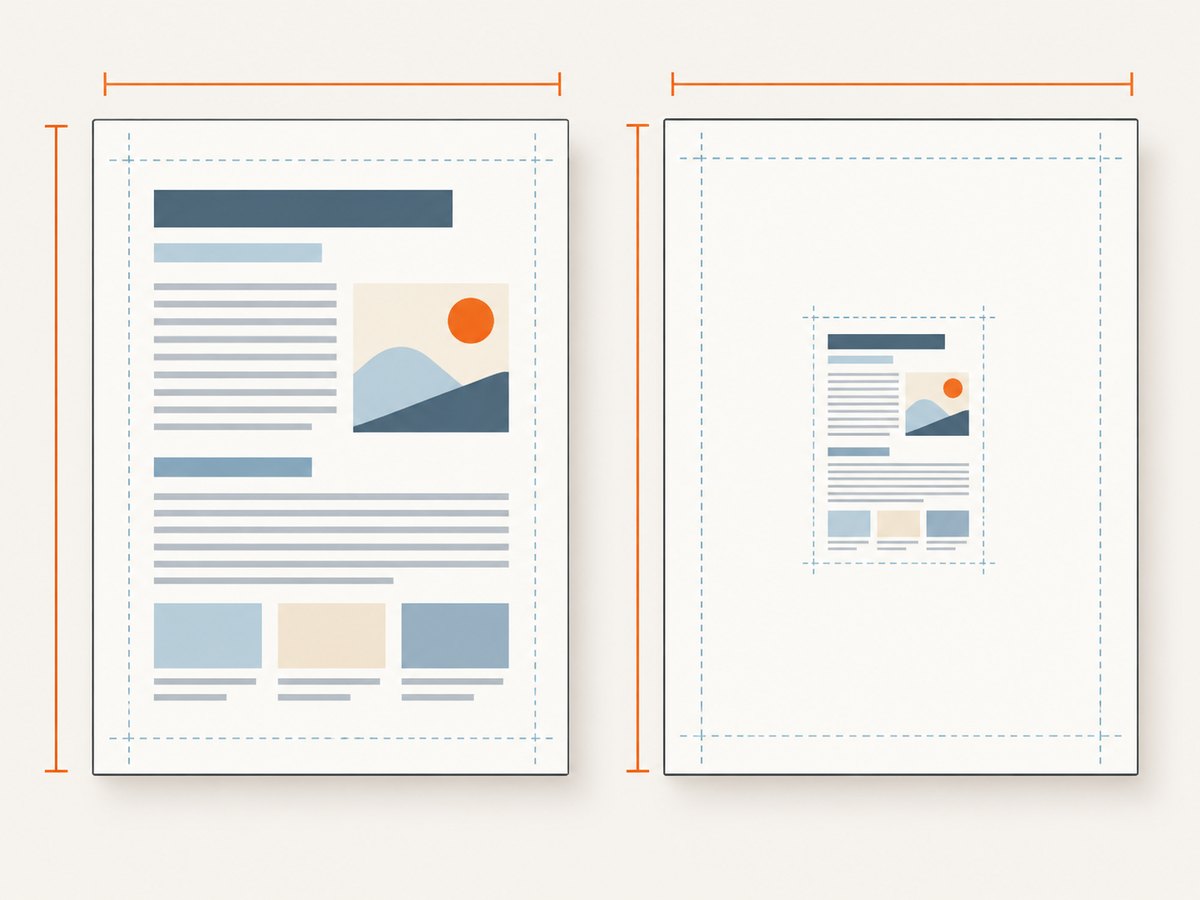
- Compare content to page. If the page size is right but the content occupies too little of it, inspect margins and scaling.
- Check clipping and pagination. Enlarging content can make it run off the page or add pages. Verify the whole document, not just its first page.
- Record the setup. Save the library and renderer versions, operating system, input HTML or drawing code, paper dimensions, margins, viewport, DPI, and zoom with the result.
This separates an incorrect physical page from scaled content. It also makes a change reproducible when the generated file differs across machines.
3. Fix Node PDFKit page dimensions and margins
PDFKit for Node defaults to Letter paper and 72-point (one-inch) margins. Set the page size and orientation deliberately in the constructor. The following complete example creates an A4 portrait PDF with 36-point margins:
const PDFDocument = require('pdfkit');
const fs = require('node:fs');

const doc = new PDFDocument({
  size: 'A4',
  layout: 'portrait',
  margins: { top: 36, right: 36, bottom: 36, left: 36 },
});
doc.pipe(fs.createWriteStream('output.pdf'));
doc.fontSize(16).text('A4 page with deliberate margins');
doc.fontSize(11).moveDown().text(
  `Page: ${doc.page.width.toFixed(2)} × ${doc.page.height.toFixed(2)} points`
);
doc.end();
Run it with npm install pdfkit, save as make-pdf.js, and run node make-pdf.js. Compare the reported points with your target. Named sizes or an explicit [width, height] array in points are supported. For example, landscape A4 can be selected using layout: 'landscape'.
Constructor page options establish defaults for the document. An addPage(options) call can override them for a particular page, so check every page-creation path if only some pages are wrong:
doc.addPage({
  size: [612, 792], // Letter dimensions in points
  layout: 'portrait',
  margin: 36,
});
Margins change the usable content area, not the physical page dimensions. PDFKit accepts a single margin value or separate top, right, bottom, and left values. String units such as '0.5in' and '12mm' are supported. Check application code for a later page-level override, and check text layout widths that were calculated using an assumed margin.
PDFKit also documents a userUnit option that can scale a page’s physical size without changing the coordinate system. Treat it as a specialized output-format setting, not a routine fix for ordinary small content: first establish whether the page dimensions or content dimensions are wrong. Changing physical scale can affect downstream assumptions about print size and measurements.
4. Fix Python pdfkit and wkhtmltopdf scaling
For Python’s pdfkit, set paper geometry explicitly and pass options through to wkhtmltopdf. This example expects wkhtmltopdf to be installed and available on PATH:
import pdfkit
html = """
Check this box against the PDF page size.
"""
options = {
"page-size": "A4",
"orientation": "Portrait",
"margin-top": "10mm",
"margin-right": "10mm",
"margin-bottom": "10mm",
"margin-left": "10mm",
"encoding": "UTF-8",
}
pdfkit.from_string(html, "output.pdf", options=options)Install the Python wrapper in your environment with pip install pdfkit; install the wkhtmltopdf executable separately using the supported package or installer for your operating system. If the executable is not on PATH, configure the wrapper with its actual path using pdfkit.configuration(wkhtmltopdf='/path/to/wkhtmltopdf'). The path shown is a placeholder; use the path on your machine.
The renderer’s principal geometry and scale controls are:
| Control | What to inspect | When to change it |
|---|---|---|
--page-size, width, height |
Target paper dimensions and orientation | When the physical PDF page has the wrong size |
| Margins | Top, right, bottom, and left whitespace | When page size is right but usable content area is unexpectedly small |
--viewport-size |
Browser viewport used to lay out responsive HTML | When CSS media queries or responsive breakpoints produce a different layout |
--dpi |
Renderer’s documented DPI control (96 is the documented default; it may have no effect on X11-based systems) | Only after page geometry and viewport are verified |
--zoom |
Scale factor; documented default is 1 | For a controlled scale adjustment after measuring the result |
| Smart shrinking | Enabled by default; changes the pixel/DPI ratio | Test disabled and enabled output if automatic shrinking is suspected |
To test renderer settings directly, save the HTML as input.html, then run:
wkhtmltopdf --page-size A4 \
  --margin-top 10mm --margin-right 10mm \
  --margin-bottom 10mm --margin-left 10mm \
  --viewport-size 1280x900 \
  input.html output.pdf
The viewport in this example is a starting point for an experiment, not a universal recommended value. Use the viewport your page expects. To compare smart shrinking, run a second capture with --disable-smart-shrinking and inspect page fit, object size, and pagination. The official description says this disables WebKit’s intelligent shrinking strategy, which makes the pixel/DPI ratio non-constant. Disabling it may prevent shrinking in some layouts, but it can also make content clip or spill onto more pages.
Change one variable per run. Do not raise DPI, change zoom, alter viewport, and disable shrinking all at once: if the result improves, you will not know which change mattered. Reports of DPI and smart-shrinking fixes are environment-specific, not a guaranteed combination.
5. Common causes and targeted fixes
The page is smaller than the intended paper
Set size in Node PDFKit, or --page-size / explicit page width and height in wkhtmltopdf. Verify orientation, too. A portrait/landscape mismatch can make a correct page look wrong when compared to a target.
The page is right, but the content is tiny
For Node PDFKit, inspect the margin settings and any manually chosen text or image dimensions. For HTML rendering, inspect smart shrinking, zoom, viewport, and the CSS layout width. A wide fixed-width page may be shrunk to fit the paper. Try a controlled smart-shrinking comparison only after confirming paper size and viewport.
Only some pages are scaled differently
In Node PDFKit, page-level options passed to addPage can override constructor defaults. In an HTML workflow, look for different source markup, CSS, page breaks, or per-page rendering calls. Compare the same known element on both pages.
Disabling shrinking makes the document clip
That can happen when the unshrunk layout is wider than the printable content area. Check the CSS width, viewport, paper size, and margins. Restore shrinking if it is needed for fit, or adjust the source layout to the intended page width. Recheck page count and edge clipping.
The browser preview looks right but the PDF does not
The PDF renderer uses its own viewport and print layout. Responsive CSS, print styles, fonts, and image loading can change the result. Set a deliberate viewport, inspect print-specific rules, and confirm required assets are available to the renderer.
The Python wrapper says it cannot find wkhtmltopdf
The wrapper and executable are separate dependencies. Install the renderer and either make it available on PATH or pass its actual location to pdfkit.configuration. Confirm that the executable runs on the target host.
6. Reliability, performance, and cost
PDF generation time depends on the input document, assets, renderer, and environment; the supplied documentation does not establish a universal performance figure. Keep HTML and assets available to the process, avoid relying on a developer workstation’s fonts or paths, and record renderer versions for repeatable output. A different operating system or wkhtmltopdf build can behave differently, so validate in the deployment environment.
For reliability, render a representative document after changing layout settings and inspect more than the first page. Check page dimensions, text legibility, clipping at every edge, page breaks, image placement, and output page count. Keep the original command/options with the artifact so regressions can be compared. If a setting affects scale, test documents with both narrow and wide content.
Cost depends on where and how you run the process; the research does not provide pricing for PDFKit or wkhtmltopdf. In a hosted workflow, account for the compute time and any service or infrastructure charges that apply. Avoid treating higher DPI as a free quality improvement: first determine whether it changes the relevant output on your platform.
Or skip the browser setup
If the source is a web page and you need a clean capture or PDF without maintaining a browser-rendering setup, ScreenshotNeo is a website screenshot API and MCP server from Yorker Media. Its one-call screenshot request looks like this; see the API documentation for options:
curl -G "https://api.screenshotneo.com/v1/shot" \
  -d access_key=YOUR_API_KEY \
  --data-urlencode url=https://stripe.com \
  -o shot.webp
Python:
import requests

r = requests.get(
    "https://api.screenshotneo.com/v1/shot",
    params={"access_key": "YOUR_API_KEY", "url": "https://stripe.com"},
    timeout=90,
)
open("shot.webp", "wb").write(r.content)
Node.js:
const q = new URLSearchParams({
  access_key: 'YOUR_API_KEY',
  url: 'https://stripe.com',
});
const res = await fetch(`https://api.screenshotneo.com/v1/shot?${q}`);
if (!res.ok) throw new Error(`Screenshot request failed: ${res.status}`);
await require('node:fs/promises').writeFile('shot.webp', Buffer.from(await res.arrayBuffer()));- Cookie banners are accepted and removed before capture; 60+ known consent platforms, newsletter popups, and chat widgets are supported, and each step can be turned off.
- Bot checks/CAPTCHAs, blank pages, timeouts, failed loads, and cache hits cost nothing; response headers report the page verdict and billing status.
- An MCP server lets AI agents, including Claude, Cursor, and any MCP client, use screenshot tools.
- 1,000 screenshots a month are free with no card; paid plans start at $5 for 3,000.
Sign up for 1,000 free screenshots a month, with no card.
FAQ
Does changing DPI always fix a small PDF?
No. The effect depends on the renderer and environment. Verify page geometry and viewport first, then change one scale setting and measure the output.
Should I use Node PDFKit or Python pdfkit settings?
Use the controls for the implementation you actually run. Node PDFKit sets page geometry in its document API. Python pdfkit forwards options to wkhtmltopdf.
Why does turning off smart shrinking make content too large?
Without automatic shrinking, content wider than the printable area may clip or paginate differently. Recheck the CSS width, viewport, paper geometry, and margins.
Can I specify a custom page size?
Node PDFKit accepts dimensions in points. wkhtmltopdf documents page width and height controls as alternatives to a named paper size. Match the dimensions and orientation to the format you need.
Why does output vary between machines?
Renderer version, build, operating system, fonts, assets, and HTML/CSS can affect rendering. Record these inputs and validate output in the target environment.


