How to Fix Spatie Laravel PDF Routes That Fail in Browsers but Work in CLI
Diagnose Spatie Laravel PDF routes that fail in browsers: test routing, align Browsershot runtimes, fix downloads, and handle async views.
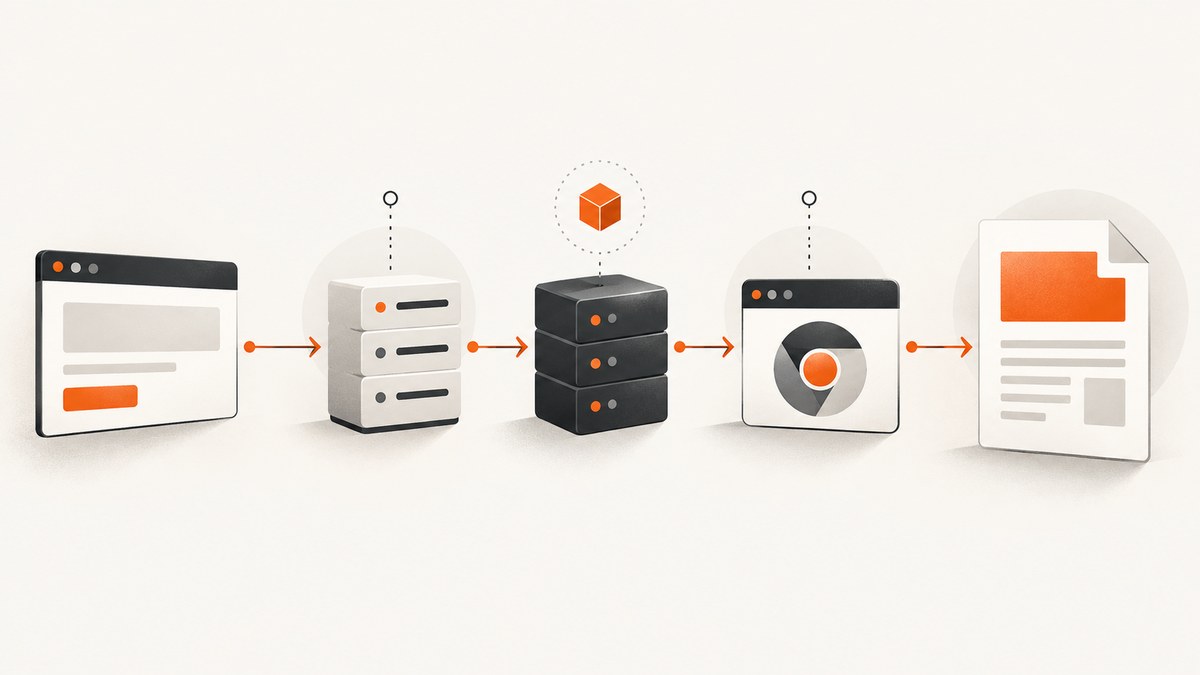
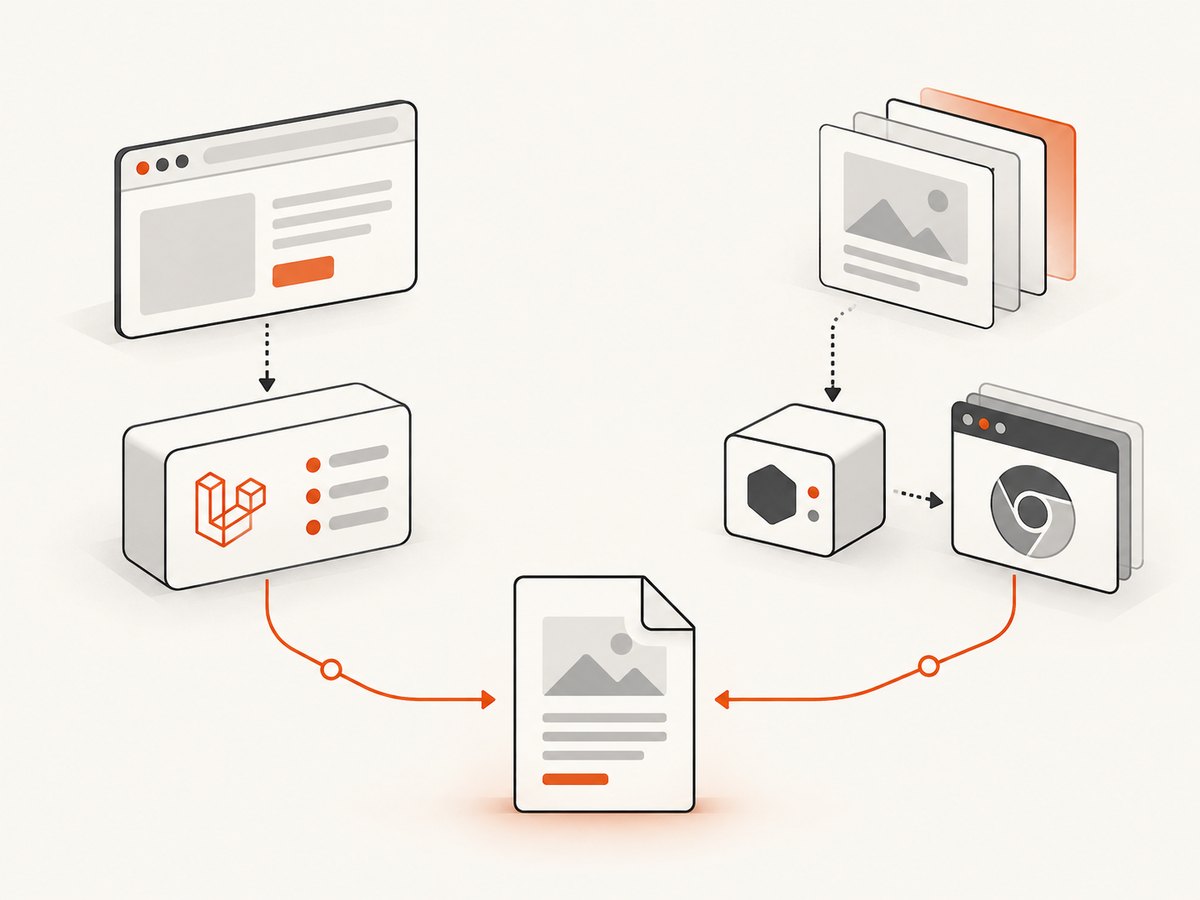
A Spatie Laravel PDF route that works from an Artisan command but fails in a browser usually has two separate problems to isolate: Laravel may not be reaching the controller, or the web process may be unable to run the PDF driver. Start by proving the HTTP route with Spatie’s fake, then inspect the runtime used by PHP-FPM or your queue worker. Only after those pass should you debug PDF layout and JavaScript readiness.
This guide covers route wiring, Browsershot and other drivers, inline versus download responses, JavaScript-heavy views, deployment differences, and a practical fallback when maintaining a browser stack is not useful.
1. Define exactly what “fails” means
Capture one failing request and record:
- the complete URL and HTTP method;
- HTTP status and
Content-Type/Content-Dispositionheaders; - the Laravel exception and the relevant
storage/logs/laravel.loglines; - whether the browser receives an HTML error page, no body, a downloaded PDF, or a PDF with missing content;
- whether the same URL works when called with
curl -iwhile logged out and logged in.
A PDF that downloads is a response-disposition issue. A PDF that opens but is blank can be a renderer or view-readiness issue. A 404, redirect, 500, or authentication page is an HTTP pipeline issue. Do not infer a Chrome failure from the browser’s display behavior alone.
2. Prove the route and controller without launching Chrome
Spatie documents a route-level test using Laravel’s HTTP test client and Pdf::fake(). This isolates route registration, middleware, model binding, controller execution, and response construction.
<?php

namespace Tests\Feature;

use App\Models\Invoice;
use Illuminate\Foundation\Testing\RefreshDatabase;
use Spatie\LaravelPdf\Facades\Pdf;
use Tests\TestCase;

class InvoicePdfRouteTest extends TestCase
{
    use RefreshDatabase;

    public function test_invoice_route_responds_with_a_pdf(): void
    {
        $invoice = Invoice::factory()->create();
        Pdf::fake();

        $response = $this->get(route('invoices.pdf', $invoice));

        $response->assertOk();
        Pdf::assertRespondedWithPdf(function ($pdf) use ($invoice) {
            return $pdf->view('invoices.show', ['invoice' => $invoice]);
        });
    }
}
Adapt the view and route names to your application. If this test fails, stay in the Laravel layer:
- Run
php artisan route:list --name=invoices.pdfand verify the HTTP verb, URI, name, and middleware. - Call the route with the same parameters used by the browser. Check implicit model binding and authorization policies.
- Inspect authentication and CSRF behavior. A GET PDF route normally does not need a CSRF token, but a POST endpoint does.
- Confirm the controller returns the PDF response rather than a view, redirect, or exception.
- Check middleware that changes headers, output buffering, locale, tenant selection, or the authenticated user.
Only move to browser binaries after the fake test passes. This keeps a routing regression from being misdiagnosed as a Puppeteer problem.
3. Return a PDF correctly from a controller
The documented response API returns a PDF inline by default. Use download() only when you intentionally want an attachment.
<?php

namespace App\Http\Controllers;

use App\Models\Invoice;
use Spatie\LaravelPdf\Facades\Pdf;

class InvoicePdfController
{
    public function show(Invoice $invoice)
    {
        return Pdf::view('invoices.show', compact('invoice'))
            ->name('invoice-'.$invoice->number.'.pdf');
    }

    public function download(Invoice $invoice)
    {
        return Pdf::view('invoices.show', compact('invoice'))
            ->name('invoice-'.$invoice->number.'.pdf')
            ->download();
    }
}
Use routes that make the intent explicit:
use App\Http\Controllers\InvoicePdfController;

Route::get('/invoices/{invoice}/pdf', [InvoicePdfController::class, 'show'])
    ->name('invoices.pdf');
Route::get('/invoices/{invoice}/pdf/download', [InvoicePdfController::class, 'download'])
    ->name('invoices.pdf.download');
If the browser downloads unexpectedly, inspect the controller for download() and the final Content-Disposition header. If it receives HTML, fix the status or exception before changing PDF settings.
4. Compare the CLI and web renderer environments
Spatie’s default Browsershot driver requires Node.js and Chrome or Chromium. A successful CLI command proves only that the shell user can find those programs. PHP-FPM, Apache, a queue worker, and a container entrypoint may use a different user, PATH, filesystem, environment, or sandbox policy. Treat that mismatch as a leading hypothesis, not as proof.
Collect the effective values
Check the deployed configuration from the same PHP runtime that serves the route:
php artisan tinker
>>> config('laravel-pdf');
>>> PHP_BINARY;
>>> getenv('PATH');
>>> is_executable('/usr/bin/node');
>>> is_executable('/usr/bin/chromium');
Do not expose secrets in a web response. Log paths and boolean checks temporarily, then remove the diagnostic. Verify the worker user can execute Node and Chrome, read the application and node_modules, create temporary files, and write the configured output directory.
Set explicit paths when discovery is unreliable
Spatie’s driver configuration supports explicit Node, npm, Chrome, module, include, temporary, and sandbox-related settings. Configure these in the published package config or the environment variables documented for your package version. After changing environment values, run php artisan config:clear and restart PHP-FPM, Octane, Horizon, or queue workers so they do not retain stale configuration.
Typical checks include:
- Node.js is installed in the image used by the web process, not only on a build host.
- Chrome/Chromium version meets the driver requirements (the Chrome driver documentation lists Chrome/Chromium 65+).
- the executable path is absolute and points to the binary available in the container;
- the browser sandbox policy matches your container. If a hardened environment requires a no-sandbox setting, document the security decision and apply it only to that isolated runtime;
- temporary directories are writable and have enough space;
- outbound access is available when the view loads remote CSS, fonts, images, or APIs.
Run a minimal route under the web server user, not just an interactive shell. For example, execute a small PHP script through the same service account that checks proc_open, the binary path, and write access to the temporary directory.
5. Separate driver choice from route bugs
Laravel PDF lists Browsershot, Chrome, Cloudflare, DOMPDF, Gotenberg, and WeasyPrint drivers. Choose after identifying the failure:
| Driver style | Where it runs | Best fit | Constraints to verify |
|---|---|---|---|
| Browsershot/Chrome | Your PHP host or container | Modern CSS and JavaScript | Node, Chrome/Chromium, permissions, sandbox |
| DOMPDF | PHP process | Simple HTML/CSS without JavaScript | No browser JavaScript; layout support differs |
| Gotenberg | Self-managed service | Separate rendering service | Service health, network, resource limits |
| WeasyPrint | Python runtime | Print-focused HTML/CSS | Python and CSS feature coverage |
| Cloudflare | Cloud Browser Run API | No local Node/Chrome | Cloudflare credentials, outbound network, remote-service latency |
Cloudflare’s driver removes local Node.js and Chrome, but it introduces account credentials and a hosted dependency. A driver switch cannot repair a 404, failed authorization, or a controller that returns an HTML view.
6. Make JavaScript-heavy views deterministic
A route can return HTTP 200 and still produce an incomplete PDF when charts, maps, fonts, or data render asynchronously. Spatie documents a readiness mechanism: signal readiness from the page and call waitUntilReady() on the builder. This is more reliable than an arbitrary sleep.
In the Blade view, set a flag after the final async render:
<script>
  Promise.all([loadChartData(), loadFonts()]).then(() => {
    renderChart();
    window.status = 'ready';
  });
</script>
Then configure the PDF:
return Pdf::view('reports.monthly', $data)
    ->waitUntilReady()
    ->waitUntilReadyTimeout(30);
Use the expression and timeout options documented for your installed version when your readiness condition is different. Readiness works with Browsershot, Chrome, and Gotenberg. It does not fix missing executables, blocked network requests, or a route that never reaches the builder.
7. Troubleshooting matrix
| Symptom | Likely cause | Fix |
|---|---|---|
| 404 or redirect | Wrong route, binding, host, or auth middleware | Check route:list, parameters, policy, and response headers. |
| 500 mentioning Node/Chrome | Web process cannot find or execute the binary | Set absolute paths, verify PATH and permissions as the worker user, restart workers. |
| CLI succeeds, HTTP fails | Different user, environment, container, or temp directory | Log effective config from the web runtime and run a minimal probe under that account. |
| PDF downloads | Controller called download() or header is overridden |
Return the normal builder response for inline display; inspect Content-Disposition. |
| Blank PDF | View exception, blocked asset, zero-height content, or unsupported CSS | Open the view directly, inspect logs, inline critical assets, and test a minimal template. |
| Missing charts or late data | Capture occurred before async work completed | Use a readiness signal and waitUntilReady(); confirm API requests succeed. |
| Timeout | Slow page, blocked network, browser startup, or too-short readiness timeout | Measure each stage, remove unnecessary remote assets, raise the documented timeout only after fixing slow dependencies. |
| Permission denied in temp/output | Worker cannot write required directories | Create directories with correct ownership and restrictive permissions; check disk space. |
| Works locally, fails in container | Missing browser package, fonts, shared libraries, or sandbox support | Install runtime dependencies in the image and pin the image; verify with a smoke route. |
8. Performance, reliability, and cost controls
- Reuse a warm browser where supported. Browser startup is often a large fixed cost; avoid launching a new process for every item in a batch.
- Reduce page work. Block analytics, ads, video, and nonessential requests in the driver configuration when they are not part of the document.
- Make assets local or cacheable. Remote fonts and APIs add latency and create failure points. Provide deterministic fixture data for invoices and reports.
- Bound concurrency. A burst of PDF jobs can exhaust CPU, memory, file descriptors, or Chrome processes. Queue jobs and cap workers.
- Set observability. Record route, driver, duration, exit code, timeout, and output size. Avoid logging document contents or credentials.
- Retry selectively. Retry transient browser startup or network errors with backoff; do not retry deterministic template exceptions indefinitely.
- Control retention. Store generated files only as long as policy requires, and use private disks for documents containing personal or financial data.
Cost is the sum of application CPU and memory, browser/container resources, storage, queue infrastructure, and any hosted driver charges. Measure representative pages in your own deployment; the package documentation does not provide a universal benchmark.
9. A compact end-to-end checklist
- Classify the failure by status, headers, body, and logs.
- Add a feature test with
Pdf::fake()andPdf::assertRespondedWithPdf(). - Verify route names, bindings, middleware, and controller response.
- Inspect effective driver, Node, Chrome, temp, and sandbox settings from the web runtime.
- Restart long-lived PHP and queue processes after configuration changes.
- Test a minimal static Blade view, then add assets and asynchronous code incrementally.
- Use readiness signaling for JavaScript-driven content.
- Choose another driver only when its runtime and feature trade-offs fit the deployment.

Or skip the browser setup
If your application only needs a reliable screenshot or PDF endpoint, ScreenshotNeo provides a hosted capture API and MCP server. It accepts one GET request and can return PNG, JPEG, WebP, or PDF. Cookie and consent banners, newsletter popups, and chat widgets are removed before capture. Bot checks, blank pages, timeouts, failed loads, and cache hits are not billed, and the response identifies the result with X-Page-Verdict and X-Billed headers. AI clients such as Claude and Cursor can use its MCP tools take_screenshot, get_page_info, and capture_pdf.
See the ScreenshotNeo API documentation for all options. A minimal PDF request is:
curl -G 'https://api.screenshotneo.com/v1/shot' \
  -d access_key=YOUR_API_KEY \
  --data-urlencode url=https://example.com \
  -d format=pdf \
  -o page.pdf
Python:
import requests

r = requests.get(
    'https://api.screenshotneo.com/v1/shot',
    params={
        'access_key': 'YOUR_API_KEY',
        'url': 'https://example.com',
        'format': 'pdf',
    },
    timeout=90,
)
r.raise_for_status()
open('page.pdf', 'wb').write(r.content)
Node.js:
const q = new URLSearchParams({
  access_key: 'YOUR_API_KEY',
  url: 'https://example.com',
  format: 'pdf',
});
const res = await fetch(`https://api.screenshotneo.com/v1/shot?${q}`);
if (!res.ok) throw new Error(`ScreenshotNeo failed: ${res.status}`);
const fs = await import('node:fs/promises');
await fs.writeFile('page.pdf', Buffer.from(await res.arrayBuffer()));
You can also request full-page captures with lazy images loaded, a CSS-selected element, dark mode, device presets or a custom viewport, retina scale, paper size, margins, landscape orientation, page ranges, custom CSS or JavaScript, clicks, selector waits, delays, network-idle waits, blocked resources, headers, cookies, user agents, authorization, timezone, geolocation, transparent backgrounds, resizing, a chosen cache TTL, signed links, async jobs with signed webhooks, bulk capture of up to 100 URLs per call, and usage data. Every feature is on every plan. The free tier includes 1,000 shots per month without a card; paid plans start at $5 for 3,000 shots. Create a free ScreenshotNeo account.
FAQ
Why does Pdf::fake() matter?
It verifies the Laravel route and response contract without starting a real renderer, so you can isolate HTTP wiring from browser dependencies.
Should I increase the timeout first?
No. Confirm the route, executable paths, permissions, and asset requests first. Increase a readiness timeout only when the page is known to finish correctly but needs more time.
Is DOMPDF a drop-in replacement for Browsershot?
No. It avoids Node and Chrome but does not execute JavaScript and has different CSS support. Compare the features your templates actually use.
How can I tell whether a browser download is an error?
Inspect the status, Content-Type, and Content-Disposition. A valid PDF with attachment is a download decision; an HTML body or 5xx is a separate failure.


