How to Fix Square Characters in Chromium on Alpine Docker
Fix tofu boxes in Chromium on Alpine by identifying the missing glyph, installing matching fonts, rebuilding, and testing the real container.
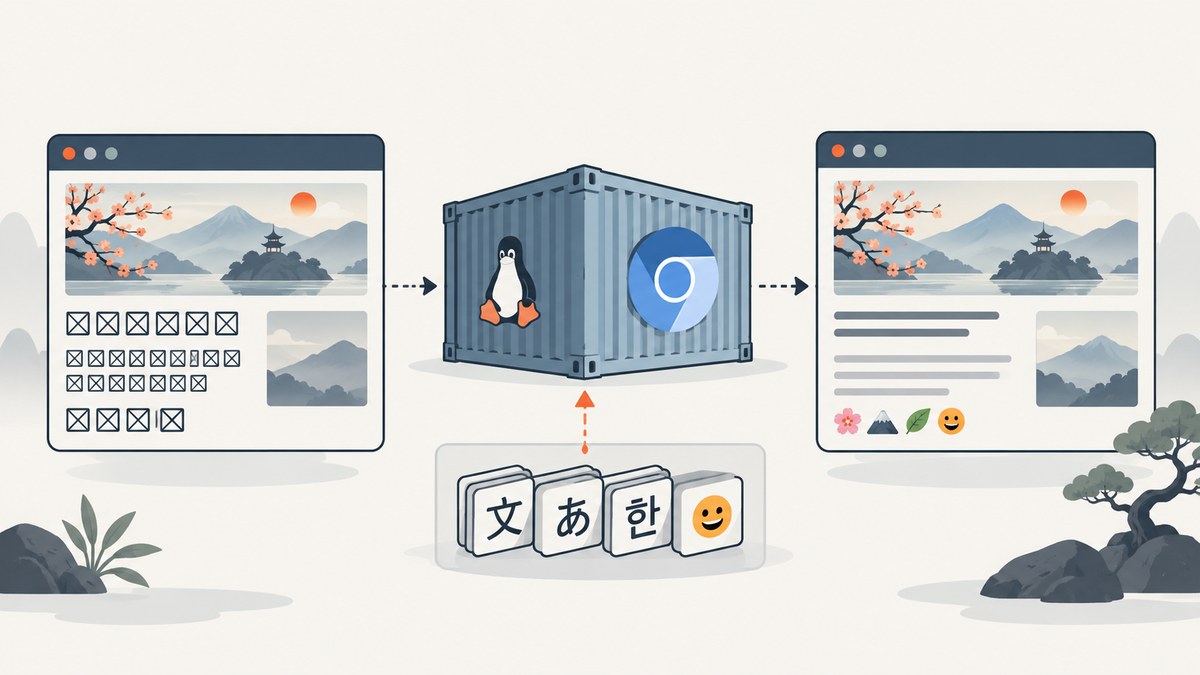
Square boxes (often called tofu) mean Chromium cannot find a usable glyph for one or more characters. On Alpine Docker, install a font family that covers the exact character, rebuild the image, restart Chromium, and verify the literal failing text in that same container. Chromium’s Linux font service uses fontconfig matching and fallback, so changing browser flags rarely fixes missing coverage.
The character matters. CJK text, emoji, symbols, and uncommon mathematical or historic scripts require different font coverage. Start by preserving the exact character or code point, then choose a package available for your Alpine release, architecture, and repositories.
1. Confirm what is missing
Capture the literal text from the failing page. Record a short sample and, when possible, its Unicode code point. For example, a CJK ideograph and an emoji may both appear as squares but need different fonts.
# Show Unicode code points in a UTF-8 string
python3 - <<'PY'
text = "漢字 😀 ✓"
for char in text:
    print(f"{char!r}: U+{ord(char):04X}")
PY
Also check the fonts visible inside the image. The commands below are useful in a diagnostic shell:
fc-list | head -n 20
fc-match sans-serif
fc-match "Noto Sans CJK"
fc-match "Noto Color Emoji"
fc-query /path/to/font.ttf | head
If fc-list or fc-match is unavailable, install the fontconfig utilities in the diagnostic image. Chromium’s font service relies on this matching layer and then applies fallback for characters that the selected family does not contain. See Chromium’s font service implementation and font cache and fallback code.
2. Install fonts in the Alpine image
Alpine packages fonts separately; installing Chromium does not guarantee coverage for every language. Candidate packages include:
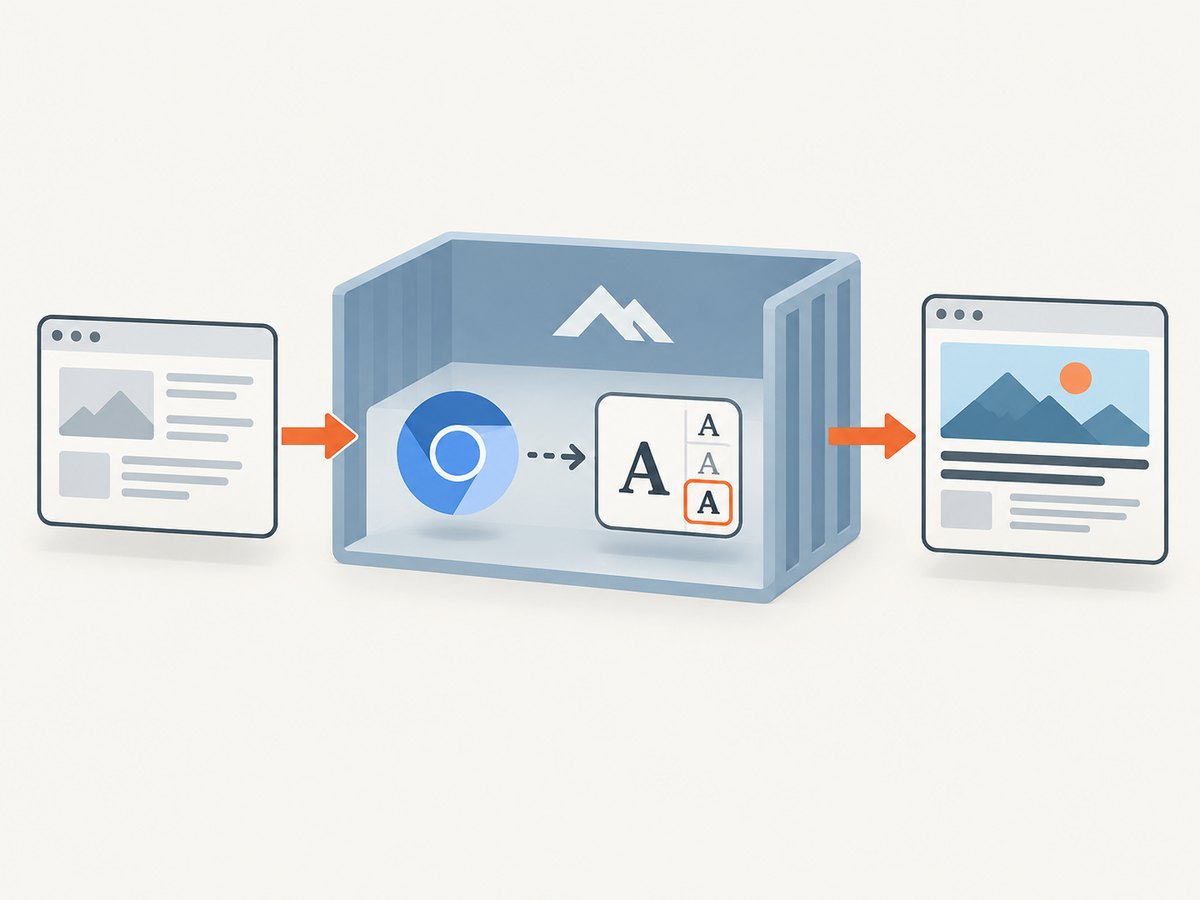
| Text that fails | Package or family to investigate | Notes |
|---|---|---|
| CJK (Chinese, Japanese, Korean) | font-noto-cjk |
Alpine describes it as Google’s Noto family for CJK and world-language coverage. |
| Broad Unicode symbols and scripts | font-freefont |
Alpine describes FreeFont as a TrueType collection covering the UCS character set. |
| Emoji | font-noto-emoji |
Useful for emoji glyphs; color rendering can still depend on Chromium and platform support. |
These names and repositories vary by Alpine release, architecture, and repository configuration. The Alpine v3.24 x86_64 record for font-noto-cjk lists a package version and an installed size of 88.8 MiB at the time of that listing. The v3.21 x86_64 FreeFont record is separate evidence for that release. Treat both as release-specific metadata, not universal requirements.
A practical Dockerfile
FROM alpine:3.21

RUN apk add --no-cache \
    chromium \
    fontconfig \
    font-noto-cjk \
    font-noto-emoji \
    font-freefont

# Rebuild the font cache after adding packages.
RUN fc-cache -f -v

# Your application and Chromium launch command follow here.
WORKDIR /app
COPY . /app
CMD ["chromium-browser", "--headless", "--no-sandbox", "--disable-gpu", "about:blank"]
Adjust the base tag and package repositories to your image. A commonly referenced Alpine Chromium Dockerfile based on Alpine 3.19 installs FreeFont and Noto Emoji and obtains a separate CJK package from edge/community; inspect that example Dockerfile before copying repository settings. Do not assume an edge package is compatible with your production release.
When you have a custom font file
COPY fonts/MyWebFont.ttf /usr/local/share/fonts/MyWebFont.ttf
RUN fc-cache -f -v
For custom fontconfig rules, follow the conventions in your base image and place configuration under /etc/fonts/. Rebuild the image so the font and cache are present before Chromium starts.
3. Rebuild, restart, and verify the actual page
- Build a new image after changing packages or font files.
- Start a new container and Chromium process; an already running process may not see the changed font setup.
- Render the exact failing text in the same headless or headed mode used in production.
- Inspect the resulting screenshot or PDF, not just the package installation log.
docker build --pull -t chromium-font-check .
docker run --rm chromium-font-check fc-match sans-serif
docker run --rm chromium-font-check fc-list | grep -Ei 'Noto|FreeFont|WQY'
A minimal HTML fixture makes the check repeatable:
<!doctype html>
<meta charset="utf-8">
<style>body { font-family: sans-serif; font-size: 48px; }</style>
<p>漢字 日本語 한글 😀 ✓</p>
Load this fixture through the same application path that produced the boxes. A successful apk add proves only that files were installed; it does not prove that the selected family or fallback chain contains your target glyph.
4. Diagnose font matching and fallback
The page requests a family you did not install
CSS such as font-family: "Some Web Font", sans-serif can select a family with incomplete coverage. Check computed styles in DevTools or temporarily force a known installed family. If the fallback works, either ship the requested web font correctly or provide a deliberate fallback stack.
The font exists but the glyph is absent
Large font families still have gaps. Query the exact font and compare it with another family:
fc-match -f '%{family}: %{file}\n' sans-serif
fc-match -f '%{family}: %{file}\n' 'Noto Sans CJK'
fc-query --format '%{charset}\n' /path/to/font.ttf | head
Font cache or process state is stale
Run fc-cache -f -v, rebuild the image, and restart the container. Avoid debugging a long-lived Chromium process created before the font was installed.
Locale and text encoding are wrong
Ensure the document declares UTF-8 and that your application writes UTF-8 bytes. A missing or incorrect <meta charset="utf-8">, escaped data, or damaged response can look like a font problem. Inspect the page source and the bytes delivered to Chromium before changing packages.
Emoji is monochrome or still boxed
Install an emoji family such as font-noto-emoji, then verify the exact emoji sequence. Some emoji are composed from multiple code points and may require variation selectors or zero-width joiners. Test the sequence your application actually emits.
5. Common errors and fixes
| Symptom | Likely cause | Fix |
|---|---|---|
apk add font-noto-cjk says package not found |
Wrong Alpine release, architecture, or repository | Check the package record for your release and enable only the repository intended for that image; choose an available alternative. |
Fonts appear in fc-list, but boxes remain |
The installed family lacks the target glyph or CSS selects another family | Identify the code point, inspect computed CSS, and test a family with confirmed coverage. |
| Works locally, fails in Docker | Host fonts are not present in the image | Install or copy fonts during the image build and run the verification inside the container. |
| Only one script fails | Partial coverage in the chosen family | Add a script-appropriate fallback, such as a CJK family for CJK text. |
| New image still renders old output | Old container, browser process, or screenshot cache | Start a fresh container, clear relevant caches, and confirm the image digest used by the job. |
| Text is blank rather than boxed | Encoding, CSS color, clipping, or page-load timing issue | Inspect response bytes and computed styles, then wait for the page and fonts to load before capture. |
6. Performance, reliability, and image-size trade-offs
- Image size: CJK collections can be large. The Alpine v3.24 listing reports 88.8 MiB installed for one x86_64 build; measure your final image rather than assuming that value applies elsewhere.
- Build reproducibility: Pin the Alpine base and review package availability for your architecture. Keep font installation in the Dockerfile so workers do not drift.
- Startup time: Build the font cache once in the image. Do not reinstall packages or rebuild caches for every screenshot job.
- Coverage versus size: Install only the scripts your pages need when image size matters, but retain a broad fallback if user content is unpredictable.
- Parallel jobs: Reuse a warmed browser only after verifying that its font environment is stable. Restart after image changes.
- Verification: Keep a fixture containing representative CJK, emoji, symbols, and accented text in CI. Compare rendered output in the production image.
7. Or skip the browser setup
ScreenshotNeo provides a website screenshot API and MCP server when you need rendered captures without maintaining Chromium and Alpine font packages. Its cleanup step accepts cookie or consent banners and removes more than 60 known consent platforms, newsletter popups, and chat widgets; each step can be disabled. Only clean shots are billed: bot checks or CAPTCHAs, blank pages, timeouts, failed loads, and cache hits cost nothing, and the response identifies the result with X-Page-Verdict and X-Billed headers. Its MCP tools let Claude, Cursor, and other MCP clients call take_screenshot, get_page_info, and capture_pdf.

See the ScreenshotNeo API documentation for authentication and options. A one-call capture looks like this:
curl -G "https://api.screenshotneo.com/v1/shot" -d access_key=YOUR_API_KEY --data-urlencode url=https://example.com -o shot.webpimport requests
r = requests.get("https://api.screenshotneo.com/v1/shot", params={"access_key": "YOUR_API_KEY", "url": "https://example.com"}, timeout=90)
open("shot.webp", "wb").write(r.content)const q = new URLSearchParams({ access_key: 'YOUR_API_KEY', url: 'https://example.com' });
const res = await fetch(`https://api.screenshotneo.com/v1/shot?${q}`);ScreenshotNeo includes full-page and element capture, dark mode, device presets or custom viewports, retina scale, PDF controls, custom CSS and JavaScript, clicks, waits, request blocking, headers, cookies, user agents, authorization, timezone, geolocation, transparent backgrounds, resizing, TTL caching, signed links, asynchronous webhooks, bulk capture, usage reporting, and an OpenAPI specification. The Free plan includes 1,000 shots each month with no card; paid plans start at $5 for 3,000 shots. Create a free ScreenshotNeo account.
8. Short FAQ
Do I need to install every Noto font?
No. Identify the failing script and install a family with coverage for those code points. Broader packages trade image size for fewer fallback gaps.
Will a Chromium command-line flag fix missing glyphs?
Usually no. Missing coverage is a font and fontconfig problem. Verify the font files and matching chain first.
Can I copy fonts from the host into the container?
Yes, when licensing and reproducibility are acceptable. Copy them during the build, run fc-cache, and test inside the resulting image.
Why does the same character use a different shape after the fix?
Fallback may select a different family or regional glyph variant. Choose an appropriate family explicitly and verify the rendered output for your target locale.
Is package installation alone a sufficient test?
No. Render the literal failing text with the same Chromium process and image used in production.


