How to Fix an SSLError in Python Requests
Fix Python Requests SSLError errors by identifying the certificate, hostname, CA, proxy, or client-certificate problem and applying the right secure remedy.
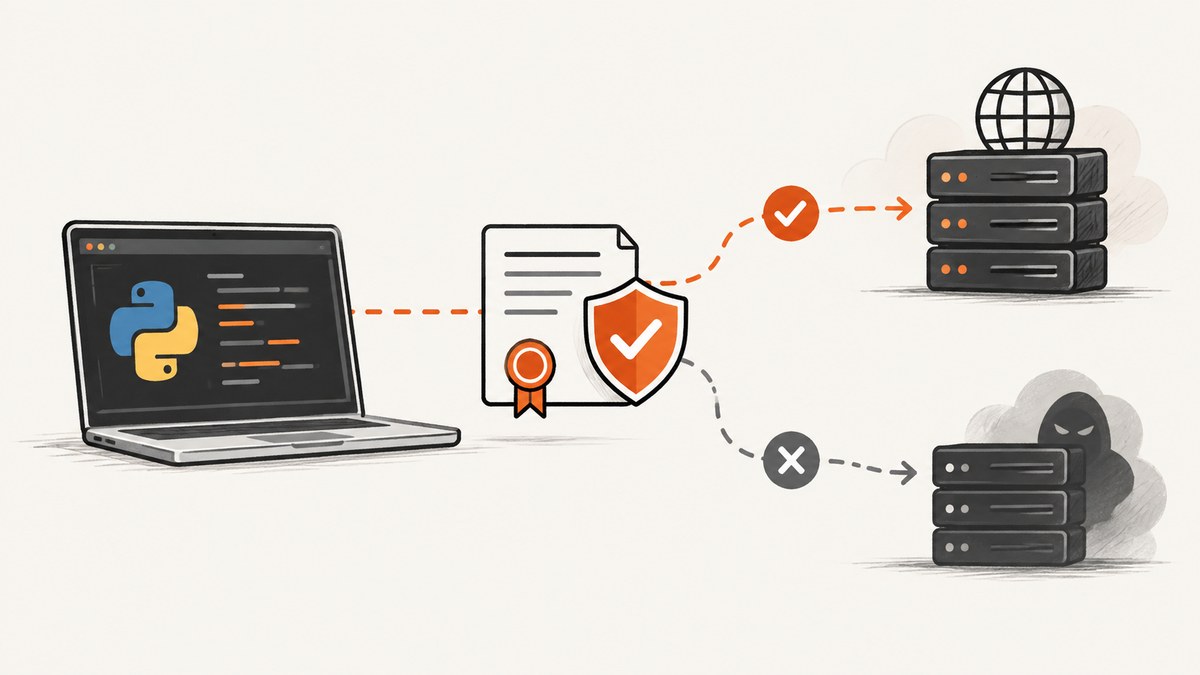
An SSLError in Python Requests means the HTTPS connection could not complete its TLS checks. The exact fix depends on the exception text: an untrusted certificate chain needs the correct CA bundle, a hostname mismatch needs the correct URL or server certificate, and mutual TLS needs a valid client certificate. Start by preserving verification, reading the complete traceback, and matching the error to its cause.
Requests verifies HTTPS certificates by default and raises SSLError when it cannot verify the server certificate. Setting verify=False accepts untrusted, expired, or mismatched certificates and exposes the connection to man-in-the-middle attacks, so it is not a production fix. See the Requests advanced usage documentation for the verification rules.
1. Identify the exact SSL failure
Save the full traceback, including the nested OpenSSL message. These common endings point to different repairs:
| Error text | Usually means | First action |
|---|---|---|
CERTIFICATE_VERIFY_FAILED |
The issuer or chain is not trusted, or the certificate is expired. | Check the public CA chain and configure an approved private CA bundle if needed. |
hostname 'x' doesn't match |
The certificate identity does not cover the hostname in the URL. | Check the URL, redirects, proxy, and certificate SANs. |
unknown ca or unable to get local issuer certificate |
A required issuing CA is missing from the trust store. | Obtain the correct CA bundle through your organization’s trusted process. |
WRONG_VERSION_NUMBER or handshake errors |
The endpoint, proxy, or TLS protocol configuration is incompatible. | Confirm HTTPS versus HTTP and inspect proxy settings. |
Errors loading cert or key |
The client certificate path, key, or pair is invalid. | Check file paths, permissions, format, and certificate/key matching. |
Also record the Python version, Requests version, operating system, URL hostname, whether a corporate proxy or TLS inspection device is present, and whether the failure occurs for every HTTPS site or only one endpoint. Without that environment information, a traceback cannot prove which component is responsible.
2. Verify the URL and the server identity
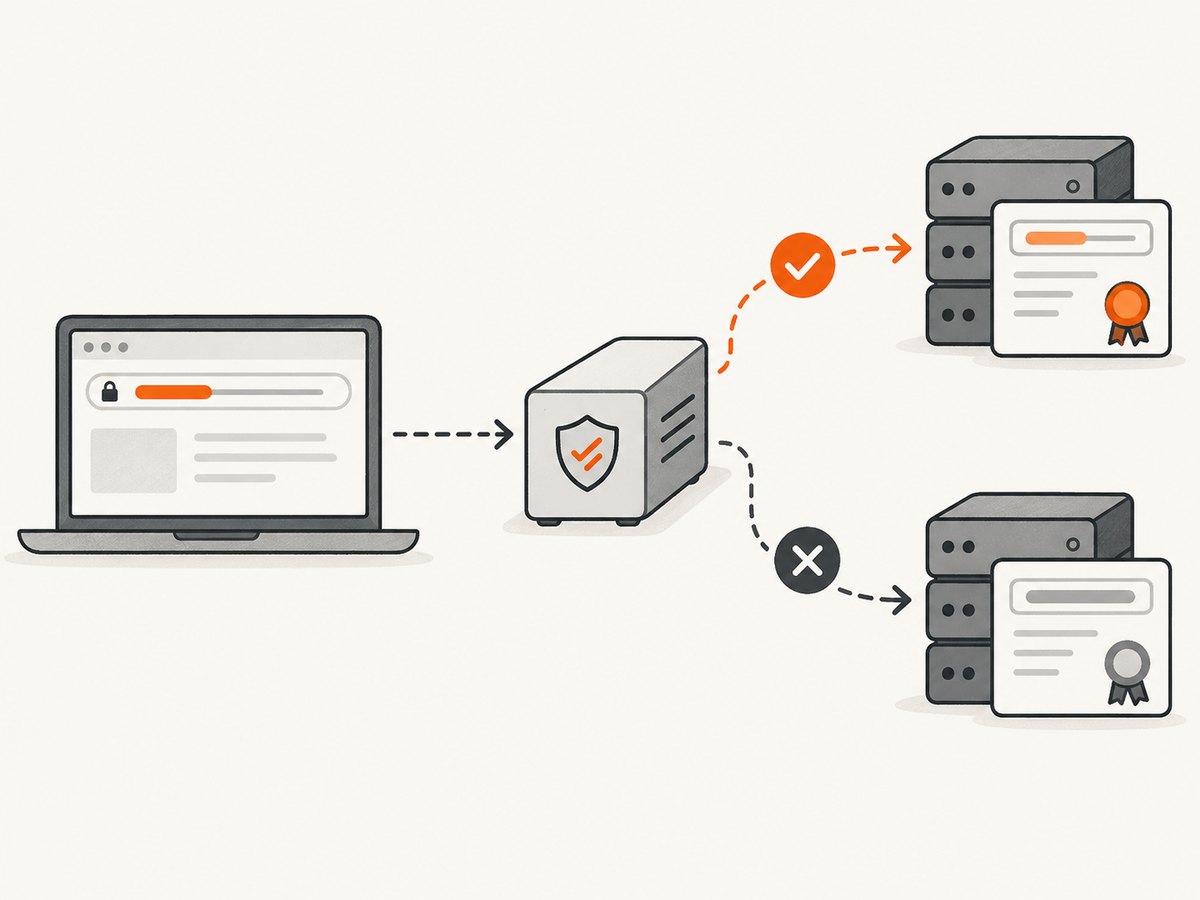
For a hostname mismatch, the server sent a certificate whose names do not include the hostname Requests believes it is contacting. Check for spelling mistakes, an IP address used instead of a DNS name, redirects to another host, and a proxy that replaces the origin certificate. Requests’ FAQ describes hostname mismatch as an endpoint identity problem.
import requests

url = 'https://api.example.com/health'
response = requests.get(url, timeout=30)
response.raise_for_status()
print(response.status_code)
Do not “solve” a mismatch by disabling verification. If you operate the server, issue a certificate containing the requested DNS name in its Subject Alternative Name field. If a proxy performs TLS inspection, install the organization’s documented inspection CA in the client trust configuration instead of trusting a certificate copied from an unverified connection.
3. Fix an untrusted or private certificate authority
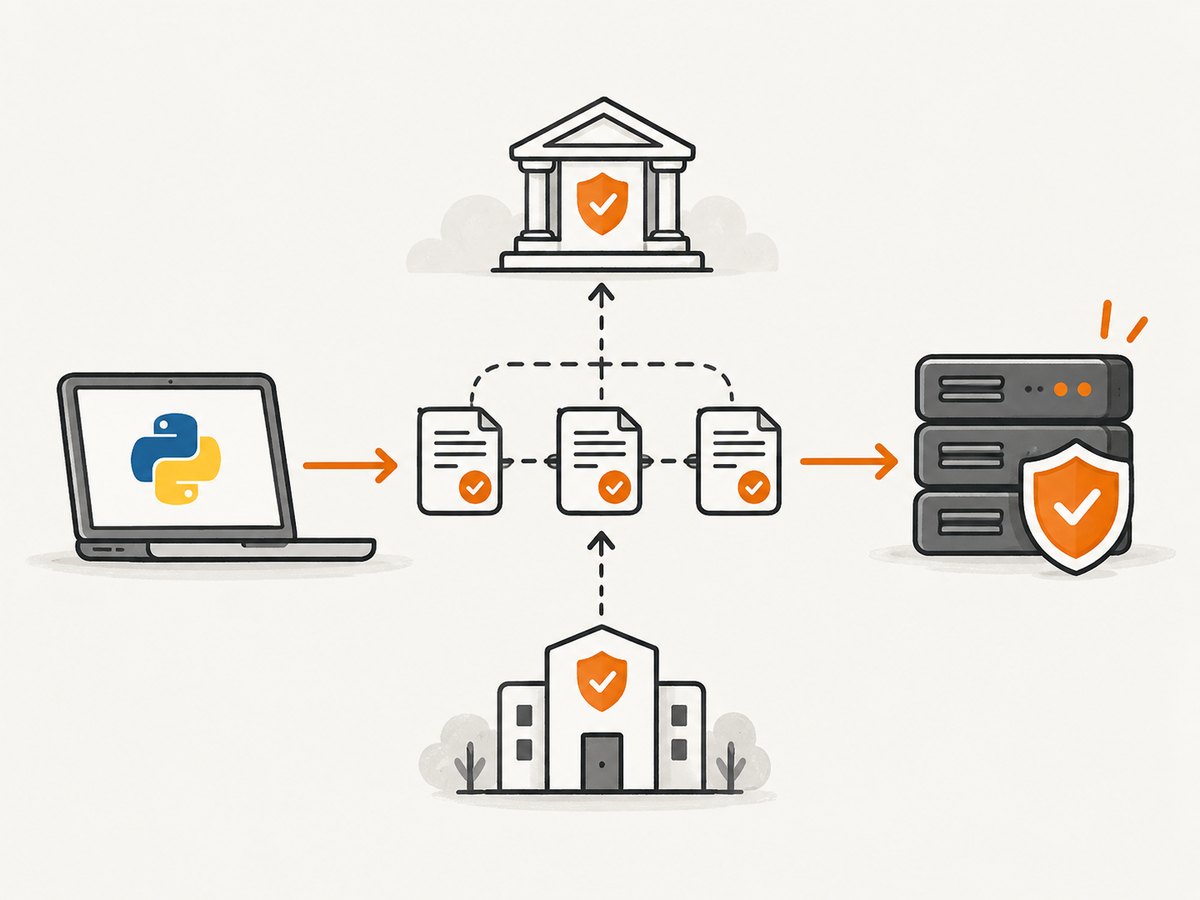
Public websites normally chain to a CA already trusted by the system or Requests’ CA bundle. Internal services often use an enterprise or private CA. Obtain the approved PEM bundle from the service owner or network administrator, store it with appropriate file permissions, and pass its path to Requests.
Per-request CA bundle
import requests

ca_bundle = '/etc/company/pki/enterprise-ca-bundle.pem'
r = requests.get(
    'https://internal.example.com/report',
    verify=ca_bundle,
    timeout=30,
)
r.raise_for_status()
print(r.text)
Session-wide CA bundle
import requests

session = requests.Session()
session.verify = '/etc/company/pki/enterprise-ca-bundle.pem'
r = session.get('https://internal.example.com/report', timeout=30)
r.raise_for_status()
Environment variables
Requests honors REQUESTS_CA_BUNDLE. If it is unset, CURL_CA_BUNDLE is a fallback. This is useful for containers and deployment environments where code should remain unchanged.
export REQUESTS_CA_BUNDLE=/etc/company/pki/enterprise-ca-bundle.pem
python fetch_report.py
Confirm that the file is a CA bundle in PEM format, contains the issuing chain required by the server, and is readable by the process. Never download a bundle over the failing connection and trust it without independently confirming its origin.
4. Handle mutual TLS with the cert argument
Some servers require mutual TLS (mTLS): the server proves its identity to Requests, and Requests also presents a client certificate. The cert option is separate from verify: verify authenticates the server; cert supplies the client credential.
import requests

# Combined PEM containing the client certificate and private key
r = requests.get(
    'https://mtls.example.com/data',
    cert='/secure/client.pem',
    verify='/secure/ca-bundle.pem',
    timeout=30,
)
r.raise_for_status()
When the certificate and key are separate, pass a tuple:
r = requests.get(
    'https://mtls.example.com/data',
    cert=('/secure/client.crt', '/secure/client.key'),
    verify='/secure/ca-bundle.pem',
    timeout=30,
)
A client-certificate error can come from a missing file, unreadable permissions, an encrypted key that the process cannot unlock, an expired certificate, or a certificate and key that do not match. The Requests API reference documents the accepted certificate forms.
5. Make environment settings work with prepared requests
A normal requests.get() call applies environment settings. If you build a PreparedRequest manually and send it through a session, merge environment settings explicitly; otherwise REQUESTS_CA_BUNDLE and proxy variables may not be applied.
import requests

session = requests.Session()
request = requests.Request('GET', 'https://internal.example.com/data')
prepared = session.prepare_request(request)
environment = session.merge_environment_settings(
    prepared.url,
    proxies={},
    stream=None,
    verify=None,
    cert=None,
)
response = session.send(prepared, timeout=30, **environment)
response.raise_for_status()
6. Complete diagnostic script
This script prints versions and distinguishes certificate failures without weakening verification.
import ssl
import sys
import requests
from requests.exceptions import SSLError, RequestException

url = 'https://api.example.com/health'
print('Python:', sys.version)
print('OpenSSL:', ssl.OPENSSL_VERSION)
print('Requests:', requests.__version__)

try:
    response = requests.get(url, timeout=(10, 30))
    response.raise_for_status()
    print('OK:', response.status_code)
except SSLError as exc:
    print('TLS verification or handshake failed:')
    print(exc)
    raise
except RequestException as exc:
    print('HTTP request failed:')
    print(exc)
    raise
7. cURL and Node.js equivalents
Using another client helps isolate whether the issue is Python-specific. Keep certificate verification enabled in every client.
cURL
curl --fail --show-error --location \
  --cacert /etc/company/pki/enterprise-ca-bundle.pem \
  https://internal.example.com/health
For mTLS with separate files:
curl --fail --show-error \
  --cacert /secure/ca-bundle.pem \
  --cert /secure/client.crt \
  --key /secure/client.key \
  https://mtls.example.com/data
Node.js
import fs from 'node:fs';

const response = await fetch('https://internal.example.com/health', {
  // Node’s fetch uses an undici dispatcher for custom TLS settings.
  // Configure the approved CA in your runtime or HTTP agent for your Node version.
});
if (!response.ok) throw new Error(`HTTP ${response.status}`);
console.log(await response.text());
Do not use a global “reject unauthorized: false” setting in Node or an equivalent insecure switch. Configure the trusted CA in the runtime or agent used by your deployment.
8. Troubleshooting checklist
| Symptom | Cause to check | Secure fix |
|---|---|---|
| Works in a browser but not Python | Browser has an enterprise root or uses a different proxy. | Export the approved enterprise CA and configure verify or REQUESTS_CA_BUNDLE. |
| Only one hostname fails | Bad certificate SAN, wrong DNS record, or redirect. | Inspect the certificate for that hostname and correct DNS/server configuration. |
| Everything fails after a machine image update | Outdated CA bundle, Python, or OpenSSL build. | Update through your approved package channel and verify the resulting trust store. |
| Failure appears only behind a corporate network | TLS inspection proxy presents an enterprise certificate. | Configure the documented proxy and enterprise CA; do not trust an arbitrary leaf certificate. |
verify path has no effect |
Wrong path, unreadable file, non-PEM file, or prepared-request environment not merged. | Check the file and use merge_environment_settings for prepared requests. |
| Handshake fails before verification | Protocol mismatch, proxy speaking HTTP on an HTTPS port, or incompatible cipher. | Confirm scheme and proxy URL, then inspect server TLS policy and supported versions. |
| Intermittent failures | Different load balancer nodes expose different chains or certificates. | Check every node and certificate rotation path; use retries only for transient transport errors. |
9. Reliability, performance, and cost considerations
Certificate verification adds a small amount of CPU work during a new TLS connection, but connection reuse through requests.Session avoids repeated handshakes and is usually the largest practical improvement.
import requests

with requests.Session() as session:
    session.verify = '/etc/company/pki/enterprise-ca-bundle.pem'
    for endpoint in ('/users', '/projects', '/usage'):
        response = session.get('https://api.example.com' + endpoint, timeout=30)
        response.raise_for_status()
Use explicit connect and read timeouts, and retry only idempotent requests when the failure is demonstrably transient. A retry cannot repair a wrong hostname or missing CA and can hide a persistent configuration defect. Monitor certificate expiration and CA rotation before production deploys. There is no license cost for Requests itself; operational cost comes from maintaining the server certificate, private CA process, proxy configuration, and observability.
10. What not to do
- Do not ship
verify=Falseto bypass the error. - Do not paste a certificate from an unverified connection into your trust store.
- Do not confuse a server CA bundle (
verify) with a client identity (cert). - Do not fix a hostname mismatch by changing the hostname to whatever certificate happens to be presented.
- Do not suppress the traceback; its final OpenSSL message is often the fastest route to the correct fix.
11. Or skip the browser setup
If the task behind your Python request is producing website screenshots, ScreenshotNeo removes the browser and certificate-management setup from your application. Its API accepts one GET request and returns PNG, JPEG, WebP, or PDF. See the ScreenshotNeo API documentation for all options.
import requests
r = requests.get('https://api.screenshotneo.com/v1/shot', params={'access_key': 'YOUR_API_KEY', 'url': 'https://stripe.com'}, timeout=90)
open('shot.webp', 'wb').write(r.content)
cURL
curl -G 'https://api.screenshotneo.com/v1/shot' -d access_key=YOUR_API_KEY --data-urlencode url=https://stripe.com -o shot.webpNode.js
const q = new URLSearchParams({ access_key: 'YOUR_API_KEY', url: 'https://stripe.com' }); const res = await fetch(`https://api.screenshotneo.com/v1/shot?${q}`);ScreenshotNeo accepts cookie and consent banners before capture and removes more than 60 known consent platforms, newsletter popups, and chat widgets; each step can be disabled. Bot checks, blank pages, timeouts, failed loads, and cache hits are not billed, and the response identifies the page verdict and billing status with X-Page-Verdict and X-Billed headers. Its MCP server provides take_screenshot, get_page_info, and capture_pdf tools for Claude, Cursor, and other MCP clients.
The Free plan includes 1,000 screenshots per month with no card. Paid plans start at $5 for 3,000 screenshots; every feature is available on every plan. Create a free ScreenshotNeo account.
12. FAQ
Should I update certifi?
Updating a dependency can help when a public CA has changed, but first confirm your environment and package policy. An enterprise CA still needs to be configured explicitly.
Can I use an IP address in the URL?
Only if the server certificate includes that IP address in its identity fields. DNS names are the usual and more reliable choice.
Does cert fix CERTIFICATE_VERIFY_FAILED?
No. cert is for your client identity in mTLS. Use verify or the CA environment variables to trust the server.
Why does a request succeed with curl but fail in Requests?
The clients may use different CA bundles, proxy variables, TLS libraries, or hostname handling. Compare their CA paths and proxy configuration before changing verification.
Is a self-signed certificate always unusable?
No. It can be used when you intentionally trust it by supplying the approved certificate or CA bundle with verify. Trusting it blindly defeats TLS identity checks.
Summary
Read the complete exception, verify the hostname, configure the approved CA bundle for private services, and use cert only for client authentication. Keep TLS verification enabled, apply environment settings correctly in prepared-request flows, and reuse sessions for reliable connections.


