How to Fix StealthPlugin Errors in PuppeteerSharp
Fix StealthPlugin errors in PuppeteerSharp by checking the .NET package, resolved versions, and failing API call. Includes a working setup and a step-by-step diagnosis.
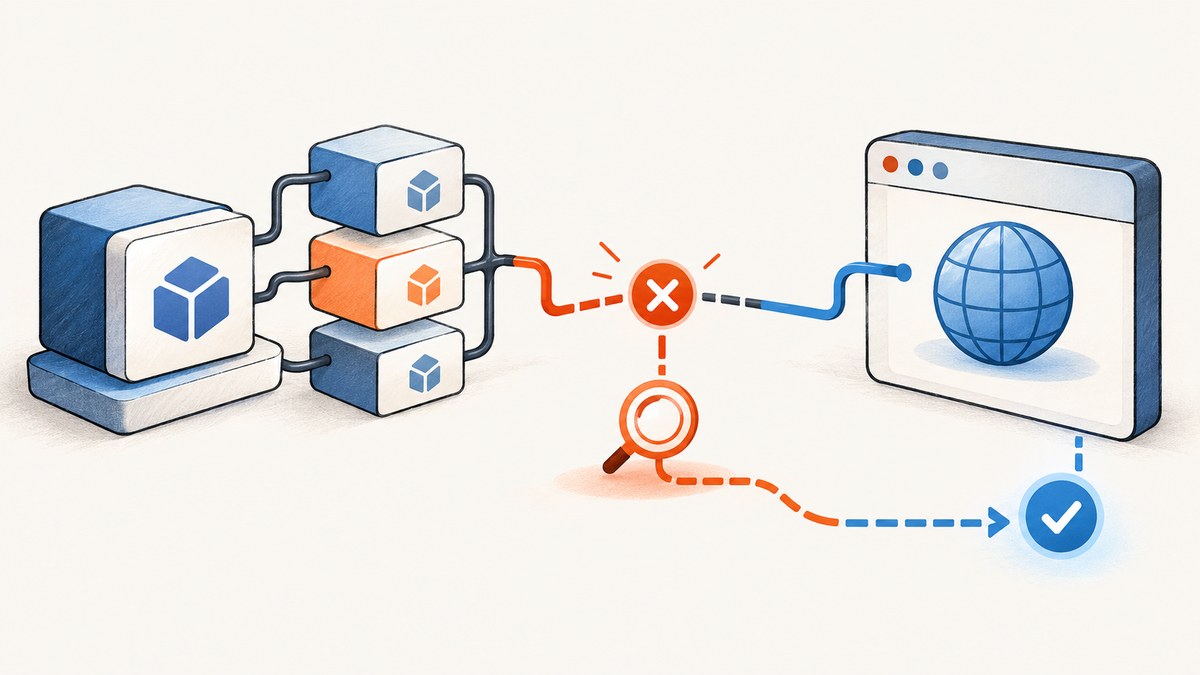
If StealthPlugin fails in a PuppeteerSharp project, first check that you installed the .NET plugin framework, PuppeteerExtraSharp, rather than copying a Node.js example or installing only JavaScript packages. Then inspect the resolved versions of PuppeteerExtraSharp and PuppeteerSharp, and compare the method named in the error with the API available in those versions. There is no single reliable edit for every error: a compile failure, a launch exception, and a website blocking navigation point to different causes.
The documented .NET pattern is to create PuppeteerExtra, register new StealthPlugin() with Use, and launch through that wrapper. This guide starts with that setup, then walks through diagnosis by failure stage, compatibility checks, common errors, and ways to capture a page without maintaining a local browser integration.
1. Confirm you are using the .NET packages
PuppeteerSharp is a .NET library. The similarly named puppeteer-extra and puppeteer-extra-plugin-stealth packages are for Node.js. Their import syntax and plugin registration calls do not become valid C# merely because both projects use the word “Puppeteer.” The .NET plugin framework is PuppeteerExtraSharp; its NuGet listing describes its plugin purpose and package identity.
Before changing code, check the project file and the dependencies actually restored by NuGet. A version range in a project file is not necessarily the exact version resolved for the build. Use your IDE’s NuGet dependency view or inspect the restore output and lock file, if your project uses one.
<ItemGroup>
  <PackageReference Include="PuppeteerSharp" Version="YOUR_COMPATIBLE_VERSION" />
  <PackageReference Include="PuppeteerExtraSharp" Version="YOUR_COMPATIBLE_VERSION" />
</ItemGroup>
Replace the placeholders with versions compatible with one another and with your target framework. Do not assume that the latest version of each package is automatically a compatible pair. Check the package requirements and the API reference for the versions you have installed.
2. Start with the documented wrapper pattern
Once the .NET package identity is confirmed, keep the initial example small. This makes it easier to tell whether the failure comes from plugin setup, browser installation, or the target website.
using PuppeteerExtraSharp;
using PuppeteerExtraSharp.Plugins.Stealth;

var extra = new PuppeteerExtra();
extra.Use(new StealthPlugin());

var browser = await extra.LaunchAsync();
try
{
    var page = await browser.NewPageAsync();
    await page.GoToAsync("https://example.com");

    var title = await page.GetTitleAsync();
    Console.WriteLine(title);
}
finally
{
    await browser.CloseAsync();
}
The namespaces and available overloads can differ by release. If your compiler cannot resolve one of these names, do not guess at a replacement namespace: inspect the package version and its examples or source. The repository’s README is the primary setup reference. PuppeteerSharp’s API reference and LaunchOptions reference are useful when checking browser options; match the documentation to the installed package version where possible.
Separate browser installation from plugin registration
A successful build does not prove that Chromium is available to launch. PuppeteerSharp may require a browser download appropriate to the version and environment. If the exception occurs during launch and mentions an executable path or missing browser, follow the browser installation instructions for your PuppeteerSharp version. That is a different failure from a missing Use method or an unresolved plugin type.
For a first diagnostic run, avoid adding custom launch arguments, proxy settings, extra plugins, or page scripts. Add those back one at a time after the basic wrapper launches. This narrows the failing boundary.
3. Diagnose by when the error happens
| Failure stage | What it often indicates | First check |
|---|---|---|
| Build or restore | Wrong package, missing namespace, incompatible dependency, or unavailable method/overload | Installed package identities, resolved versions, target framework, and the exact compiler message |
| Plugin registration | Wrong plugin type or an API surface that differs from the example | The plugin namespace and Use signature in the installed package version |
| Browser launch | Browser executable, launch configuration, or environment problem | Inner exception, executable availability, and the launch options in use |
| Navigation or page content | Network, page behavior, or a target-site block; not necessarily a plugin integration failure | Whether navigation completed, the response and page content, and whether a plain PuppeteerSharp page behaves the same way |
Capture the entire error, including inner exceptions and stack trace. Record the target framework, exact NuGet versions, operating system, and whether the failure occurs at build, launch, or navigation. A minimal reproduction should include only the package references and the smallest code path that still fails.
4. Check API and version mismatches
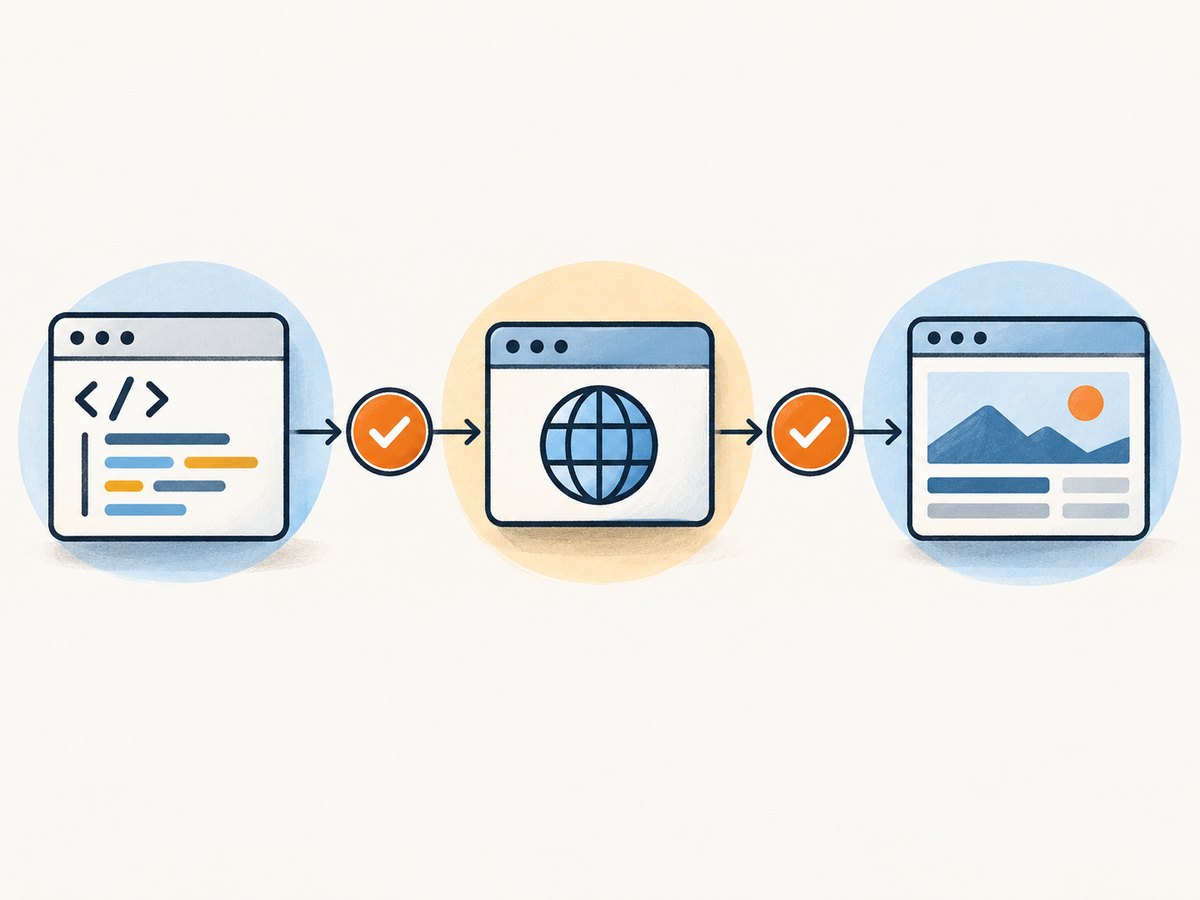
If an error says a method or overload is missing, compare the named method against the API for the installed package. Avoid applying a fix based only on a search result that mentions a similar method. A secondary troubleshooting report points to a possible difference between EvaluateExpressionOnNewDocumentAsync(string) and EvaluateFunctionOnNewDocumentAsync(string). Treat that as a lead, not a universal fix: confirm that the method exists in your resolved version and that the string you pass has the format it expects.
Use this sequence:
- Copy the exact missing method or overload name from the compiler output.
- Find the resolved version of the assembly that should define it. Check for duplicate or transitive package versions as well as direct references.
- Open the API documentation or source corresponding to that version and confirm the method signature, including parameter types and return type.
- Compare the call site with a sample written for the same package generation. Check whether an API moved from the base library into the wrapper or changed from an expression-oriented method to a function-oriented method.
- Make one change, restore and rebuild, then capture the new complete error if it remains.
Do not change multiple package versions and method names at once. That makes it difficult to identify which adjustment addressed the original problem and may replace a clear compile error with a less obvious runtime issue.
5. Common errors and practical fixes
“The type or namespace name PuppeteerExtra could not be found”
Likely cause: PuppeteerExtraSharp is not referenced, restore did not complete, or the example’s namespace does not match the package version.
Fix: Confirm the .NET package appears in the resolved dependency list, restore successfully, and check the package’s own example for the namespace in that release. Do not install the Node package as a substitute.
“StealthPlugin could not be found”
Likely cause: The plugin package or namespace is missing, or the installed plugin framework version exposes a different type location.
Fix: Verify that StealthPlugin is part of the installed .NET integration you intend to use. Compare the plugin’s documented setup with your resolved assembly. Check spelling and capitalization as well.
“PuppeteerExtra does not contain a definition for Use”
Likely cause: The object is not the expected wrapper type, or the installed API differs from the sample.
Fix: Check the variable’s actual type, package versions, and the wrapper API for that release. Ensure plugin registration is called on PuppeteerExtra, rather than on a PuppeteerSharp browser or page object.
“No overload for method … takes … arguments”
Likely cause: The call was copied from another version, or the argument type does not match the installed signature.
Fix: Look up that exact overload in the versioned API reference or package source. Adapt the call to the signature that exists; do not remove arguments blindly, since they may control behavior the call depends on.
Browser launch fails with an executable or process error
Likely cause: The browser binary is absent or inaccessible, launch options point to the wrong executable, or the runtime environment cannot start it.
Fix: Follow the browser download/setup instructions for the PuppeteerSharp version in use. Verify the executable path and permissions in the same environment where the app runs. Temporarily remove custom launch options and inspect the inner exception.
The site returns a block page or unexpected content
Likely cause: The page loaded but the target site did not serve the expected content, or the site identified or restricted automated traffic.
Fix: Distinguish the page outcome from a plugin loading exception. Check the final URL, response status where available, title, and visible content. The upstream stealth project describes its purpose as making headless automation harder to detect; it cannot guarantee that a particular site will accept automation. Respect the site’s access rules and do not treat a block as evidence that a package method is broken.
6. Keep the reproduction reliable
Browser automation failures can be intermittent because the browser process, page load, and external site each have their own failure modes. Make the diagnostic program report which stage failed. Log the exception type and message, and keep the stack trace. If a page navigation is involved, also record whether the browser launched and whether a page was created before navigation began.
- Use a minimal page first: validate launch and navigation separately from plugin-specific scripts or custom page setup.
- Close the browser: put browser shutdown in a
finallyblock so failed navigations do not leave processes behind. - Make waits intentional: page load completion and application readiness are not always the same. If the target renders content later, use a wait suited to the page and your installed API.
- Keep secrets out of diagnostics: redact credentials, authorization headers, cookies, and private URLs before sharing a reproduction.
- Recheck after upgrades: package upgrades can change dependency resolution or API surface. Rebuild from a clean restore and verify the versions actually loaded.
7. Or skip the browser setup
If your goal is to obtain a screenshot rather than to maintain a PuppeteerSharp plugin integration, ScreenshotNeo provides a website screenshot API and MCP server. The API accepts one GET request with a URL and returns an image or PDF. See the ScreenshotNeo documentation for request options and setup.
curl -G "https://api.screenshotneo.com/v1/shot" -d access_key=YOUR_API_KEY --data-urlencode url=https://example.com -o shot.webpimport requests
r = requests.get(
"https://api.screenshotneo.com/v1/shot",
params={"access_key": "YOUR_API_KEY", "url": "https://example.com"},
timeout=90,
)
open("shot.webp", "wb").write(r.content)const q = new URLSearchParams({ access_key: 'YOUR_API_KEY', url: 'https://example.com' });
const res = await fetch(`https://api.screenshotneo.com/v1/shot?${q}`);
if (!res.ok) throw new Error(`Screenshot request failed: ${res.status}`);
const bytes = new Uint8Array(await res.arrayBuffer());
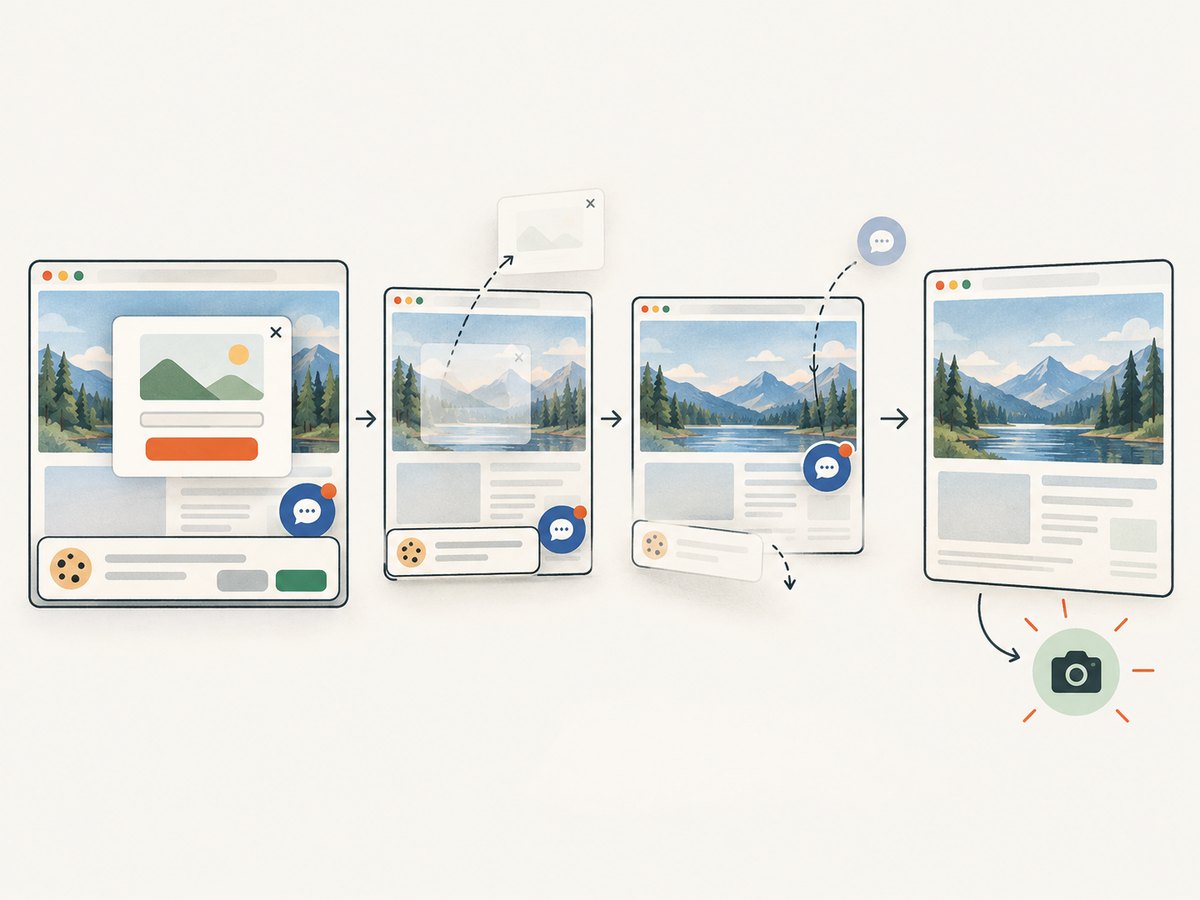
await import('node:fs/promises').then(fs => fs.writeFile('shot.webp', bytes));ScreenshotNeo accepts cookie and consent banners as a visitor and removes more than 60 known consent platforms, newsletter popups, and chat widgets before capture; each of those steps can be turned off. Bot checks, CAPTCHAs, blank pages, timeouts, failed loads, and cache hits cost nothing, and response headers identify the page verdict and billing status. An MCP server provides take_screenshot, get_page_info, and capture_pdf tools for Claude, Cursor, and other MCP clients.
There are 1,000 screenshots per month on the free plan with no card required. Paid plans start at $5 for 3,000 shots; every feature is available on every plan. Sign up for 1,000 free screenshots a month, with no card.
8. Performance, reliability, and cost considerations
A local browser gives you control over browser launch and page behavior, but your application must handle browser installation, process lifecycle, navigation timing, and failures. The actual runtime and resource use depend on your target pages and environment; there is no single benchmark that applies to every PuppeteerSharp workload. For repeated captures, consider whether browser startup, concurrent processes, and page cleanup fit your service’s resource limits.
A screenshot API shifts browser maintenance out of your application, while adding a network request and an external service dependency. Compare total cost against engineering and infrastructure time, request volume, output format, and required capture options. ScreenshotNeo’s stated tiers are Free for 1,000 monthly shots, Starter $5 for 3,000, Growth $15 for 15,000, Pro $39 for 60,000, Scale $99 for 250,000, and Business $249 for 1,000,000; yearly billing gives two months free. Its cache can use a TTL you choose, and cache hits are not billed. Review the response’s X-Page-Verdict and X-Billed headers when building usage accounting.
For local automation, avoid launching an unbounded number of browser instances. Reuse browser processes where appropriate, close pages and browsers predictably, and set application-level timeouts that fit the pages you capture. For API calls, set a client timeout appropriate to the service and inspect status and response headers instead of assuming every response is an image. ScreenshotNeo also offers async jobs with signed webhooks and bulk capture of up to 100 URLs per call for workflows that do not need to wait on each capture synchronously.
9. Information to include when asking for help
When the issue persists, include these details so a maintainer can distinguish package integration from an environment or target-site problem:
- The full compiler message or exception, including inner exceptions and stack trace.
- Your target framework and operating system or deployment environment.
- The resolved versions of PuppeteerSharp, PuppeteerExtraSharp, and any separate plugin package.
- The smallest code sample that still fails and the exact line where it fails.
- Whether it fails during restore, compilation, plugin registration, browser launch, or navigation.
- If navigation is involved, whether the result is an exception, timeout, block page, blank page, or unexpected content.
Remove API keys, cookies, authorization values, and sensitive target URLs before sharing logs. With these details, the likely cause can be checked against the relevant package API rather than guessed from a similar report.
FAQ
Can I use the JavaScript stealth plugin directly from a C# project?
No. The JavaScript plugin belongs to the Node.js package ecosystem. For .NET, use the .NET-oriented PuppeteerExtraSharp integration and its version-appropriate API.
Does a successful build mean the target will not detect automation?
No. A build confirms that the code compiles against its dependencies. A target may still return a challenge, block page, or different content, and stealth behavior is not a guarantee of access.
Is changing the evaluation method always the fix?
No. A reported difference between expression and function evaluation methods may help identify a version mismatch, but the exact installed API and error message determine whether it applies.
What is the fastest useful detail to collect first?
Copy the complete error and note whether it occurs at build, launch, or navigation. Add resolved package versions next; those details often narrow the investigation quickly.


