How to Fix SVG clipPath Rendering in wkhtmltopdf
Learn why SVG clipPath disappears in wkhtmltopdf and follow a reproducible workflow to fix, simplify, or replace the renderer.
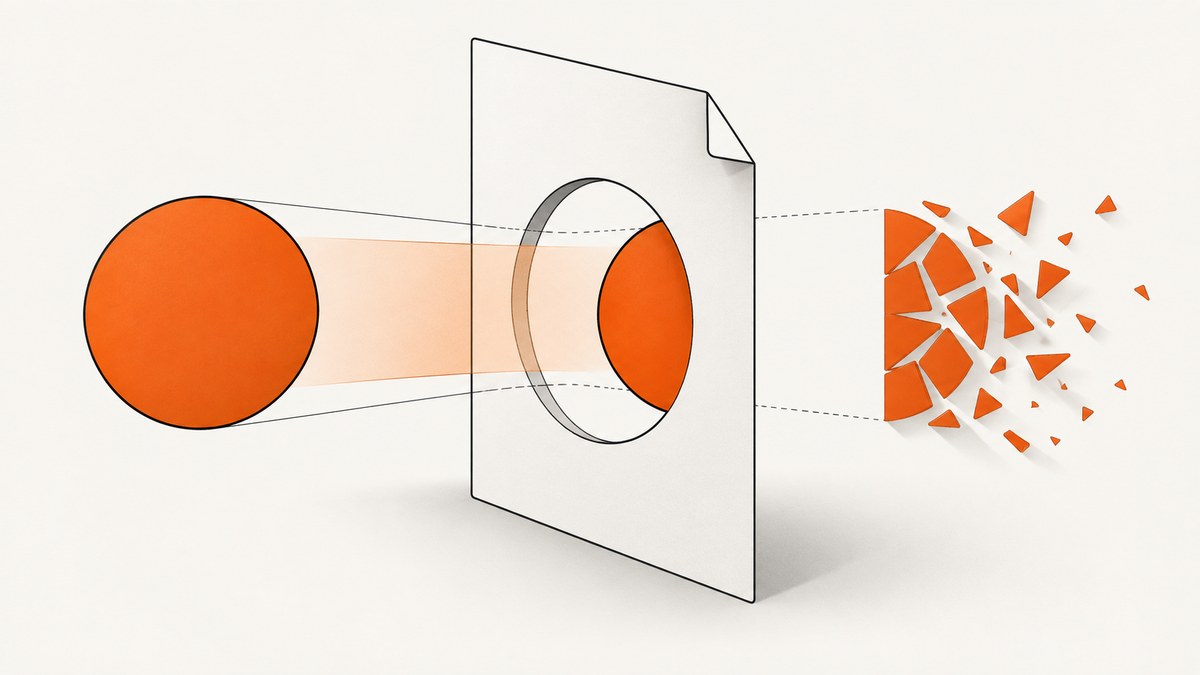
When an SVG clipPath works in Chrome but disappears in a PDF made by wkhtmltopdf, the cause is usually renderer compatibility rather than invalid SVG syntax. wkhtmltopdf uses an old Qt WebKit engine: Qt 4 has not been supported since 2015, and its WebKit has not been updated since 2012. Modern browser SVG behavior therefore cannot be assumed.
The fastest reliable approach is to freeze the exact wkhtmltopdf build, reduce the problem to a tiny SVG, test inline and <img> embedding, then simplify the clipping geometry. If the fixture still fails, pin a known working build or move the PDF job to a maintained renderer such as WeasyPrint, Prince, or Puppeteer.
Why clipPath disappears in wkhtmltopdf
wkhtmltopdf is an open-source command-line renderer that converts HTML to PDF or images through Qt WebKit. Its engine predates many SVG features and fixes now expected in Chromium, Firefox, and Safari. The project’s status page says Qt 4 support ended in 2015 and WebKit updates ended in 2012 (official status page).
This creates several failure patterns:
- A path clipped by
clip-pathis absent while unclipped paths render. - Opacity is ignored or produces a different result in patched-Qt packages. Issue #4611 documents missing clip-path paths and ignored opacity.
- Complex, generated SVGs fail while a hand-written rectangle or circle works.
- An SVG visible in a browser becomes blank when loaded through
<object>; issue #3762 reports this embedding-specific behavior. - Different operating-system packages produce different output because they use different Qt patch sets.
There is no authoritative published failure percentage for clipPath. Treat each broken fixture as a compatibility case that must be reproduced with its exact binary and input.
1. Freeze the renderer before changing the SVG
Record the version, package source, operating system, and Qt patch status. Do this in the same machine or container that creates production PDFs.
wkhtmltopdf --version
which wkhtmltopdf
uname -a
# Debian/Ubuntu package details, when applicable
dpkg -s wkhtmltopdf 2>/dev/null | sed -n '1,20p'
The version string often includes whether the binary has patched Qt. Do not assume that a newer package is more SVG-compatible: issue #4611 shows that patched and unpatched builds can render the same SVG differently. If one build works, pin it and run the minimal fixture in CI.
2. Build a minimal clipPath fixture
Remove your application template, fonts, JavaScript, and design-tool metadata. Start with one clipped path and one control rectangle. Explicit dimensions make layout problems easier to separate from SVG problems.
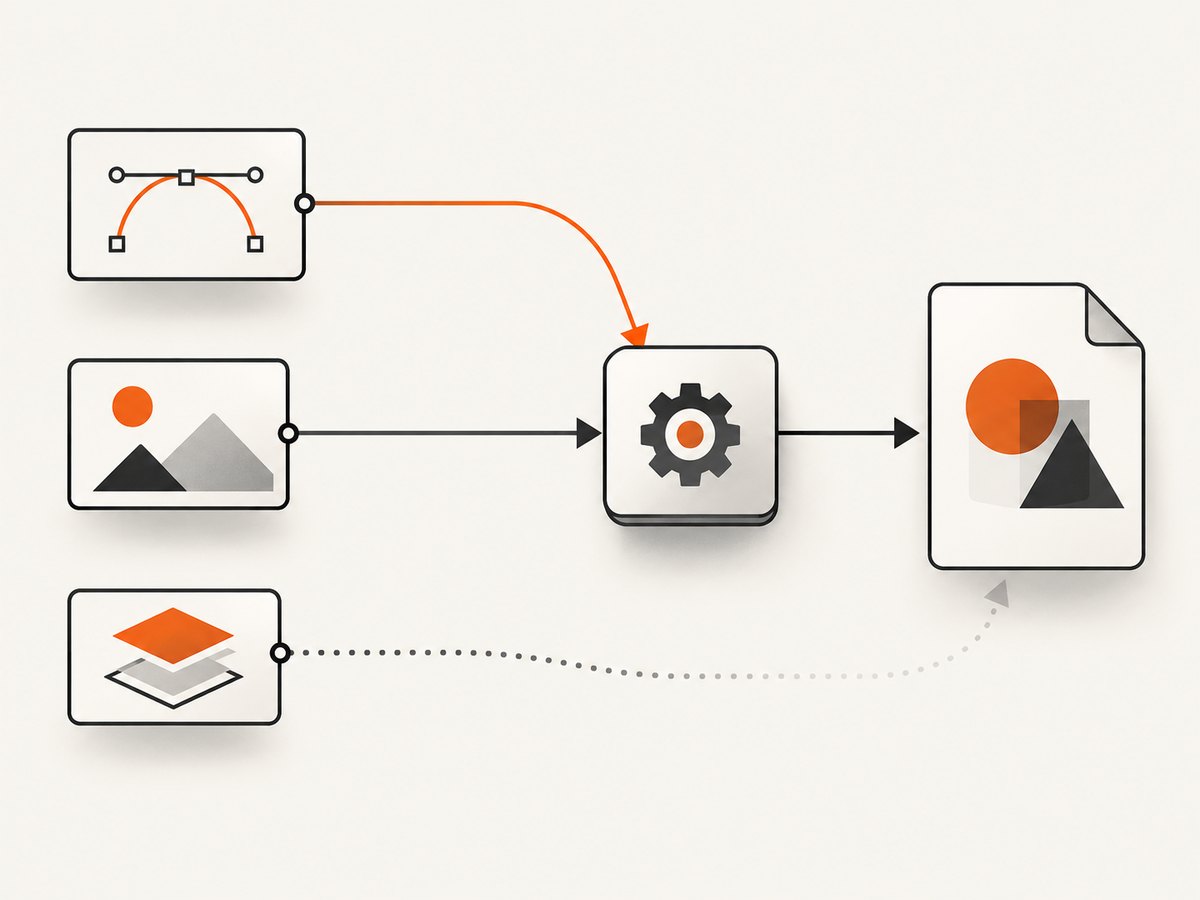
<!doctype html>
<html>
<body>
<svg xmlns="http://www.w3.org/2000/svg" width="320" height="180" viewBox="0 0 320 180">
  <defs>
    <clipPath id="clip">
      <rect x="40" y="30" width="240" height="120"/>
    </clipPath>
  </defs>
  <rect width="320" height="180" fill="#eeeeee"/>
  <circle cx="160" cy="90" r="95" fill="#2563eb" clip-path="url(#clip)"/>
</svg>
</body>
</html>
Save it as clip-fixture.html and render it:
wkhtmltopdf --enable-local-file-access clip-fixture.html clip-fixture.pdfThen create a control version with the clip-path attribute removed. If both versions fail, investigate file access, dimensions, or the PDF pipeline before focusing on clipping. If only the clipped version fails, the engine’s SVG support is the likely boundary.
3. Test each SVG embedding mode
Inline SVG
Inline SVG removes URL resolution and external-resource questions. Keep this version while debugging.
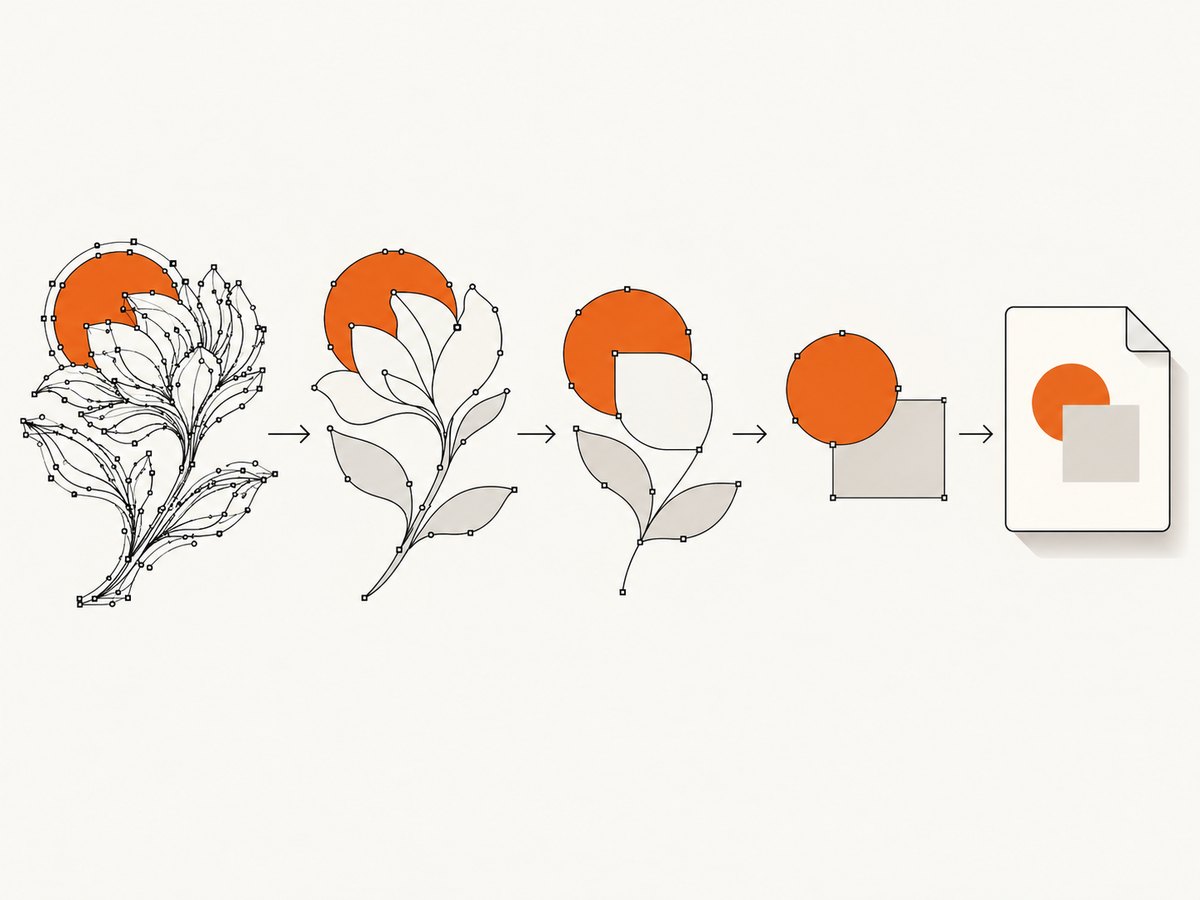
<svg xmlns="http://www.w3.org/2000/svg" viewBox="0 0 100 100" width="100" height="100">
  <defs><clipPath id="c"><circle cx="50" cy="50" r="40"/></clipPath></defs>
  <rect width="100" height="100" fill="tomato" clip-path="url(#c)"/>
</svg>
Direct image embedding
Try a direct image reference next. Use a correctly resolved absolute URL or a local path permitted by the command-line flags.
<img src="file:///absolute/path/graphic.svg" width="320" height="180" alt="">When a remote URL is involved, verify that the conversion host can resolve DNS and access the resource. Add explicit width, height, and an SVG viewBox.
Object embedding
Test <object> separately, but do not use it as the baseline:
<object data="graphic.svg" type="image/svg+xml" width="320" height="180"></object>If <object> alone is blank, switch to inline SVG or <img>. A browser displaying the object does not prove wkhtmltopdf can render it.
4. Simplify the clipping geometry
Design tools commonly export nested groups, transforms, masks, patterns, generated IDs, and coordinate systems that stress old WebKit. Simplify one feature at a time:
- Replace a compound clip path with one
rect,circle, or simplepath. - Remove nested
<g>elements and move transforms onto the painted shape. - Use a short, stable ID such as
clipand reference it exactly withurl(#clip). - Remove masks, patterns, filters, and opacity until clipping renders.
- Confirm the clip geometry intersects the painted geometry and lies inside the declared
viewBox. - Reintroduce transforms and styling individually, rendering a PDF after each change.
This is an engineering workaround inferred from reported failures, not a universal SVG specification rule. Keep the original asset and the reduced fixture so future renderer changes can be compared.
5. Check dimensions, URLs, and local-file access
A correctly clipped shape can look missing when the SVG has no usable size or its resources were not loaded.
- Set
widthandheighton the SVG or image. - Set a
viewBoxthat covers the painted content. - Use absolute URLs or paths that resolve from the HTML document.
- Use
--enable-local-file-accessonly when local assets are required and the input is controlled. - Confirm the clip path is not entirely outside the visible page or behind a white element.
- Check case-sensitive filenames on Linux.
Render a version with the SVG converted to a plain PNG. If the PNG works but the SVG does not, the PDF layout is probably healthy and the SVG path is the compatibility boundary.
6. Compare patched and unpatched builds
Package names are not enough. Capture the full --version output and run the same fixture against every candidate binary. Issue #4611 describes different behavior between patched-Qt packages and an unpatched Ubuntu 0.12.4 build. A working build may be older.
For reproducible deployments, store the binary in a container image, record its checksum, and include the fixture PDF in a small regression test. Compare rendered pages visually or extract pixels from a rasterized PDF; do not compare only process exit codes.
Common errors and fixes
| Symptom | Likely cause | Fix |
|---|---|---|
| Only clipped paths vanish | Old WebKit clipPath limitation | Reduce geometry; test another build or renderer. |
| Inline works, object is blank | Object embedding incompatibility | Use inline SVG or direct <img>. |
| SVG is entirely blank | Unresolved URL, blocked local file, or missing dimensions | Use absolute paths, enable controlled local access, set dimensions and viewBox. |
| Opacity is ignored | Patched-Qt rendering difference | Test the exact package; flatten opacity into colors where practical. |
| Works on a laptop, fails in CI | Different binary, OS, fonts, or Qt patch | Pin a container and run the fixture in CI. |
| Exit code is zero but artwork is missing | Visual rendering failure is not a process error | Inspect the PDF output and add image-based regression checks. |
7. Decide whether to migrate
wkhtmltopdf remains useful for legacy, controlled documents, but its archived repository and old WebKit mean missing SVG behavior may never be fixed upstream. The official status page names WeasyPrint and Prince for controlled report generation and Puppeteer for dynamic JavaScript.
| Need | Candidate to evaluate | Trade-off to measure |
|---|---|---|
| Controlled HTML and CSS | WeasyPrint | SVG fidelity, CSS coverage, deployment footprint. |
| Commercial report renderer | Prince | License cost, SVG fidelity, support, isolation. |
| Modern JavaScript and browser parity | Puppeteer | Chromium size, startup time, sandboxing, resource use. |
Use the same minimal fixture, production SVG, fonts, page size, and URL resources for every comparison. Select based on output correctness and operational constraints rather than a version number.
Security and reliability considerations
The wkhtmltopdf status guidance warns against converting untrusted HTML. Sanitize inputs and isolate the renderer with mandatory access controls such as AppArmor or SELinux. Restrict network access when documents do not need remote resources, and set process timeouts so a page cannot consume workers indefinitely.
For reliable PDF jobs, pin the renderer, preload required fonts, use deterministic local assets, log the input URL and binary version, and retain failed PDFs or HTML fixtures for diagnosis. Treat a successful exit code as insufficient evidence that every SVG rendered.
Or skip the browser setup
If your goal is a clean screenshot or PDF of a page rather than maintaining a wkhtmltopdf pipeline, ScreenshotNeo provides a website screenshot API and MCP server. Its capture service removes cookie and consent banners, newsletter popups, and chat widgets before the shot. Bot checks, blank pages, timeouts, failed loads, and cache hits are not billed, and response headers identify the page verdict and billing result.
See the ScreenshotNeo API documentation for all options. A one-call capture looks like this:
cURL
curl -G "https://api.screenshotneo.com/v1/shot" -d access_key=YOUR_API_KEY --data-urlencode url=https://stripe.com -o shot.webpPython
import requests
r = requests.get("https://api.screenshotneo.com/v1/shot", params={"access_key": "YOUR_API_KEY", "url": "https://stripe.com"}, timeout=90)
open("shot.webp", "wb").write(r.content)
Node.js
const q = new URLSearchParams({ access_key: 'YOUR_API_KEY', url: 'https://stripe.com' });
const res = await fetch(`https://api.screenshotneo.com/v1/shot?${q}`);
ScreenshotNeo also offers PDF output, full-page capture with lazy images loaded, element capture by CSS selector, custom CSS and JavaScript, click and wait controls, blocked resource types, custom headers and cookies, device presets, retina scale, timezone and geolocation, transparent backgrounds, resizing, caching with a chosen TTL, signed links, asynchronous jobs with signed webhooks, bulk capture for up to 100 URLs per call, usage data, and an OpenAPI specification. Its MCP server exposes take_screenshot, get_page_info, and capture_pdf for Claude, Cursor, and other MCP clients.
There are 1,000 free screenshots each month with no card. Paid plans start at $5 for 3,000 shots; yearly billing provides two months free. Create a free ScreenshotNeo account to try a capture.
Performance, cost, and caching notes
For wkhtmltopdf, startup cost is often significant because each process starts a full renderer. Reuse a controlled worker model where safe, limit concurrent jobs to available CPU and memory, and avoid loading unnecessary remote assets. Large SVGs with filters, thousands of nodes, or high-resolution images increase conversion time and memory use.
Cache deterministic PDFs by a content hash that includes the SVG, HTML, fonts, renderer version, and relevant command flags. Invalidate the cache when any of those inputs changes. Do not cache a successful exit code without checking the resulting document.
With ScreenshotNeo, caching has a TTL you choose, and cache hits are not billed. Bulk capture can reduce request overhead for batches, while asynchronous jobs and signed webhooks keep long captures out of synchronous request paths. Review the usage API and response billing headers when estimating cost.
FAQ
Is clipPath invalid SVG?
Not necessarily. If the same asset renders in a current browser, wkhtmltopdf’s old WebKit is a stronger suspect. Validate the SVG separately, then reproduce with a minimal fixture.
Should I install the newest wkhtmltopdf package?
Test it, but do not assume it is more compatible. Patched and unpatched builds can differ, so choose based on the fixture and pin the result.
Can CSS clip-path replace SVG clipPath?
It may work for simple shapes, but CSS support is also engine-dependent in old WebKit. Use it as a controlled experiment, not a guaranteed fix.
When is Puppeteer the better choice?
Evaluate Puppeteer when the document depends on modern JavaScript, browser APIs, or current SVG behavior. Compare it with the same fixture and isolate Chromium appropriately.
Does ScreenshotNeo execute my wkhtmltopdf command?
No. ScreenshotNeo is a hosted screenshot and PDF API. You send a URL and capture options; its service performs the browser capture and returns the result.


