How to Fix SVG Gradient Colors Rendering Incorrectly in wkhtmltopdf
Diagnose SVG gradient color failures in wkhtmltopdf with a minimal reproduction, geometry checks, header fixes, and production troubleshooting.

Short answer: do not begin by changing random colors. First isolate the SVG from your template, confirm that fill="url(#gradient-id)" points to an existing gradient in the same SVG document, then simplify gradient coordinates, transforms, inherited attributes, and surrounding CSS. Render the minimal file in the document body and, separately, in the header or footer if that is where the failure occurs. A body SVG can work while a separately rendered header SVG fails, as reported in wkhtmltopdf issue #2080; that report is old and does not prove a universal engine defect.
Record the exact binary and command before changing anything. The wkhtmltopdf project describes its rendering stack as legacy: “Qt 4 (which wkhtmltopdf uses) hasn’t been supported since 2015, the WebKit in it hasn’t been updated since 2012.” See the wkhtmltopdf project status page. Your result depends on the patched-Qt build, operating system, input context, and options.
1. Capture the environment and reproduce the symptom
Save these details in the bug report or regression test:
- Output of
wkhtmltopdf --version, including whether it says “with patched qt”. - Operating system and distribution.
- The complete wkhtmltopdf command, including zoom, DPI, print-media, local-file, header, and footer options.
- Whether the SVG is inline markup, an
<img>, a CSS background, an external file, or loaded through--header-html/--footer-html. - The original HTML, SVG, and resulting PDF from the same run.
wkhtmltopdf --version
wkhtmltopdf --print-media-type --enable-local-file-access input.html output.pdf
Make a copy with all unrelated content removed. A minimal reproduction tells you whether the failure is in SVG paint resolution, geometry, CSS inheritance, resource loading, or the separate header/footer rendering path.
2. Build a minimal SVG that should render a gradient
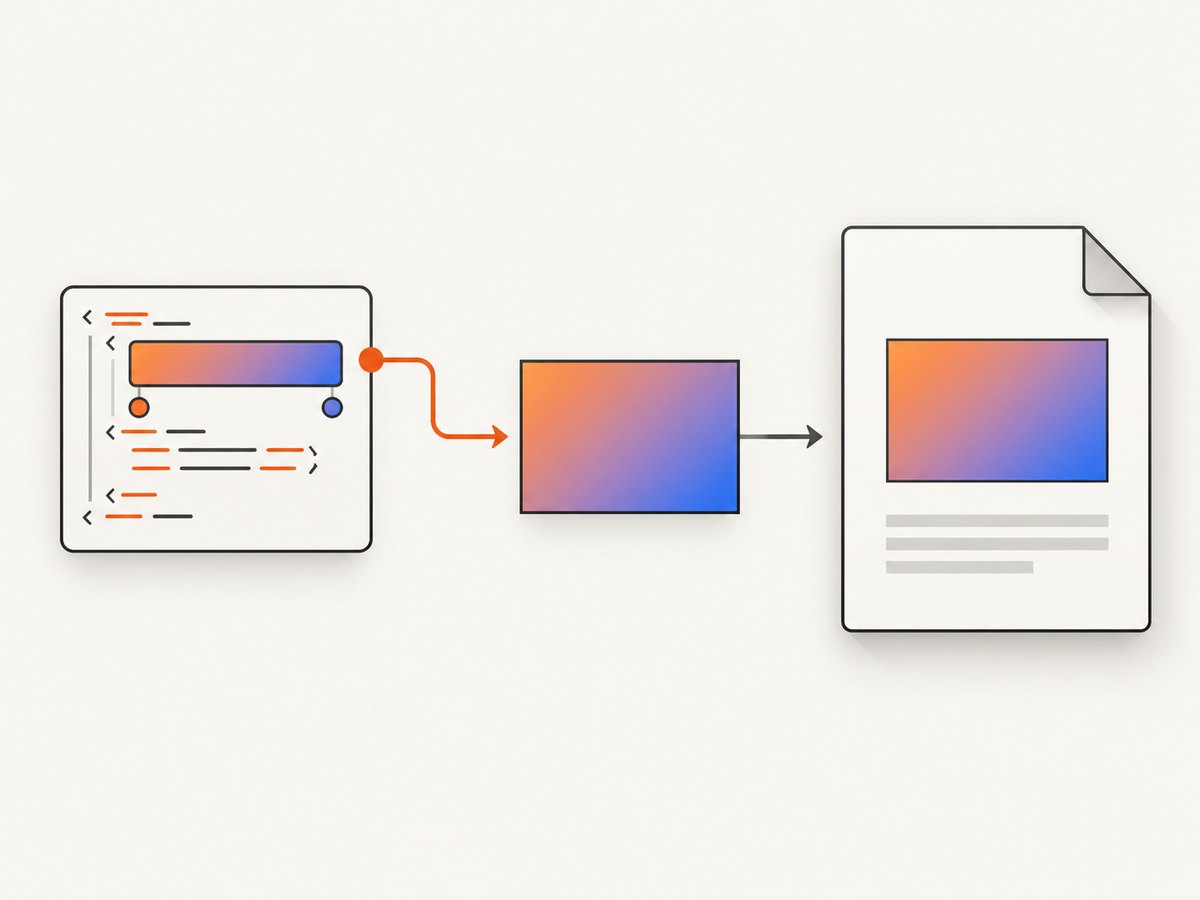
Start with one inline SVG, one gradient definition, explicit stop colors, and one shape. Keep the definition and consumer in the same SVG document.
<!doctype html>
<html>
<head>
  <meta charset="utf-8">
  <style>
    body { margin: 32px; font-family: sans-serif; }
    .swatch { width: 420px; height: 140px; }
  </style>
</head>
<body>
  <h1>Gradient reproduction</h1>
  <svg class="swatch" viewBox="0 0 420 140" xmlns="http://www.w3.org/2000/svg"
       xmlns:xlink="http://www.w3.org/1999/xlink">
    <defs>
      <linearGradient id="g" x1="0%" y1="0%" x2="100%" y2="0%"
                      gradientUnits="objectBoundingBox">
        <stop offset="0%" stop-color="#165DFF" />
        <stop offset="100%" stop-color="#F04438" />
      </linearGradient>
    </defs>
    <rect x="0" y="0" width="420" height="140" fill="url(#g)" />
  </svg>
</body>
</html>
Render it without your application template:
wkhtmltopdf --enable-local-file-access reproduction.html reproduction.pdfIf this file fails, remove every optional attribute until a flat fill works, then add features back one at a time. If it succeeds, the defect is probably introduced by the template, resource loading, CSS, or header/footer context.
3. Verify the paint-server reference
SVG gradients are paint servers. A shape requests one with a URL value such as fill="url(#g)". The fragment must match the gradient’s id exactly, including case. The definition must be present in the SVG document being rendered. A misspelled ID, duplicate IDs, or a definition that is in a different document can leave the shape unpainted or cause a fallback.
The SVG specification defines paint-server references and permits a fallback paint after the reference. For example:
<rect fill="url(#g) #777777" ... />Use a fallback only as a diagnostic or deliberate degradation. It can show whether the element itself is present while the gradient lookup fails. Consult the SVG 2 painting specification for paint references and fallback syntax.
Checks for IDs and document boundaries
- Compare the value in
fill="url(#...)"withlinearGradient id="..."character for character. - Ensure the gradient is inside a
<defs>element in the same inline SVG for the baseline test. - Do not reuse the same ID in multiple inline SVGs while diagnosing; old engines can resolve duplicates unpredictably.
- Inspect generated HTML, not only the template source. Sanitizers and component systems can rewrite IDs.
- Check that CSS does not override the presentation attribute with
fill: none, a solid color, or an invalid URL.
4. Check gradient geometry, units, and transforms
Correct colors can still appear wrong when the gradient vector is outside the shape or compressed into a tiny region. SVG’s initial gradientUnits value is objectBoundingBox. Percentages are then relative to the painted element’s bounding box. With userSpaceOnUse, coordinates use the referencing element’s current user coordinate system, with gradientTransform applied.
<!-- Bounding-box coordinates: portable baseline -->
<linearGradient id="box" x1="0%" y1="0%" x2="100%" y2="0%">
  <stop offset="0" stop-color="#165DFF" />
  <stop offset="1" stop-color="#F04438" />
</linearGradient>

<!-- Explicit user-space coordinates: useful when geometry must be fixed -->
<linearGradient id="space" gradientUnits="userSpaceOnUse"
                x1="0" y1="0" x2="420" y2="0">
  <stop offset="0" stop-color="#165DFF" />
  <stop offset="1" stop-color="#F04438" />
</linearGradient>
For diagnosis, use the first form, remove gradientTransform, and use only two stops. Then reintroduce rotation, scaling, spreadMethod, and clipping one at a time. A transform written for a browser viewport may produce a different result when wkhtmltopdf computes a different object bounding box.
5. Inspect inherited gradient attributes
A gradient can inherit attributes and stops through another gradient’s href (or legacy xlink:href). An incomplete inheritance chain is easy to miss when a template emits definitions conditionally.
<linearGradient id="base" x1="0%" y1="0%" x2="100%" y2="0%">
  <stop offset="0" stop-color="#165DFF" />
  <stop offset="1" stop-color="#F04438" />
</linearGradient>
<linearGradient id="variant" href="#base" gradientTransform="rotate(90)" />
During troubleshooting, copy the inherited stops and coordinates directly into the consuming gradient. If the expanded version works, the issue is in the inheritance chain or in the legacy engine’s support for it. The SVG specification documents gradient attributes, coordinate systems, and inheritance behavior.
6. Treat headers and footers as a separate rendering context
wkhtmltopdf can load header and footer HTML separately from the main document. In archived issue #2080, a reporter described an inline SVG gradient working in the ordinary body but failing in a header. The issue is a user report from 2014 and is marked for verification; it is evidence for isolating the contexts, not proof that every header gradient is broken. Read the archived issue report with that limitation in mind.
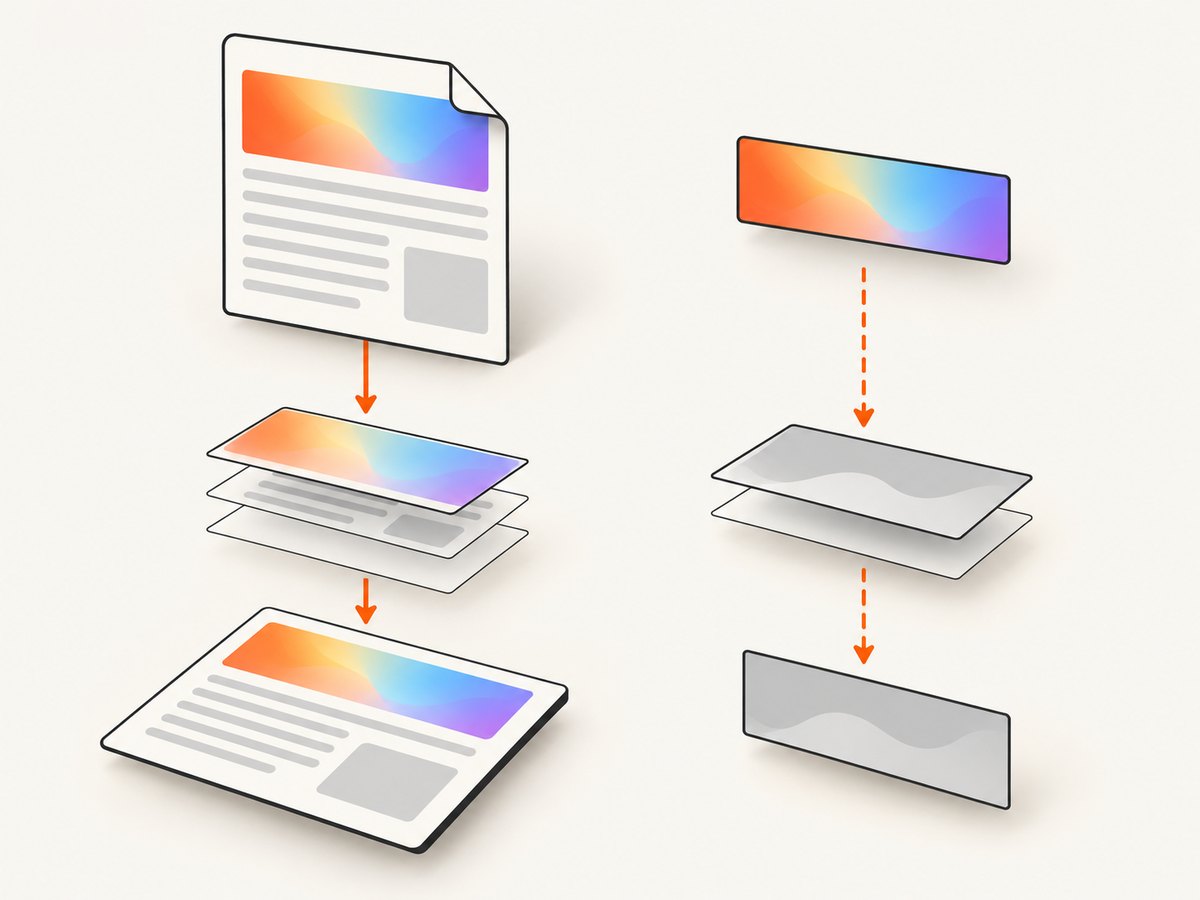
Create a self-contained header file and test it directly:
<!-- header.html: include the SVG, defs, namespace, and styles here -->
<svg width="420" height="40" xmlns="http://www.w3.org/2000/svg">
  <defs>
    <linearGradient id="headerGradient" x1="0" y1="0" x2="1" y2="0">
      <stop offset="0" stop-color="#165DFF"/>
      <stop offset="1" stop-color="#F04438"/>
    </linearGradient>
  </defs>
  <rect width="420" height="40" fill="url(#headerGradient)"/>
</svg>
wkhtmltopdf --header-html header.html --margin-top 25mm body.html output.pdfDo not depend on a gradient definition in the body being visible to the header. If the header still fails, move the graphic into the body/template flow, or provide a fully self-contained header resource. Test the workaround using the same binary and deployment command used in production.
7. Remove context variables systematically
Once the minimal SVG works, restore your real document in controlled steps:
- Inline CSS that affects
fill,opacity, clipping, masks, and filters. - Replace external stylesheets and images with local, known-good resources.
- Remove filters, masks, clip paths, and nested transforms temporarily.
- Disable JavaScript and template conditionals for one render.
- Re-enable each dependency and render a PDF after every change.
Compare the PDF with a current browser only to identify a wkhtmltopdf-specific difference. Browser output does not prove which implementation is correct, and it does not establish that a particular workaround is portable.
8. Common errors and fixes
| Symptom | Likely cause | Fix |
|---|---|---|
| Solid black, transparent, or missing shape | Missing or mismatched gradient ID | Use a unique ID, keep defs and consumer in one SVG, and test a flat fallback. |
| One color appears across the whole shape | Gradient vector has zero length, wrong units, or an overriding CSS rule | Use explicit two-stop coordinates and inspect computed/template CSS. |
| Gradient works in body but not header/footer | Separate HTML context or resource loading | Make the header SVG self-contained or move it into the body flow; test with the production build. |
| Colors are technically present but transition is misplaced | gradientUnits or gradientTransform mismatch |
Start with objectBoundingBox, remove transforms, then add them back. |
| Works in browser, fails in PDF | Legacy WebKit behavior, unsupported SVG feature, or missing asset | Reduce to the minimal case, inline resources, and evaluate a maintained renderer if the binary cannot pass your regression suite. |
| SVG looks blurry when zoomed | Rasterization in the PDF pipeline | Check whether the output is rasterized and whether vector fidelity is required. Archived issue #4155 reports rasterization in wkhtmltopdf 0.12.5 patched Qt, but does not establish the cause of a gradient mismatch. |
9. Production options: workaround or renderer migration
If a narrowed reproduction fails only in a legacy binary, compare retaining wkhtmltopdf with a workaround against migrating the document renderer. Use the same representative documents and score:
- SVG feature fidelity, including gradients, masks, filters, and transforms.
- Header/footer behavior and external asset loading.
- Vector versus raster output quality at normal and high zoom.
- Deployment compatibility, security maintenance, and available support.
- Regression-test and migration effort.
The available sources establish the age of the Qt/WebKit stack and document specific user reports; they do not benchmark alternative renderers or guarantee that migration fixes every document.
10. Reliability, performance, and cost considerations
Keep a small PDF regression suite containing body SVGs, header SVGs, external resources, different page sizes, and representative transforms. Pin the wkhtmltopdf binary in CI and retain the command line with each artifact. This catches changes caused by package upgrades, flags, or operating-system differences.
For faster diagnosis, render the minimal file before the full report and avoid network dependencies. For reliable production output, inline critical SVG definitions, use deterministic IDs, set explicit dimensions, and fail the job when the expected SVG is absent. If you must keep a legacy binary, budget time for visual review because a successful process exit does not guarantee correct paint or vector output.
11. Or skip the browser setup
If your goal is a dependable website image or PDF rather than maintaining a wkhtmltopdf pipeline, ScreenshotNeo provides a GET-based screenshot API and MCP server. It handles the capture browser for you while retaining controls for full-page shots, element selectors, dark mode, device presets, custom CSS and JavaScript, waits, request blocking, headers, cookies, user agents, geolocation, PDFs, resizing, caching, signed links, async jobs, bulk capture, and usage reporting. Read the ScreenshotNeo API documentation for the option names.
cURL:
curl -G "https://api.screenshotneo.com/v1/shot" -d access_key=YOUR_API_KEY --data-urlencode url=https://stripe.com -o shot.webpPython:
import requests
r = requests.get("https://api.screenshotneo.com/v1/shot", params={"access_key": "YOUR_API_KEY", "url": "https://stripe.com"}, timeout=90)
open("shot.webp", "wb").write(r.content)
Node.js:
const q = new URLSearchParams({ access_key: 'YOUR_API_KEY', url: 'https://stripe.com' });
const res = await fetch(`https://api.screenshotneo.com/v1/shot?${q}`);
Cookie banners, newsletter popups, and chat widgets are removed before the shot. Bot checks, blank pages, failed loads, timeouts, and cache hits are not billed, and response headers identify the page verdict and billing status. An MCP server lets Claude, Cursor, and other MCP clients call take_screenshot, get_page_info, and capture_pdf. The Free plan includes 1,000 screenshots each month with no card; paid plans start at $5 for 3,000. Create a free ScreenshotNeo account.
FAQ
Does changing stop colors fix every gradient problem?
No. A wrong ID, coordinate system, transform, inherited attribute, CSS override, or separate header context can all produce a color symptom.
Should I use xlink:href or href?
Use the form supported by your document and test it in the exact wkhtmltopdf build. For a diagnostic, expand inherited stops into one gradient.
Is wkhtmltopdf guaranteed to rasterize SVG?
No. An archived issue reports rasterization in one 0.12.5 patched-Qt case, but that report does not establish a universal behavior or the cause of a gradient mismatch.
When should I migrate?
Migrate when a minimal, reproducible SVG still fails in the pinned production binary and the workaround harms required fidelity, maintainability, or output quality. Compare candidate renderers with your own regression suite.


