How to Fix SVGs Not Appearing in html2canvas
Fix missing SVGs in html2canvas with a diagnostic checklist for CORS, cloned styles, load timing, browser limits, and Safari issues.

Direct answer: html2canvas does not capture browser pixels. It clones the DOM and rebuilds a canvas from the properties and resources it understands. An SVG can therefore appear normally in Chrome yet disappear in the output when it is external, cross-origin, dependent on cloned styles, not loaded before capture, inserted after the capture call, or affected by a browser or canvas-size limit. Classify the SVG first, then verify geometry and loading, surface resource errors, fix origin policy, and use onclone or a controlled rendering-mode test.
This guide covers inline SVG, external <img> files, CSS backgrounds, <use>/<image> dependencies, component-generated markup, CORS, Safari/WebKit, and full-page canvas limits.
1. Identify which SVG you are capturing
The fix depends on how the SVG enters the page:
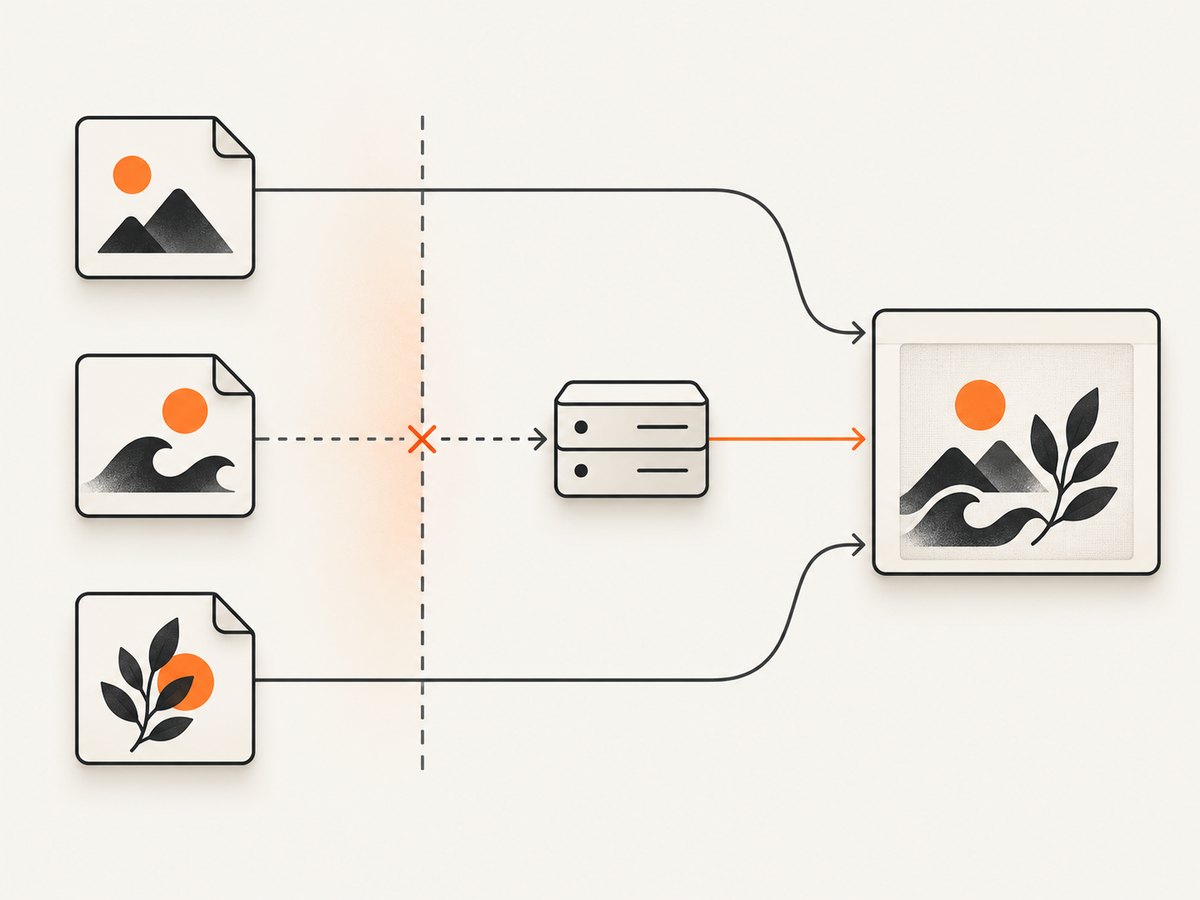
| SVG form | Typical failure | First check |
|---|---|---|
Inline <svg> |
Missing styles, variables, fonts, or generated children in the clone | Inspect the cloned document with onclone; test a minimal inline SVG |
<img src="file.svg"> |
Cross-origin response cannot be read without CORS | Network response and Access-Control-Allow-Origin |
CSS background-image |
Background resource fails or computed style is unavailable in the clone | Computed background-image and html2canvas logging |
<use> or nested <image> |
Referenced resource is external, late, or cross-origin | Open every referenced URL directly and check its origin |
| Component-inserted SVG | Capture runs before the component renders | Call capture after the framework render and asset load complete |
2. Establish a minimal known-good case
Replace the application SVG temporarily with this inline element. If it renders, html2canvas is working and the problem is in your asset, CSS, timing, or origin policy.
<div id="capture" style="width:240px;height:120px">
  <svg width="120" height="80" viewBox="0 0 120 80" aria-label="Test shape">
    <rect width="120" height="80" rx="12" fill="#2563eb"/>
    <circle cx="60" cy="40" r="20" fill="white"/>
  </svg>
</div>
Confirm all of the following in DevTools before changing options:
- The captured node is the node containing the SVG.
- The SVG and its ancestors have nonzero computed width and height.
- The SVG is not hidden by
display:none,visibility:hidden, clipping, or an off-screen layout. - Fonts, images, and component markup have finished loading.
- The capture call runs after the SVG is inserted.
3. Use logging and onError to expose failed resources
html2canvas documents logging and an onerror-style resource callback for diagnosing failed images, SVGs, and backgrounds. The following wrapper records failures while preserving the original page.
import html2canvas from 'html2canvas';

const target = document.querySelector('#capture');
if (!target) throw new Error('Missing #capture');

const canvas = await html2canvas(target, {
  logging: true,
  imageTimeout: 15000,
  onclone: (clonedDocument) => {
    console.debug('html2canvas clone:', clonedDocument);
  },
  onError: (error) => {
    console.warn('html2canvas resource failed:', error?.message || error);
  }
});

document.body.appendChild(canvas);
Use the browser console and Network panel together. A missing request, a 404, a blocked request, and a successful request with unusable CORS headers require different fixes.
4. Fix external SVGs with the correct origin strategy
For cross-origin images, html2canvas can use useCORS:true only when the image server sends a suitable Access-Control-Allow-Origin response header. Enabling the option does not create permission on the server. The html2canvas FAQ describes two supported paths: a cooperating image server with CORS, or a same-origin proxy.
Option A: serve the SVG with CORS
const canvas = await html2canvas(document.querySelector('#capture'), {
  useCORS: true,
  logging: true,
  imageTimeout: 15000
});
Check the actual SVG response, including redirects. The final response must contain the appropriate CORS header. If credentials are involved, the server’s credential policy and your request mode must also agree.
Option B: use a same-origin proxy
const canvas = await html2canvas(document.querySelector('#capture'), {
  proxy: '/same-origin-image-proxy',
  logging: true
});
Your proxy should fetch only permitted resources, return the SVG with an image content type, and avoid turning arbitrary URLs into an open proxy. Use either the CORS path or the proxy path for a given resource; do not enable both blindly.
Option C: move the asset to your own origin
Copying or serving the SVG from the same origin is often the simplest solution when you control deployment. Verify that relative references inside the SVG, such as fonts, masks, patterns, and nested images, resolve from the new URL.
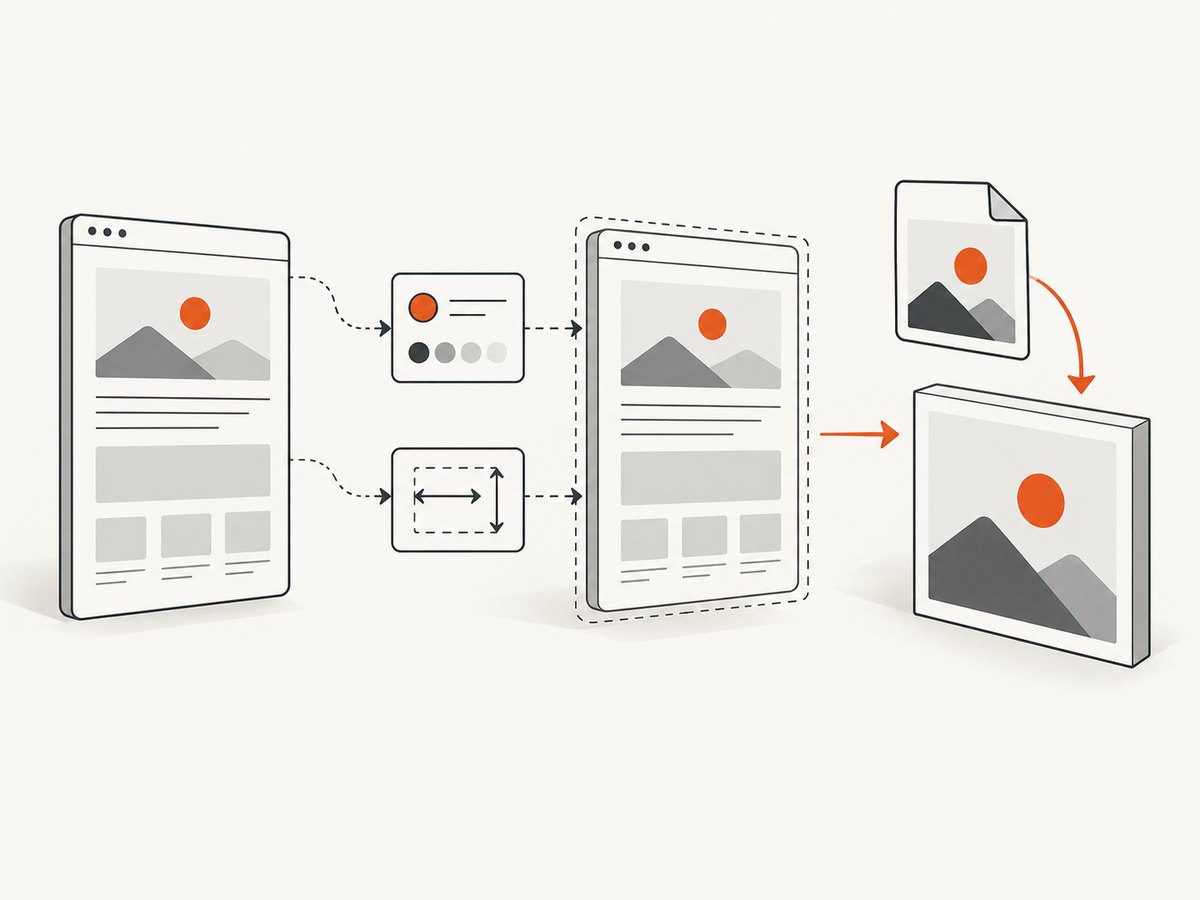
5. Restore styles and generated markup in onclone
html2canvas captures a cloned document. An SVG that depends on runtime CSS variables, stylesheet injection, web fonts, or generated children may lose those dependencies in the clone. The onclone callback lets you modify the clone without changing the live page.
await html2canvas(document.querySelector('#capture'), {
  onclone: (doc) => {
    const root = doc.querySelector('#capture');
    if (!root) return;

    root.style.setProperty('--brand-color', '#2563eb');

    const svg = root.querySelector('svg');
    if (svg) {
      svg.setAttribute('width', '240');
      svg.setAttribute('height', '120');
      svg.style.display = 'block';
    }

    const style = doc.createElement('style');
    style.textContent = `
      #capture .icon-path { fill: #2563eb !important; }
    `;
    doc.head.appendChild(style);
  }
});
Use this for clone-only differences. It cannot repair an image server that omits CORS headers, and it cannot make an SVG with zero geometry visible.
6. Wait for SVGs, fonts, and dependent images
A successful DOM query does not prove that every drawing resource is ready. Wait for document fonts and image elements before calling html2canvas.
async function waitForAssets(root) {
  if (document.fonts?.ready) await document.fonts.ready;

  const images = [...root.querySelectorAll('img')];
  await Promise.all(images.map((img) => {
    if (img.complete && img.naturalWidth > 0) return Promise.resolve();
    return new Promise((resolve) => {
      img.addEventListener('load', resolve, { once: true });
      img.addEventListener('error', resolve, { once: true });
    });
  }));
}

const root = document.querySelector('#capture');
await waitForAssets(root);
const canvas = await html2canvas(root, { useCORS: true });
For framework-rendered SVG, call this after the render cycle that inserts the markup. A fixed delay can mask a race but is less reliable than waiting for the actual resources.
7. Test foreignObjectRendering deliberately
foreignObjectRendering is disabled by default and uses the browser’s foreignObject path when supported. It can help with some CSS and SVG combinations, but support and output differ by browser. Treat it as an experiment, not a universal fix.
const canvas = await html2canvas(document.querySelector('#capture'), {
  foreignObjectRendering: true,
  logging: true
});
Run the same fixture with the option both on and off in every browser you support. Keep the mode that produces consistent output for your actual SVGs.
8. Account for Safari and WebKit differences
An html2canvas issue reported SVG overflow or incorrect geometry in Safari, Epiphany, and iOS while JPEGs rendered correctly. Treat that report as a compatibility lead, not a guarantee about your current versions. Reproduce with the current html2canvas release and browser, a minimal inline SVG, and your production SVG. Record viewport size, device pixel ratio, SVG dimensions, and whether the asset is external.
9. Rule out canvas-size limits
If the entire result is blank or cut off, the SVG may be innocent. Browser canvas dimensions have implementation limits that vary by browser, GPU, operating system, and device. The html2canvas FAQ gives roughly 32,767 pixels as an example limit for current desktop browsers, not a promise.
const root = document.querySelector('#capture');
const rect = root.getBoundingClientRect();

const canvas = await html2canvas(root, {
  windowWidth: Math.ceil(root.scrollWidth || rect.width),
  windowHeight: Math.ceil(root.scrollHeight || rect.height),
  scale: Math.min(window.devicePixelRatio || 1, 2)
});
For very tall pages, capture smaller sections and stitch them, reduce the scale, or capture only the required element.
10. A complete diagnostic capture function
import html2canvas from 'html2canvas';

export async function captureSvgArea(selector) {
  const root = document.querySelector(selector);
  if (!root) throw new Error(`No element matches ${selector}`);

  const rect = root.getBoundingClientRect();
  if (rect.width === 0 || rect.height === 0) {
    throw new Error('Capture element has zero width or height');
  }

  if (document.fonts?.ready) await document.fonts.ready;

  const canvas = await html2canvas(root, {
    useCORS: true,
    logging: true,
    imageTimeout: 15000,
    windowWidth: Math.ceil(root.scrollWidth || rect.width),
    windowHeight: Math.ceil(root.scrollHeight || rect.height),
    onError: (error) => console.warn('Resource error:', error),
    onclone: (doc) => {
      const cloned = doc.querySelector(selector);
      if (cloned) cloned.style.visibility = 'visible';
    }
  });

  const link = document.createElement('a');
  link.download = 'capture.png';
  link.href = canvas.toDataURL('image/png');
  link.click();

  return canvas;
}

captureSvgArea('#capture').catch(console.error);
11. Troubleshooting checklist
| Symptom | Likely cause | Fix |
|---|---|---|
| Inline SVG is absent | Clone lost CSS, variables, or generated markup | Use onclone; add explicit dimensions and a minimal inline test |
| External SVG is absent | Cross-origin response lacks CORS | Serve Access-Control-Allow-Origin, use same origin, or configure a proxy |
useCORS:true changes nothing |
Server does not send the required header, or a redirect ends elsewhere | Inspect the final Network response; fix the server or use a proxy |
| Works after reload, fails intermittently | Capture races SVG, font, or component loading | Wait for fonts and image load events before capture |
| CSS background SVG is missing | Background URL failed or was not available in the clone | Inspect computed style, enable logging, and test an inline or same-origin asset |
| Only Safari fails | Browser-specific SVG geometry or overflow behavior | Reproduce on current versions; simplify SVG and test both rendering modes |
| Whole canvas is blank | Canvas dimensions exceed a browser limit | Reduce region or scale; set dimensions from scroll size |
| SVG appears but is clipped | ViewBox, CSS overflow, or captured viewport is wrong | Set explicit width/height, inspect viewBox, and capture the correct node |
12. Performance, reliability, and cost
- Performance: large DOM trees, full-page dimensions, high device-pixel scale, web fonts, and many external images increase work. Capture the smallest useful node and cap
scalewhen output size permits. - Reliability: deterministic waits, same-origin assets, explicit SVG dimensions, and browser-matrix tests are more reliable than a long arbitrary timeout.
- Client-side cost: html2canvas runs in the user’s browser; your main costs are CPU, memory, bandwidth, and implementation maintenance.
- Server-side capture: html2canvas’s FAQ notes that its browser APIs do not exist in Node.js. For server capture, use a real browser tool such as Puppeteer or Playwright, or a screenshot API.
Or skip the browser setup
For server-side screenshots, ScreenshotNeo accepts one GET request and returns PNG, JPEG, WebP, or PDF. It removes cookie and consent banners, newsletter popups, and chat widgets before capture. Bot checks, blank pages, failed loads, timeouts, and cache hits are not billed, and response headers identify the page verdict and billing result. Its MCP server lets Claude, Cursor, and other MCP clients call take_screenshot, get_page_info, and capture_pdf.
See the ScreenshotNeo API documentation for all options.
curl -G "https://api.screenshotneo.com/v1/shot" -d access_key=YOUR_API_KEY --data-urlencode url=https://stripe.com -o shot.webpimport requests
r = requests.get("https://api.screenshotneo.com/v1/shot", params={"access_key": "YOUR_API_KEY", "url": "https://stripe.com"}, timeout=90)
open("shot.webp", "wb").write(r.content)const q = new URLSearchParams({ access_key: 'YOUR_API_KEY', url: 'https://stripe.com' });
const res = await fetch(`https://api.screenshotneo.com/v1/shot?${q}`);There are 1,000 screenshots per month free with no card. Paid plans start at $5 for 3,000 screenshots. Create a free ScreenshotNeo account.
FAQ
Does html2canvas support every SVG feature?
No. It reconstructs a canvas from supported DOM and CSS features, so browser rendering and html2canvas output can differ.
Will converting an SVG to PNG always fix the problem?
It can avoid SVG parsing and clone-style issues, but the PNG is still subject to cross-origin rules and must be loaded before capture.
Should I always enable foreignObjectRendering?
No. Test it as a browser-specific compatibility option and compare output across your supported browsers.
Can I run html2canvas directly in Node.js?
No. Its documented approach relies on browser APIs such as window, document, and computed styles.
What is the fastest first test?
Capture a small inline SVG with explicit width and height. If that works, investigate the original asset’s loading, origin, dependencies, and cloned styles.


